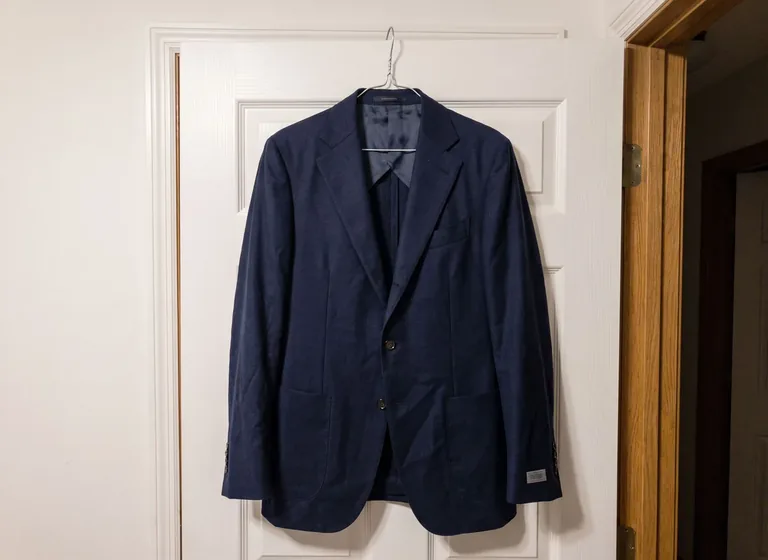
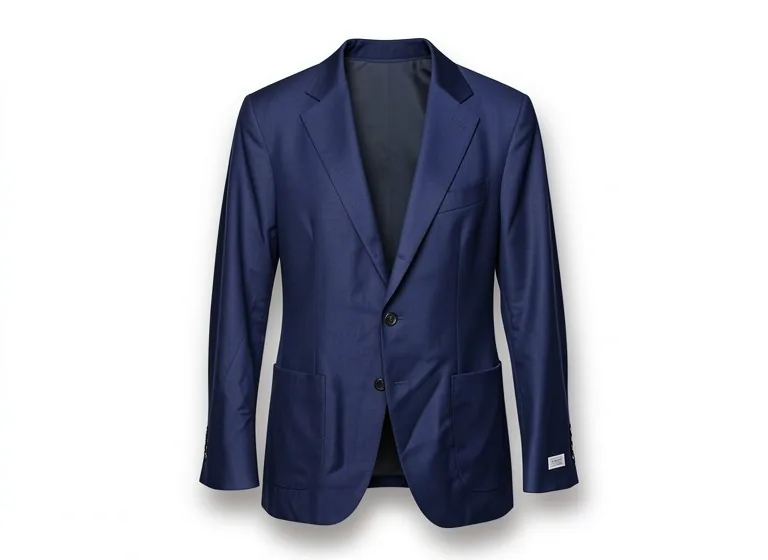
AI product photography is any use of an AI image model to make or change product photos for selling. Photoroom's glossary describes it as using AI to create, edit, enhance or adapt product images, covering work that used to need a studio or a retoucher: background removal, new scenes, lighting fixes and cleanup.
For a seller, one question matters most: does the picture still show the item the buyer will receive?
Editing a real photo is the version that suits selling. You upload a photo of your product, and the model keeps the product while it rebuilds what is around it: the background, the shadow, the light, the props or a whole scene. Shopify's September 2026 guide describes the same flow: start from your own reference image, even a phone photo with clear edges, write a detailed prompt, generate several options and fix what is wrong.
Generating from text alone means typing "a bottle of serum on marble" and getting a bottle the model made up. It can look good, but it is not your product: the shape, the label and the color are guesses. Use it for mood boards, or to test a set idea before a shoot, not for a listing.
Z Product AI is the editing kind. Our tools run our own tuned FLUX.2 klein 4B edit model, which takes the photo you upload and changes it according to your words. You can add up to 4 photos to one edit, for example a product and a prop you own.
You need one sharp photo, one clear instruction and one honest check. The steps below work in any editing tool, ours included.
- Take a sharp photo in soft, even light, with the product filling most of the frame. Clean it first: AI keeps the dust it can see.
- Pick the job. Each of our tools is set up for one job.
- Describe the change: where the product sits, what is around it, and the light. Pebblely and Nightjar both build prompts from surface, setting and light.
- Add what must not change, such as "keep the label exactly as it is" and "do not add any text".
- Generate, compare the result with the real product, and change one thing at a time if something is wrong.
- Resize and export for each channel, then check the size and background the marketplace asks for.
Read next: AI product photography prompts by shot type · How to take product photos with your phone · Product photography lighting setups
AI changes small things you did not ask it to change, and those small things are what buyers notice when the parcel arrives. Squareshot's April 2026 review of AI product photography lists the same weak spots we see in our own tests: it smooths surfaces and drops details, shifts color, and struggles with reflective and transparent materials.
- Label and packaging text. Models invent words or garble real ones. In one of our perfume tests, shorter prompts added label text that was not on the bottle until we wrote "do not add any text or label".
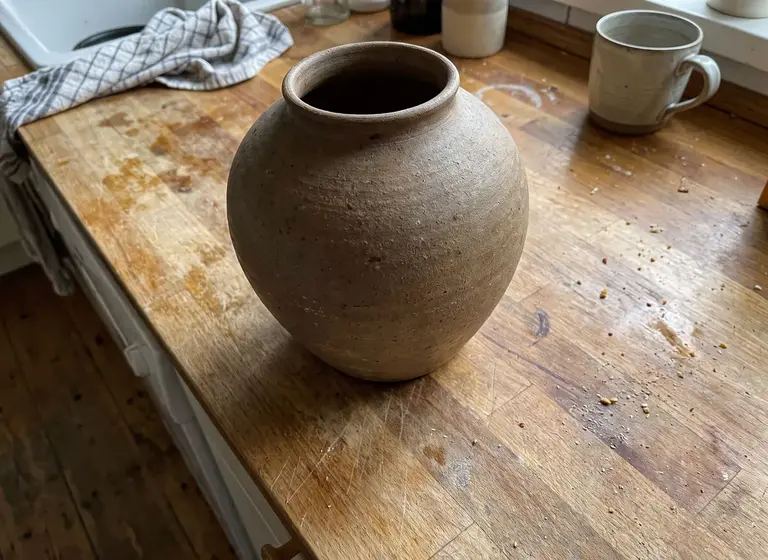
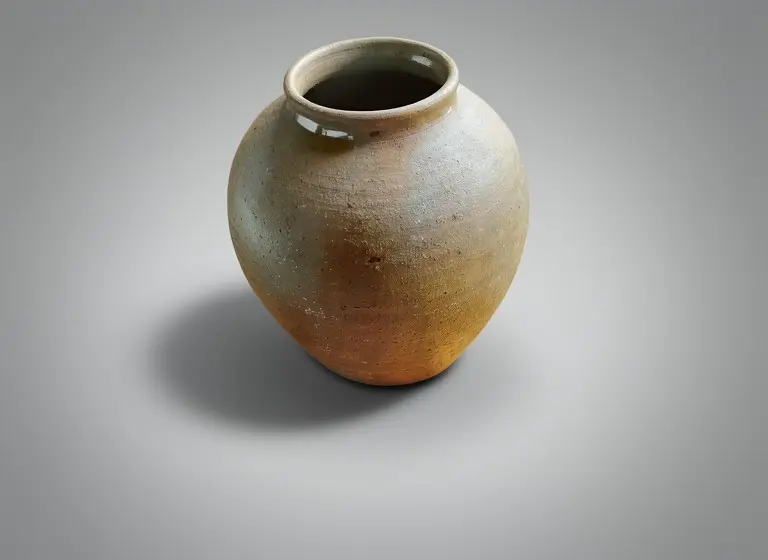
- Color and finish. Our vase came back glossier and more orange-brown, and a gold perfume cap turned darker bronze in another test.
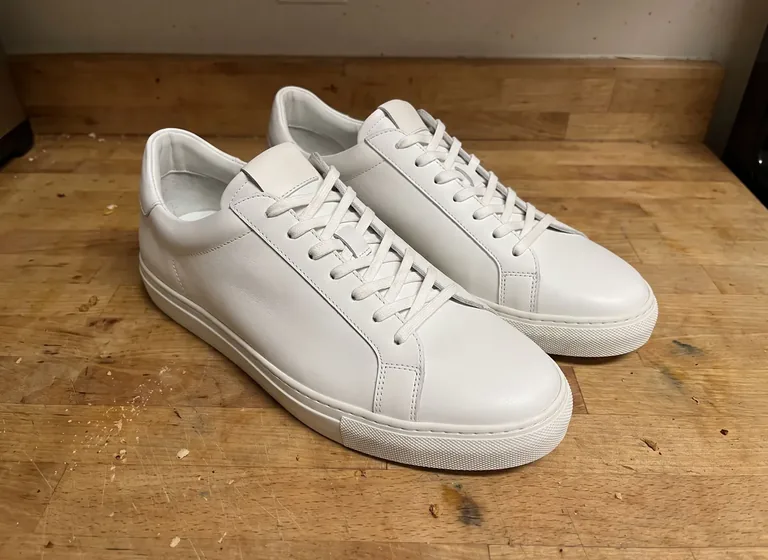
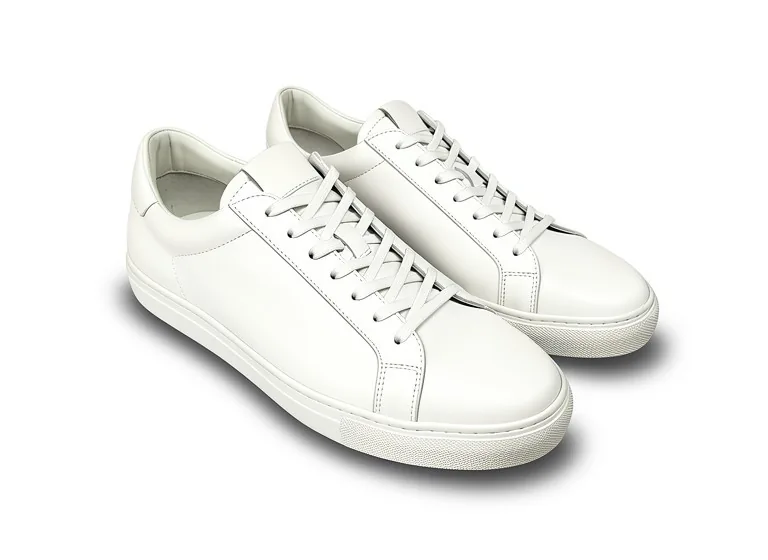
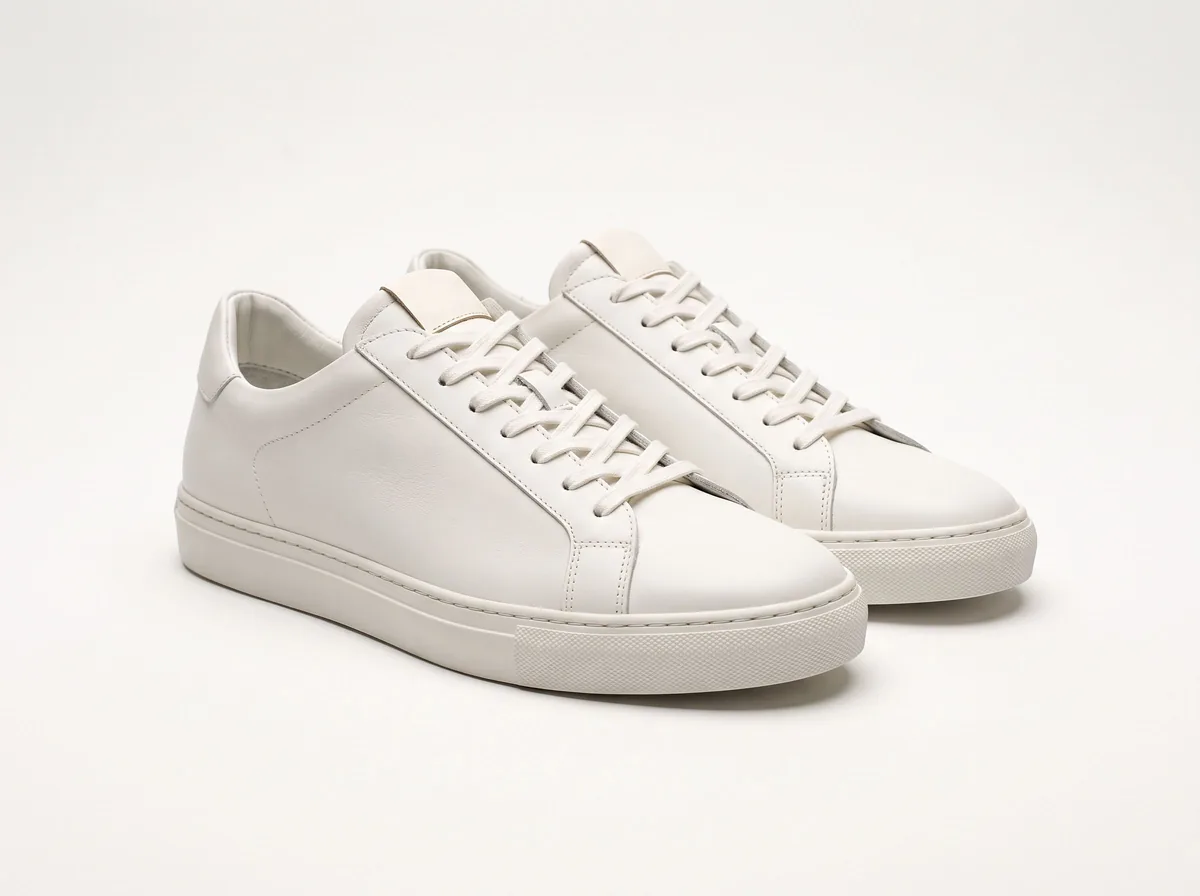
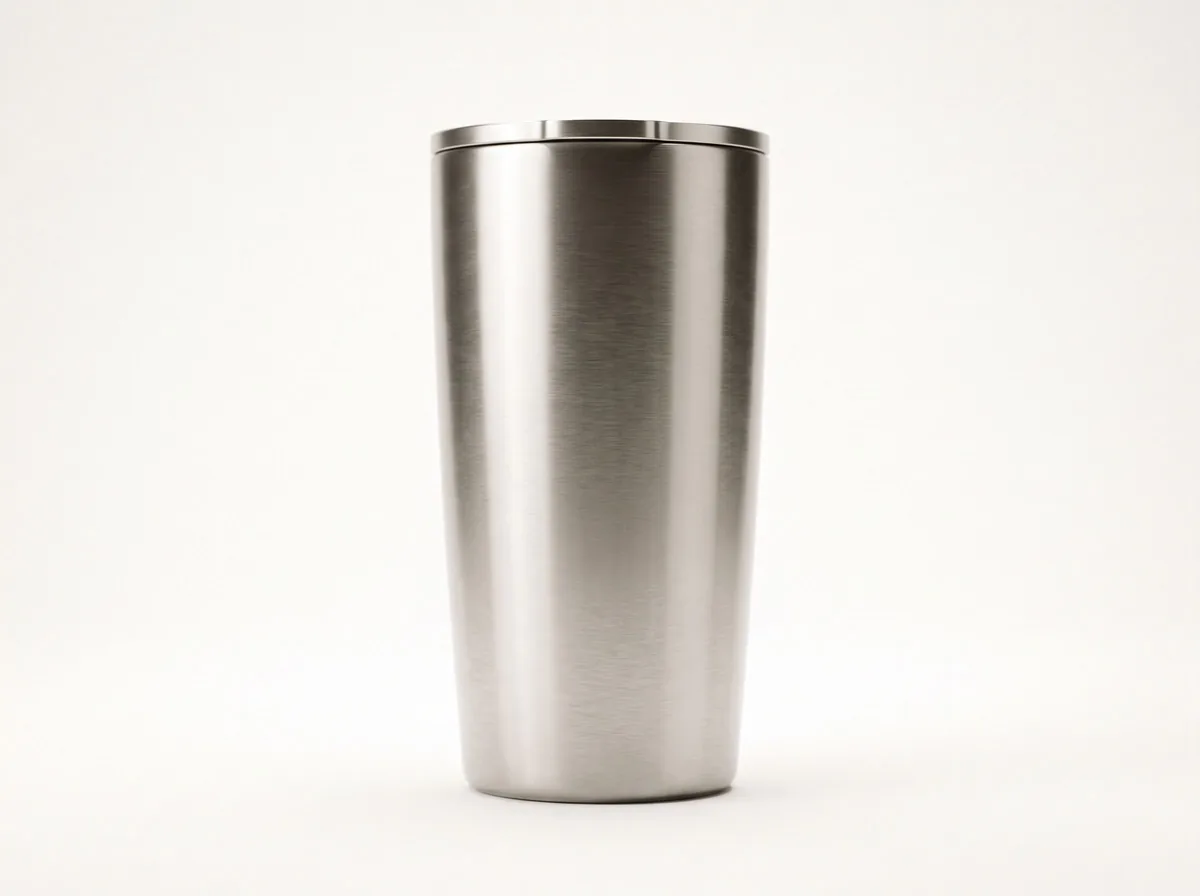
- Small parts. A clear tumbler lid vanished in one lifestyle scene, and an all-white sneaker gained a grey heel tab. Both would mislead a buyer.
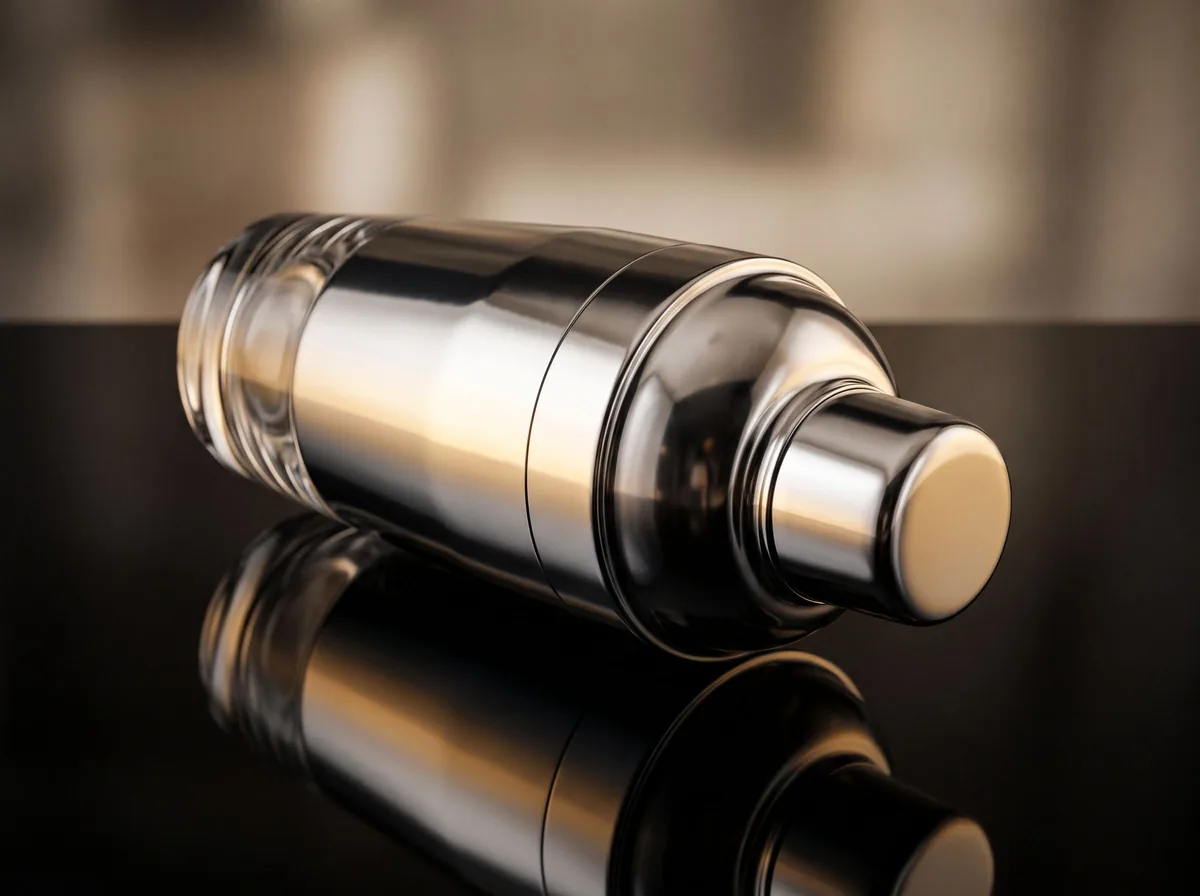
- Clear, glass and shiny products. Reflections and see-through parts are hard to keep believable.
- Shape and size. Proportions can stretch a little, and invented props can make an item look bigger or smaller than it is.
- Garment type. A short ghost mannequin prompt once turned a pair of jeans into a top; naming "jeans" in the prompt fixed it.
Read next: Prompt fixes for common AI failures · How to photograph glass and reflective products
A photo that does not match the product costs you a return, and shoppers say so. In Salsify's 2026 survey of 2,712 shoppers in the US, the UK and Canada, 45% said they had returned an item bought online in the past year because of incorrect product content, such as images that did not match the product. In the same survey, 33% said missing or low-quality images or videos had made them abandon a purchase.
So the aim is not the most striking picture. It is a clear, attractive picture of exactly what ships.
Check every AI result side by side with the real product, at the same size, before it goes live. These are the checks that catch the failures above.
- The shape and proportions match the real item.
- The color matches in daylight. Check it on a phone screen as well as a laptop.
- Every word on the label, tag or box is the real one, or there is no text at all.
- Every part is there: lids, straps, buttons, zips, cables, hardware.
- Nothing new looks included: no props or accessories a buyer could expect in the box.
- Materials look right: matte stays matte, clear stays clear, brushed metal stays brushed.
- Shadows fall one way and the product sits on the surface instead of floating.
- The file meets the channel's size and background rules.
- If the image shows an AI-made person, you have followed the labelling rules where it runs.
Shoot every product once, the same way, then let AI make the variations. That keeps the catalog consistent and the edits honest.
- Shoot one master photo of each product, with the same light, angle and backdrop.
- Fix dust, spots and crooked crops on the master first.
- Make and check the white-background version.
- Write one scene prompt for the collection and reuse it on every product.
- Make one or two lifestyle or podium images per product.
- Run the checklist on each result, and redo or reshoot anything that fails.
- Add prices and headlines in a design tool, not in the AI step.
Read next: How to edit product photos · Ecommerce product photography trends for 2026
Hire a photographer when exact detail is the product, or when the image has to justify a high price. Squareshot recommends traditional photography for luxury items, complex textures, reflective or transparent products, model shots that show use or fit, original campaign ideas, and regulated categories where the picture has to be exact. It suggests shooting the hero images for real and using those masters for AI variations.
Cost is the other half of the decision. A studio shoot is paid per image or per day, while AI tools range from free to a monthly plan. Our ecommerce product photography guide compares the studio, DIY and AI routes in more detail.
Read next: Ecommerce product photography: studio, DIY or AI
The rules come down to two points: the main image must show the real product, and AI-made people need a label in more places. Amazon's main image still has to be the real product on pure white (RGB 255), filling about 85% of the frame, with no text, logos or props.
In July 2026 Amazon told sellers to tag images, video and A+ content showing photorealistic AI-generated people with the keyword contains-synthetic-performer in the file's metadata. Agency summaries say basic edits such as background removal and retouching are excluded, as are images with no people.
In New York, a law in force since 9 June 2026 requires ads to disclose synthetic performers (AI-made people), with penalties of $1,000 for a first violation and $5,000 after that. Product-only scenes are not its target. This is a summary, not legal advice.
Read next: Amazon main image rules and a free checker · Amazon product photography tool
Z Product AI suits sellers who want quick, free edits of real photos, one at a time. It does not suit high-volume teams that need full-size files, batches or an API.
- Free, with no account and no credit card.
- 10 images a day. The first 8 in an hour start at once, then short waits apply (30 seconds, 90 seconds, 4 minutes, up to 10 minutes). It never locks you out.
- It edits the real photo you upload. Up to 4 photos can go into one edit.
- Results are up to 768px on the long side, sometimes smaller: not enough for an Amazon main image (1000px for zoom) without upscaling.
- Downloads carry a small zproductai.com mark in the bottom-right corner.
- One image at a time: no batch mode, no API, no brand-model "digital twin" and no video.
- About 70 image tools and 200+ text and seller tools, plus free assistants for listings and shoots.
Read next: Best AI product photography tools compared · Free Photoroom alternative · Pebblely alternatives · Claid.ai alternatives · Product shoot planning assistant