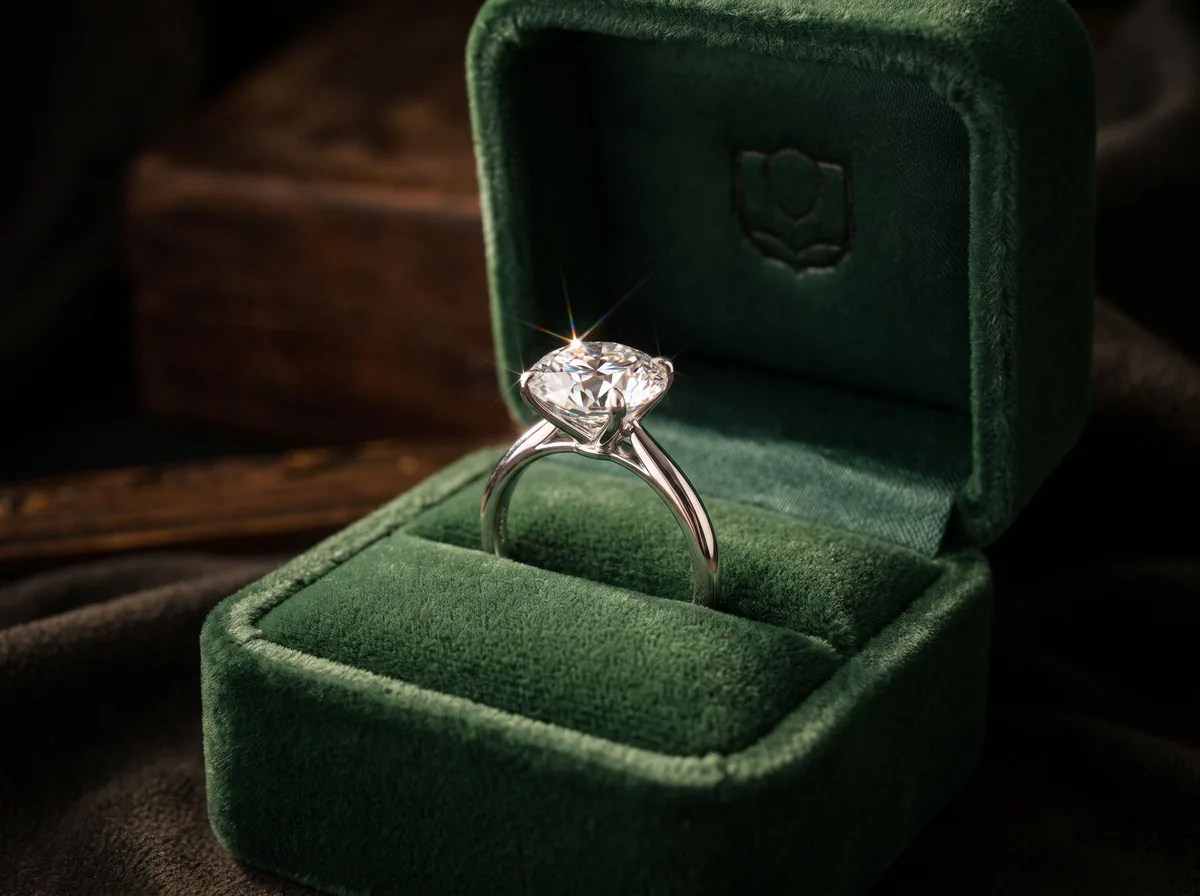
 Idea 1
Velvet ring box
Deep green or navy velvet makes gold and diamonds glow.
PromptPlace the jewelry in an open deep green velvet ring box, soft spotlight, dark background, sparkle on the stones.
Try it in Product Image Generator →Photo ideas
Jewelry is small, shiny and hard to light. These setups show off sparkle and scale without a macro lens or a light tent. Each one comes with a prompt for the AI Product Image Generator.
Idea 1Deep green or navy velvet makes gold and diamonds glow.
PromptPlace the jewelry in an open deep green velvet ring box, soft spotlight, dark background, sparkle on the stones.
Try it in Product Image Generator →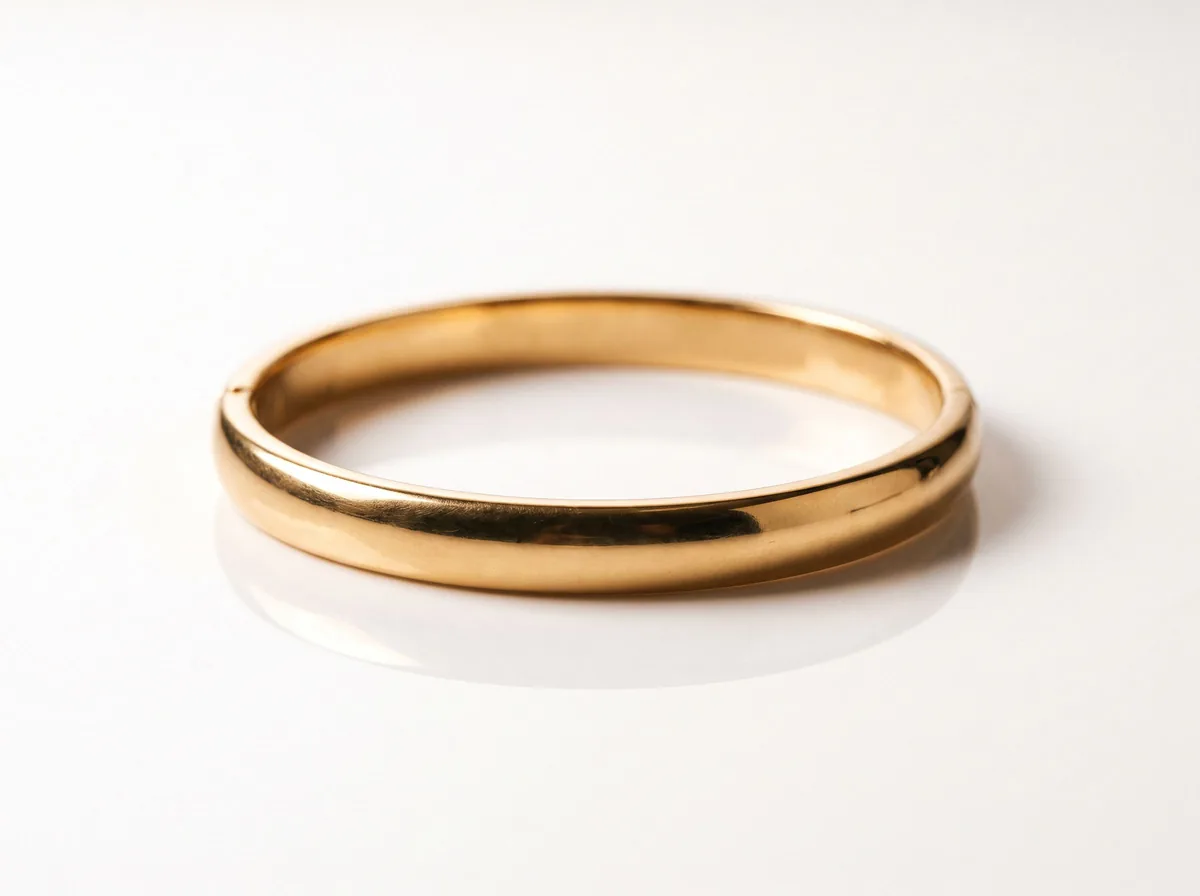 Idea 2
The main marketplace image: pure white with a soft reflection.
PromptPut the jewelry on a pure white glossy surface with a subtle mirror reflection below it.
Try it in White Background Product Photos →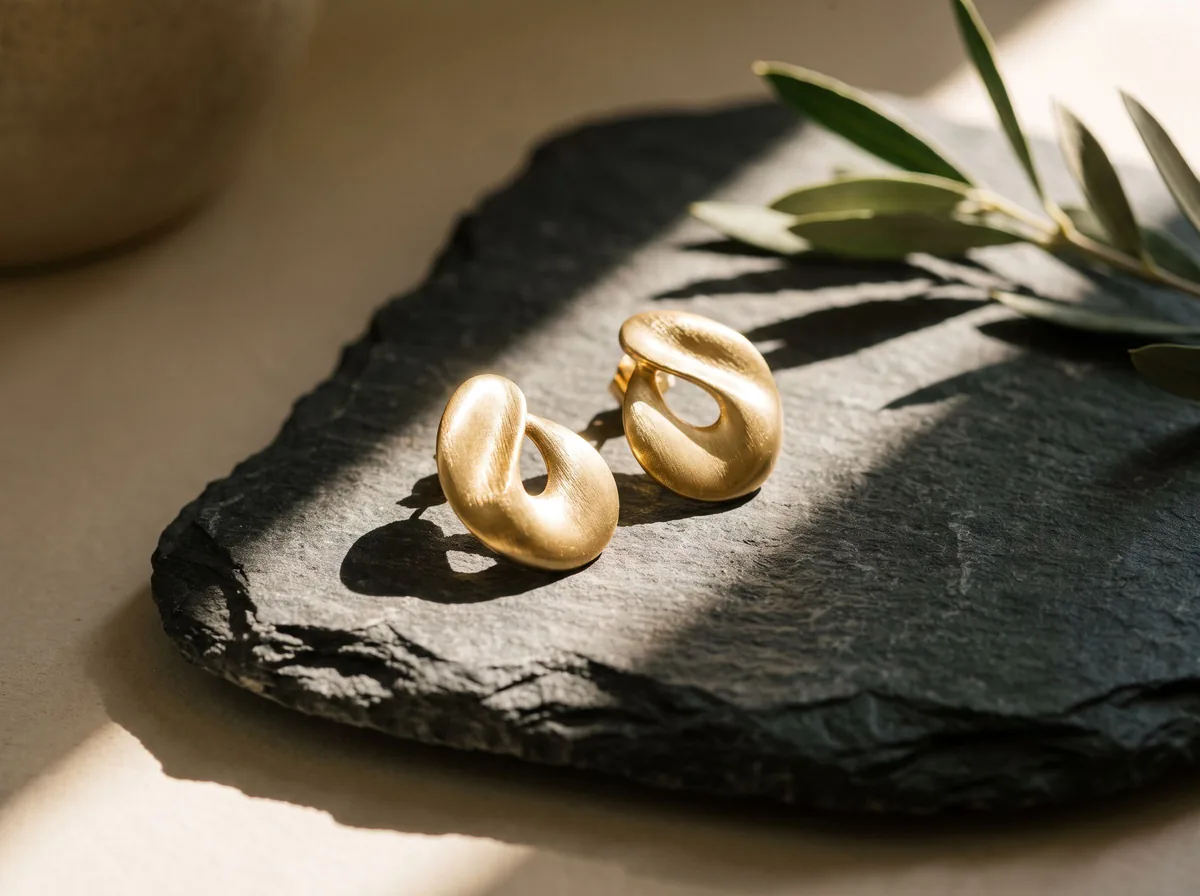 Idea 3
Natural stone and a hard sunbeam for a modern editorial look.
PromptPlace the jewelry on a raw grey stone with a hard sunbeam and crisp leaf shadows, editorial style.
Try it in AI Product Photoshoot →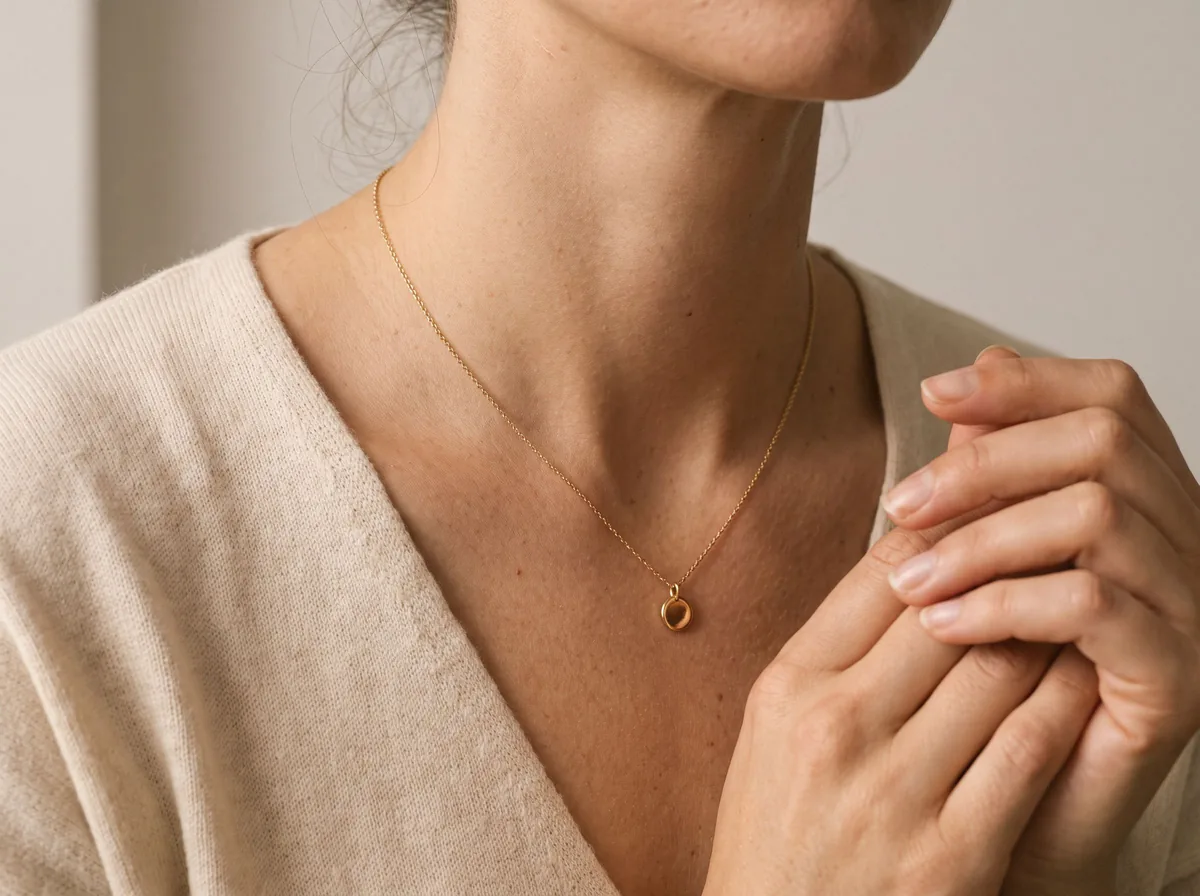 Idea 4
Show scale: a ring on a hand or a necklace on a neckline.
PromptShow this necklace worn by a model, close-up on the neckline, soft studio light, neutral top.
Try it in AI Fashion Model Generator →The tools behind these ideas
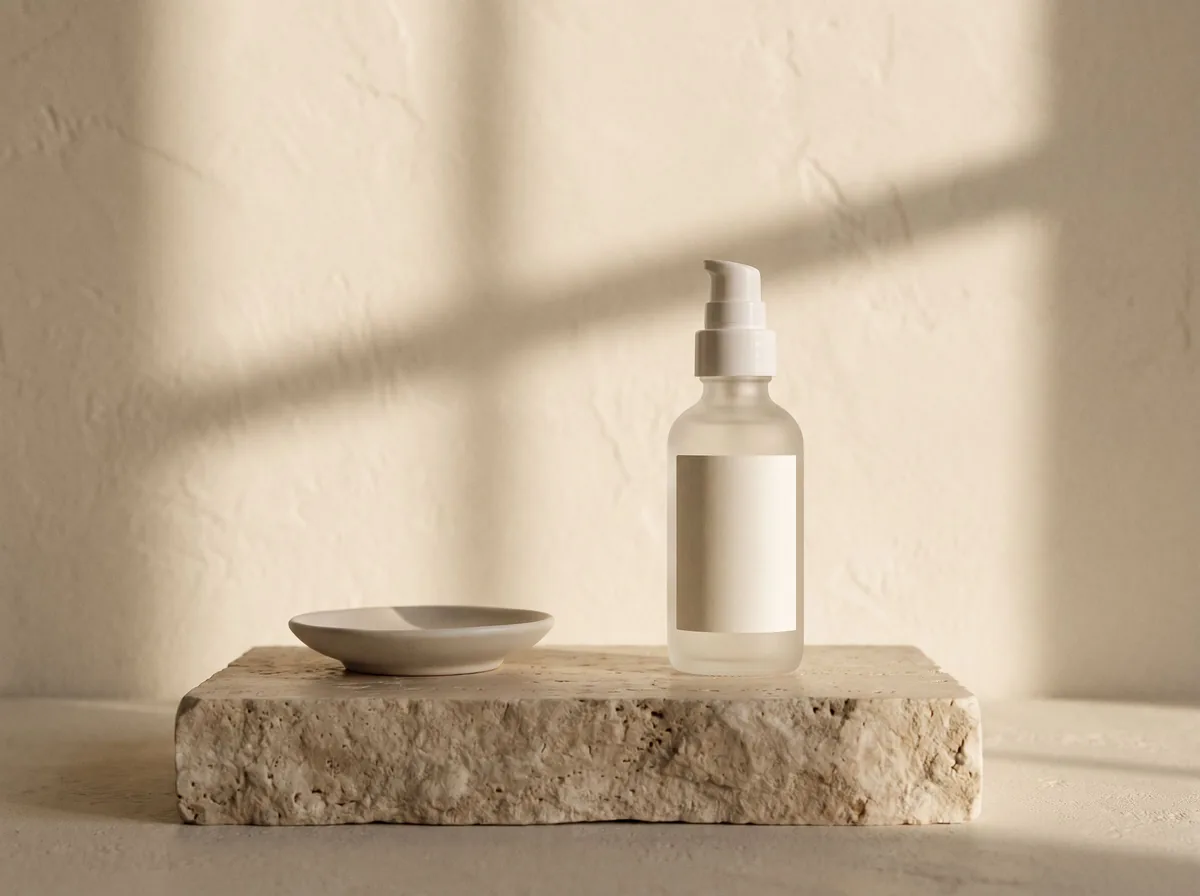 AI Product Image GeneratorFreeUpload a photo of your product and get studio and lifestyle product images in seconds. No photographer, no studio, no props.
 Product Photo White BackgroundFreePut any product on a clean white background for your listings, then check it against Amazon's main-image rules before you upload.
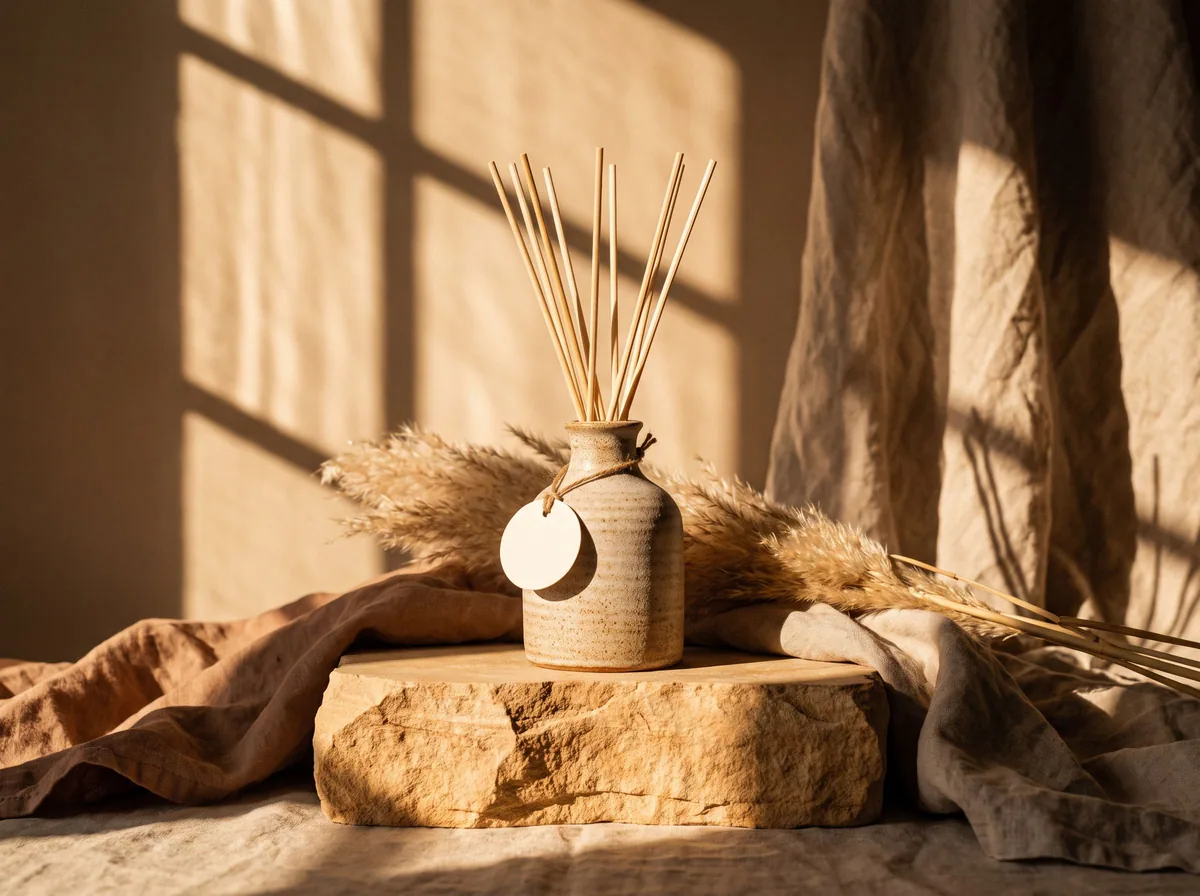 AI Product PhotoshootFreeA full product photoshoot from one photo: hero shot, lifestyle scenes, close-ups and ad creative, in one session.
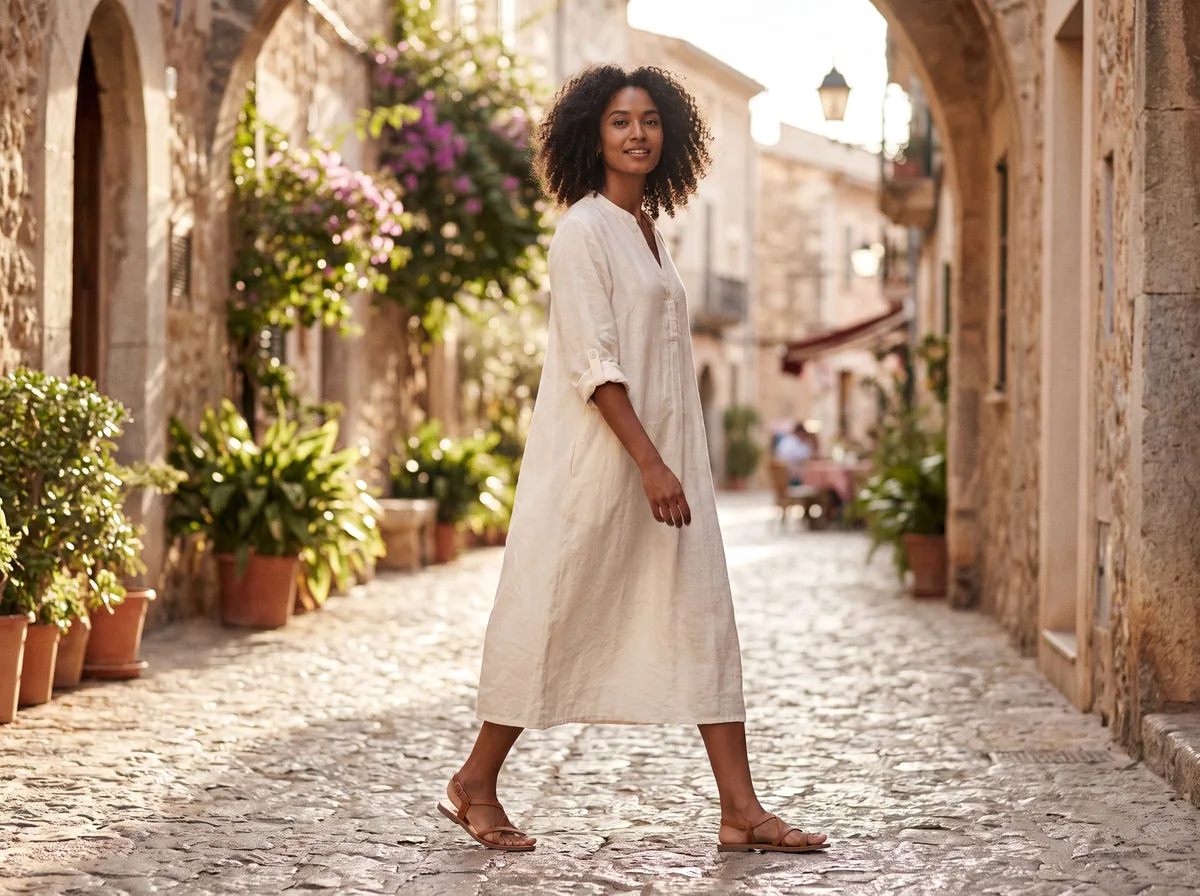 AI Fashion Model GeneratorFreeUpload a garment and see it worn by a realistic AI fashion model. Pick the model, pose and setting.