Product copy
100% free · No sign-upFree Barcode Generator: UPC, EAN, Code 128 and QR
Make retail barcodes, SKU labels and QR codes in your browser. Download sharp PNG or SVG files for labels, packaging and listings. Free to use, no sign-up.
Code type
11 or 12 digits. Enter 11 and the check digit is added for you.
Preview
Your code appears here.
Made in your browser. Nothing is uploaded. Test-scan a printed code before you print a full run.
How it works
How to use the Barcode Generator
- 1
Pick the code type
UPC-A or EAN-13 for retail products, Code 128 for SKUs, QR for links.
- 2
Enter your number or text
The tool checks the format and adds the UPC or EAN check digit.
- 3
Download and test
Save a PNG or SVG, print one, and test-scan it before a full run.
Every product you sell in a shop or on a marketplace needs a barcode, and every bin in your stock room is easier to manage with one. This free barcode generator makes UPC-A, EAN-13, Code 128 and QR codes in your browser, ready to download as PNG or SVG.
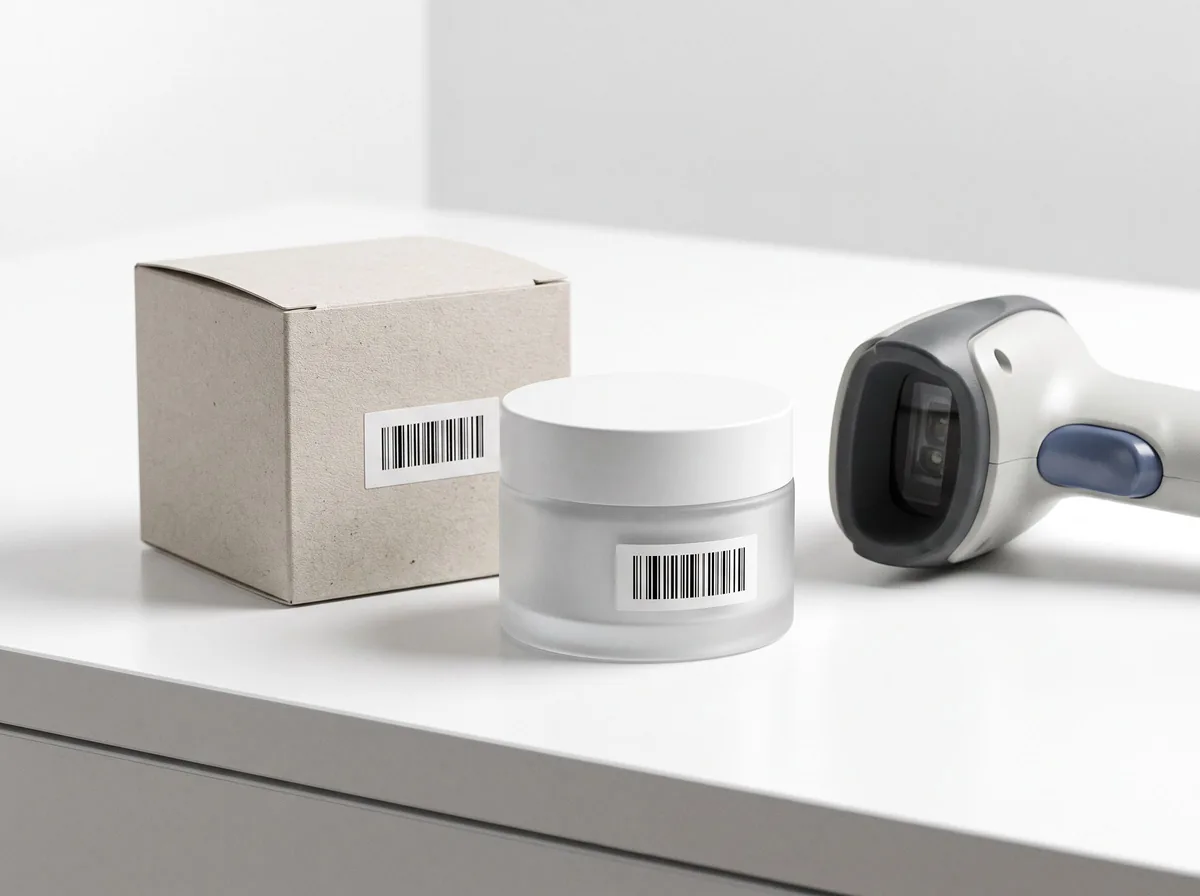
Barcode Generator
The product behind the words
UPC-A and EAN-13 for retail products
UPC-A is the 12-digit barcode used in the US and Canada; EAN-13 is the 13-digit version used in most other countries. Both encode a GS1 product number. Buy your company prefix from GS1, assign a number to each product variant, then make the barcode here.
Code 128 for SKUs and stock labels
Code 128 holds letters, numbers and symbols, so it can carry your own SKU codes like “TEE-BLK-M”. Use it on shelf labels, bins, packing slips and internal stock tags where a GS1 number is not needed.
QR codes for packaging and inserts
Add a QR code to a thank-you card, a package insert or a product label to send buyers to your store, a care guide or a review page. Keep the link short and test-scan the printed code from a normal distance.
FAQ
Barcode Generator: questions sellers ask
Which barcode types can I make?
UPC-A, EAN-13, Code 128 and QR codes. UPC-A and EAN-13 are the retail product barcodes, Code 128 suits SKUs and stock labels, and QR codes hold links or text.
Can I make my own UPC or EAN number?
The tool draws any valid number, but the number itself must come from GS1, the body that issues company prefixes. Amazon and most big retailers check UPC and EAN numbers against the GS1 database, so a made-up number can get a listing blocked.
What is the check digit?
The last digit of a UPC or EAN is calculated from the others so scanners can catch typos. Enter the number without it and the tool adds it, or enter the full number and the tool checks it.
Should I download PNG or SVG?
SVG stays sharp at any size and is best for labels, packaging and print files. PNG is a high-resolution image that works anywhere, including marketplaces and documents.
Are my codes uploaded anywhere?
No. Codes are drawn in your browser and nothing you type is sent to our servers.
Is Z Product AI really free?
Yes. Every tool and assistant on Z Product AI is free to use, with no sign-up and no credit card, and there are no paid plans. Very heavy use is paced with short waits so the site stays free for everyone.
Keep going
More tools for your listings
 AI Product Description GeneratorFreeTurn a few product facts into a persuasive, SEO-friendly product description for your store, in seconds.
 AI Product Name GeneratorFreeBrandable product names and SEO product titles from a short description of what you sell.
 AI Ad Copy GeneratorFreeScroll-stopping ad copy for Meta, TikTok and Google product ads, written from your product and offer.
 Etsy Listing Description GeneratorFreeA complete Etsy listing from your item facts: title, description and 13 tags, in the warm voice Etsy buyers expect.
 Shopify Product Description GeneratorFreeProduct page copy for Shopify: description, bullet points, SEO title and meta description, in your brand voice.
 Amazon Product Listing GeneratorFreeA complete Amazon listing: keyword-rich title, five bullet points, description and backend search terms.
 AI Product Image GeneratorFreeUpload a photo of your product and get studio and lifestyle product images in seconds. No photographer, no studio, no props.
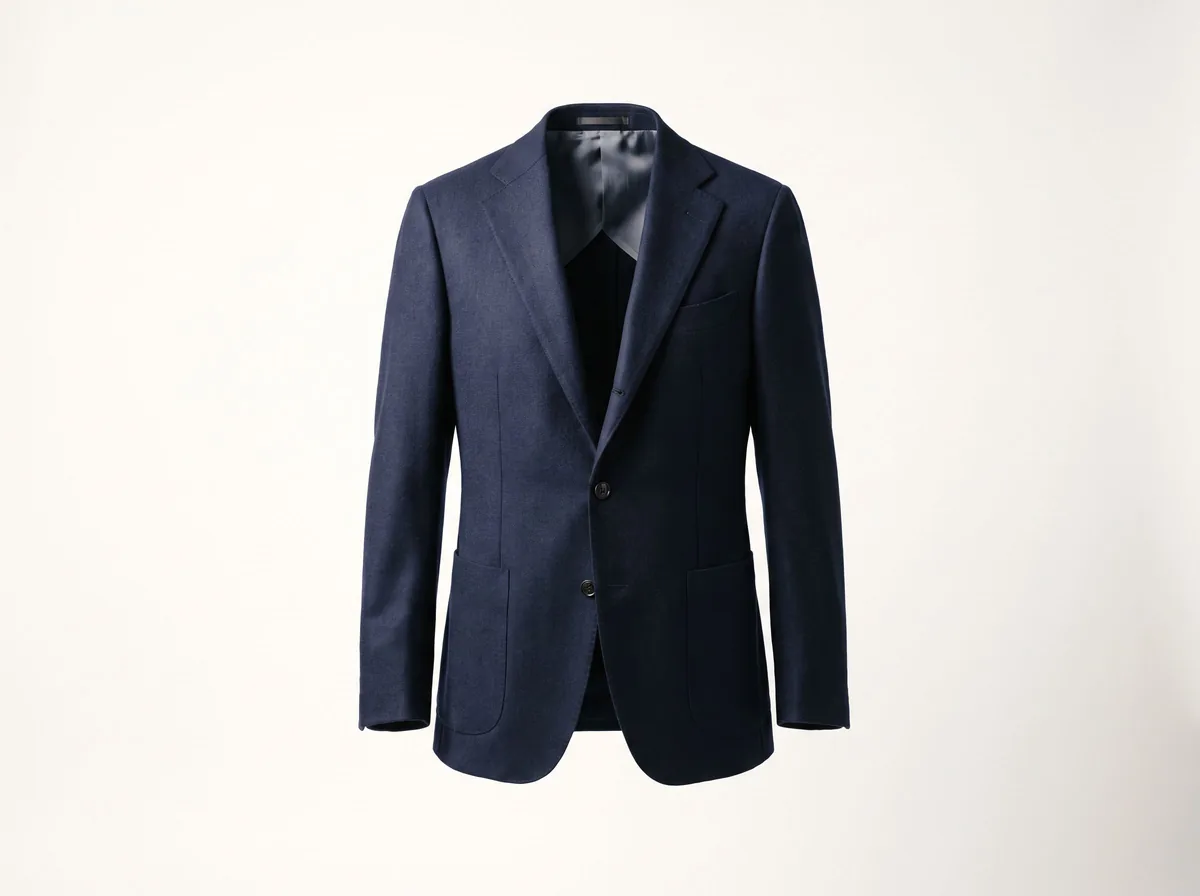 Ghost Mannequin EffectFreeTurn a mannequin, hanger or flat-lay photo into a clean invisible-mannequin shot, with the hollow 3D shape shoppers expect.
Ask an assistant
 Listing CopywriterProduct Copy FreeA copywriter on call for product titles, bullets and descriptions for Amazon, Shopify and Etsy. Paste your facts and iterate.Chat free →
 Ad Copy CoachProduct Copy FreeWrites and sharpens product ad copy for Meta, TikTok and Google, and explains which angle to test next.Chat free →
 Etsy Shop AssistantProduct Copy FreeTitles, descriptions and 13 tags for your Etsy listings, plus a friendly review of listings that are not getting views.Chat free →