📦 Selling on Amazon
100% free · No sign-upFree Amazon Seller Tools
Free tools for every part of an Amazon listing: an Amazon listing optimizer for the listings you already have, generators for titles, bullets, search terms and A+ content, and product photos that meet main-image rules.
31 free tools · No sign-up · Works on your phone
Amazon Seller Tools
Made with Z Product AI
10 tools
Amazon listing optimization
Titles, bullet points, backend search terms and A+ content, written to Amazon’s limits.
 Amazon Listing OptimizerFreePaste your current Amazon listing and get a rewritten title, five bullets, a description and backend search terms, plus a list of what changed and why.
 Amazon Product Listing GeneratorFreeA complete Amazon listing: keyword-rich title, five bullet points, description and backend search terms.
 Amazon Bullet Points GeneratorFreeFive Amazon bullet points ordered by what shoppers ask first, each under 250 characters, with the search terms they cover.
 Amazon Backend Search Terms GeneratorFreeA backend search terms line under 249 bytes: synonyms, alternate names and uses not already in your title and bullets.
 Amazon A+ Content GeneratorFreeModule-by-module copy for Amazon A+ Content and the Brand Story carousel, with image briefs and alt text, free of banned claims.
 Product Title GeneratorFreeOne set of product facts, a correctly sized title for each channel: store page, SEO, Amazon, eBay, Etsy, Walmart and Google Shopping.
 Product Keyword and Tag GeneratorFreePrimary, secondary and long-tail product keywords, buyer questions and store tags, with a map of where to use each one.
 Features to Benefits RewriterFreePaste a spec sheet or dry copy and get each feature turned into a buyer benefit, with proof, bullets and a rewritten paragraph.
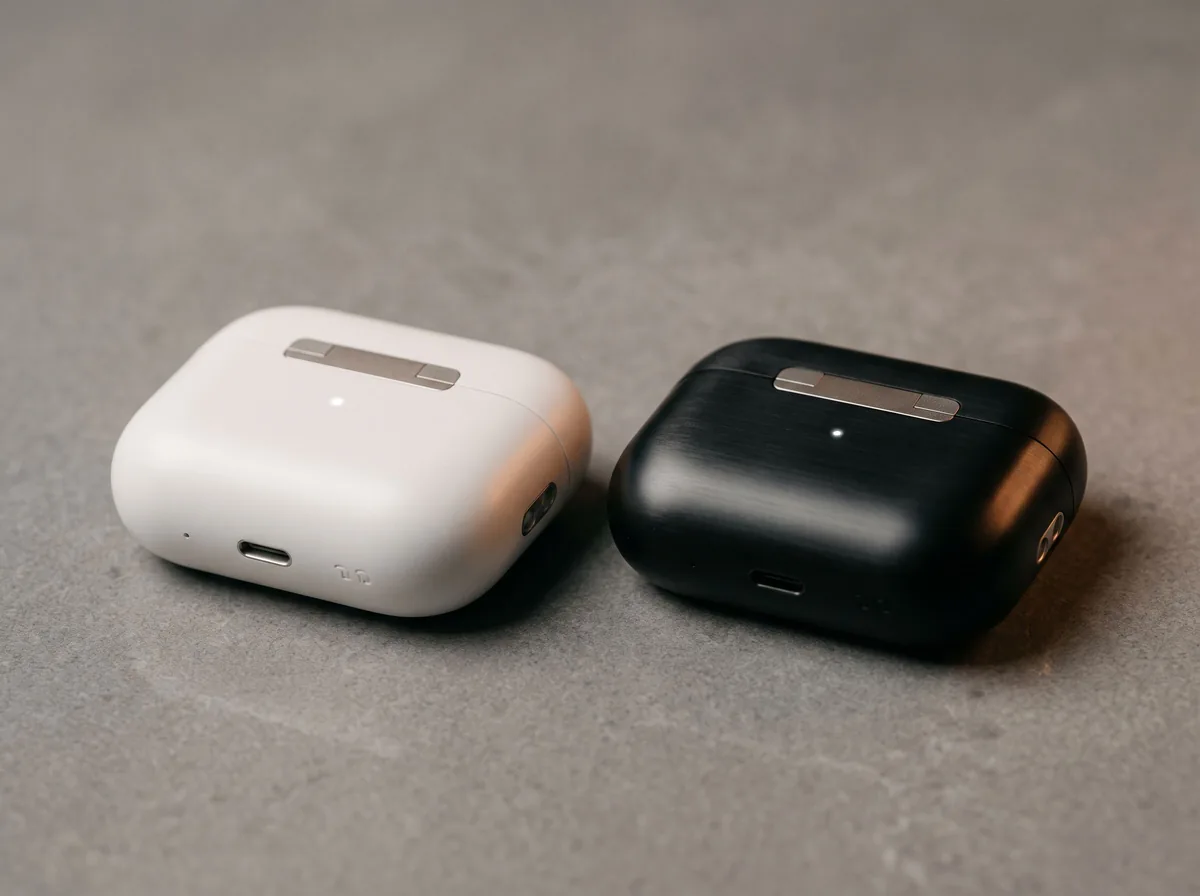 Product Comparison GeneratorFreeA fair comparison table, a “which one is for you” guide and a page block, for your own models or your product against an alternative.
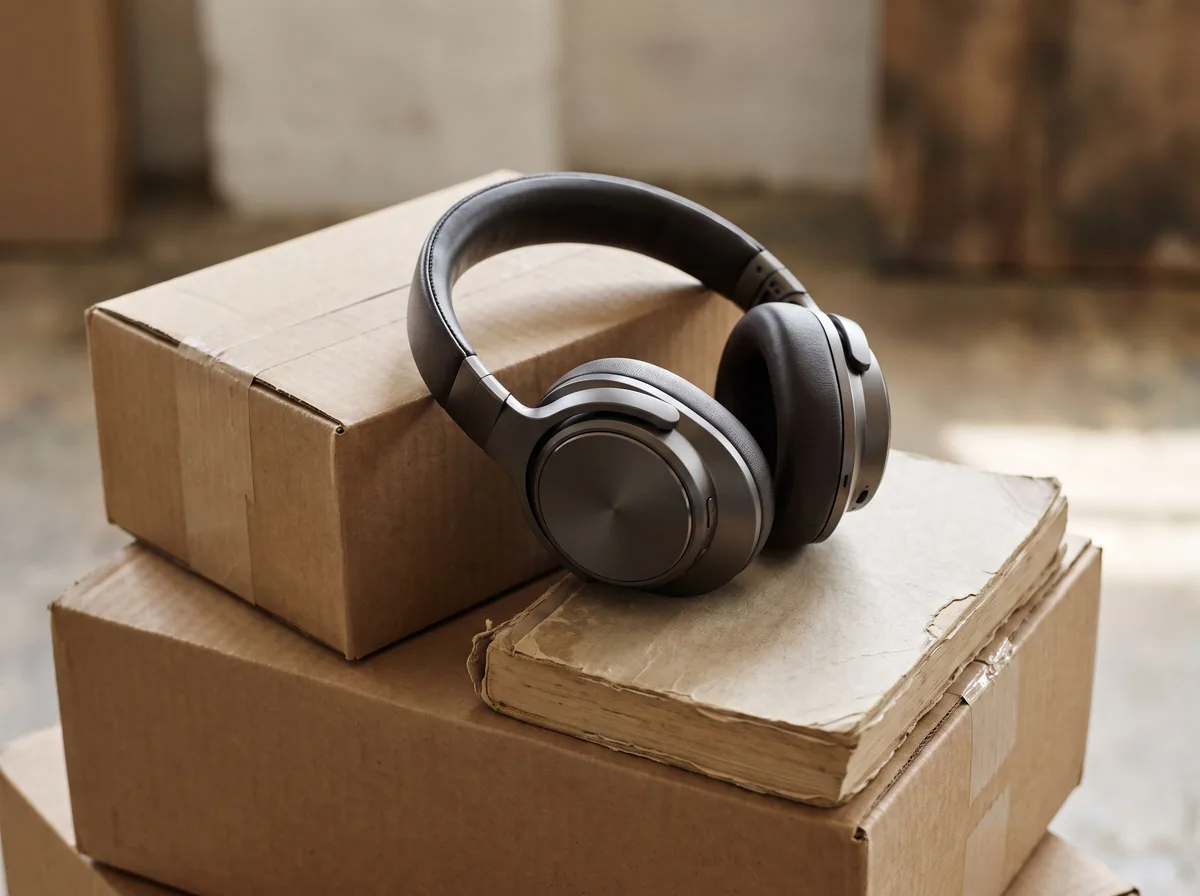 Product Review Summary GeneratorFreePaste your product reviews and get the themes buyers praise and complain about, counted from the text, plus a customer-facing summary.
8 tools
Amazon product images
A pure-white main image, then lifestyle, detail and infographic-ready shots.
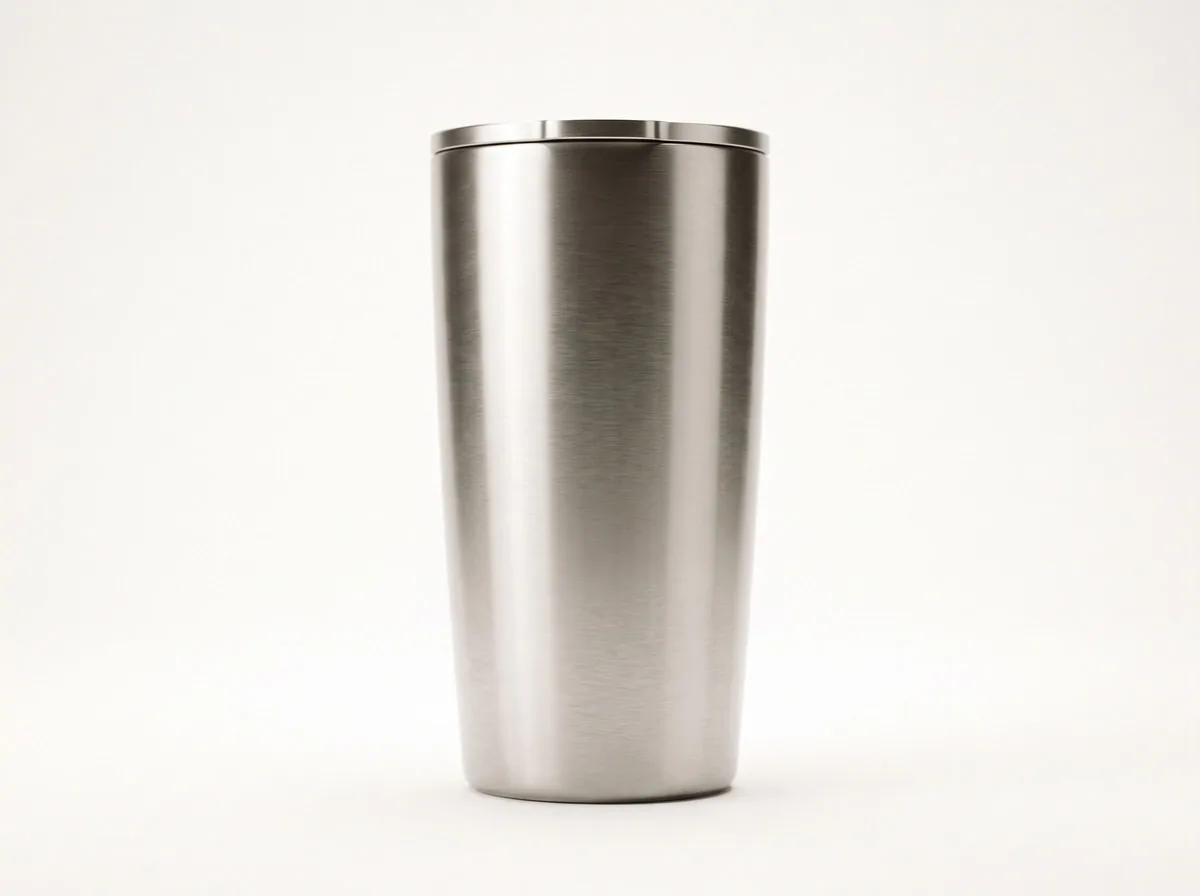 Amazon Product PhotographyFreeTurn a phone photo into an Amazon-ready main image on pure white, plus the infographic-free secondary shots your listing needs.
 Product Photo White BackgroundFreePut any product on a clean white background for your listings, then check it against Amazon's main-image rules before you upload.
 AI Product Image GeneratorFreeUpload a photo of your product and get studio and lifestyle product images in seconds. No photographer, no studio, no props.
 Lifestyle Product PhotographyFreePlace your product into believable real-life settings, in use and at true scale, so shoppers can picture it in their own home or day.
 Product Shadow GeneratorFreeAdd a realistic drop shadow, contact shadow or mirror reflection to a cut-out product photo so it sits naturally on its background.
 AI Mockup GeneratorFreeDescribe a product mockup, or upload your logo or label, and get a photo-real mockup: bottles, boxes, bags, mugs, apparel and more.
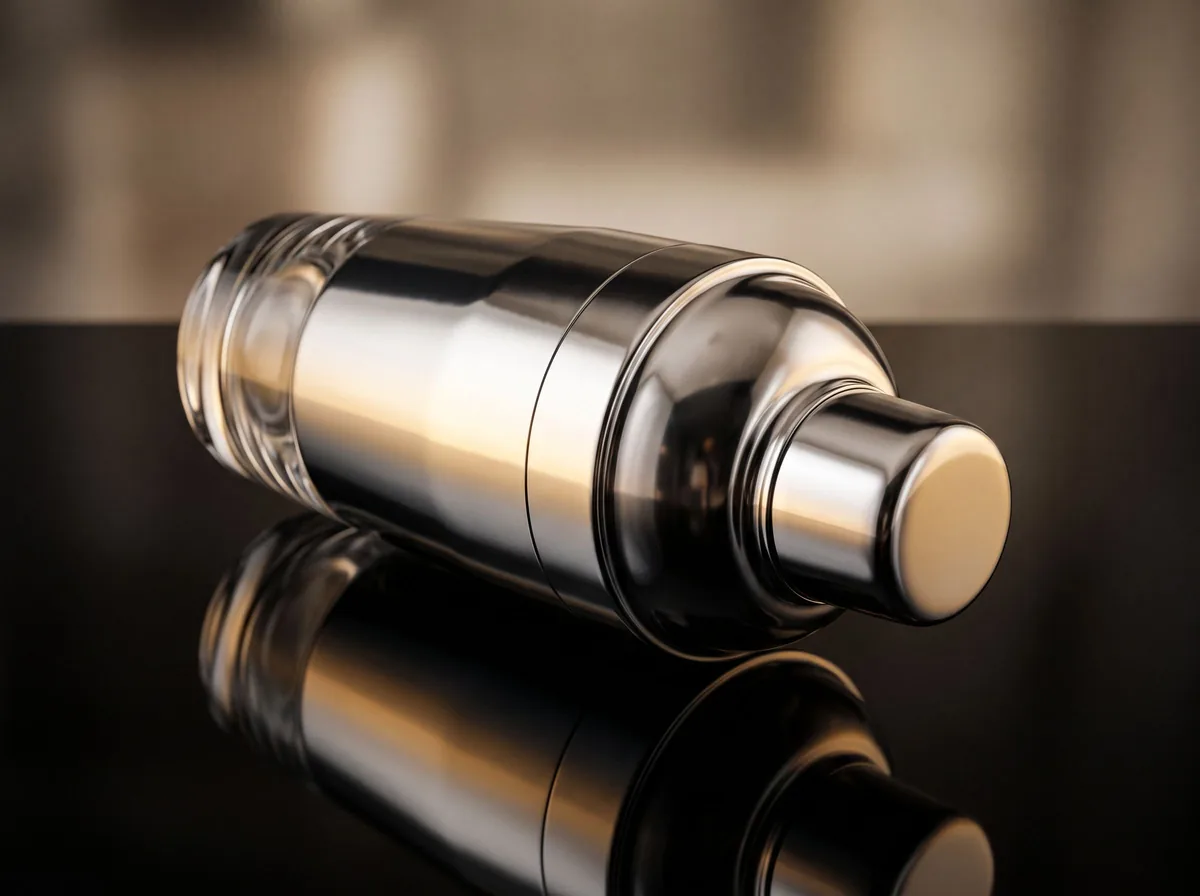 Product Photo RetouchingFreeRetouch product photos with AI: remove dust, scratches, fingerprints and glare, fix color and exposure, and straighten, without redrawing the product.
 AI Product PhotoshootFreeA full product photoshoot from one photo: hero shot, lifestyle scenes, close-ups and ad creative, in one session.
8 tools
Brand and seller operations
Buyer messages, supplier emails, packaging and barcodes.
 Customer Service Reply GeneratorFreePaste a customer message and get a calm, clear reply for email, chat or marketplace messages.
 Review Reply GeneratorFreeCalm, specific public replies to positive, mixed or negative product reviews, plus a private follow-up message for unhappy customers.
 Wholesale Supplier Email GeneratorFreeProfessional emails to manufacturers and wholesalers: first inquiry, sample request, price negotiation or reorder.
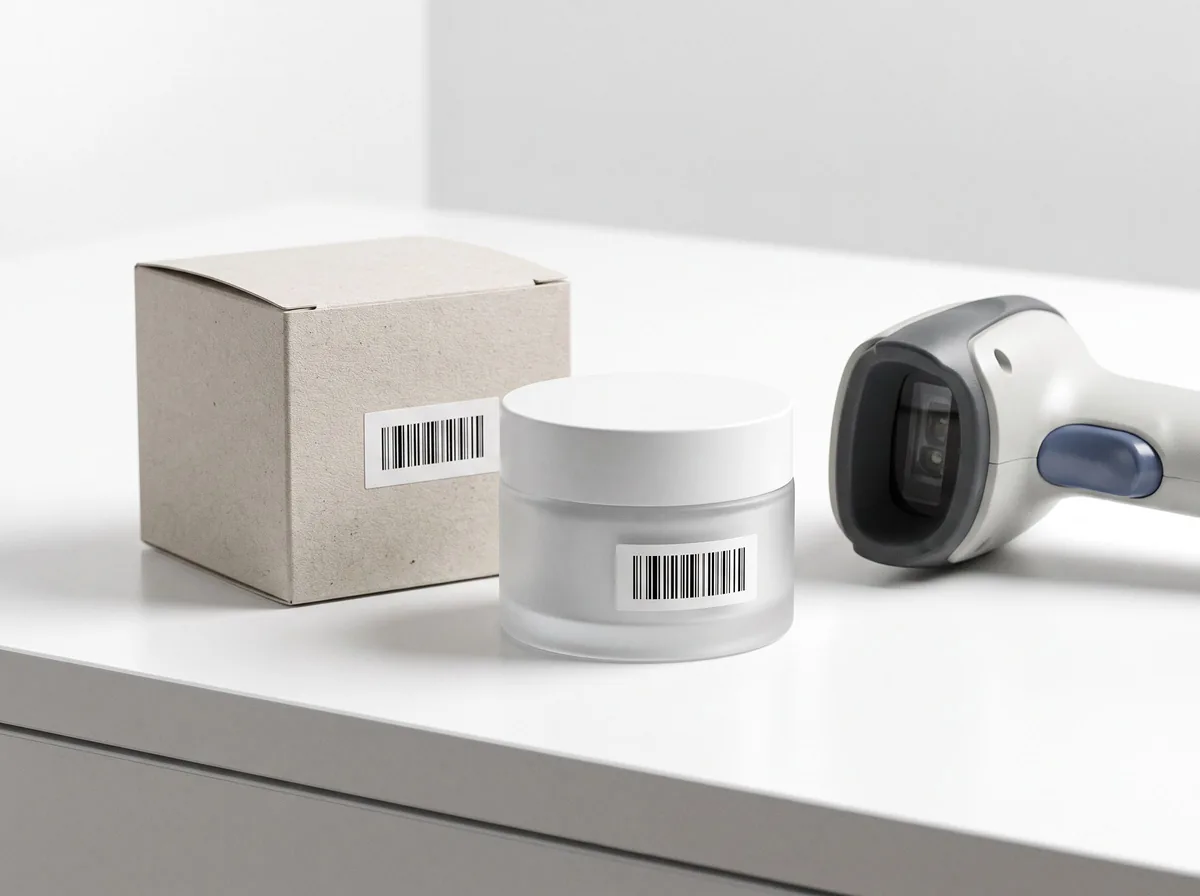 Barcode GeneratorFreeMake UPC-A, EAN-13, Code 128 and QR codes for your products and download them as PNG or SVG.
 Product Packaging Copy GeneratorFreeFront panel, back panel, how-to-use steps and insert card copy for your box, pouch, label or mailer, with a checklist of required label items.
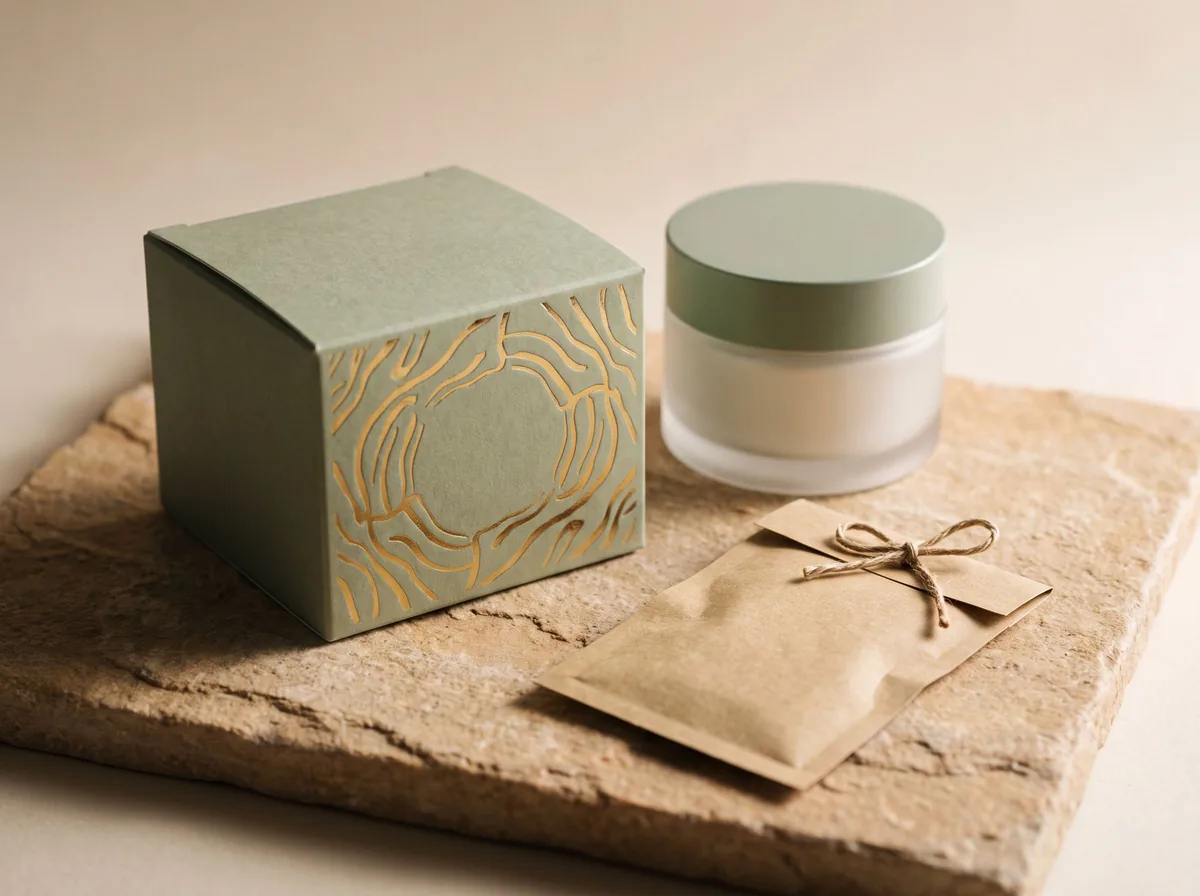 AI Packaging Design GeneratorFreeDescribe your product and brand and get packaging design concepts as photo-real boxes, pouches, bottles and labels.
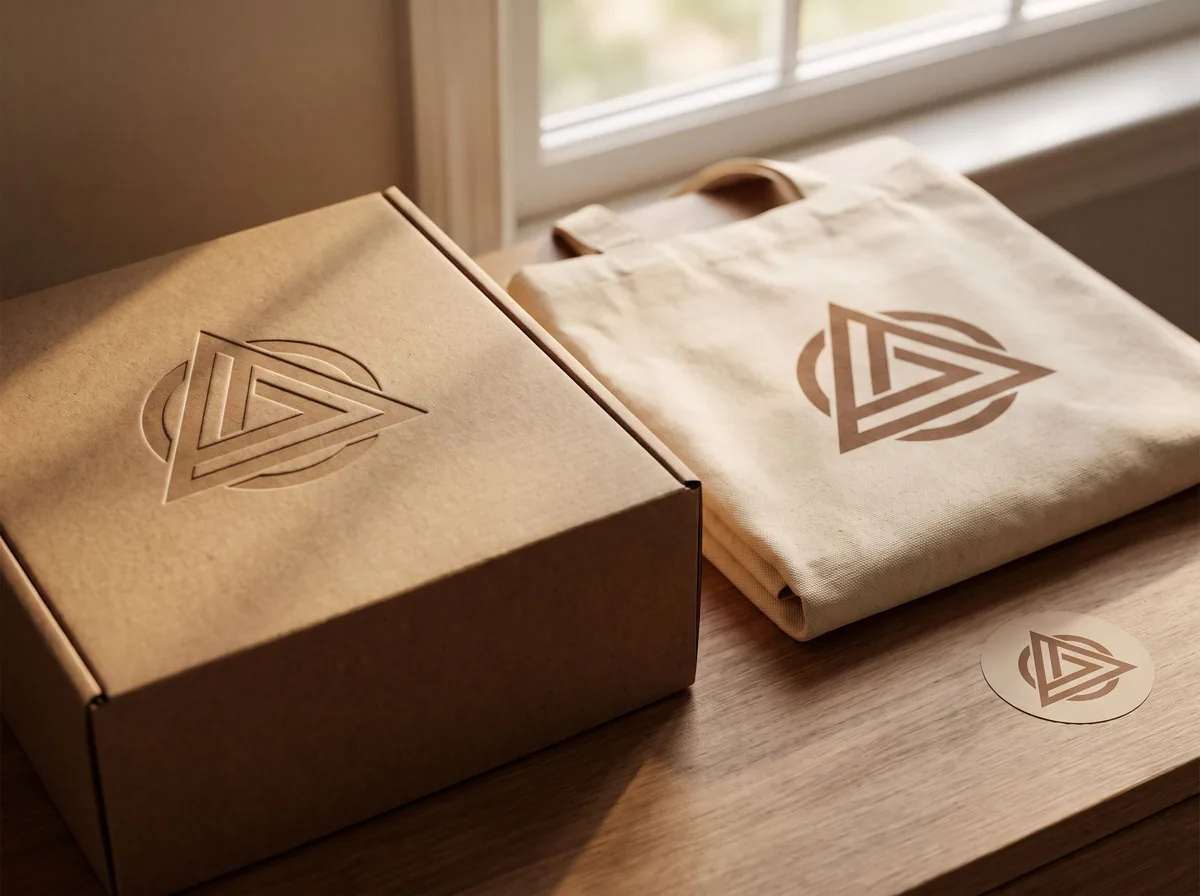 AI Logo GeneratorFreeDescribe your brand and get logo concepts, shown clean on a plain background or on real packaging and signage.
 AI Business Name GeneratorFreeBusiness and brand name ideas in the naming style you choose, each with a reason and a domain-style version to check.
5 tools
Amazon ads, storefront and compliance
Sponsored ad copy, a storefront banner, image alt text, claims checks and safety warnings.
 Amazon PPC Ad Copy GeneratorFreeWrite Sponsored Brands headlines and Sponsored Display copy for Amazon PPC, plus tips for the listing your Sponsored Products ads use.
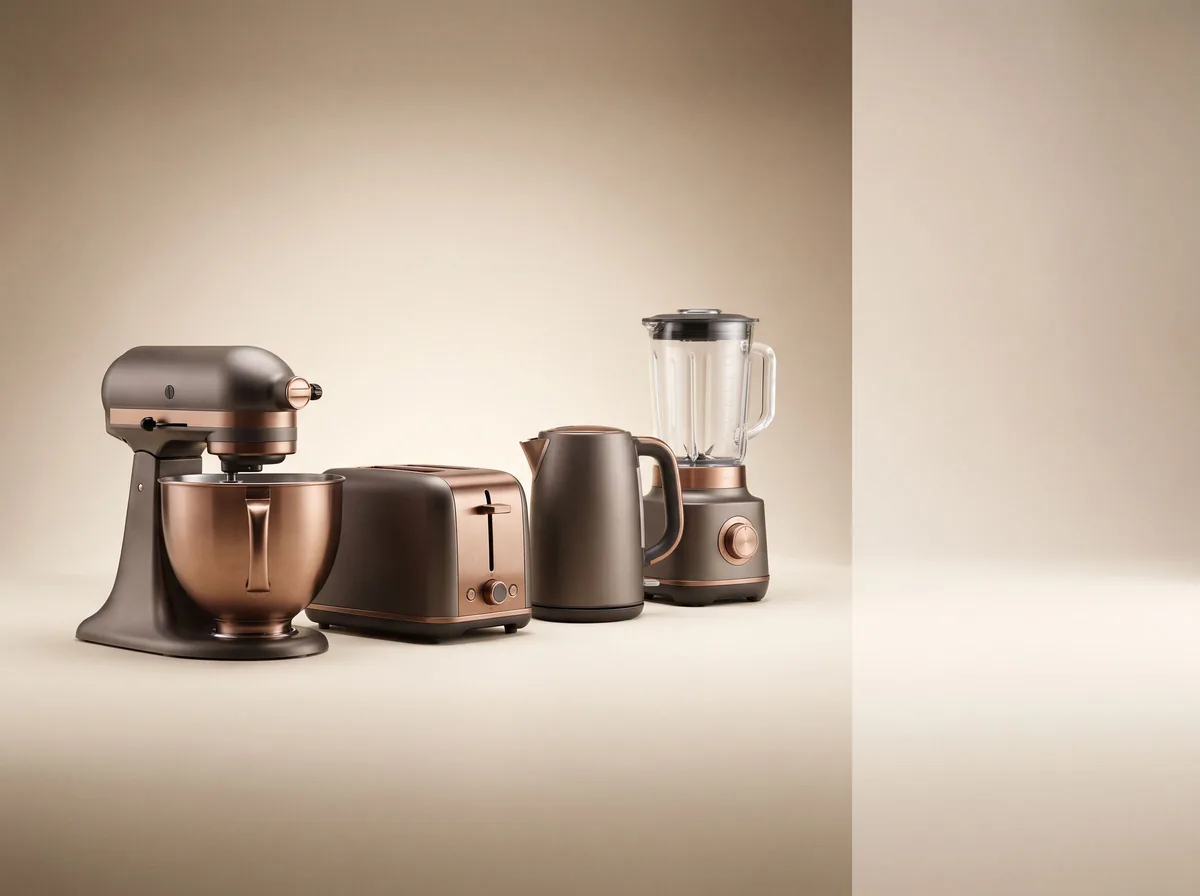 Amazon Storefront Banner GeneratorFreeCreate a clean, wide hero banner for your Amazon Brand Store, showing your product range in a polished studio or lifestyle scene.
 Image Alt Text GeneratorFreeDescribe your product photo and get accessible, keyword-aware alt text for each image in your listing, under 125 characters.
 Product Claims CheckerFreePaste your listing or ad copy and see which claims are risky, such as health, “natural”, eco and “best” claims, with safer rewrites.
 Product Safety Warning GeneratorFreeDraft clear safety warnings and caution text for labels, inserts and listings, such as choking, burn, battery and allergy warnings.
Amazon listing optimization, step by step
Amazon search reads the title, bullets and backend search terms. Put the main keyword early in the title, use the bullets to answer the questions buyers ask, and spend the backend terms on synonyms and words that do not fit in the title.
Start with the Amazon listing optimizer on listings that get views but few sales: paste the listing, add the keywords from your search term report and compare the rewrite with the original. For new products, the Amazon product listing generator writes the full listing from your product facts.
Images matter as much as words. The main image needs a pure-white background; the rest should show the product in use, its size and its details.
FAQ
Questions sellers ask
What does the Amazon listing optimizer do?
It reads your current title, bullets and description, lists what is holding the listing back, and rewrites it with the keyword early, five benefit-led bullets and backend search terms.
Do the tools follow Amazon’s rules?
They follow common limits (title length, bullet length, 250-byte search terms) and avoid promotional words and prohibited claims. Rules vary by category, so check your style guide before publishing.
Are these Amazon seller tools free?
Yes. They are free to use with no sign-up and no credit card.
Is Z Product AI really free?
Yes. Every tool and assistant on Z Product AI is free to use, with no sign-up and no credit card, and there are no paid plans. Very heavy use is paced with short waits so the site stays free for everyone.
More seller hubs