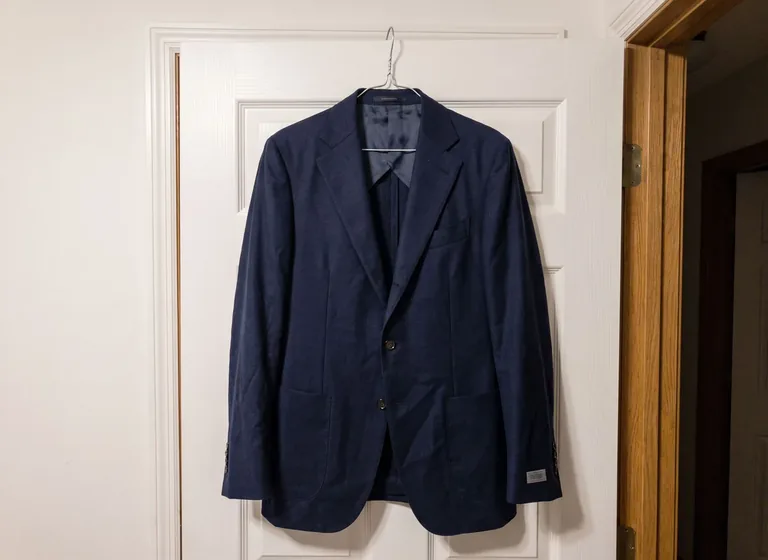
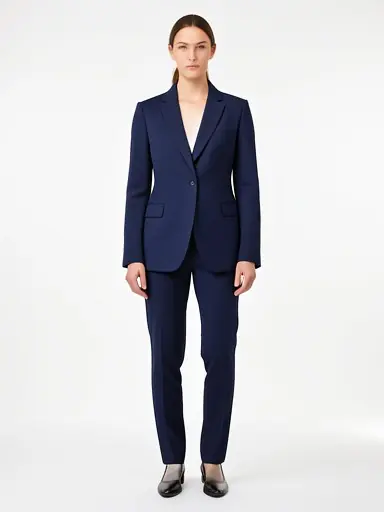
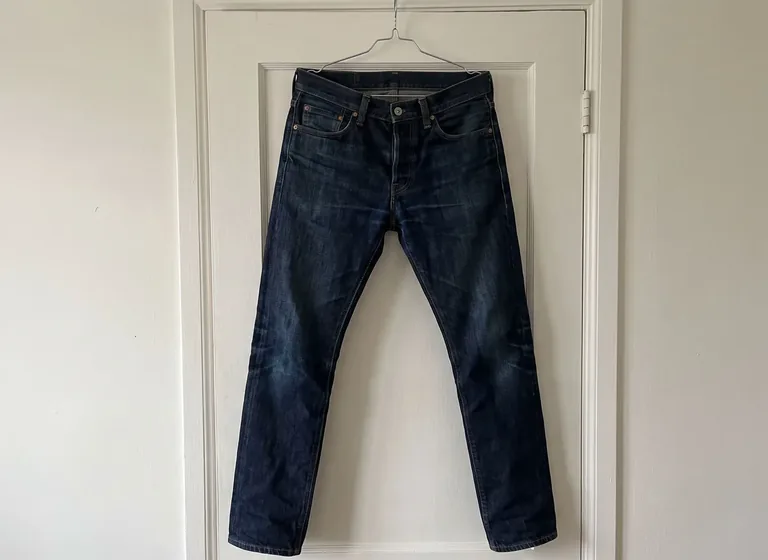
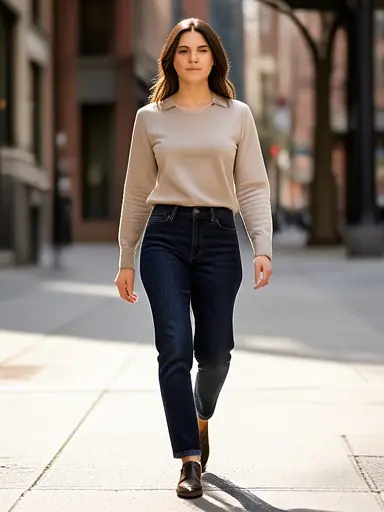
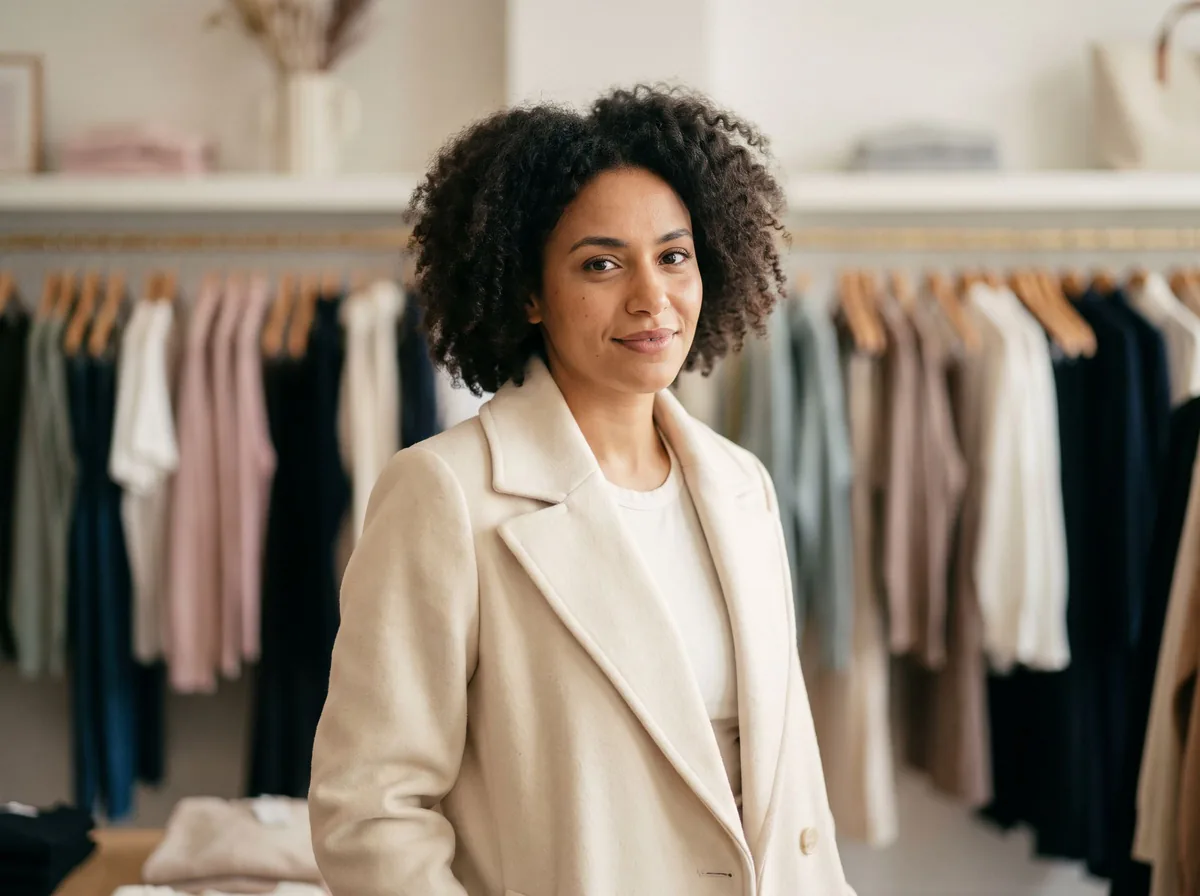
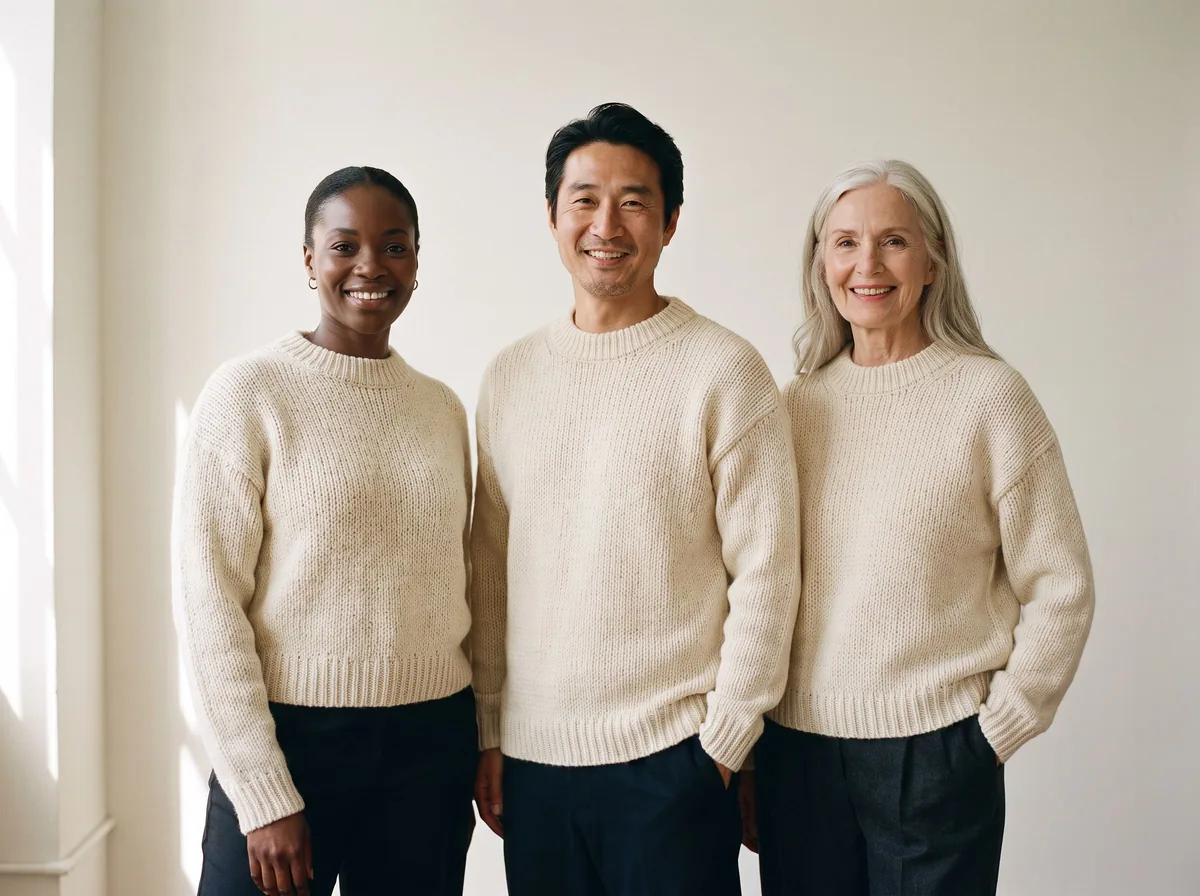
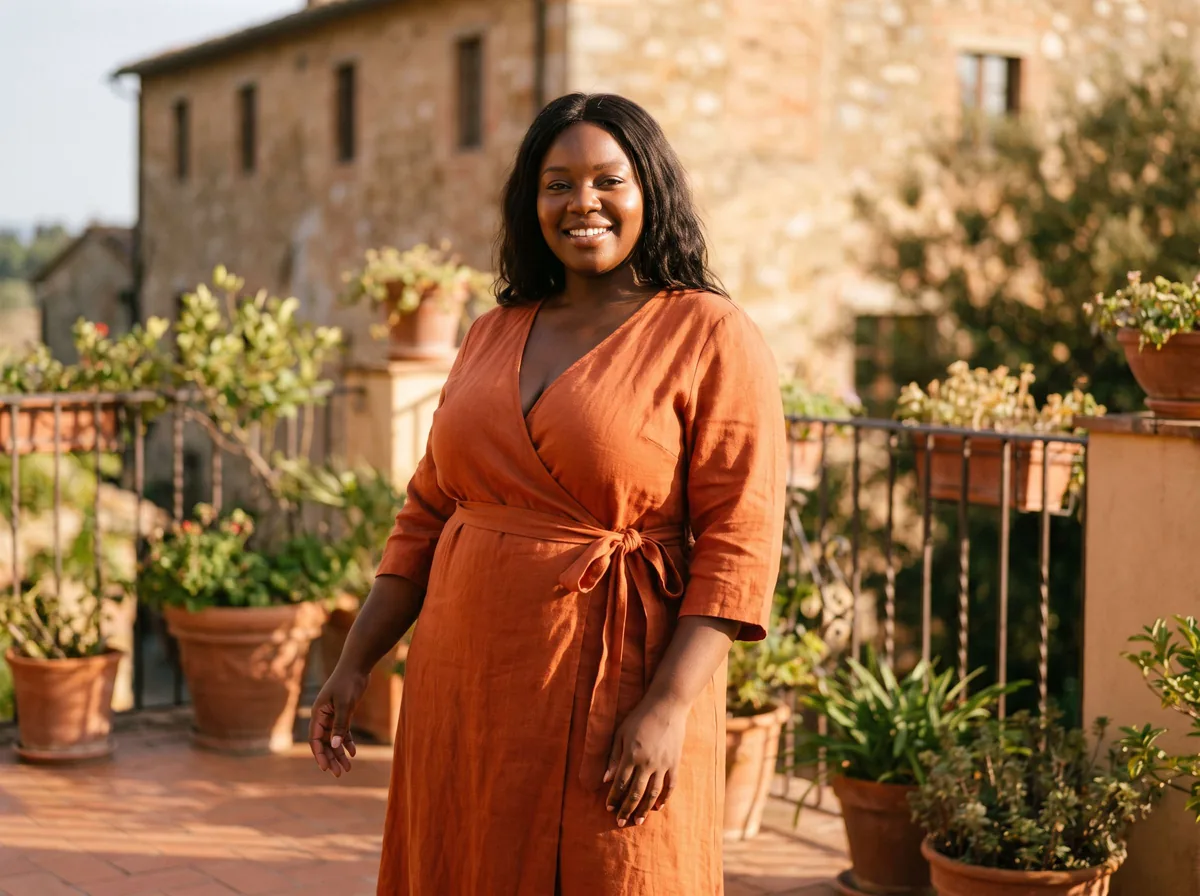
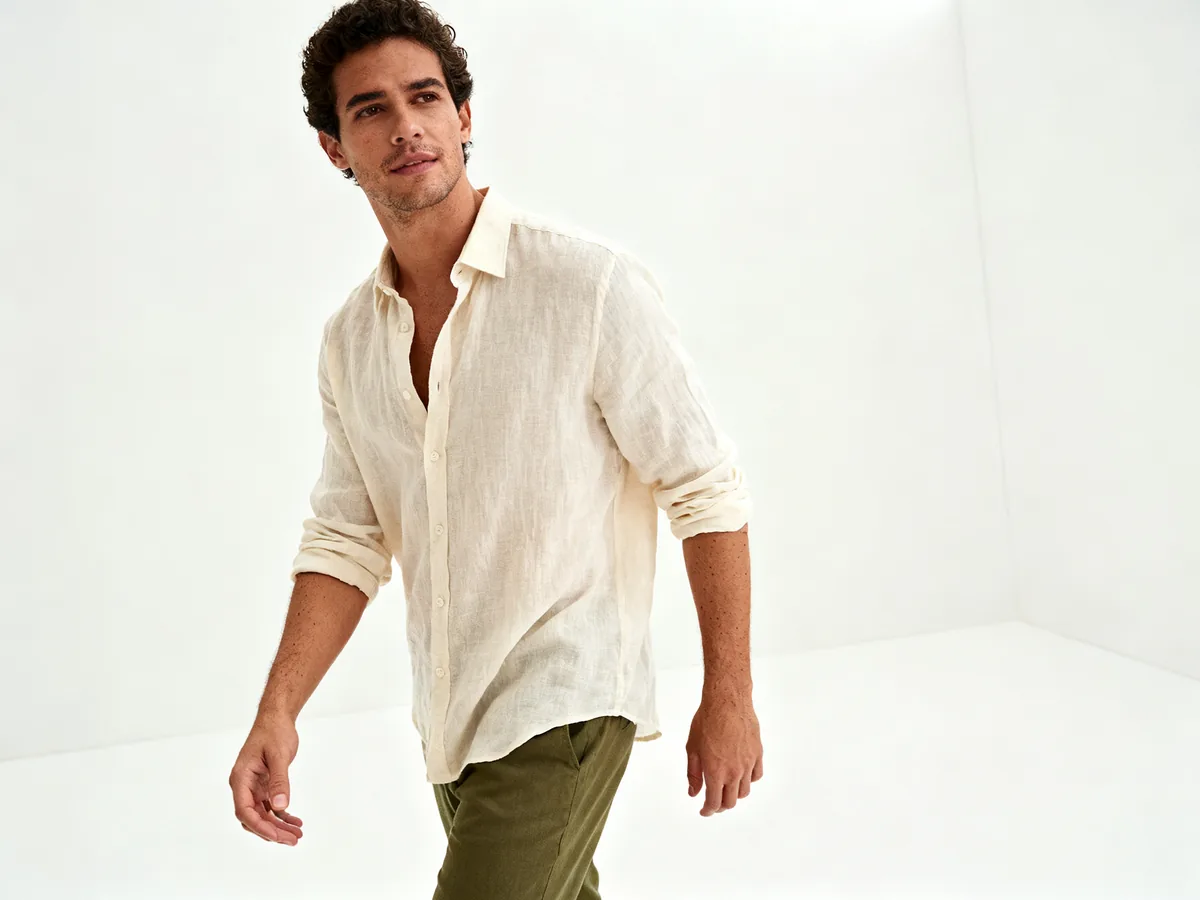
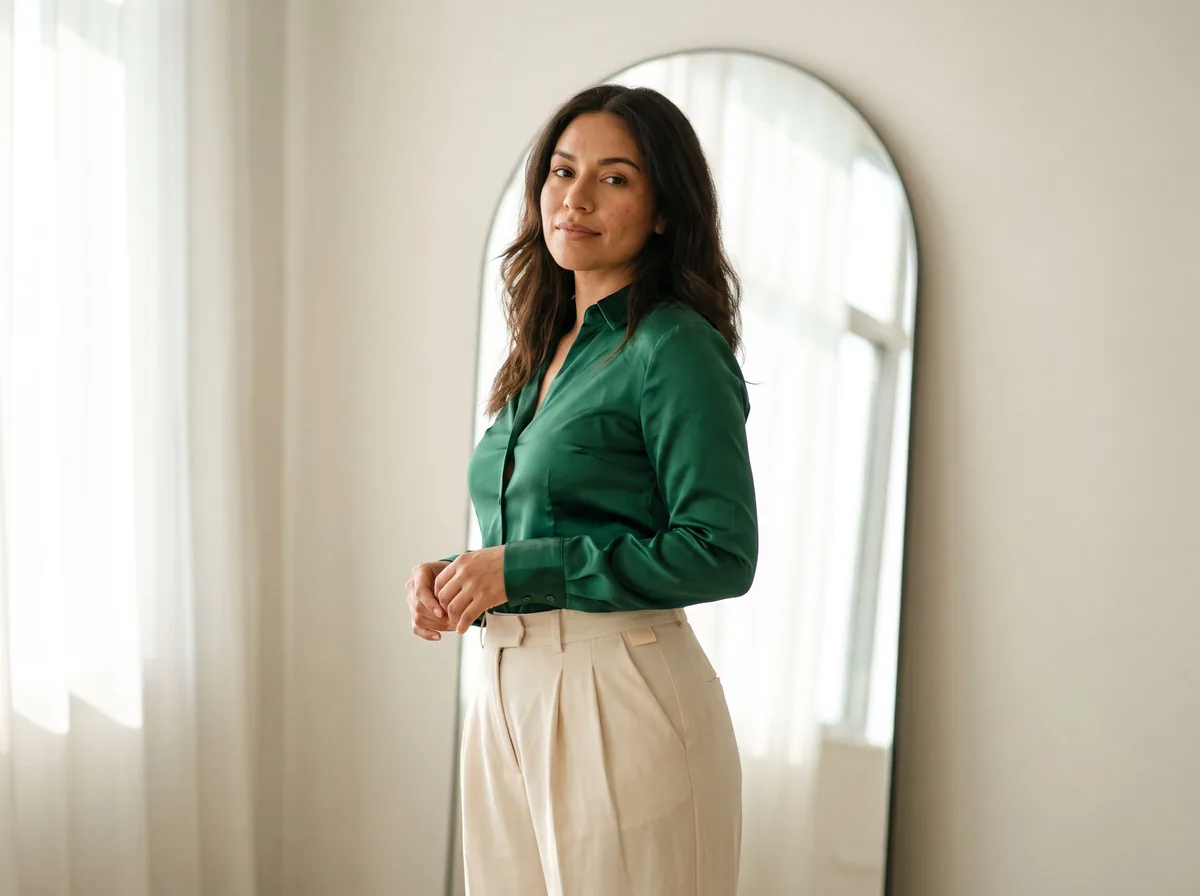
AI fashion models are images of people wearing clothes, made by a generative image model rather than shot with a camera. The person in the picture may not exist at all, may be a licensed AI copy of a real model, or may be the shopper looking at your store.
Most small sellers use the first kind: you upload a garment photo and the tool invents a body, face, pose and setting around it. A digital twin is built from photos of one real model, with that person's written agreement and pay. Virtual try-on runs the other way: it puts your product on the buyer's own photo.
A seller tool takes a real photo of the garment and redraws it on a generated person in the pose and setting you describe. It does not drape a 3D copy of your fabric over a body. It looks at the garment's color, shape and details and paints a new picture that it judges to be a close match.
So the input photo matters. A sharp, evenly lit hanger, flat lay or ghost mannequin photo with the whole garment in view gives the model the most to copy. Tools that start from text alone invent the clothes, which you cannot sell as your product.
With Z Product AI you can put up to 4 photos into one edit, for example a top and a pair of trousers on the same model. Each edit makes one image. Our results come from our own tuned FLUX.2 klein 4B edit model, which edits the real photo you upload.
Read next: How to photograph clothes to sell online · Free ghost mannequin AI tools tested
Sellers mostly use AI fashion models to show a garment worn when a photoshoot is not possible.
- Catalog images. A plain studio shot on a model, used next to the real flat or hanger photo, so buyers see the shape on a body.
- A range of bodies and looks. The same garment on models of different ages, skin tones and builds. Only show sizes you actually sell, and do not use a generated plus-size image to stand in for how your plus sizes really fit.
- Lookbooks. A small set of styled outfits for a new drop, kept in one setting and light so they read as one shoot.
- Ads and social posts. Quick seasonal scenes, such as a street or a beach, where the goal is mood rather than exact detail.
Read next: Diverse AI models tool · Plus-size AI model tool · AI lookbook generator
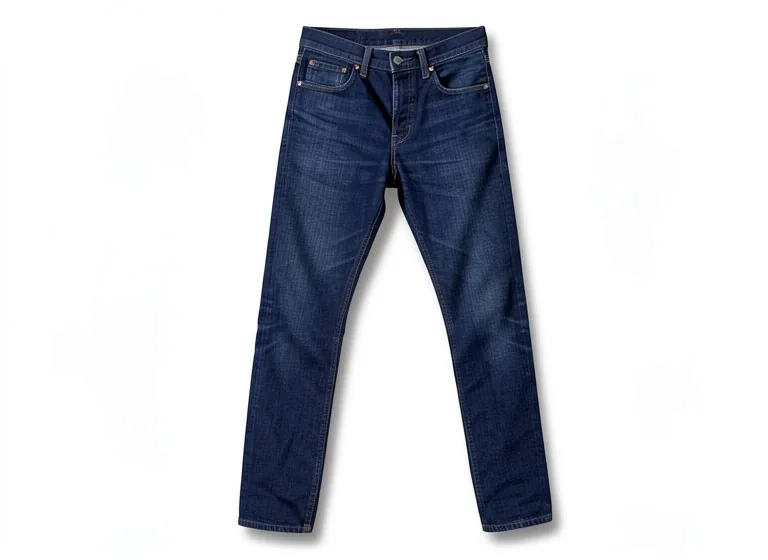
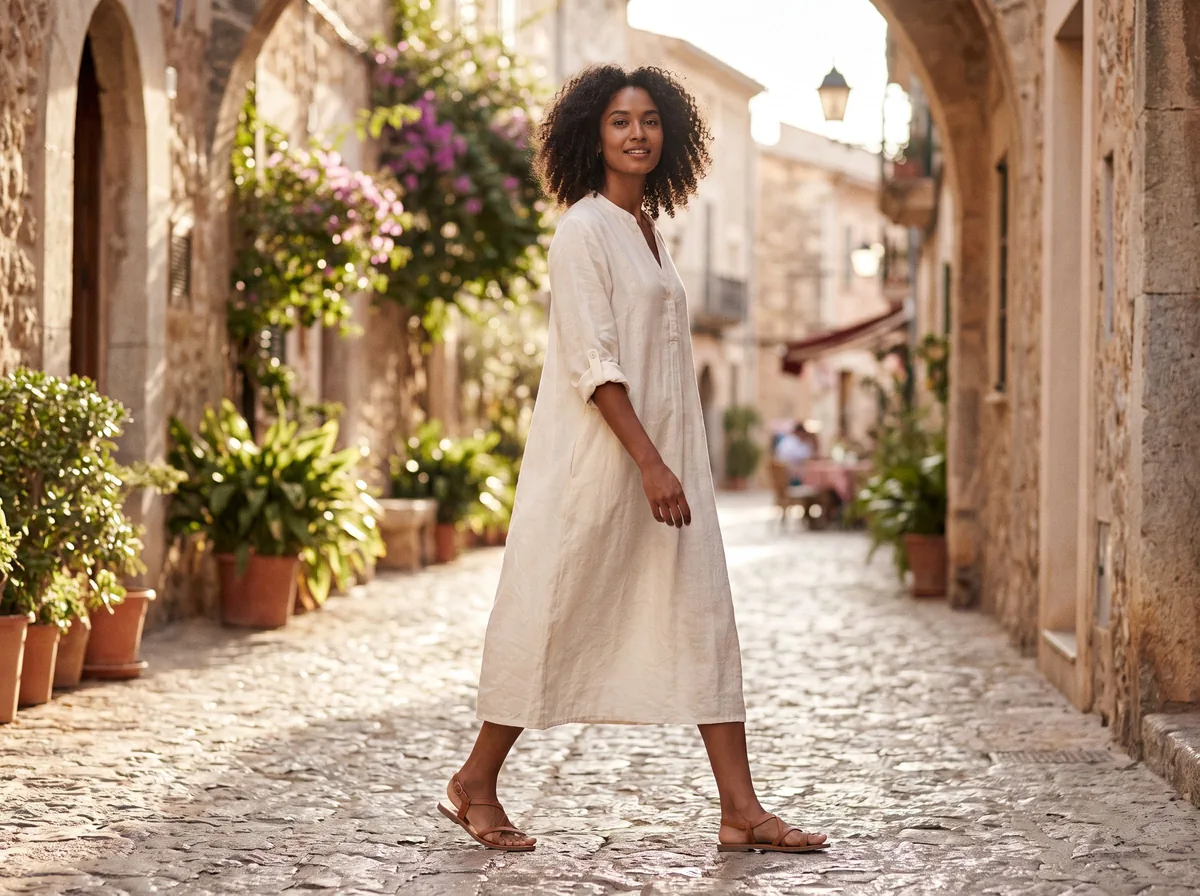
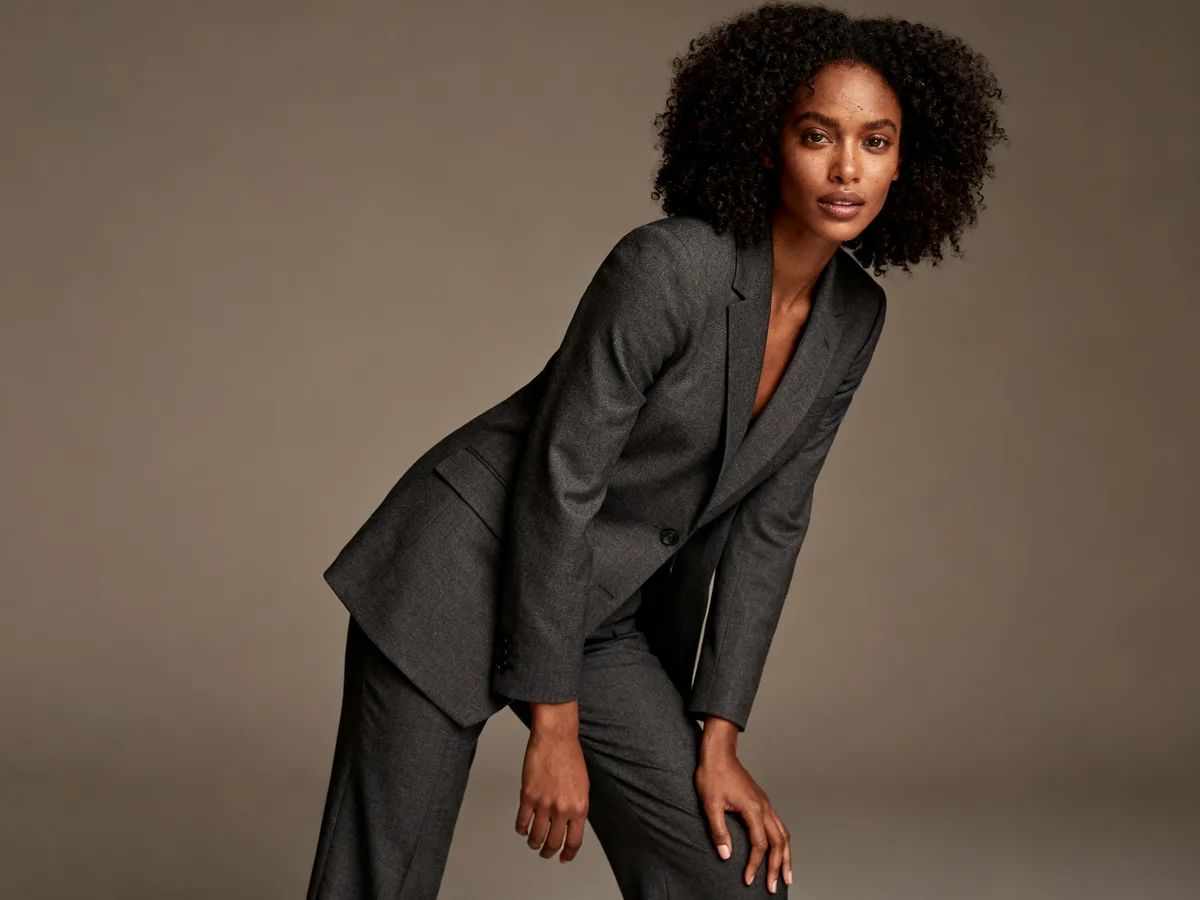
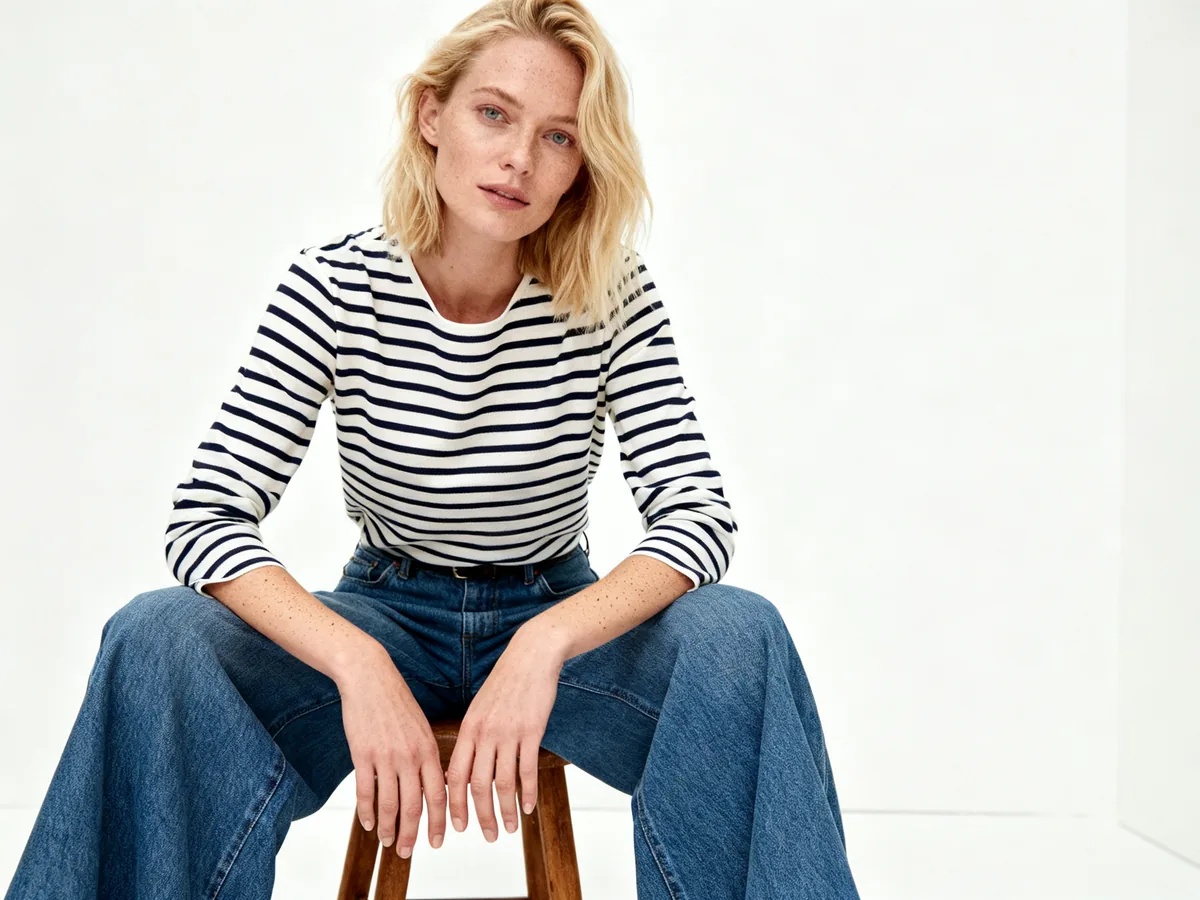
AI fashion models fail most on fit, fabric and small details, and they often add clothes you did not supply. Our own examples above show all of these in three images.
Fit is the biggest gap: the generated body does not wear your size chart, so it cannot show whether the waist sits high or the sleeves run long. Textures such as check wool, faded denim, knit stitches and sheer layers are often smoothed out. Buttons, pockets, zips, prints and logos drift. And the tool fills in the rest of the outfit, so a jacket comes back with trousers and shoes you do not sell.
Each of these can mislead a buyer. Check every result against the real garment and keep at least one real photo of the item on the listing. Our guide to clothing photos without a model walks through that test step by step.
Read next: Clothing photos on a model without hiring one
If a photoreal AI person appears in your ad or listing, you may have to say so, and a copy of a real model needs their written consent. The main rules:
- New York: since 9 June 2026, ads that use a synthetic performer must disclose it conspicuously when the advertiser knows. Fines are $1,000 for a first violation and $5,000 for each later one.
- New York Fashion Workers Act: since 19 June 2025, a model's digital replica needs clear written consent that covers scope, purpose, pay and how long it will be used.
- Amazon: sellers are asked to tag photoreal AI-generated people in listing and A+ images with the metadata keyword contains-synthetic-performer.
- European Union: the AI Act's transparency rules in Article 50 apply from 2 August 2026, including labels on deep fakes. How they apply to everyday product imagery is still debated.
Read next: AI model disclosure rules by place
Large brands have tried AI models since 2023, with mixed reactions. Levi's said in March 2023 it would test AI models from Lalaland.ai and, after criticism, said it was not scaling back live shoots. Mango ran its first AI-generated campaign, for Mango Teen, in July 2024. H&M said in March 2025 it would make digital twins of 30 models with their consent. Zalando said about 70% of its editorial campaign images in the fourth quarter of 2024 were AI-generated. A Guess ad with AI models in the August 2025 issue of Vogue drew strong criticism online. Aerie went the other way in October 2025 and pledged not to use AI to create people in its ads. Our brands page lists each case with dates and sources.
Read next: Brands using AI models: dated cases
Pick the tool that keeps your hardest garment closest to the real thing, at the size and volume you need. Run the same test garment through two or three tools and compare these points.
- Garment fidelity. Use a patterned or textured piece for the test. If the pattern, buttons or wash survive, plain items will too.
- Model control. Can you set body type, age range, skin tone and pose, or only pick from presets?
- Consistency. For a collection you want the same model, light and backdrop across 20 or 50 items. Some paid tools let you save a model; we do not offer that.
- Output size. Amazon asks for 1000 px on the longest side for zoom. Check the size a tool gives before you plan around it.
- Volume and integration. Batch upload and an API matter if you shoot hundreds of items a month.
- Rights and labels. Read who owns the images, whether the face is guaranteed to be a generated person, and whether the tool adds AI metadata.
Read next: Best AI fashion model generators compared · Botika alternatives · FASHN AI alternatives
Make the AI image from a clean garment photo, check it against the real item, and publish it next to a real photo with a clear label.
- Photograph the garment flat, on a hanger or on a mannequin, in even daylight, with creases smoothed and the whole item in frame.
- If the background is busy, make a ghost mannequin or white-background version first, and name the garment in the prompt.
- Write a short prompt with the model, pose, setting and light, and say what must not change, such as "keep the check pattern".
- Generate one image, then compare color, pattern, buttons, length and fit with the real garment side by side.
- Retry with a more specific prompt if a detail changed; if it keeps changing, use the real photo for that item.
- Reuse the same prompt wording for every item in a collection so the set matches.
- Publish with at least one real photo of the item, the size chart, and an AI label where your marketplace or law asks for one.
Read next: AI fashion model prompts · AI fashion model generator · AI model casting advisor
Z Product AI fits a small shop that wants to try on-model images for free, one garment at a time. There is no account and no card. You get 10 images a day: the first 8 in an hour start at once, then short waits of 30 seconds, 90 seconds, 4 minutes and up to 10 minutes, but never a hard lock.
It does not fit every job. Results are up to 768 px on the long side, which is not enough for an Amazon main image without upscaling, and downloads carry a small zproductai.com mark in the bottom-right corner. There is no batch mode, no API, no saved brand model or digital twin, and no video. The models are generated people, not real ones. For one consistent face across hundreds of items, a paid tool or a real shoot will serve you better.
If you also sell non-clothing products, our AI product photography guide covers white backgrounds, scenes and podium shots for everything else.
Read next: AI product photography guide