Comparison

Best AI Product Photography Tools in 2026, Compared

There is no single best AI product photography tool, because sellers need different things: a free white background today, 500 styled scenes a month, or an API that runs a whole catalog. We checked nine tools on their own sites on 5 November 2026 and sorted them by the job each one does best. We make one of them, Z Product AI, so we say plainly where the others are stronger.

Updated 5 November 2026

The short answer

  • For high-volume edits, Photoroom and Pixelcut are the practical picks: Photoroom Pro includes 1,000 exports a month and Pixelcut Pro includes 1,000 batch exports.
  • For styled product scenes with little setup, Pebblely starts at US$9 a month for 30 images, but its FAQ says there is no free trial.
  • For upscaling, 4K output and an API, Claid.ai is built for teams; Pro was $49 a month on monthly billing when we checked.
  • For free use with no account, Z Product AI edits one real photo at a time, 10 images a day, up to 768 px with a small mark.
  • Pic Copilot closes on 7 December 2026 and Mokker now lives inside soona, so check before you build a workflow on either.

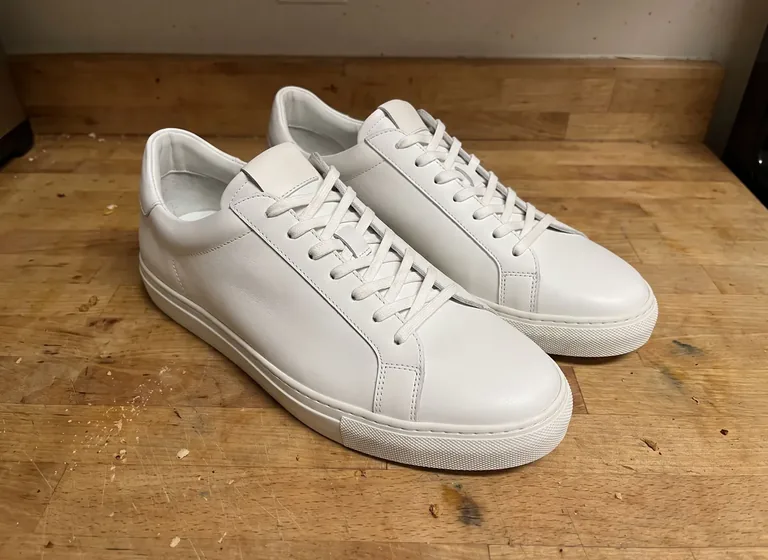
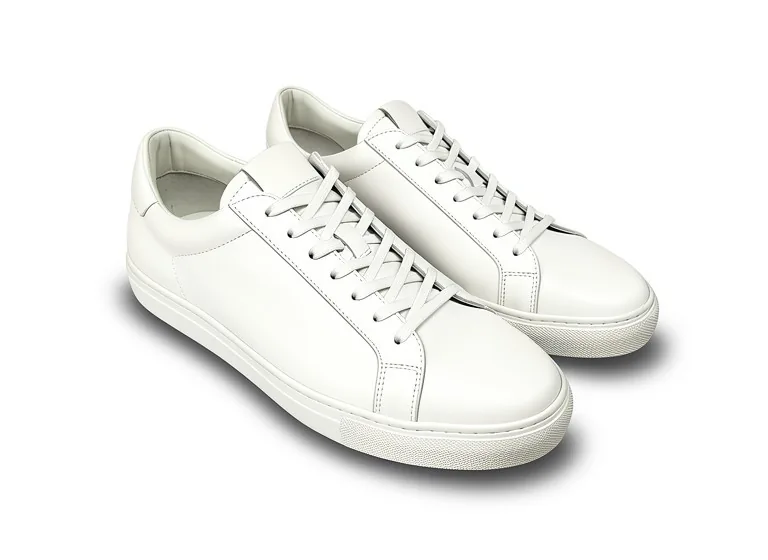
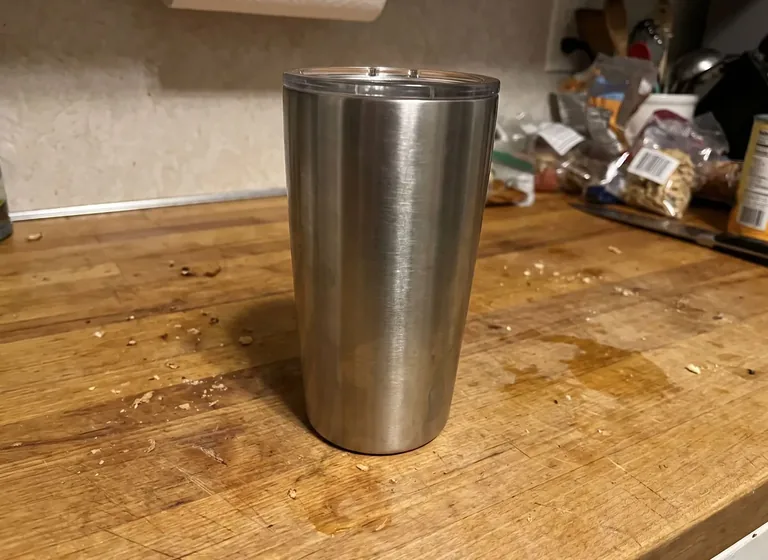
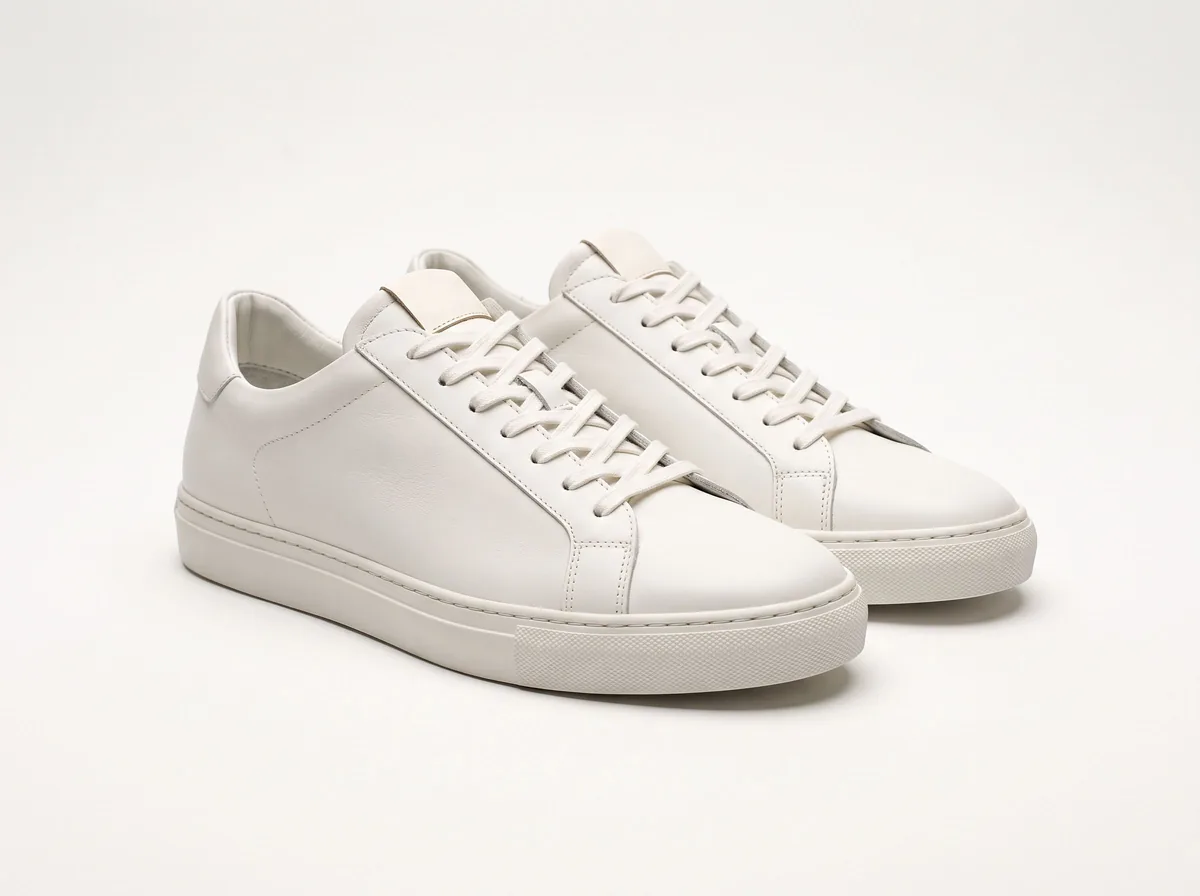
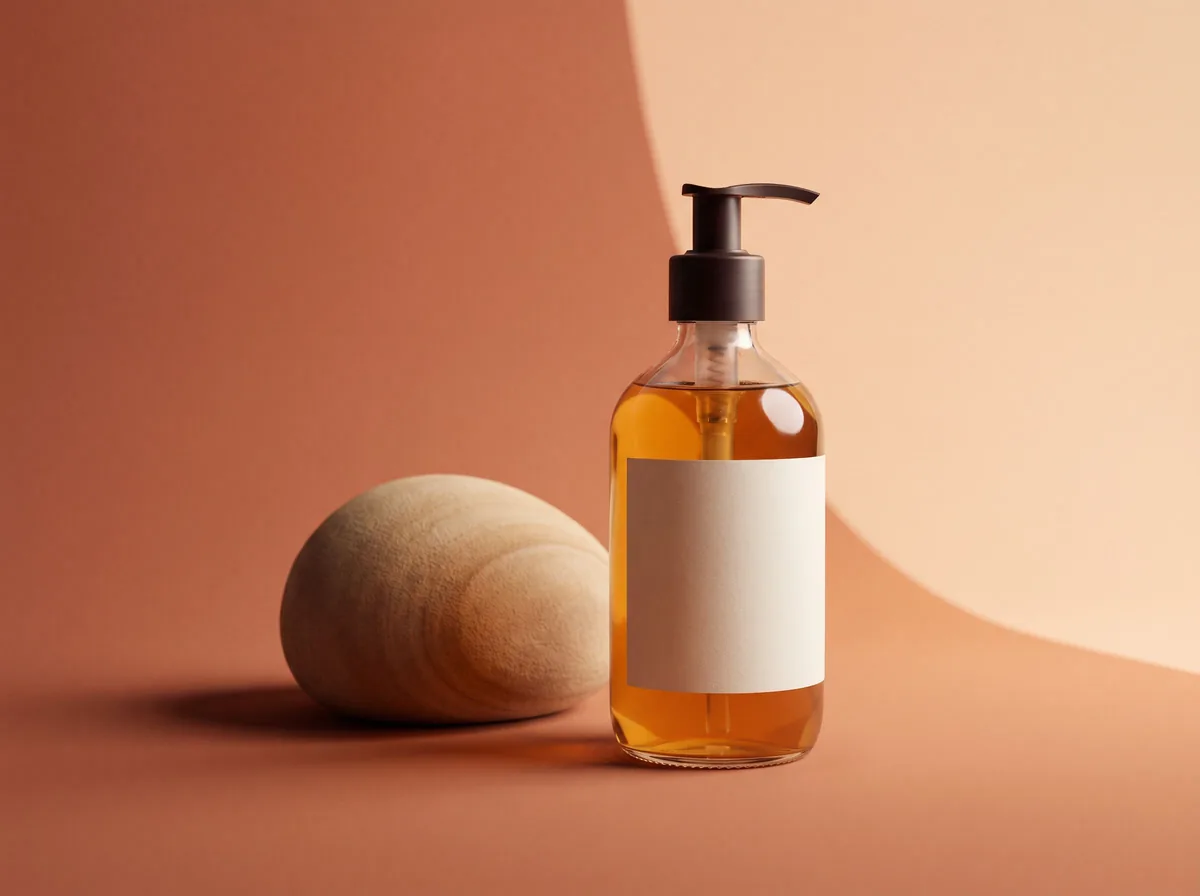
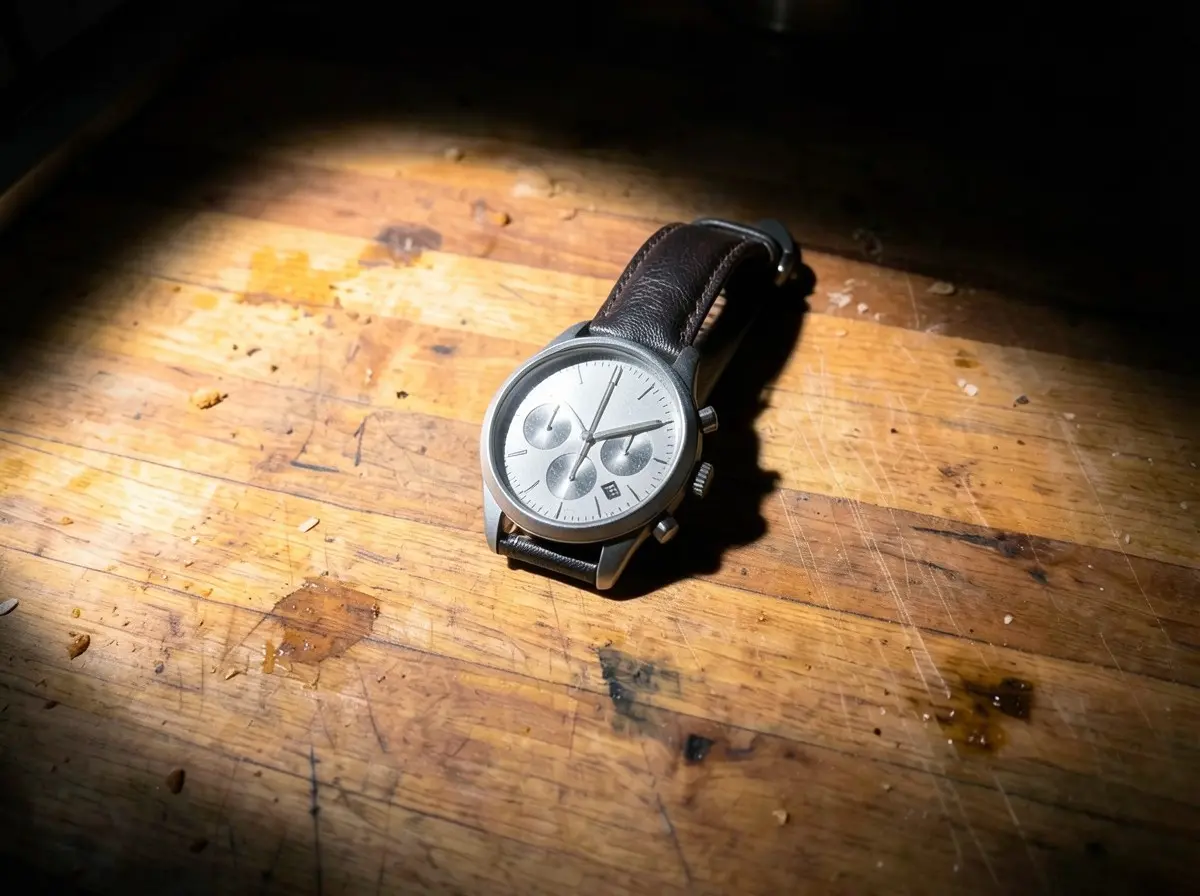
Example before (AI-made sample photo) and our model's output

Two test photos through our own tool: one keeper, one miss

Every tool on this page can fail on details, ours included. These are two real results from Z Product AI, picked to show both outcomes.

Before photos are AI-made sample photos of generic products, not customer photos. Results were made with Z Product AI in October 2026 at the free size (up to 768 px, with a small mark).

AI product photography tools compared

What each vendor's own site said on 5 November 2026. Some vendors show prices in your local currency, so where the price depends on region we say "check the site". Free plans change often.

ToolFree usePaid from (vendor page)Batch / APIBest for
Z Product AI (this site)Free, no account: 10 images a day, up to 768 px with a small markNo plan neededNo batch, no APIQuick white backgrounds and scenes from one phone photo
PhotoroomFree trial of the Pro and Max plansShown by region; check the site. Pro includes 1,000 exports a monthAPI sold as separate plansHigh-volume cutouts and marketplace sellers
PixelcutFree plan with limited background removal and upscales; exports without a watermarkPro $10 a month ($8 a month billed yearly), 600 AI credits1,000 batch exports a month on Pro; API listedPhone-first sellers who want cheap batch edits
PebblelyNo free trialLite US$9 a month for 30 images; Basic US$19 for 200Bulk generate on Basic and ProThemed product scenes with little setup
Claid.aiFree trial: 50 creditsEssentials $15 a month (500 credits); Pro $49 (2,000 credits); less billed yearlyBatch on Pro; APIUpscaling, 4K and catalog automation
Flair AIFree forever plan: 5 generated images, 1 videoPro $10 a month; Pro+ $35 a month for 80 imagesBulk content generation; API on EnterpriseArt-directed brand scenes and on-model shots
Adobe FireflyFree daily generationsShown by region; check the siteResults go into Photoshop for Generative FillDesigners already working in Adobe apps
CanvaFree plan, but the photo background remover and generator are paid-plan featuresShown by region; check the siteCheck the siteTurning product photos into ads and posts
soona AI Studio (was Mokker)New accounts are sent to soona; check the sitesoona Basic membership $13 a month billed yearly, 20 AI generations a monthCheck the siteSellers who may also book a real studio shoot

How we judged the tools

We judged each tool on five things a seller can check before paying: whether the product stays accurate, what you get for free, the real price per image, batch and API support, and the size and rights of the files you download.

Accuracy comes first. A scene that looks great but changes the label, the color or a part of the product will cause returns, so we only count a tool as useful when it keeps the real product intact. Many lists that rank for this search are written by a tool maker that puts itself first. So is this one, which is why we use each vendor's own prices and say where others beat us.

  • Accuracy: does the product keep its shape, color, label and small parts?
  • Free use: is there a free plan, a trial, or nothing until you pay?
  • Price per image: plan price divided by the images you can actually make.
  • Batch and API: can it process a folder or connect to your store or code?
  • Output: file size, watermark, and who owns the result.

Read next: AI product photography explained

The tools, one by one

Each tool below wins at a different job, and each one beats Z Product AI at something. The notes reflect each vendor's site on 5 November 2026.

  • Photoroom: background removal and AI scenes, with a free trial on Pro and Max; Ultra adds 4K images. Better than us at volume, large files and an API.
  • Pixelcut: a phone-first editor whose free plan exports without a watermark; Pro adds 1,000 batch exports. Better than us at batch work and unmarked files.
  • Pebblely: 40+ background themes and custom prompts on every plan, and its FAQ says uploads are not used for AI training. Better than us at bulk scenes.
  • Claid.ai: credits for enhancing and generating, 2K on paid plans and 4K plus batch on Pro, with an API. Better than us at upscaling and automation.
  • Flair AI: a tool for brand scenes, on-model photos and short videos, with custom models. Better than us at art direction.
  • Adobe Firefly: free daily generations, and Adobe says its own Firefly models are commercially safe. Better than us for precise, layered edits in Photoshop.
  • Canva: a design tool whose background remover and generator are paid-plan features. Better than us at building the ad or post around your photo.
  • soona AI Studio: Mokker's scene tool, now inside a company that also books real studio shoots. Better than us if you want both from one place.

Where Z Product AI fits, and where it does not

Z Product AI fits the seller who needs a few good product images today without an account or a card; it does not fit a team that needs full-size files at volume. We edit a real photo you upload with our own tuned FLUX.2 klein 4B edit model, so the product you shot stays the starting point.

  • Free with no account and no credit card: 10 images a day. The first 8 in an hour start at once, then you wait a little (30 seconds, 90 seconds, 4 minutes, up to 10 minutes). It never locks you out.
  • Up to 4 photos in one edit, such as a product and a prop.
  • Results are up to 768 px on the long side with a small zproductai.com mark, too small for an Amazon main image (about 1,000 px for zoom) unless you upscale it.
  • One image at a time: no batch mode, no API, no video.

Read next: AI product photoshoot tool · Amazon main image requirements

Which tool to pick for each job

Pick by the job in front of you, not by an overall ranking.

  • Free white backgrounds and scenes, no sign-up: Z Product AI.
  • Hundreds of cutouts a month: Photoroom or Pixelcut.
  • Themed scenes in bulk at a fixed monthly price: Pebblely.
  • Upscaling, 4K output or a catalog API: Claid.ai.
  • Brand campaigns and on-model shots with art direction: Flair AI.
  • Precise fixes inside a layered file: Adobe Firefly with Photoshop.
  • Ads, banners and social posts built around your photo: Canva.
  • AI scenes plus the option of a real studio: soona AI Studio.

Read next: AI fashion models for clothing sellers · Pebblely alternatives · Claid.ai alternatives · AI product photography prompts

Two tools in transition: Pic Copilot and Mokker

Pic Copilot is closing and Mokker has moved into soona, so neither is a safe place to start a new workflow. Pic Copilot's notice says it stopped taking payments from new users on 27 September 2026, closes on 7 December 2026 (UTC+8), and refunds active Pro subscribers in full.

Mokker's pricing page now opens with a notice that Mokker AI is soona's AI Studio and that new accounts start at soona.co, so check soona's pricing rather than the old Mokker plans.

FAQ

Questions sellers ask

What is the best AI tool for product photography?

It depends on the job: Photoroom or Pixelcut for volume, Pebblely for themed scenes, Claid.ai for upscaling and APIs, and Z Product AI for free single edits with no account.

Is there a free AI product photography tool?

Yes. Z Product AI is free with no account (10 images a day, up to 768 px with a small mark). Pixelcut has a free plan, Flair AI gives 5 free images, Adobe Firefly gives free daily generations and Claid gives 50 trial credits, as their sites showed on 5 November 2026.

Which AI product photo tools have an API?

Claid.ai and Photoroom both sell API access, Flair AI offers it on its Enterprise plan, and Pixelcut lists an API on its site. Z Product AI has no API.

Can I use an AI product photo as my Amazon main image?

Only if it shows the real product, unchanged, on a pure white background at a size that allows zoom (about 1,000 px or more). Free outputs, including ours at 768 px, usually need upscaling first.

Is Pic Copilot shutting down?

Yes. Its own notice says the service closes on 7 December 2026 (UTC+8) and that active Pro subscribers get a full refund.