Product photography
100% free · No sign-upFree AI Product Image Generator
Upload a photo of your product and get studio and lifestyle product images in seconds. No photographer, no studio, no props. Free to use, no sign-up.
Free to use · No sign-up · JPG, PNG or WebP
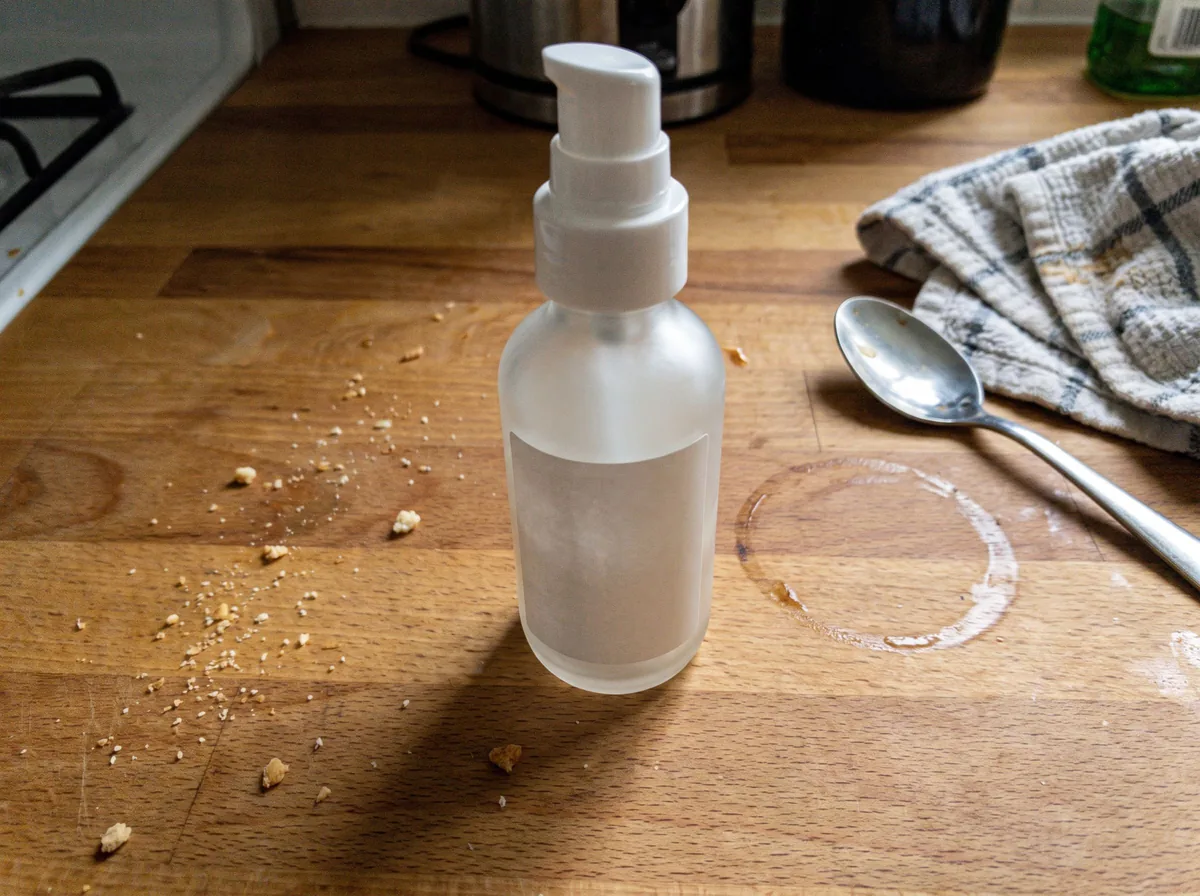
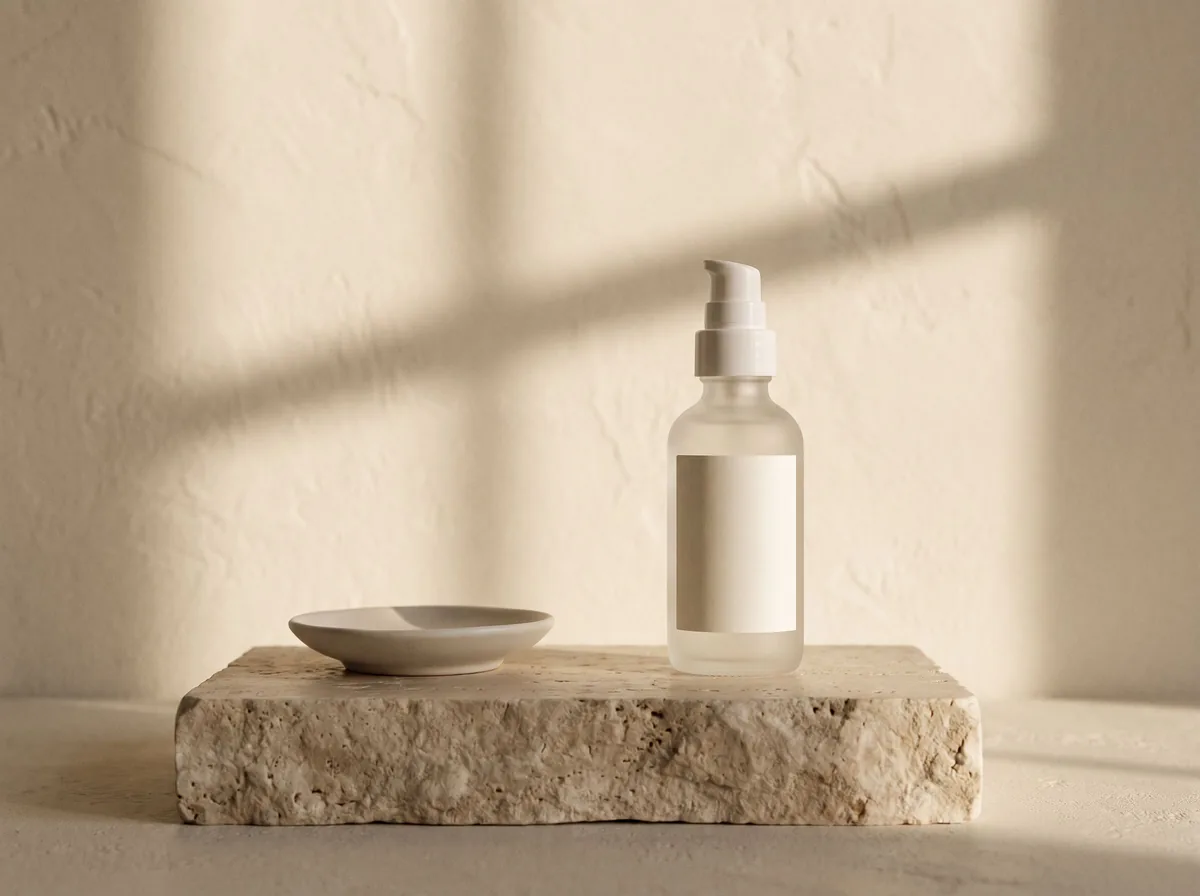
Product Image Generator
Made with Z Product AI
Popular with sellers
How it works
How to use the AI Product Image Generator
- 1
Upload your photo
A clear phone photo is enough. Keep the whole product or garment in frame.
- 2
Tap a preset or describe it
Pick a chip or type what you want in a few words. The AI keeps your product exactly as it is.
- 3
Download or refine
Download the result, or ask for a change and the AI edits the last image.
Real results
Real product images from one phone photo
Sample phone photos run through our free image tools. Each caption shows the chip that was tapped and the tool it was tapped in.
Before
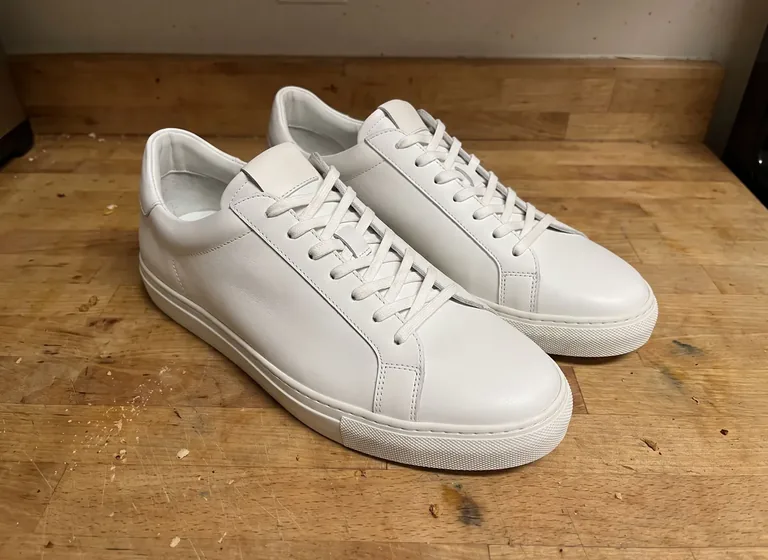
After
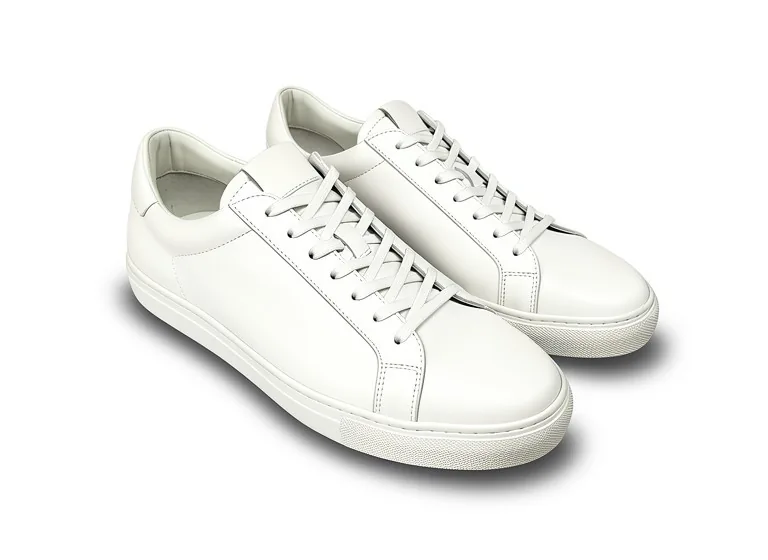
Before
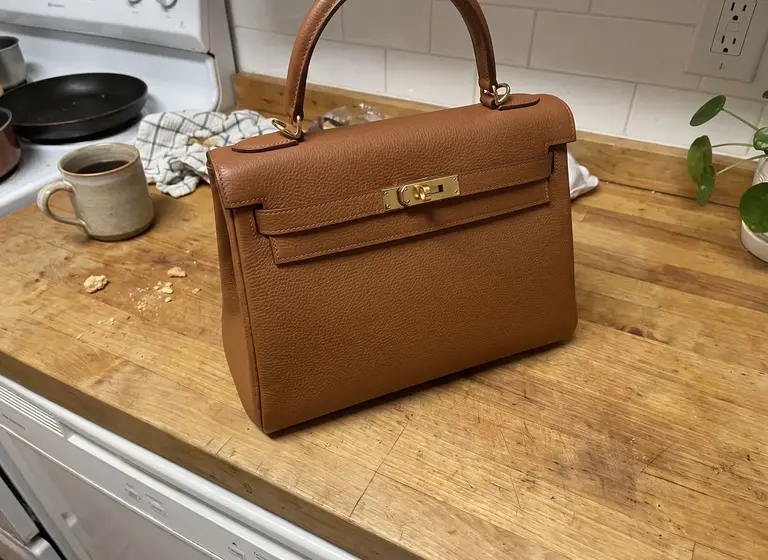
After
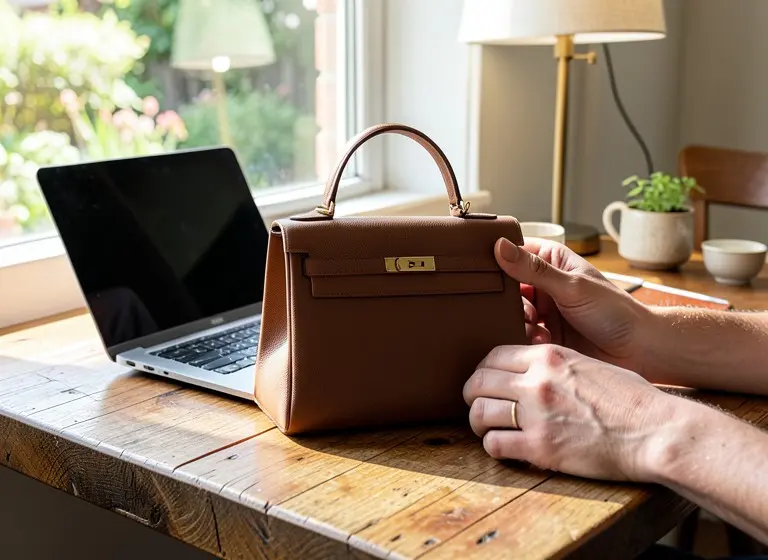
The before photos are phone-style snapshots of generic products that we made with an AI image model for this site; they are not customer photos. Each after is the unedited output of our own model, shown without the download mark, at the size the tool returned.
How to make a full set of product images from one photo
- Take one sharp photo of the product by a window, whole product in frame, flash off.
- Make the clean image first: "Pure white background with shadow" gives a catalog packshot.
- Then make the scenes from the same photo, one per run: "Marble countertop, soft window light", "Luxury podium, warm spotlight", "Outdoor on a mossy rock", "Top-down flat lay on linen" or "Bright modern kitchen".
- Not happy with one detail? Type the change ("make the shadow softer", "move the product left") and the AI edits the last image instead of starting again.
- Each run counts toward the free 10 images a day, so plan the set before you start.
Which image goes where
- Amazon main image: a real photo on pure white, at least 1000 px on the long side, product filling about 85% of the frame. The other image slots can show scenes.
- Etsy: at least 2000 px on each side is recommended, and the first photo must be at least 635 px, landscape or square.
- Shopify: 2048 x 2048 px usually displays best for square product images.
- Our free results are up to 768 px on the long side with a small mark, which suits social posts, ads, email and drafts of your listing.
Read next: Product Photo White Background · Lifestyle Product Photography · Amazon Main Image Checker
A good product image sells the product before anyone reads the listing. This AI product image generator takes the photo you already have, even a quick phone shot on a kitchen table, and turns it into professional product images. The product stays exactly as it is. Only the setting, surface and light change.
What the AI product image generator does
It finds the product in your photo, keeps its shape, colors, label and logo, and builds a new scene around it: a white studio sweep, a marble counter, a stone podium, a bright kitchen or an outdoor setting. Shadows and reflections are rebuilt so the product sits on the surface instead of floating on it.
AI generated product images for every listing
Amazon, Shopify and Etsy listings need a main image, detail shots and lifestyle scenes. One upload gives you as many AI generated product images as you want to try, so every product in your catalog can have a full, consistent image set.
How to get the best results
Upload a sharp photo with the whole product in frame and nothing covering it. Plain backgrounds work best. Then describe the scene in a few words, such as a surface, a mood and a light. If a detail is off, ask for a change and the AI edits the last result.
Seller guide
Weighing this against Photoroom? See what each free option gives you for white backgrounds and product scenes, with example results.
Compare free Photoroom alternatives →Need images with no mark, in HD? Try AI product photos on AI Two, our sister studio: free to try, and its paid plans remove the watermark and add HD output.
FAQ
AI Product Image Generator: questions sellers ask
What is an AI product image generator?
It is a tool that takes a photo of your product and creates new product images around it: studio shots, white backgrounds and lifestyle scenes. The product stays the same; only the setting, surface and light change.
Is this AI product image generator free?
Yes. You get free generations every day with no account and no credit card. If you reach the daily limit, come back later and it refills.
Will the AI change my product?
No. The product keeps its shape, color, label and logo. If a detail comes out wrong, ask for a fix in the chat and the AI edits the last image.
What photo should I upload?
A clear photo of the product on its own works best. A phone photo on a plain table is enough. Keep the whole product in frame and avoid heavy blur.
Can I use the product images in my store and ads?
Yes. The images you create are yours to use on Amazon, Shopify, Etsy, social media and paid ads.
Is AI Product Image Generator free?
Yes. AI Product Image Generator is free to use — no account and no credit card needed. You get free edits every day.
How accurate is AI Product Image Generator?
Results depend on the photo and the request. You can refine with follow-up messages until it looks the way you want.
Can I make multiple edits?
Yes! Each result becomes your new base image — keep refining with follow-up messages.
Is Z Product AI really free?
Yes. Every tool and assistant on Z Product AI is free to use, with no sign-up and no credit card. Very heavy use is paced with short waits so the site stays free for everyone.
Can I make several different images from one product photo?
Yes. Upload the photo once, then tap a different chip for each image: a white background, a countertop, a podium, an outdoor scene. Each result is a separate image and counts toward the free 10 a day.
What size are the images I download?
Up to 768 px on the long side, and sometimes smaller, with a small zproductai.com mark. For a marketplace that asks for 1000 px or more, upscale the image first, and use a real photo for an Amazon main image.
Keep going
More tools for your listings
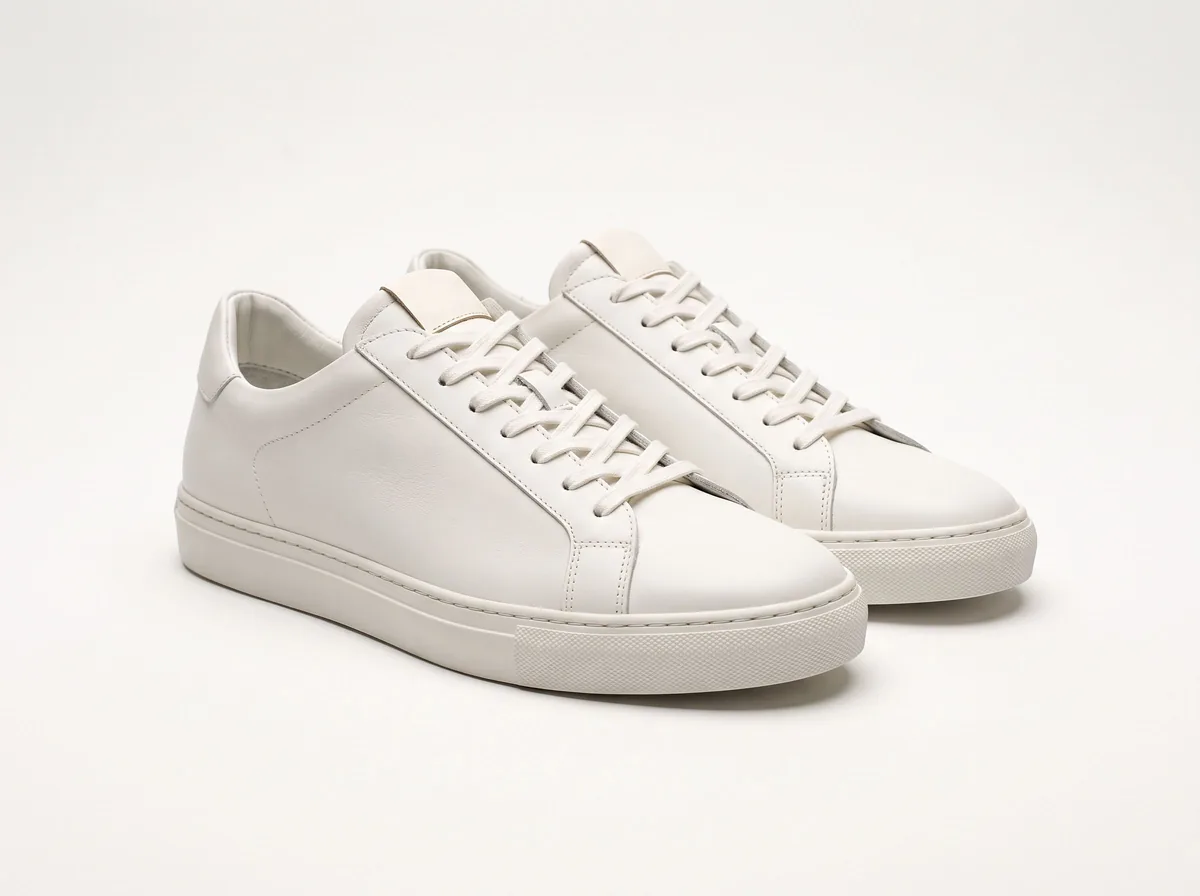 Product Photo White BackgroundFreePut any product on a clean white background for your listings, then check it against Amazon's main-image rules before you upload.
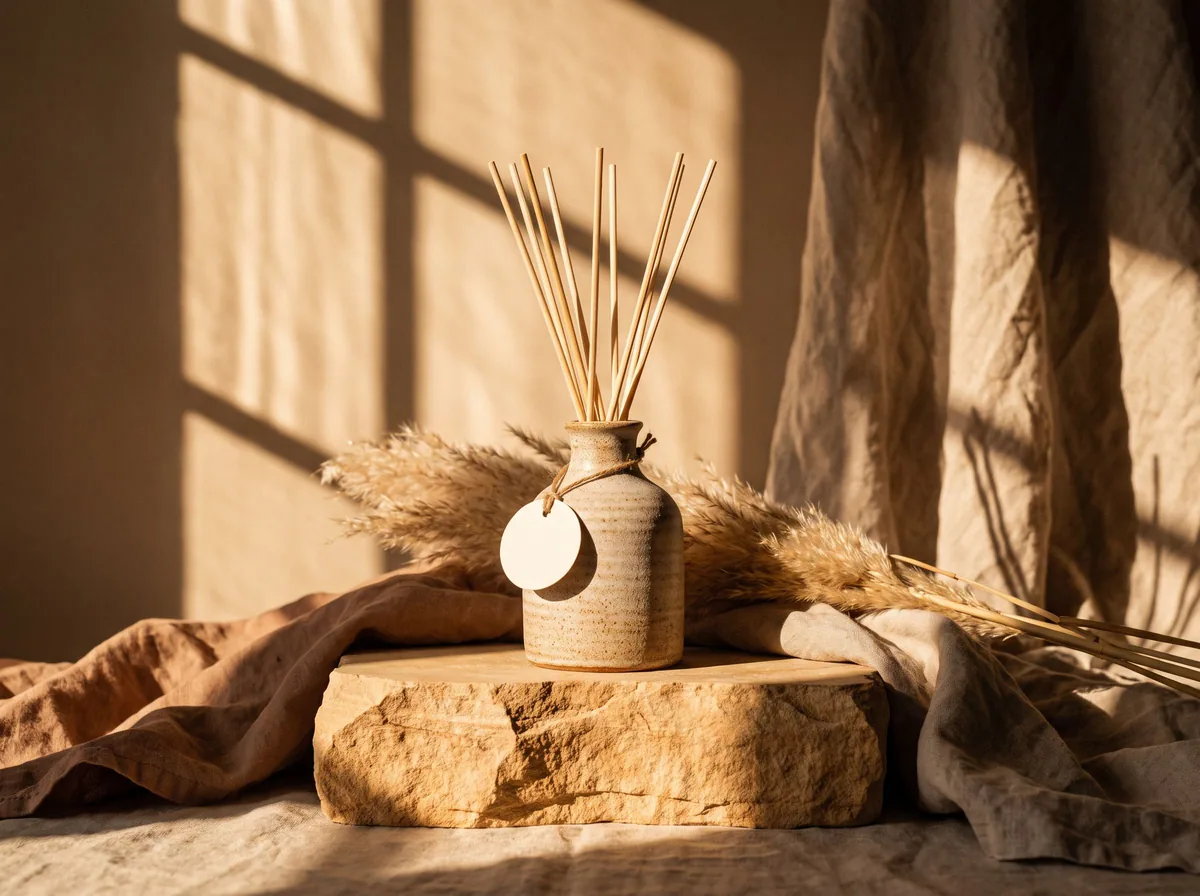 AI Product PhotoshootFreeA full product photoshoot from one photo: hero shot, lifestyle scenes, close-ups and ad creative, in one session.
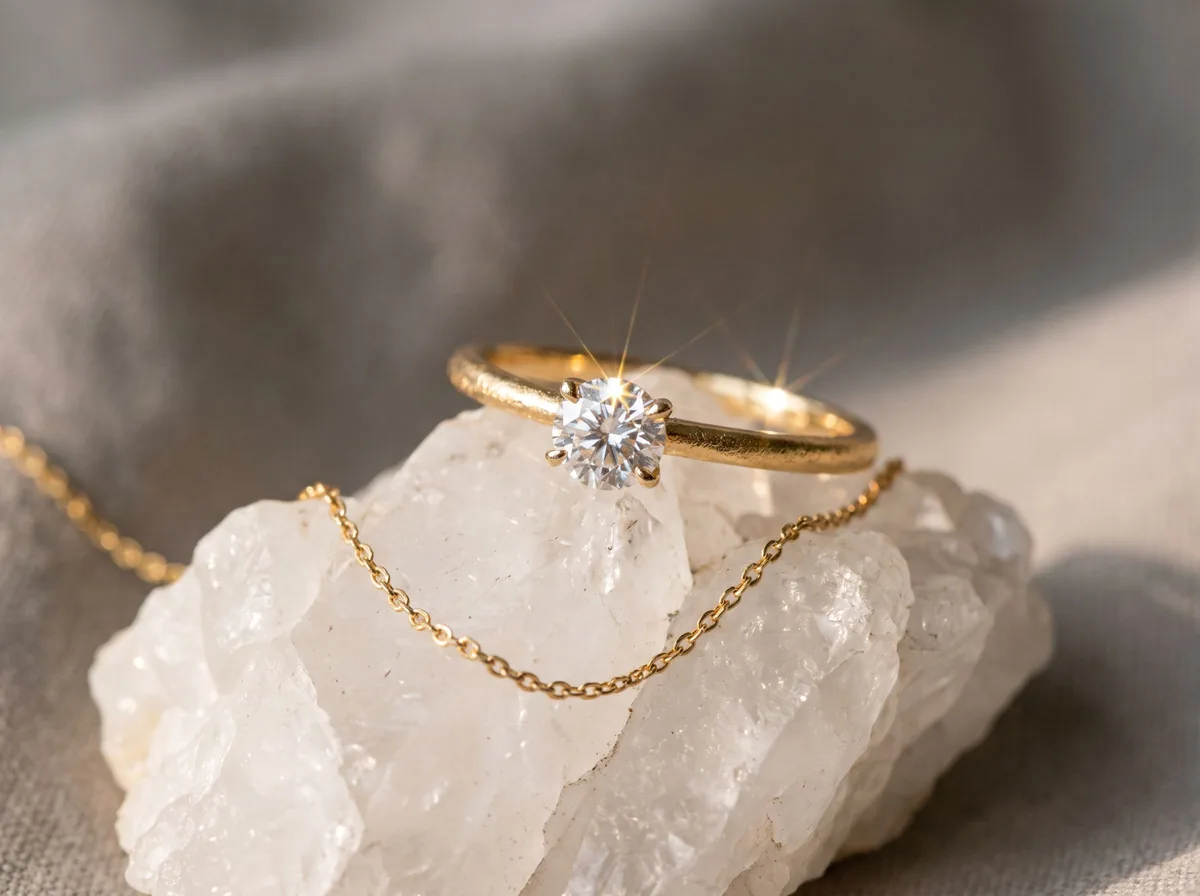 Jewelry Product PhotographyFreeTurn a phone photo of a ring, necklace or earrings into sharp jewelry product photos with controlled sparkle and true metal color.
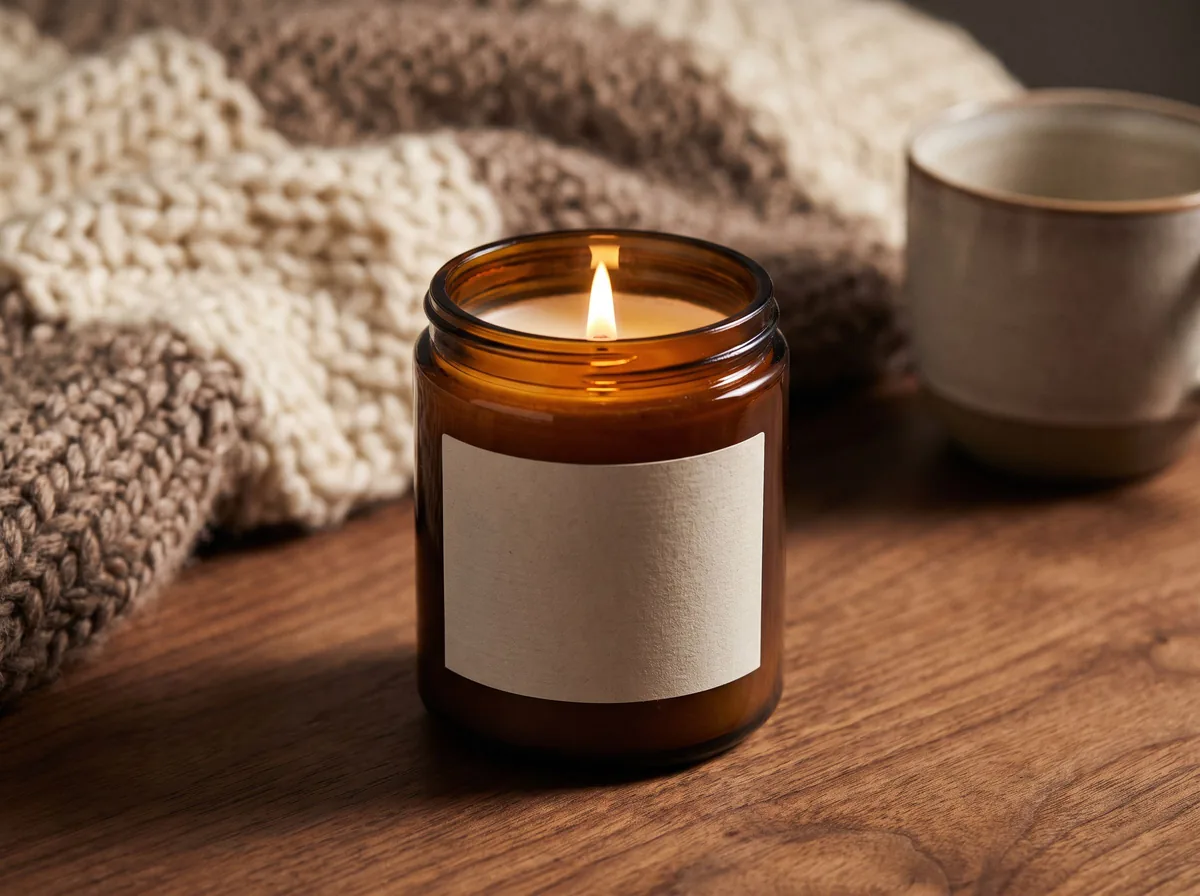 Candle Product PhotographyFreeMake warm, cozy candle product photos from one upload: lit flames, styled shelves and clean white shots for your candle shop.
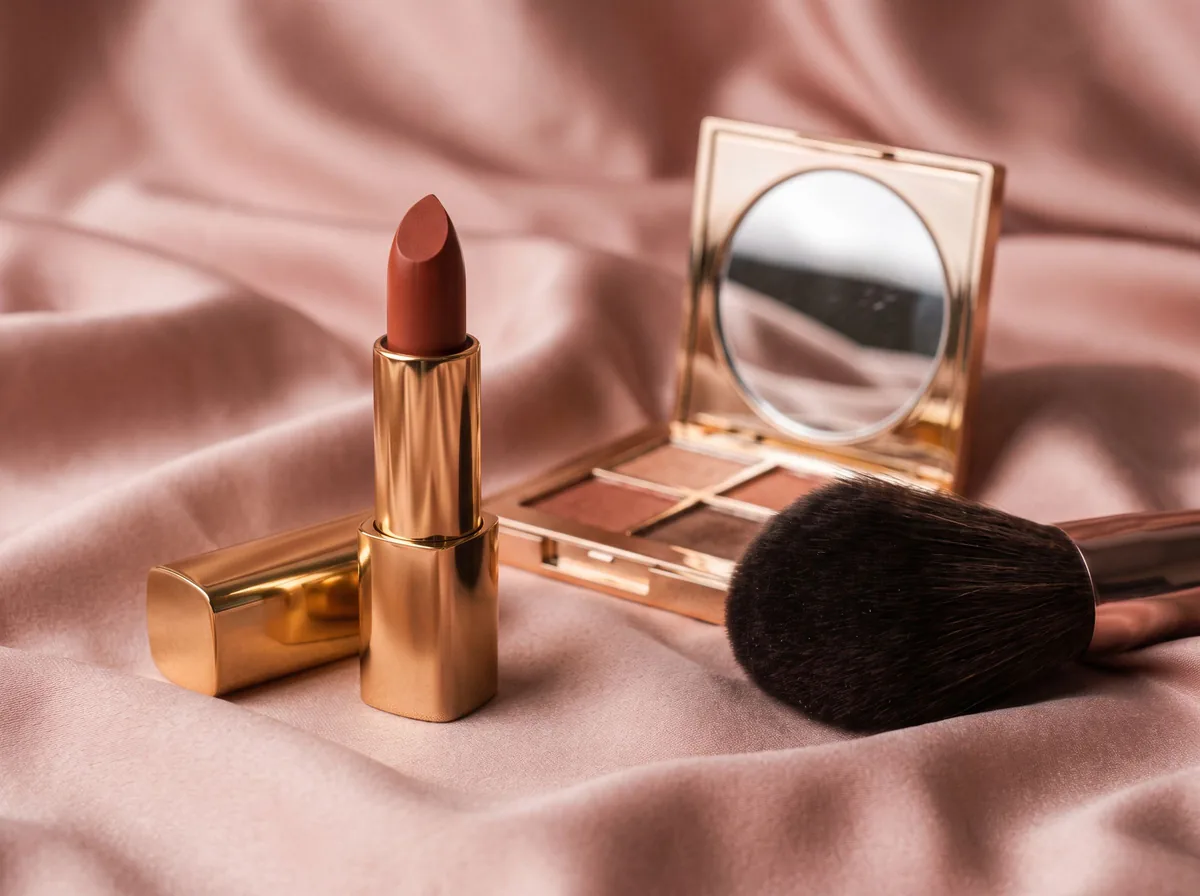 Cosmetic Product PhotographyFreeCreate polished makeup product photos with true shade color, clean packaging and swatch or texture shots from one upload.
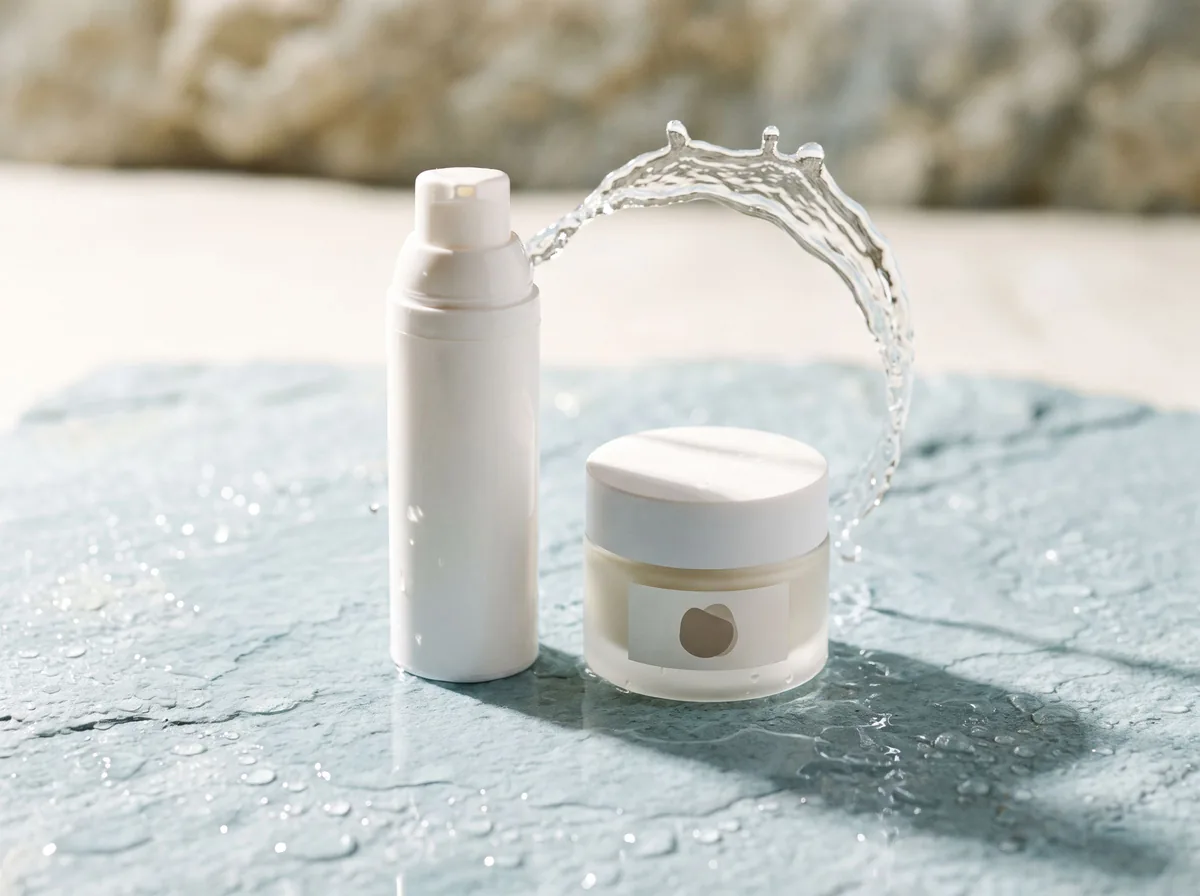 Skincare Product PhotographyFreeTurn serums, creams and cleansers into fresh, clean skincare product photos with water splashes, textures and spa-style scenes.
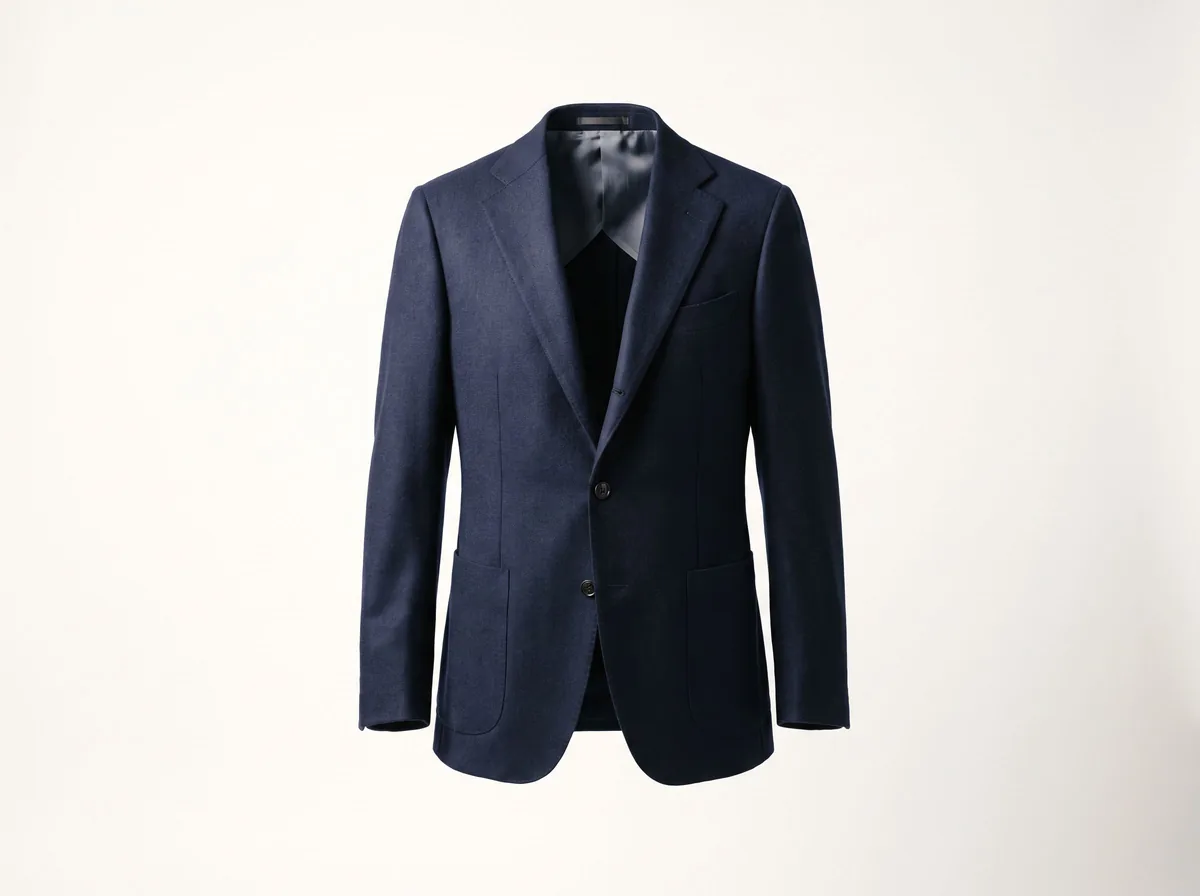 Ghost Mannequin EffectFreeTurn a mannequin, hanger or flat-lay photo into a clean invisible-mannequin shot, with the hollow 3D shape shoppers expect.
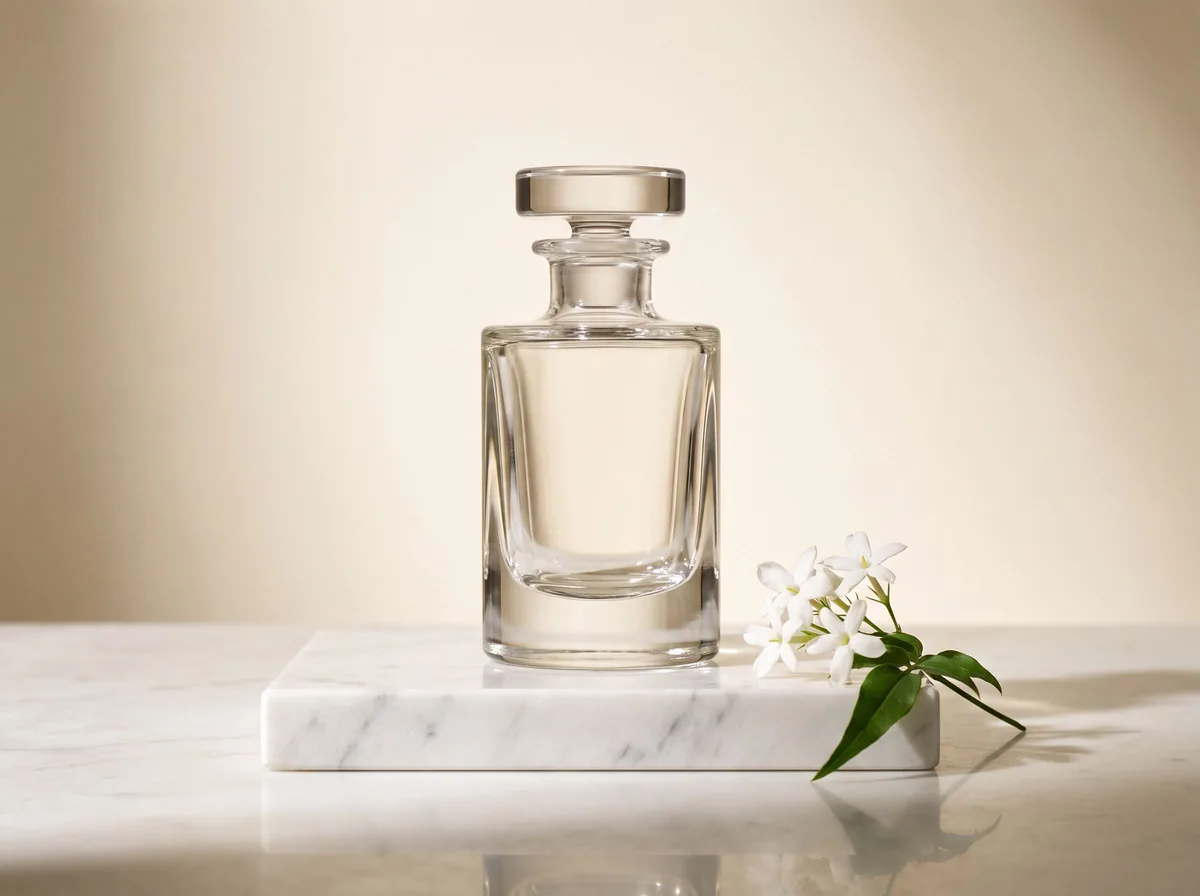 AI Product Description GeneratorFreeTurn a few product facts into a persuasive, SEO-friendly product description for your store, in seconds.
Ask an assistant
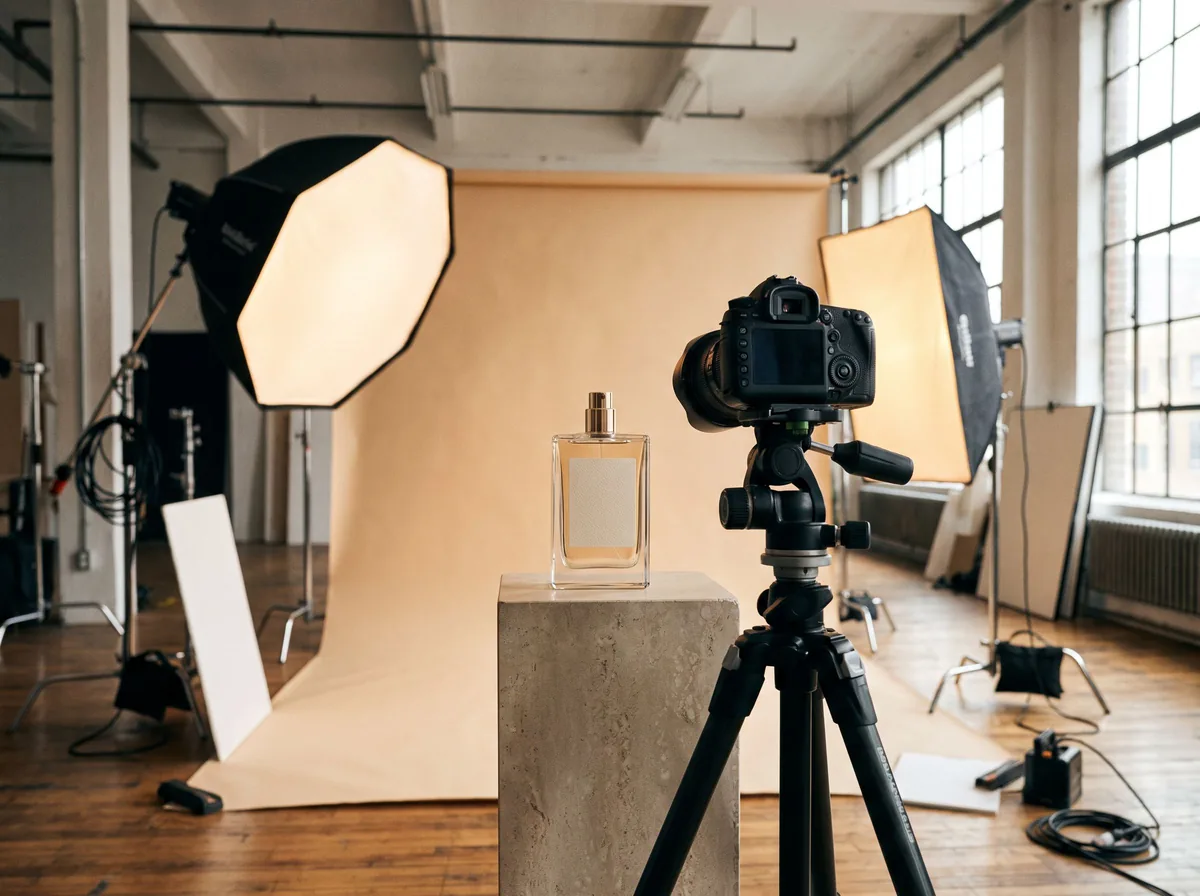 Product Shoot StudioProduct Photography FreeYour AI product photography director: plans the shoot, picks scenes, props and light, and writes the prompt for every shot.Chat free →
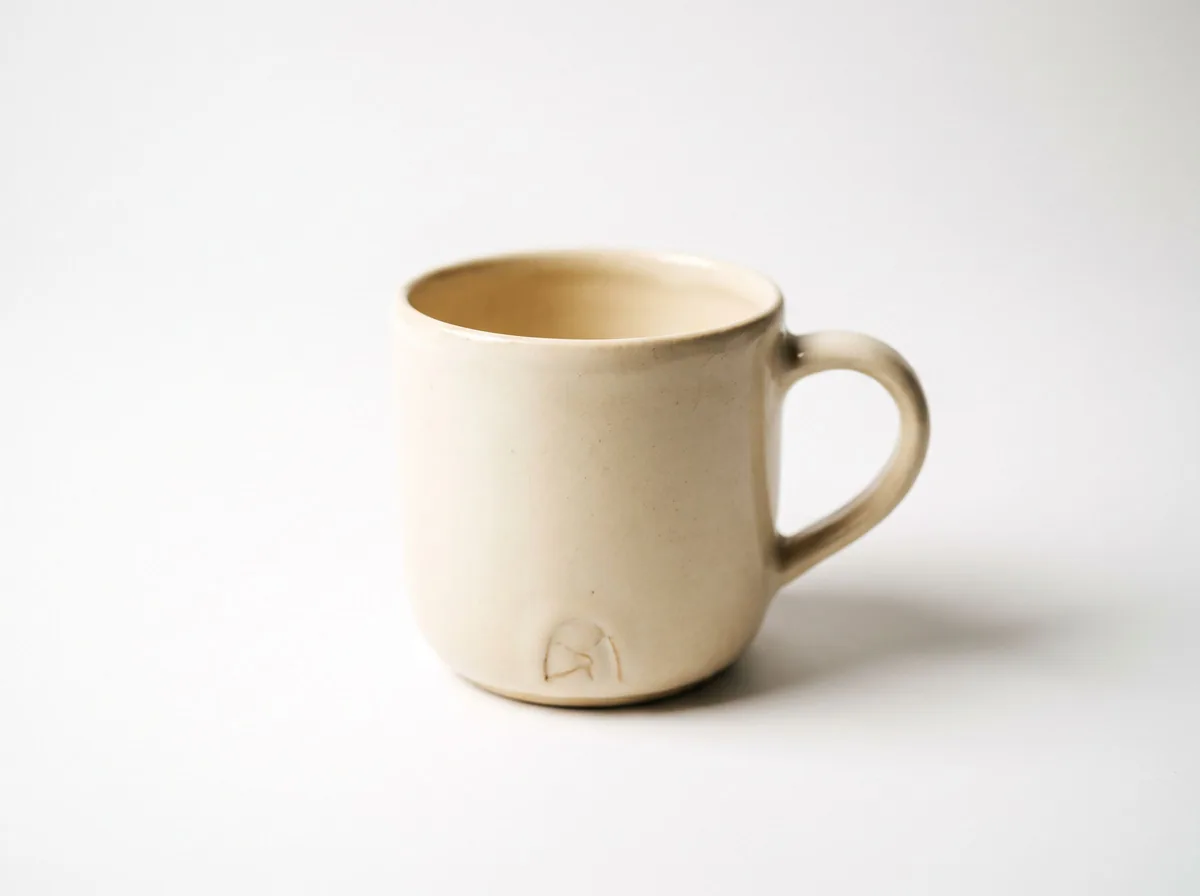 Amazon Main Image CheckerProduct Photography FreeChecks your Amazon main image against common requirements, background, fill, props and text, and tells you how to fix or reshoot it.Chat free →
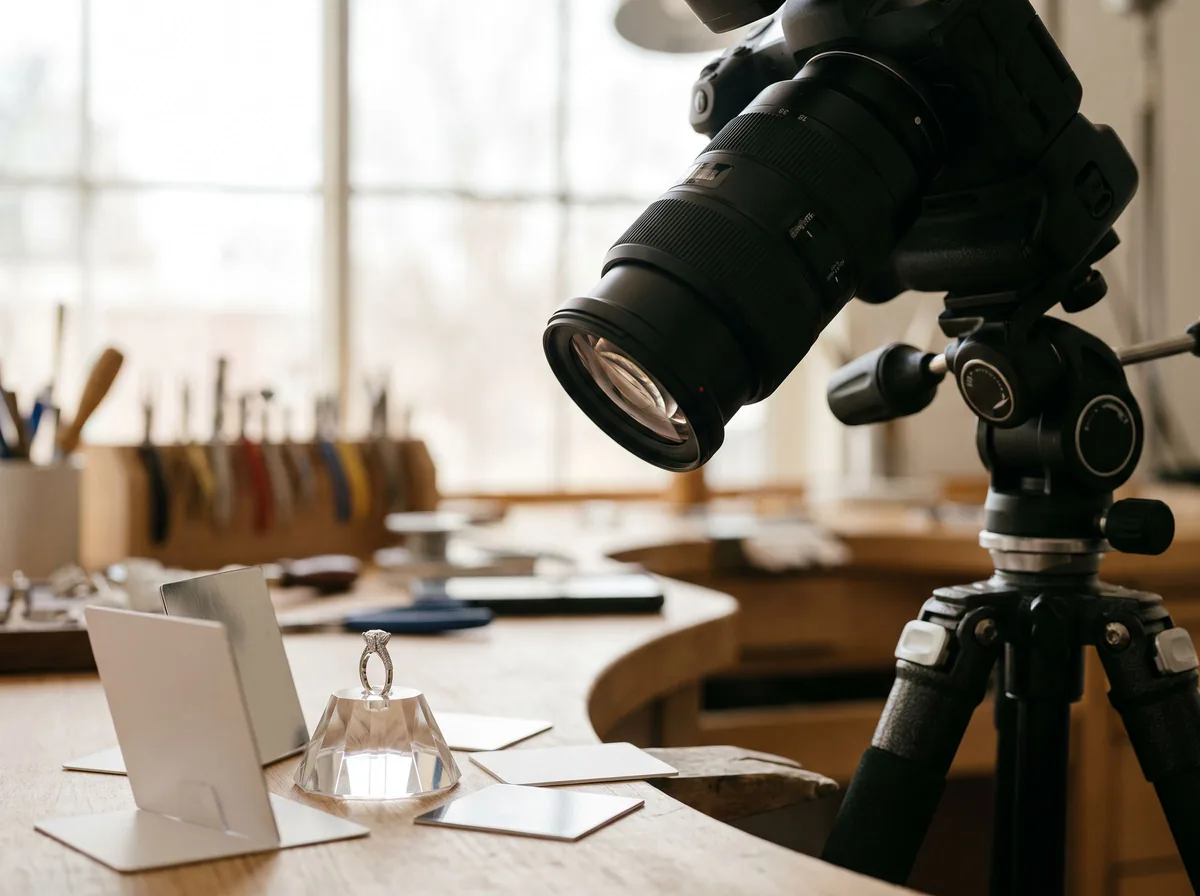 Jewelry Photo DirectorProduct Photography FreePlans jewelry photos that show sparkle, metal tone and true scale: rings, necklaces, earrings and bracelets on white, on busts and in close detail.Chat free →