Product photography
100% free · No sign-upFree Product Ad Generator
Turn a plain product photo into an ad image: a clean set with space for your headline, a lifestyle scene, a bold color-block backdrop or a premium dark setting. Your product stays the same. Free to use, no sign-up.
Free to use · No sign-up · JPG, PNG or WebP
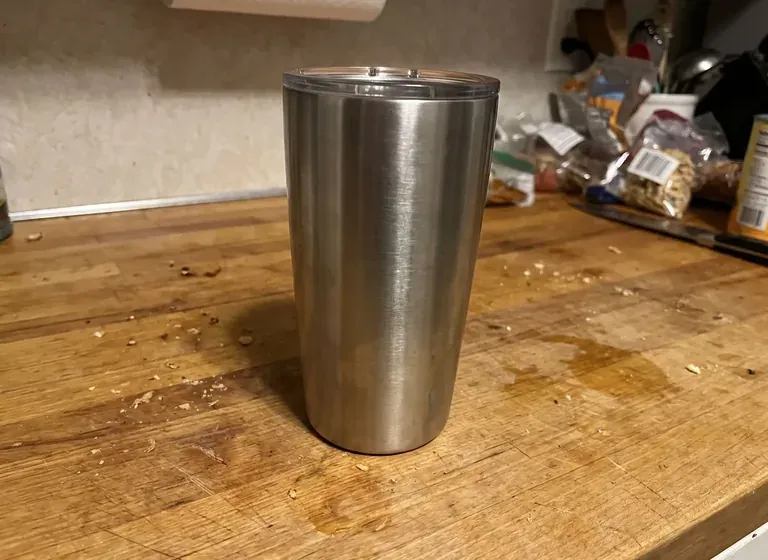
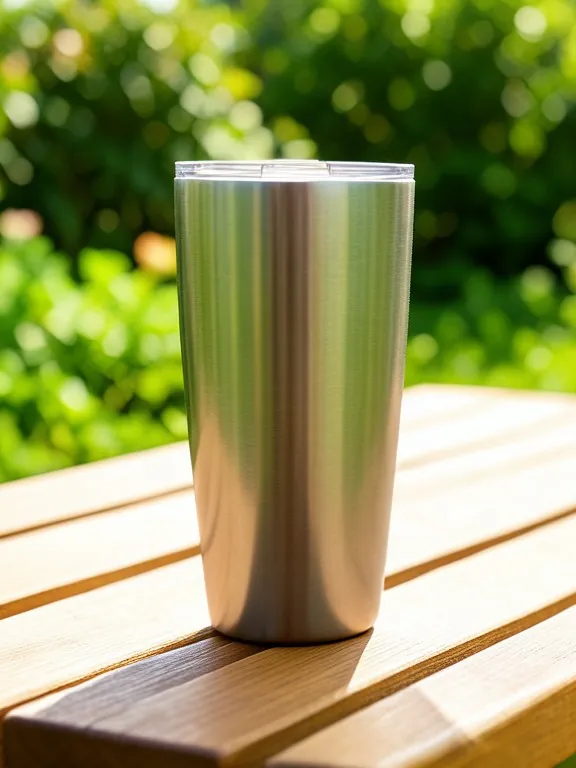
Product Ad
Made with Z Product AI
Popular with sellers
How it works
How to use the Product Ad Generator
- 1
Upload your photo
A clear phone photo is enough. Keep the whole product or garment in frame.
- 2
Tap a preset or describe it
Pick a chip or type what you want in a few words. The AI keeps your product exactly as it is.
- 3
Download or refine
Download the result, or ask for a change and the AI edits the last image.
A good ad image needs your product, a scene that fits the buyer and room for a message. This free product ad generator takes the photo you already have and builds the ad around it: a clean studio set with space for a headline, a lifestyle scene, a bold color-block backdrop or a premium dark setting. Your product, label and colors stay the same.
From product photo to ad image
Upload one product photo and pick a style. The AI keeps the product, removes the old background, and lights the product to match the new scene. Make a few versions in different styles, then pick the ones that fit your brand and your offer.
Leave room for the words
Most ads need a headline, a price or a call to action. The clean style leaves one side empty on purpose, so the text sits on a calm background and stays readable on a phone. Add the words in your ad tool, where you can change them for each test. To write them, use the AI ad copy generator.
Pick a format before you upload
The ad keeps the shape of your photo, so crop it first: square for feeds and marketplaces, 4:5 for Instagram and Facebook feeds, 9:16 for Stories and Reels. Leave some space around the product in the photo so the AI has room to build the scene.
Keep ads honest
Ad platforms and buyers expect the ad to show the real product. Use the ad image for the scene and the mood, and check that the product, its color and its label match what you ship. Add any claim, price or offer yourself, and only if it is true.
Need images with no mark, in HD? Try AI product photos on AI Two, our sister studio: free to try, and its paid plans remove the watermark and add HD output.
FAQ
Product Ad Generator: questions sellers ask
How do I turn a product photo into an ad?
Upload a clear photo of your product, then tap a style such as "Clean ad with headline space" or "Lifestyle ad scene", or describe your own, for example "skincare bottle on wet pebbles, fresh morning light, space on the left". The AI builds the ad scene around your product. Download the image and add your headline in your ad tool.
Does it write the headline on the ad?
Not by default. The ad comes out with empty space for your headline, because ad tools like Meta Ads Manager, Canva or TikTok Ads let you add text you can edit and test. If you want the words in the image, type them exactly, for example: add the headline "Fresh roast, every Friday". Keep it short and check the spelling, as AI images can get letters wrong.
Will my product change?
It is told to keep the product exactly as it is: shape, colors, label and logo. AI images can still shift small details such as fine label text, so compare the ad with your photo before you run it, and generate again if something changed. Ads must show the product the buyer will receive.
Which sizes can I make: square, 4:5 or 9:16?
The ad keeps the shape of the photo you upload. Crop your photo to the format you need first: 1:1 for feeds and marketplaces, 4:5 for Instagram and Facebook feeds, 9:16 for Stories and Reels. For Story ads with safe zones for text, the Instagram Story ad generator is built for that format.
What kind of product photo works best?
A sharp photo of the whole product, in good light, without other objects touching it. A phone photo on a table is fine: the AI replaces the background. Very small, blurry or cut-off products give weaker ads.
Which ad style should I test first?
There is no single winner, so test two or three. A clean set with headline space is easy to read and works for most products. A lifestyle scene shows the product in use. A bold color-block backdrop stands out in a busy feed. Run them as separate ads and keep the one that gets more clicks.
Is the product ad generator free?
Yes, there is no sign-up. Free downloads are up to 768px on the long side and carry a small zproductai.com mark, which suits drafts, organic posts and quick creative tests.
Is Product Ad Generator free?
Yes. Product Ad Generator is free to use — no account and no credit card needed. You get free edits every day.
How accurate is Product Ad Generator?
Results depend on the photo and the request. You can refine with follow-up messages until it looks the way you want.
Can I make multiple edits?
Yes! Each result becomes your new base image — keep refining with follow-up messages.
Is Z Product AI really free?
Yes. Every tool and assistant on Z Product AI is free to use, with no sign-up and no credit card. Very heavy use is paced with short waits so the site stays free for everyone.
Keep going
More tools for your listings
 AI Ad Copy GeneratorFreeScroll-stopping ad copy for Meta, TikTok and Google product ads, written from your product and offer.
 Instagram Story Ad GeneratorFreeCreate vertical 9:16 product images for Instagram and Facebook Story ads, with safe space at the top and bottom for text and buttons.
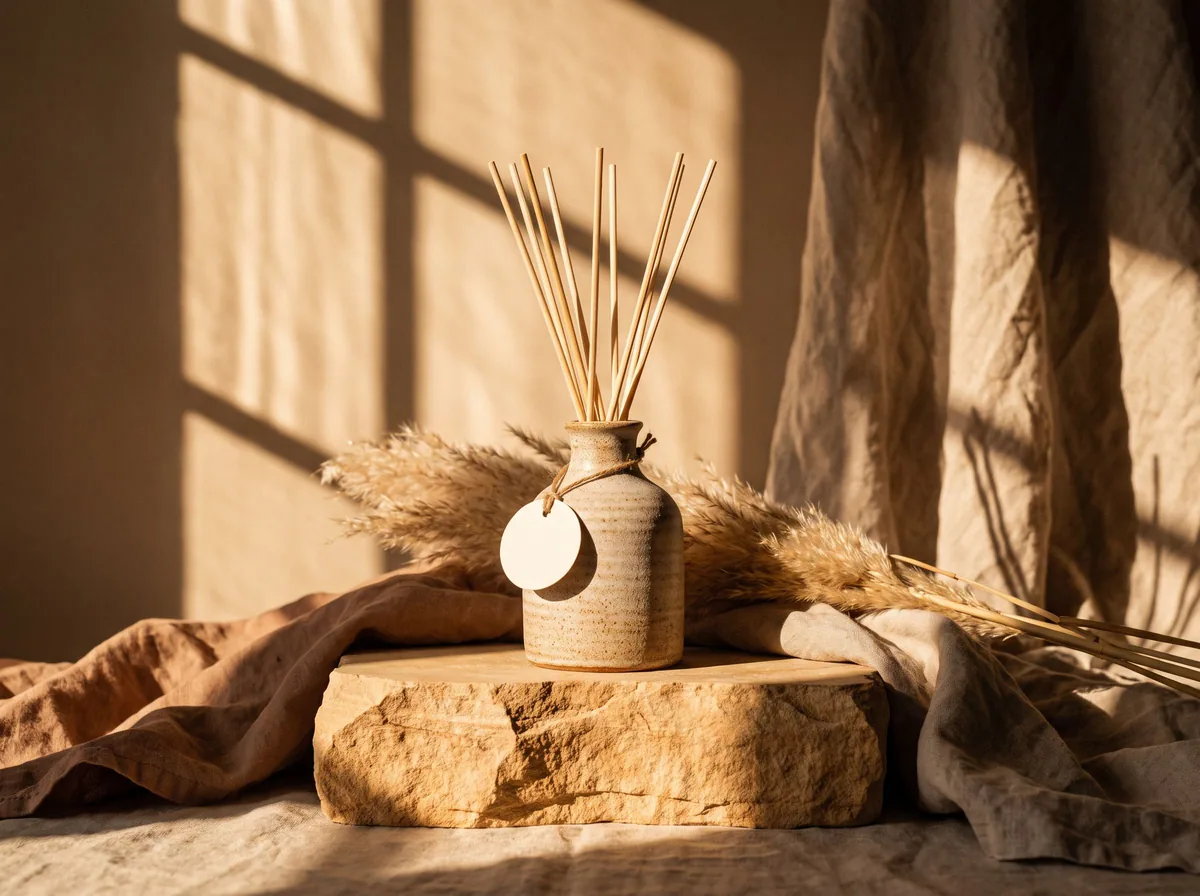 AI Product PhotoshootFreeA full product photoshoot from one photo: hero shot, lifestyle scenes, close-ups and ad creative, in one session.
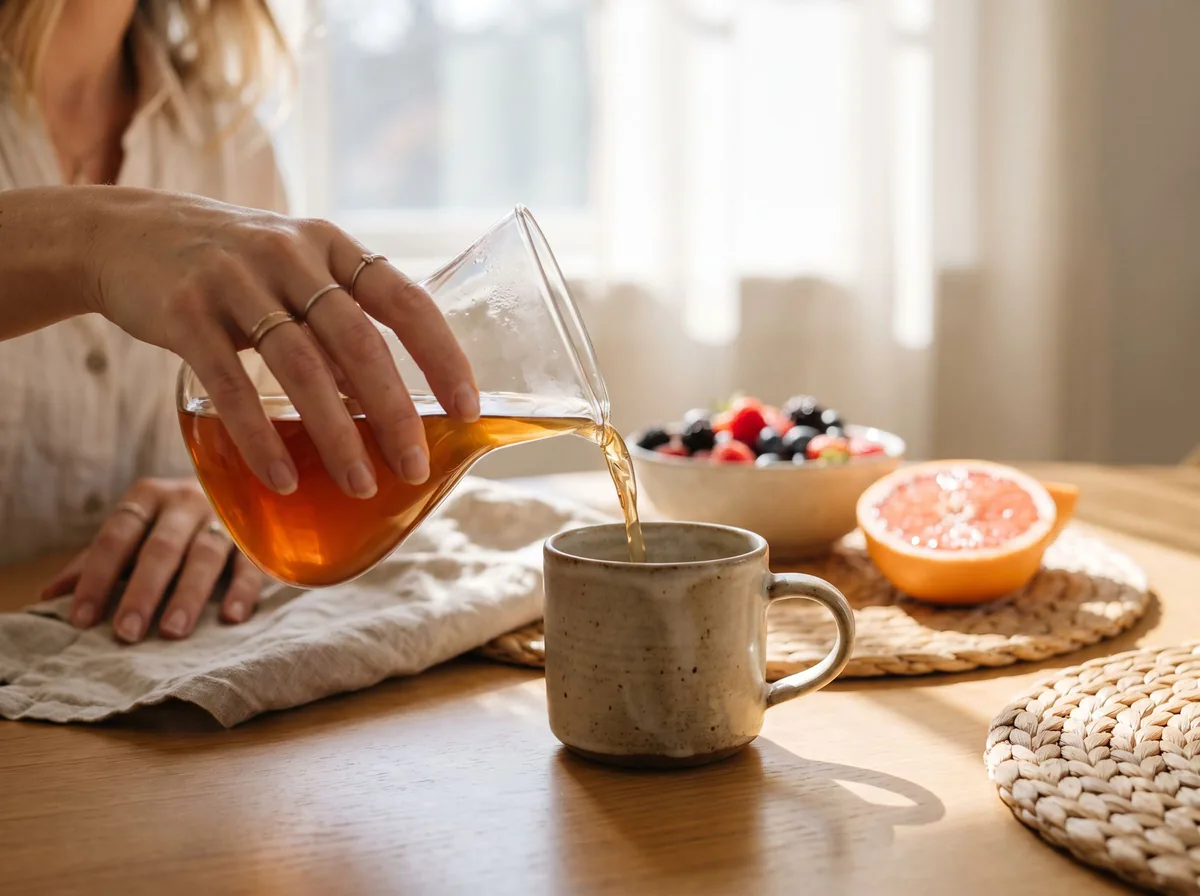 Lifestyle Product PhotographyFreePlace your product into believable real-life settings, in use and at true scale, so shoppers can picture it in their own home or day.
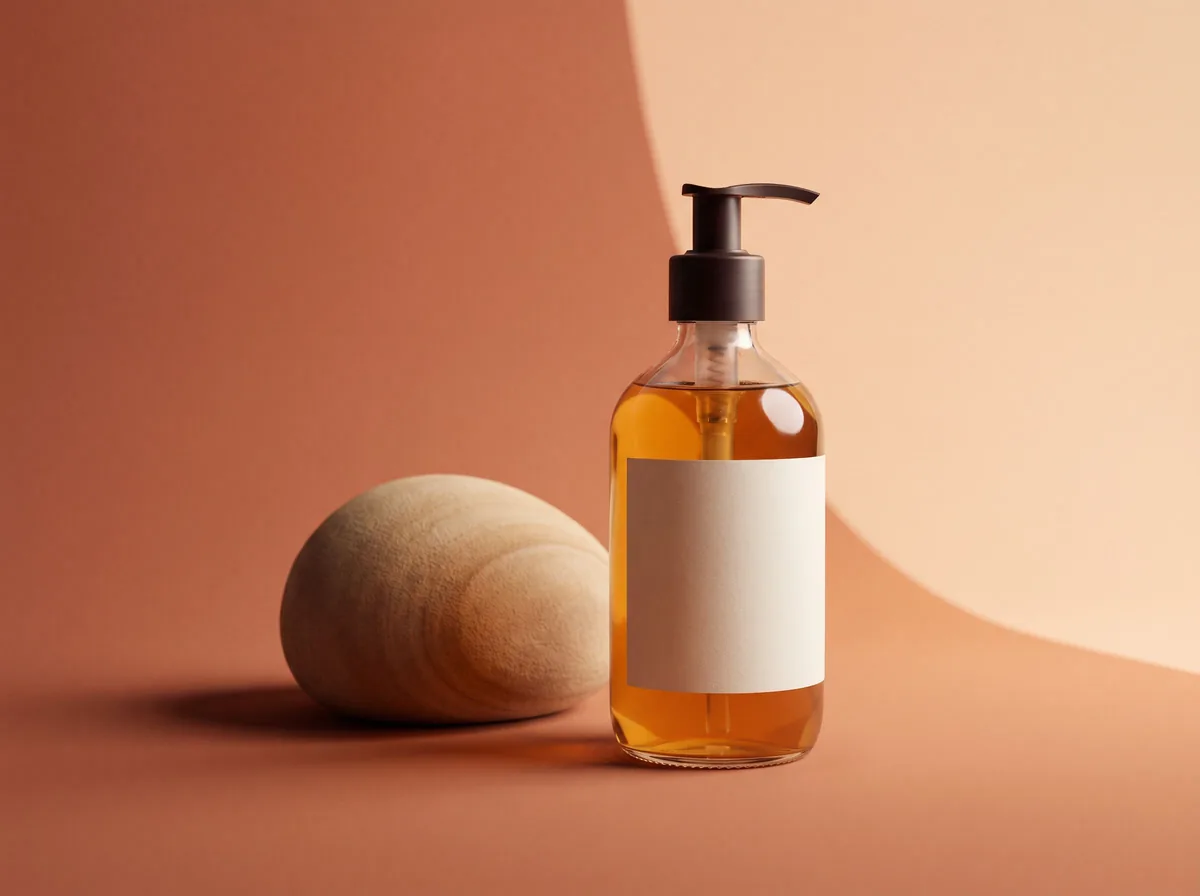 AI Product Background GeneratorFreeChange the background of any product photo to a solid color, gradient, texture or real scene, with lighting and shadows rebuilt to match.
Ask an assistant
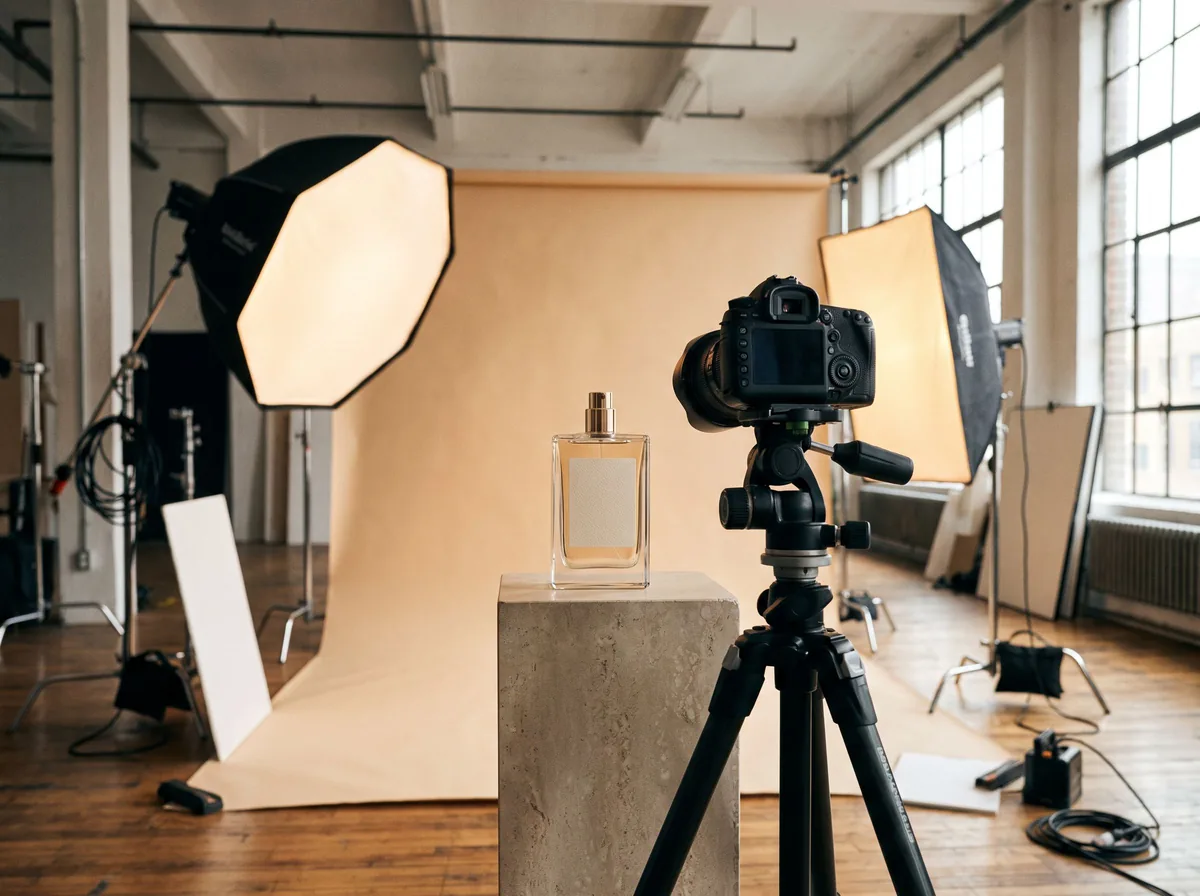 Product Shoot StudioProduct Photography FreeYour AI product photography director: plans the shoot, picks scenes, props and light, and writes the prompt for every shot.Chat free →
 Amazon Main Image CheckerProduct Photography FreeChecks your Amazon main image against common requirements, background, fill, props and text, and tells you how to fix or reshoot it.Chat free →
 Jewelry Photo DirectorProduct Photography FreePlans jewelry photos that show sparkle, metal tone and true scale: rings, necklaces, earrings and bracelets on white, on busts and in close detail.Chat free →