Seller guide

A Free Photoroom Alternative for Product Photos

Photoroom is a good app, but its plans are paid after a free trial, which pushes many small sellers to look around. If what you need is a white-background product photo or a styled scene from one phone photo, here are the free options, what each one costs you, and real results from our own tool.

Updated 13 October 2026

The short answer

  • For free white backgrounds and AI scenes with no account, try Z Product AI. Downloads are up to 768px with a small mark.
  • For full-resolution, watermark-free files at volume, a paid plan (Photoroom Pro, Pixelcut Pro) is still the practical choice.
  • For manual, pixel-level edits for free, Photopea runs in the browser.

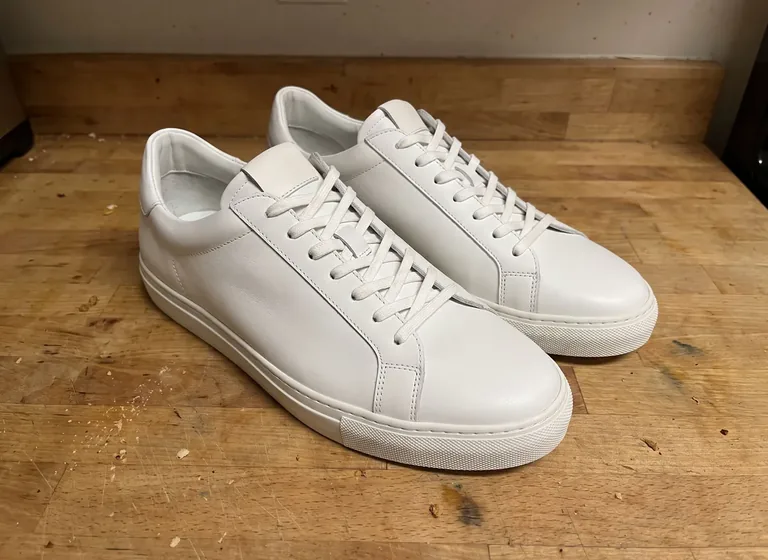
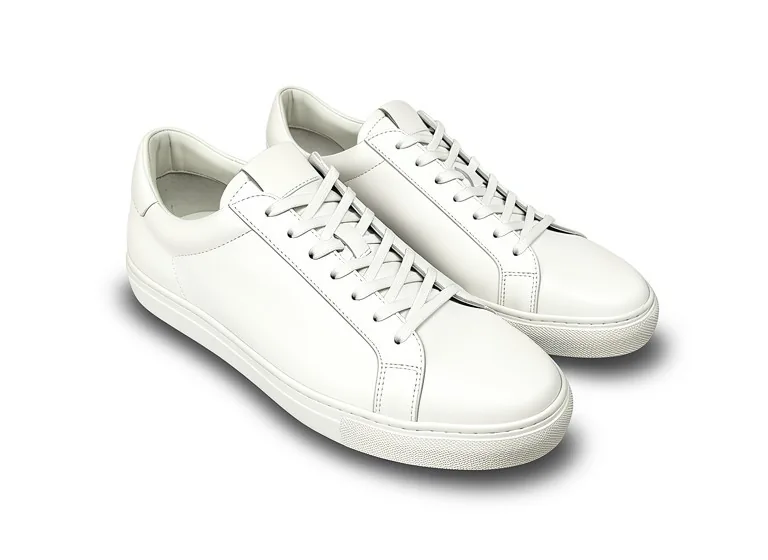
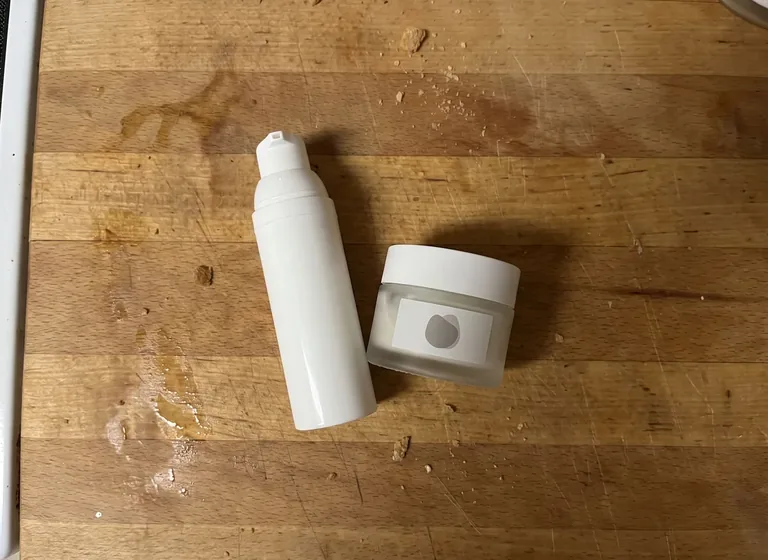
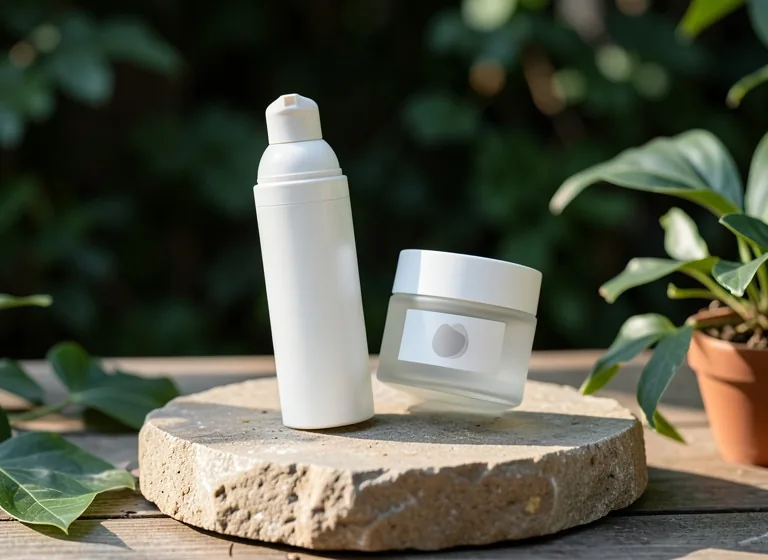
Example before (AI-made sample photo) and our model's output

Real results from one phone-style photo

Both inputs are AI-made sample photos of products on a kitchen counter, not customer photos. Each was run once through our tools with a one-tap prompt.

The before photos are phone-style snapshots of generic products that we made with an AI image model for this site's tool pages; they are not customer photos. Each after is the unedited result of our own free tool on that photo, made on 13 October 2026 at the size a visitor gets (768px on the long side) and shown without the download mark. Results vary from photo to photo.

Free Photoroom alternatives compared

Based on each vendor's site and public reviews, checked 13 October 2026. Free plans change often.

ToolWhat is freeAccountBest for
Z Product AI (this site)White backgrounds, AI scenes, ghost mannequin and 200+ seller tools; free daily allowance; downloads up to 768px with a small markNot neededQuick product shots and scenes from one photo
PixelcutLimited free AI edits; reviews report free exports without a watermarkCheck the siteBackground removal and simple product shots
PhotopeaFull editor, free with adsNot neededManual edits, layers and masks
CanvaFree plan; check the site for which AI photo tools it includesCheck the siteMarketing graphics around your photos
PebblelyNo free plan on its pricing page; paid from $9 a month for 30 imagesCheck the siteAI product backgrounds
PhotoroomFree trial of the paid plans (Pro, Max); check the site for current free useCheck the siteBatch editing and the mobile app (paid Pro)

Why people look for a Photoroom alternative

The reasons sellers give are mostly about cost: Photoroom's pricing page lists paid plans (Pro, Max, Ultra) with a free trial, and each plan has a monthly export allowance. Others want AI scenes and edits in plain words without installing an app.

What Photoroom does well is worth keeping in mind: batch editing, a polished mobile app, templates and an API. If you edit hundreds of photos a week, a paid plan there or at Pixelcut will likely save time.

Where Z Product AI fits, and where it does not

  • Free, with no account and no credit card. A daily allowance refills; heavy use is paced, never paywalled.
  • One photo in, then plain-language edits: "pure white, no shadow", "put it on a marble counter", "remove the hand".
  • Not for final marketplace files yet: downloads are up to 768px on the long side and carry a small zproductai.com mark.
  • No batch mode or API. It is one image at a time.

How to get the cleanest result from any tool

  • Shoot in daylight near a window, with the product filling most of the frame.
  • Clean the product first. AI tools keep dust and fingerprints they can see.
  • Ask for one change at a time, then refine: background first, then shadow, then crop.
  • Compare the result with the real product before you publish. The product must look the same as what the buyer receives.

FAQ

Questions sellers ask

Is there a free Photoroom alternative with no watermark?

Photopea is free and adds no watermark, but you edit by hand. Reviews report that Pixelcut free exports have no watermark. Z Product AI downloads carry a small mark and are up to 768px.

Can I use a Photoroom alternative without an account?

Yes. Z Product AI and Photopea both work in the browser without signing up.

Which alternative is best for Amazon main images?

Any tool that exports a pure white (RGB 255) background at 1000px or more with no mark. For free, you can remove the background in Photopea by hand; AI tools that do it automatically usually need a paid plan for full-size files.