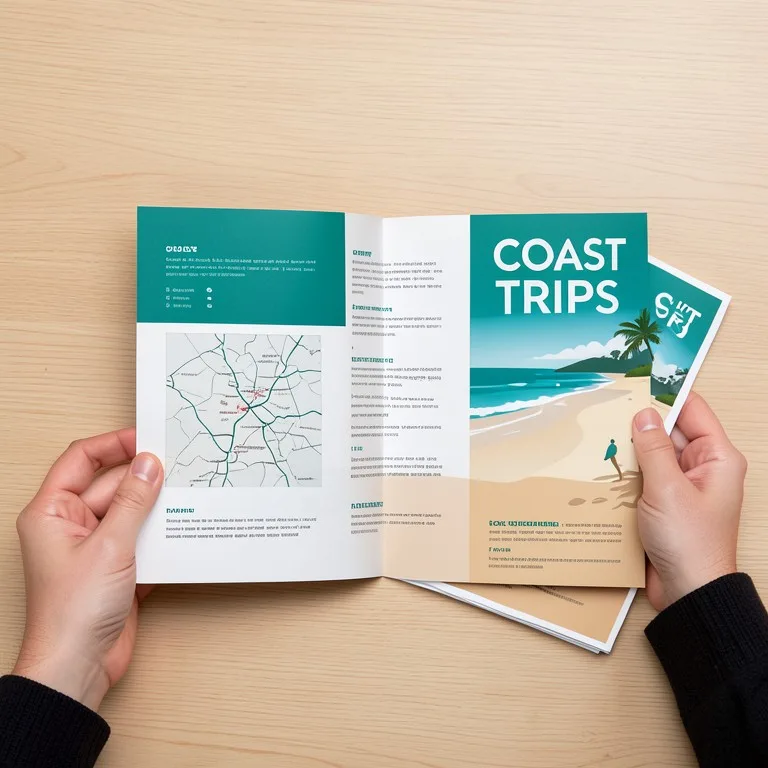
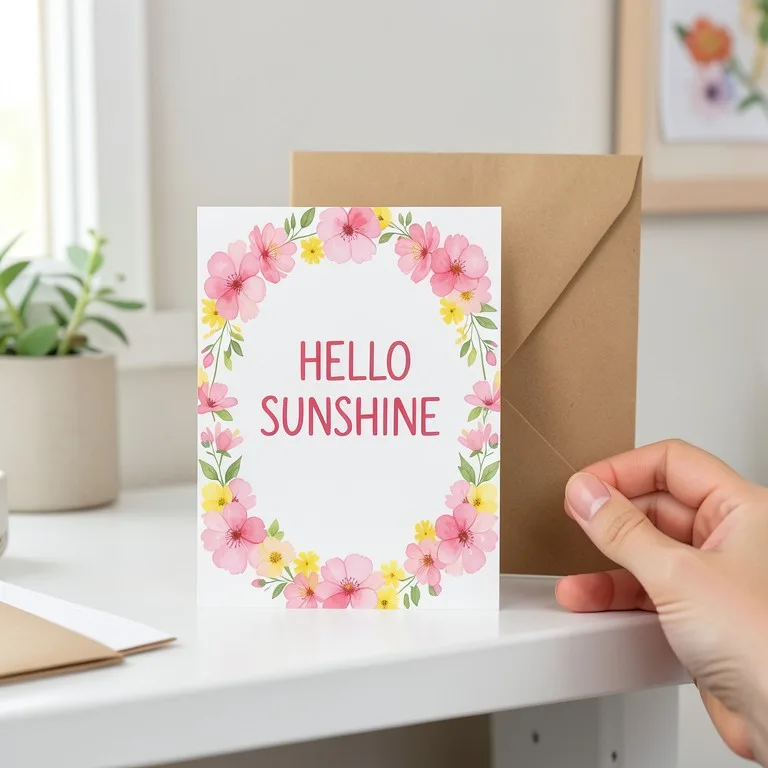
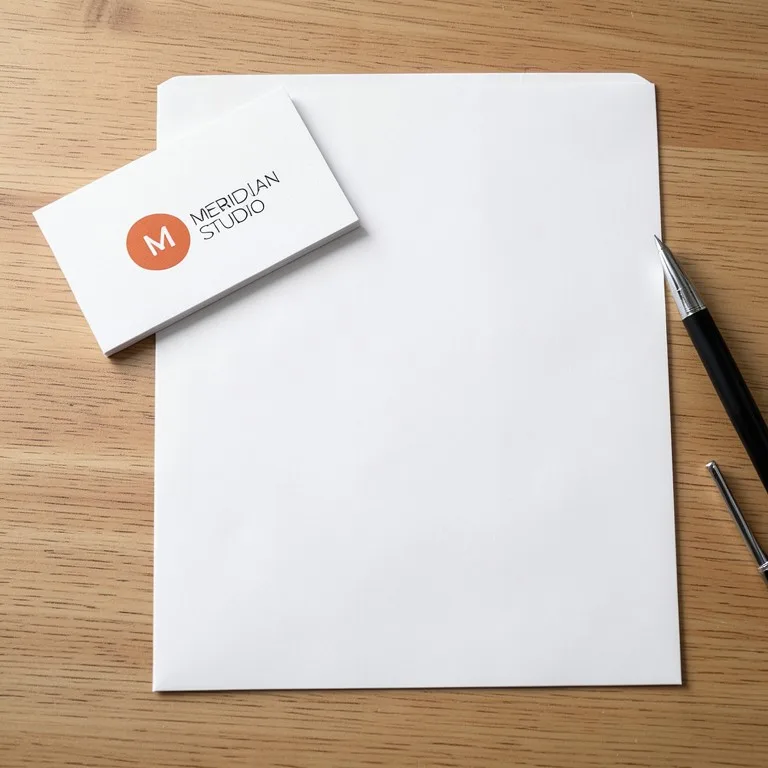
Mockup guide

What Is a Mockup? Meaning, Types and Free Examples

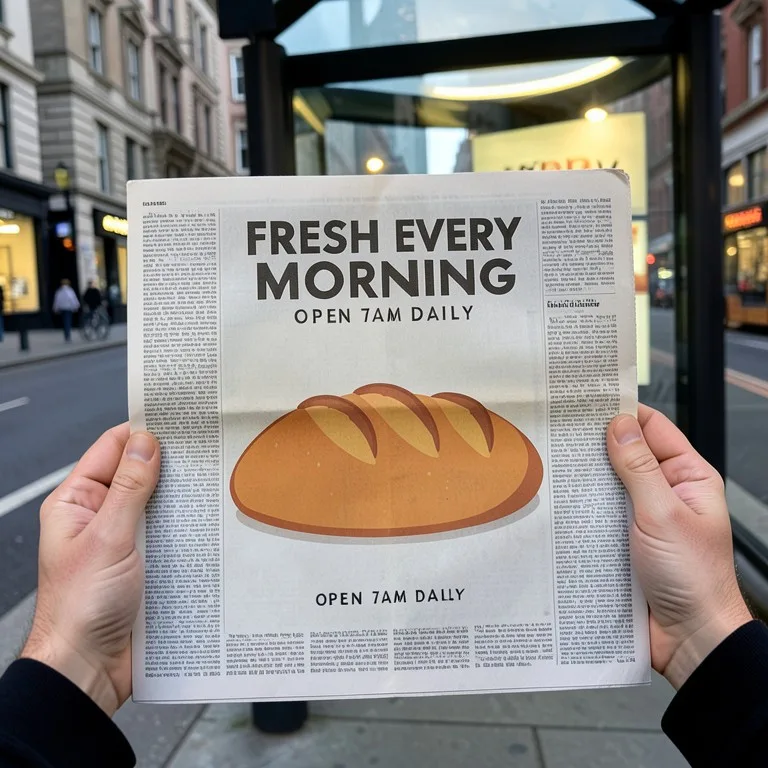
A mockup is a realistic picture of a design on the thing it is made for: a logo on a hoodie, a cover on a record sleeve, an ad in a newspaper. It shows how the finished product will look before anything is printed or built. This guide explains the word, how a mockup differs from a wireframe and a prototype, the kinds of mockups sellers and designers use, and what our own free mockup tools did with four test designs.

Updated 13 October 2026

The short answer

  • A mockup is a static, realistic preview of a design on its product, page or screen. It shows the look, not how it works.
  • In app and web design, a wireframe shows the structure, a mockup shows the final look, and a prototype is clickable.
  • In print and print-on-demand, a mockup is a photo-like image of your design on a real item, used for listings, approvals and ads.
  • A mockup is not a print file. Colors on screen and small text can differ from the printed item, so check a proof before you order a big run.

Example before (AI-made sample photo) and our model's output

Four mockups we made with our own tools

Each example shows a design we made up for this test, then the mockup our free tool made from it with the prompt shown. The notes say what stayed exact and what the AI changed.

Apparel: a wordmark on a black hoodie
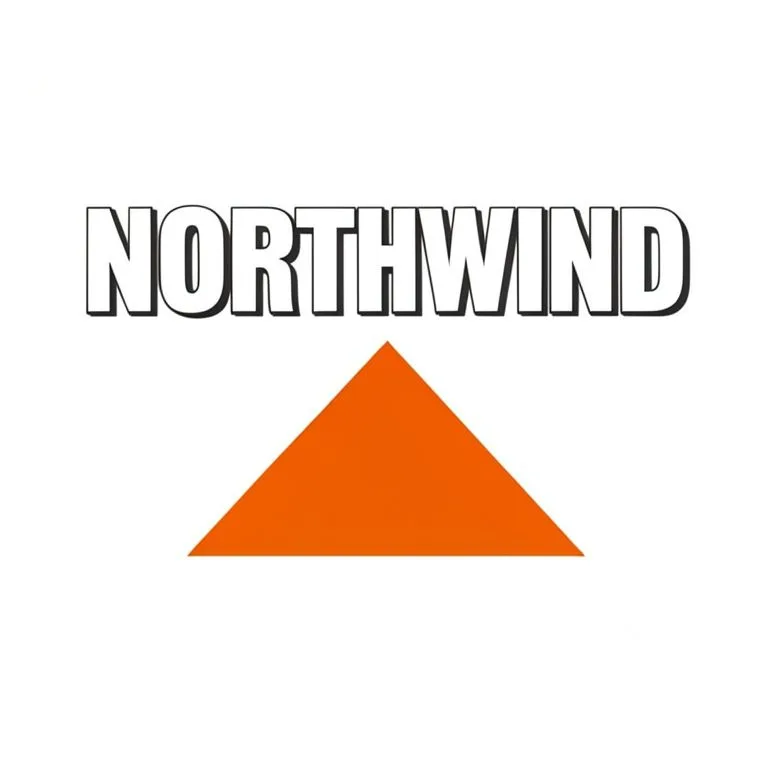
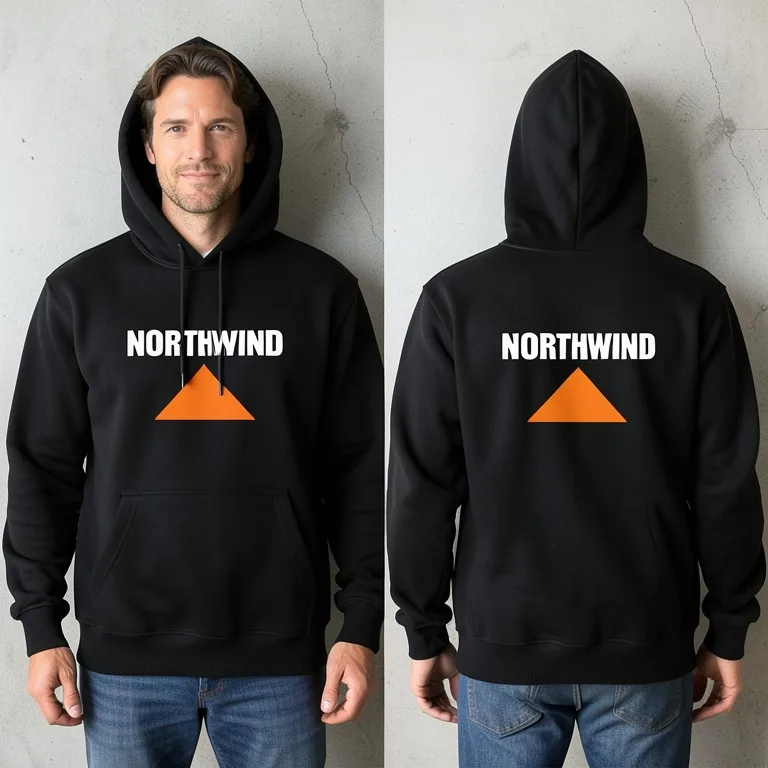
Apparel: a wordmark on a black hoodie: the original photo
Before
Apparel: a wordmark on a black hoodie: the AI result
After

PromptPrint my design centered on the chest of a plain black pullover hoodie, about 25 cm wide, laid flat on a light concrete floor with the hood and drawstrings neat, top-down photo. Keep every letter, shape and color of the design exact.

The letters, the orange mountain and the colors came out right, front and back. The AI did not follow the scene: we asked for a flat lay and got the hoodie worn, front and back. If the shot matters, run it again or pick a shot button on the tool page.

Try it free in Hoodie Mockup Generator →Need it with no mark, in HD? Try AI Two (sister studio: free to try, paid plans remove the watermark)
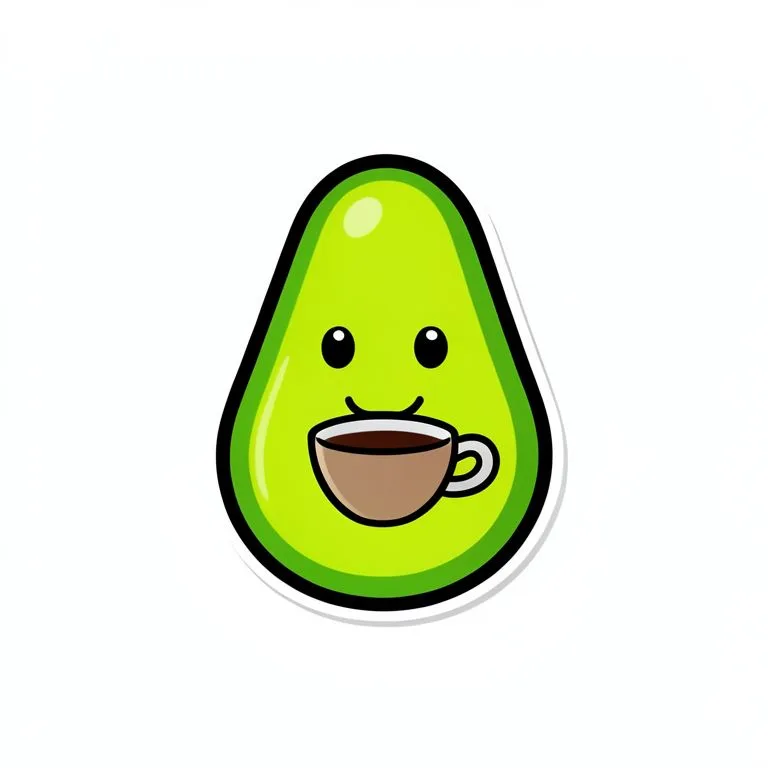
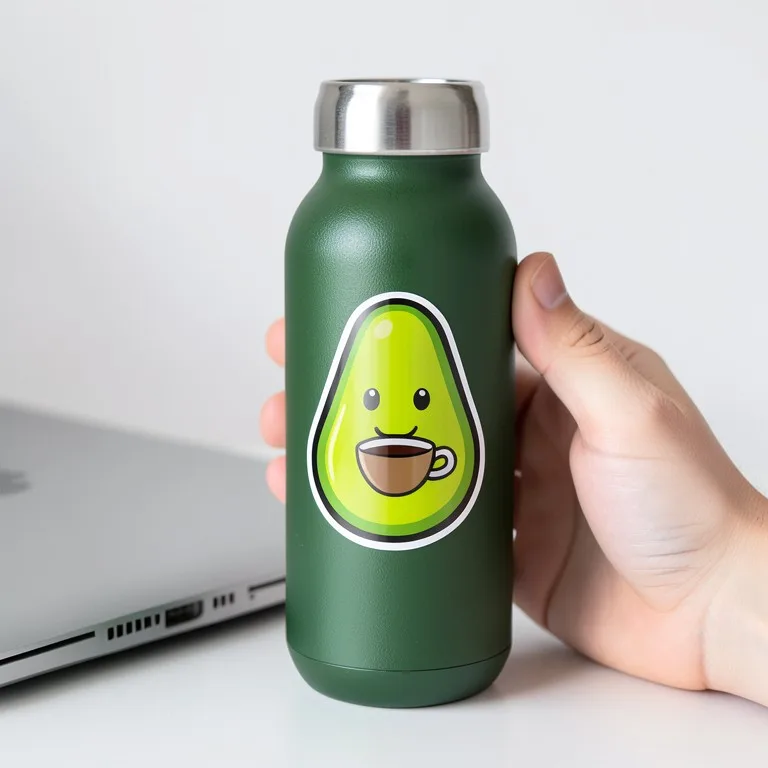
Sticker: a cartoon on a water bottle

Sticker: a cartoon on a water bottle: the original photo
Before
Sticker: a cartoon on a water bottle: the AI result
After

PromptMake my design a die-cut vinyl sticker and stick it on a matte green steel water bottle, following its curve. Keep the design exact.

The avocado, the cup and the white die-cut border stayed exact and the sticker follows the bottle. Bold cartoon art with a thick outline is the easiest kind of design for the AI to keep.

Try it free in Sticker Mockup Generator →Need it with no mark, in HD? Try AI Two (sister studio: free to try, paid plans remove the watermark)
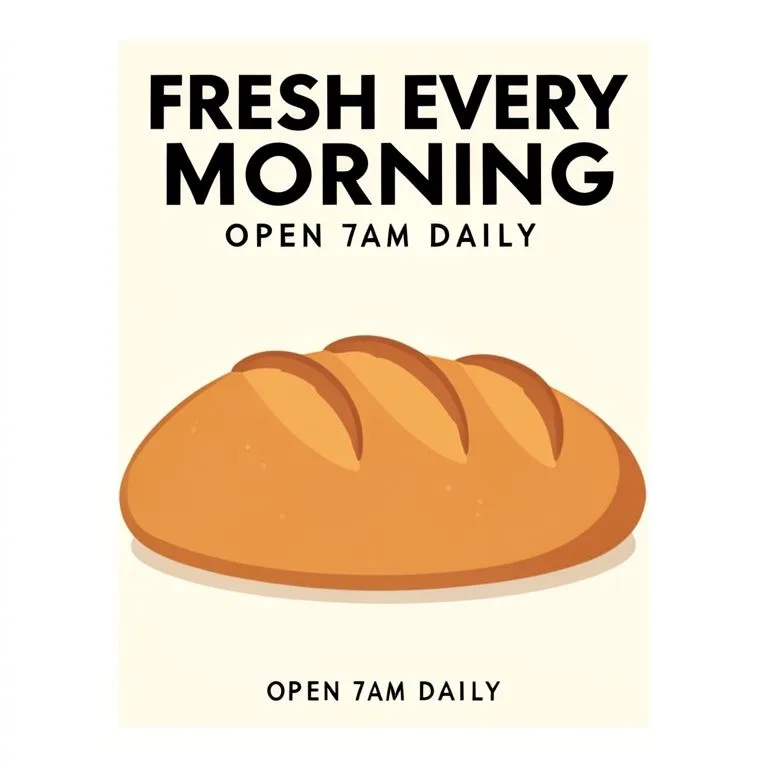
Music: an album cover on a vinyl sleeve

Music: an album cover on a vinyl sleeve: the original photo
Before
Music: an album cover on a vinyl sleeve: the AI result
After

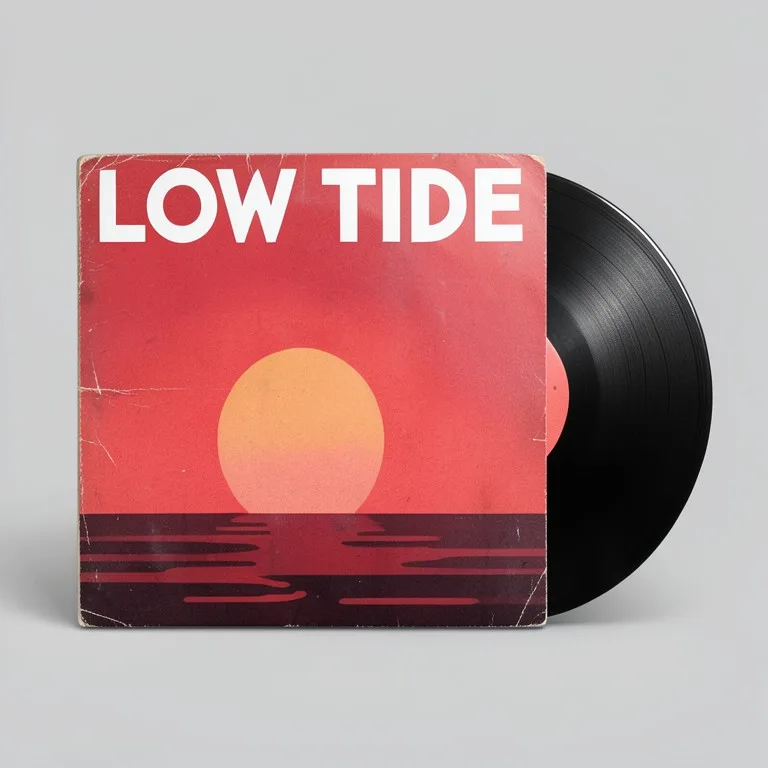
PromptPrint my cover on a 12-inch vinyl record sleeve with the black record sliding halfway out of the right side, on a plain light grey background. Keep every letter, shape and color of the cover exact.

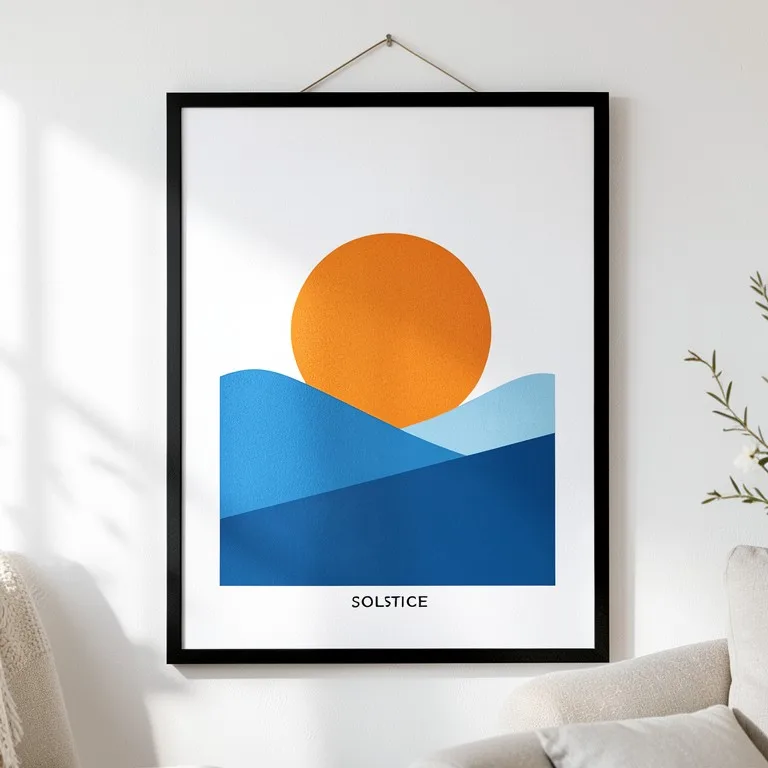
The title, the sun and the colors stayed exact and the cover is square and uncropped. The AI added light wear to the sleeve edges to make it look real. Our first test of this tool also added a cassette nobody asked for; we changed the tool's instructions and the extra item went away.

Try it free in Vinyl, CD & Cassette Mockup Generator →Need it with no mark, in HD? Try AI Two (sister studio: free to try, paid plans remove the watermark)
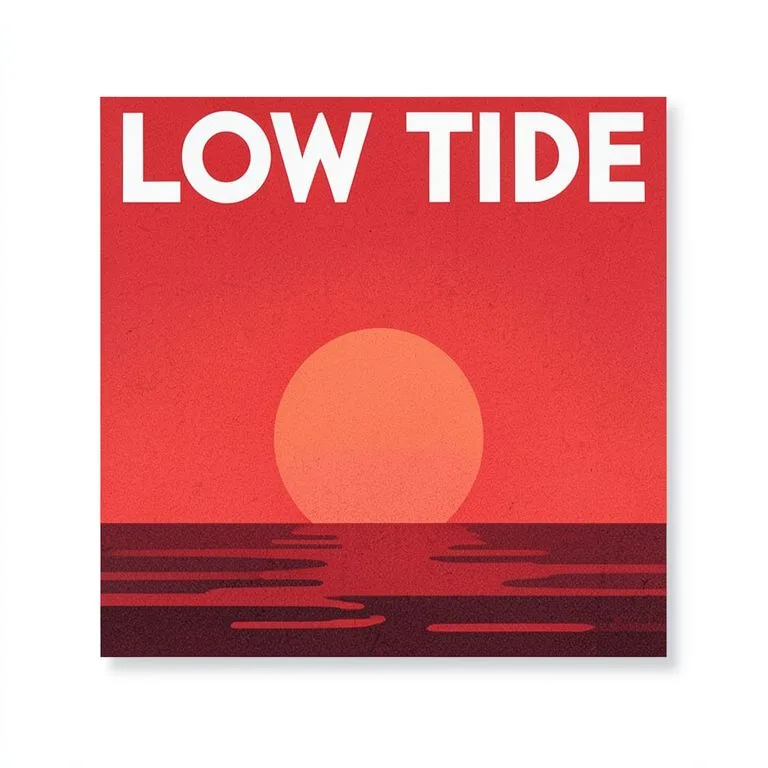
The designs are made-up brands that we drew with an AI image model for this site's tool pages; they are not customer designs. Each after is the unedited result of our own free tool on that design, made on 30 October 2026 and shown uncropped. Results vary from design to design.

Wireframe vs mockup vs prototype

Based on the Sketch, ProductPlan and UXPin guides under Sources. Teams use the words a little differently, so agree on them before a project starts.

WireframeMockupPrototype
What it showsLayout and structureThe final look: colors, type, imagesHow it works and feels
DetailLow, often grey boxesHigh, close to the real thingMedium to high
Can you click it?NoNoYes
Used forAgreeing on what goes whereApproving the visual designTesting with users before it is built

What a mockup means

A mockup is a model of a finished thing, made to show how it will look. The word comes from design and manufacturing, where a "mock" version is made before the real one. Today it usually means a picture: your design placed on a realistic product, page or screen, with light, shadows and texture, so other people can judge it without imagining it.

A mockup is static. It shows the look, not the use. That is what separates it from a prototype, which you can click or hold and try.

Mockups in app and web design

In app and web design, work usually moves from wireframe to mockup to prototype. A wireframe is a plain sketch of where things go. A mockup adds the real colors, fonts, images and spacing, so the team and the client can approve the look. A prototype then links the screens so people can click through and test the flow. Skipping the mockup step often means arguing about colors and fonts after the build has started.

Product and print mockups

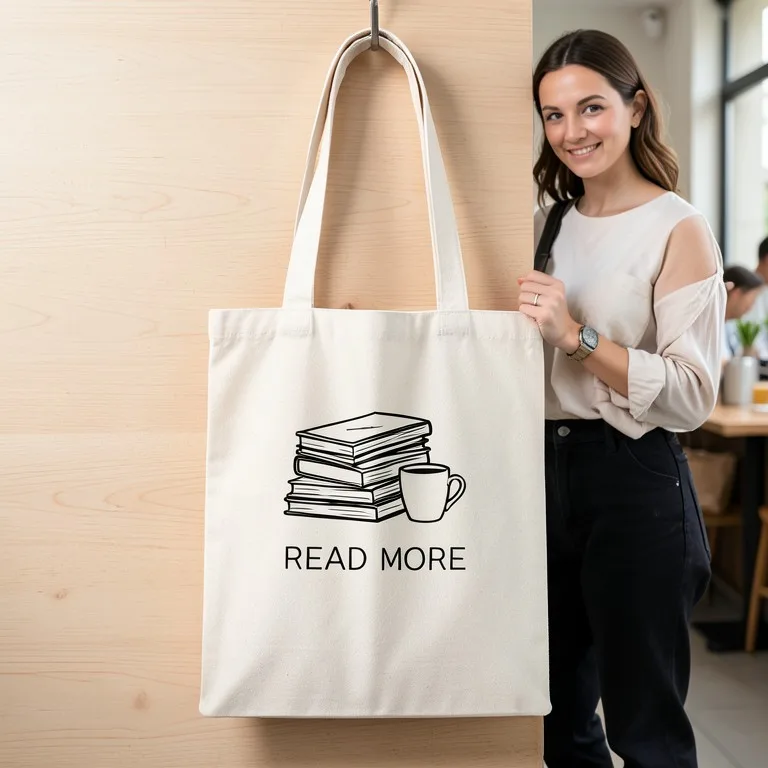
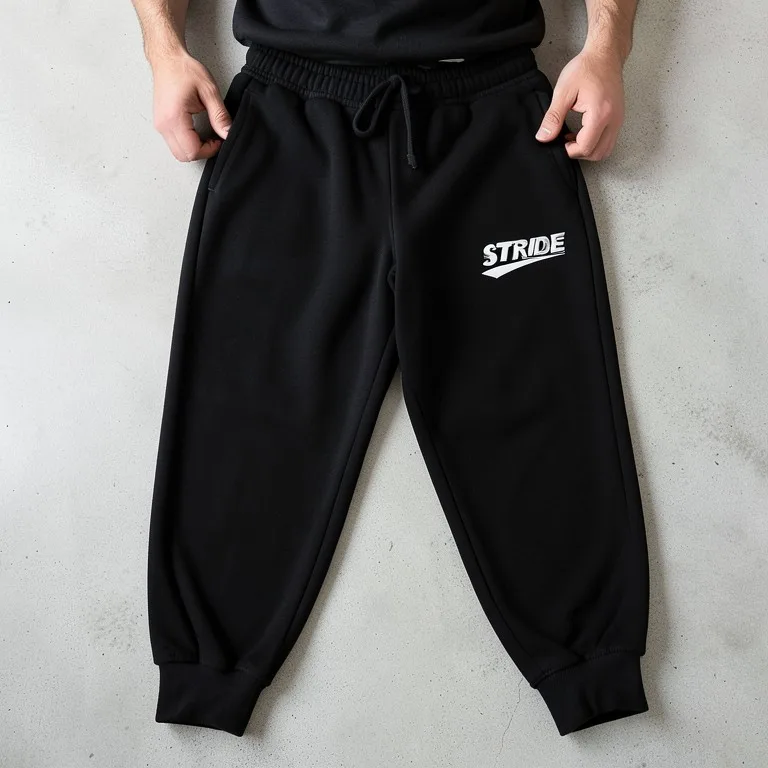
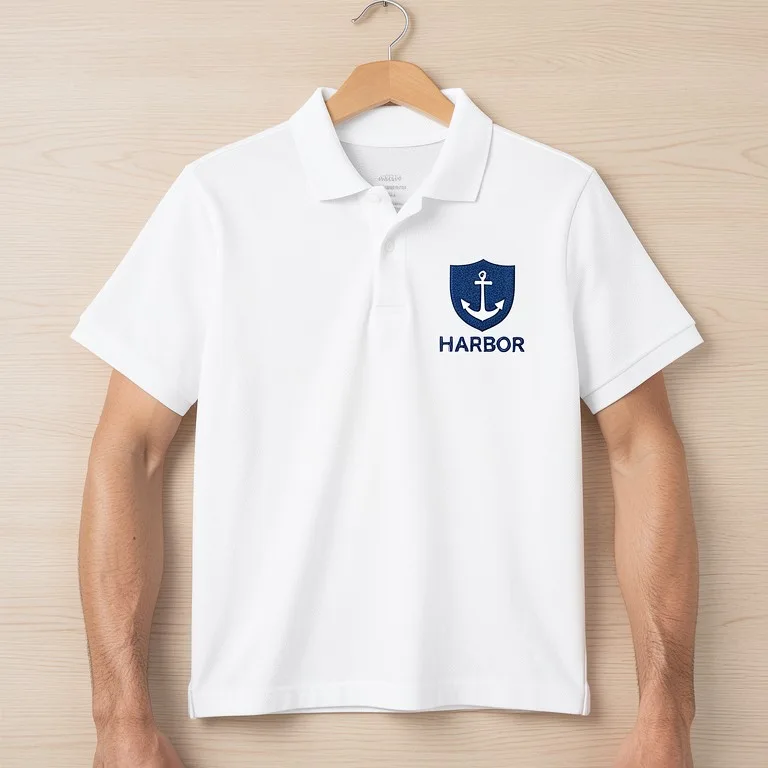
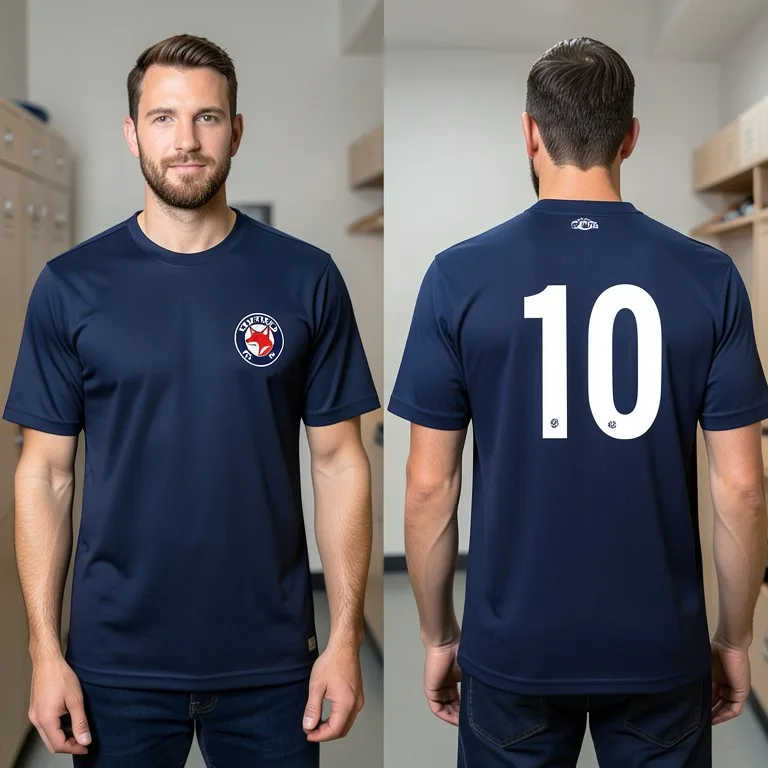
For print shops, brands and print-on-demand sellers, a mockup is a photo-like image of a design on the real item. Printful's glossary describes it as a realistic visual of how a design will look on a product. Sellers use these images in their listings, so they can sell a shirt or a poster before printing a single one. The common kinds are:

Common kinds of product mockups

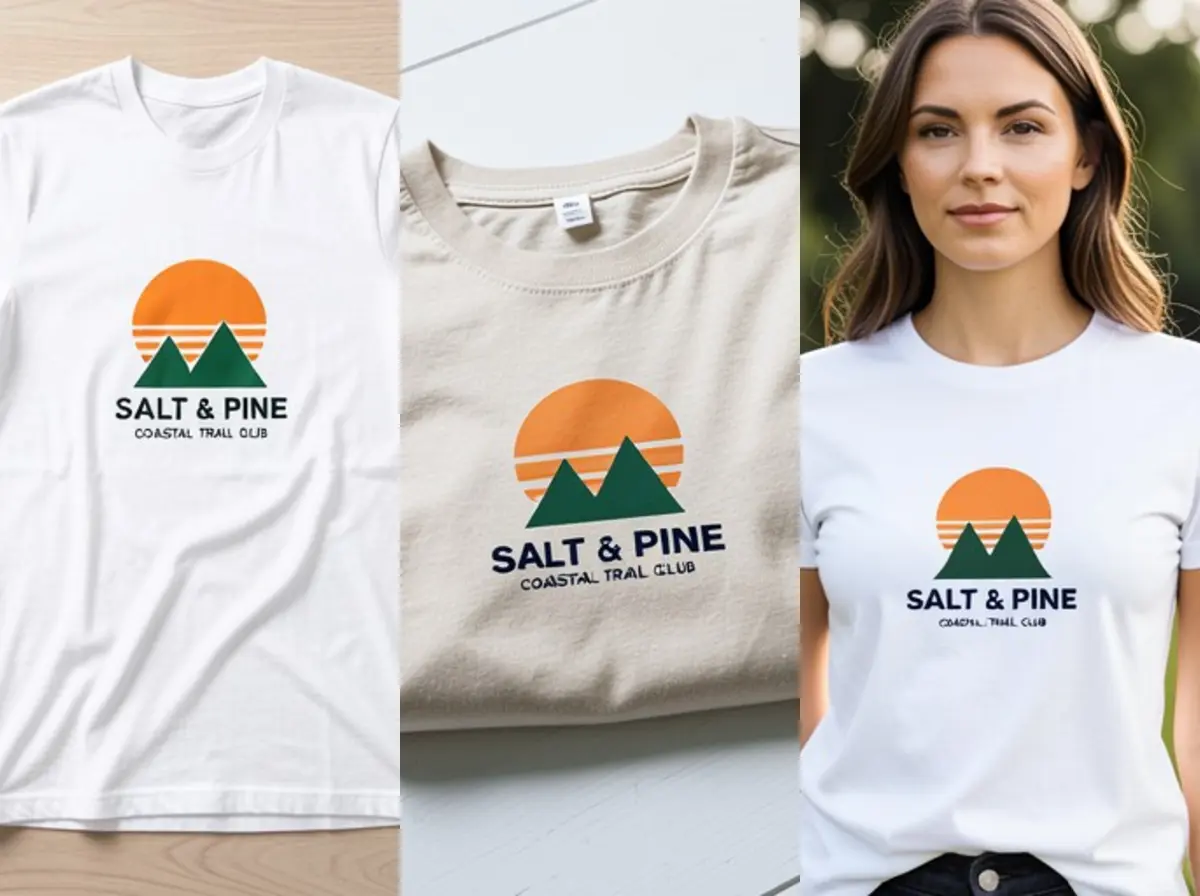
  • Apparel: t-shirts, hoodies, sweatpants, polo shirts, jerseys and caps, flat, hanging or worn.
  • Bags and accessories: tote bags, caps and hats.
  • Print: posters, flyers and brochures, postcards and greeting cards, stickers and newspaper ads.
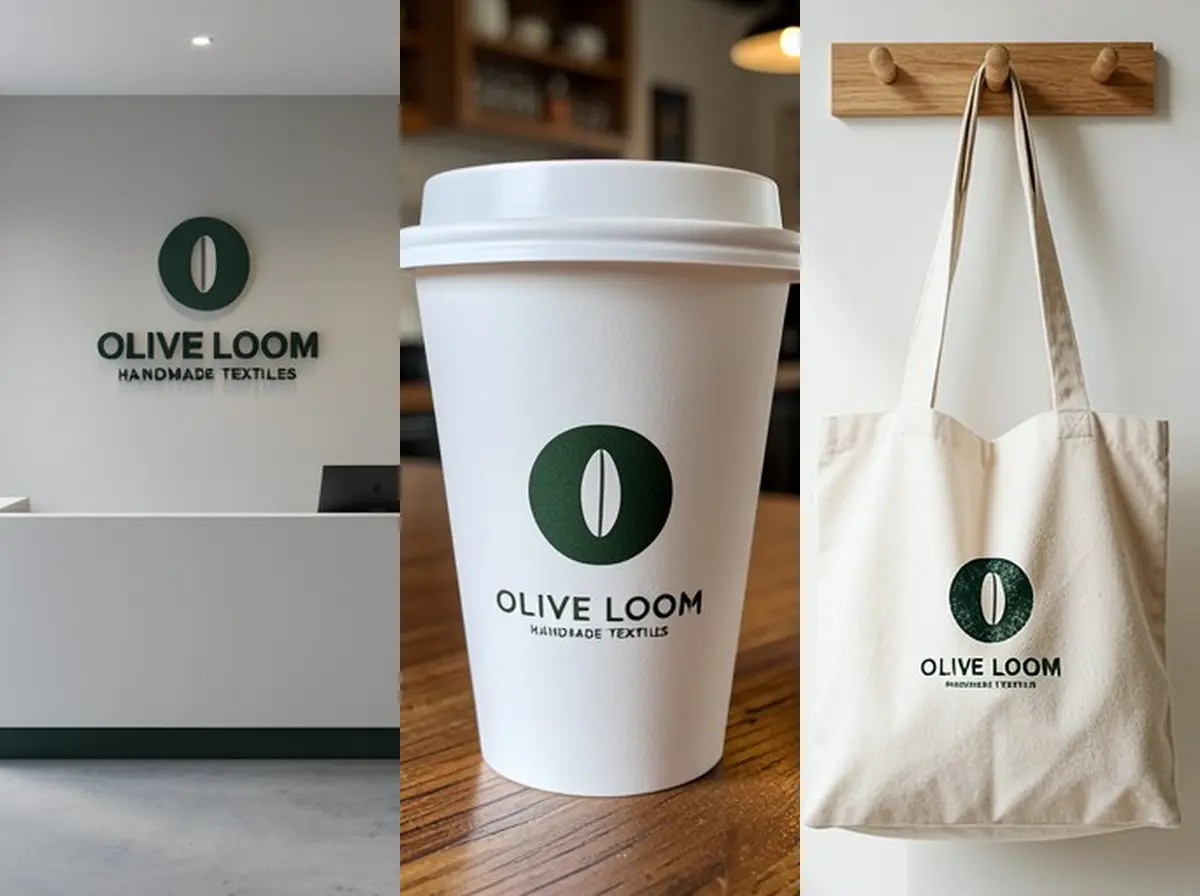
  • Branding and stationery: a logo on business cards, letterheads, envelopes, signs and shopfronts.
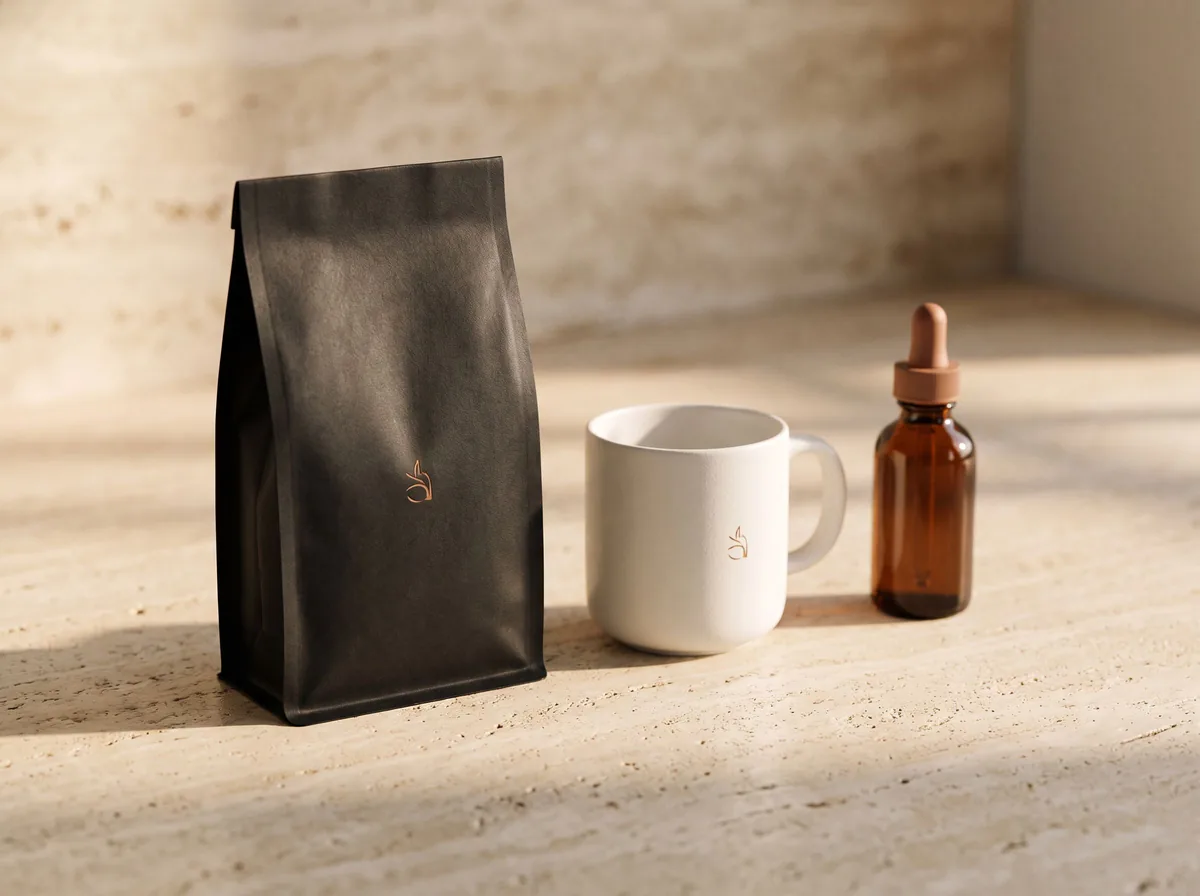
  • Packaging: boxes, pouches, bottles and labels.
  • Music and media: album covers on vinyl sleeves, CDs and cassettes.

What mockups are used for

  • Product listings on Etsy, Shopify, Amazon and print-on-demand stores, before any stock exists.
  • Client approvals: a designer shows the logo on real items, not on a white page.
  • Choosing a size, place and color: see if a chest print should be 20 or 30 cm, or if the logo reads on a navy shirt.
  • Ads, social posts and launch pages, when real photos are not ready yet.
  • Pitches and crowdfunding pages, to show what backers will get.

How to make a mockup for free

  • Start from a clean design file: a PNG with a transparent or plain white background works best.
  • Pick a tool for the item: a template editor where you place the design on a ready photo, or an AI mockup tool that makes a new photo of the item.
  • Choose the shot: flat lay, hanging, worn by a model, or in a scene. Use the same kind of shot for every product in a collection.
  • Check the result at full size: letters, colors and the position of the design.
  • Download it, and keep your original design file for the printer.

What a mockup cannot tell you

A mockup is a preview, not a promise. Screen colors are brighter than ink on fabric or paper, small text may not survive printing, and a print shop may place a design a little differently. AI mockups add one more risk: the AI can change a letter or add something you did not ask for, as our tests above show. Zoom in on every mockup before you post it, and order a sample or a proof before a large run.

Free tools for this

Try it on your own photo

FAQ

Questions sellers ask

What is a mockup in simple words?

A realistic picture of a design on the thing it is for, such as a logo on a shirt or a cover on a book, made before the real item exists.

What is the difference between a mockup and a prototype?

A mockup shows how something will look and cannot be used. A prototype can be clicked or handled, so people can test how it works.

What is the difference between a wireframe and a mockup?

A wireframe is a plain layout sketch, often in grey boxes. A mockup adds the real colors, fonts and images so the final look can be approved.

Can I use a mockup in my product listing?

Yes. Print-on-demand sellers do this all the time. Make sure the mockup matches the item the buyer will get, including the color and the print size.

Are free mockups allowed for commercial use?

It depends on the tool or template license. Images you make with our tools are yours to use in listings and ads. Template sites set their own rules, so read them.

Is a mockup the same as a print file?

No. A mockup is a preview picture. The printer needs your original design file at full size.