Product photography
100% free · No sign-upFree AI Product Photo Retouching
Retouch product photos with AI: remove dust, scratches, fingerprints and glare, fix color and exposure, and straighten, without redrawing the product. Free to use, no sign-up.
Free to use · No sign-up · JPG, PNG or WebP
Product Retouching
Made with Z Product AI
Popular with sellers
How it works
How to use the Product Photo Retouching
- 1
Upload your photo
A clear phone photo is enough. Keep the whole product or garment in frame.
- 2
Tap a preset or describe it
Pick a chip or type what you want in a few words. The AI keeps your product exactly as it is.
- 3
Download or refine
Download the result, or ask for a change and the AI edits the last image.
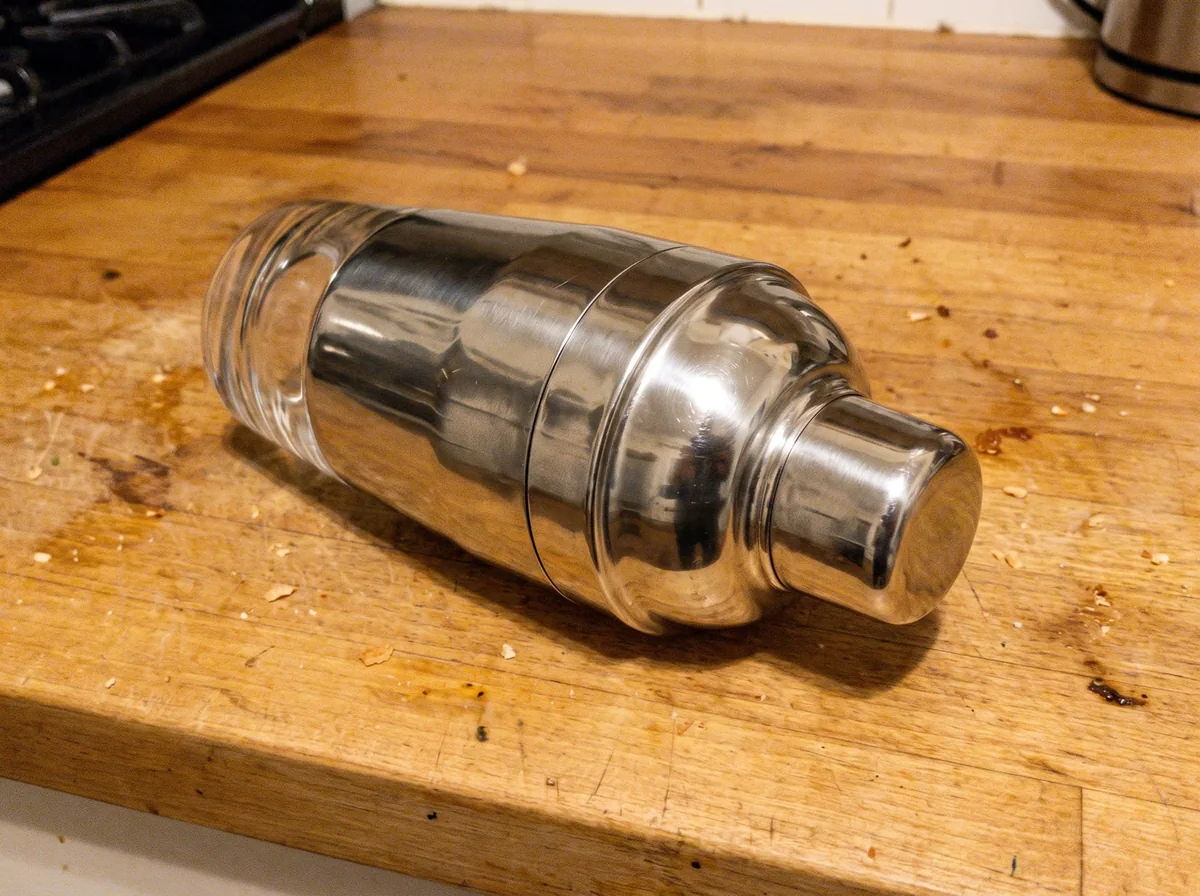
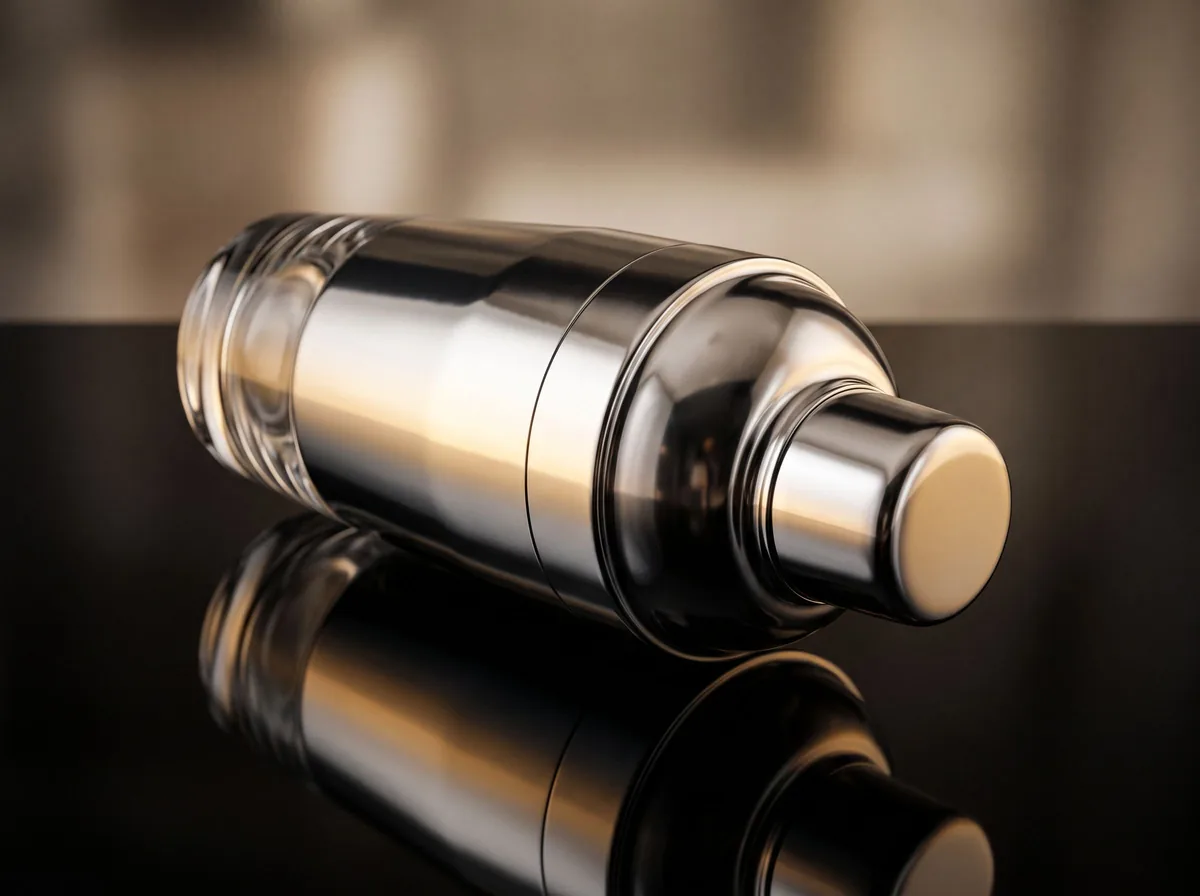
Close-up product photos show everything: dust on a black bottle, a thumbprint on chrome, a yellow tint from the kitchen light. Retouching these by hand takes time with a healing brush. This tool does the cleanup in one step and leaves the product itself untouched.
Clean up dust, fingerprints and glare
Dark and glossy products show every speck. The retoucher removes dust, lint, hair and fingerprints, softens hot spots of glare and removes reflections of you, your phone or the room, while keeping a natural highlight so glass and metal still look like glass and metal.
Color correction you can trust
Warm bulbs make white packaging look cream; shade makes everything slightly blue. Correcting white balance brings colors back to what the buyer will receive. Accurate color is one of the simplest ways to cut “not as pictured” returns.
Keep real texture
Over-smoothed product photos look fake. Wood grain, leather pores, knit texture and brushed metal are part of the product and part of its appeal. The retoucher cleans temporary marks and leaves material texture alone.
Seller guide
Retouching is easier when the reflections are right in camera. The glass guide covers backlight and black and white boards for shiny products.
Read the glass and reflective products guide →Need images with no mark, in HD? Try AI product photos on AI Two, our sister studio: free to try, and its paid plans remove the watermark and add HD output.
FAQ
Product Photo Retouching: questions sellers ask
What does product photo retouching fix?
Dust, lint, fingerprints, smudges, small scratches on glossy surfaces, glare, reflections of the room or camera, color casts, dull exposure and crooked angles. The product design, label and texture stay exactly the same.
Will it change my product’s color?
Only to make it accurate. The tool corrects color casts from indoor light so the photo matches the real product. If your product looks different after correction, check your original under daylight, and ask for a warmer or cooler adjustment if needed.
Should I retouch used items?
Clean the photo, not the condition. Removing dust from the lens or a smudge on the table is fine. Removing real scratches from a used item misleads buyers, so the tool keeps wear unless you clearly ask to remove a temporary mark.
Can it remove glare from glass or chrome?
Yes. Ask it to remove glare or your own reflection and it replaces them with a clean, even highlight that keeps the material looking glossy.
Is Product Photo Retouching free?
Yes. Product Photo Retouching is free to use — no account and no credit card needed. You get free edits every day.
How accurate is Product Photo Retouching?
Results depend on the photo and the request. You can refine with follow-up messages until it looks the way you want.
Can I make multiple edits?
Yes! Each result becomes your new base image — keep refining with follow-up messages.
Is Z Product AI really free?
Yes. Every tool and assistant on Z Product AI is free to use, with no sign-up and no credit card, and there are no paid plans. Very heavy use is paced with short waits so the site stays free for everyone.
Keep going
More tools for your listings
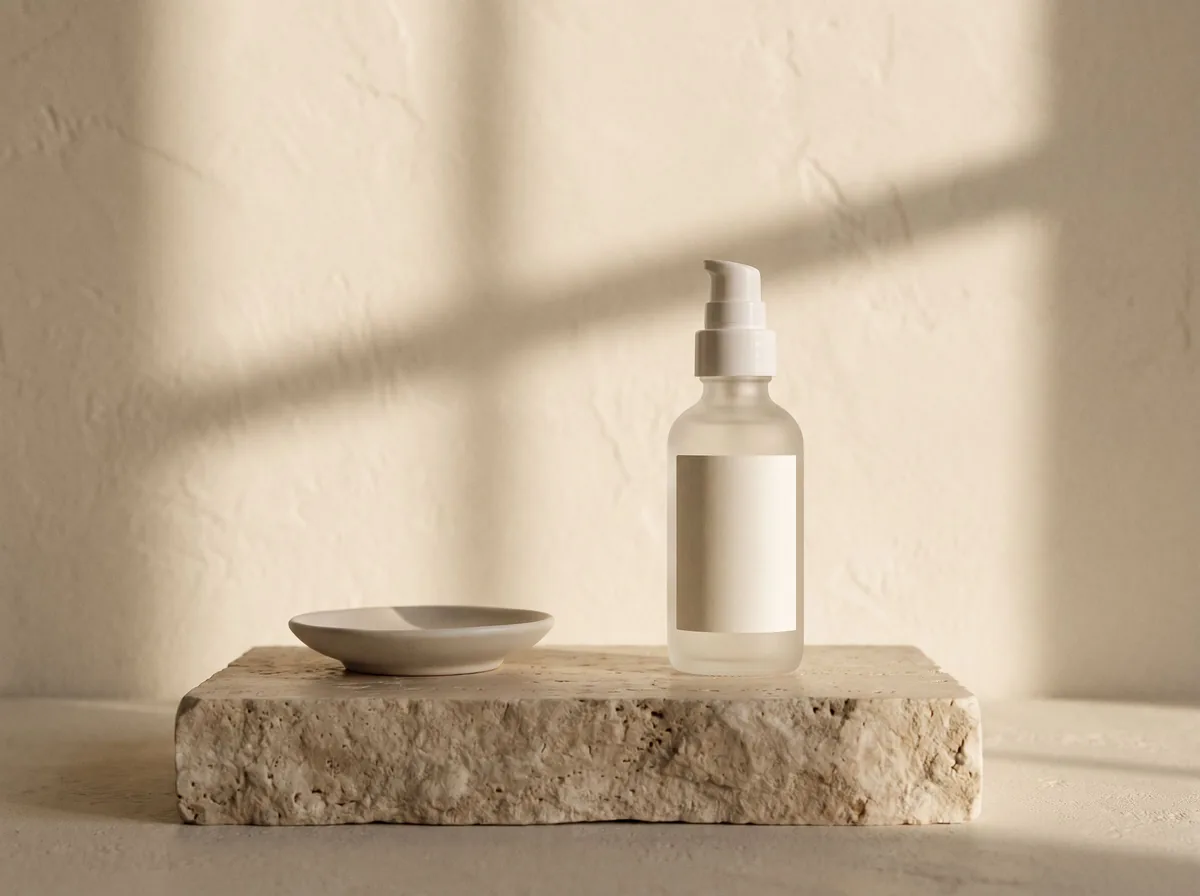 AI Product Image GeneratorFreeUpload a photo of your product and get studio and lifestyle product images in seconds. No photographer, no studio, no props.
 Product Photo White BackgroundFreePut any product on a clean white background for your listings, then check it against Amazon's main-image rules before you upload.
 AI Product PhotoshootFreeA full product photoshoot from one photo: hero shot, lifestyle scenes, close-ups and ad creative, in one session.
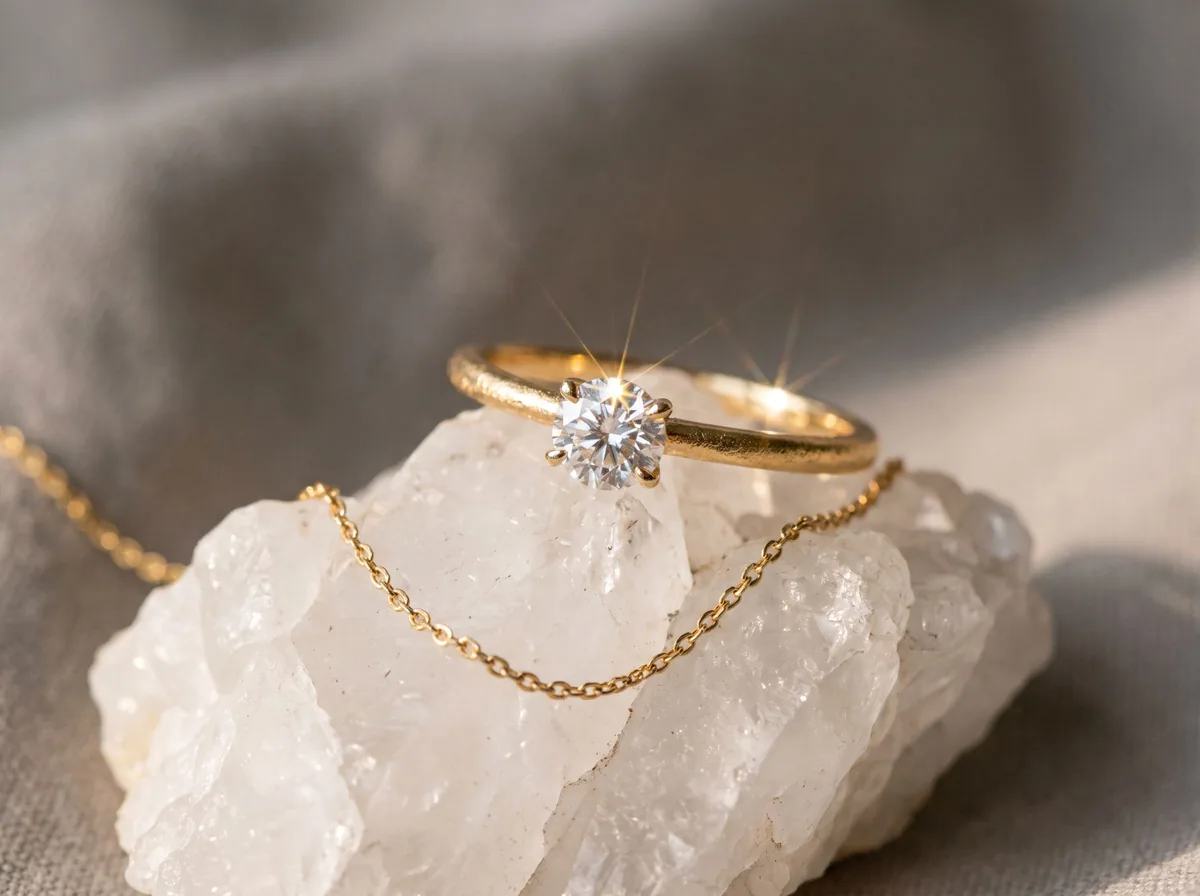 Jewelry Product PhotographyFreeTurn a phone photo of a ring, necklace or earrings into sharp jewelry product photos with controlled sparkle and true metal color.
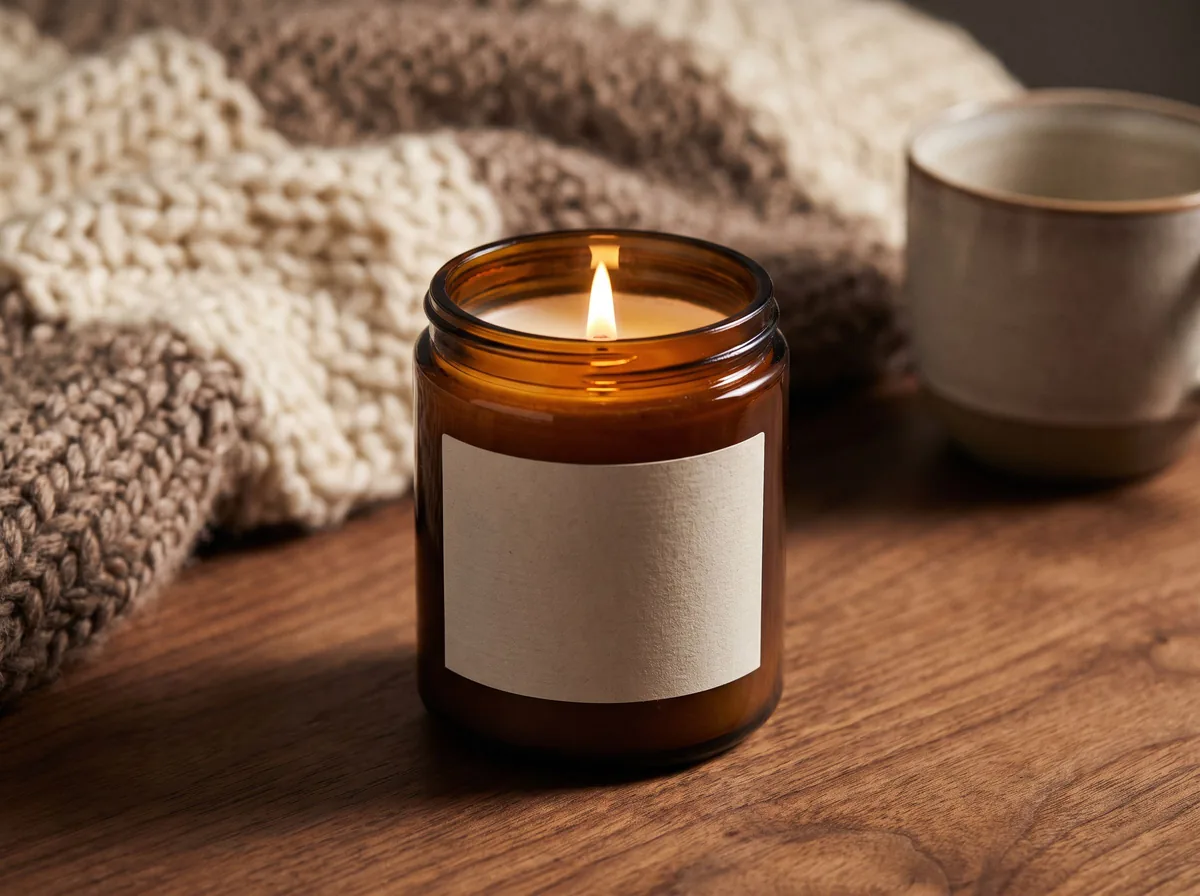 Candle Product PhotographyFreeMake warm, cozy candle product photos from one upload: lit flames, styled shelves and clean white shots for your candle shop.
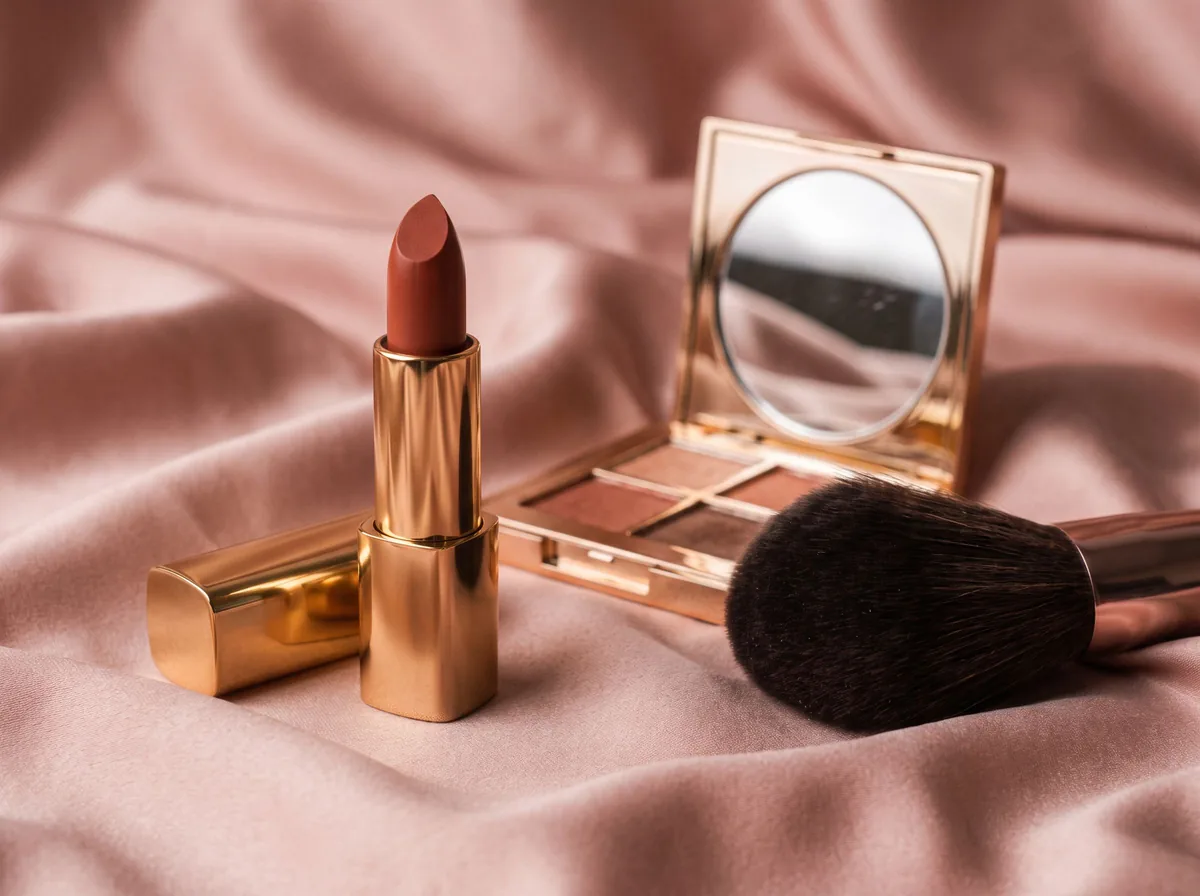 Cosmetic Product PhotographyFreeCreate polished makeup product photos with true shade color, clean packaging and swatch or texture shots from one upload.
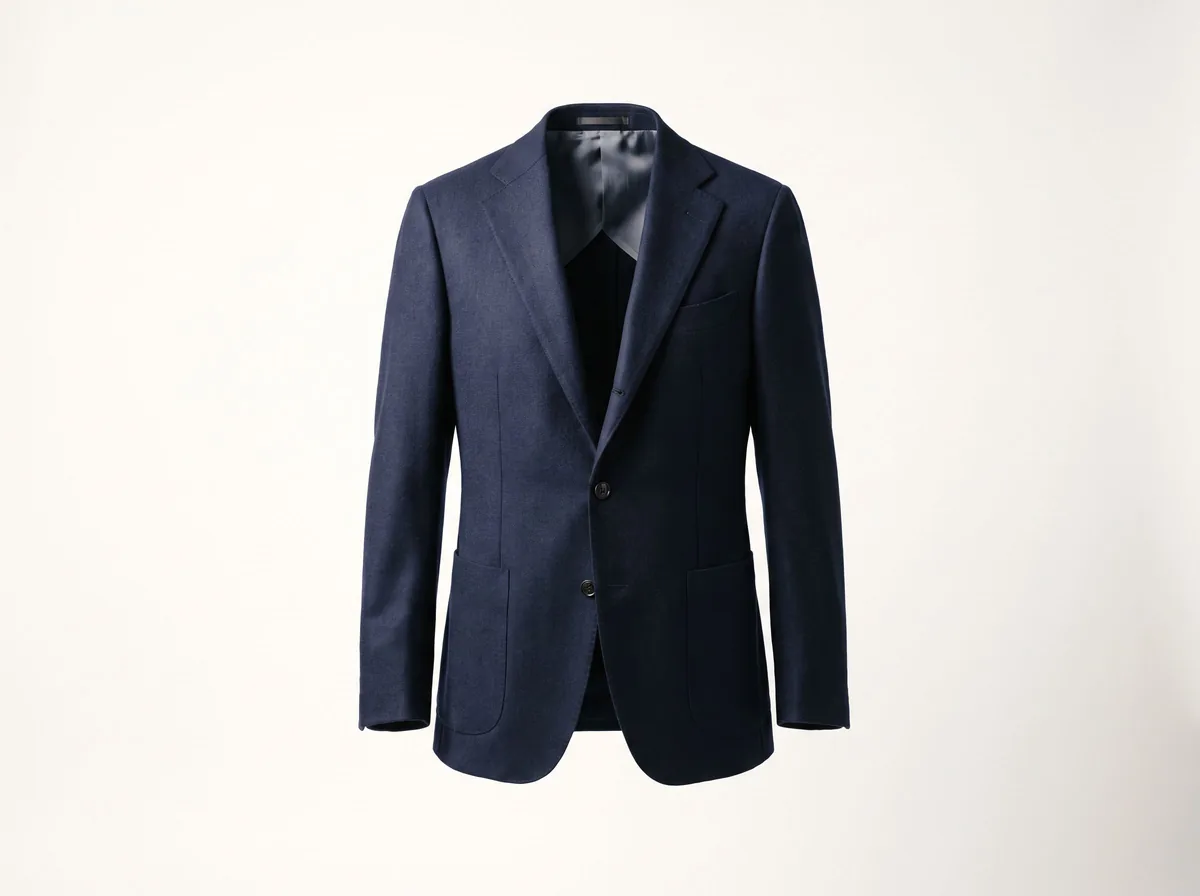 Ghost Mannequin EffectFreeTurn a mannequin, hanger or flat-lay photo into a clean invisible-mannequin shot, with the hollow 3D shape shoppers expect.
 AI Product Description GeneratorFreeTurn a few product facts into a persuasive, SEO-friendly product description for your store, in seconds.
Ask an assistant
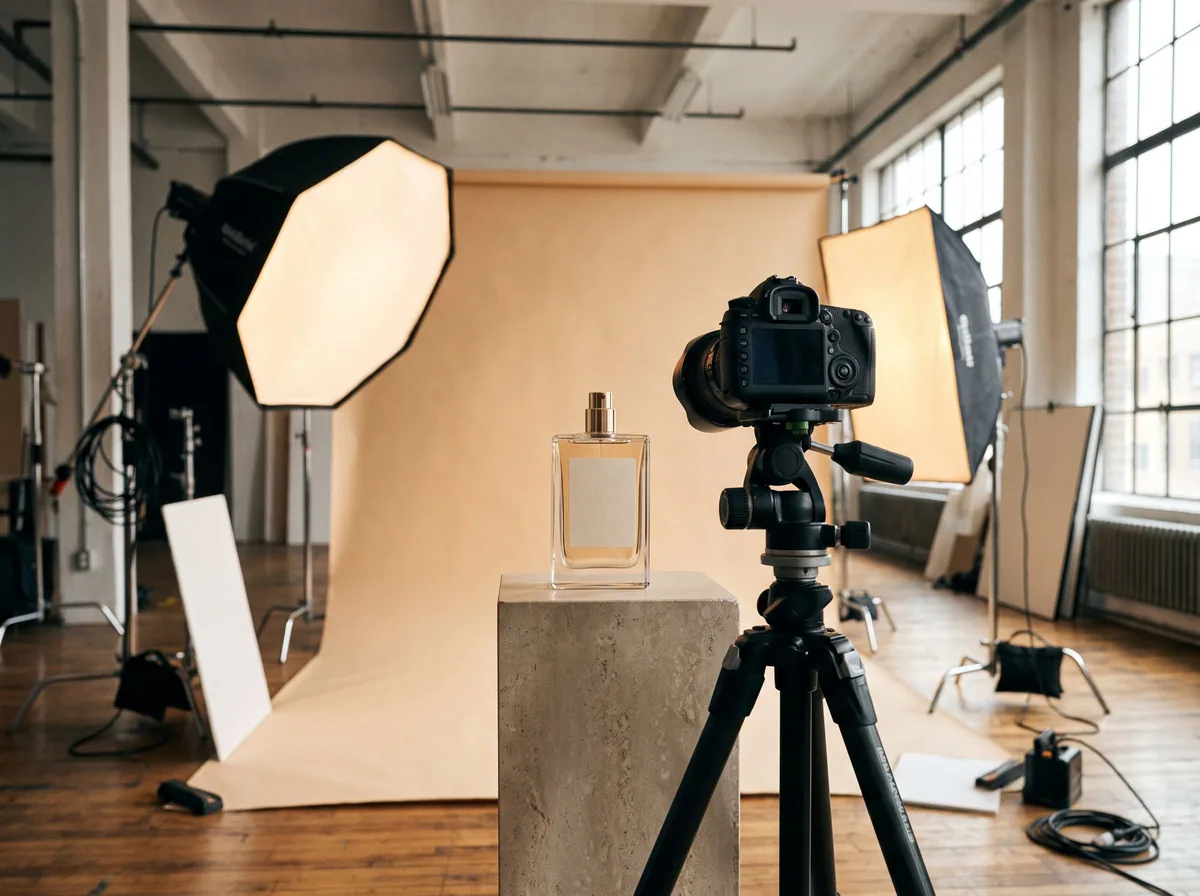 Product Shoot StudioProduct Photography FreeYour AI product photography director: plans the shoot, picks scenes, props and light, and writes the prompt for every shot.Chat free →
 Amazon Main Image CheckerProduct Photography FreeChecks your Amazon main image against common requirements, background, fill, props and text, and tells you how to fix or reshoot it.Chat free →
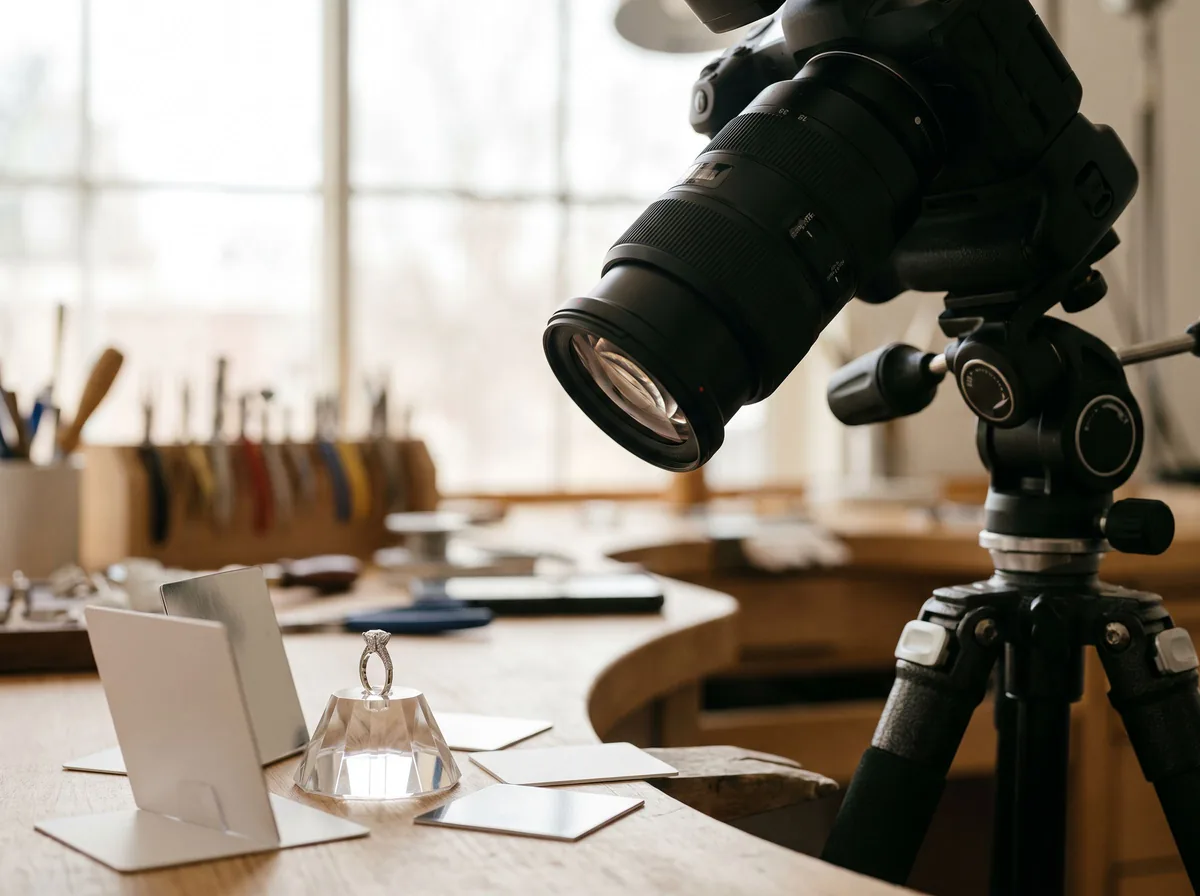 Jewelry Photo DirectorProduct Photography FreePlans jewelry photos that show sparkle, metal tone and true scale: rings, necklaces, earrings and bracelets on white, on busts and in close detail.Chat free →