Seller guide
Product Photography Lighting: Simple Setups That Work
Good product light is not about owning many lights. Most clean product photos come from one large soft light, one white card to fill the shadows and a steady camera. This guide shows where to put them, how to change the setup for shiny, dark and see-through products, and which settings to start from. The advice follows the lighting guides listed under Sources.
Updated 13 October 2026
The short answer
- Start with one soft light at about 45 degrees to the product and a white card on the other side to fill the shadow.
- Size, distance and bounce control the light: a bigger, closer light gives softer shadows.
- Shiny products need a large diffused light and white or black cards to shape the reflections.
- Put the camera on a tripod and start at f/8 to f/11 and ISO 100 to 400 so the whole product is sharp and clean.
- Change one thing at a time: move the light before you change its power.
Which light setup for which product
Starting points from the Neewer, vFlat World and PetaPixel guides under Sources. Every product and room is a little different, so take a test shot first.
| Product | Setup | Why |
|---|---|---|
| Matte items (boxes, fabric, wood) | One softbox at 45 degrees, white card fill | Soft shadows show the shape without hiding detail |
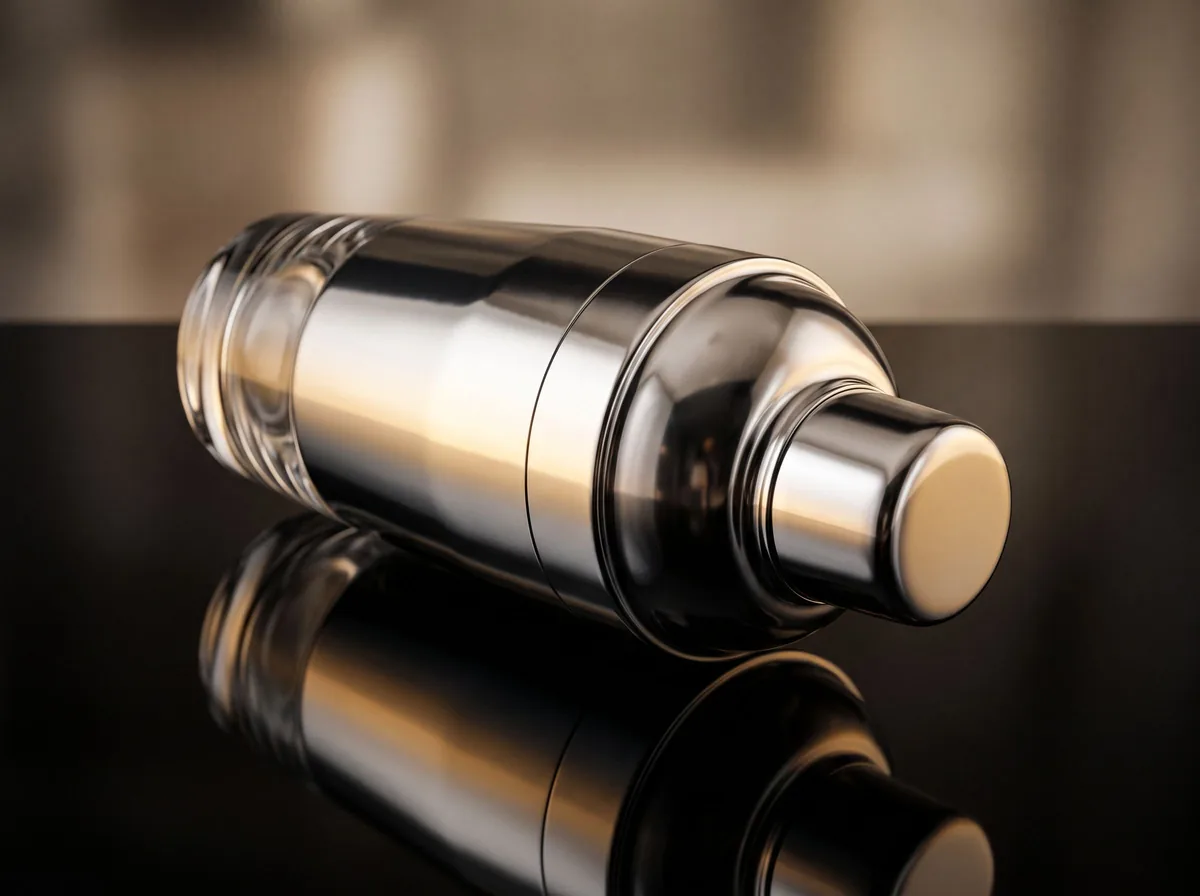
| Shiny items (glass, metal, gloss) | Large diffused light, white cards for clean highlights | Big soft sources make smooth reflections instead of hot spots |
| Dark items | Brighter key light, a white card close by | Brings out texture without washing out the black |
| See-through items (bottles, glassware) | Light from behind through a white diffuser | Shows the edges and the liquid |
| White-background listing photos | Light the backdrop on its own, keep the product light soft | Gives pure white without a grey shadow |
The one-light setup
Place a softbox or a window at about 45 degrees to the side of the product and slightly above it. Put a sheet of white foam board or card on the opposite side to bounce light back into the shadow. This simple setup, recommended in the Neewer and vFlat World guides, gives soft, even light that shows the shape of most products. If the shadow side is still too dark, move the card closer; if you want more depth, move it away.
Size, distance and bounce
Three things change how light looks. A bigger light gives softer shadows. A closer light is also softer, because it is bigger compared to the product; Neewer suggests starting about 60 cm away. Bounce, from white cards or walls, fills the shadows. Before you buy another light, try changing these three.
Window light works too
A large window on an overcast day is a free softbox. Put the table side-on to the window and the white card on the other side. Avoid direct sun, which gives hard shadows, or hang a thin white curtain or baking paper over the glass. Turn off room lights so they do not mix a different color into the photo.
Lighting shiny products
- Use the biggest, most diffused light you have: shiny surfaces reflect the light itself, and a big soft light makes a clean, smooth highlight.
- Place white cards around the product to add long, even highlights on glass and metal.
- Use a black card to add a dark edge that shows the shape of clear or chrome items.
- Watch for the camera, the room and yourself in the reflection; a card with a hole for the lens hides them.
Adding a second light
A second light is useful when one is not enough: a backlight or rim light behind the product separates it from a dark backdrop, and a light aimed at the backdrop turns it pure white for marketplace photos. PetaPixel's single-softbox examples show how far one light goes first, so add the second only when you see a problem it solves.
Camera settings to start from
- Use a tripod, so you can use a low ISO and keep every shot in the same frame.
- Aperture f/8 to f/11 keeps the whole product in focus.
- ISO 100 to 400 keeps the photo clean; raise the light, not the ISO.
- Set the white balance to match your light, or shoot a white card first and correct to it.
- Turn off the camera or phone flash, which gives a flat, harsh light.
When AI helps
If the light was not right, AI tools can clean a background, brighten a photo or place the product in a new scene. They work best on a photo that is already sharp and evenly lit. Check that the product's color and details still match the real item before you publish.
Free tools for this
Try it on your own photo

FAQ
Questions sellers ask
What is the best lighting for product photography?
For most products, one large soft light at about 45 degrees to the side with a white card on the other side. It gives soft shadows that show the shape and detail.
Do I need two lights for product photos?
No. One softbox or a big window plus a white card is enough for most products. Add a second light for a pure white background or to separate a product from a dark backdrop.
Is natural light good for product photography?
Yes. Soft daylight from a large window on an overcast day works very well. Avoid direct sun and turn off room lights so the colors do not mix.
How do I stop reflections on shiny products?
Use a large diffused light, shape the highlights with white and black cards, and hide the camera behind a card with a hole for the lens.
What camera settings should I use?
A tripod, f/8 to f/11, ISO 100 to 400 and a white balance set to your light. Adjust the light before you raise the ISO.
How far should the light be from the product?
Start at about 60 cm for a medium softbox and move it closer for softer light or farther for crisper shadows.
Sources
- Neewer: using softbox kits for product photography
- vFlat World: one-light product photography setups
- PetaPixel: 10 ways to use a single softbox
- PetaPixel: a $50 lighting setup for product photography
- Two Loves Studio: softboxes for product photography
- Pixelz: soft light with a lightbox
Z Product AI makes some of the tools compared here. Competitor details come from their own sites and public reviews as of 13 October 2026.