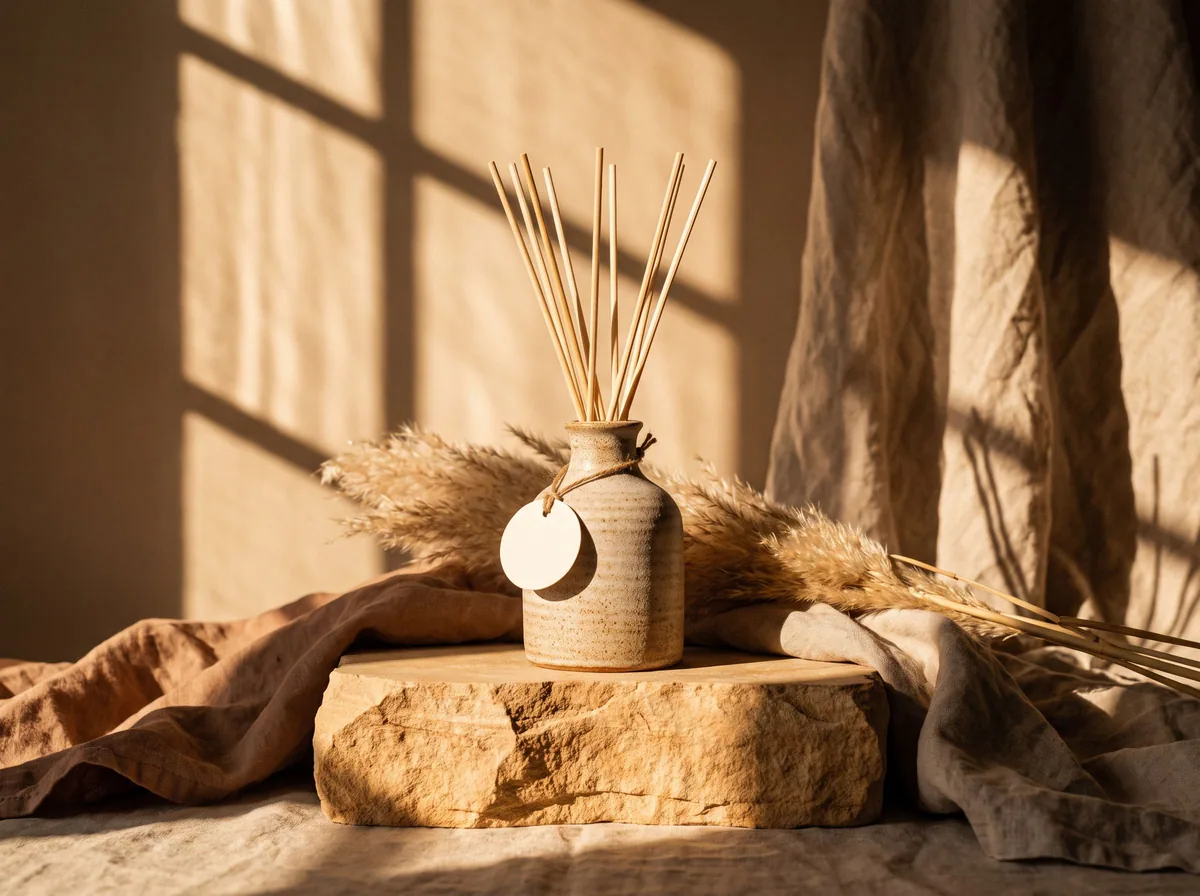
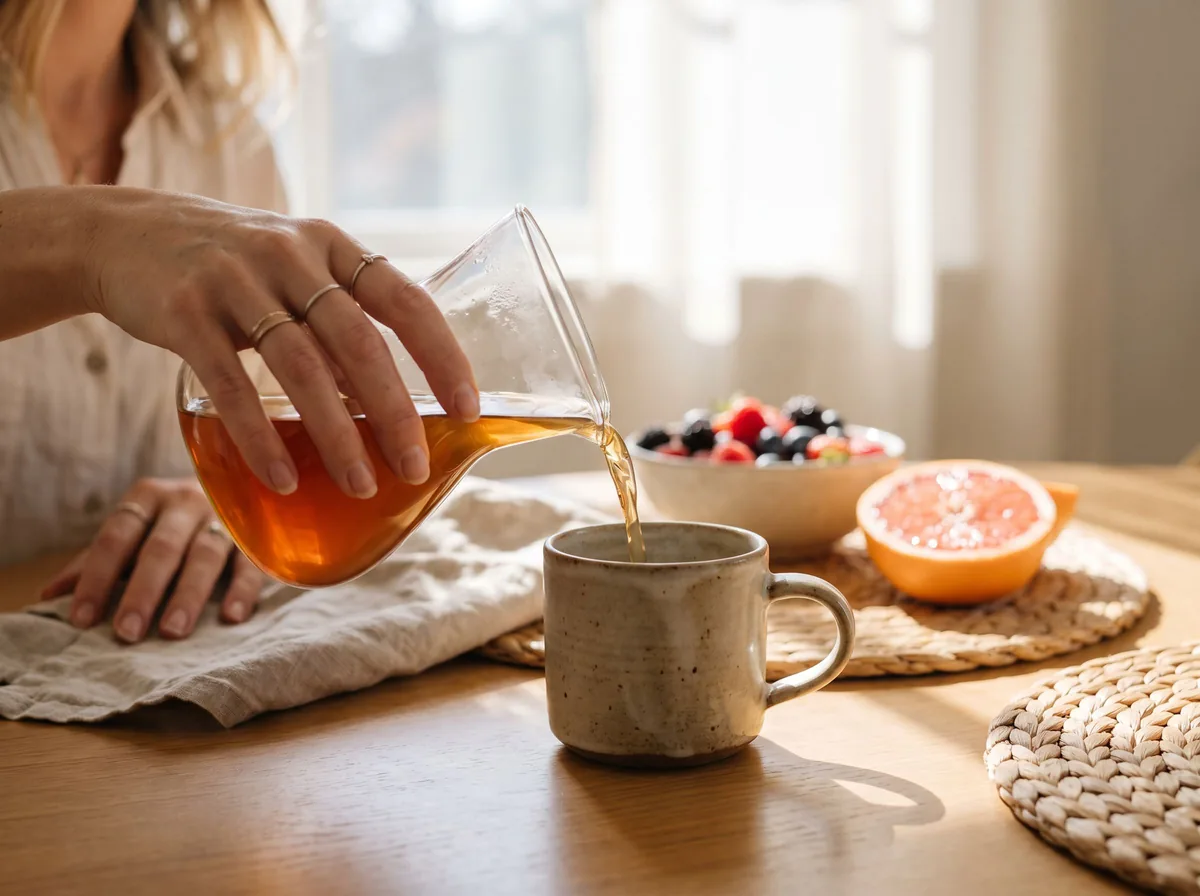
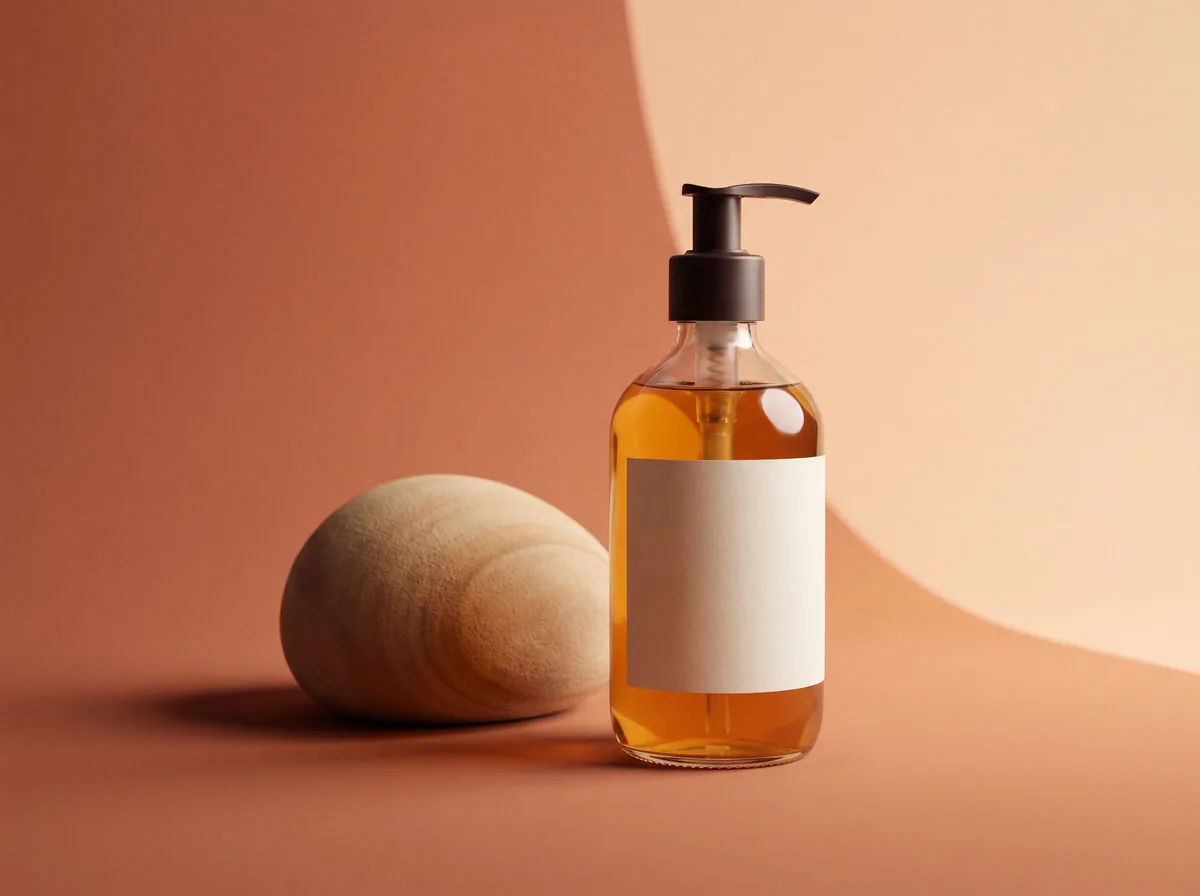
✦ Example before (AI-made sample photo) and our model's output ✦
Each example shows an AI-made sample product photo on a kitchen counter, then the scene our model built from it using the prompt shown. The notes say what changed that should not have.
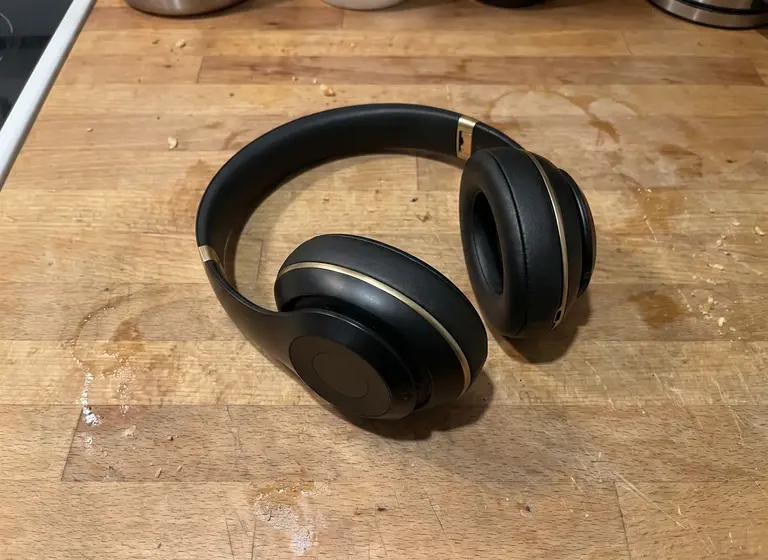
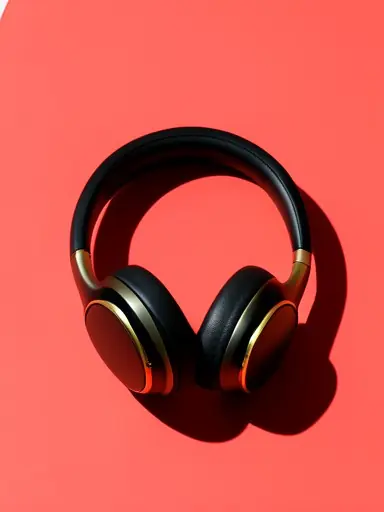
PromptPlace the product on a solid bold coral backdrop with one hard directional shadow, clean color-block product photo. Do not add any text.
The solid color and the single hard shadow came out as asked and the product stands out. The design drifted: the ear cups now have a red-orange rim and a slightly different shape from the original black-and-gold pair. A color-block image is only honest if the product still matches, so check the result against the real item.
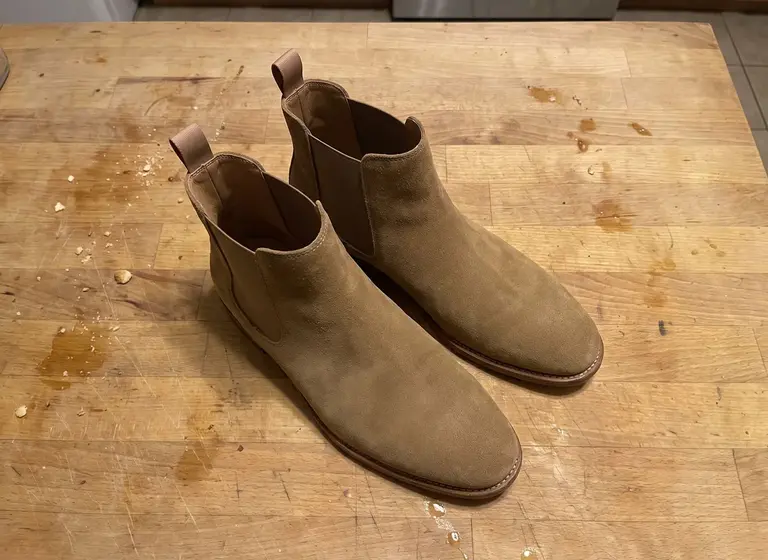
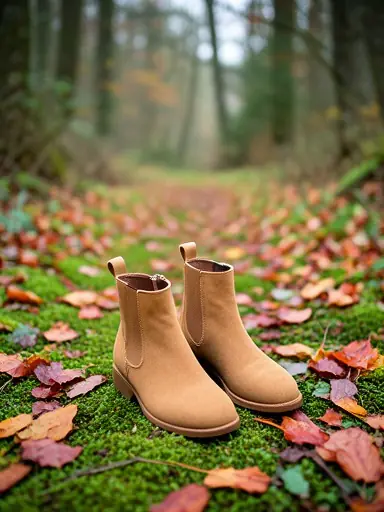
Try it free in AI Product Photoshoot →Need it with no mark, in HD? Try AI Two (sister studio: free to try, paid plans remove the watermark)PromptPlace the boots on a mossy forest path with fallen autumn leaves, soft overcast light. Do not add any text.
The moss, leaves and soft light give the boots a seasonal setting that a studio shot cannot. The suede came out lighter and more orange than the original tan and the boots look a little different in shape. Compare the color with the real pair before you use it in a listing.
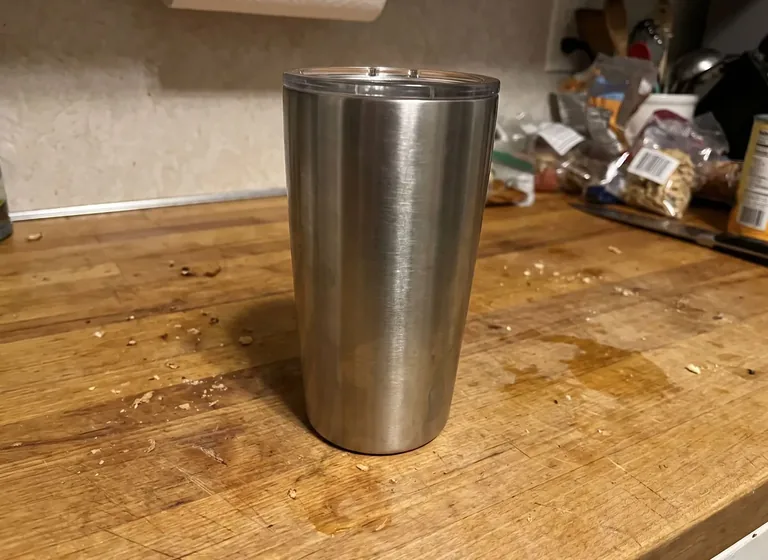
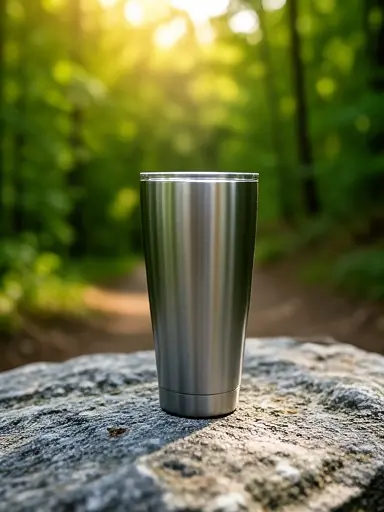
Try it free in Lifestyle Product Photos →Need it with no mark, in HD? Try AI Two (sister studio: free to try, paid plans remove the watermark)PromptPlace it on a rock beside a hiking trail with trees behind, morning light
A short, plain prompt gave a believable outdoor setting with the product sharp and the forest soft. One miss: the clear lid in the original photo is gone. If the lid is part of what the buyer gets, this image would mislead, so we would not publish it as is.
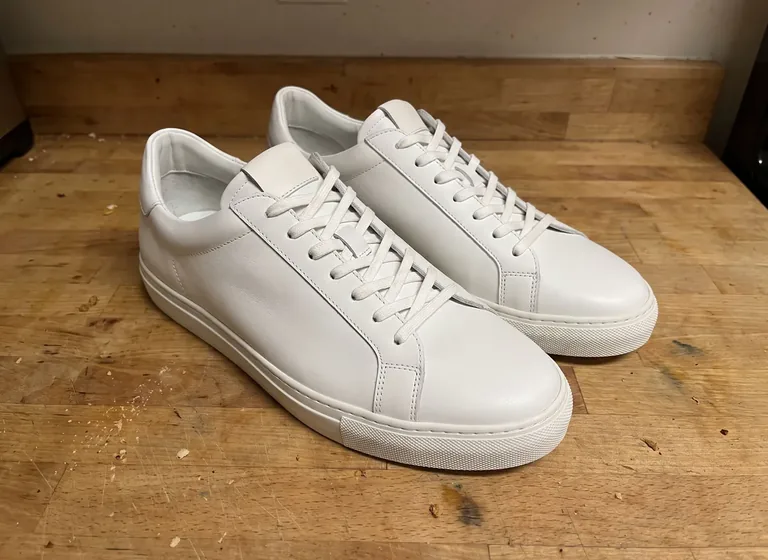
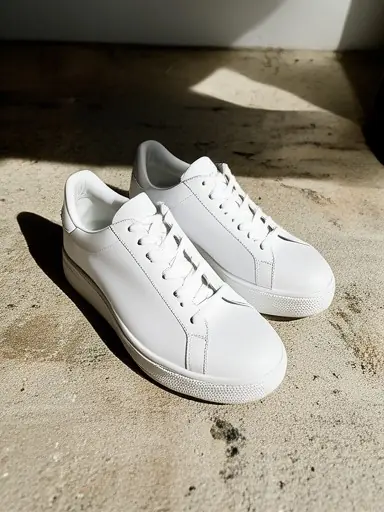
Try it free in Lifestyle Product Photos →Need it with no mark, in HD? Try AI Two (sister studio: free to try, paid plans remove the watermark)PromptPlace the sneakers on a pale concrete step in strong afternoon sunlight with a long, sharp shadow. Do not add any text.
The strong sun and long shadow give the plain white shoes a more editorial look. A grey heel tab appeared that the all-white original does not have, so a buyer could expect the wrong shoe. Check small details like tabs, logos and stitching every time.
Try it free in AI Product Photoshoot →Need it with no mark, in HD? Try AI Two (sister studio: free to try, paid plans remove the watermark)The before photos are phone-style snapshots of generic products that we made with an AI image model for this site's tool pages; they are not customer photos. Each after is the unedited result of our own free tool on that photo, made on 15 October 2026 at the free size the tool returned (about 384 by 512 pixels) and shown uncropped without the download mark. Results vary from photo to photo.