Seller guide
How to Photograph Glass and Reflective Products for an Online Store
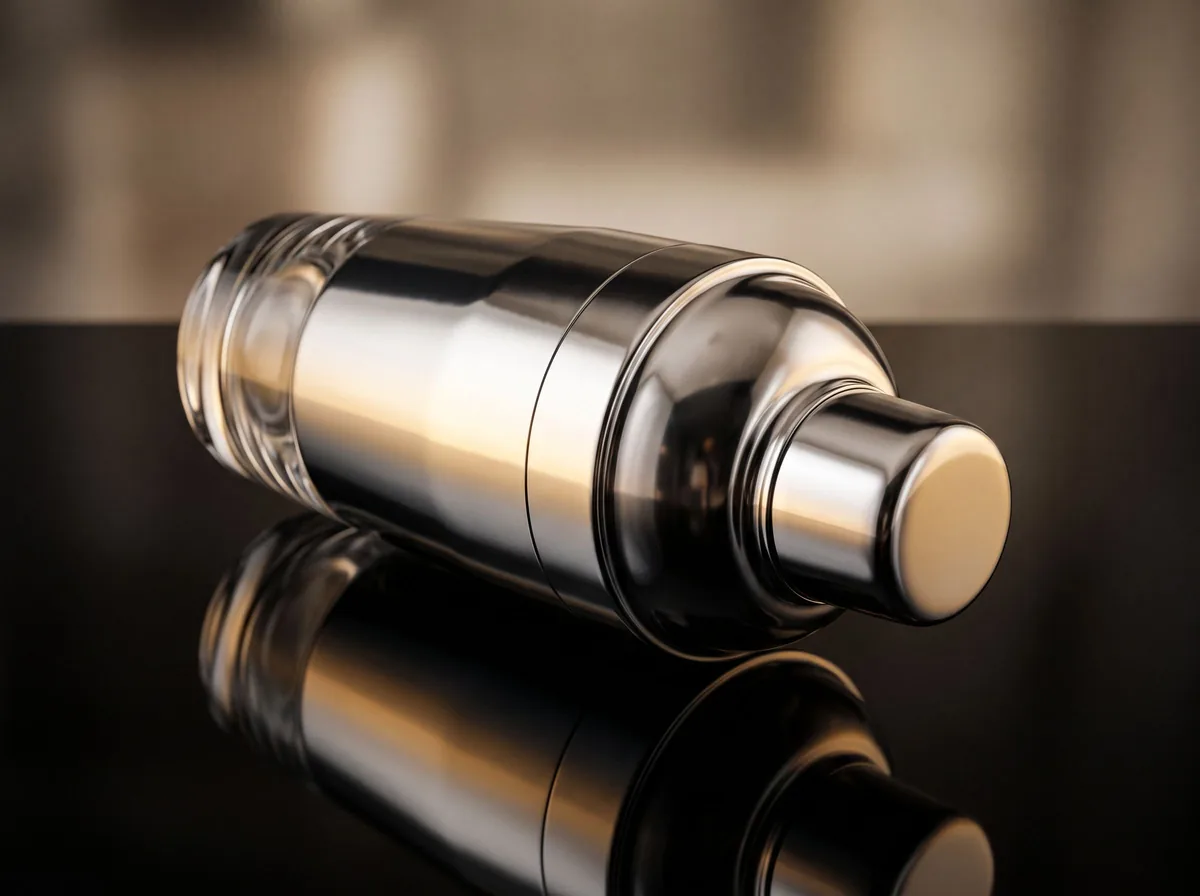
Glass and shiny products are hard to shoot because they reflect everything around them: the room, the lights, the camera and you. A clear product also shows whatever is behind it. The fix is mostly control: soft light, a plain setup and no stray reflections. This guide covers the setup, the checks before you shoot and the edits that finish the photo.
Updated 13 October 2026
The short answer
- Light a glass or shiny product with large, soft sources. A small, bright light makes hot spots and sharp reflected lines.
- For clear or colored glass, backlight it through a diffuser so its edges and shape show up.
- Use black and white boards around the product to control what it reflects, and keep the camera and your body out of the surface.
- Turn off the on-camera flash and dim the room lights that show up in the reflections.
- Plan on cleaning and retouching: dust and fingerprints show more on glass than on anything else.
Set up the light first
Glass and shiny surfaces pick up whatever is around them, so start by blocking stray light in the room, then add one large, soft source. A softbox, a large diffuser or a sheet of white fabric in front of a light all work. Moving the light further away and lowering its power usually softens the reflection.
- Use soft, even light. A small, bright light makes a hot spot on glass and metal.
- Turn off the built-in flash, which makes harsh reflections on glossy surfaces.
- Shoot in a room with white or neutral walls, or build a small box from white foam board so the light bounces back softly.
Use backlight for glass and clear products
For bottles, jars, glasses and other clear items, place the light behind the product so it shines through and shows its outline and curves. Put a white diffuser between the light and the product, such as paper, thin white fabric or a sheet of diffusion material, so the light is even and the bulb does not show. Black boards on the sides sharpen the edges.
Control reflections with black and white
Look through the camera at what the product reflects. Black foam board or black cloth absorbs reflections and gives a dark outline, which suits dark or heavy glass against a bright backdrop. White board gives a soft, bright reflection, which suits light glass. Angle the camera so it does not appear in the surface, and if you must shoot straight on, use a foam board with a hole for the lens.
Pick a simple background and surface
Plain white, grey or black backgrounds keep the eye on the product. Clear glass shows whatever is behind it, so keep that space clean. A translucent sheet of acrylic or frosted plastic under the product gives a smooth base without a mirror-like reflection. Avoid busy props and colored backdrops, which tint the glass.
Clean and check before every shot
Glass shows dust, smudges and fingerprints more than any other product. Wipe it with a soft cloth, use compressed air for dust, and handle it with clean gloves where you can. Before you press the shutter, check the frame for your own reflection, the lights and the room.
Edit out what the camera caught
- Remove dust, fingerprints and small scratches with a clone or spot tool.
- Remove stray reflections of people or objects, but keep the product's own reflections so it still looks like glass.
- Make the background clean and even, and check that the product color matches the real item.
- Save as PNG if you need a transparent background.
Free tools for this
Try it on your own photo

FAQ
Questions sellers ask
Can I photograph glass products with a phone?
Yes. Use soft window light or a light box, turn off the flash, and check the screen for reflections of you and the room. Control of the light matters more than the camera.
How do I photograph clear glass so it does not disappear?
Backlight it through a white diffuser and add dark boards on the sides. The edges show up as dark lines against a bright background.
How do I stop reflections on a shiny product?
Use large, soft light, black or white boards to control what the product reflects, and an angle that keeps the camera out of the surface. Turn off the flash and dim the room.
Do glass product photos need retouching?
Usually. Dust, fingerprints and stray reflections are easy to fix in editing, but keep the real reflections so the product still looks like glass.
Sources
- Orbitvu: how to photograph glass products for e-commerce
- Pathedits: how to photograph reflective products
- Pixelz: photographing highly reflective products
- Zoner: how to photograph shiny and glass products
- Arqspin: guide to photographing reflective objects
Z Product AI makes some of the tools compared here. Competitor details come from their own sites and public reviews as of 13 October 2026.