Fashion & apparel
100% free · No sign-upFree Virtual Try On Clothes With AI
Upload a photo of a person and a photo of a garment. The AI dresses the person in it, keeping face, pose and background. Free to use, no sign-up.
Free to use · No sign-up · JPG, PNG or WebP
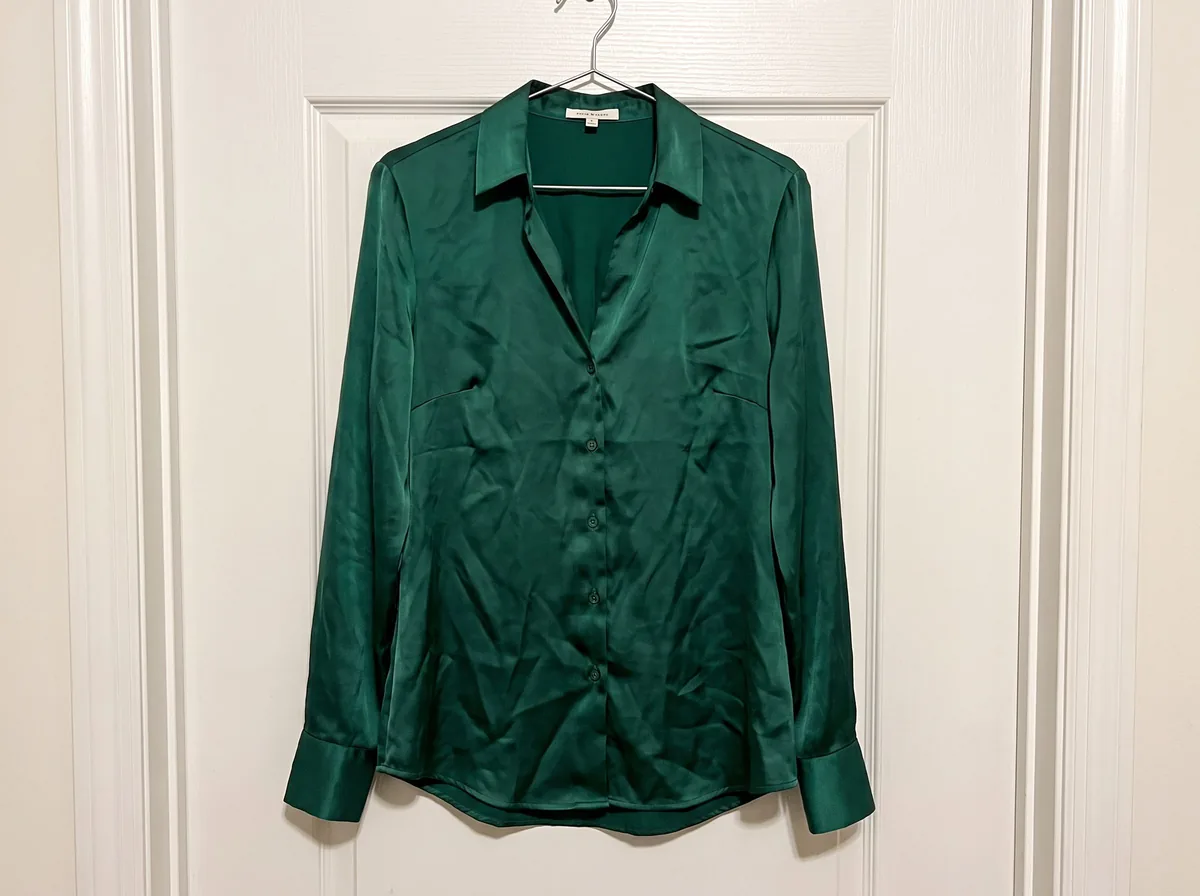
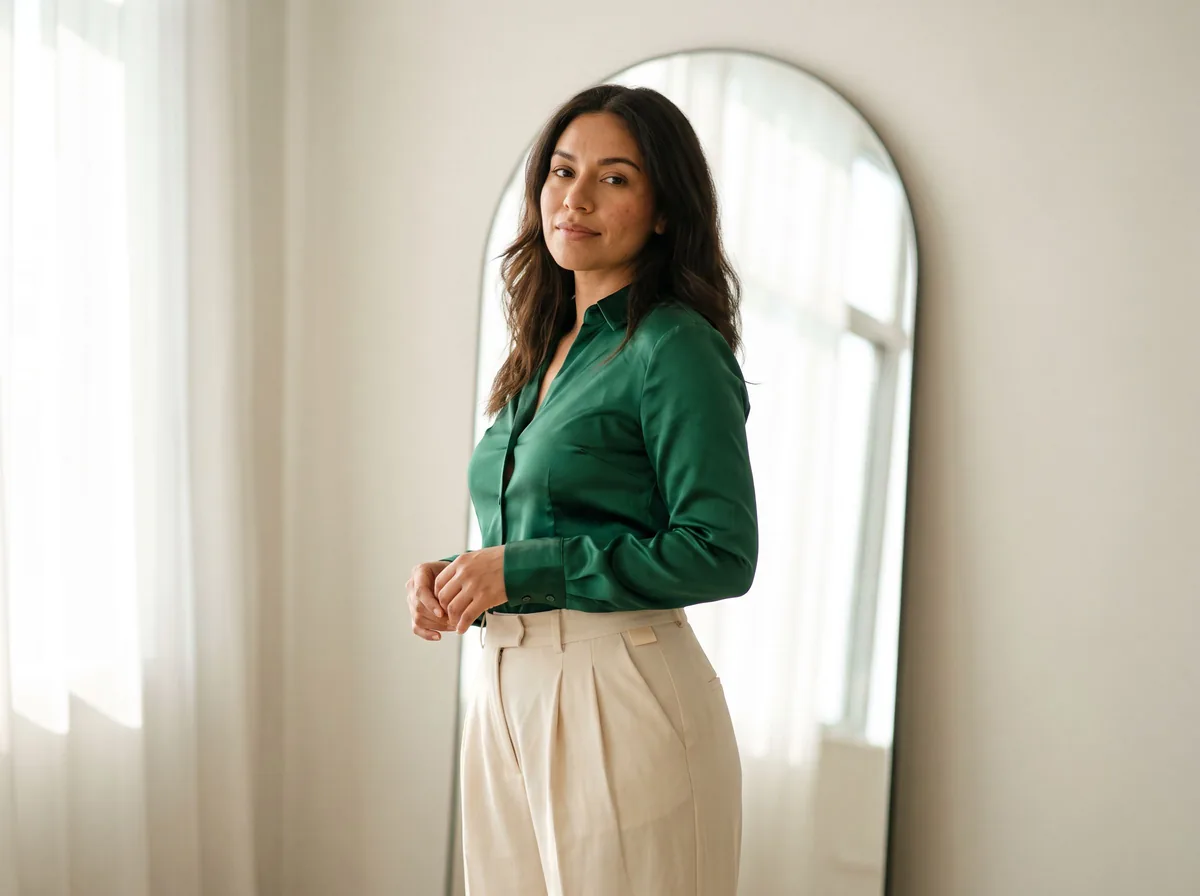
Virtual Try-On
Made with Z Product AI
Popular with sellers
How it works
How to use the Virtual Try On Clothes
- 1
Upload your photo
A clear phone photo is enough. Keep the whole product or garment in frame.
- 2
Tap a preset or describe it
Pick a chip or type what you want in a few words. The AI keeps your product exactly as it is.
- 3
Download or refine
Download the result, or ask for a change and the AI edits the last image.
Virtual try-on shows how a piece of clothing looks on a real person before you buy it or before you shoot it. Upload a photo of the person and a photo of the garment, and the AI dresses them in it with realistic fit and folds.
Virtual outfit try on for shoppers
See a dress, a jacket or a whole outfit on yourself from a product photo. Compare two options side by side before you order.
For clothing stores
Show a new item on your existing model photos without a reshoot. Upload the model photo and the product photo, and get an on-model image that matches the rest of your catalog.
Tips for a realistic try-on
Use a full-body photo with arms away from the torso and a garment photo with the whole item in view. If the fit is off, ask the AI to adjust the length or looseness.
Need images with no mark, in HD? Try virtual try-on on AI Two, our sister studio: free to try, and its paid plans remove the watermark and add HD output.
FAQ
Virtual Try On Clothes: questions sellers ask
How do I virtually try on clothes?
Upload two photos: a photo of the person and a photo of the garment. Tap both photos to select them, then ask the AI to try the garment on. It keeps the person and the background, and changes only the clothes.
Can I try on a dress?
Yes. Dresses, tops, jackets, trousers and full outfits all work. For the best virtual dress try on, use a full-body photo of the person standing straight.
Which photos work best?
A clear, well-lit photo of the person facing the camera, and a photo of the garment on its own: a product image, a flat lay or a hanger shot.
Is my photo kept private?
Your photos are used only to create your result. We do not publish them.
Is Virtual Try On Clothes free?
Yes. Virtual Try On Clothes is free to use — no account and no credit card needed. You get free edits every day.
How accurate is Virtual Try On Clothes?
Results depend on the photo and the request. You can refine with follow-up messages until it looks the way you want.
Can I make multiple edits?
Yes! Each result becomes your new base image — keep refining with follow-up messages.
Is Z Product AI really free?
Yes. Every tool and assistant on Z Product AI is free to use, with no sign-up and no credit card, and there are no paid plans. Very heavy use is paced with short waits so the site stays free for everyone.
Keep going
More tools for your listings
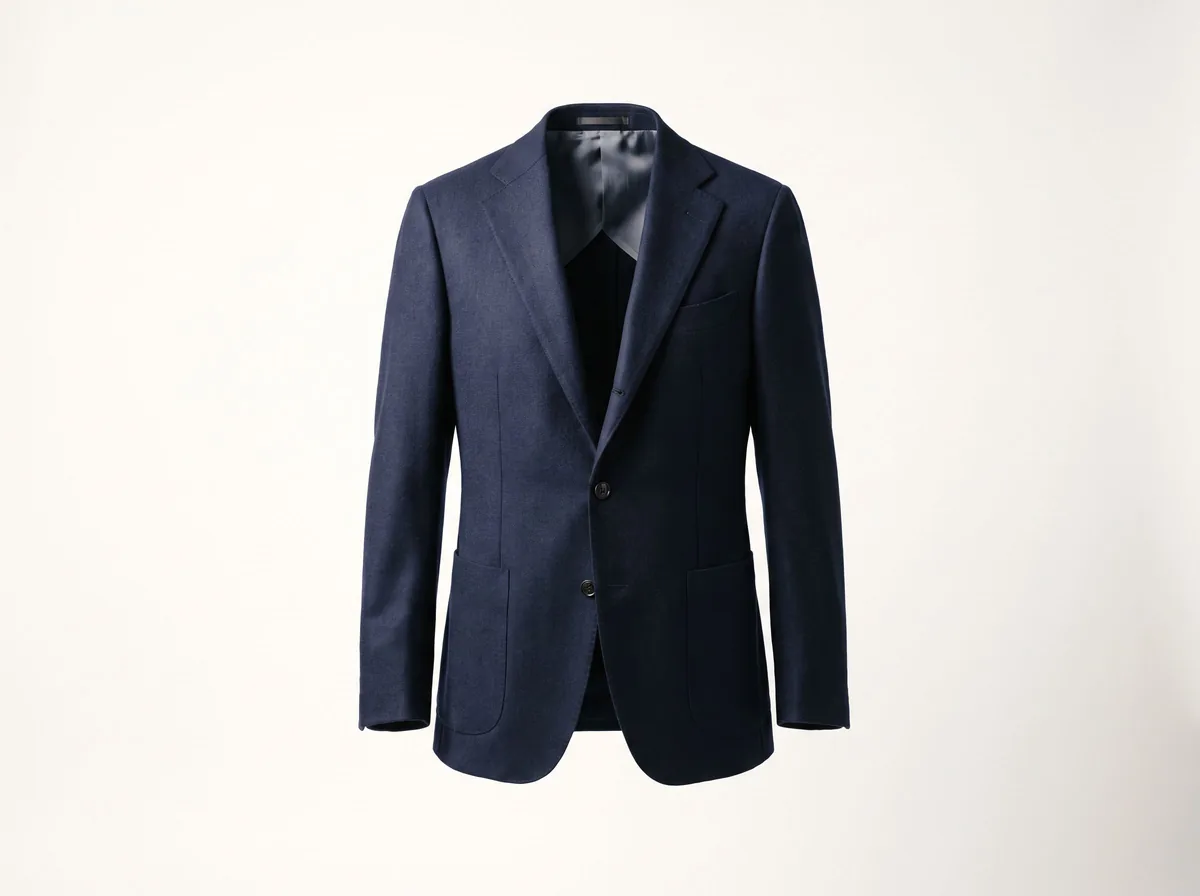 Ghost Mannequin EffectFreeTurn a mannequin, hanger or flat-lay photo into a clean invisible-mannequin shot, with the hollow 3D shape shoppers expect.
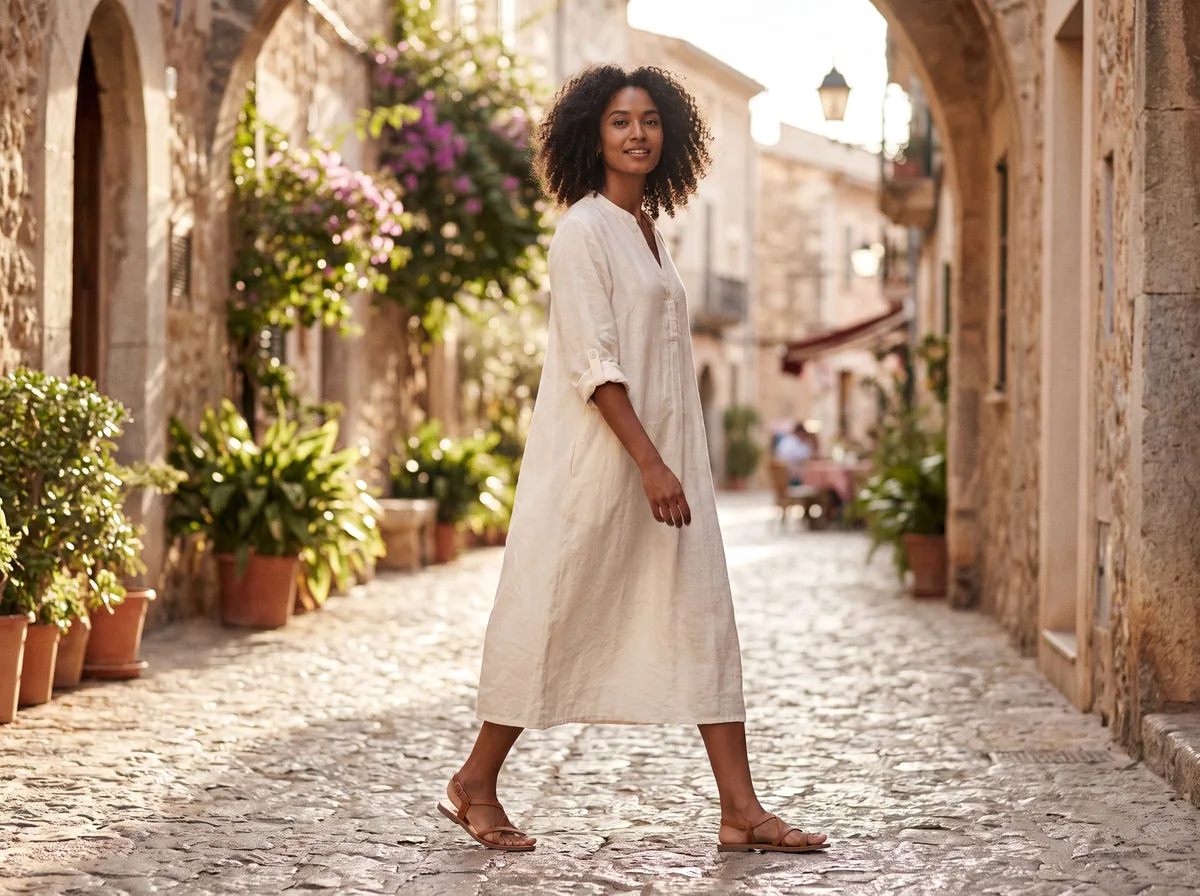 AI Fashion Model GeneratorFreeUpload a garment and see it worn by a realistic AI fashion model. Pick the model, pose and setting.
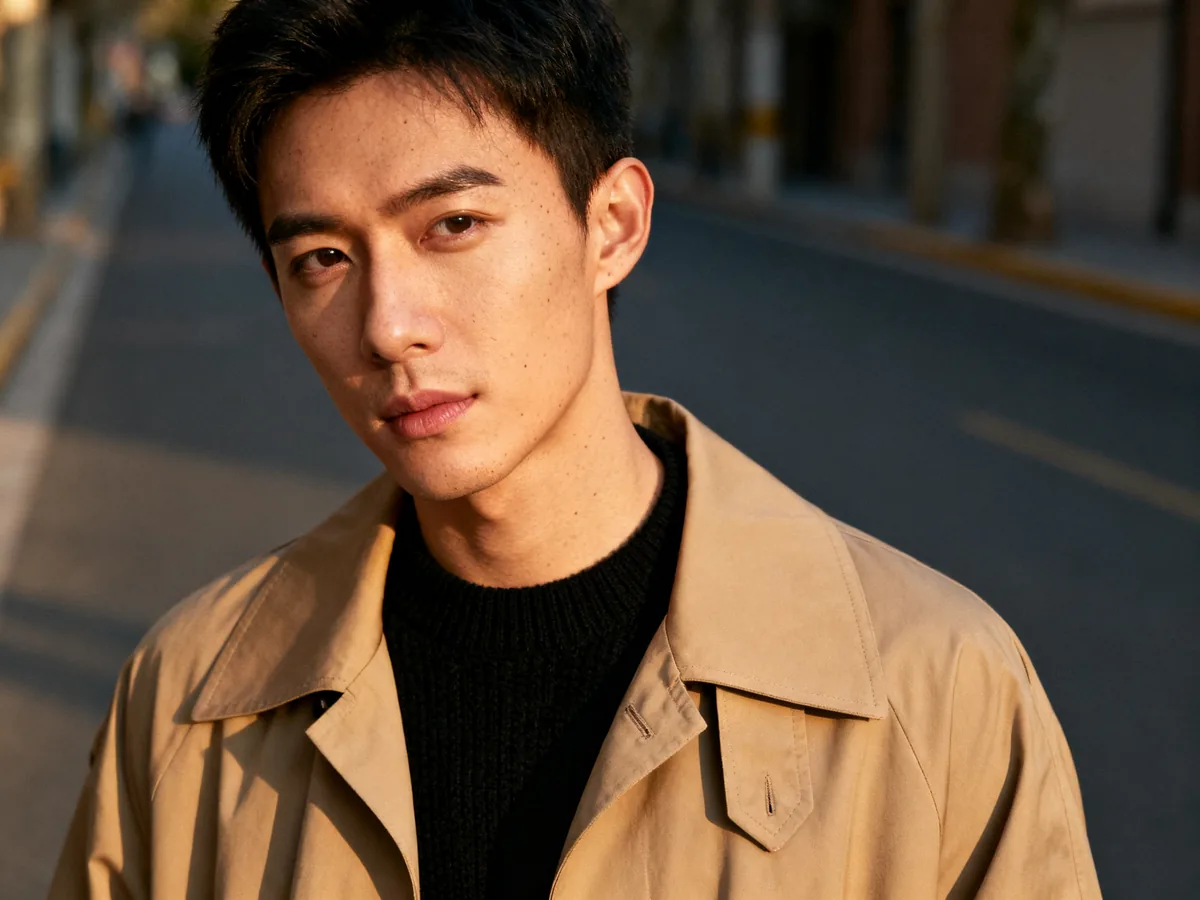 Free AI Clothing SwapFreeChange the clothes in any photo by describing the new outfit. Face, pose and background stay the same.
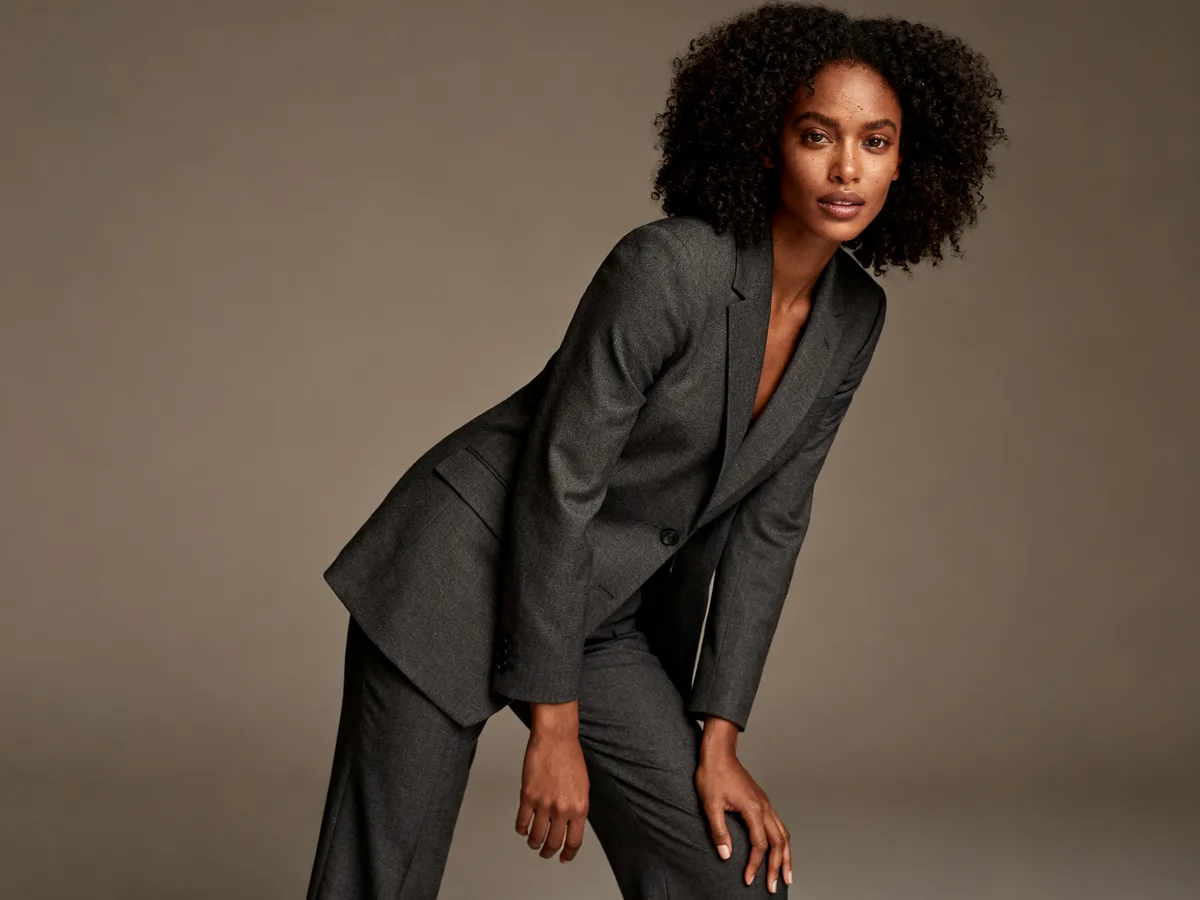 AI Clothing ModelFreeKeep one consistent AI model across your whole clothing range, pose after pose and item after item.
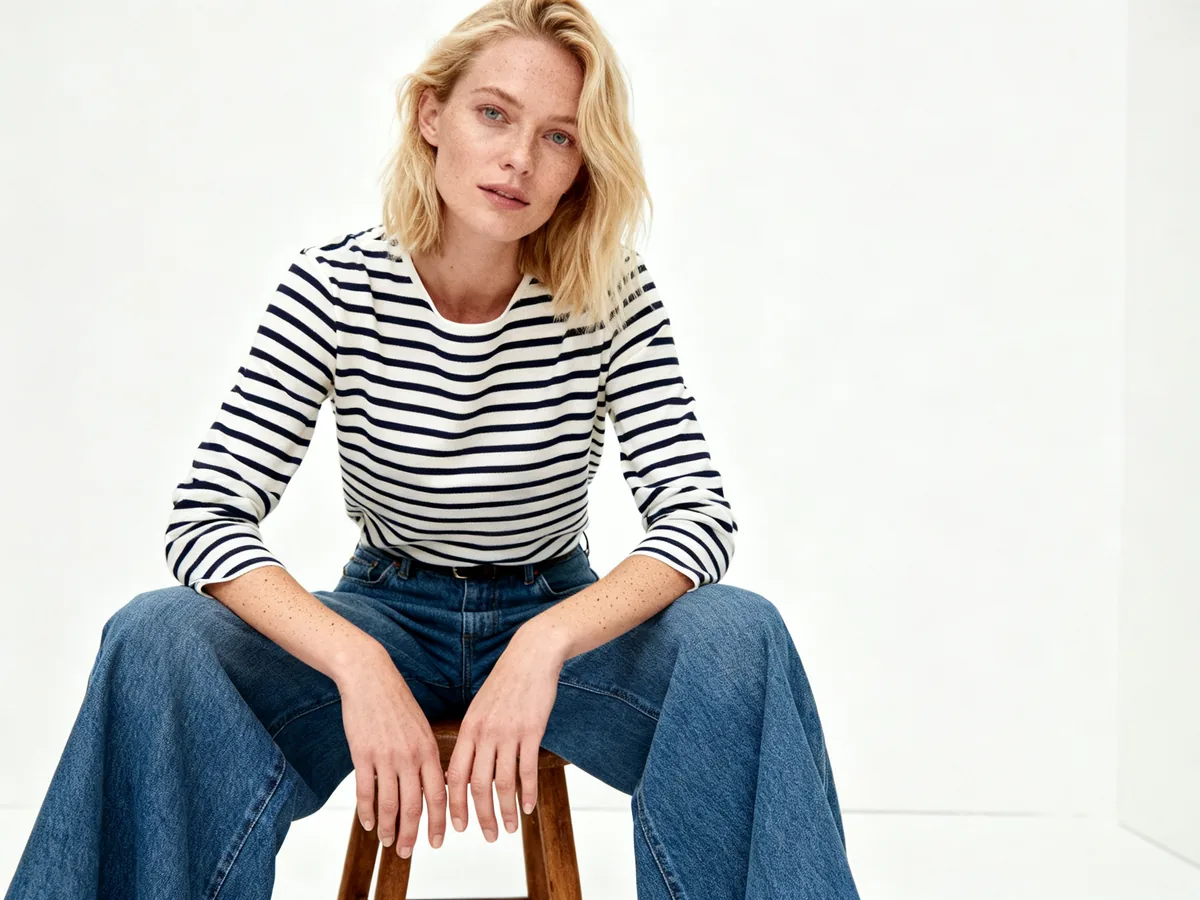 Flat Lay to ModelFreeUpload a garment photographed flat on a floor or table and get a realistic photo of a model wearing it, with natural fit and drape.
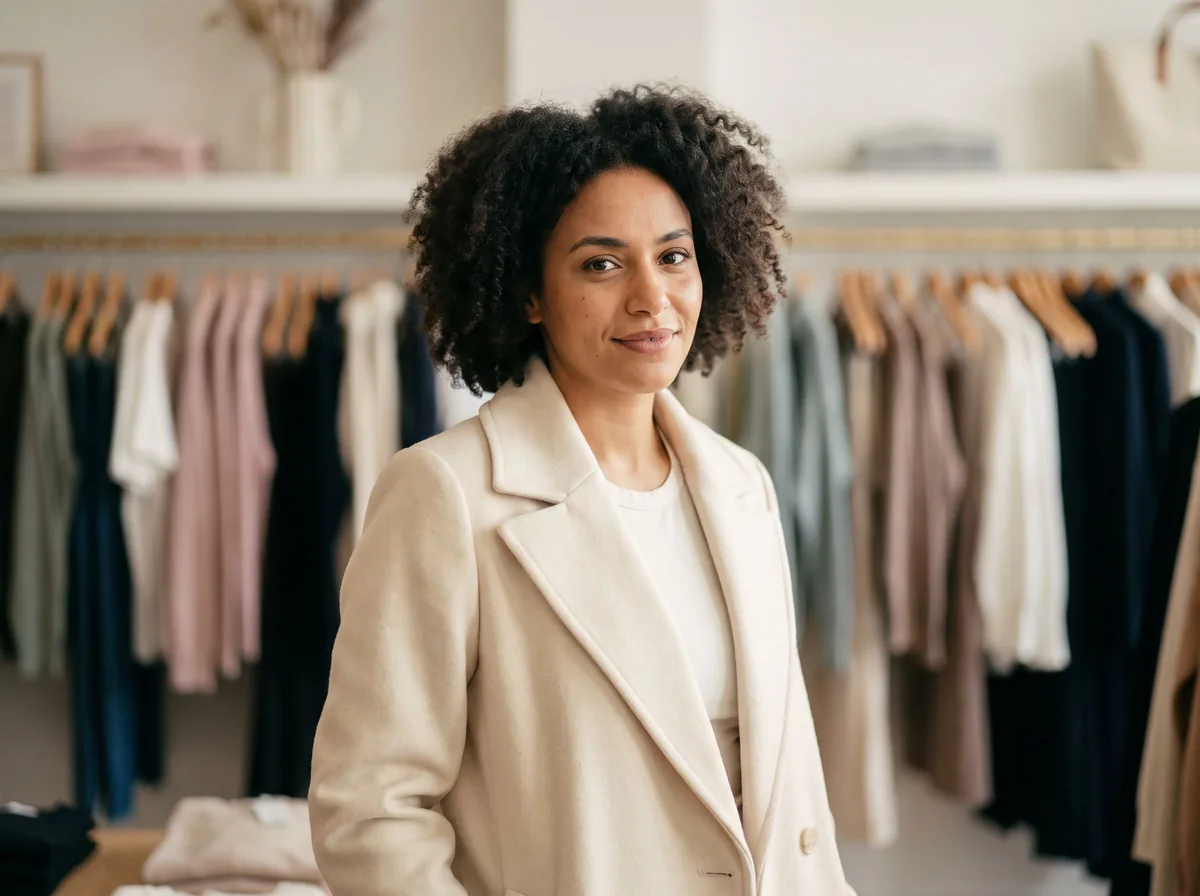 Mannequin to ModelFreeReplace the mannequin, dress form or hanger in your clothing photo with a realistic AI model wearing the same garment.
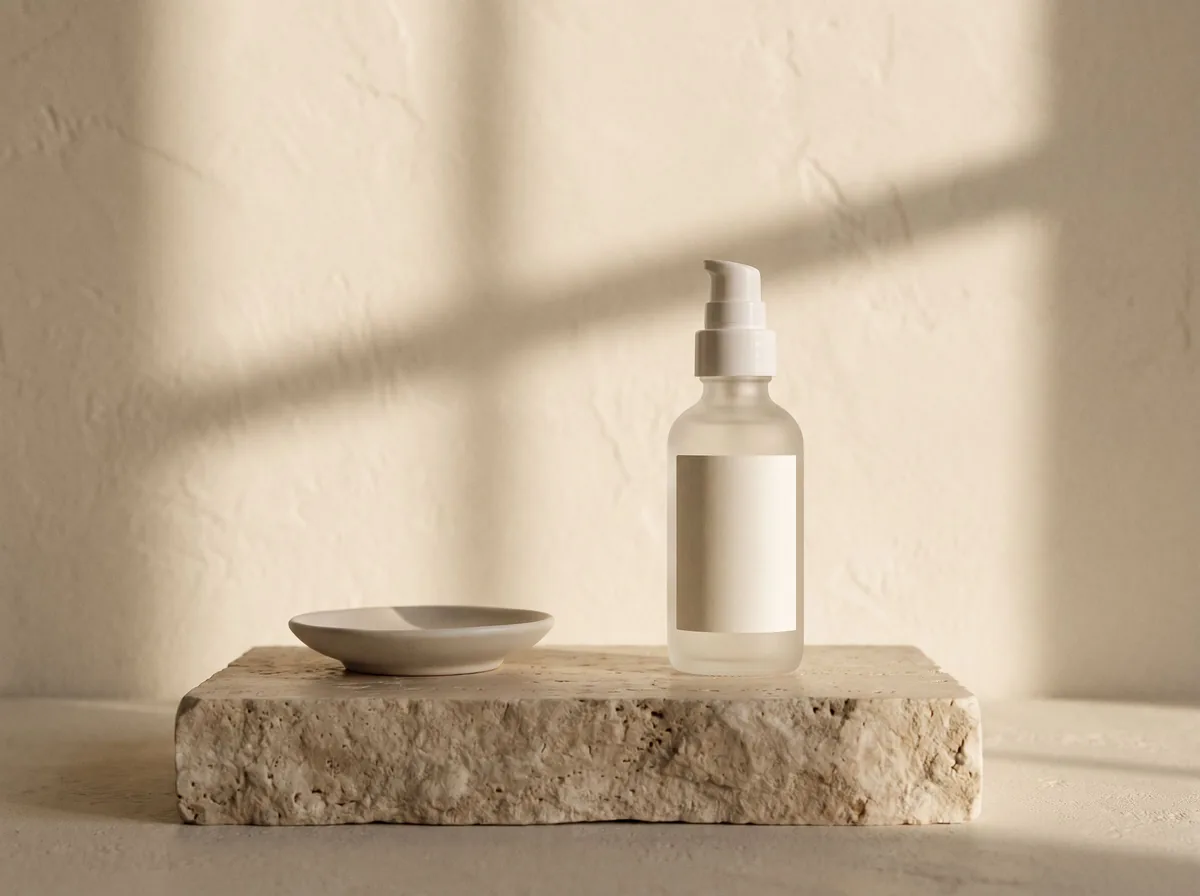 AI Product Image GeneratorFreeUpload a photo of your product and get studio and lifestyle product images in seconds. No photographer, no studio, no props.
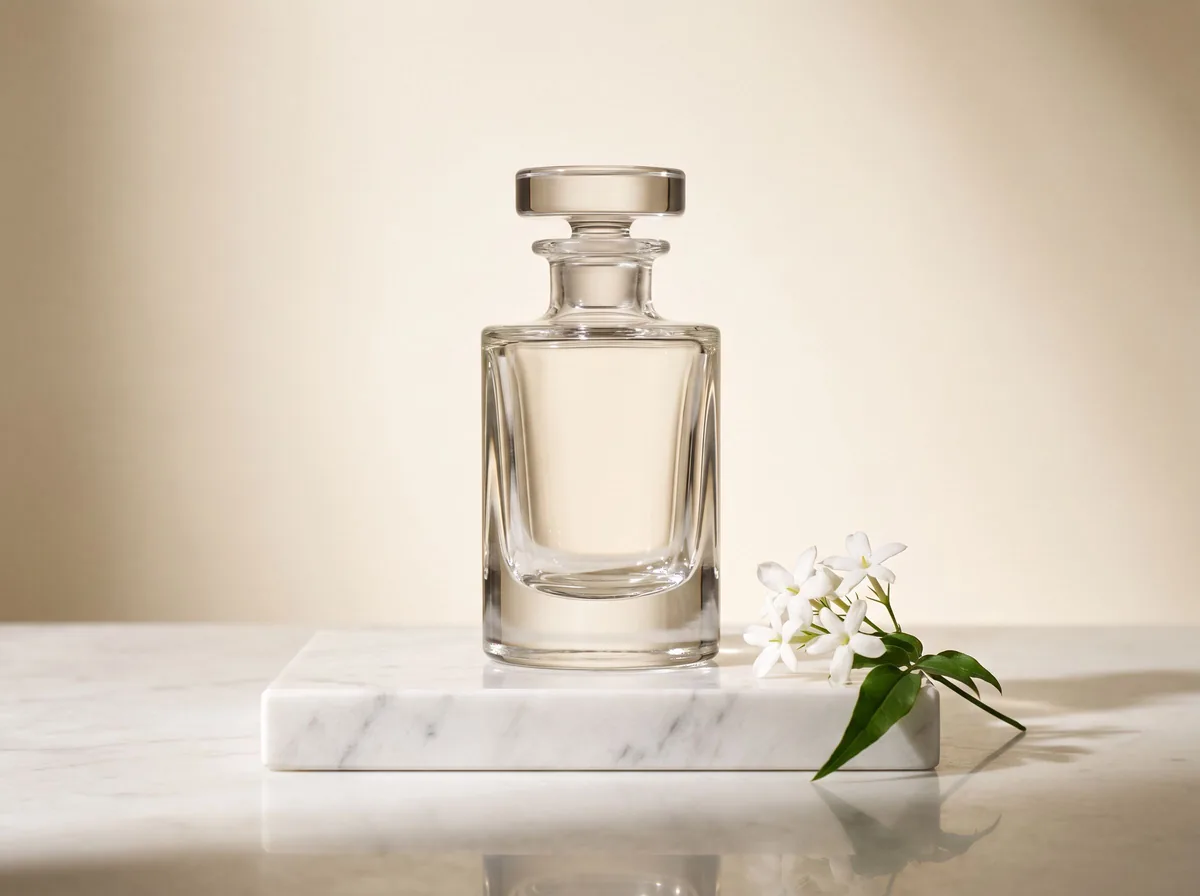 AI Product Description GeneratorFreeTurn a few product facts into a persuasive, SEO-friendly product description for your store, in seconds.
Ask an assistant
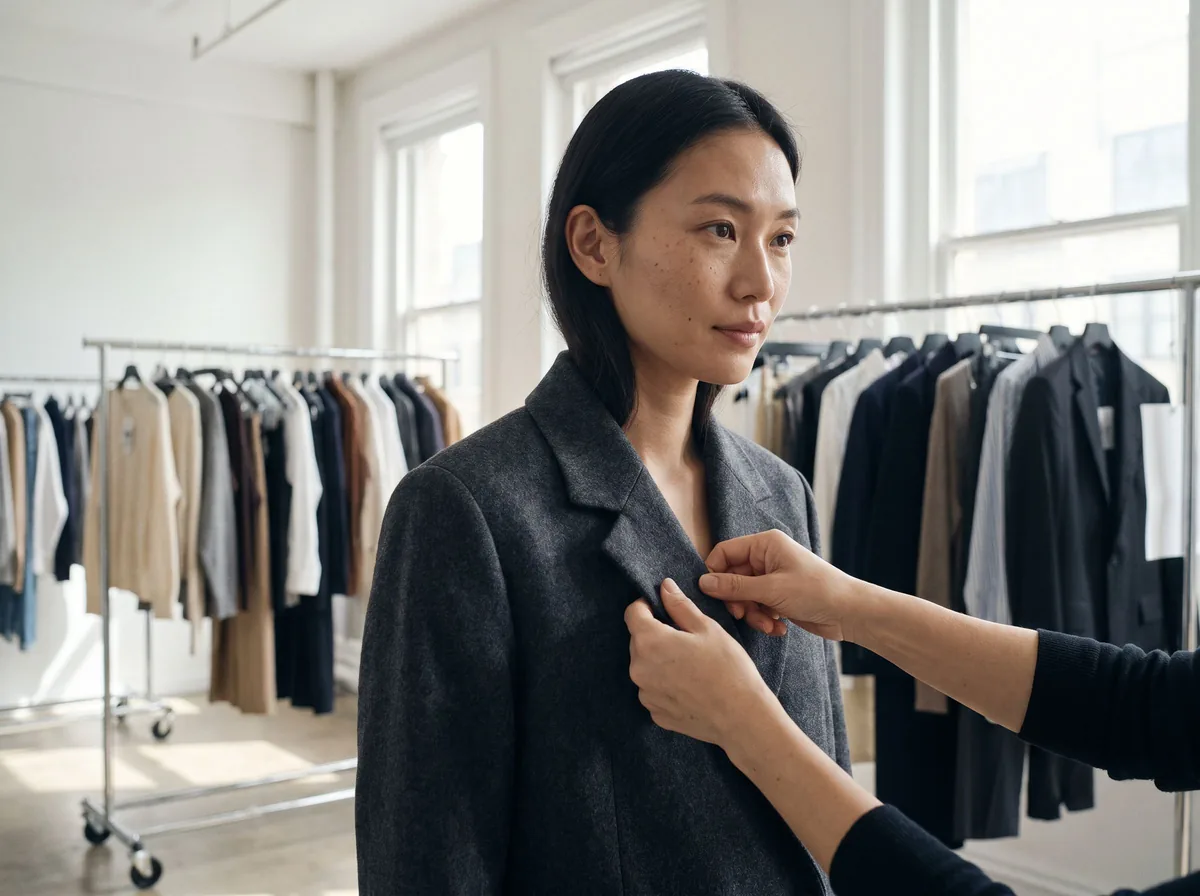 Fit ModelFashion Models FreePlans on-model photos for your clothing: which model, pose, setting and angles, with prompts for the AI fashion model tools.Chat free →
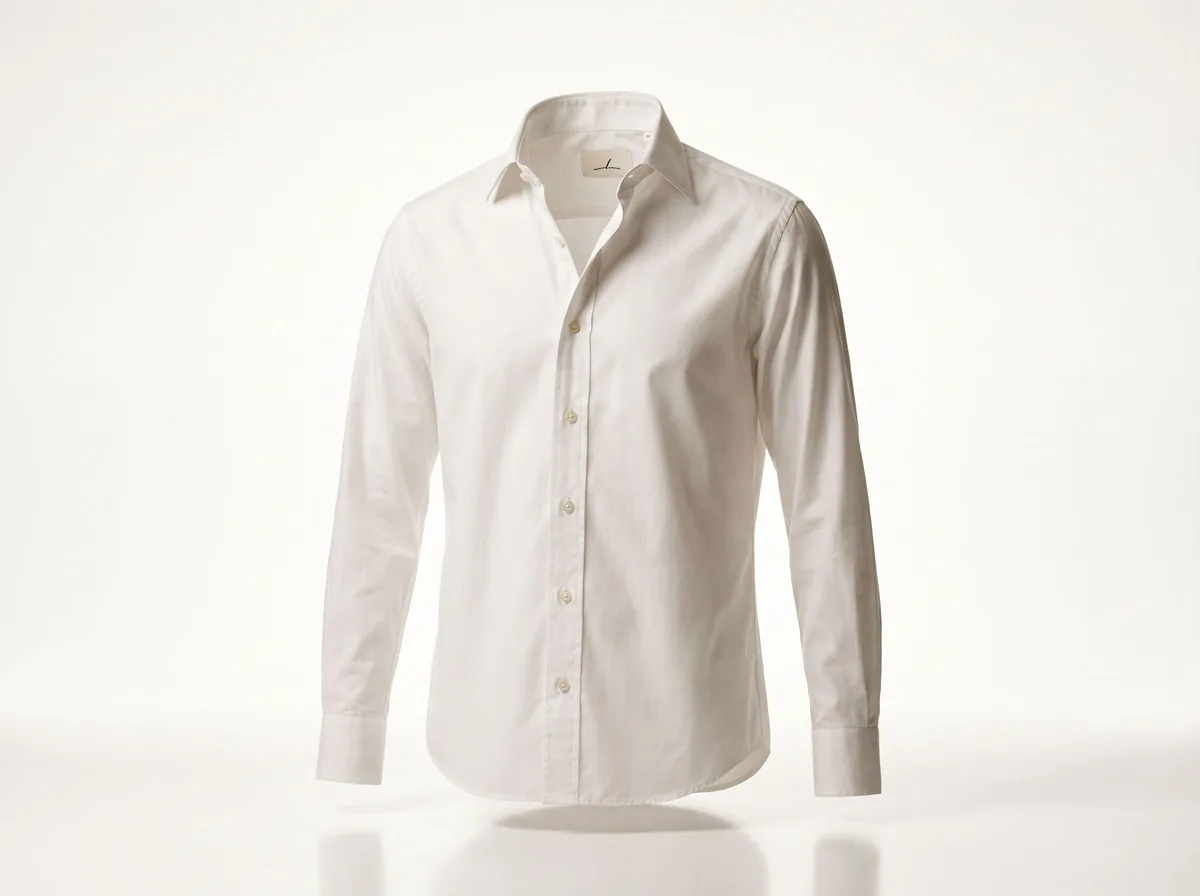 Ghost Mannequin AssistantFashion Models FreeWalks you through ghost mannequin photos: how to shoot the garment, which prompt to use, and how to fix a result.Chat free →
 Lookbook PlannerFashion Models FreeTurns a new collection into a lookbook plan: the story, the look order, the page spreads and a prompt for every image.Chat free →