Fashion & apparel
100% free · No sign-upFree T-Shirt Mockup Generator
Upload your t-shirt design and see it printed on a real shirt: flat lay, on a hanger, folded, on a model or as a back print, in any shirt color. Free to use, no sign-up.
Free to use · No sign-up · JPG, PNG or WebP
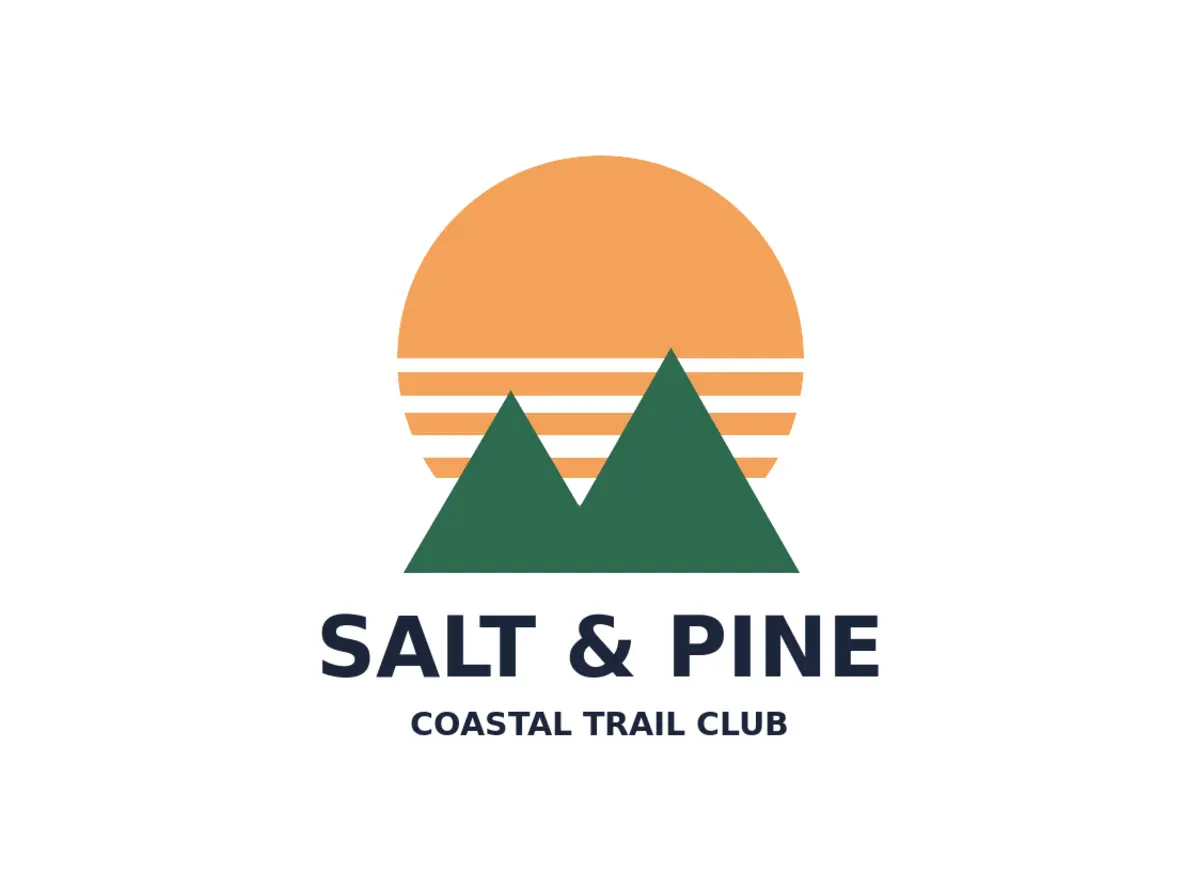
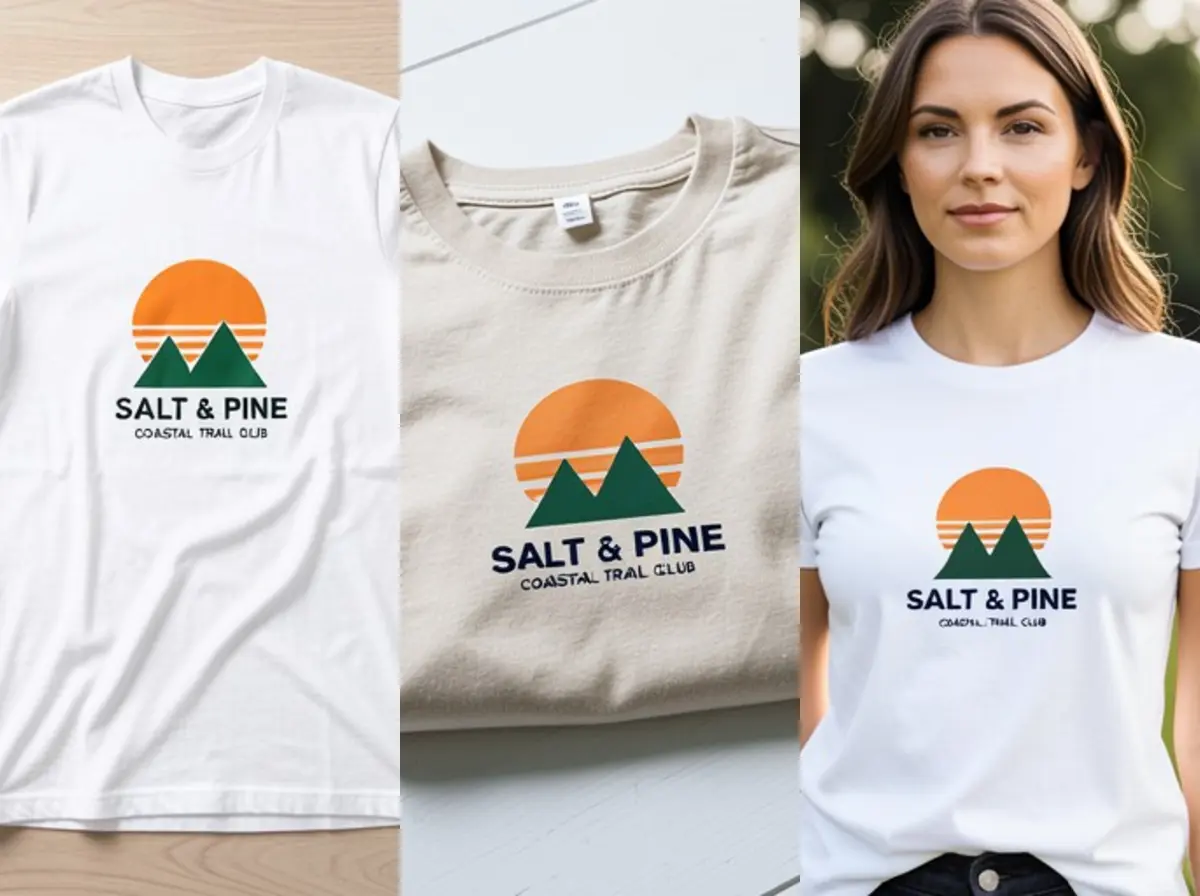
T-Shirt Mockup Generator
Made with Z Product AI
Popular with sellers
How it works
How to use the T-Shirt Mockup Generator
- 1
Upload your photo
A clear phone photo is enough. Keep the whole product or garment in frame.
- 2
Tap a preset or describe it
Pick a chip or type what you want in a few words. The AI keeps your product exactly as it is.
- 3
Download or refine
Download the result, or ask for a change and the AI edits the last image.
A t-shirt mockup shows your design printed on a real shirt before a single shirt is made. Print-on-demand sellers use them for listings, and brands use them to choose colors and print sizes. Upload your design and pick a shot and a shirt color. There are no templates to line up and no Photoshop files to edit.
The shots a t-shirt listing needs
Most shops lead with a clean flat lay or a ghost mannequin front view, then add a back view if there is a back print, a folded or hanging shot for texture, and one photo on a person to show size. Make the first image the one that shows the design most clearly.
Print size and placement
A standard adult front print is about 25 to 30 cm wide, starting about 8 cm below the collar. A left-chest logo is about 8 to 10 cm. Ask for the size you will actually print, so buyers are not surprised when the shirt arrives, and state the print size in the listing.
Shirt colors and contrast
Show the design on the colors you sell, starting with the best seller. Light designs suit black, navy and dark grey; dark designs suit white, sand and heather grey. If a color makes the design hard to read in the mockup, it will be hard to read on the real shirt too.
Need images with no mark, in HD? Try AI fashion models on AI Two, our sister studio: free to try, and its paid plans remove the watermark and add HD output.
FAQ
T-Shirt Mockup Generator: questions sellers ask
How do I make a t-shirt mockup?
Upload your design, then tap a shot such as "White tee, flat lay" or "Grey tee on a hanger", or type your own, for example "heather green tee on a beach towel". The AI prints the design on the shirt and photographs it. Make one image per shot and color you sell.
Will my design stay exactly the same?
Big shapes and large lettering usually hold. Small text is the weak spot. In our own eight tests with a sample design (flat lays on white and black, hanger, folded, on a model, back print), the large name was readable in all but one, but the small line of text under it was misspelled or smudged every time. Check every letter before you list, and if small text matters, ask again or upload a version without it.
What file should I upload?
The design itself as a PNG or JPG, ideally on a plain white or transparent background and cropped close. A clean, high-contrast file gives the cleanest print. You can also upload a photo of a printed shirt to restage it.
Can I show my design on black or colored shirts?
Yes, name the shirt color. Dark ink on a dark shirt is hard to see, and in both of our tests on a black shirt the AI recolored the dark text of the sample design (to white once, to orange and green once) instead of keeping it navy. For black or navy shirts, upload the light version of your design that you will actually print, so the mockup matches the real shirt.
Is the t-shirt mockup free?
Yes. There is no sign-up and no paid plan to unlock downloads. Free downloads are up to 768px on the long side and carry a small zproductai.com mark, which suits drafts, social posts and quick listing tests.
How is this different from the t-shirt mockup on model tool?
The on-model tool always shows the shirt worn by a model in lifestyle scenes. This generator starts from your design file and covers the plain product shots most listings use first: flat lay, hanger, folded and back print, plus a simple on-model shot.
Is T-Shirt Mockup Generator free?
Yes. T-Shirt Mockup Generator is free to use — no account and no credit card needed. You get free edits every day.
How accurate is T-Shirt Mockup Generator?
Results depend on the photo and the request. You can refine with follow-up messages until it looks the way you want.
Can I make multiple edits?
Yes! Each result becomes your new base image — keep refining with follow-up messages.
Is Z Product AI really free?
Yes. Every tool and assistant on Z Product AI is free to use, with no sign-up and no credit card, and there are no paid plans. Very heavy use is paced with short waits so the site stays free for everyone.
Keep going
More tools for your listings
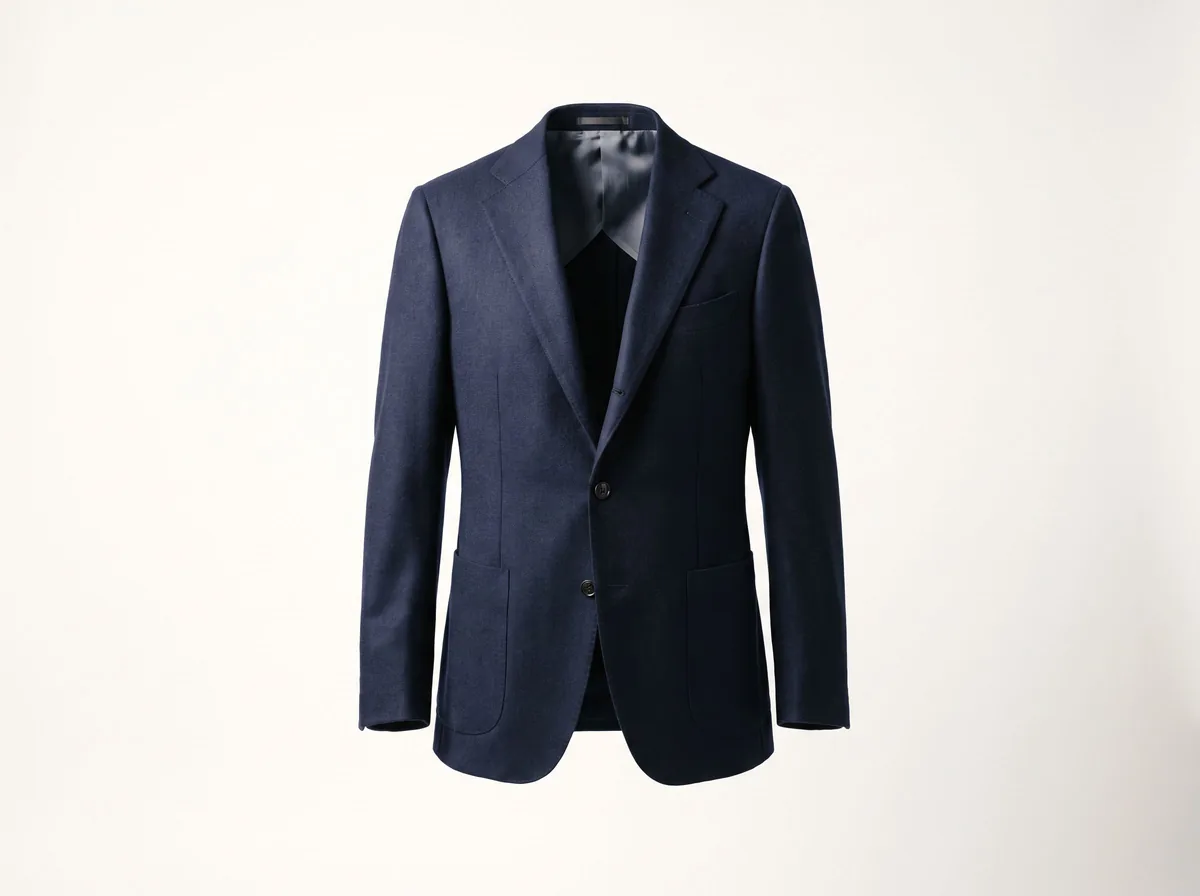 Ghost Mannequin EffectFreeTurn a mannequin, hanger or flat-lay photo into a clean invisible-mannequin shot, with the hollow 3D shape shoppers expect.
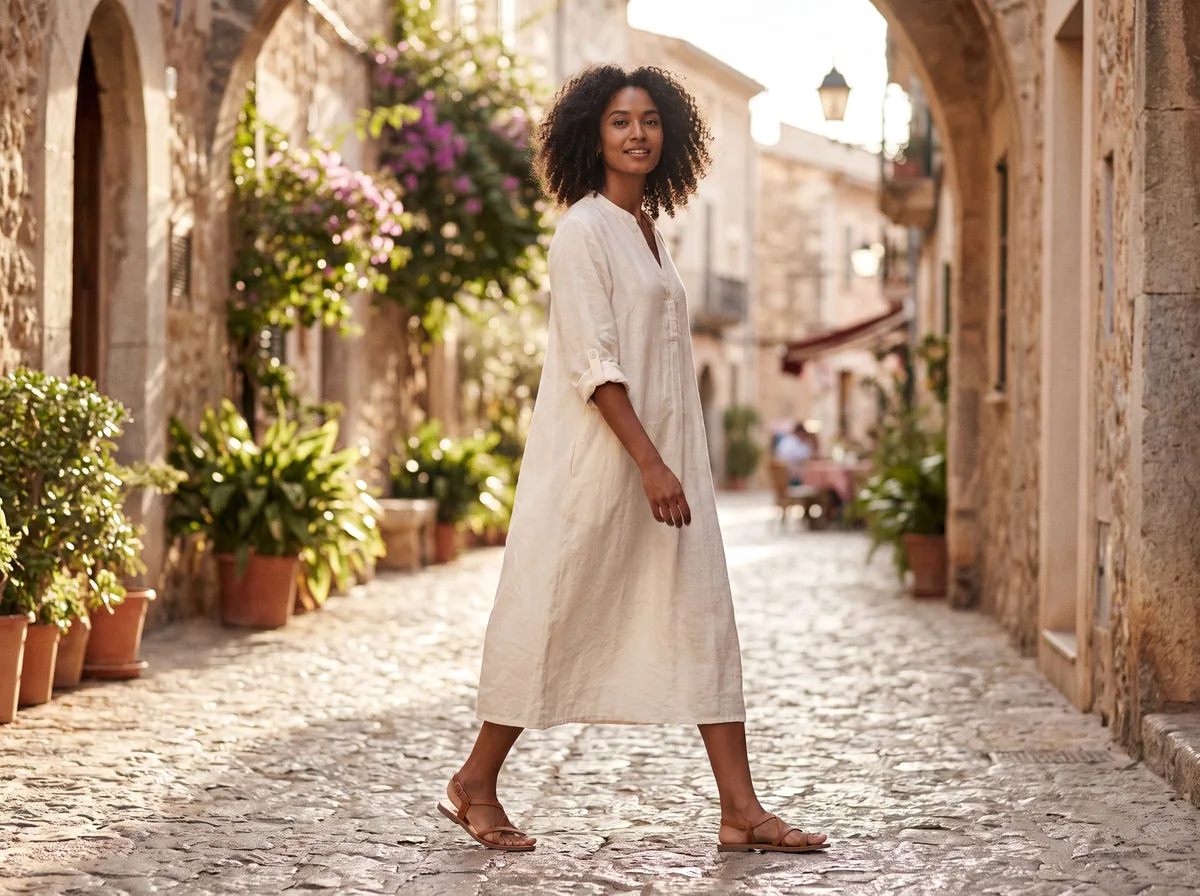 AI Fashion Model GeneratorFreeUpload a garment and see it worn by a realistic AI fashion model. Pick the model, pose and setting.
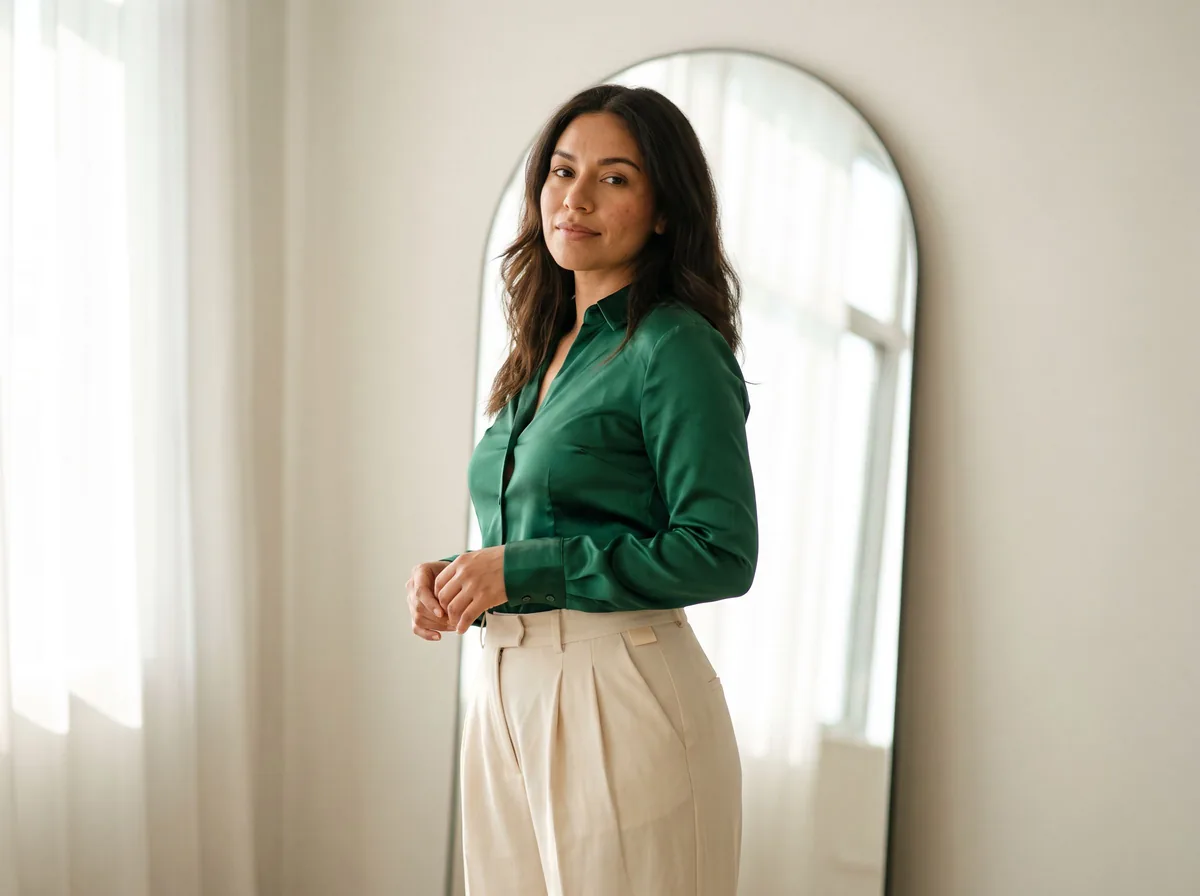 Virtual Try On ClothesFreeUpload a photo of a person and a photo of a garment. The AI dresses the person in it, keeping face, pose and background.
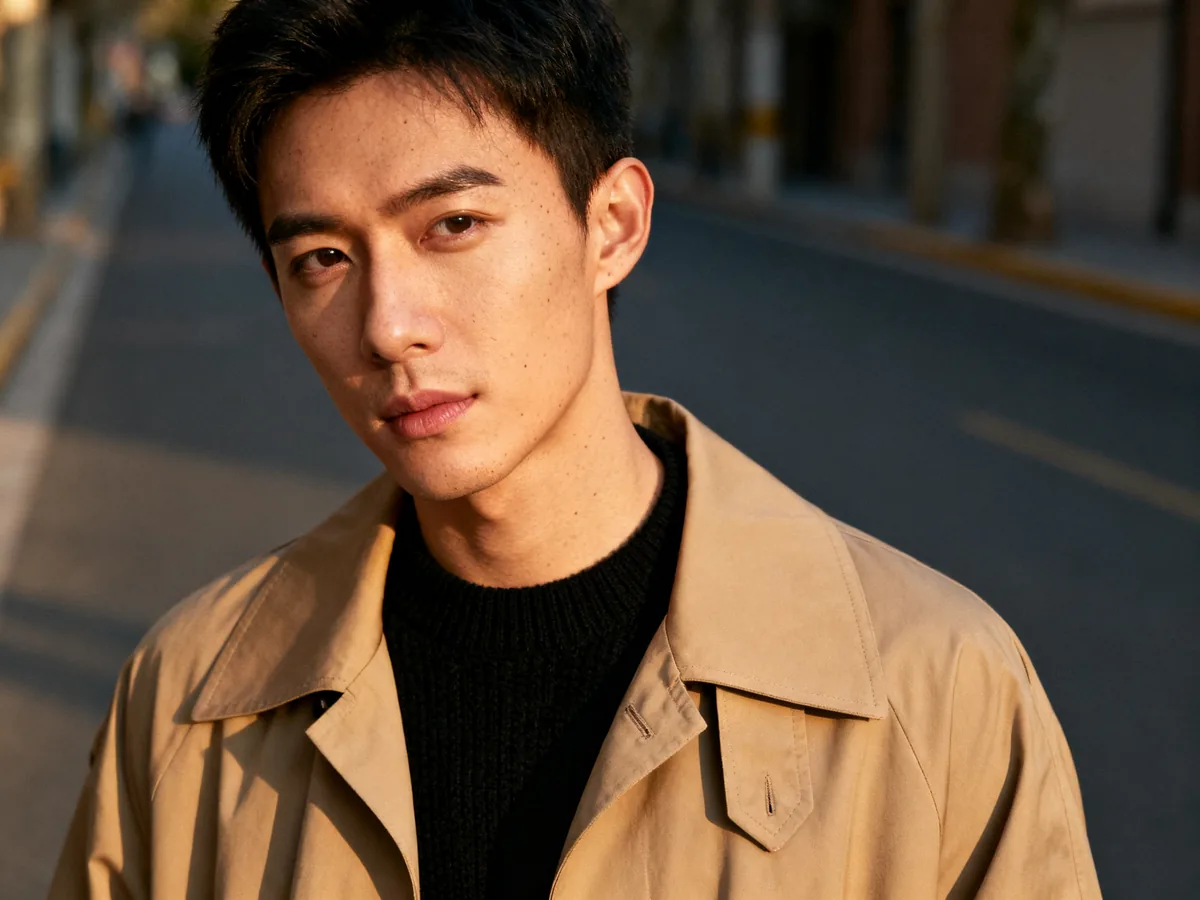 Free AI Clothing SwapFreeChange the clothes in any photo by describing the new outfit. Face, pose and background stay the same.
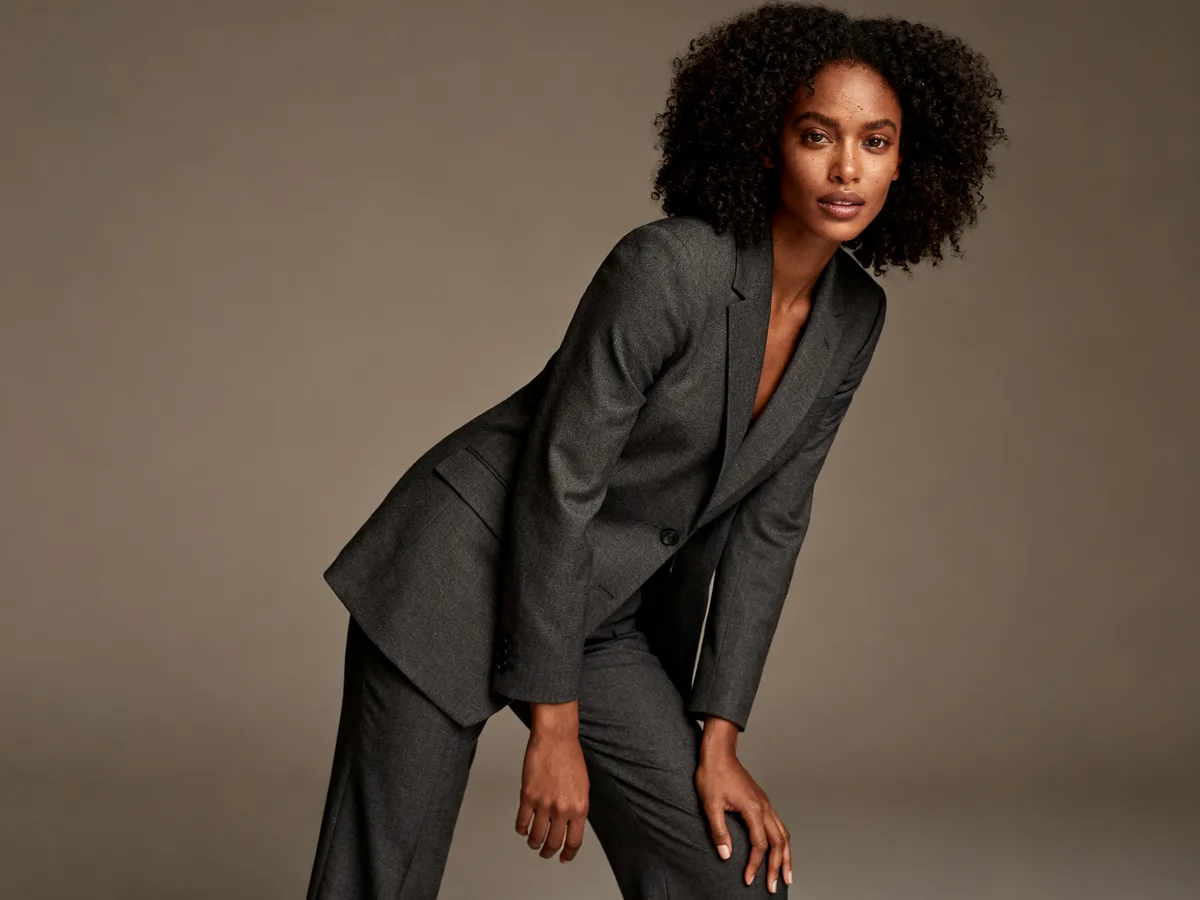 AI Clothing ModelFreeKeep one consistent AI model across your whole clothing range, pose after pose and item after item.
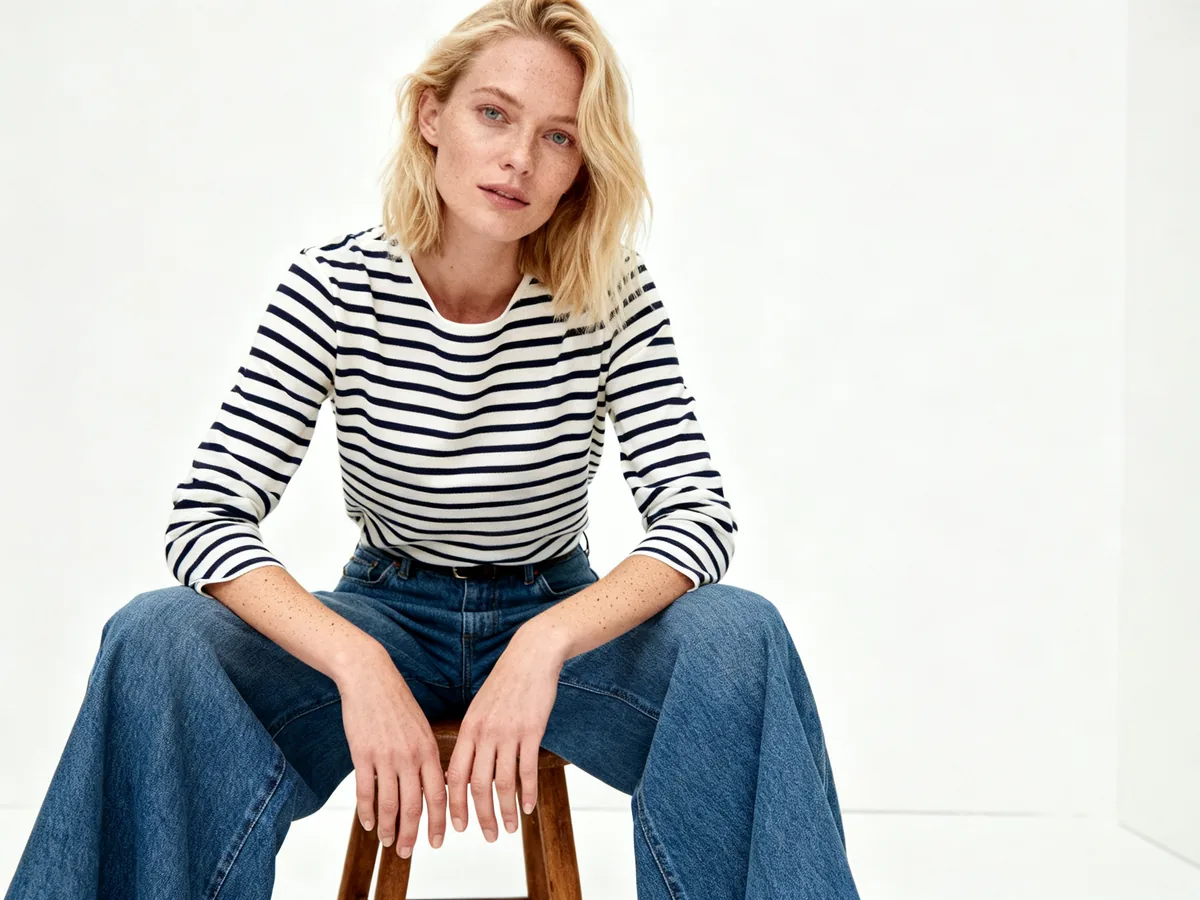 Flat Lay to ModelFreeUpload a garment photographed flat on a floor or table and get a realistic photo of a model wearing it, with natural fit and drape.
 AI Product Image GeneratorFreeUpload a photo of your product and get studio and lifestyle product images in seconds. No photographer, no studio, no props.
 AI Product Description GeneratorFreeTurn a few product facts into a persuasive, SEO-friendly product description for your store, in seconds.
Ask an assistant
 Fit ModelFashion Models FreePlans on-model photos for your clothing: which model, pose, setting and angles, with prompts for the AI fashion model tools.Chat free →
 Ghost Mannequin AssistantFashion Models FreeWalks you through ghost mannequin photos: how to shoot the garment, which prompt to use, and how to fix a result.Chat free →
 Lookbook PlannerFashion Models FreeTurns a new collection into a lookbook plan: the story, the look order, the page spreads and a prompt for every image.Chat free →