Product photography
100% free · No sign-upFree Sticker Mockup Generator
Upload your sticker design and see it as a real die-cut sticker: on a laptop, a water bottle, a notebook, a sticker sheet or held in a hand. Free to use, no sign-up.
Free to use · No sign-up · JPG, PNG or WebP
Sticker Mockup Generator
Made with Z Product AI
Popular with sellers
How it works
How to use the Sticker Mockup Generator
- 1
Upload your photo
A clear phone photo is enough. Keep the whole product or garment in frame.
- 2
Tap a preset or describe it
Pick a chip or type what you want in a few words. The AI keeps your product exactly as it is.
- 3
Download or refine
Download the result, or ask for a change and the AI edits the last image.
Stickers sell on Etsy, Redbubble and at markets, and buyers want to see them stuck on something they own. A sticker mockup turns your design into a die-cut vinyl sticker on a laptop, a water bottle, a notebook or a sheet, in seconds. Upload the design, pick a surface, and download.
The shots that sell stickers
Start with the sticker on a white background or held in a hand so the design is clear, then show it on a laptop and a water bottle, the two places most stickers end up. A sheet or a pile of stickers works for packs and bundles.
Die-cut, kiss-cut and finishes
Die-cut stickers are cut around the outline with a white border. Kiss-cut stickers stay on a sheet. Glossy finishes make colors pop; matte reads better under bright light; holographic catches the eye in photos. Show the type you will ship.
Size and detail
Most stickers are 5 to 8 cm across. Fine lines and small text get lost at that size and in the die-cut border. Zoom the mockup to real size on your screen: if it reads there, it will read on the real sticker.
Need images with no mark, in HD? Try AI product photos on AI Two, our sister studio: free to try, and its paid plans remove the watermark and add HD output.
FAQ
Sticker Mockup Generator: questions sellers ask
How do I make a sticker mockup?
Upload your design (a PNG with a transparent background works best), then tap a shot such as "On a laptop" or "Sticker sheet". The AI turns it into a die-cut sticker with a white border and photographs it on that surface.
Can it show glossy or matte stickers?
Yes. Glossy is the default; type "matte", "holographic" or "clear" in your prompt. The finish changes the highlights, which buyers notice.
Will my design stay exactly the same?
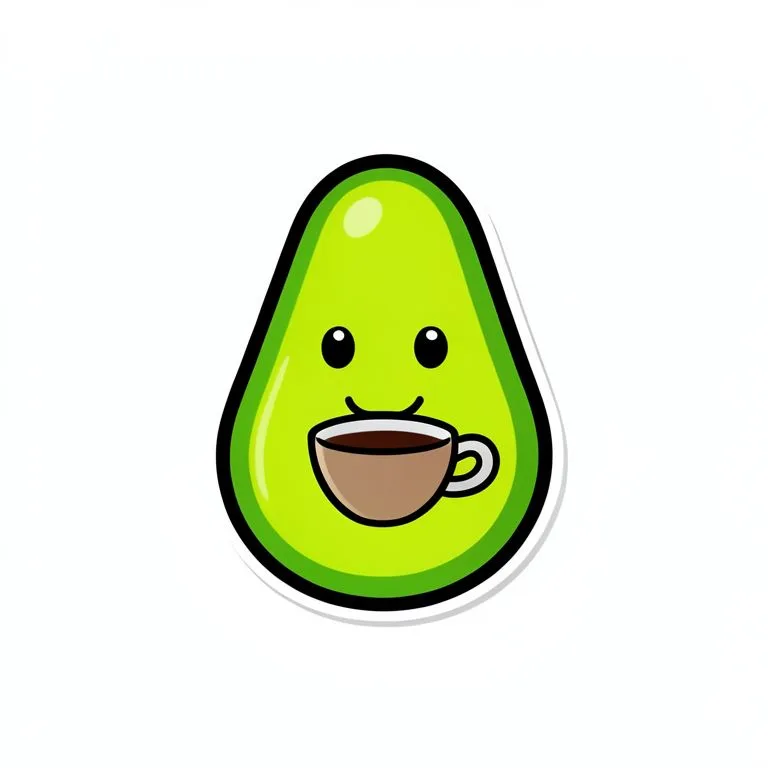
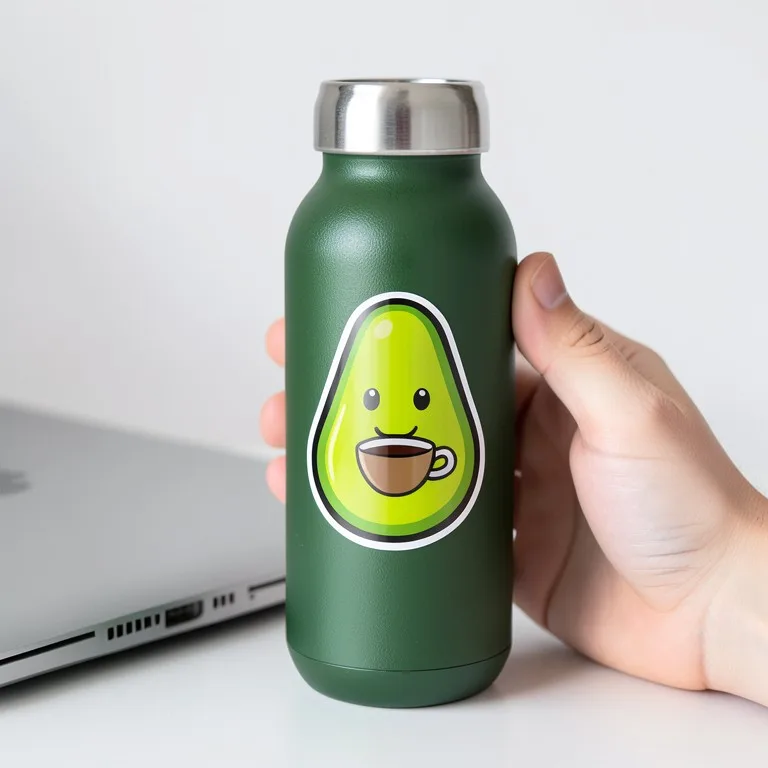
Yes, in our test. A made-up smiling avocado with a coffee cup came out exact on a laptop, a water bottle and held in a hand, with the white die-cut border kept. Cartoon art with a thick outline is the easiest kind of sticker for the AI to keep.
What should I upload?
The sticker artwork cropped close, ideally on a transparent or plain white background. Do not add the white border yourself; the AI adds a die-cut border around the outline.
Can I show a sticker sheet?
Yes. Tap "Sticker sheet" for several copies on a kiss-cut sheet. For a sheet with different designs, upload them together in one image.
Is the sticker mockup free?
Yes. There is no sign-up and no paid plan to unlock downloads. Free downloads are up to 768px on the long side and carry a small zproductai.com mark, which suits drafts, social posts, client previews and quick listing tests.
Is Sticker Mockup Generator free?
Yes. Sticker Mockup Generator is free to use — no account and no credit card needed. You get free edits every day.
How accurate is Sticker Mockup Generator?
Results depend on the photo and the request. You can refine with follow-up messages until it looks the way you want.
Can I make multiple edits?
Yes! Each result becomes your new base image — keep refining with follow-up messages.
Is Z Product AI really free?
Yes. Every tool and assistant on Z Product AI is free to use, with no sign-up and no credit card, and there are no paid plans. Very heavy use is paced with short waits so the site stays free for everyone.
Keep going
More tools for your listings
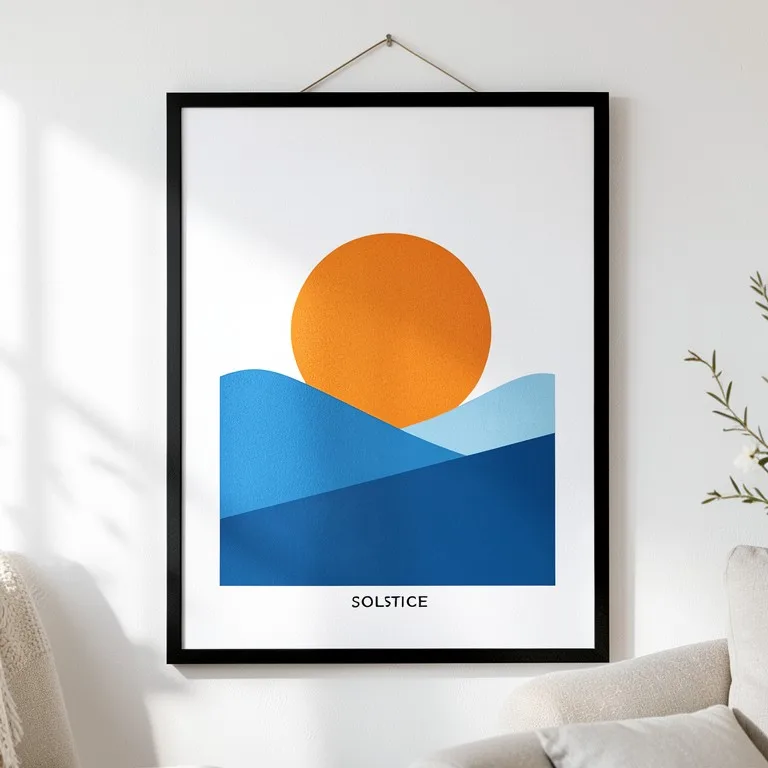 Poster & Frame Mockup GeneratorFreeUpload your poster or art print and see it framed on a wall, on an MDF board, leaning on a shelf or pasted on a street wall, in any room and frame.
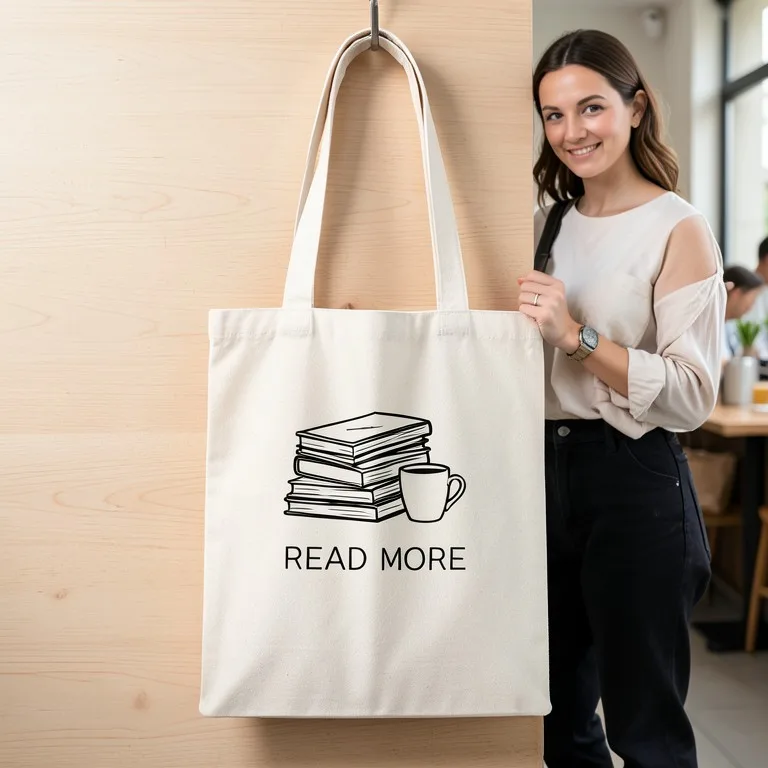 Tote Bag Mockup GeneratorFreeUpload your design and see it printed on a canvas tote bag: flat lay, hanging, carried on the shoulder or styled in a scene, in natural, black or any color.
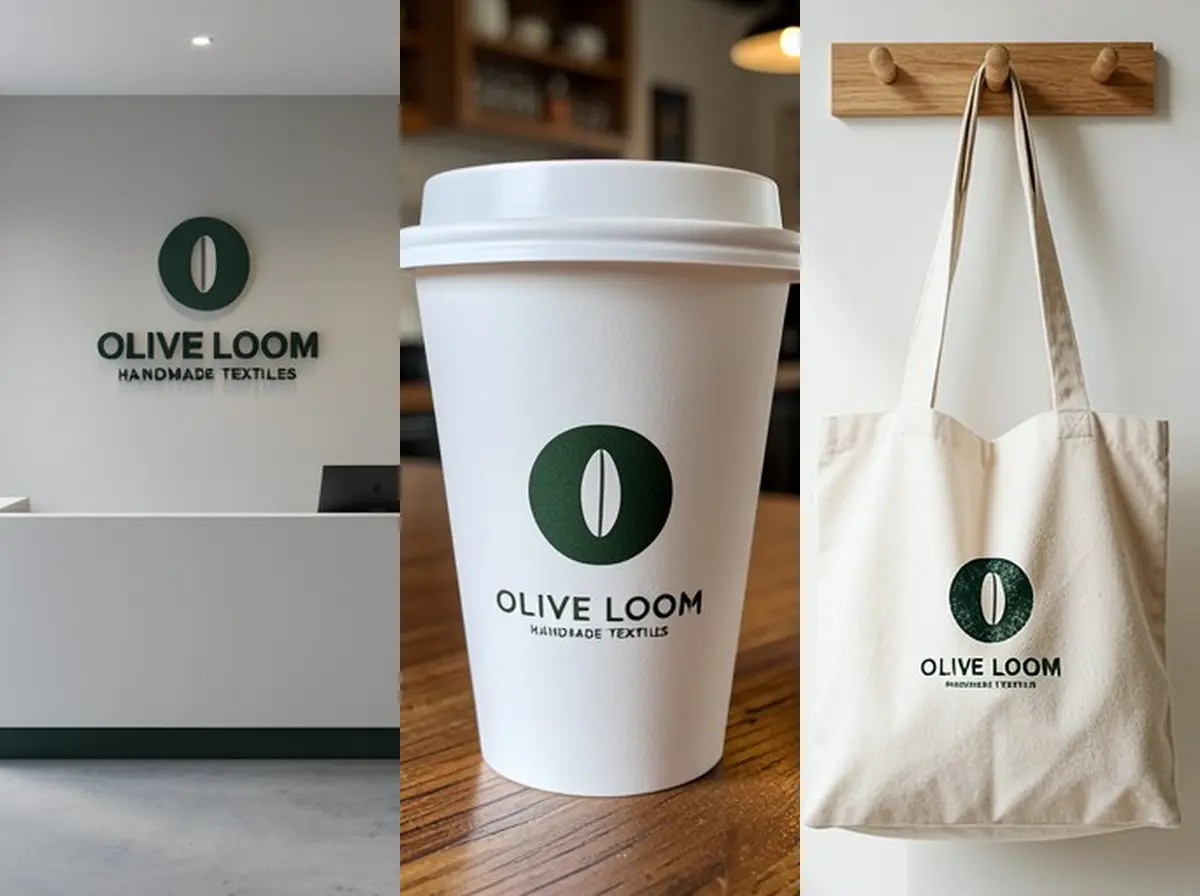 Logo Mockup GeneratorFreeUpload your logo and see it as a 3D wall sign, embossed paper, gold foil card, shop sign, coffee cup or tote bag, in a realistic photo.
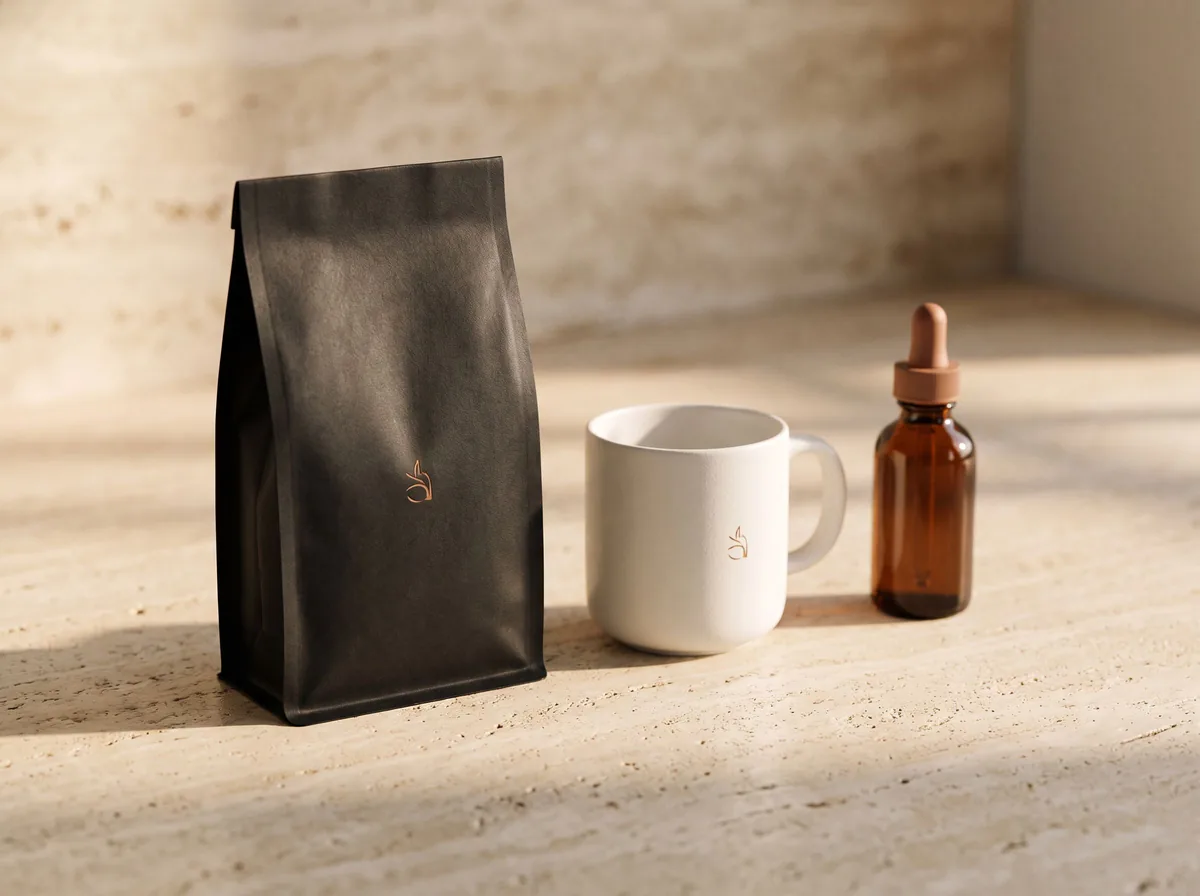 AI Mockup GeneratorFreeDescribe a product mockup, or upload your logo or label, and get a photo-real mockup: bottles, boxes, bags, mugs, apparel and more.
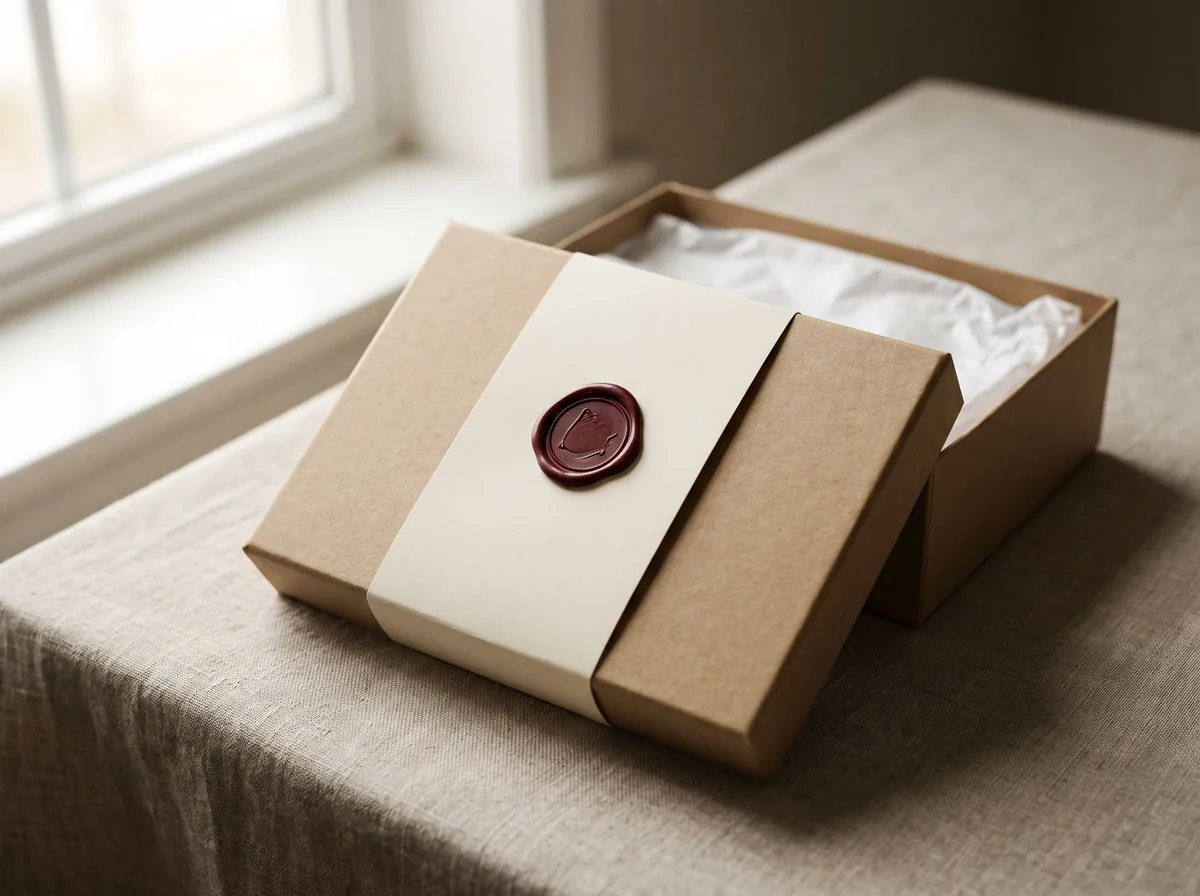 Packaging Mockup GeneratorFreeTurn a flat label, box design or product render into a realistic packaging mockup photo, with your artwork kept exact.
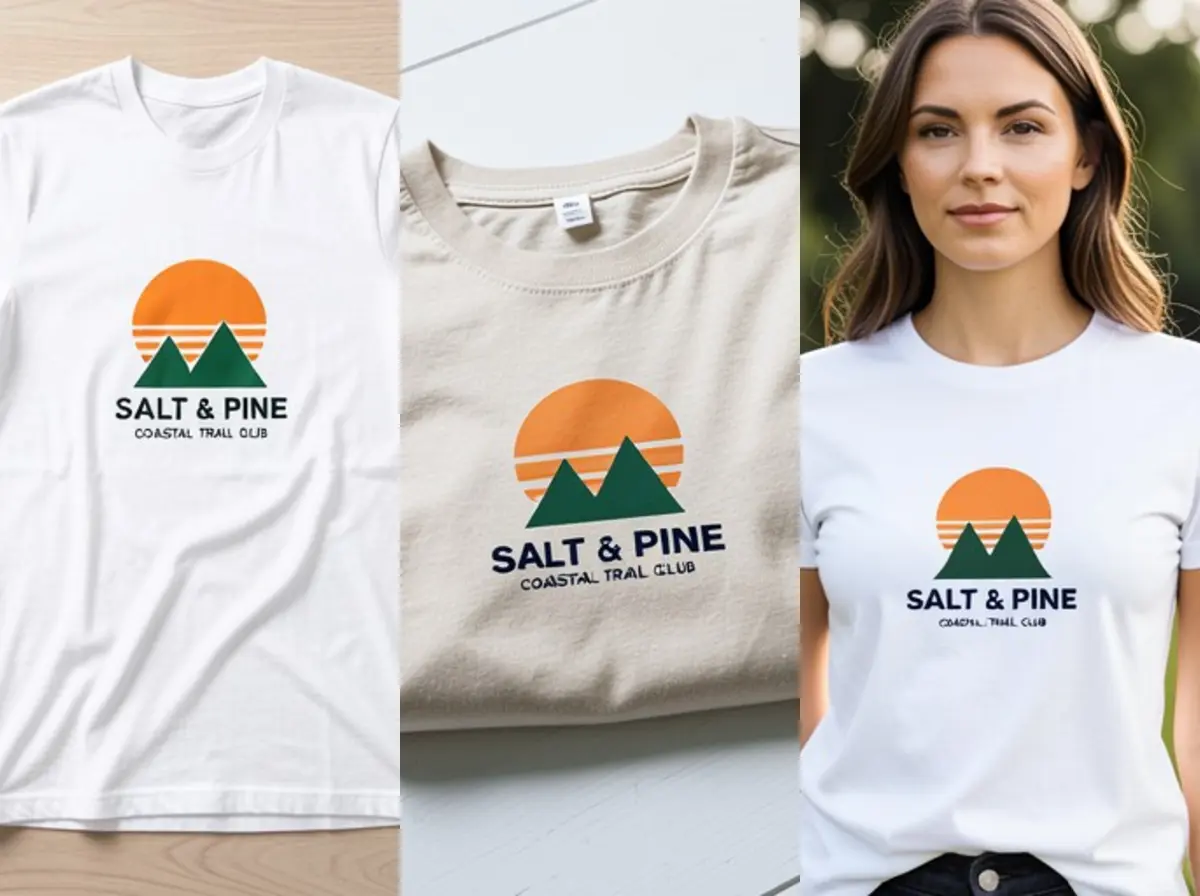 T-Shirt Mockup GeneratorFreeUpload your t-shirt design and see it printed on a real shirt: flat lay, on a hanger, folded, on a model or as a back print, in any shirt color.
Ask an assistant
 Product Shoot StudioProduct Photography FreeYour AI product photography director: plans the shoot, picks scenes, props and light, and writes the prompt for every shot.Chat free →
 Amazon Main Image CheckerProduct Photography FreeChecks your Amazon main image against common requirements, background, fill, props and text, and tells you how to fix or reshoot it.Chat free →
 Jewelry Photo DirectorProduct Photography FreePlans jewelry photos that show sparkle, metal tone and true scale: rings, necklaces, earrings and bracelets on white, on busts and in close detail.Chat free →