Product photography
100% free · No sign-upFree Logo Mockup Generator
Upload your logo and see it as a 3D wall sign, embossed paper, gold foil card, shop sign, coffee cup or tote bag, in a realistic photo. Free to use, no sign-up.
Free to use · No sign-up · JPG, PNG or WebP
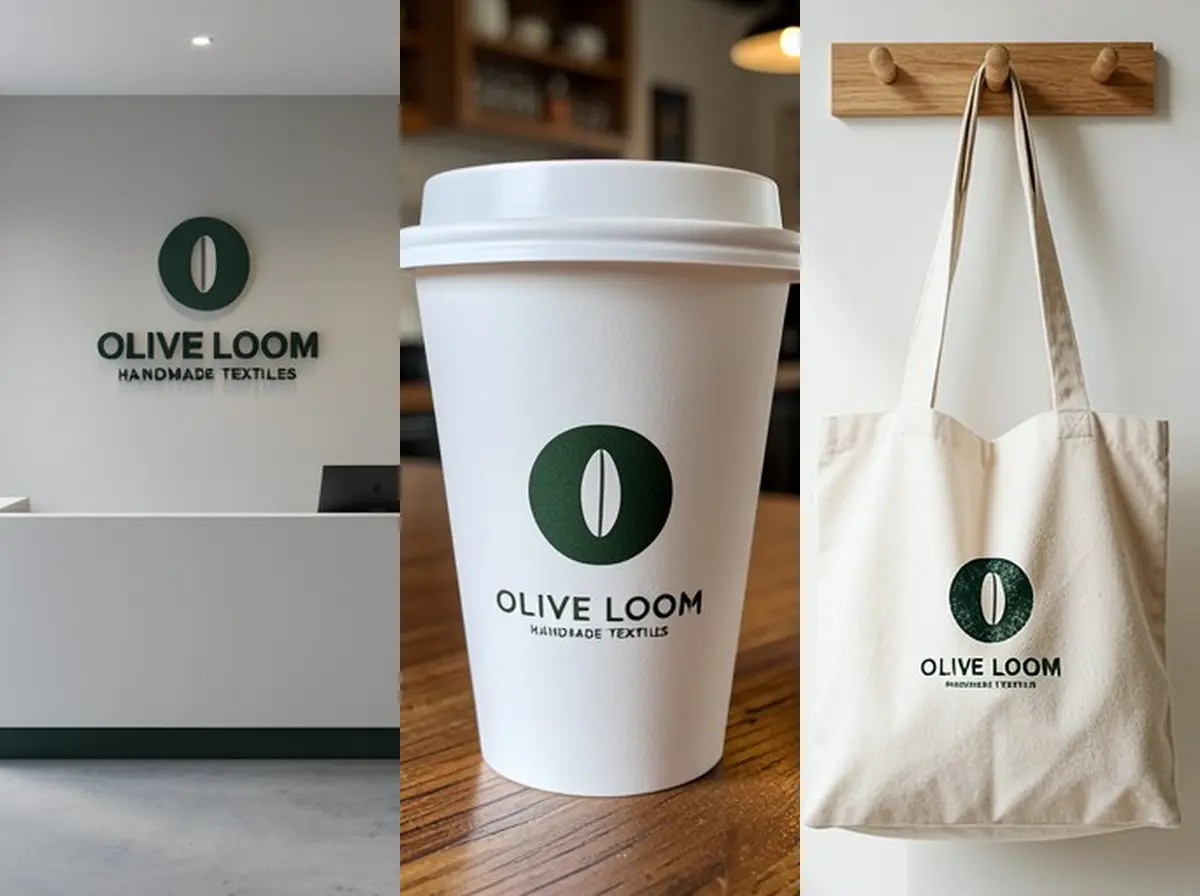
Logo Mockup Generator
Made with Z Product AI
Popular with sellers
How it works
How to use the Logo Mockup Generator
- 1
Upload your photo
A clear phone photo is enough. Keep the whole product or garment in frame.
- 2
Tap a preset or describe it
Pick a chip or type what you want in a few words. The AI keeps your product exactly as it is.
- 3
Download or refine
Download the result, or ask for a change and the AI edits the last image.
A logo looks different on a white screen than it does on a wall, a business card or a coffee cup. A logo mockup shows the mark where people will actually see it, so you can judge size, contrast and finish before you pay for signs or print. Upload your logo and pick a surface; there are no templates to edit and no layers to line up.
Pick surfaces your customers will see
A café needs its cup, its window and its shop sign. A studio or agency needs a reception wall and a business card. An online shop needs a mailer box, a tote bag and a thank-you card. Start with the three places a customer meets the brand first and make one mockup for each.
Check the logo at small and large sizes
A wall sign shows the logo big, a business card shows it at a few centimetres. Look at both. If thin lines or a small tagline disappear on the card, the logo needs a simpler version for small uses, and that is worth knowing before you print a thousand cards.
Finishes: 3D, embossed, foil and print
Raised 3D letters suit a reception wall. Blind embossing (raised, no ink) suits premium stationery. Gold or silver foil reads as luxury on dark card. Flat print suits cups, bags and t-shirts. Ask for the finish by name, for example "debossed into kraft paper" or "brushed steel letters on concrete".
Need images with no mark, in HD? Try AI product photos on AI Two, our sister studio: free to try, and its paid plans remove the watermark and add HD output.
FAQ
Logo Mockup Generator: questions sellers ask
How do I make a logo mockup?
Upload your logo, then tap a surface such as "3D wall sign" or "Gold foil card", or type your own, for example "logo engraved on a wooden board". The AI puts your logo on that surface in a realistic photo. Try a few surfaces and keep the ones that suit the brand.
Will it keep my logo exactly the same?
It is told to, and large shapes and big lettering usually hold. Small text is the weak spot. In our own seven tests with a sample logo (two wall signs, embossed paper, gold foil card, shop sign, coffee cup, tote bag), the brand name came out right every time, but the small tagline under it was misspelled or smudged every time. Check every letter before you show a mockup to a client, and for small text ask again or use a version of the logo without the tagline.
What file should I upload?
A PNG or JPG of the logo on a plain white or transparent background works best. Crop it close to the logo, and use a dark logo on light background or the reverse so the edges are clear.
Is the logo mockup free?
Yes. There is no sign-up and no paid plan to unlock downloads. Free downloads are up to 768px on the long side and carry a small zproductai.com mark, which suits client previews, pitch decks and social posts.
Can I use the mockup to order signs or print?
Use it to decide how the logo looks before you order. Sign makers and printers still need your original vector logo file (SVG, AI, EPS or PDF) and exact sizes; the mockup is a picture, not a print file.
How is this different from the AI mockup generator?
The AI mockup generator builds a whole product mockup from a description. This tool starts from your logo and focuses on where it will live: signs, stationery, cups, bags and walls.
Is Logo Mockup Generator free?
Yes. Logo Mockup Generator is free to use — no account and no credit card needed. You get free edits every day.
How accurate is Logo Mockup Generator?
Results depend on the photo and the request. You can refine with follow-up messages until it looks the way you want.
Can I make multiple edits?
Yes! Each result becomes your new base image — keep refining with follow-up messages.
Is Z Product AI really free?
Yes. Every tool and assistant on Z Product AI is free to use, with no sign-up and no credit card, and there are no paid plans. Very heavy use is paced with short waits so the site stays free for everyone.
Keep going
More tools for your listings
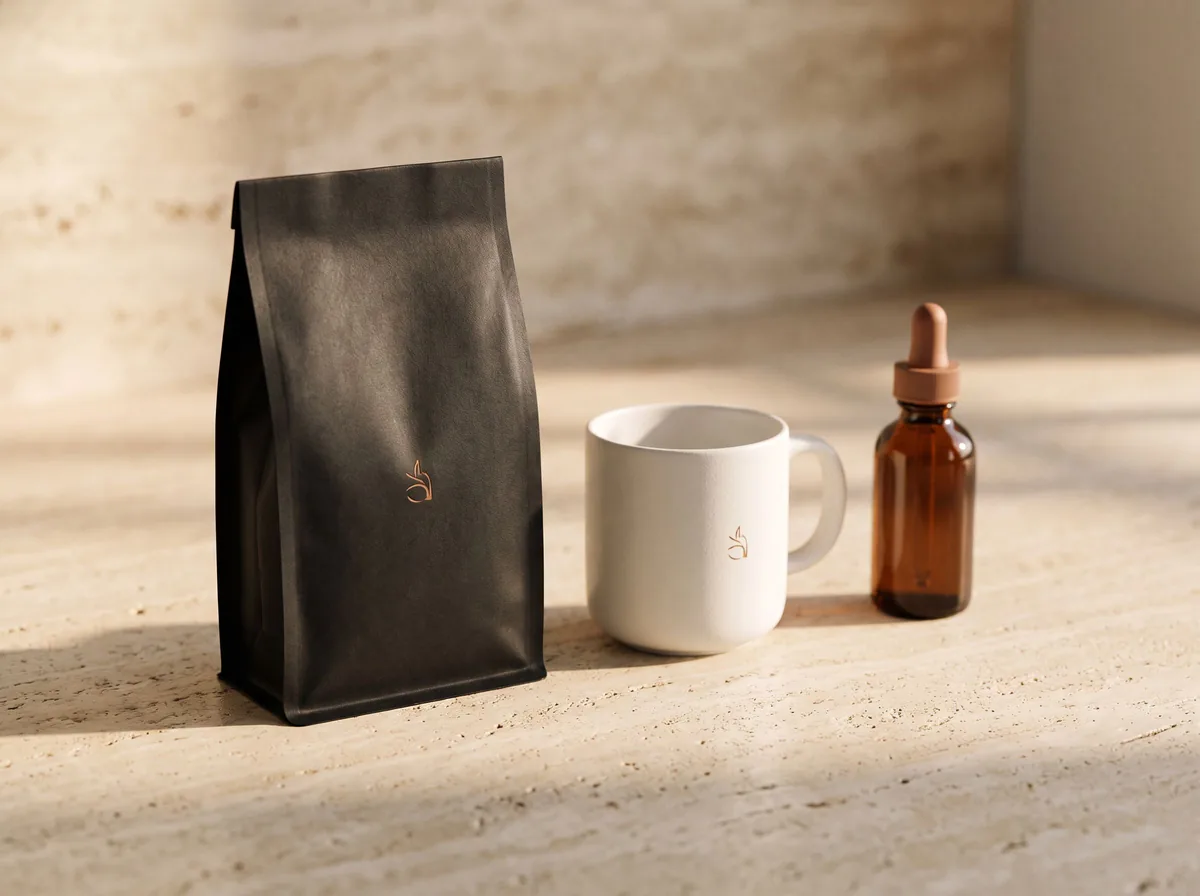 AI Mockup GeneratorFreeDescribe a product mockup, or upload your logo or label, and get a photo-real mockup: bottles, boxes, bags, mugs, apparel and more.
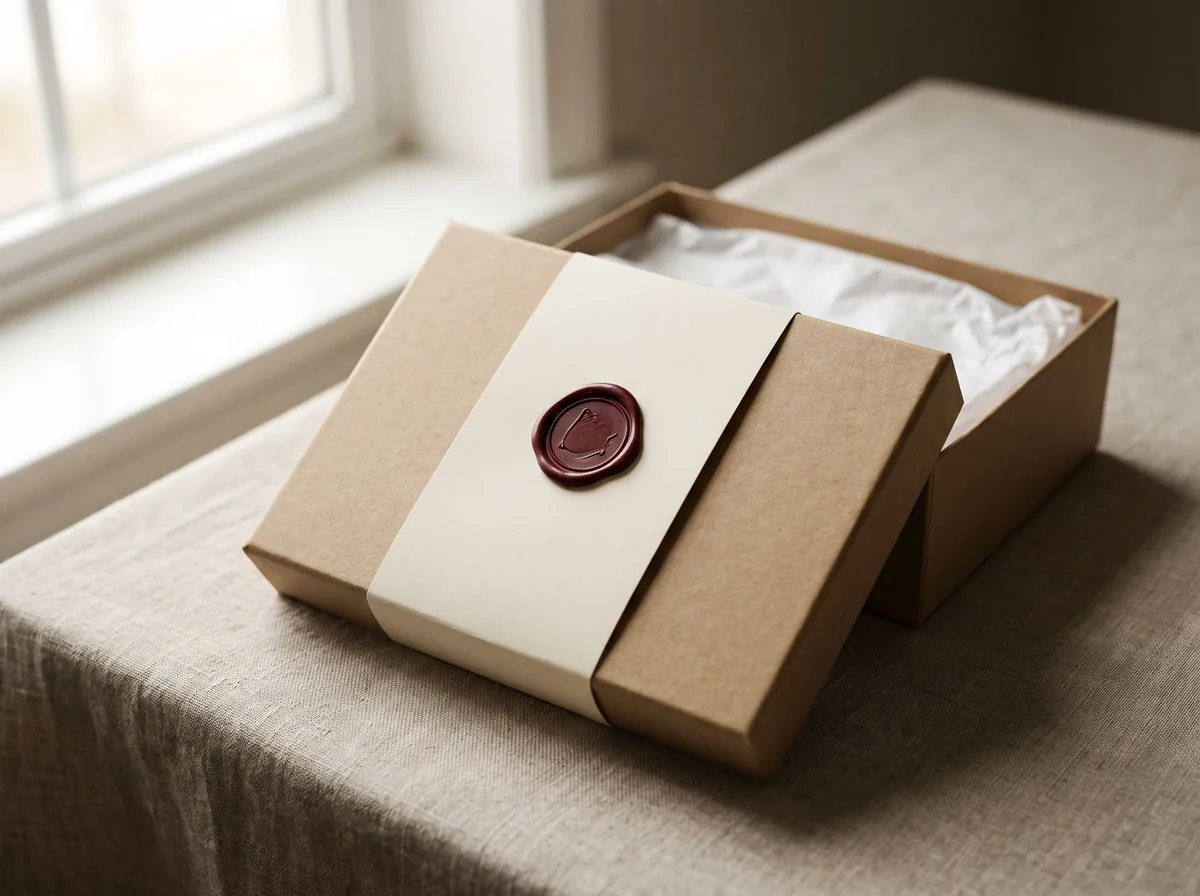 Packaging Mockup GeneratorFreeTurn a flat label, box design or product render into a realistic packaging mockup photo, with your artwork kept exact.
 T-Shirt Mockup on ModelFreePut your t-shirt or hoodie design on a realistic model, with the print following the fabric, for print-on-demand listings.
 AI Logo GeneratorFreeDescribe your brand and get logo concepts, shown clean on a plain background or on real packaging and signage.
 AI Packaging Design GeneratorFreeDescribe your product and brand and get packaging design concepts as photo-real boxes, pouches, bottles and labels.
 AI Product PhotoshootFreeA full product photoshoot from one photo: hero shot, lifestyle scenes, close-ups and ad creative, in one session.
Ask an assistant
 Product Shoot StudioProduct Photography FreeYour AI product photography director: plans the shoot, picks scenes, props and light, and writes the prompt for every shot.Chat free →
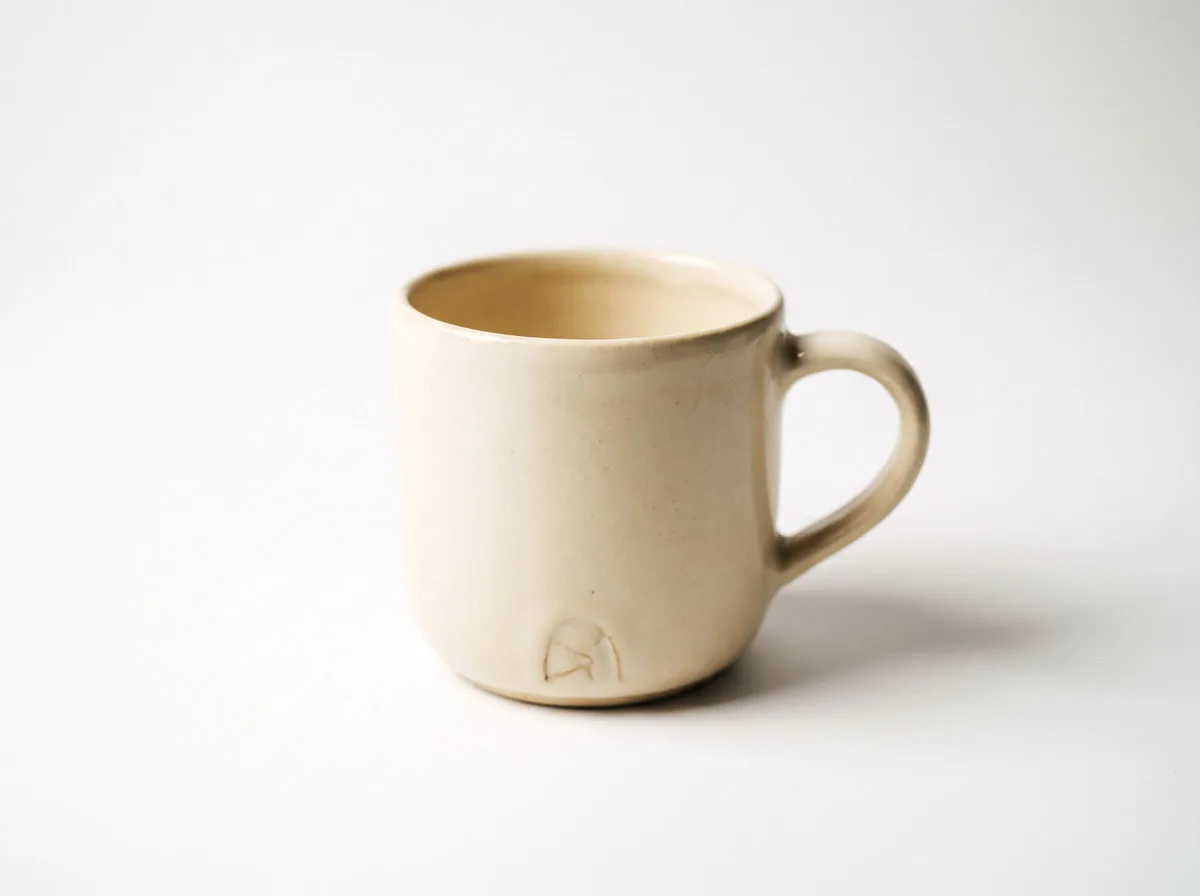 Amazon Main Image CheckerProduct Photography FreeChecks your Amazon main image against common requirements, background, fill, props and text, and tells you how to fix or reshoot it.Chat free →
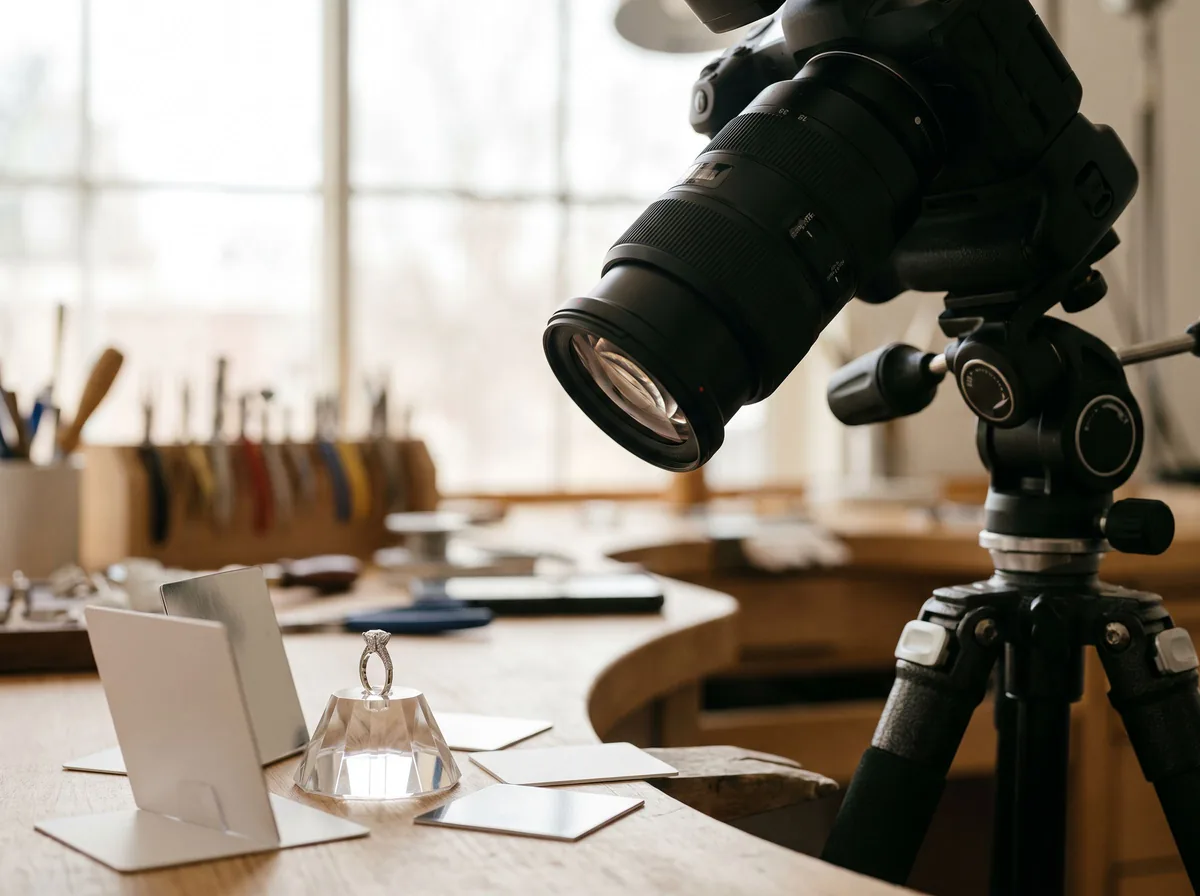 Jewelry Photo DirectorProduct Photography FreePlans jewelry photos that show sparkle, metal tone and true scale: rings, necklaces, earrings and bracelets on white, on busts and in close detail.Chat free →