Product photography
100% free · No sign-upFree Stationery Mockup Generator
Upload your logo or brand design and see a full stationery set: business cards, letterhead, envelopes (DL, C5) and a notebook, flat lay on a desk. Free to use, no sign-up.
Free to use · No sign-up · JPG, PNG or WebP
Stationery Mockup Generator
Made with Z Product AI
Popular with sellers
How it works
How to use the Stationery Mockup Generator
- 1
Upload your photo
A clear phone photo is enough. Keep the whole product or garment in frame.
- 2
Tap a preset or describe it
Pick a chip or type what you want in a few words. The AI keeps your product exactly as it is.
- 3
Download or refine
Download the result, or ask for a change and the AI edits the last image.
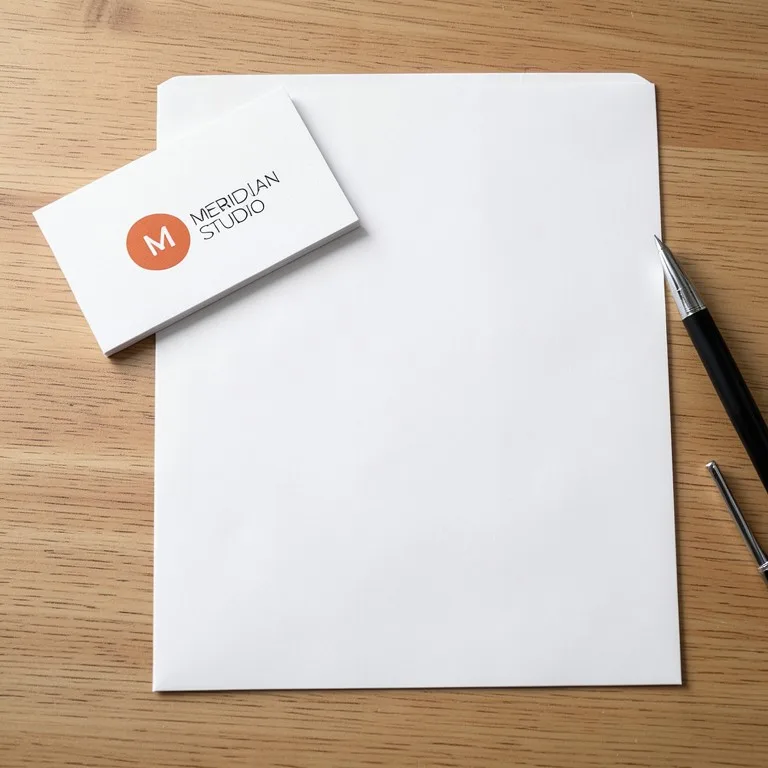
A new logo becomes real when it is on a business card, a letterhead and an envelope. A stationery mockup shows the whole set together on a desk, the slide every brand presentation needs. Upload the logo, pick the full set or a single piece, and download.
What a stationery set includes
The core set is a business card, an A4 or US Letter letterhead, and a DL or C5 envelope. Add a notebook, a compliment slip or a folder for bigger brands. Show only what the client will actually print.
Logo placement on each piece
On a business card the logo sits centered or top-left on the front. On a letterhead it sits at the top, left or centered. On an envelope it goes top-left on the front or on the back flap. Keep the logo the same size relative to each piece.
Paper and finish
Bright white smooth stock is the safe default. Kraft and cotton papers suit craft and eco brands. Foil and letterpress add cost and suit premium brands. Name the paper you will print on so the mockup sets the right expectation.
Need images with no mark, in HD? Try AI product photos on AI Two, our sister studio: free to try, and its paid plans remove the watermark and add HD output.
FAQ
Stationery Mockup Generator: questions sellers ask
How do I make a stationery mockup?
Upload your logo, then tap "Full stationery set" for a business card, letterhead and envelope together, or a single item such as "Business cards" or "C5 envelope". The AI puts the logo on plain paper and photographs it on a desk.
Will it write my address and contact details?
No. It keeps your logo and leaves the rest blank or with placeholder lines, so it never invents a fake address or phone number. If you need the details shown, upload a full card or letterhead design and the AI will print that.
Will my logo stay exactly the same?
On the big pieces, yes. We tested a made-up MERIDIAN STUDIO logo, a terracotta circle with an M. It stayed exact on the letterhead and on the business cards. On the small envelopes it was less reliable: in one shot only the circle was kept, and in another the AI put made-up letters next to it. Zoom in on the envelope and run the shot again if the logo is off.
What envelope sizes can I show?
DL (for A4 folded in three) is the default in the set. Tap "C5 envelope" for A5 or A4 folded once, or type C4, square or kraft. Name the size you will actually post.
Is it good for a branding presentation?
Yes. A stationery flat lay is a standard slide in a logo or brand identity presentation. Make it in the brand colors and on a desk that suits the client.
Is the stationery mockup free?
Yes. There is no sign-up and no paid plan to unlock downloads. Free downloads are up to 768px on the long side and carry a small zproductai.com mark, which suits drafts, social posts, client previews and quick listing tests.
Is Stationery Mockup Generator free?
Yes. Stationery Mockup Generator is free to use — no account and no credit card needed. You get free edits every day.
How accurate is Stationery Mockup Generator?
Results depend on the photo and the request. You can refine with follow-up messages until it looks the way you want.
Can I make multiple edits?
Yes! Each result becomes your new base image — keep refining with follow-up messages.
Is Z Product AI really free?
Yes. Every tool and assistant on Z Product AI is free to use, with no sign-up and no credit card, and there are no paid plans. Very heavy use is paced with short waits so the site stays free for everyone.
Keep going
More tools for your listings
 Stationery Product PhotographyFreePhotograph notebooks, planners, cards, pens and books in styled desk flat lays with sharp covers, straight lines and true paper color.
 Brochure & Flyer Mockup GeneratorFreeUpload your brochure or flyer design and see it printed: a tri-fold or bi-fold brochure, an A4 or A5 flyer, held in a hand or laid on a desk.
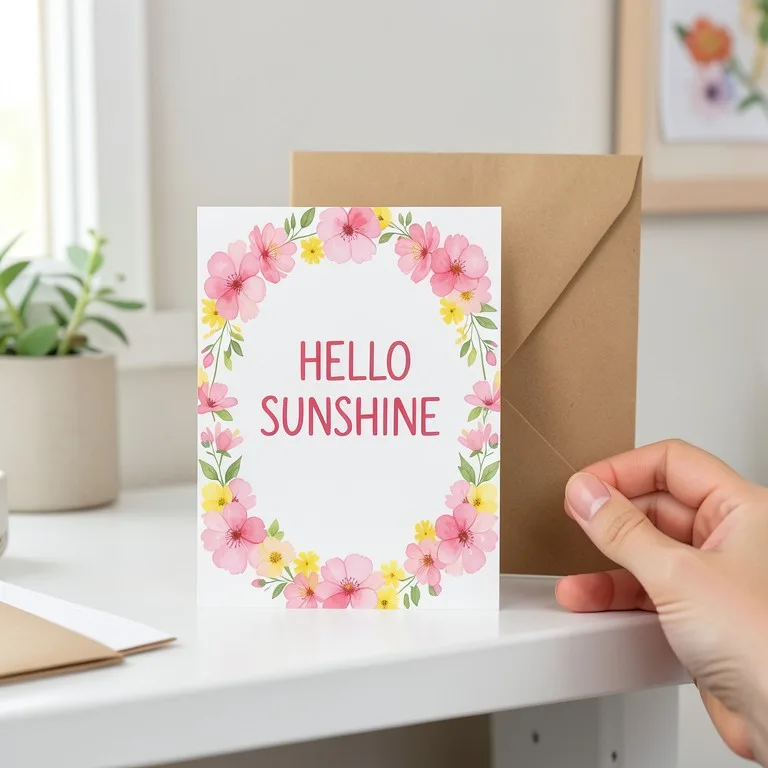 Postcard & Greeting Card Mockup GeneratorFreeUpload your card design and see it printed as a postcard or a folded greeting card: on a table, standing with an envelope, in a hand or on a pin board.
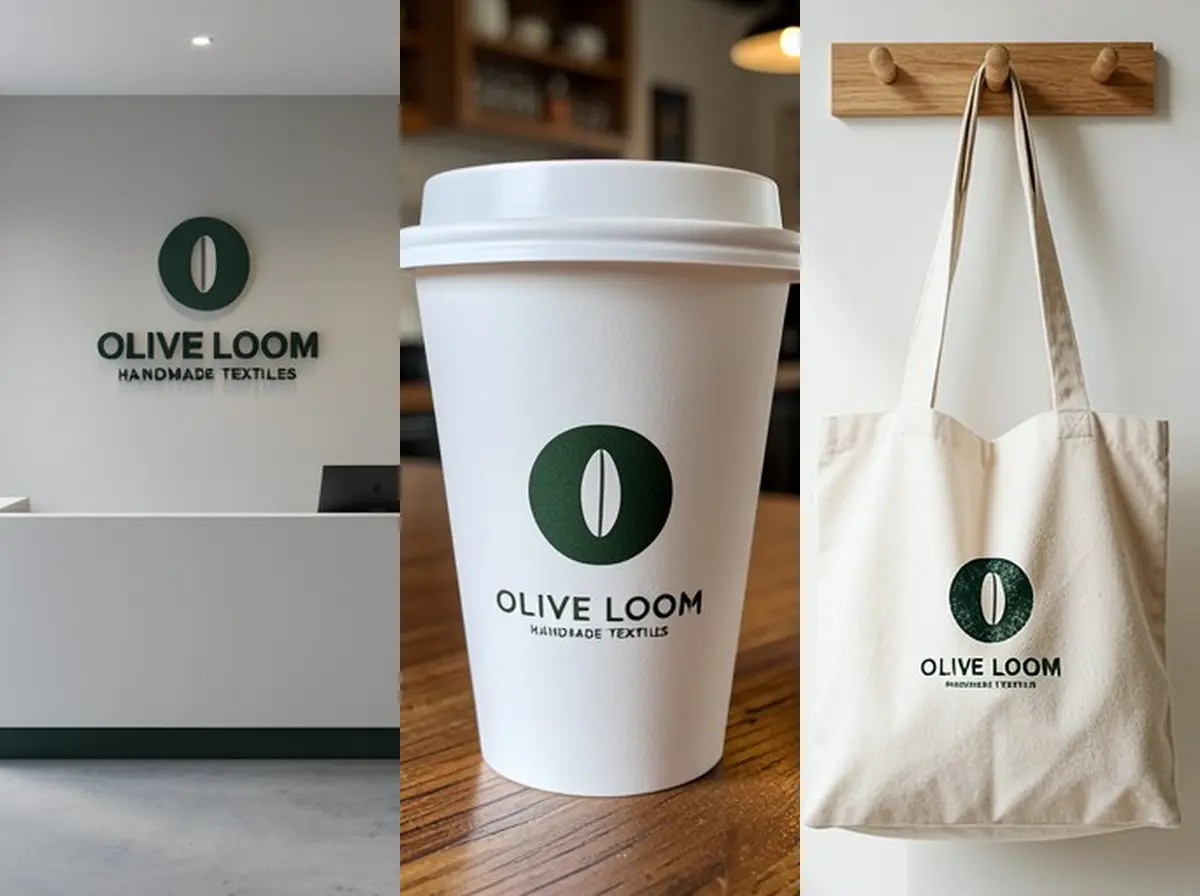 Logo Mockup GeneratorFreeUpload your logo and see it as a 3D wall sign, embossed paper, gold foil card, shop sign, coffee cup or tote bag, in a realistic photo.
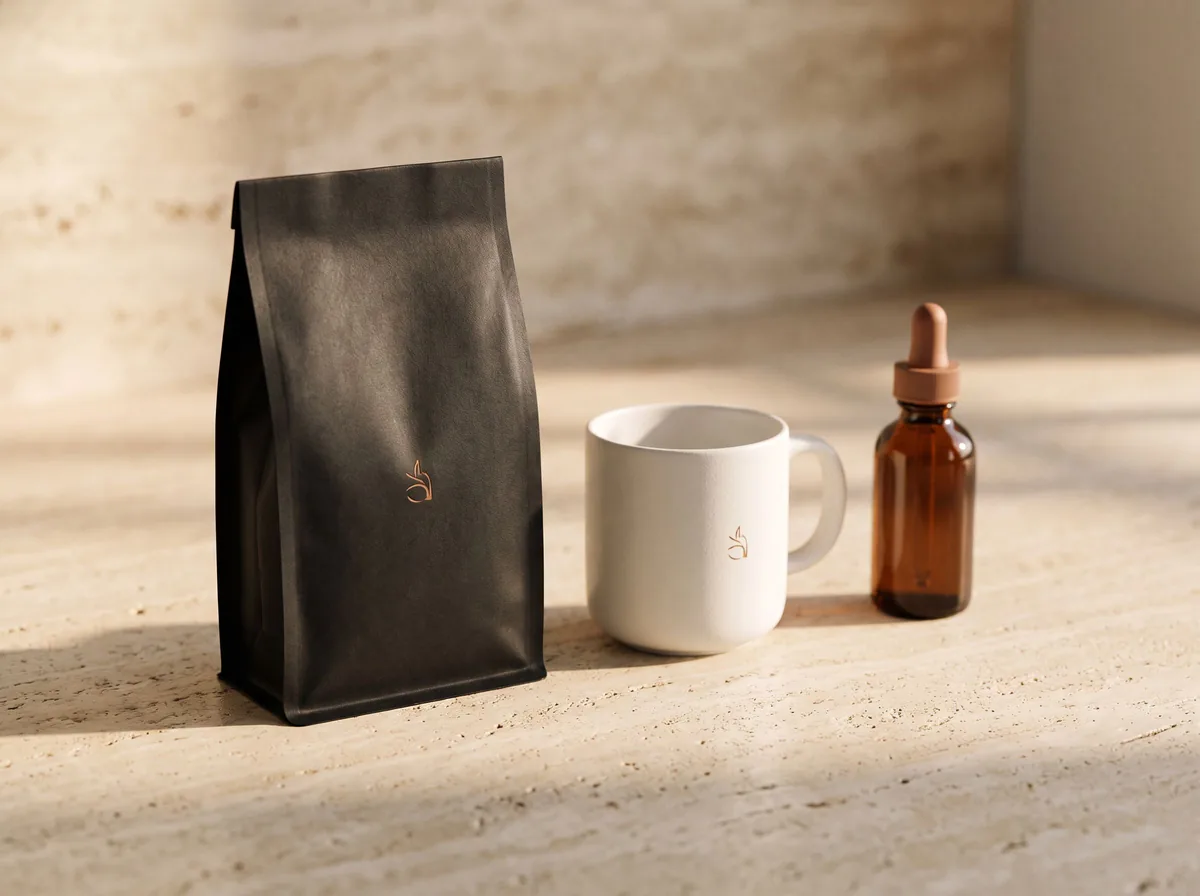 AI Mockup GeneratorFreeDescribe a product mockup, or upload your logo or label, and get a photo-real mockup: bottles, boxes, bags, mugs, apparel and more.
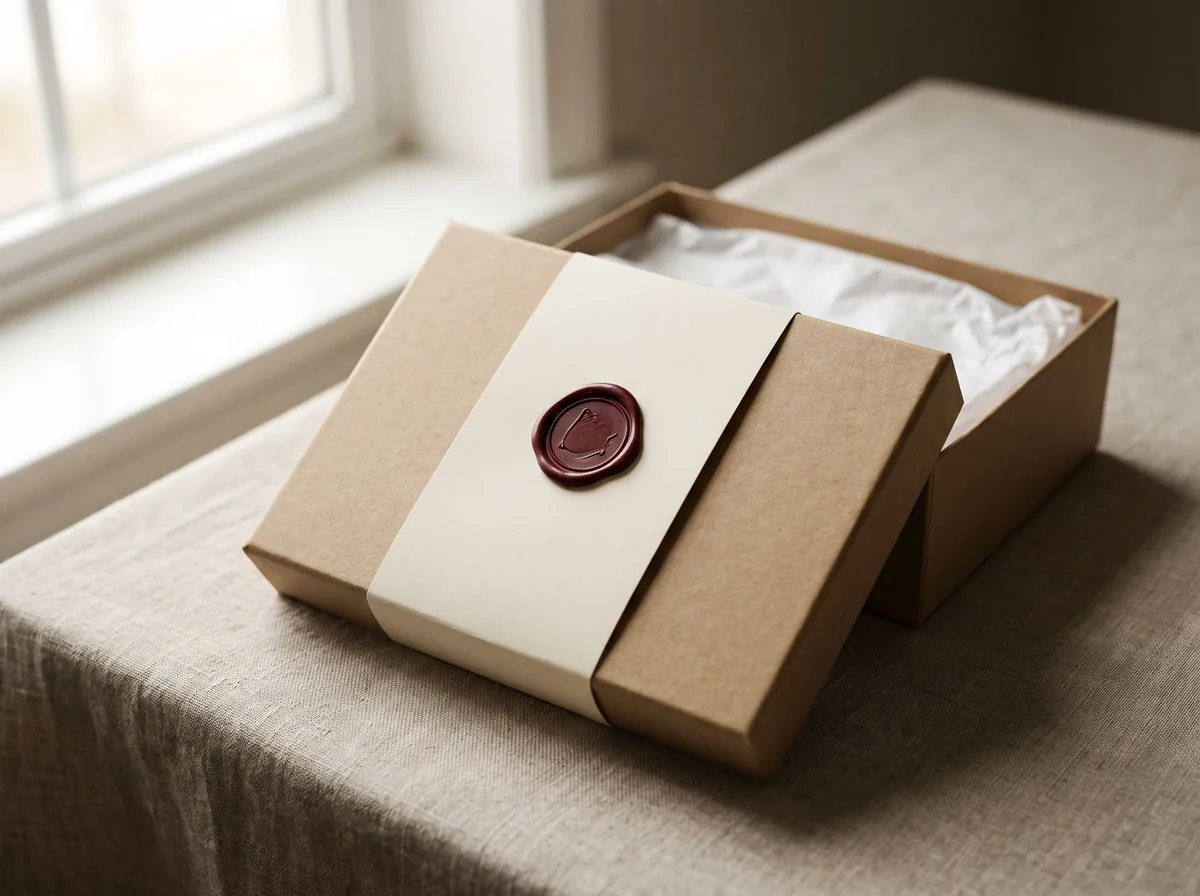 Packaging Mockup GeneratorFreeTurn a flat label, box design or product render into a realistic packaging mockup photo, with your artwork kept exact.
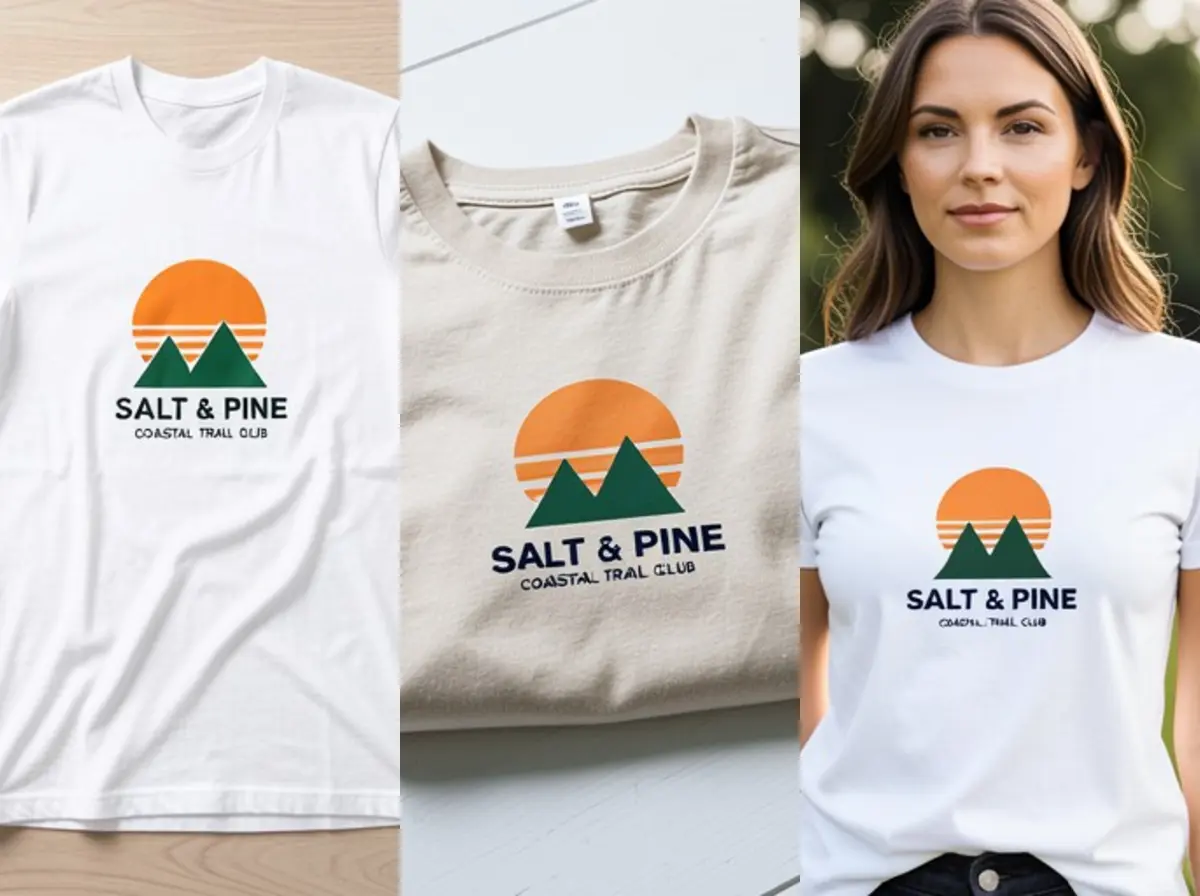 T-Shirt Mockup GeneratorFreeUpload your t-shirt design and see it printed on a real shirt: flat lay, on a hanger, folded, on a model or as a back print, in any shirt color.
Ask an assistant
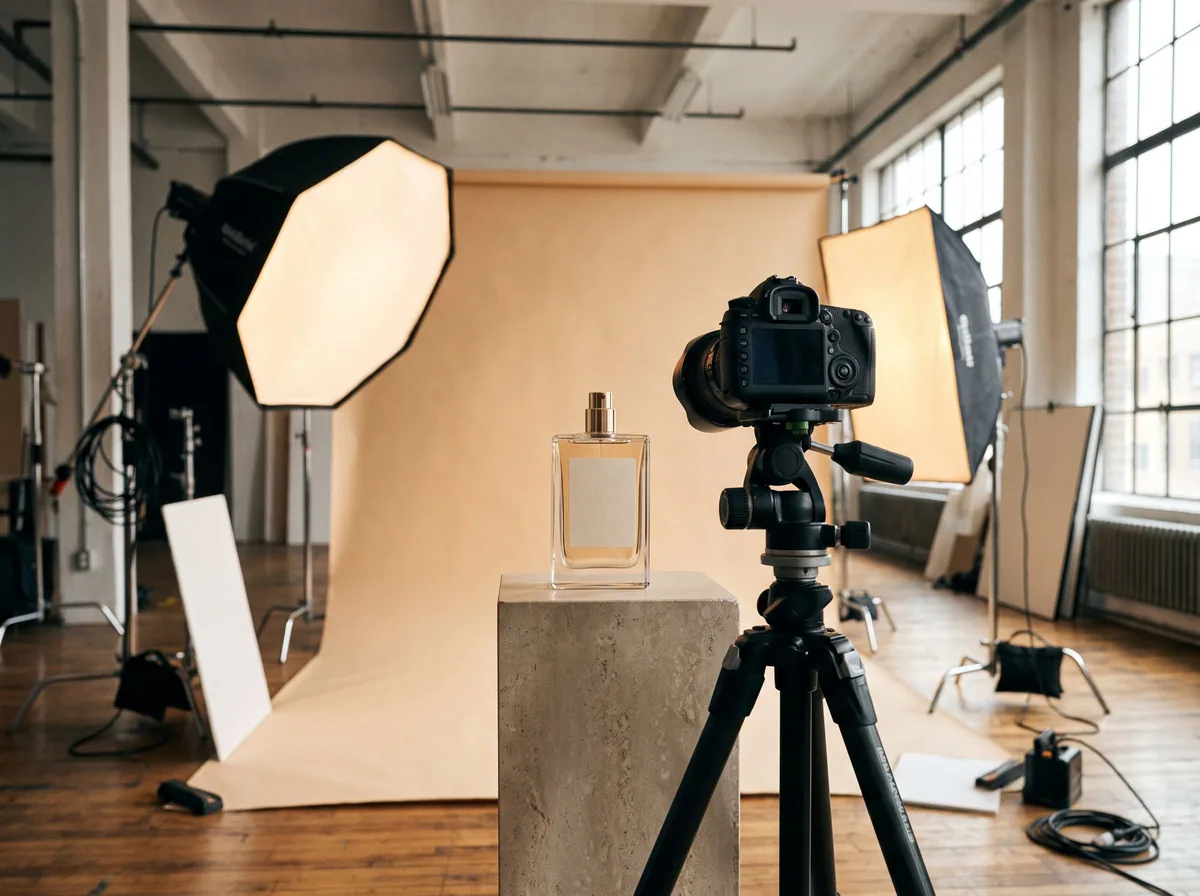 Product Shoot StudioProduct Photography FreeYour AI product photography director: plans the shoot, picks scenes, props and light, and writes the prompt for every shot.Chat free →
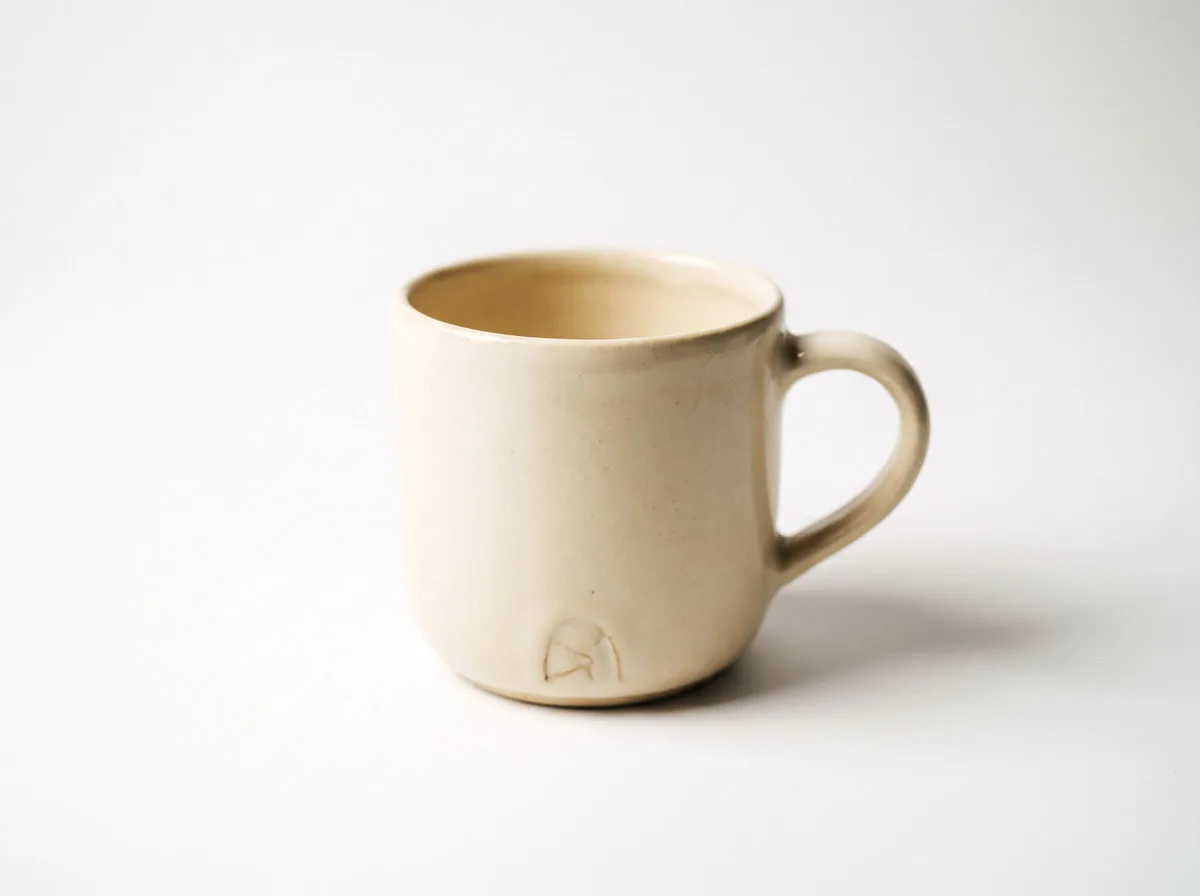 Amazon Main Image CheckerProduct Photography FreeChecks your Amazon main image against common requirements, background, fill, props and text, and tells you how to fix or reshoot it.Chat free →
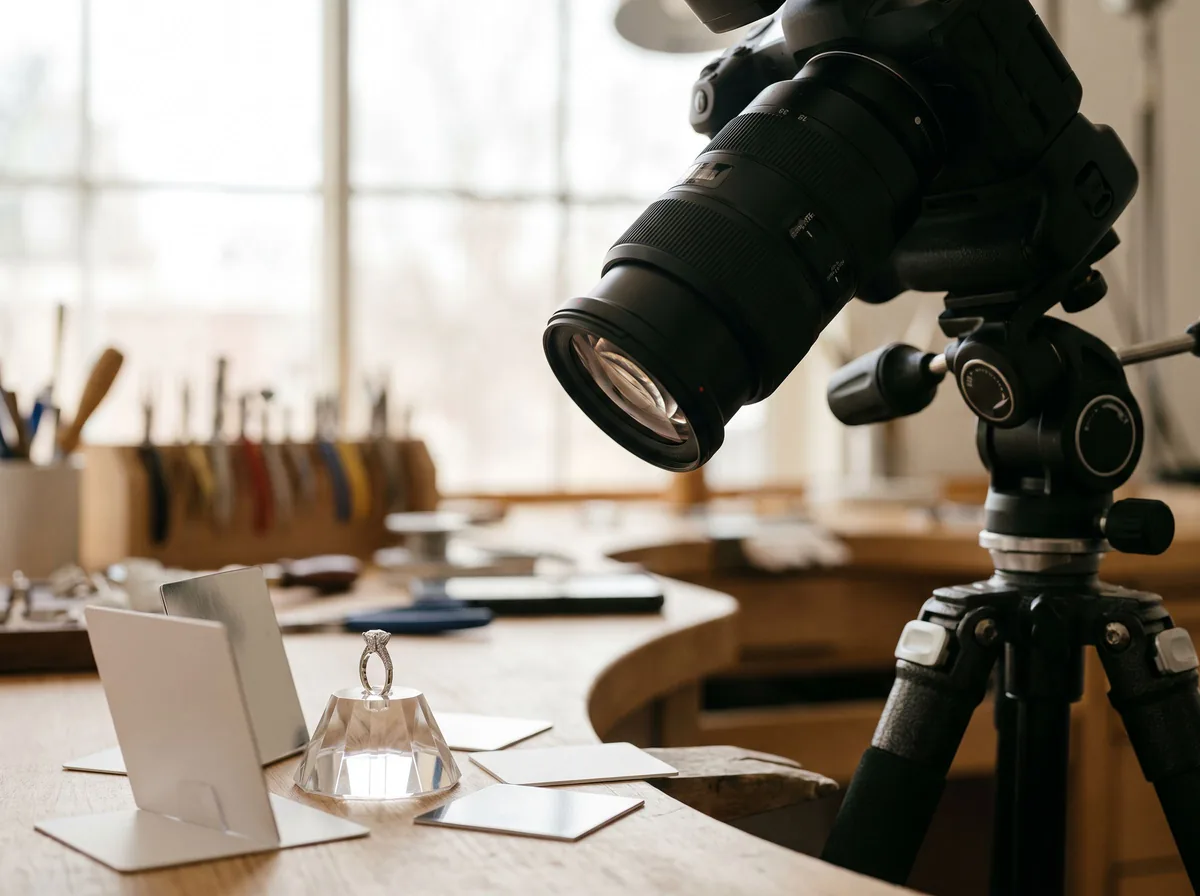 Jewelry Photo DirectorProduct Photography FreePlans jewelry photos that show sparkle, metal tone and true scale: rings, necklaces, earrings and bracelets on white, on busts and in close detail.Chat free →