Product photography
100% free · No sign-upFree Postcard and Greeting Card Mockup Generator
Upload your card design and see it printed as a postcard or a folded greeting card: on a table, standing with an envelope, in a hand or on a pin board. Free to use, no sign-up.
Free to use · No sign-up · JPG, PNG or WebP
Postcard & Greeting Card Mockup Generator
Made with Z Product AI
Popular with sellers
How it works
How to use the Postcard & Greeting Card Mockup Generator
- 1
Upload your photo
A clear phone photo is enough. Keep the whole product or garment in frame.
- 2
Tap a preset or describe it
Pick a chip or type what you want in a few words. The AI keeps your product exactly as it is.
- 3
Download or refine
Download the result, or ask for a change and the AI edits the last image.
Cards are bought for how they look in the hand, so a flat file on a white background undersells them. A postcard or greeting card mockup shows the printed card on a table, standing with its envelope or held in a hand. Upload the card front, pick a shot and download.
Postcards vs greeting cards
Postcards are single, flat cards, often sold in sets or as art prints. Greeting cards fold and come with an envelope. Shoppers want to see the fold and the envelope for greeting cards, and the card in context for postcards.
Style the scene for the occasion
A birthday card sells better with a little color around it; a wedding card with linen and flowers; a travel postcard on a map or a desk. Keep props small so the card stays the hero.
Paper and print
Matte, heavy card stock is the standard for art cards. Name a foil, kraft or textured paper if you use it. Check the real color proof against the mockup, because screens and paper never match exactly.
Need images with no mark, in HD? Try AI product photos on AI Two, our sister studio: free to try, and its paid plans remove the watermark and add HD output.
FAQ
Postcard & Greeting Card Mockup Generator: questions sellers ask
How do I make a postcard mockup?
Upload the front of your postcard, then tap a shot such as "Postcard on a table" or "Held in a hand". The AI prints the design on card stock and photographs it. Upload the back separately if you want to show it too.
Does it make greeting card mockups?
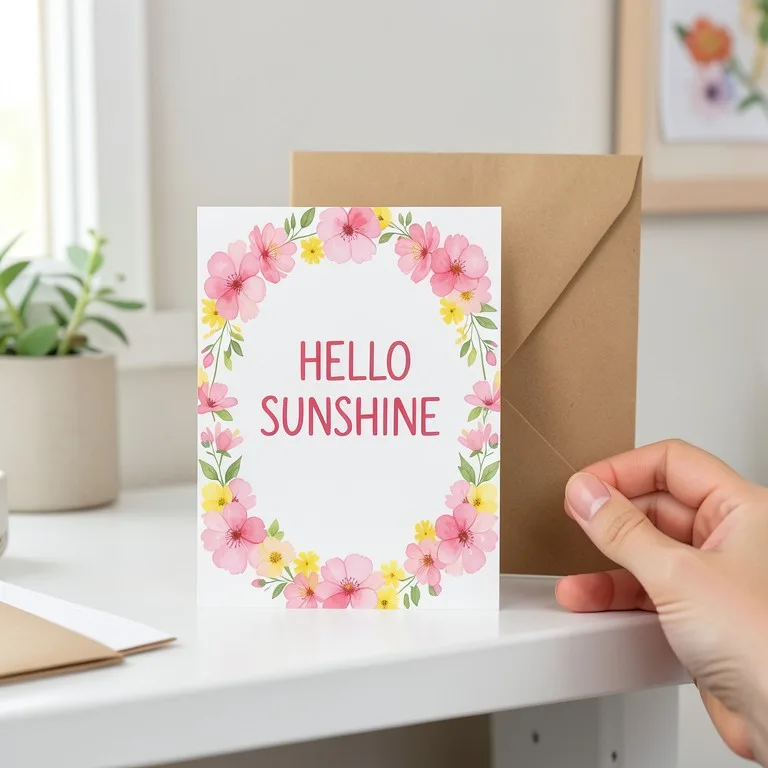
Yes. Tap "Greeting card standing" for a folded card with an envelope, or type the occasion, for example "birthday card on a table with confetti".
Will my design stay exactly the same?
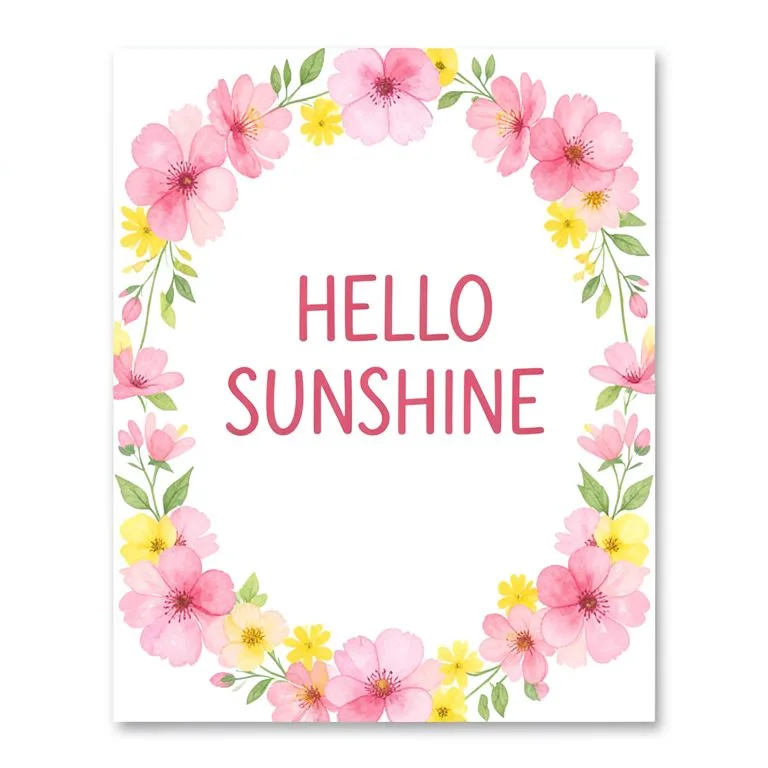
Yes, in our test. A made-up HELLO SUNSHINE card with a watercolor flower frame stayed exact as a postcard in a hand, a standing greeting card with a kraft envelope, and a set of three cards. The script, flowers and colors all stayed right. Very small text on a card is harder for the AI, so zoom in before you post.
Which sizes can I show?
A6 and 4x6 inch postcards are the default. Type A5, 5x7 or square for other cards. Upload the artwork at the same ratio so it is not cropped.
Can I show a set of cards?
Yes. Tap "Set of cards" for several copies fanned out. For a set of different designs, upload them together in one image.
Is the postcard mockup free?
Yes. There is no sign-up and no paid plan to unlock downloads. Free downloads are up to 768px on the long side and carry a small zproductai.com mark, which suits drafts, social posts, client previews and quick listing tests.
Is Postcard & Greeting Card Mockup Generator free?
Yes. Postcard & Greeting Card Mockup Generator is free to use — no account and no credit card needed. You get free edits every day.
How accurate is Postcard & Greeting Card Mockup Generator?
Results depend on the photo and the request. You can refine with follow-up messages until it looks the way you want.
Can I make multiple edits?
Yes! Each result becomes your new base image — keep refining with follow-up messages.
Is Z Product AI really free?
Yes. Every tool and assistant on Z Product AI is free to use, with no sign-up and no credit card, and there are no paid plans. Very heavy use is paced with short waits so the site stays free for everyone.
Keep going
More tools for your listings
 Stationery Mockup GeneratorFreeUpload your logo or brand design and see a full stationery set: business cards, letterhead, envelopes (DL, C5) and a notebook, flat lay on a desk.
 Poster & Frame Mockup GeneratorFreeUpload your poster or art print and see it framed on a wall, on an MDF board, leaning on a shelf or pasted on a street wall, in any room and frame.
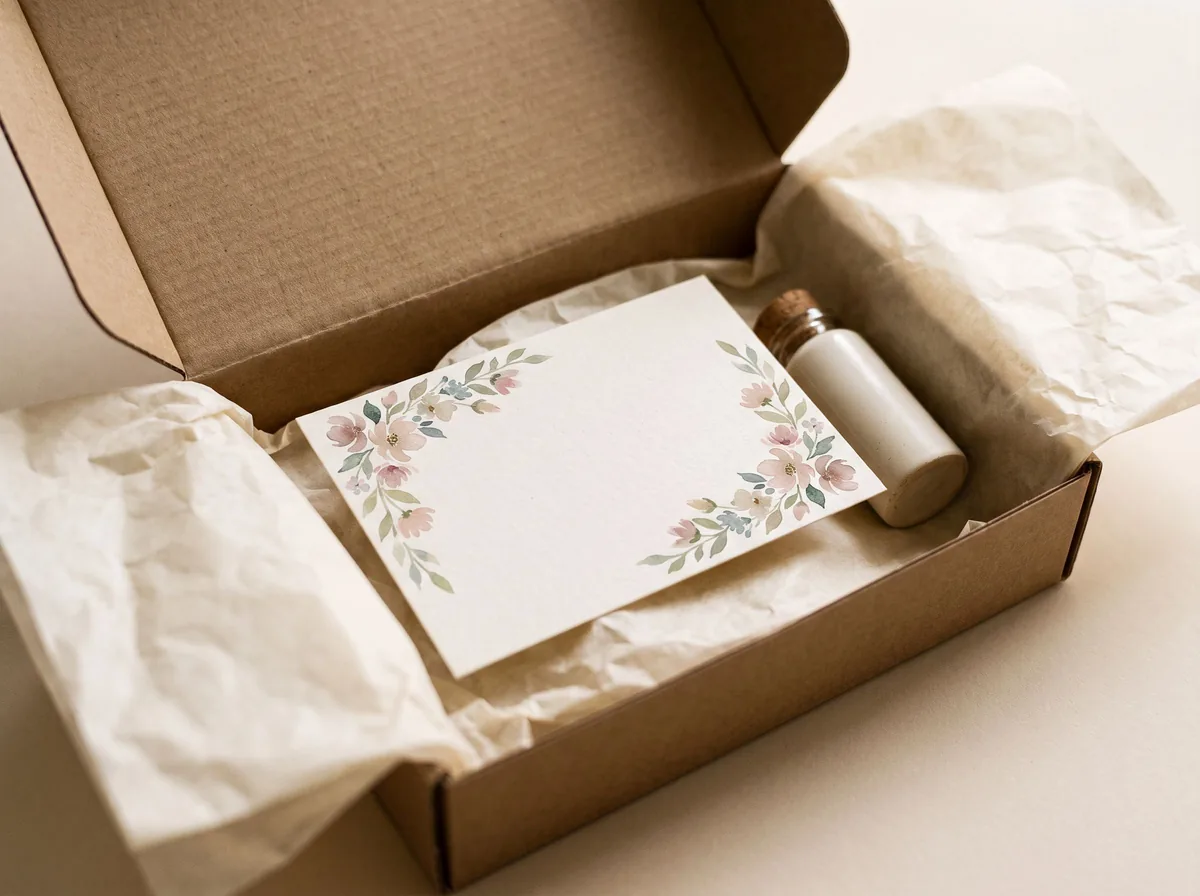 Thank You Card GeneratorFreeDesign a thank-you card for your orders, shown as a real printed card in a package, with your exact message or space for a handwritten note.
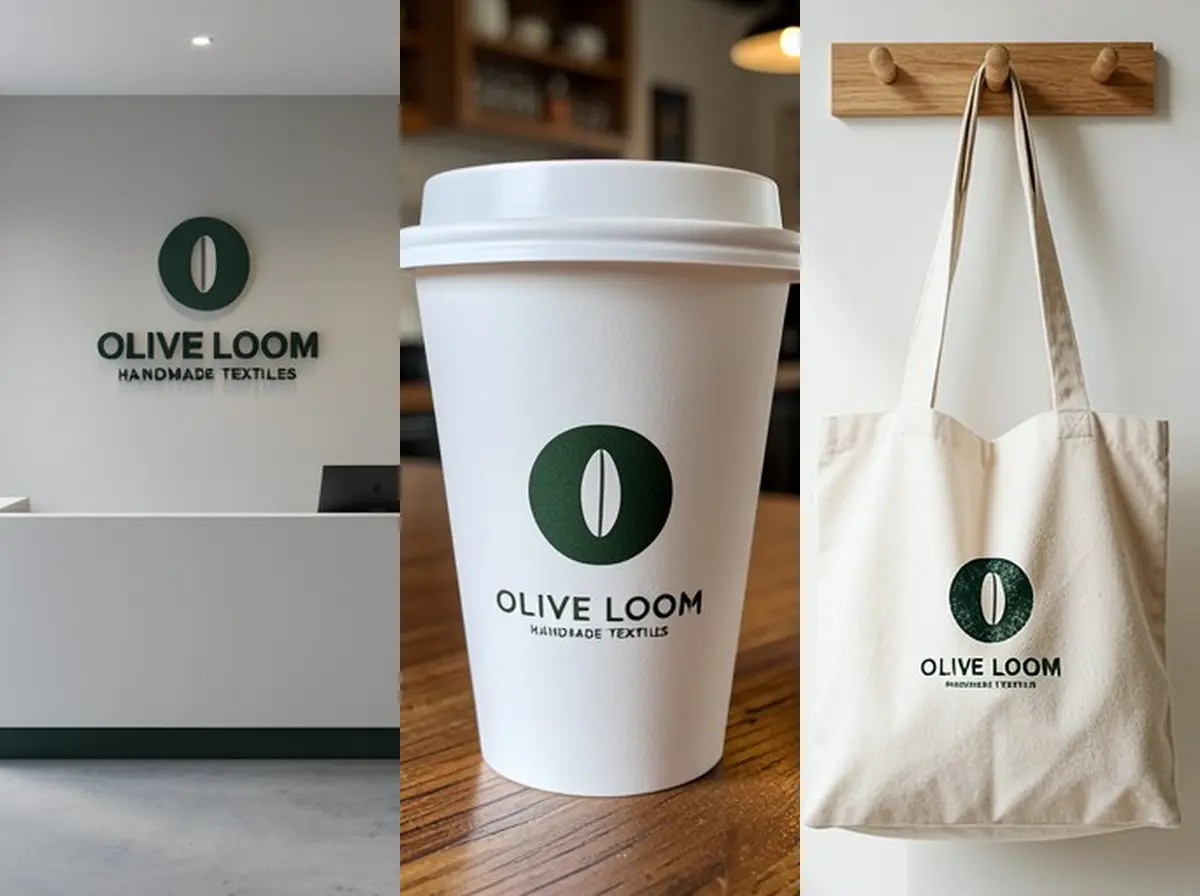 Logo Mockup GeneratorFreeUpload your logo and see it as a 3D wall sign, embossed paper, gold foil card, shop sign, coffee cup or tote bag, in a realistic photo.
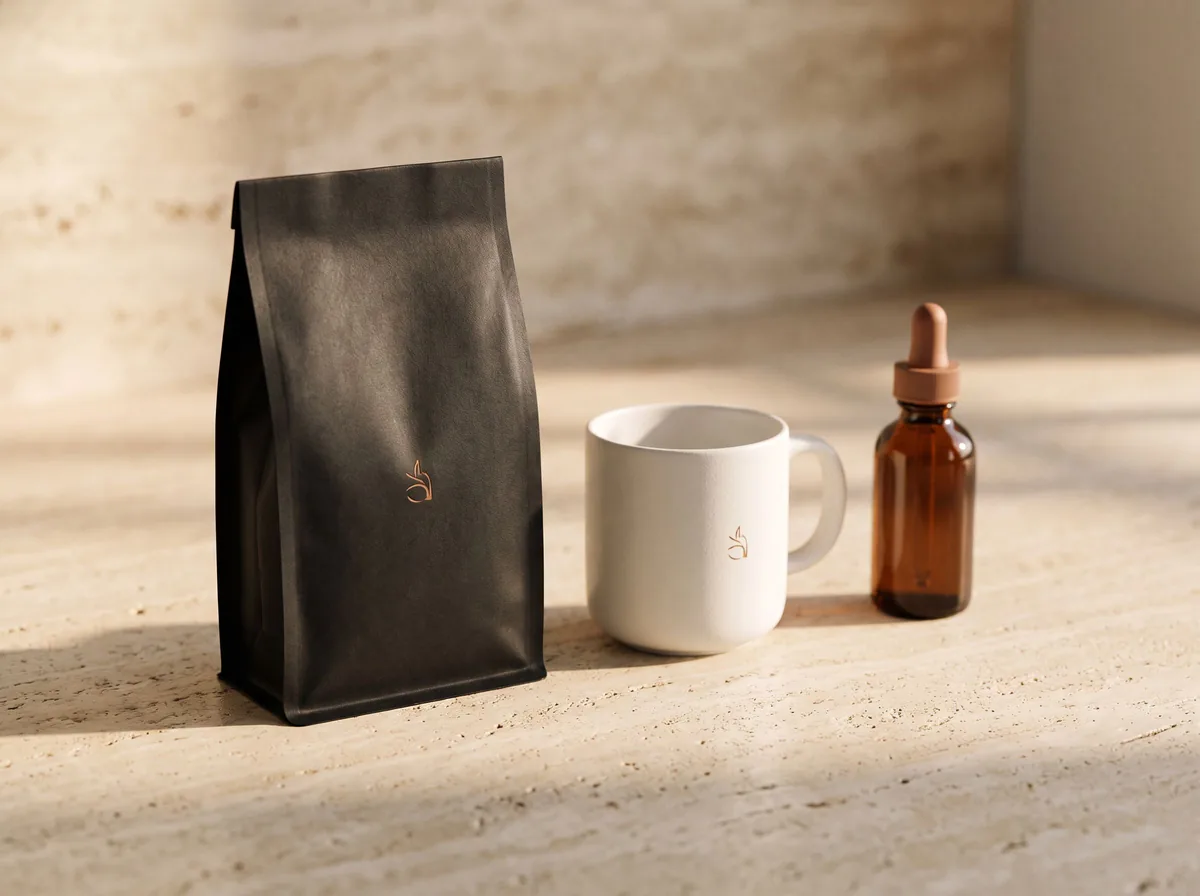 AI Mockup GeneratorFreeDescribe a product mockup, or upload your logo or label, and get a photo-real mockup: bottles, boxes, bags, mugs, apparel and more.
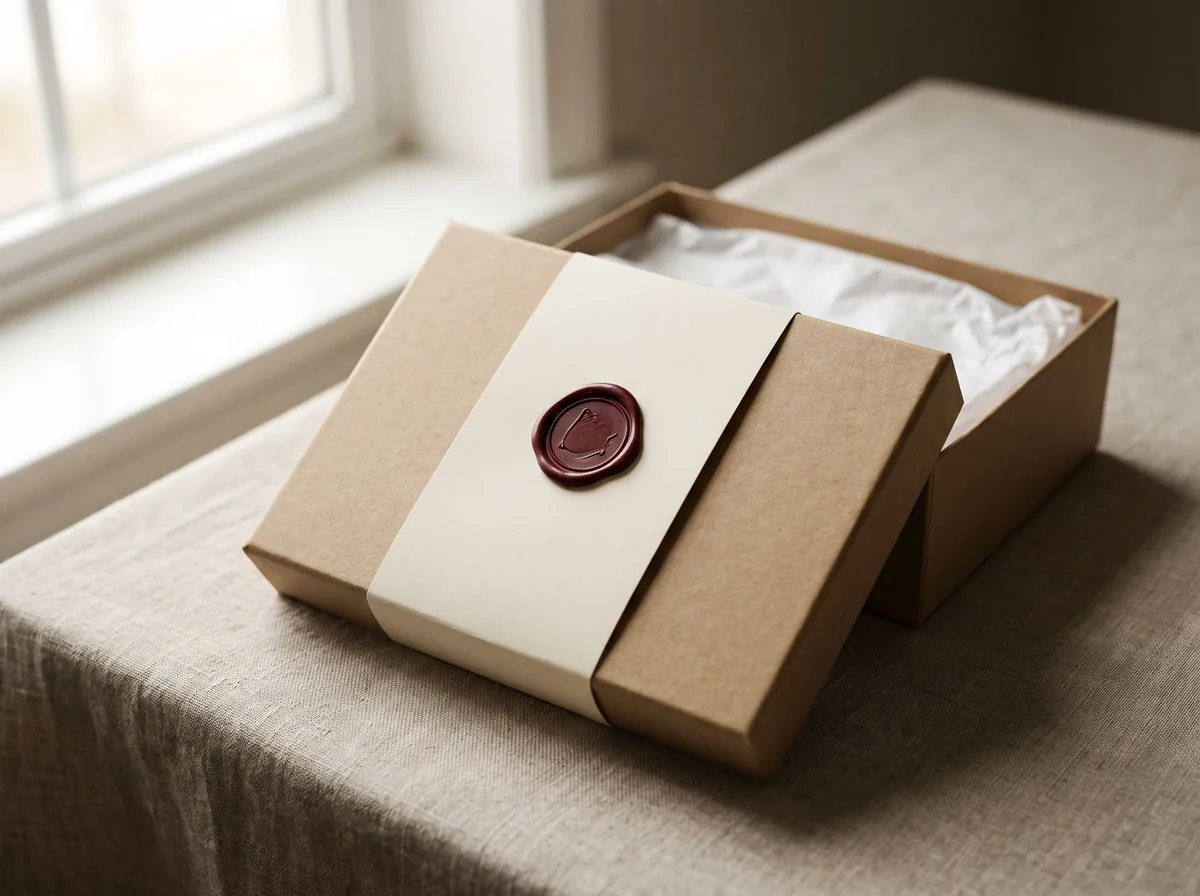 Packaging Mockup GeneratorFreeTurn a flat label, box design or product render into a realistic packaging mockup photo, with your artwork kept exact.
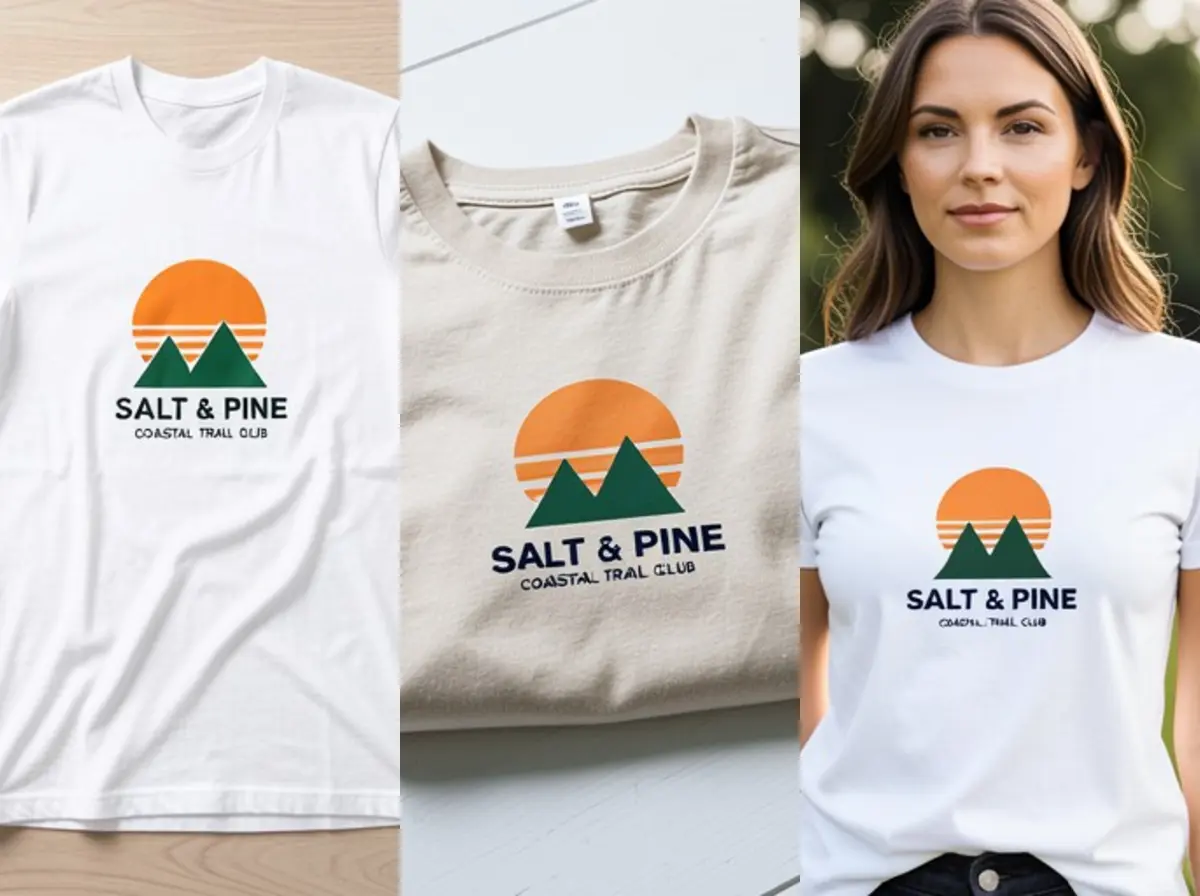 T-Shirt Mockup GeneratorFreeUpload your t-shirt design and see it printed on a real shirt: flat lay, on a hanger, folded, on a model or as a back print, in any shirt color.
Ask an assistant
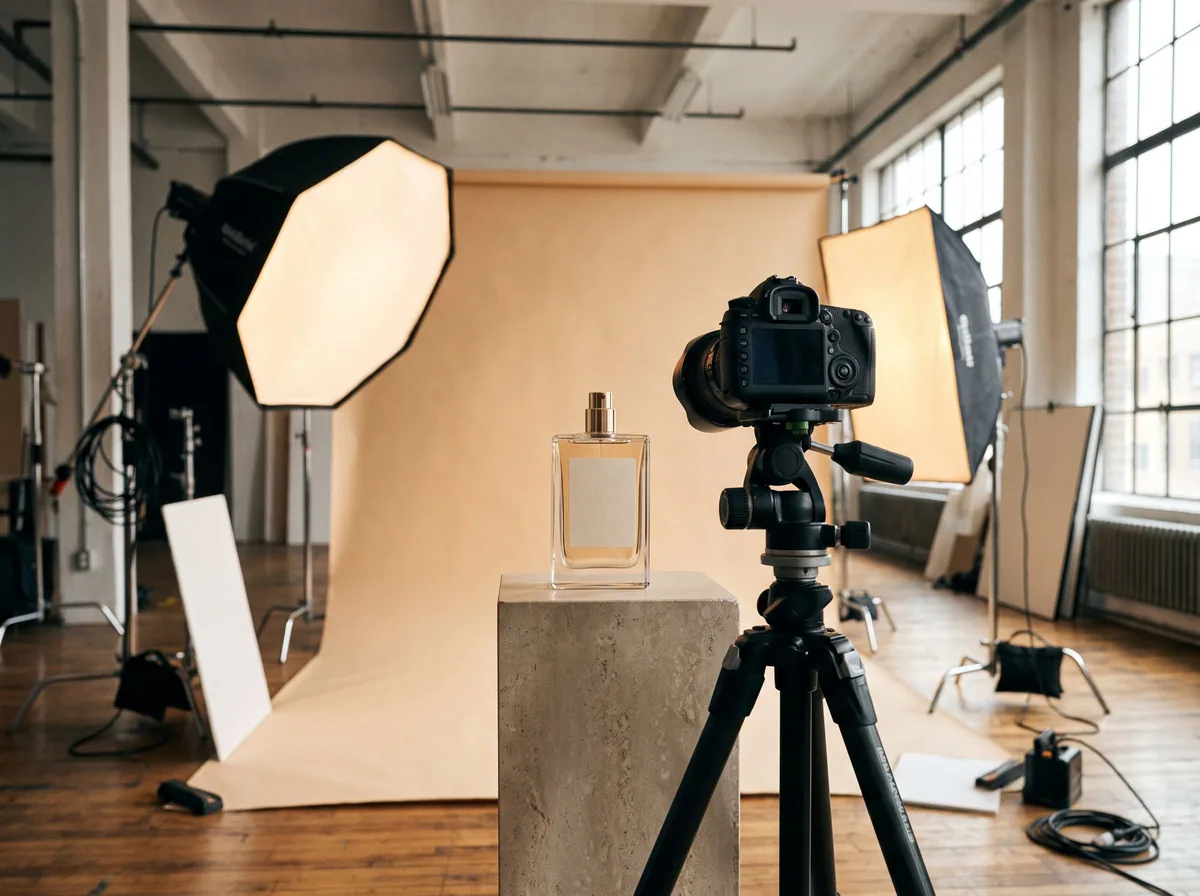 Product Shoot StudioProduct Photography FreeYour AI product photography director: plans the shoot, picks scenes, props and light, and writes the prompt for every shot.Chat free →
 Amazon Main Image CheckerProduct Photography FreeChecks your Amazon main image against common requirements, background, fill, props and text, and tells you how to fix or reshoot it.Chat free →
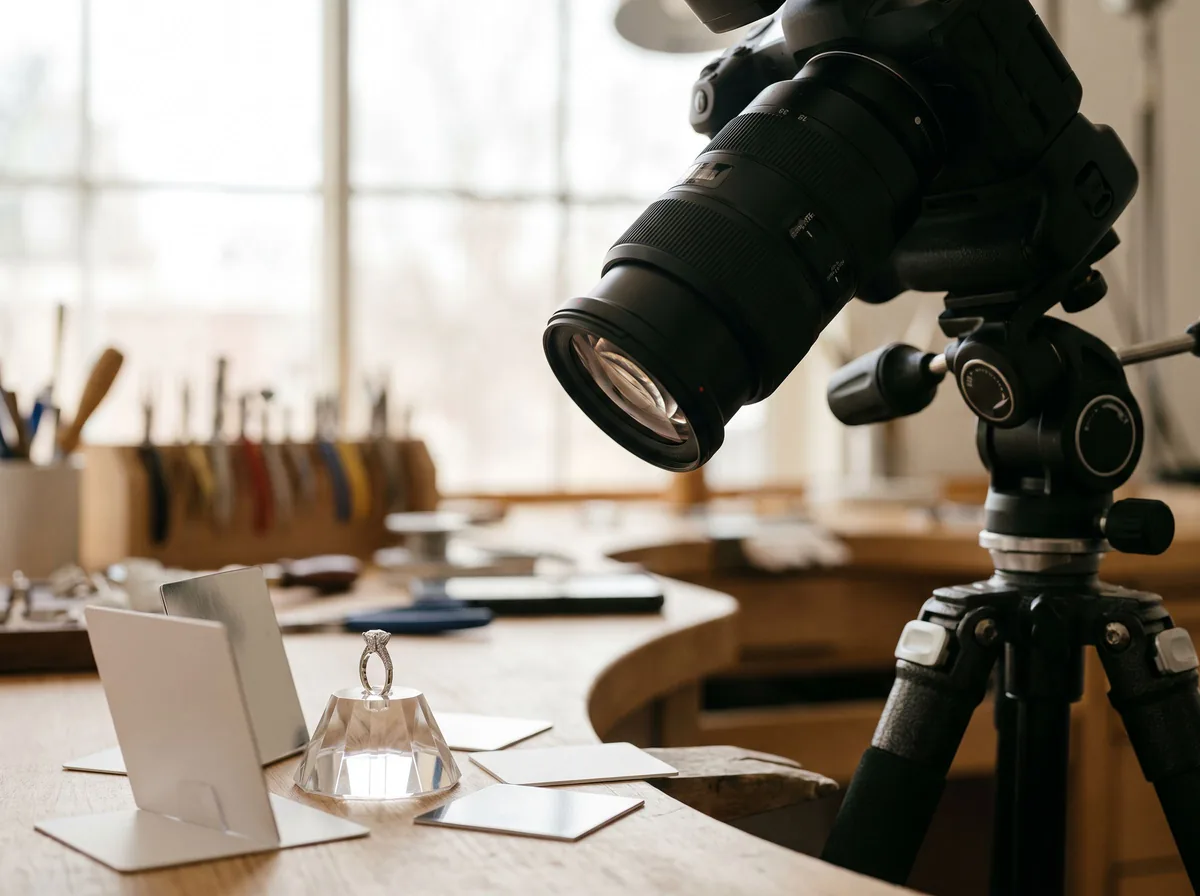 Jewelry Photo DirectorProduct Photography FreePlans jewelry photos that show sparkle, metal tone and true scale: rings, necklaces, earrings and bracelets on white, on busts and in close detail.Chat free →