Fashion & apparel
100% free · No sign-upFree Clothing Mockup Generator
One mockup tool for your whole clothing line: put your design on tees, hoodies, crewnecks, long sleeves, tanks, kids’ clothes and more, flat or worn, in any color. Free to use, no sign-up.
Free to use · No sign-up · JPG, PNG or WebP
Clothing Mockup Generator
Made with Z Product AI
Popular with sellers
How it works
How to use the Clothing Mockup Generator
- 1
Upload your photo
A clear phone photo is enough. Keep the whole product or garment in frame.
- 2
Tap a preset or describe it
Pick a chip or type what you want in a few words. The AI keeps your product exactly as it is.
- 3
Download or refine
Download the result, or ask for a change and the AI edits the last image.
A clothing mockup puts your design on real apparel so you can sell it, pitch it or plan a drop before anything is printed. This generator covers the whole line in one place: tees, long sleeves, tanks, hoodies, crewnecks and kids’ pieces, laid flat, on a rack or worn. Upload your design, pick a shot and a color, and download.
Start with your best seller, then fill the range
Make the first mockup on the garment and color that sells most, then repeat the same shot for every other color and style. A consistent set (same light, same background, same angle) makes a collection page look professional.
Print or embroidery
Screen print and DTG suit big, colorful front and back designs. Embroidery suits small logos on the chest, caps and polos. Show buyers the method you will actually use, because the texture is part of what they pay for.
Flat lay, rack or model
Flat lays are the clearest for the design itself. A rack or collection shot shows the range. A model shot shows fit and how the print sits on a body. Most shops use all three: flat lay first, model second, collection on the category page.
Need images with no mark, in HD? Try AI fashion models on AI Two, our sister studio: free to try, and its paid plans remove the watermark and add HD output.
FAQ
Clothing Mockup Generator: questions sellers ask
What is a clothing mockup?
A photo that shows your design on a real garment before it is made. Brands use clothing mockups to pick colors and placements, and online shops use them as listing photos for print-on-demand items that are only printed after an order.
Which clothes can I make mockups of?
Any plain garment you can name: t-shirts, long sleeves, tank tops, hoodies, crewnecks, polo shirts, sweatpants, shorts, kids’ clothes and baby bodysuits. For hoodies and t-shirts we have dedicated pages with more shots: the hoodie mockup generator and the t-shirt mockup generator.
Can I show a whole collection in one image?
Yes. Tap "Collection flat lay" or "On a clothing rack" to get several pieces with your design in one photo, the kind of image that heads a collection page or an Instagram post.
Will my design stay exactly the same?
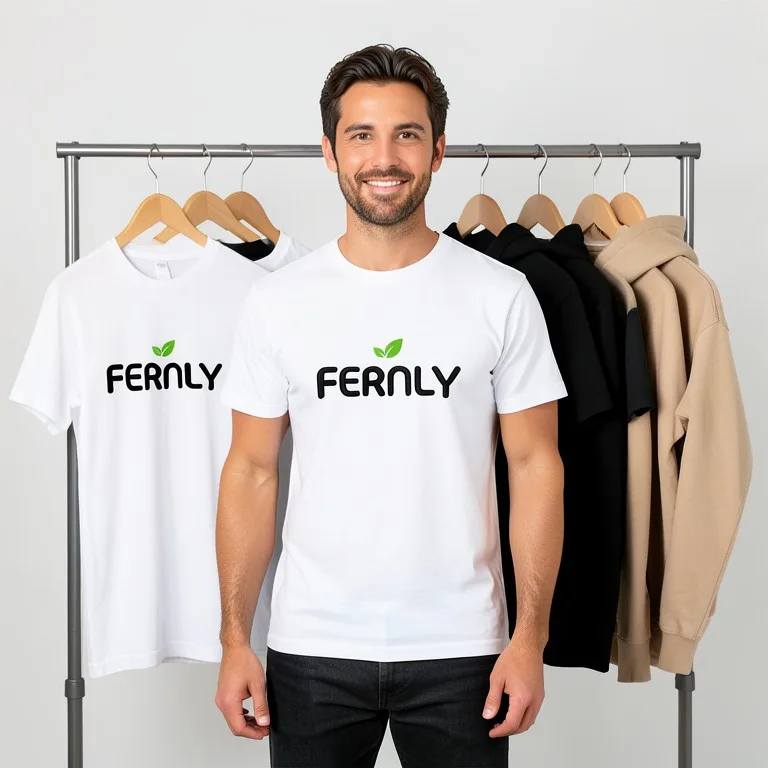
Mostly. We tested a made-up FERNLY logo with a small green leaf on a t-shirt, sweatshirt, hoodie and long sleeve. Every letter and the green stayed right on every garment. On one sweatshirt the AI added a second small leaf. Zoom in before you post, and run the shot again if you see an extra mark.
Can I show embroidery instead of print?
Yes. Tap "Embroidered logo" or add "embroidered" to your prompt. Embroidery works best for simple logos with a few solid colors; fine gradients and small text do not stitch well in real life either.
Are these clothing mockups free?
Yes. There is no sign-up and no paid plan to unlock downloads. Free downloads are up to 768px on the long side and carry a small zproductai.com mark, which suits drafts, social posts, client previews and quick listing tests.
Is Clothing Mockup Generator free?
Yes. Clothing Mockup Generator is free to use — no account and no credit card needed. You get free edits every day.
How accurate is Clothing Mockup Generator?
Results depend on the photo and the request. You can refine with follow-up messages until it looks the way you want.
Can I make multiple edits?
Yes! Each result becomes your new base image — keep refining with follow-up messages.
Is Z Product AI really free?
Yes. Every tool and assistant on Z Product AI is free to use, with no sign-up and no credit card, and there are no paid plans. Very heavy use is paced with short waits so the site stays free for everyone.
Keep going
More tools for your listings
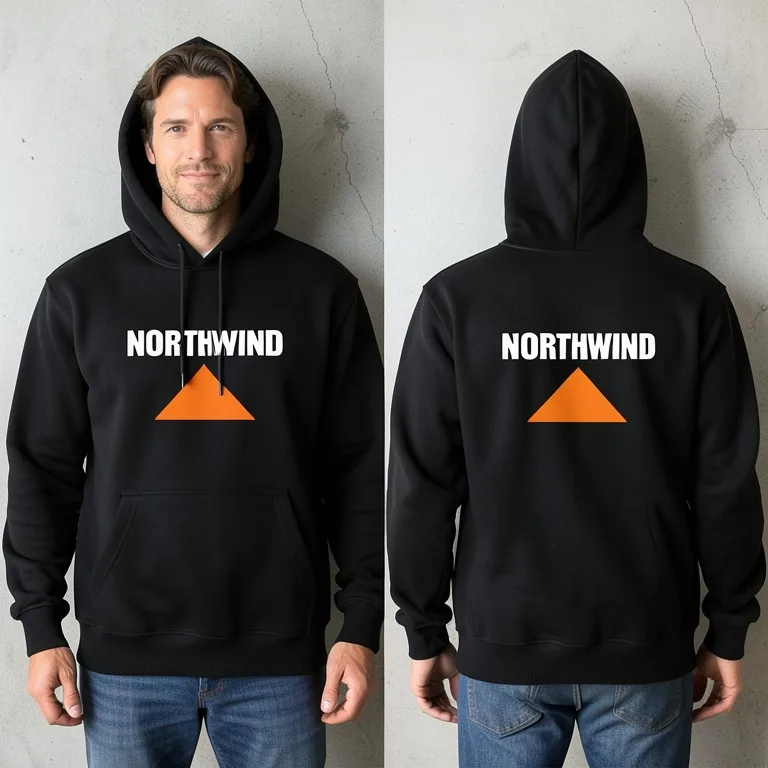 Hoodie Mockup GeneratorFreeUpload your hoodie design and see it printed on a real pullover or zip hoodie: flat lay, on a hanger, front and back, or worn by a model, in any color.
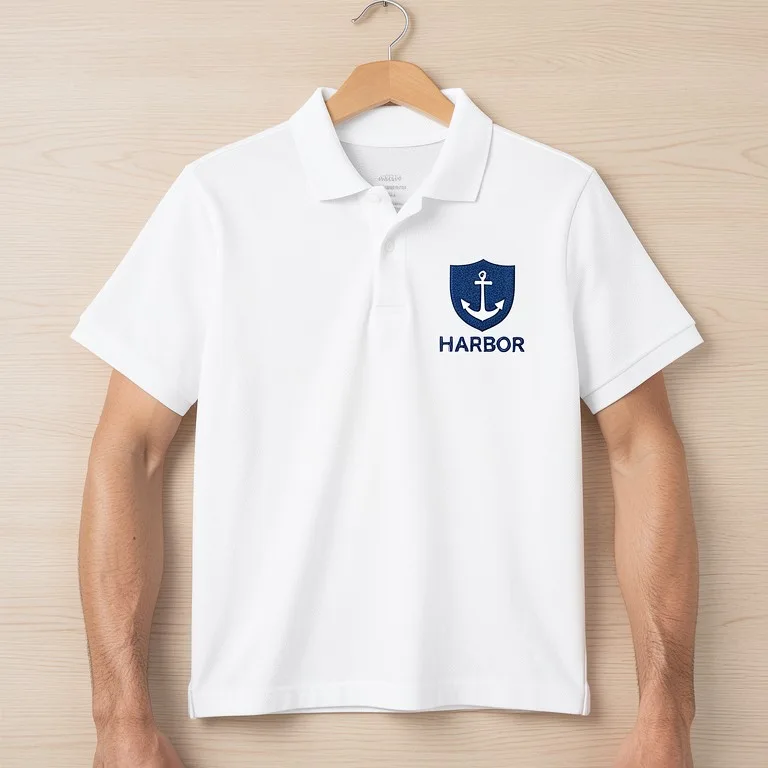 Polo Shirt Mockup GeneratorFreeUpload your logo and see it embroidered on a polo or golf shirt: left chest, sleeve or back, flat lay, on a hanger or worn, in team and uniform colors.
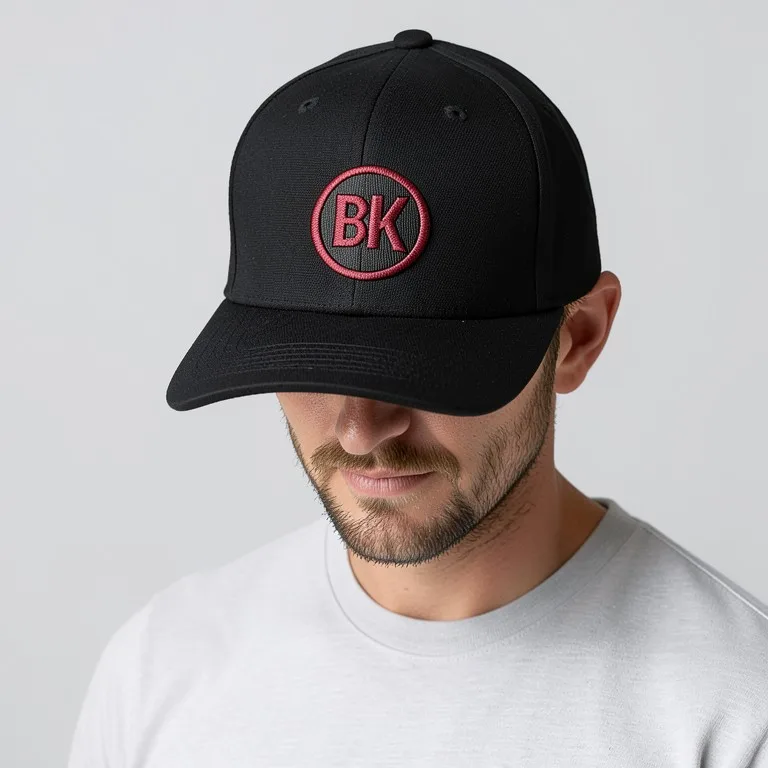 Cap & Hat Mockup GeneratorFreeUpload your logo and see it on a baseball cap, dad hat, trucker cap, snapback or beanie, embroidered or printed, from the front, the side or worn.
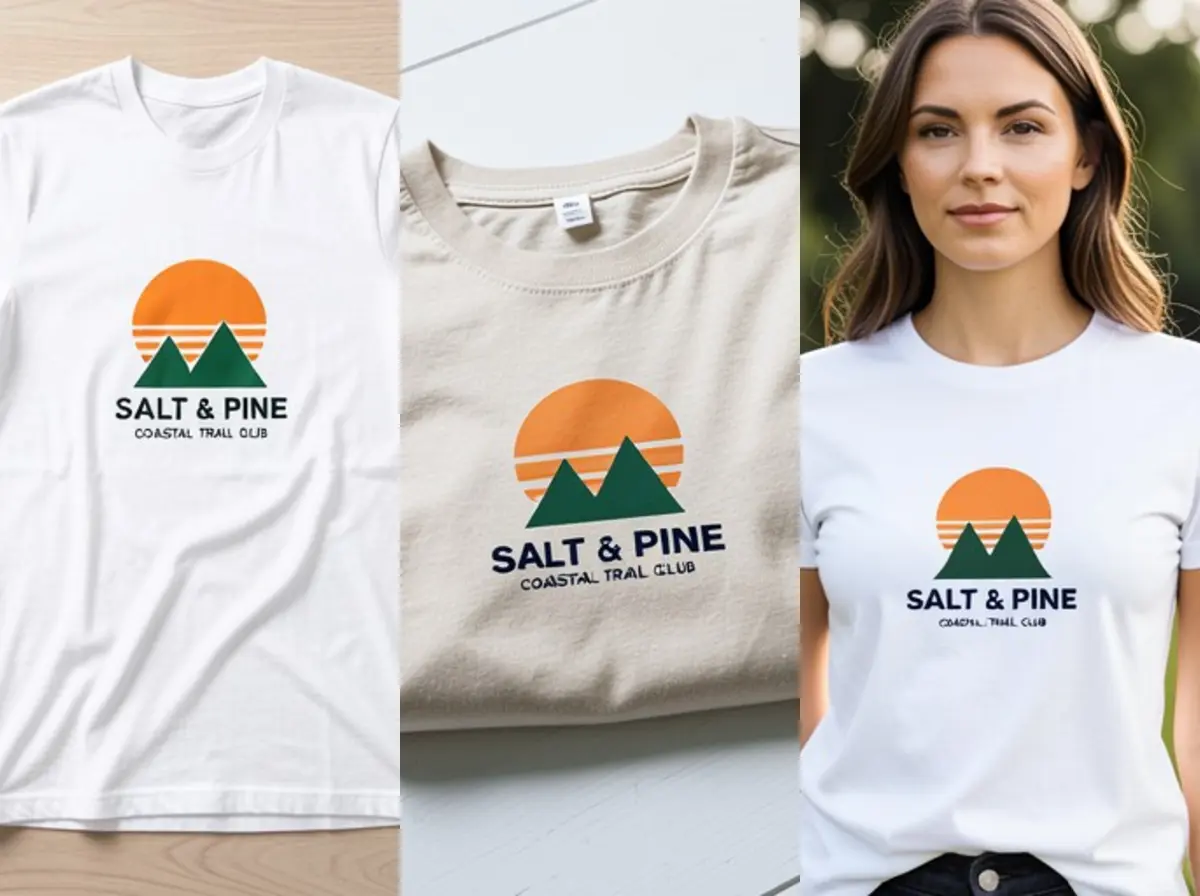 T-Shirt Mockup GeneratorFreeUpload your t-shirt design and see it printed on a real shirt: flat lay, on a hanger, folded, on a model or as a back print, in any shirt color.
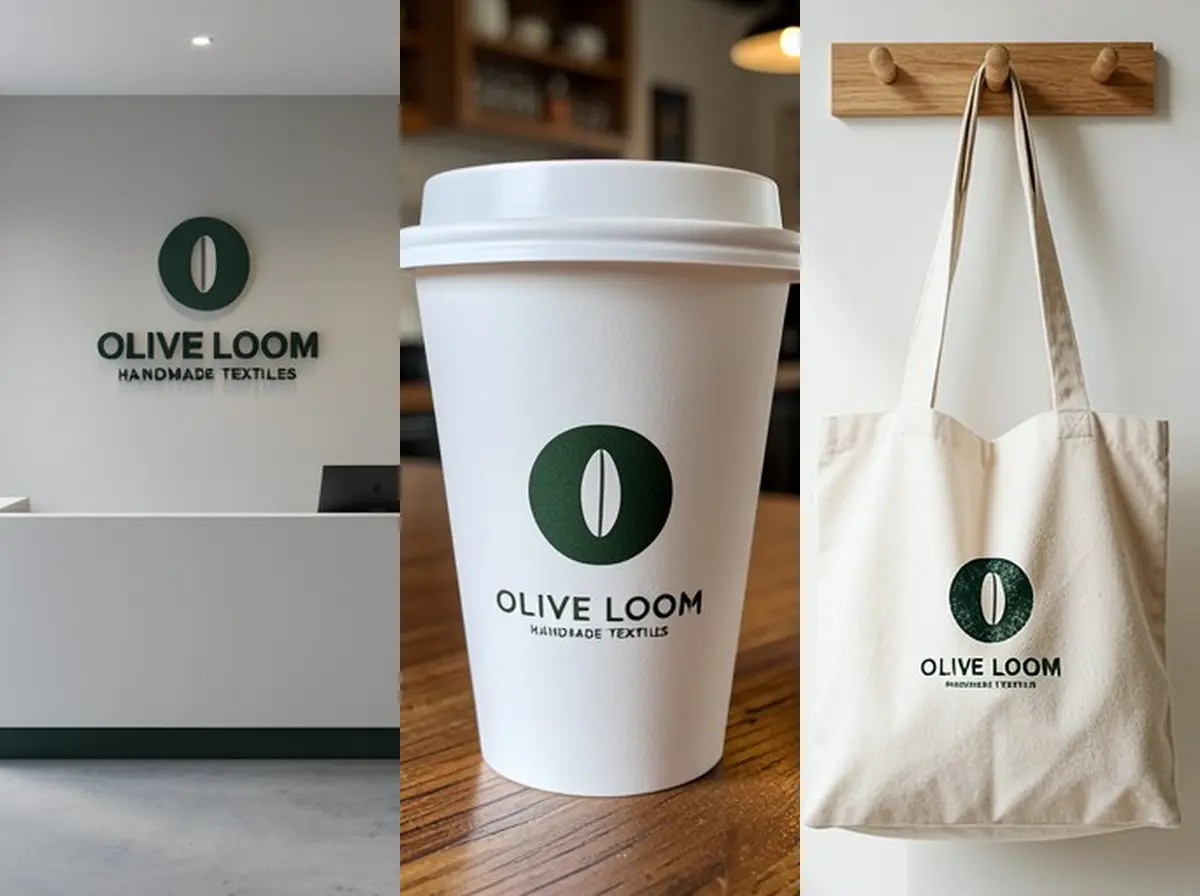 Logo Mockup GeneratorFreeUpload your logo and see it as a 3D wall sign, embossed paper, gold foil card, shop sign, coffee cup or tote bag, in a realistic photo.
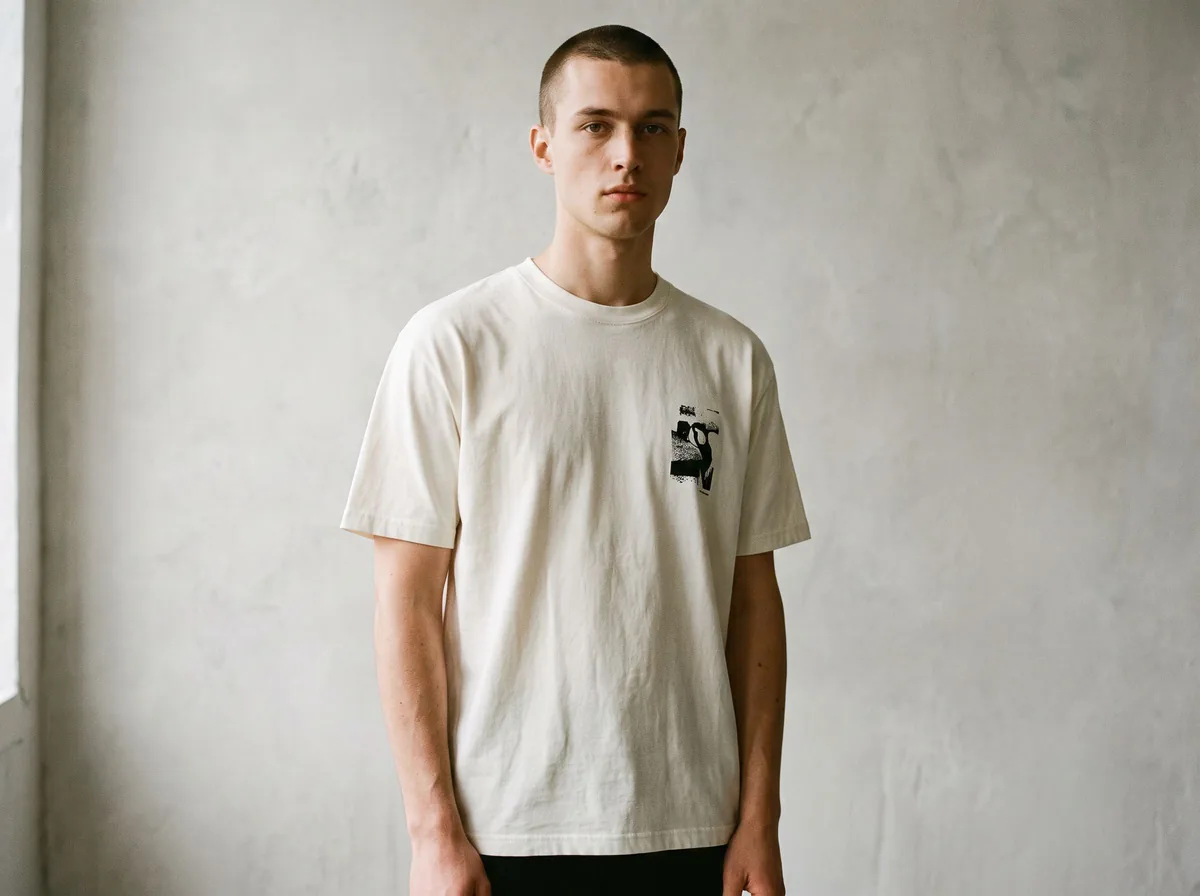 T-Shirt Mockup on ModelFreePut your t-shirt or hoodie design on a realistic model, with the print following the fabric, for print-on-demand listings.
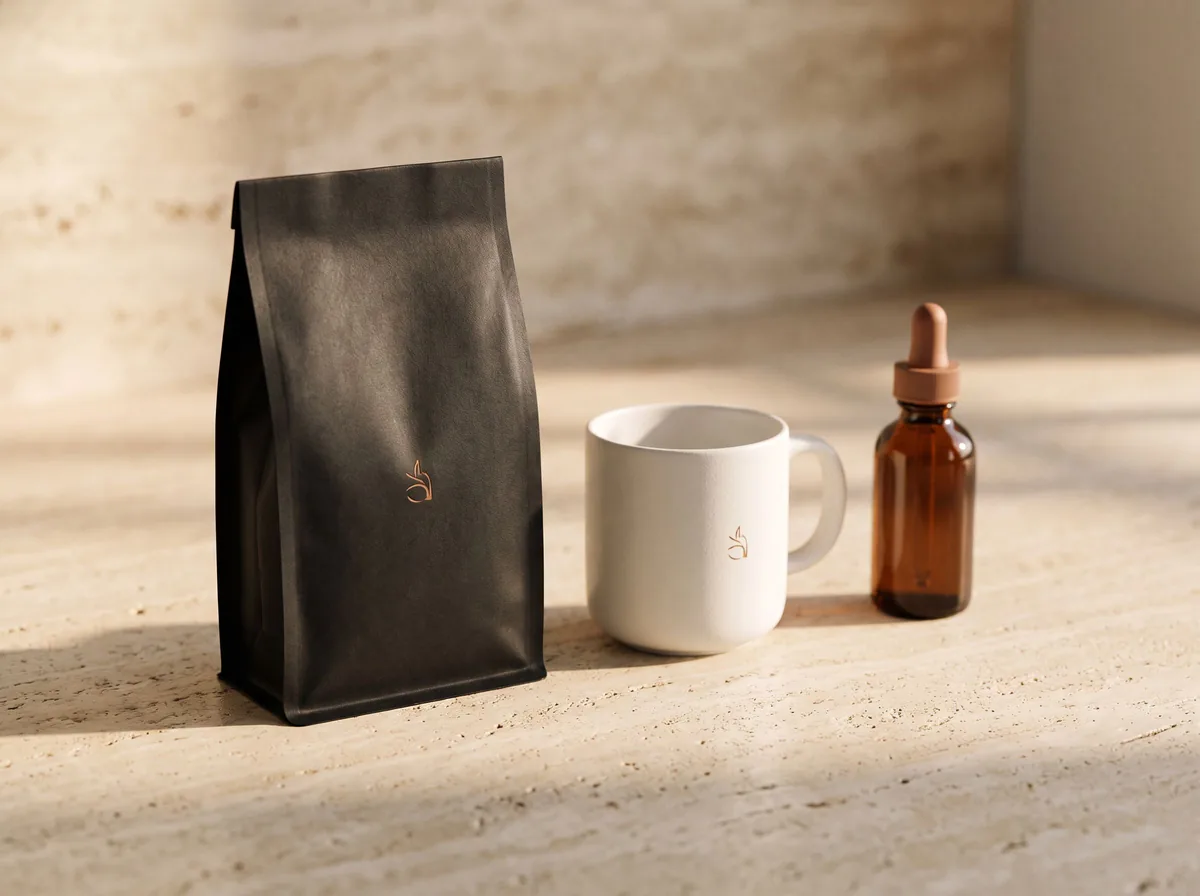 AI Mockup GeneratorFreeDescribe a product mockup, or upload your logo or label, and get a photo-real mockup: bottles, boxes, bags, mugs, apparel and more.
Ask an assistant
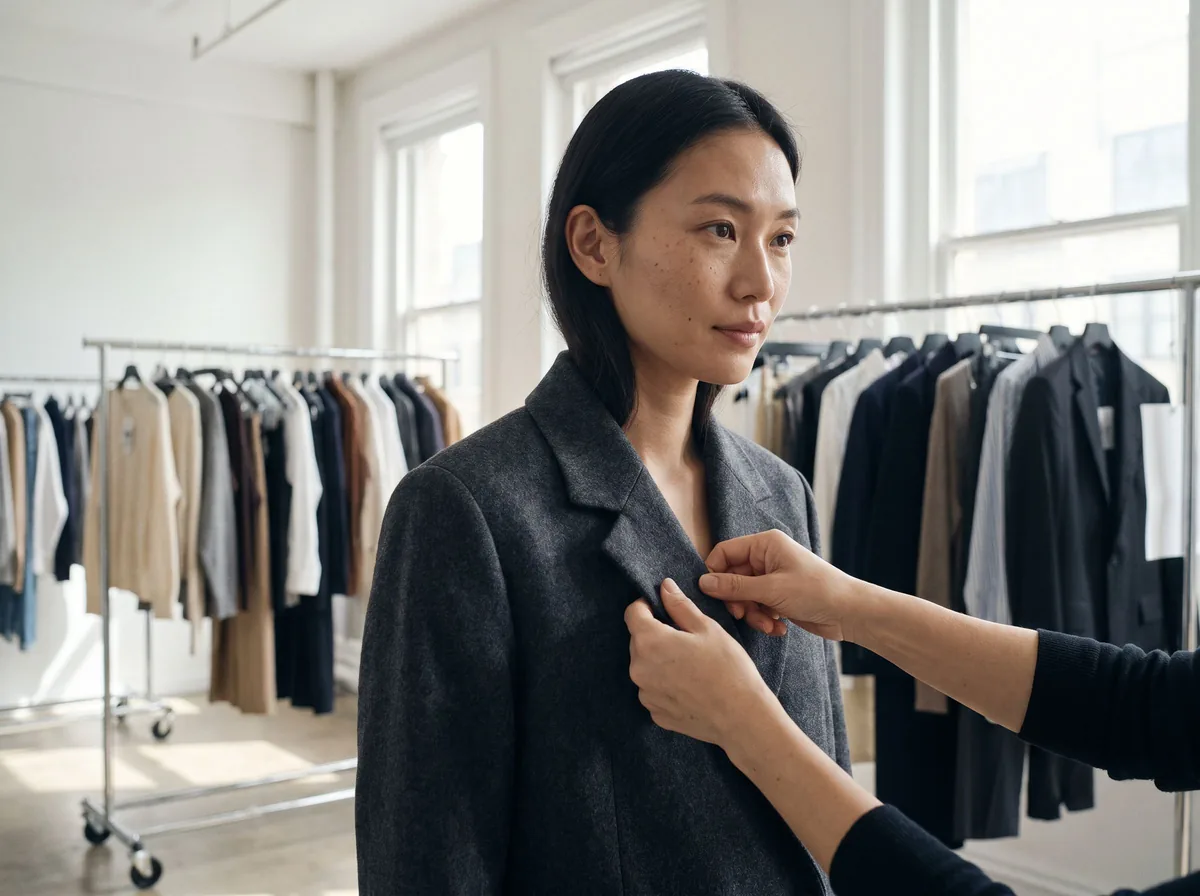 Fit ModelFashion Models FreePlans on-model photos for your clothing: which model, pose, setting and angles, with prompts for the AI fashion model tools.Chat free →
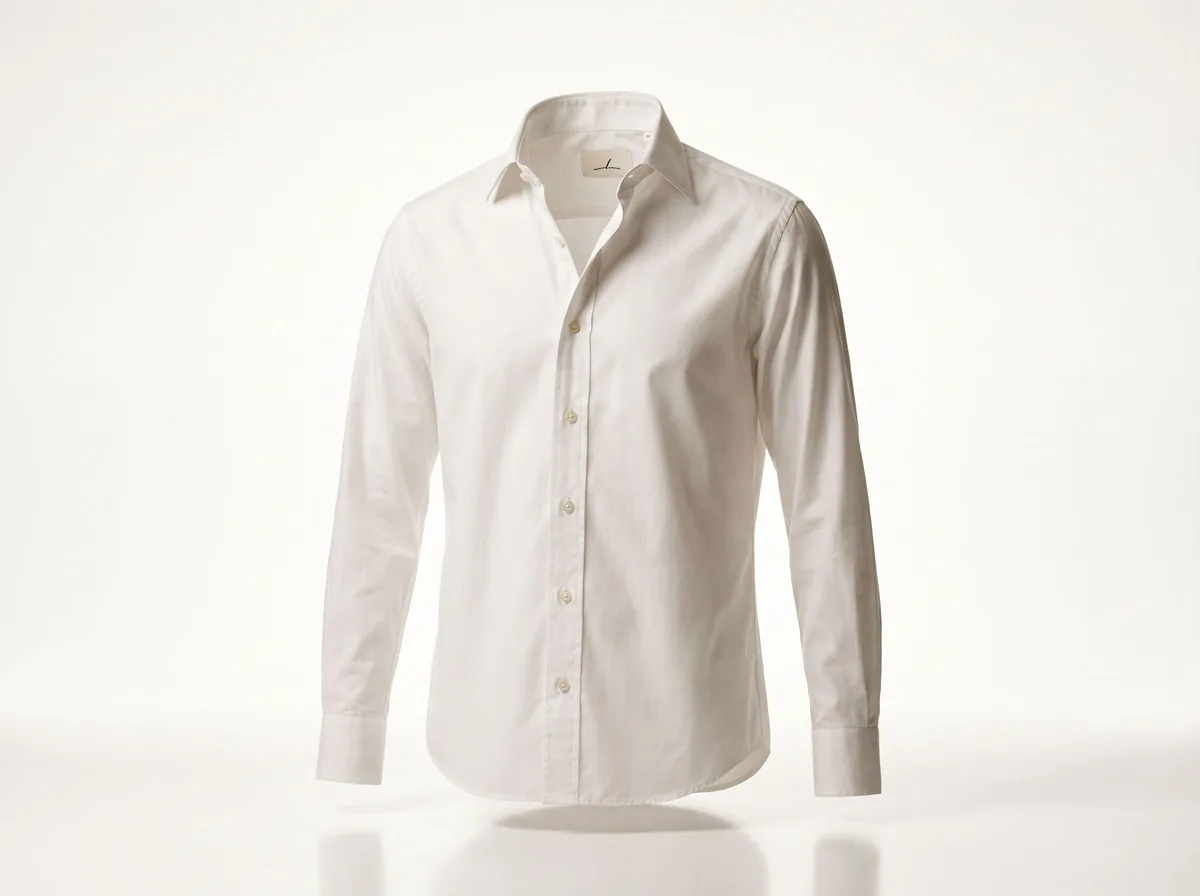 Ghost Mannequin AssistantFashion Models FreeWalks you through ghost mannequin photos: how to shoot the garment, which prompt to use, and how to fix a result.Chat free →
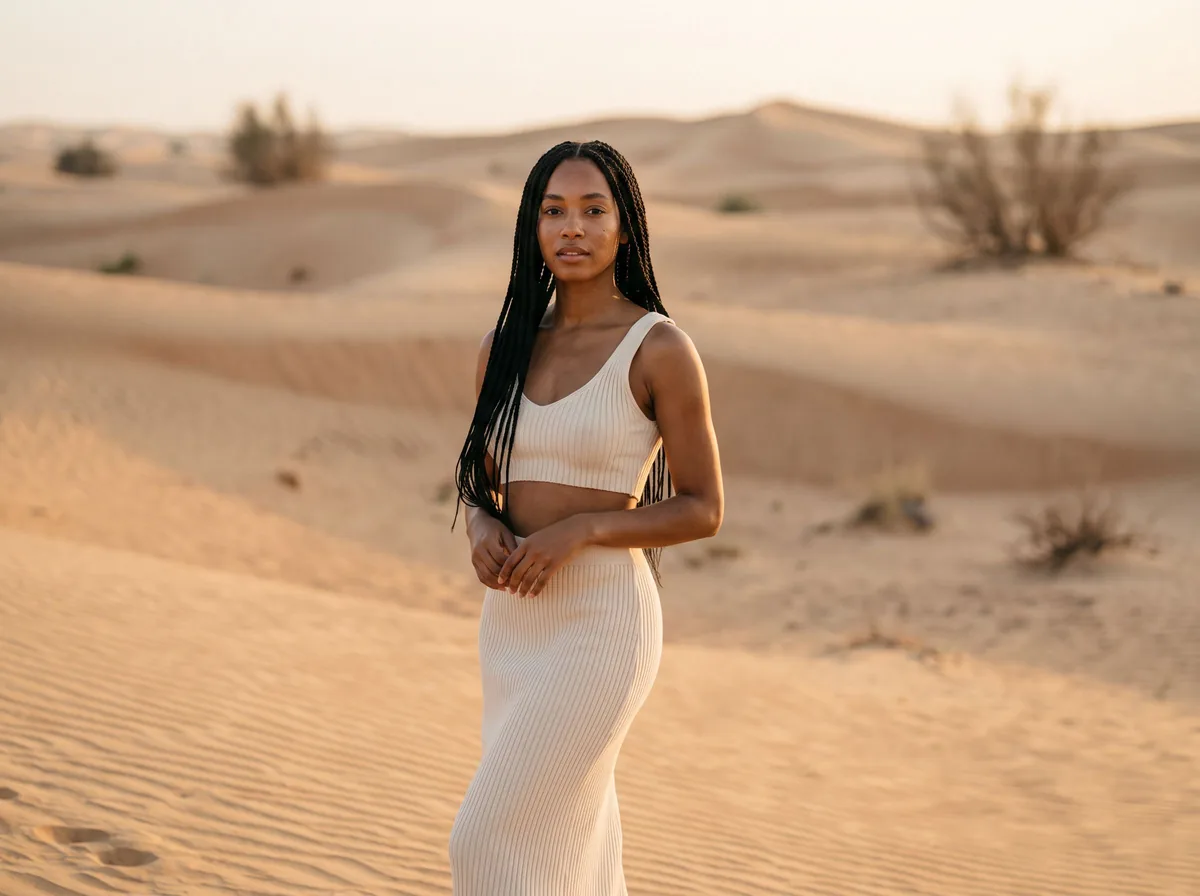 Lookbook PlannerFashion Models FreeTurns a new collection into a lookbook plan: the story, the look order, the page spreads and a prompt for every image.Chat free →