Product photography
100% free · No sign-upFree AI Background Remover
Remove the background from a product photo, logo or signature and download a transparent PNG at full size. No watermark, no sign-up. Free to use, no sign-up.
Remove a background
Pick photos (JPG, PNG or WEBP, up to 15 MB each). You get a transparent PNG at the same size, or put the product on white, a color or a blurred copy of the photo.
Works best when the subject is clear of the background. Fine hair, fur, glass and see-through parts can come out rough at the edge, so zoom in before you use the cut-out. Your photos are sent one by one to our free background remover to find the subject; the colors, trim and brush edits are made in your browser. Free, with no signup and no watermark.
How it works
How to use the AI Background Remover
- 1
Choose a photo
JPG, PNG or WEBP up to 15 MB. A subject that stands apart from what is behind it works best.
- 2
Wait a few seconds
The AI finds the subject and removes everything behind it. The result shows on a checkerboard, which marks the see-through parts.
- 3
Download the PNG
Save the transparent PNG, or send the product to the white background tool for a marketplace listing.
A transparent PNG lets you drop a product onto a banner, a social post, a new background or a store theme without a box around it. This free AI background remover cuts the subject out of your photo and gives you the transparent PNG at full size, with no watermark and no sign-up.
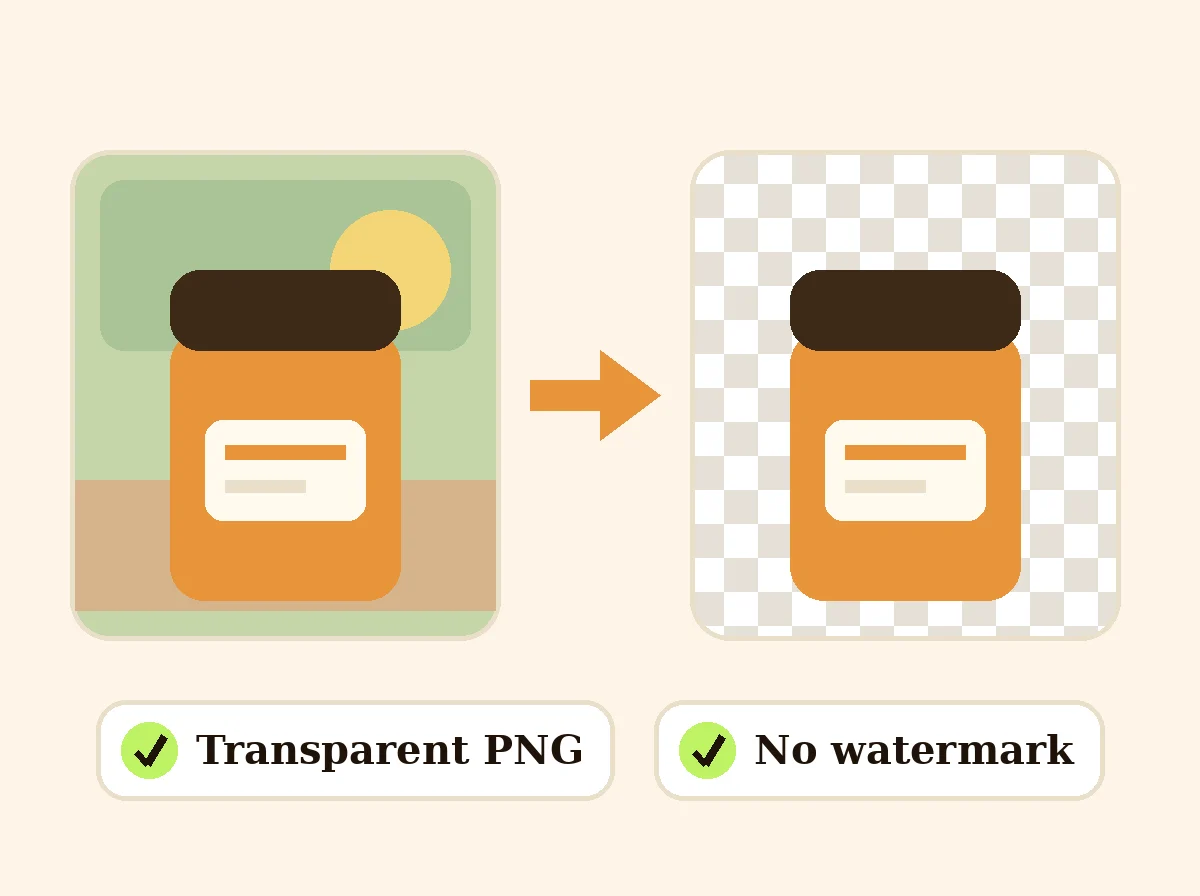
Background Remover
The product behind the words
Remove the background from a product photo
Shoot the product on a plain surface with even light and some space around it. Upload the photo and you get the product alone on a transparent background, ready for your own designs. For a marketplace main image, put it on pure white with the white background tool, since most marketplaces want white, not transparency.
Transparent PNG, not a JPG
Only some file types can hold transparency. PNG can, and it keeps soft edges smooth. JPG cannot: save a cut-out as a JPG and the see-through parts turn solid. That is why the download is a PNG unless you pick JPG, which fills the see-through parts with white.
Signatures, logos and handwriting
Write on clean white paper with a dark pen, take a sharp photo straight on in daylight, and upload it. The ink comes back on a transparent background that you can place on a PDF, a label or a thank-you card. For a logo you already have as a vector file, keep using the vector: it scales better than any PNG.
Get a cleaner cut-out
Contrast does most of the work: a dark product on a light background, or a light one on a dark background. Avoid backgrounds in the same color as the product, keep the whole subject in the frame, and use the largest photo you have. Check fine edges such as hair, straps and glass zoomed in before you publish.
Gradient and shadow behind the cut-out
Once the background is gone you do not have to leave it empty. Pick a gradient between two colors, a plain color, a blurred copy of your photo or your own background photo, and add a soft drop shadow with a strength you set. Save it as a PNG to keep a see-through background, or as a JPG when you want a flat picture with the new background in it.
FAQ
AI Background Remover: questions sellers ask
What file do I get?
A PNG with a transparent background by default, or a JPG on white or on the background you pick. It is made at the same size as your photo (only photos too big for your browser to hold are made smaller). There is no watermark and no small preview-only version: the file you see is the file you download.
Can I remove the background from a signature?
Yes. Photograph or scan the signature on plain white paper in even light, upload it, and you get the ink on a transparent background to place on documents. Thin pen strokes are the hardest part, so use a dark pen and a sharp, close photo, and zoom in on the result before you use it.
Does it work with SVG files?
No. It removes backgrounds from photos and other pixel images: JPG, PNG and WEBP. An SVG is a drawing made of shapes, so its background is removed by deleting the background shape in a vector editor. If you only have the SVG, export it as a PNG first and upload that.
How well does it handle hair, fur and glass?
Solid objects with clear edges come out cleanly. Fine hair, fur, lace, glass and see-through plastic are harder: the edge can look rough or keep a little of the old background. Shoot those against a plain background that contrasts with the subject, and check the cut-out zoomed in.
How do I put my product on a white background for a listing?
Use the product photo white background tool. It places the product on pure white (RGB 255) and centers it for marketplaces such as Amazon. Use this background remover when you need the transparent PNG itself, for a design, a banner or your own background.
Is my photo stored?
The photo is sent to our server to remove the background, and the result is saved so the download link works. We do not sell your uploaded images or use them to market to other people.
How do I put a gradient behind a cut-out?
After the background is removed, choose Gradient under Background and pick a top color and a bottom color. The cut-out sits on a smooth fade between them. You can also choose a plain color, a blurred copy of the photo, or your own background photo.
How do I add a shadow under a product after removing the background?
Turn on "Soft drop shadow under the product" and move Shadow strength between 5% and 90%. A low value gives a light shadow and a high value a dark one.
How do I fix the edges of a cut-out, such as hair?
Press "Fix the edges (erase / restore)" under the preview. Paint to erase leftovers or to bring back parts that were cut off. Turn on "Soft brush edge" to blend hair and fuzzy edges. "Invert selection" swaps what is kept and what is removed, so you can keep the background and drop the subject.
Is Z Product AI really free?
Yes. Every tool and assistant on Z Product AI is free to use, with no sign-up and no credit card. Very heavy use is paced with short waits so the site stays free for everyone.
Keep going
More tools for your listings
 Product Photo White BackgroundFreePut any product on a clean white background for your listings, then check it against Amazon's main-image rules before you upload.
 AI Product Background GeneratorFreeChange the background of any product photo to a solid color, gradient, texture or real scene, with lighting and shadows rebuilt to match.
 Remove Objects from Product PhotoFreeUpload a product photo, describe the stray cable, price tag, dust or prop you want gone, and get a clean photo with the product and lighting unchanged.
 Product Shadow GeneratorFreeAdd a realistic drop shadow, contact shadow or mirror reflection to a cut-out product photo so it sits naturally on its background.
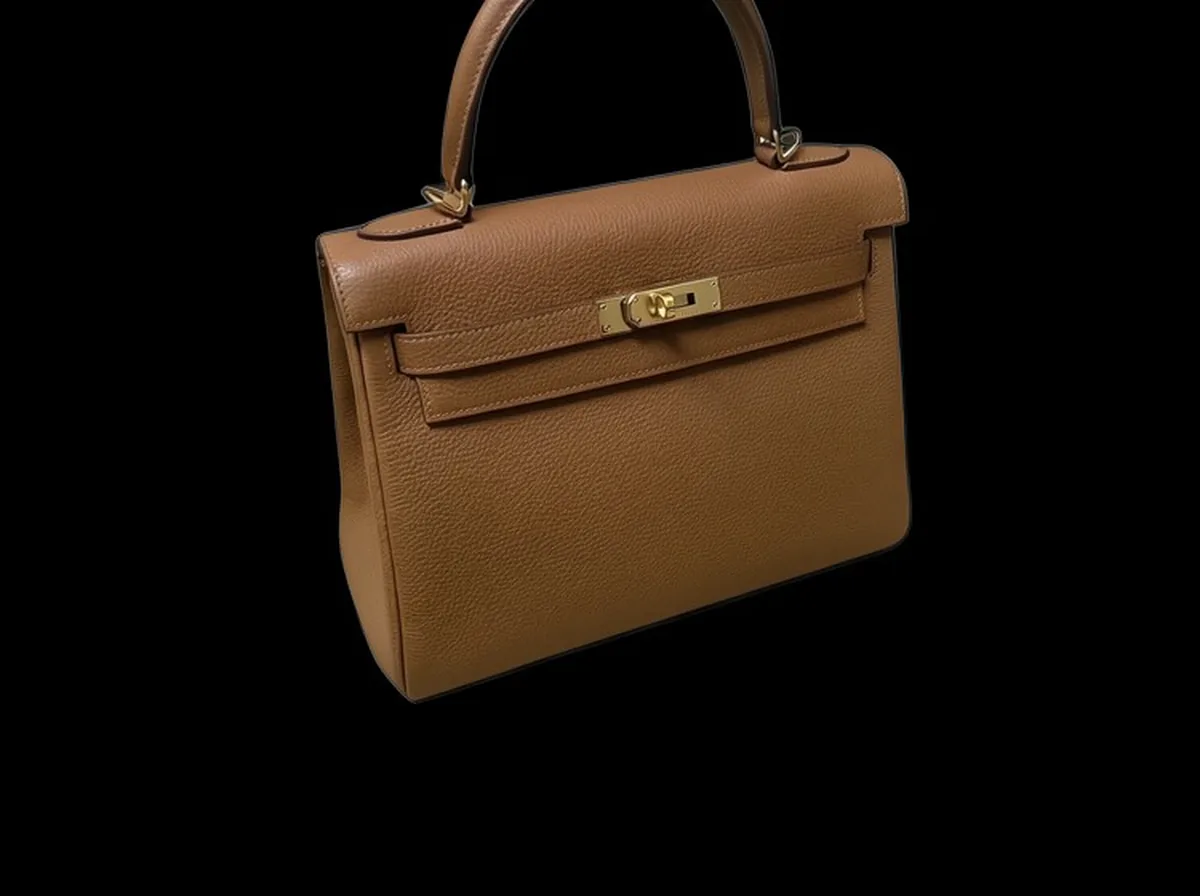 Black Background for Product PhotosFreePut any product on a clean solid black or charcoal background, with a soft shadow so it still looks photographed.
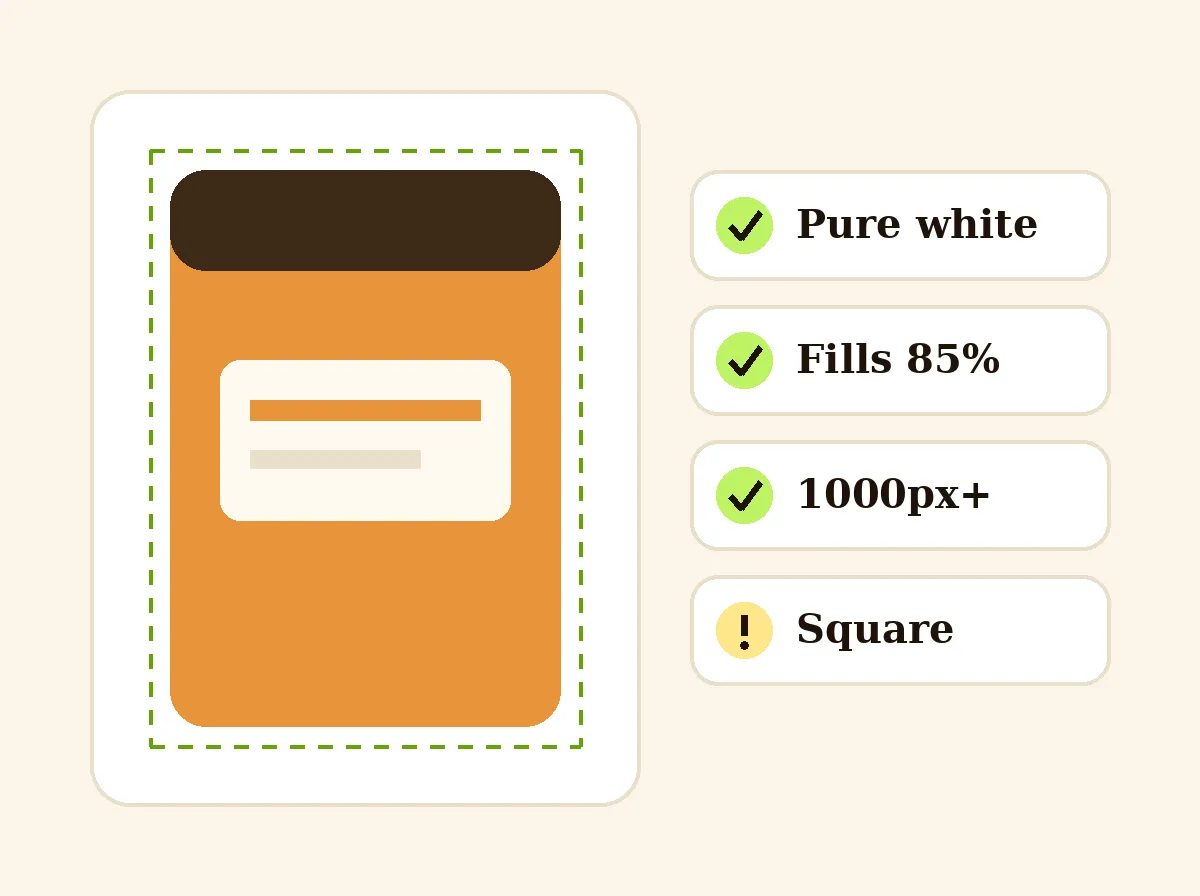 Amazon Main Image CheckerFreeCheck a product photo against Amazon main image rules in your browser: pure white, 85% fill, size and file type.
 AI Product PhotoshootFreeA full product photoshoot from one photo: hero shot, lifestyle scenes, close-ups and ad creative, in one session.
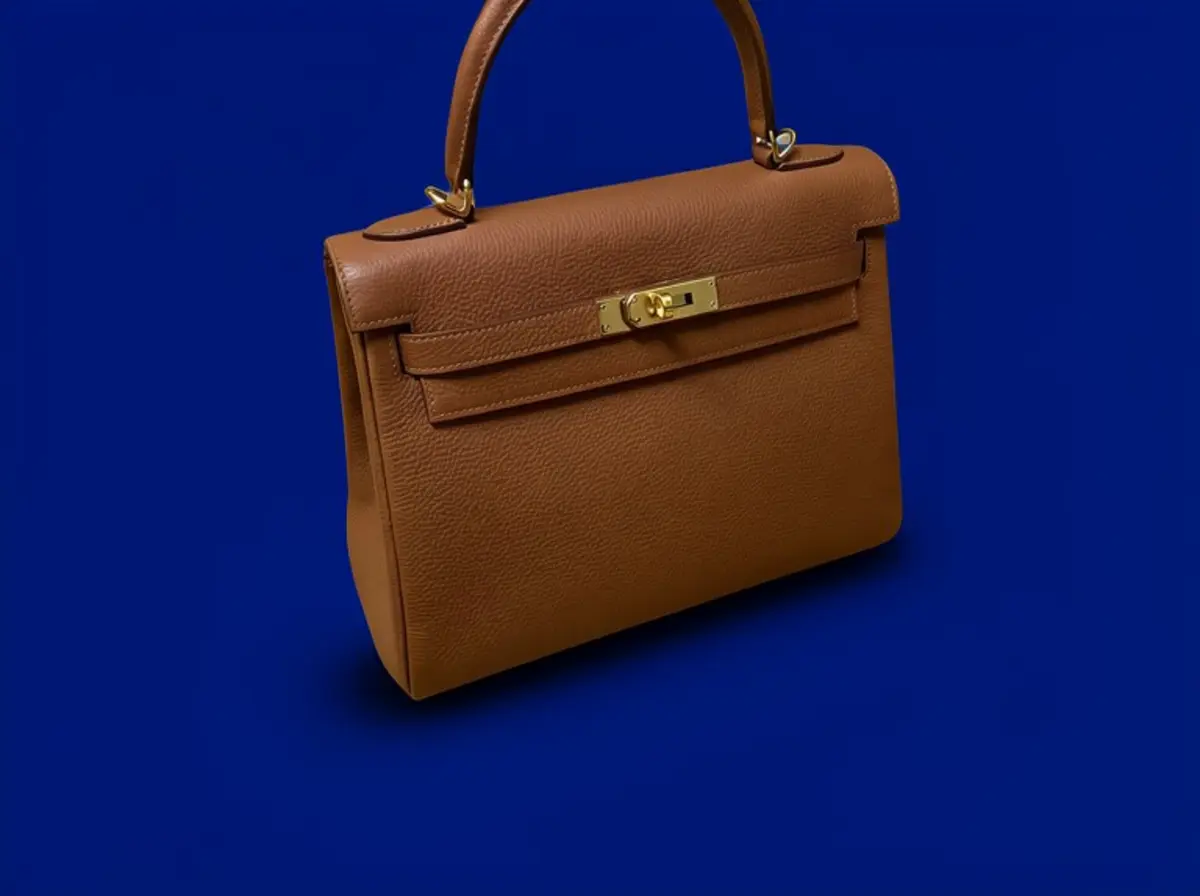 Blue Background for Product PhotosFreePut any product on a clean solid blue background, from navy to baby blue, with a matching shadow so it still looks photographed.
Ask an assistant
 Product Shoot StudioProduct Photography FreeYour AI product photography director: plans the shoot, picks scenes, props and light, and writes the prompt for every shot.Chat free →
 Amazon Main Image CheckerProduct Photography FreeChecks your Amazon main image against common requirements, background, fill, props and text, and tells you how to fix or reshoot it.Chat free →
 Jewelry Photo DirectorProduct Photography FreePlans jewelry photos that show sparkle, metal tone and true scale: rings, necklaces, earrings and bracelets on white, on busts and in close detail.Chat free →