Product photography
100% free · No sign-upFree Photo to Sticker Maker
Cut out a product, pet or person from a photo and turn it into a sticker with a white outline. Download a transparent PNG or a WhatsApp-ready sticker. Free to use, no sign-up.
Turn a photo into a sticker
Pick photos. Our AI cuts out the subject, then you add a white outline and shadow and download see-through stickers.
Your photos are sent one by one to our free background remover to find the subject; the blur, outline and download are made in your browser. Free, with no signup and no watermark.
How it works
How to use the Photo to Sticker Maker
- 1
Choose a photo
A clear subject that stands apart from the background works best.
- 2
Style the sticker
Outline thickness and color, shadow and background.
- 3
Download
A transparent PNG or a 512 x 512 WhatsApp sticker.
Stickers of your product, your pet or your logo work for packaging, thank-you cards, laptop decals and chat. This free photo to sticker maker cuts the subject out with AI and gives it the classic white die-cut outline, ready to download.
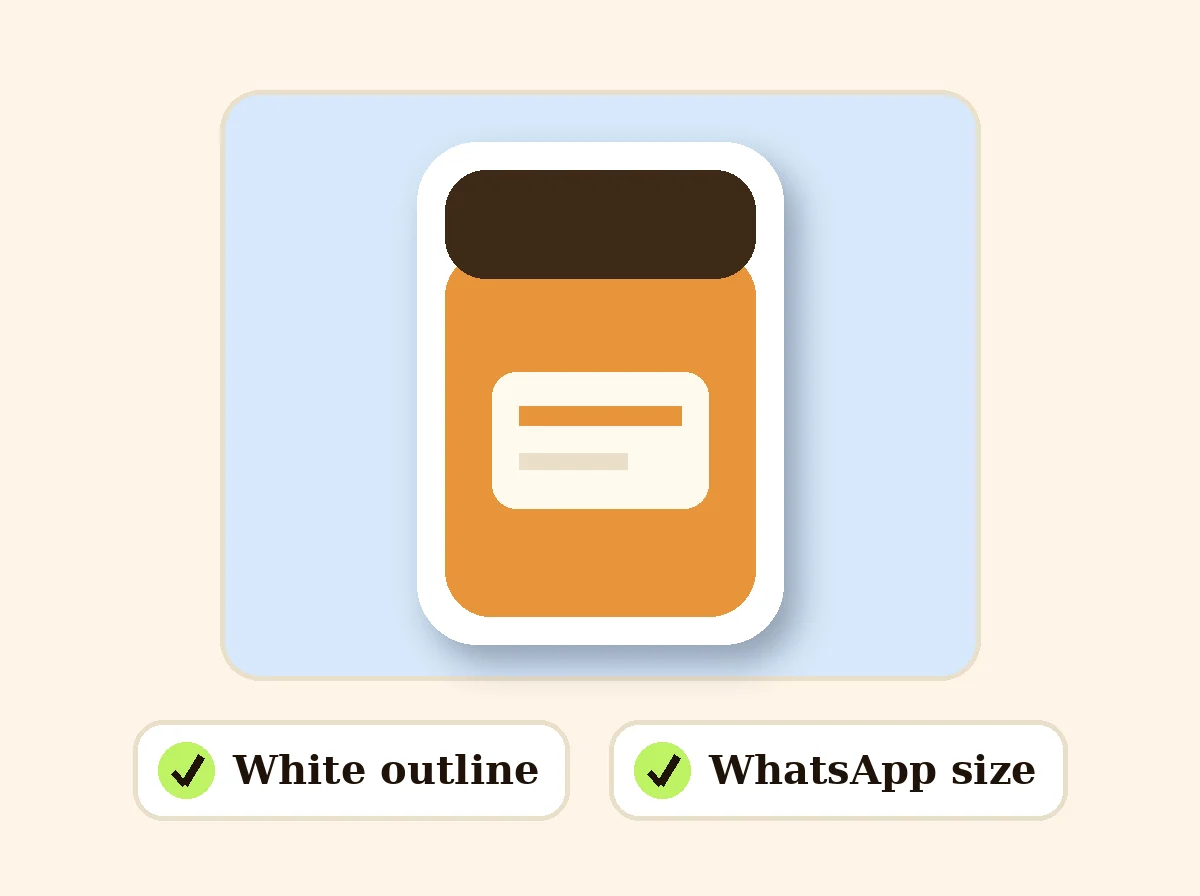
Photo to Sticker
The product behind the words
Cut out with AI
Upload a photo and the subject is separated from its background automatically. The sticker is trimmed tight around it, with just enough space for the outline and shadow.
White outline and shadow
Choose the outline thickness, change its color, and add a soft drop shadow so the sticker looks like it is lifting off the page.
PNG or WhatsApp sticker
Save a full-size transparent PNG for printing, design or packaging, or a 512 x 512 px WEBP sticker sized for WhatsApp.
Sticker ideas for small brands
A sticker of your best-selling product for thank-you notes, a mascot or logo for packaging, product stickers for social posts, or a fun sticker of the team for your community chat.
FAQ
Photo to Sticker Maker: questions sellers ask
How do I turn a photo into a sticker?
Choose a photo. Our AI cuts out the main subject, and the tool adds a white outline and a soft shadow. Adjust the outline thickness and color, then save it as a transparent PNG.
Can I make a WhatsApp sticker?
Yes. Choose "WhatsApp sticker (512 x 512 WEBP)" in Save as. WhatsApp stickers are 512 x 512 px WEBP files under 100 KB, and the tool makes them to that size. Add it to WhatsApp with a sticker maker app.
Can I print the sticker?
Yes. Save the full-size PNG and send it to a print shop or a cutting machine. The white outline gives a clean edge for die-cut stickers.
Can I change the outline color?
Yes, any color, or set the thickness to 0 for no outline. You can also turn the shadow off or put the sticker on a colored background.
Is it free?
Yes. No sign-up and no watermark.
Is my photo stored?
The photo is sent once to our server to cut out the subject. The outline, shadow and download are made in your browser.
How do I make the sticker shadow lighter or darker?
Turn on Drop shadow and move Shadow strength between 5% and 90%. A low value gives a faint shadow and a high value a strong one. The outline thickness and color are set separately.
Is Z Product AI really free?
Yes. Every tool and assistant on Z Product AI is free to use, with no sign-up and no credit card. Very heavy use is paced with short waits so the site stays free for everyone.
Keep going
More tools for your listings
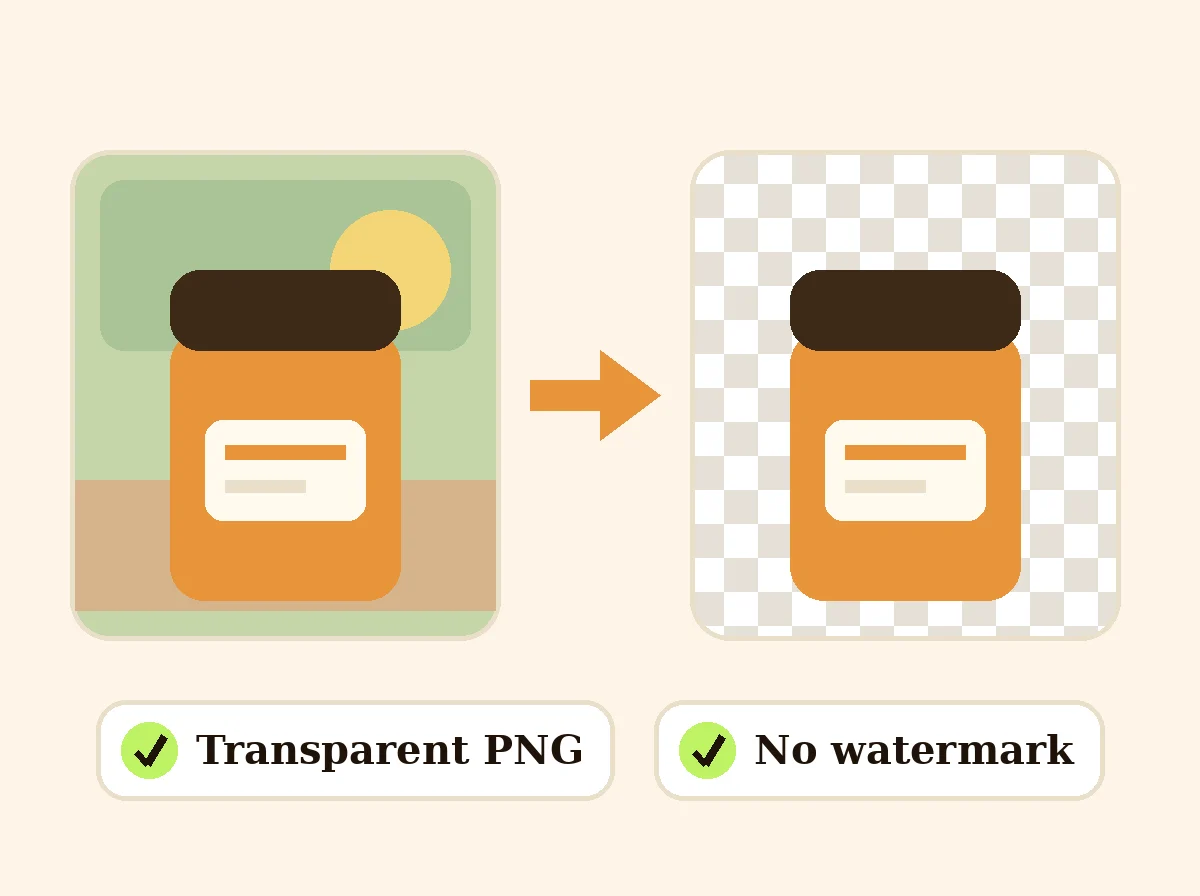 AI Background RemoverFreeRemove the background from a product photo, logo or signature and download a transparent PNG at full size, with no watermark.
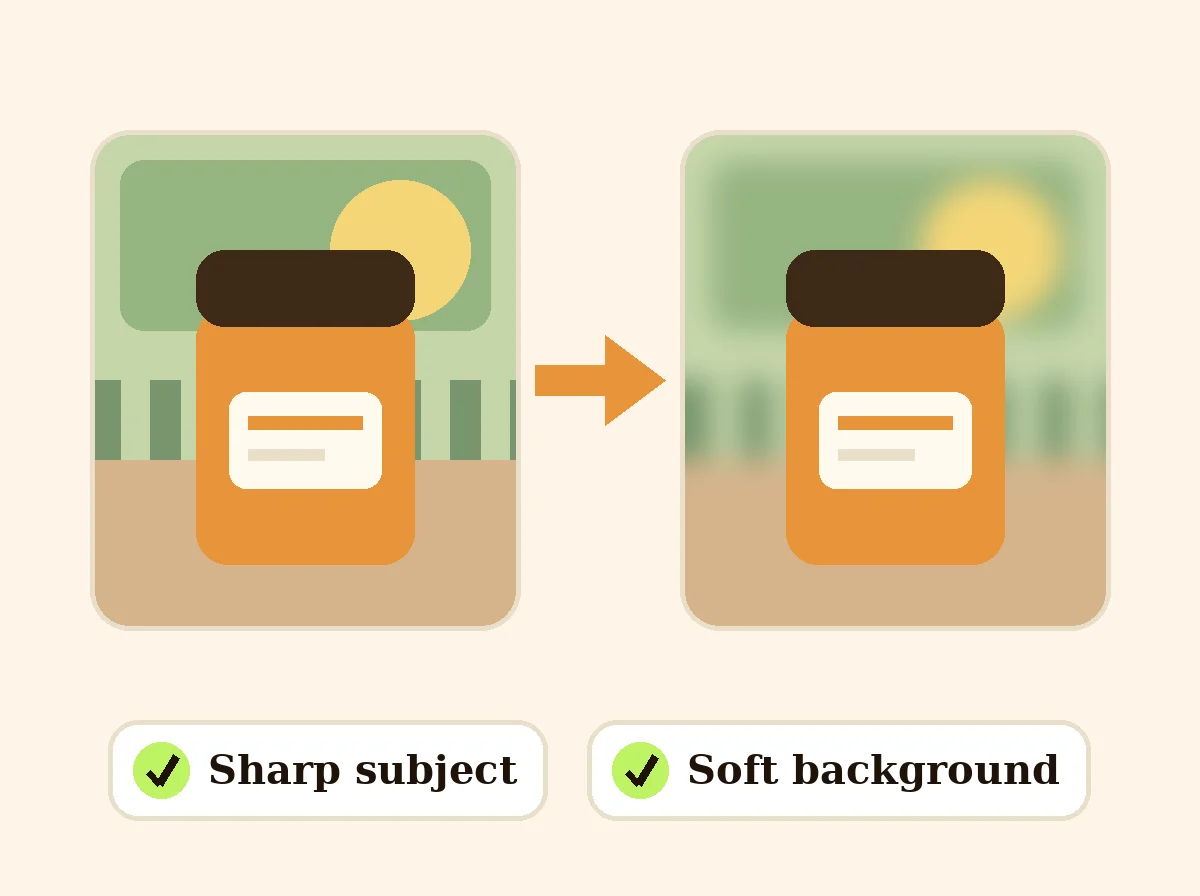 Blur Photo BackgroundFreeKeep the product or subject sharp and blur everything behind it, with the strength you choose.
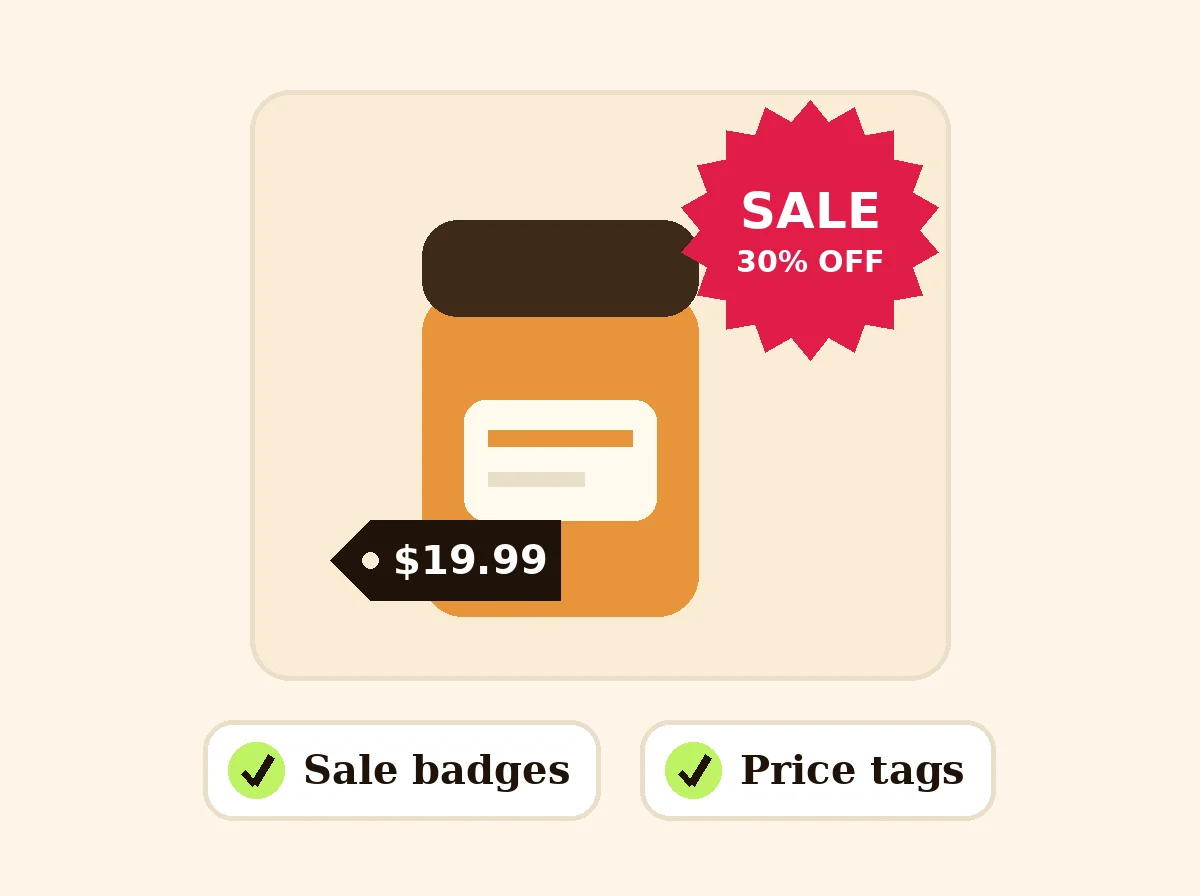 Add Text to PhotoFreeAdd text, a price tag or a SALE, NEW or FREE SHIPPING badge to your product photos.
 Add Watermark to PhotoFreePut your shop name or logo on one photo or a batch: any position or tiled, with opacity and rotation.
 Product Collage MakerFreePut 2 to 9 product photos in one grid for a listing or post, sized for marketplaces and social media.
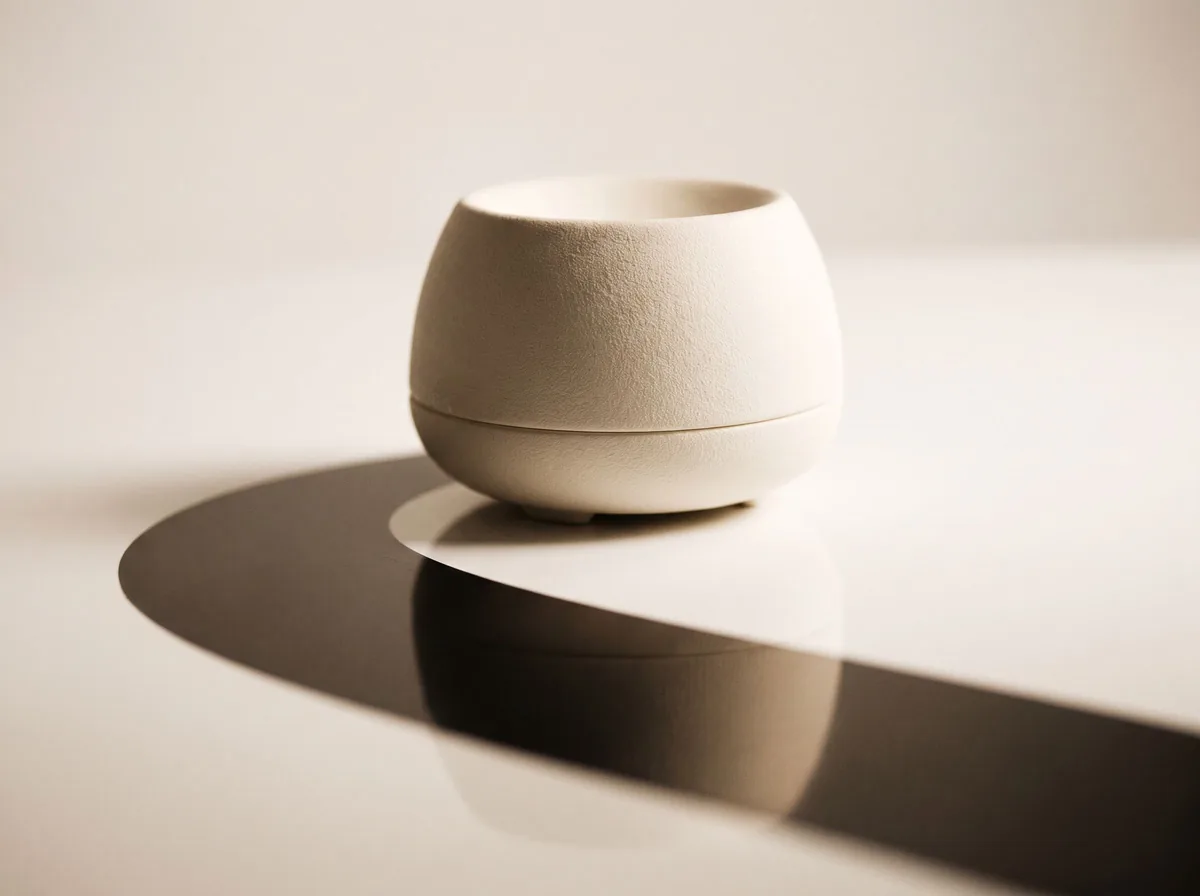 Product Shadow GeneratorFreeAdd a realistic drop shadow, contact shadow or mirror reflection to a cut-out product photo so it sits naturally on its background.
Ask an assistant
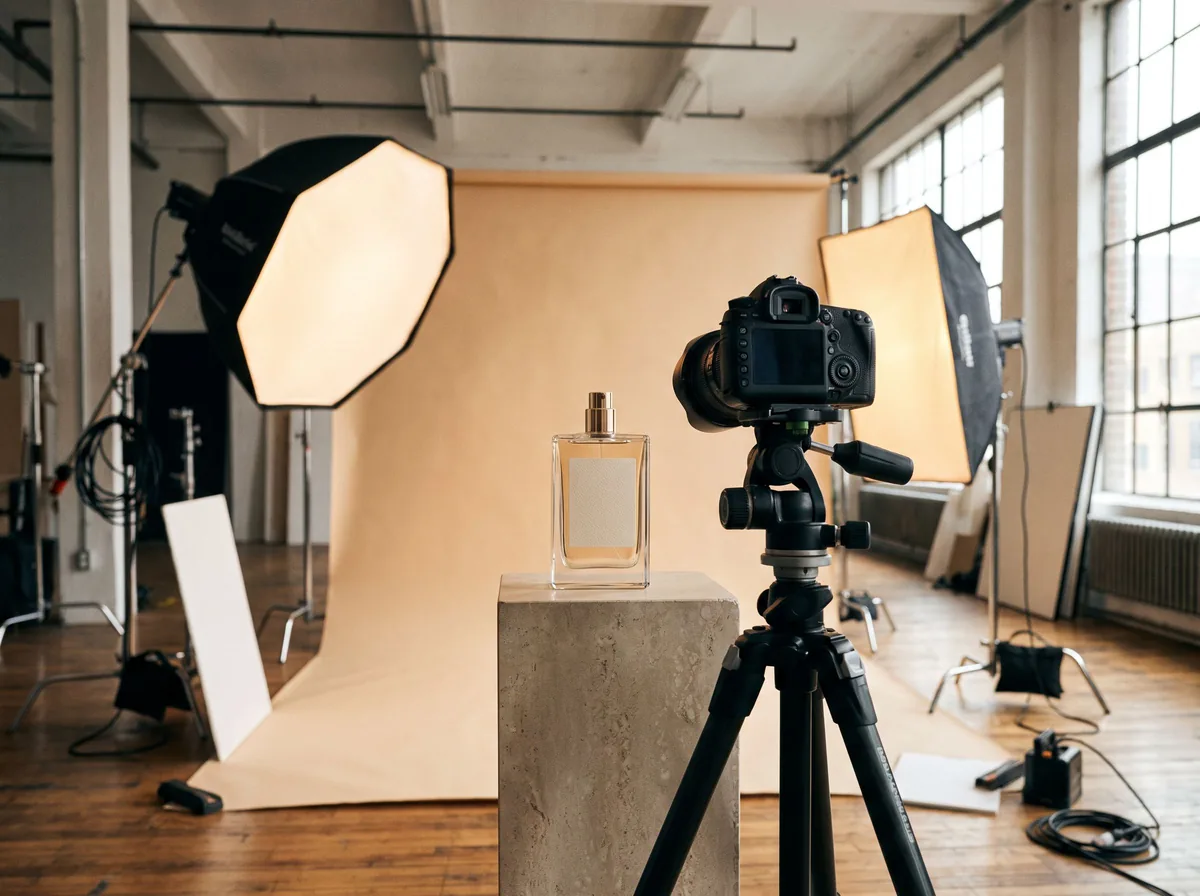 Product Shoot StudioProduct Photography FreeYour AI product photography director: plans the shoot, picks scenes, props and light, and writes the prompt for every shot.Chat free →
 Amazon Main Image CheckerProduct Photography FreeChecks your Amazon main image against common requirements, background, fill, props and text, and tells you how to fix or reshoot it.Chat free →
 Jewelry Photo DirectorProduct Photography FreePlans jewelry photos that show sparkle, metal tone and true scale: rings, necklaces, earrings and bracelets on white, on busts and in close detail.Chat free →