Product photography
100% free · No sign-upFree Product Collage Maker
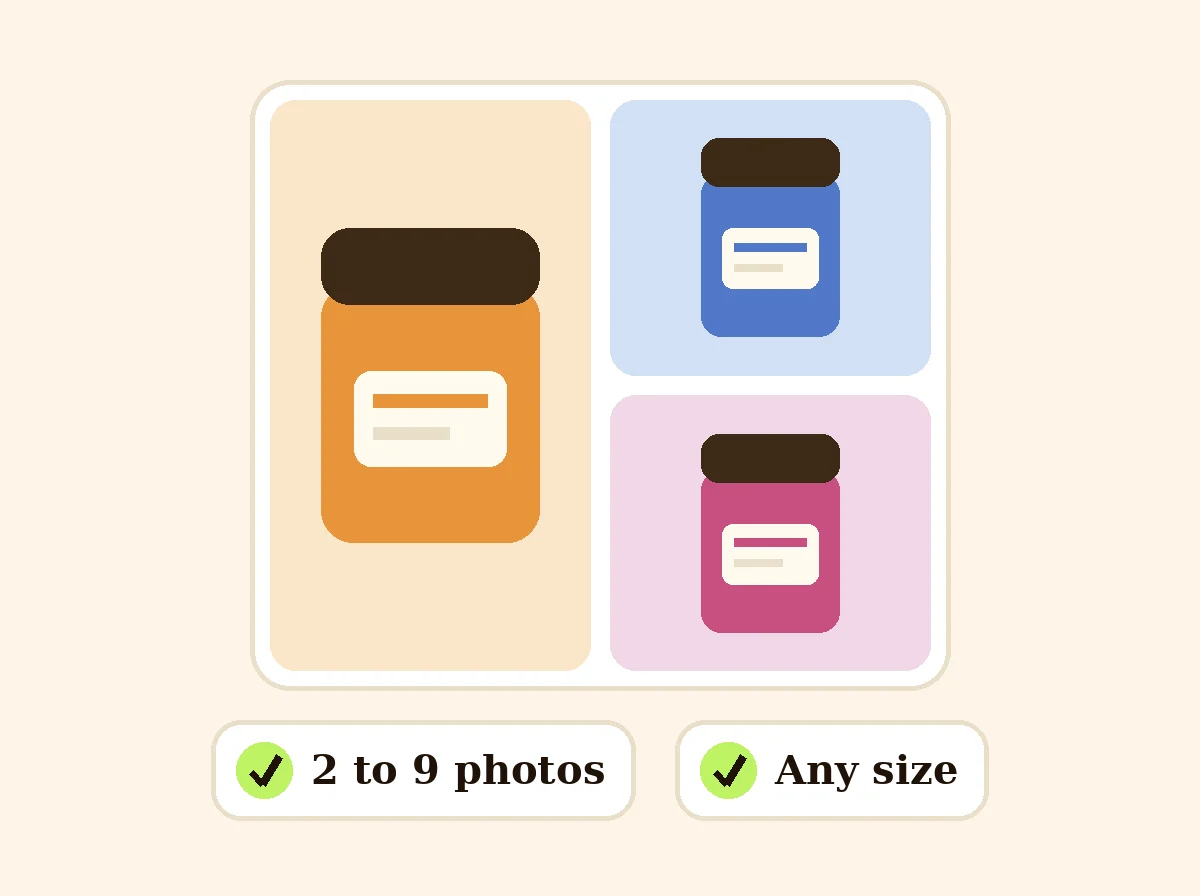
Combine 2 to 9 photos into one image: angles, details, colors or a bundle. Pick a layout and size and download it. Free, in your browser.
Make a product collage
Pick 2 to 9 photos, choose a layout and size, and download one image ready for your listing or post.
Your collage appears here.
Your photos stay on your device: this tool runs in your browser and uploads nothing.
How it works
How to use the Product Collage Maker
- 1
Choose 2 to 9 photos
And put them in order with the arrows.
- 2
Pick a layout and size
Spacing, rounded corners and background color too.
- 3
Download
One collage image in JPG, PNG or WEBP.
One image that shows every color, every angle or everything in the box helps buyers decide faster. This free product collage maker puts 2 to 9 photos into one clean grid sized for marketplaces and social media, right in your browser.
Collage Maker
The product behind the words
Layouts that fit your photos
A clean grid, a big hero photo with smaller ones beside or under it, a single row or column, or two rows. The layout list changes with the number of photos you add.
Sized for where you post
Square 2000 px for Etsy, eBay and Shopify secondary images, square and portrait sizes for Instagram, tall 2:3 for Pinterest, wide for banners, or any size you type.
Spacing, corners and background
Set the space between photos, round the corners and pick a background color that matches your brand. Use Fit to keep every photo whole, or Fill for an edge-to-edge look.
Collage ideas for sellers
Every color of a product in one image. A bundle with every item. Front, back and side views. Close-ups of material, stitching or ingredients. Before and after.
FAQ
Product Collage Maker: questions sellers ask
How many photos can I put in a collage?
From 2 to 9. Layouts adjust to the number of photos: a grid, the first photo big with the rest beside or below it, a single row, or two rows.
Which photo becomes the big one?
The first photo. Use the arrows on each thumbnail to change the order.
Can I use a collage as my main listing image?
Most marketplaces want a single product on white for the main image, and Amazon does not allow collages there. Use collages as secondary images: color options, what is in the box, sizes or details.
What size should a collage be?
Square 2000 x 2000 px for marketplaces, 1080 x 1080 or 1080 x 1350 for Instagram, 1000 x 1500 for Pinterest. Pick from the list or type a custom size.
What is the difference between Fill and Fit?
Fill crops each photo so its box is fully covered. Fit shows the whole photo inside its box, with the background color around it.
Are my photos uploaded?
No. The collage is made in your browser.
Is Z Product AI really free?
Yes. Every tool and assistant on Z Product AI is free to use, with no sign-up and no credit card. Very heavy use is paced with short waits so the site stays free for everyone.
Keep going
More tools for your listings
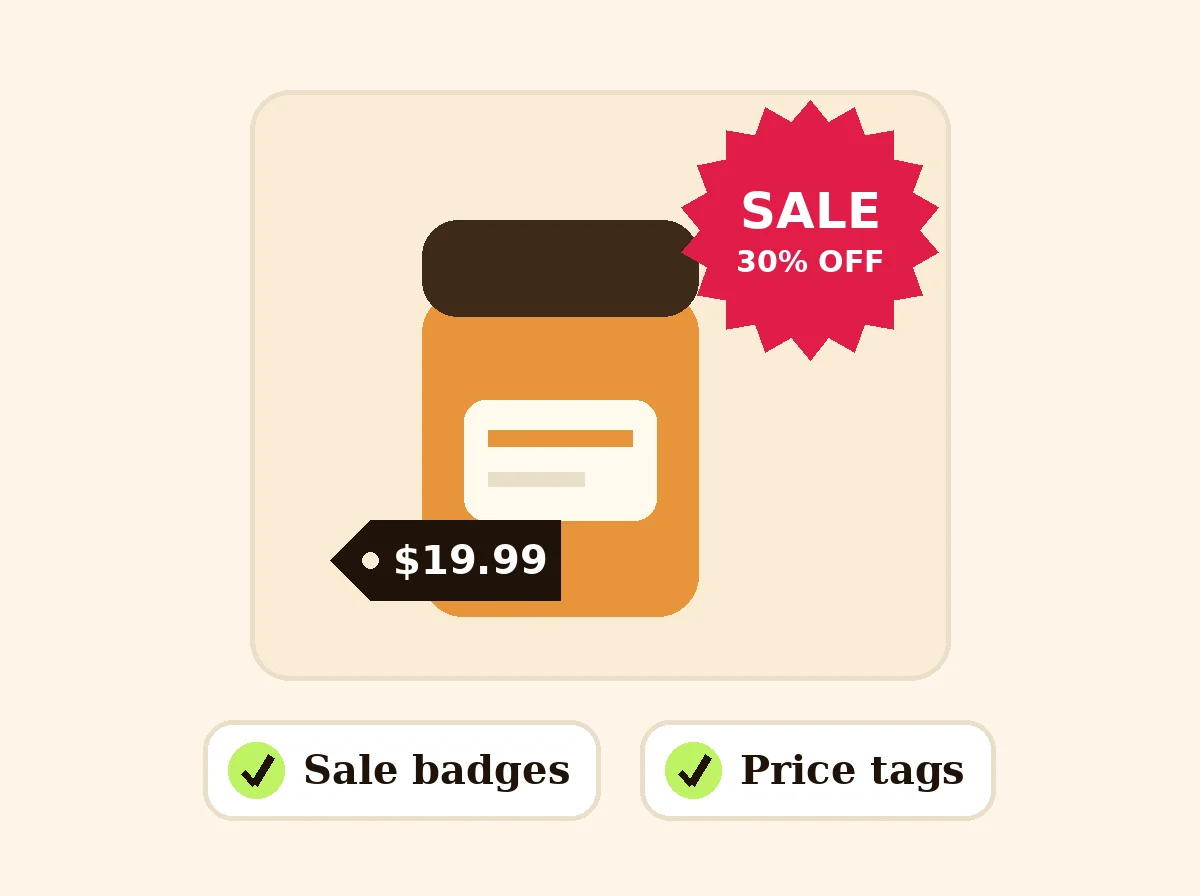 Add Text to PhotoFreeAdd text, a price tag or a SALE, NEW or FREE SHIPPING badge to your product photos.
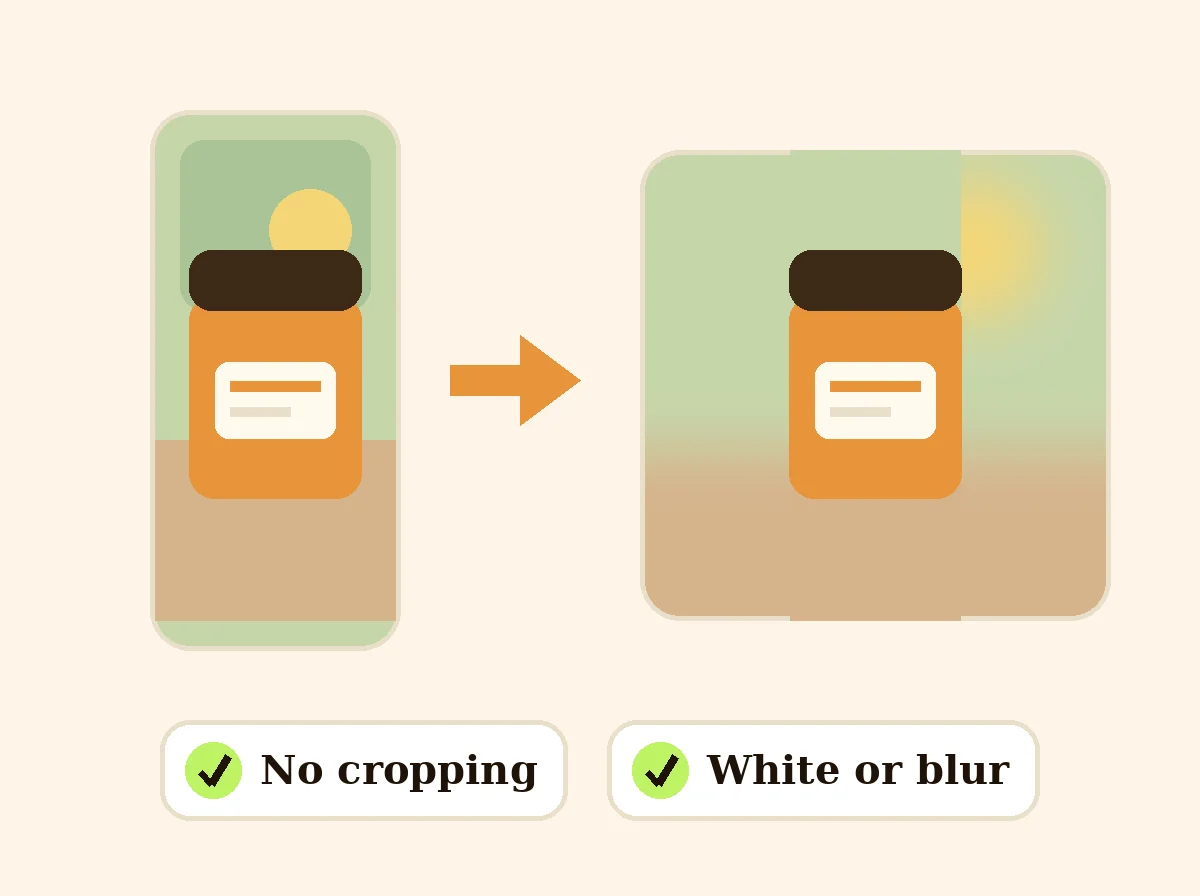 Square Image MakerFreeMake any photo square without cropping: pad it with white, a color or a soft blur.
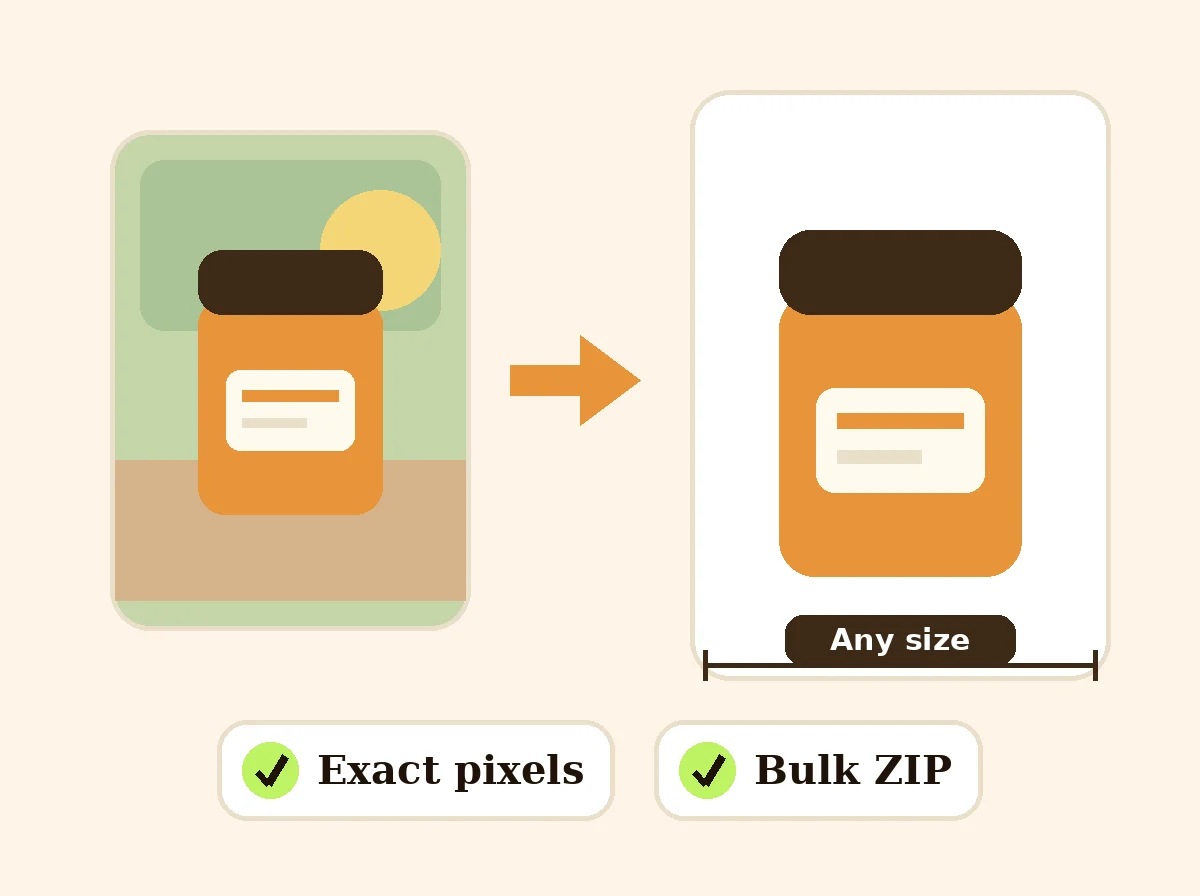 Image ResizerFreeResize photos to exact pixels, a percentage or a marketplace size, one at a time or in bulk with a ZIP. Runs in your browser.
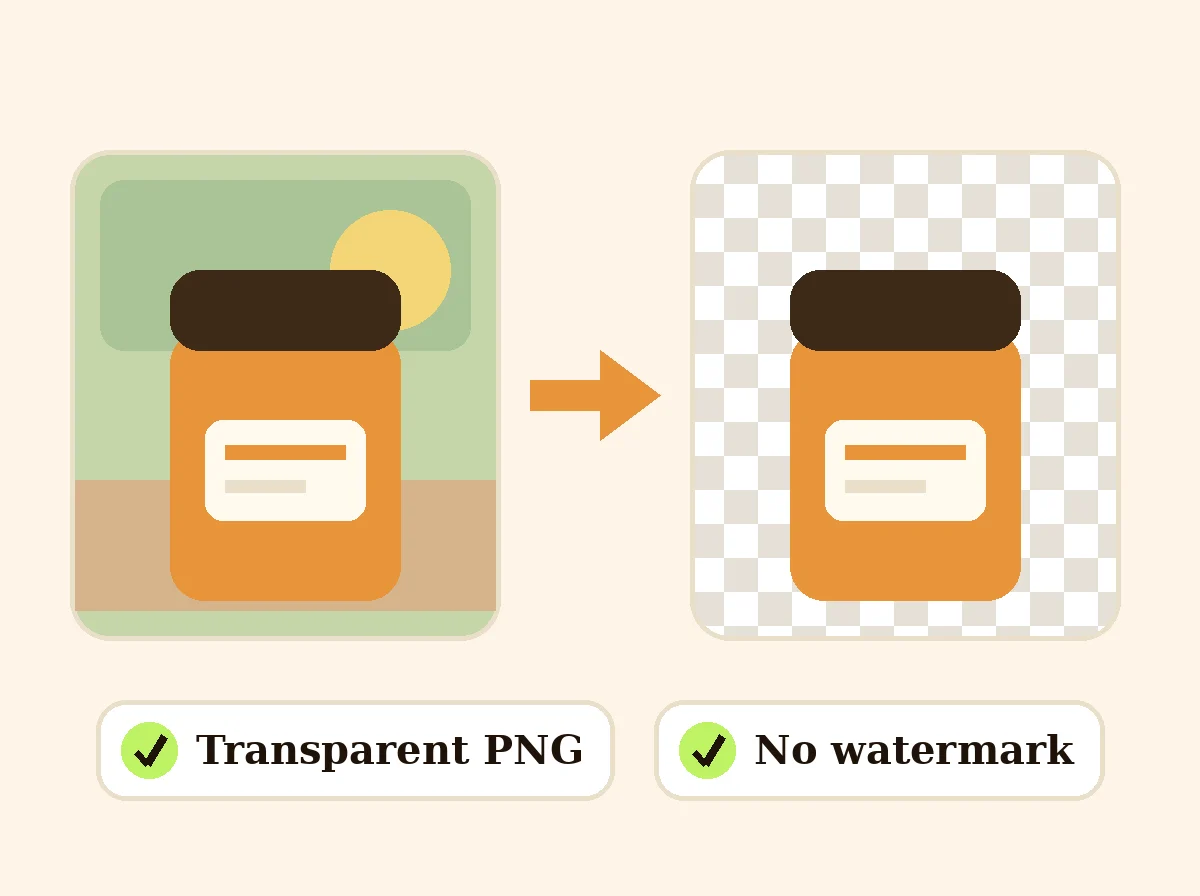 AI Background RemoverFreeRemove the background from a product photo, logo or signature and download a transparent PNG at full size, with no watermark.
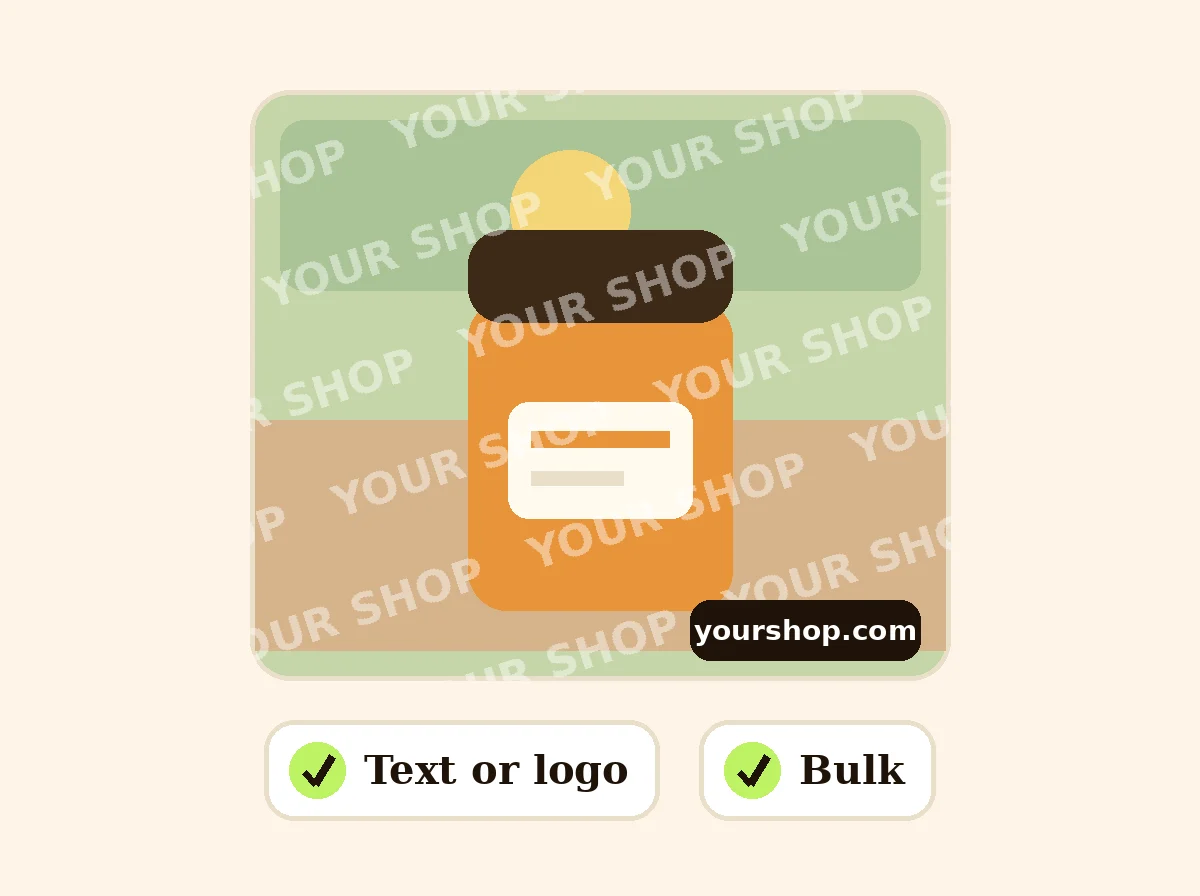 Add Watermark to PhotoFreePut your shop name or logo on one photo or a batch: any position or tiled, with opacity and rotation.
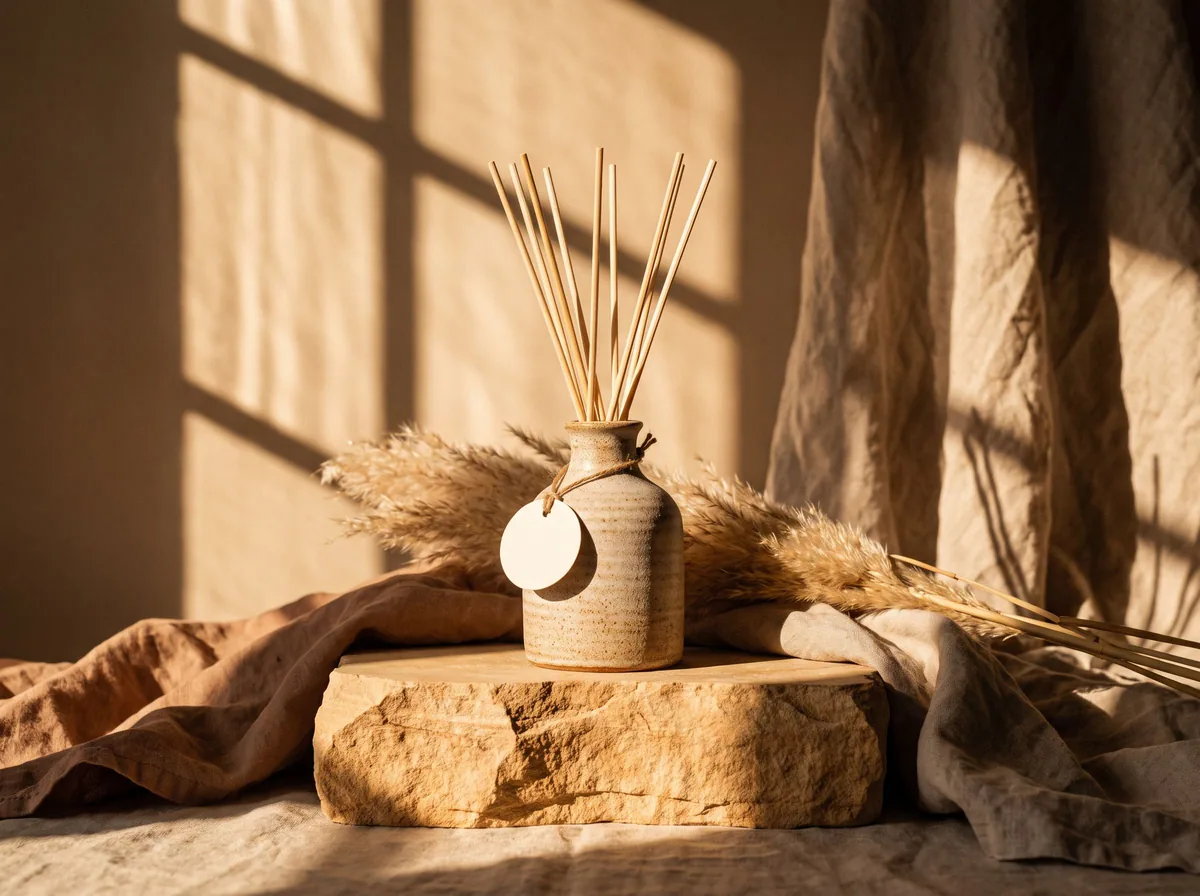 AI Product PhotoshootFreeA full product photoshoot from one photo: hero shot, lifestyle scenes, close-ups and ad creative, in one session.
Ask an assistant
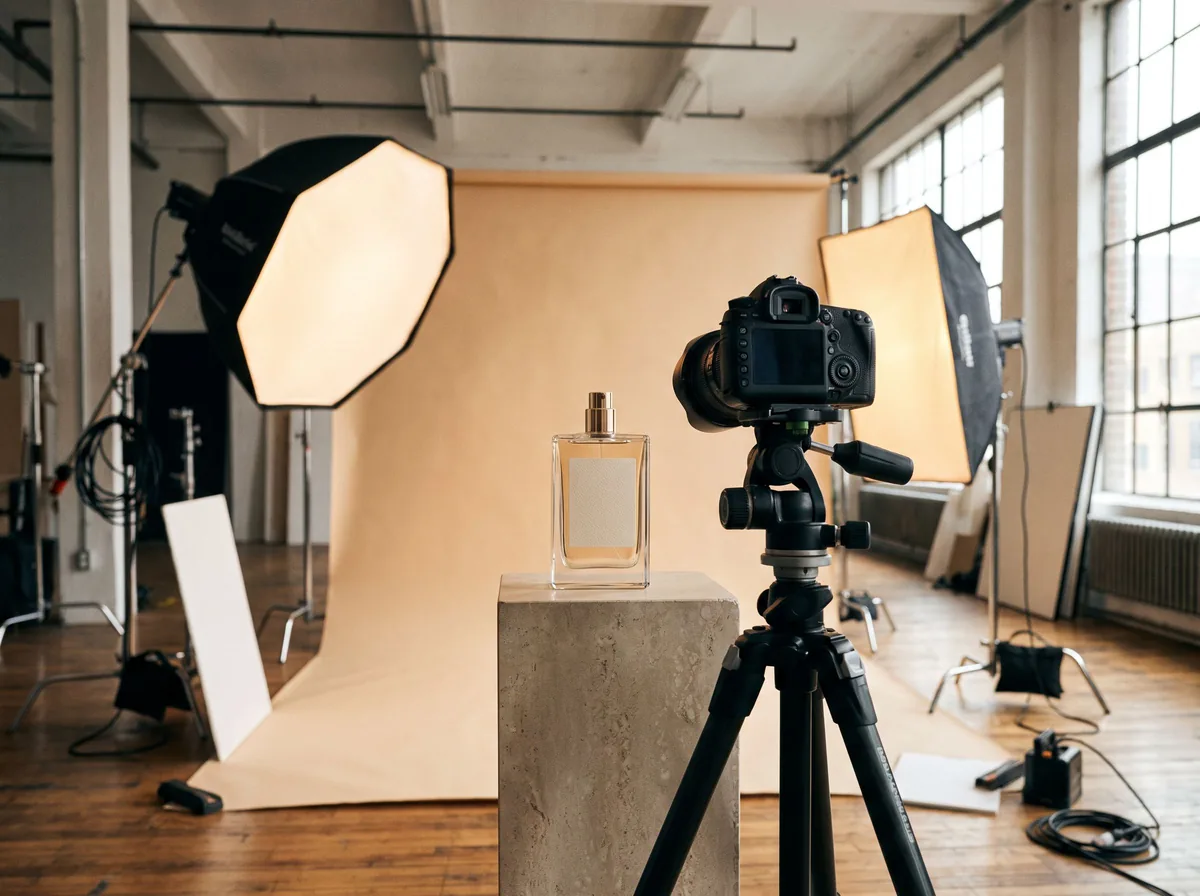 Product Shoot StudioProduct Photography FreeYour AI product photography director: plans the shoot, picks scenes, props and light, and writes the prompt for every shot.Chat free →
 Amazon Main Image CheckerProduct Photography FreeChecks your Amazon main image against common requirements, background, fill, props and text, and tells you how to fix or reshoot it.Chat free →
 Jewelry Photo DirectorProduct Photography FreePlans jewelry photos that show sparkle, metal tone and true scale: rings, necklaces, earrings and bracelets on white, on busts and in close detail.Chat free →