Product photography
100% free · No sign-upFree Blur Photo Background
Keep your product or subject sharp and soften everything behind it, like a camera with a wide-open lens. Choose the blur strength and download. Free to use, no sign-up.
Blur the background
Pick photos. Our AI finds the product or person, then you choose how soft the background gets and download them.
Your photos are sent one by one to our free background remover to find the subject; the blur, outline and download are made in your browser. Free, with no signup and no watermark.
How it works
How to use the Blur Photo Background
- 1
Choose a photo
JPG, PNG or WEBP up to 15 MB.
- 2
Set the blur
The AI finds the subject; you choose how soft the background is.
- 3
Download
The full-size photo with a blurred background.
A blurred background pulls the eye straight to the product, the way professional photos taken with a wide-open lens do. Phones only manage it in portrait mode, and often not for objects. This free tool blurs the background of any photo with AI, keeping the subject sharp.
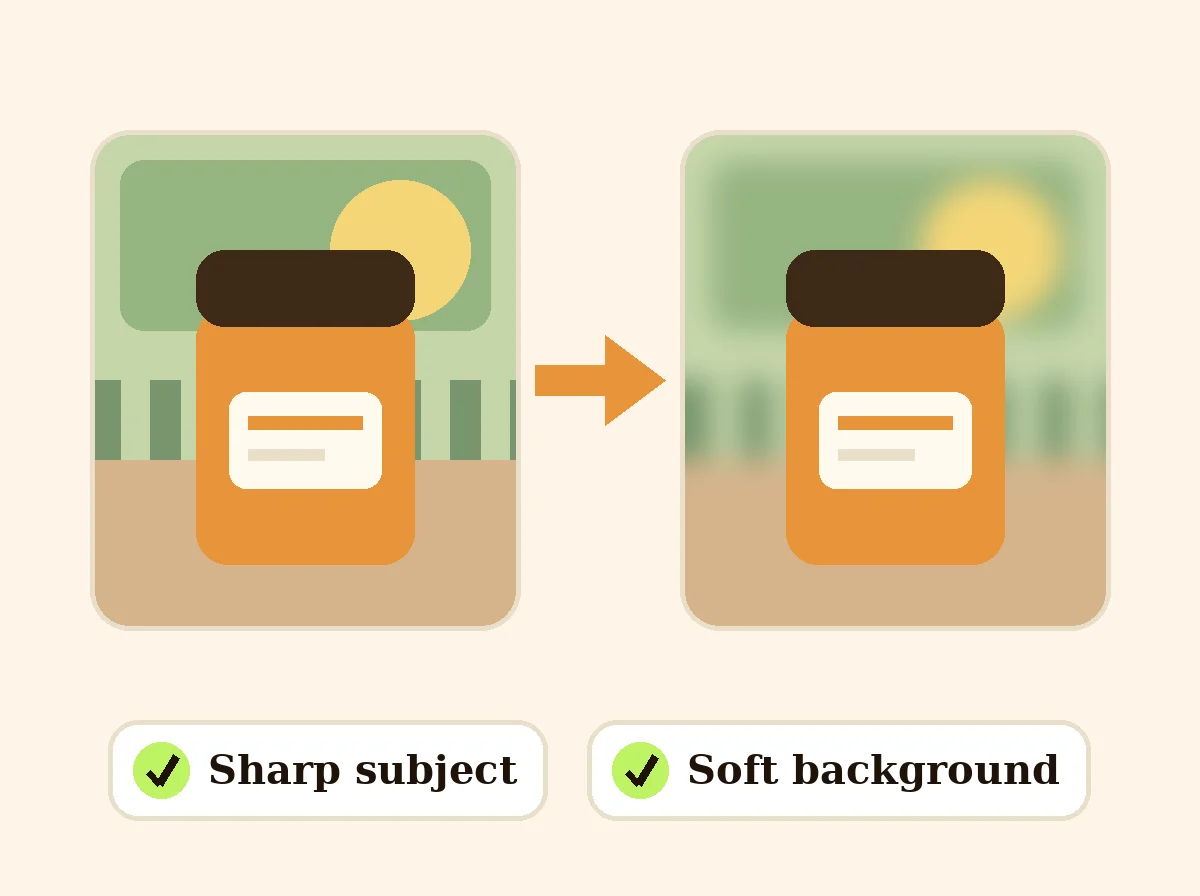
Blur Background
The product behind the words
Sharp subject, soft background
The AI cuts out the subject, the background is blurred, and the two are put back together at full size. The result looks like a photo taken with a shallow depth of field.
Control the look
Use a light blur to keep a hint of the setting, or a strong blur to turn it into soft color. Darken the background for a moody look or lighten it for a clean, airy one.
Good for product and lifestyle photos
Blur a busy kitchen behind a mug, a messy shelf behind a candle, or a street behind a model. It keeps the context of a lifestyle shot without the clutter.
Get the best result
Use a photo where the subject is in focus and clearly separate from what is behind it. Fine hair, glass and see-through parts are the hardest to cut out, so check those edges in the preview.
FAQ
Blur Photo Background: questions sellers ask
How does the background blur work?
Our AI finds the main subject in your photo (a product, a person or a pet) and separates it from the background. The background is then blurred in your browser and the sharp subject is placed back on top.
Can I change how blurry the background is?
Yes. Move the blur strength slider and the preview updates right away. You can also darken or lighten the background to make the subject stand out more.
Will it blur my product by mistake?
Products with a clear shape come out cleanly. Glass, very thin parts and objects the same color as the background can have soft or rough edges. Check the preview before you download.
Is it free?
Yes. No sign-up, no watermark, and the photo is saved at its full size (very large photos are capped at 4000 px on the long side).
Is my photo stored?
The photo is sent once to our server to find the subject, and the result is kept briefly so it can load. The blur and the download are made in your browser.
Can I remove the background completely instead?
Yes, with the free background remover, which gives you a transparent PNG. Or put the product on white with the white background tool.
Can I blur the background but keep one part sharp?
Yes. Turn on "Also keep one spot sharp", then tap the photo where you want it. Use Sharp spot size to make the sharp area bigger or smaller. The edge of the spot fades softly into the blur.
Is Z Product AI really free?
Yes. Every tool and assistant on Z Product AI is free to use, with no sign-up and no credit card. Very heavy use is paced with short waits so the site stays free for everyone.
Keep going
More tools for your listings
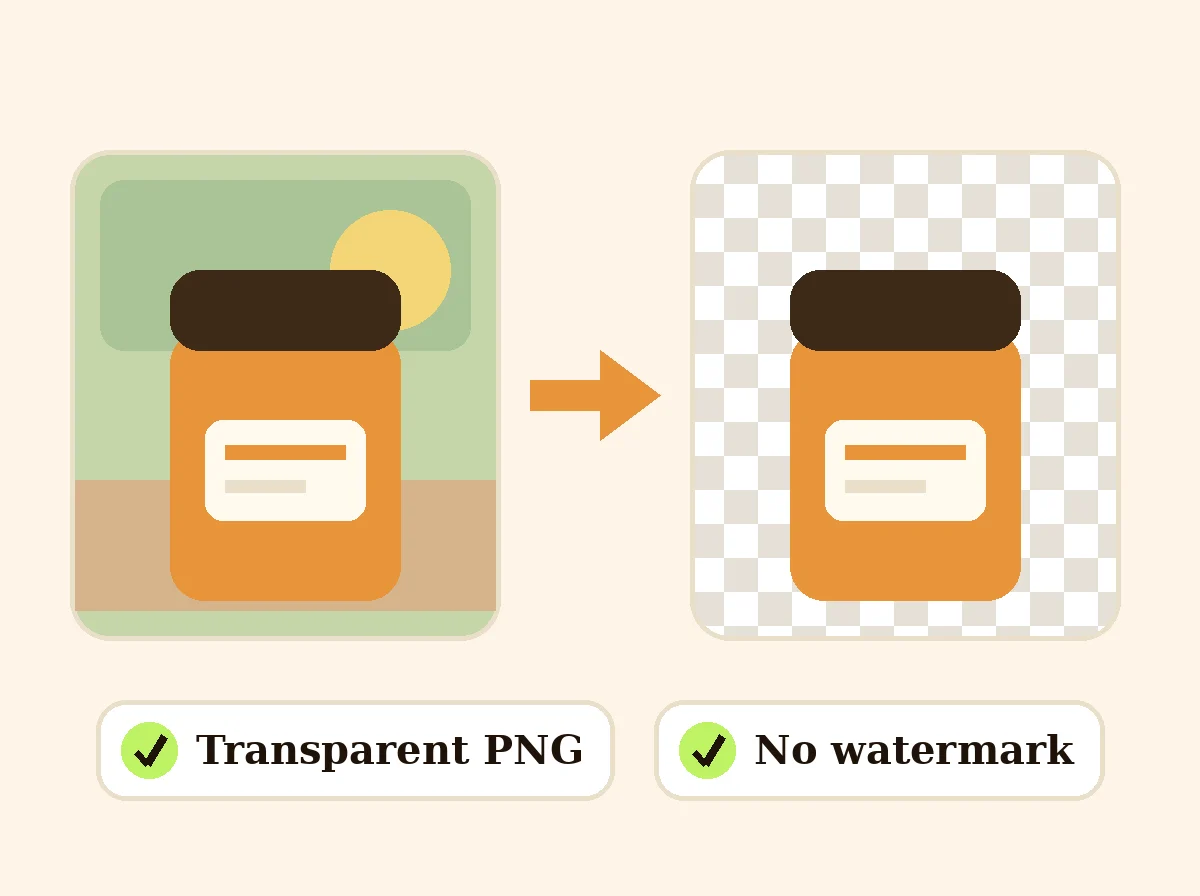 AI Background RemoverFreeRemove the background from a product photo, logo or signature and download a transparent PNG at full size, with no watermark.
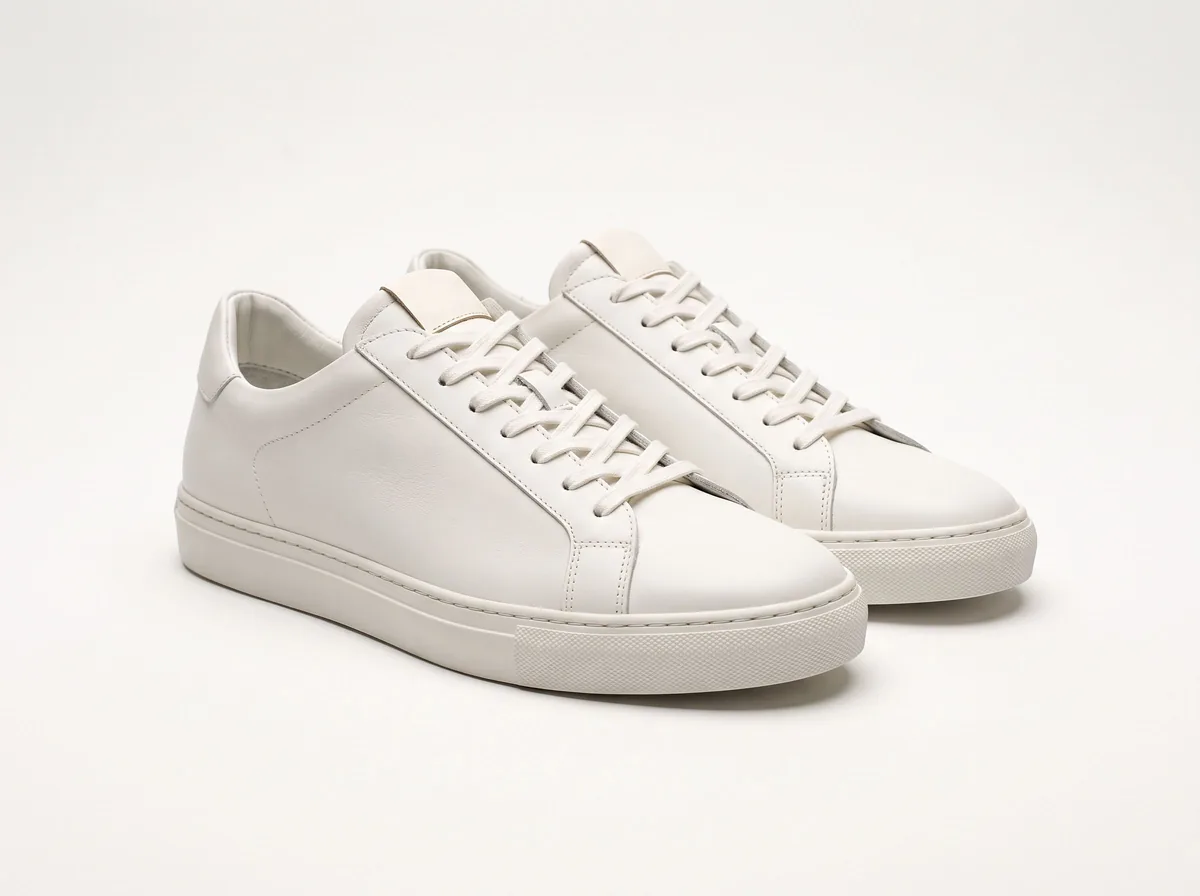 Product Photo White BackgroundFreePut any product on a clean white background for your listings, then check it against Amazon's main-image rules before you upload.
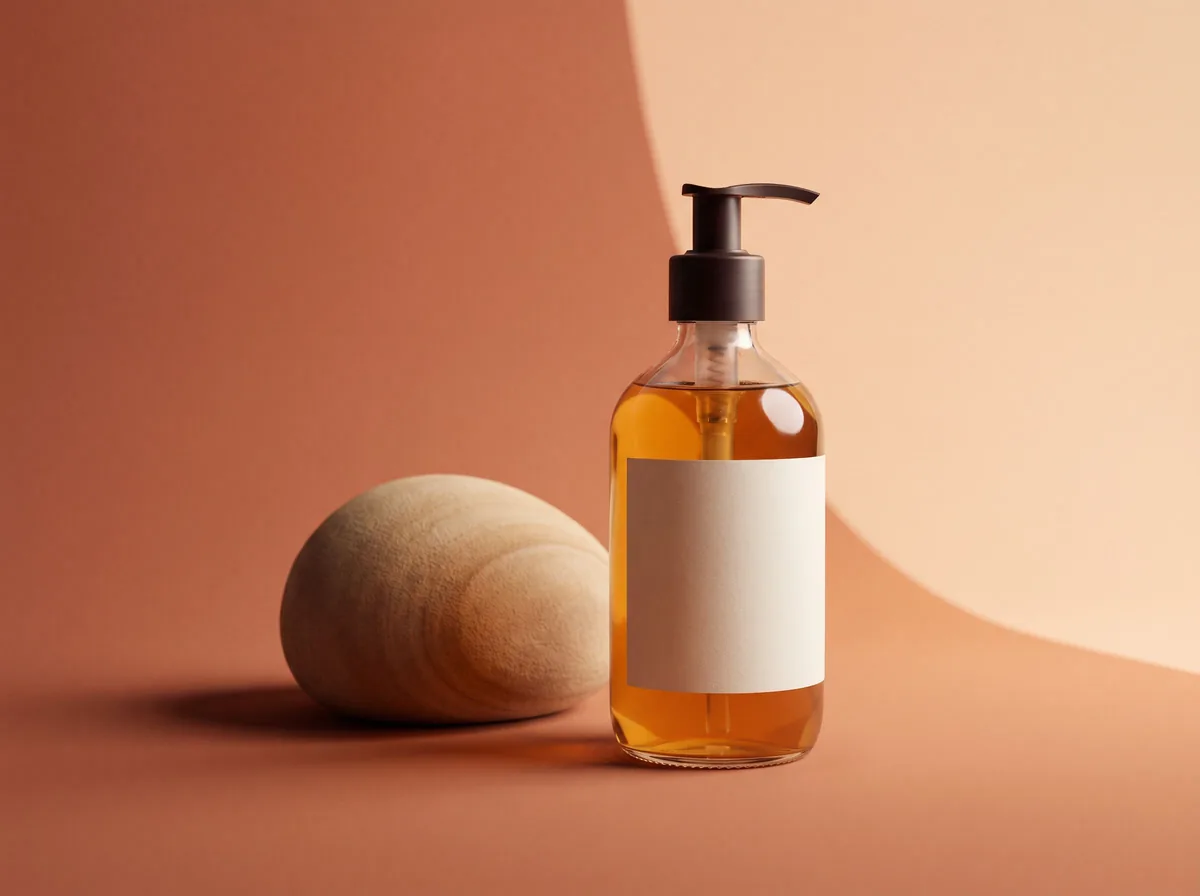 AI Product Background GeneratorFreeChange the background of any product photo to a solid color, gradient, texture or real scene, with lighting and shadows rebuilt to match.
 Remove Objects from Product PhotoFreeUpload a product photo, describe the stray cable, price tag, dust or prop you want gone, and get a clean photo with the product and lighting unchanged.
 Photo to Sticker MakerFreeCut out a product, pet or person and turn it into a sticker with a white outline: PNG or WhatsApp size.
 AI Product PhotoshootFreeA full product photoshoot from one photo: hero shot, lifestyle scenes, close-ups and ad creative, in one session.
Ask an assistant
 Product Shoot StudioProduct Photography FreeYour AI product photography director: plans the shoot, picks scenes, props and light, and writes the prompt for every shot.Chat free →
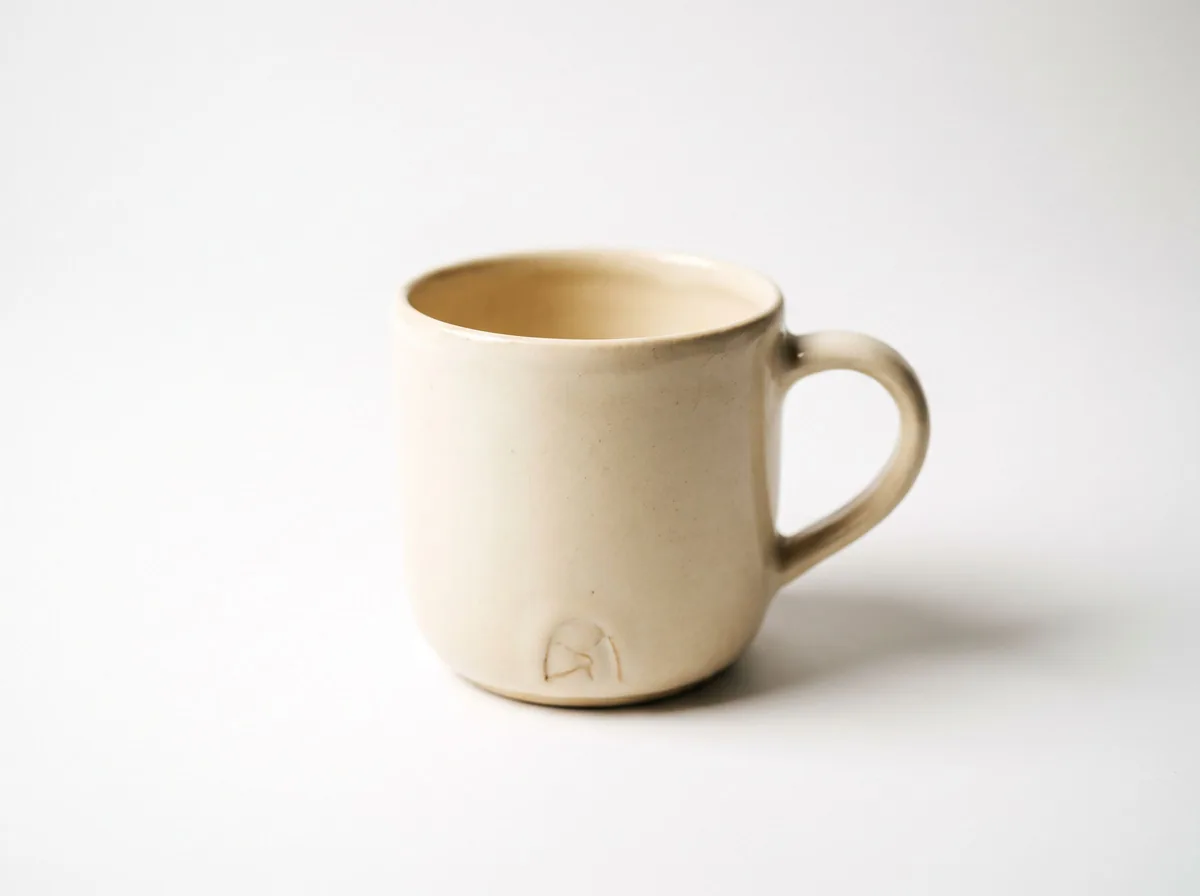 Amazon Main Image CheckerProduct Photography FreeChecks your Amazon main image against common requirements, background, fill, props and text, and tells you how to fix or reshoot it.Chat free →
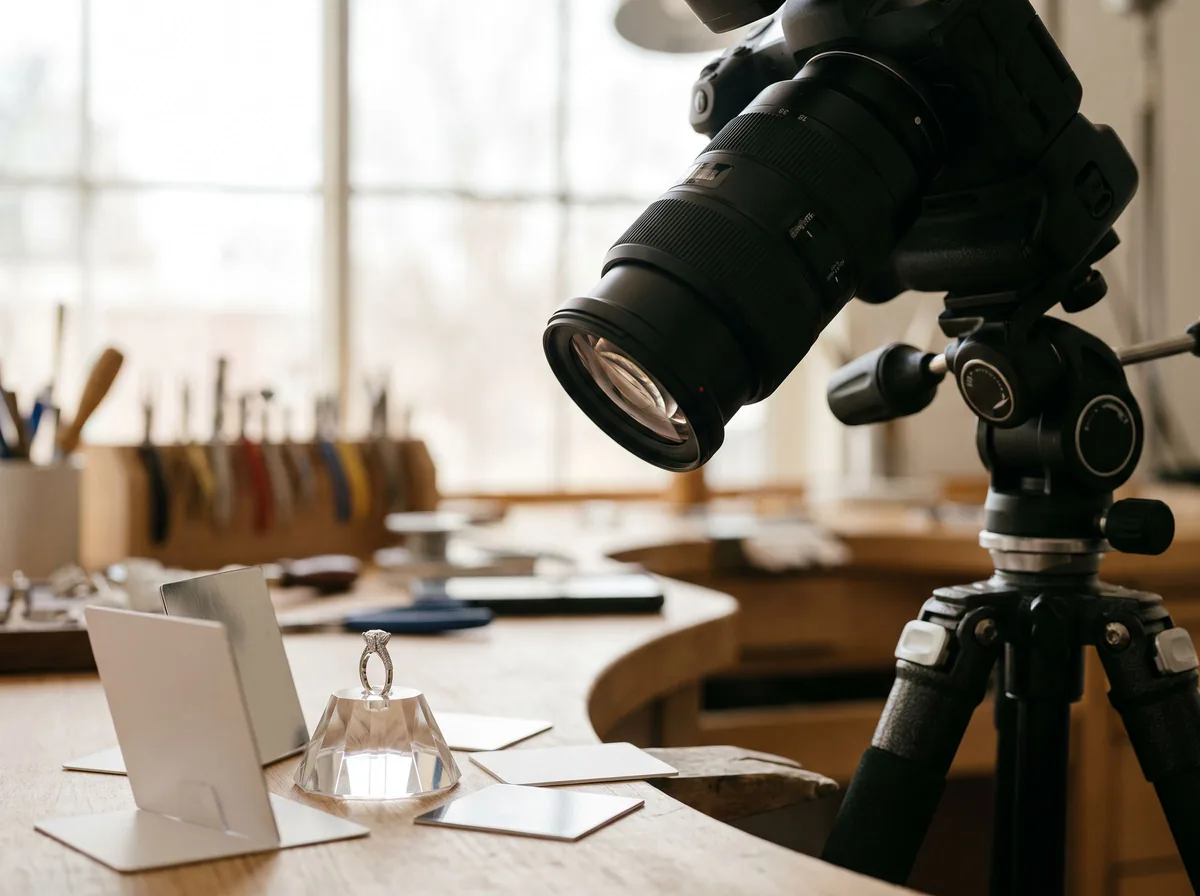 Jewelry Photo DirectorProduct Photography FreePlans jewelry photos that show sparkle, metal tone and true scale: rings, necklaces, earrings and bracelets on white, on busts and in close detail.Chat free →