Product photography
100% free · No sign-upAdd a Watermark to Your Photos for Free
Put your shop name, website or logo on your product photos, one at a time or a whole batch, and download them at full size. Free, and your photos never leave your device.
Add a watermark
Pick your photos, type your watermark or upload a logo, place it, and download every photo marked at full size.
Sample preview. Choose photos to see your own.
Your photos stay on your device: this tool runs in your browser and uploads nothing.
How it works
How to use the Add Watermark to Photo
- 1
Choose your photos
One photo or up to 50, JPG, PNG or WEBP.
- 2
Set the watermark
Type your text or upload a logo. Pick a corner, drag it, or tile it, and set size and opacity.
- 3
Download
Every photo at full size, one at a time or as a ZIP.
Product photos get copied: by other sellers, by resellers, and by sites that never asked. A watermark with your shop name or logo makes copying less attractive and points people back to you. This free tool adds a text or logo watermark to one photo or a whole batch, right in your browser.
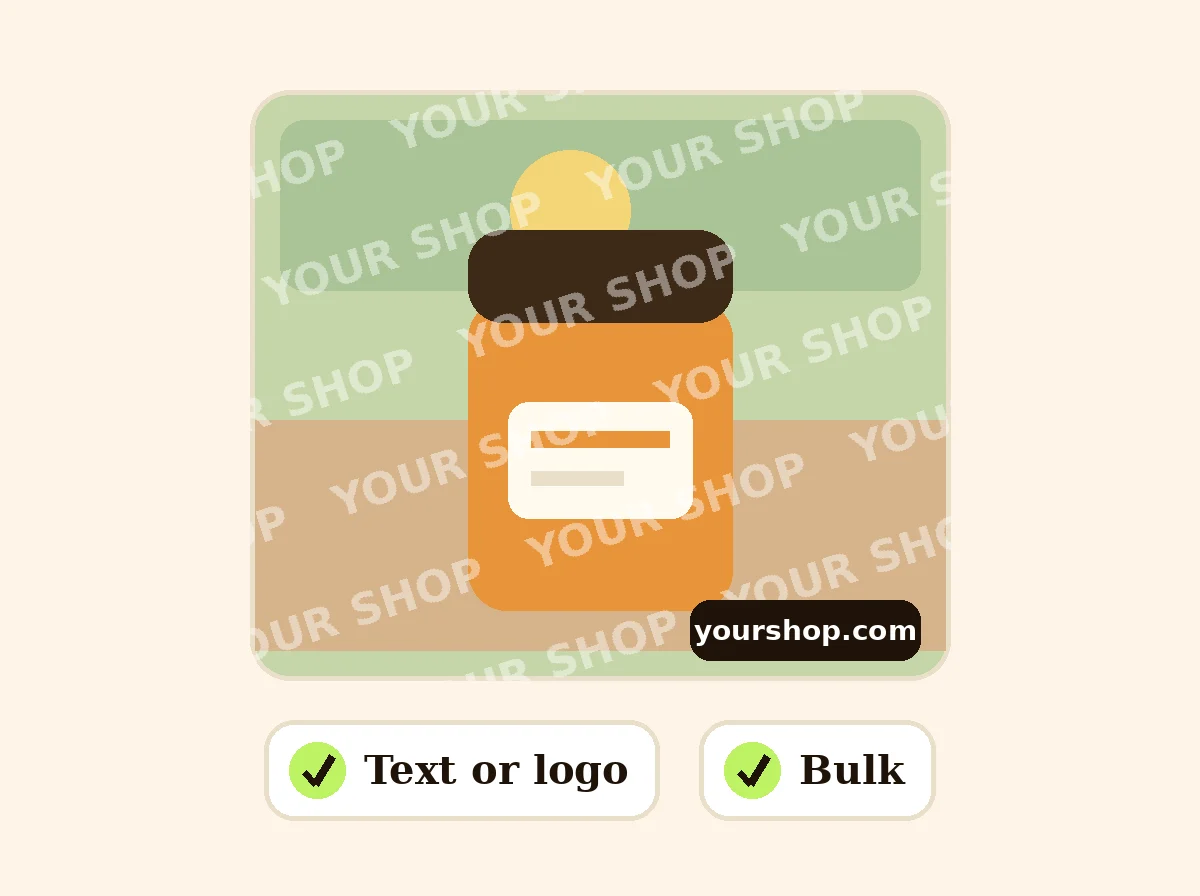
Add Watermark
The product behind the words
Text or logo watermark
Type your shop name, website or @handle, or upload your logo. Choose the font, color, size and opacity, add a soft shadow so it reads on light and dark photos, and rotate it if you like.
Place it where you want
Click one of nine positions (corners, edges or center) with an even margin, drag it anywhere on the preview, or repeat it across the whole photo. Positions are set as a share of the photo, so they look the same on a batch of different sizes.
Watermark a whole batch
Set it once and apply it to up to 50 photos, then download a single ZIP. File names are kept, with "-watermarked" added.
Where not to watermark
Marketplaces such as Amazon, Walmart and TikTok Shop do not allow text, logos or watermarks on the main product image. Keep those clean, and watermark the photos you share on social media, your website, wholesale catalogs and client previews.
FAQ
Add Watermark to Photo: questions sellers ask
How do I add a watermark to many photos at once?
Pick all the photos together (up to 50), set the watermark once on the preview of the first photo, and press Apply. The same position, size and opacity are used on every photo, scaled to each one's size, and you can download them all in a ZIP.
Can I use my logo as a watermark?
Yes. Choose "Logo image" and upload your logo. A PNG with a transparent background looks best, because only the logo shows and not a white box around it. Lower the opacity to make it subtle.
What is a tiled watermark?
Turn on "Repeat across the whole photo" and the text or logo is repeated in a diagonal pattern over the full image. It is harder to crop out, which helps for proof photos and previews you send to clients.
Should I watermark my Amazon or marketplace photos?
No. Amazon and most marketplaces do not allow watermarks, logos or text on the main product image, and some reject listings that have them. Watermark the photos you post on social media, your own site or in previews instead.
Will the watermark change my photo quality?
The photo is saved at its full size. JPG is saved at high quality (92%), and you can choose PNG to keep it lossless.
Are my photos uploaded?
No. The watermark is drawn in your browser, so your photos and logo stay on your device.
Can I choose the file name of the watermarked photos?
Yes. After you apply the watermark, type a name in the "File name (optional)" box under the results. One photo is saved as that name. A batch is saved as name-1, name-2 and so on, in the ZIP too. If you leave the box empty, the original names are kept with "-watermarked" added.
Is Z Product AI really free?
Yes. Every tool and assistant on Z Product AI is free to use, with no sign-up and no credit card. Very heavy use is paced with short waits so the site stays free for everyone.
Keep going
More tools for your listings
 Add Text to PhotoFreeAdd text, a price tag or a SALE, NEW or FREE SHIPPING badge to your product photos.
 Image ResizerFreeResize photos to exact pixels, a percentage or a marketplace size, one at a time or in bulk with a ZIP. Runs in your browser.
 Image CompressorFreeCompress JPG, PNG and WEBP photos to a target like 100 KB, or by quality, in bulk with a ZIP.
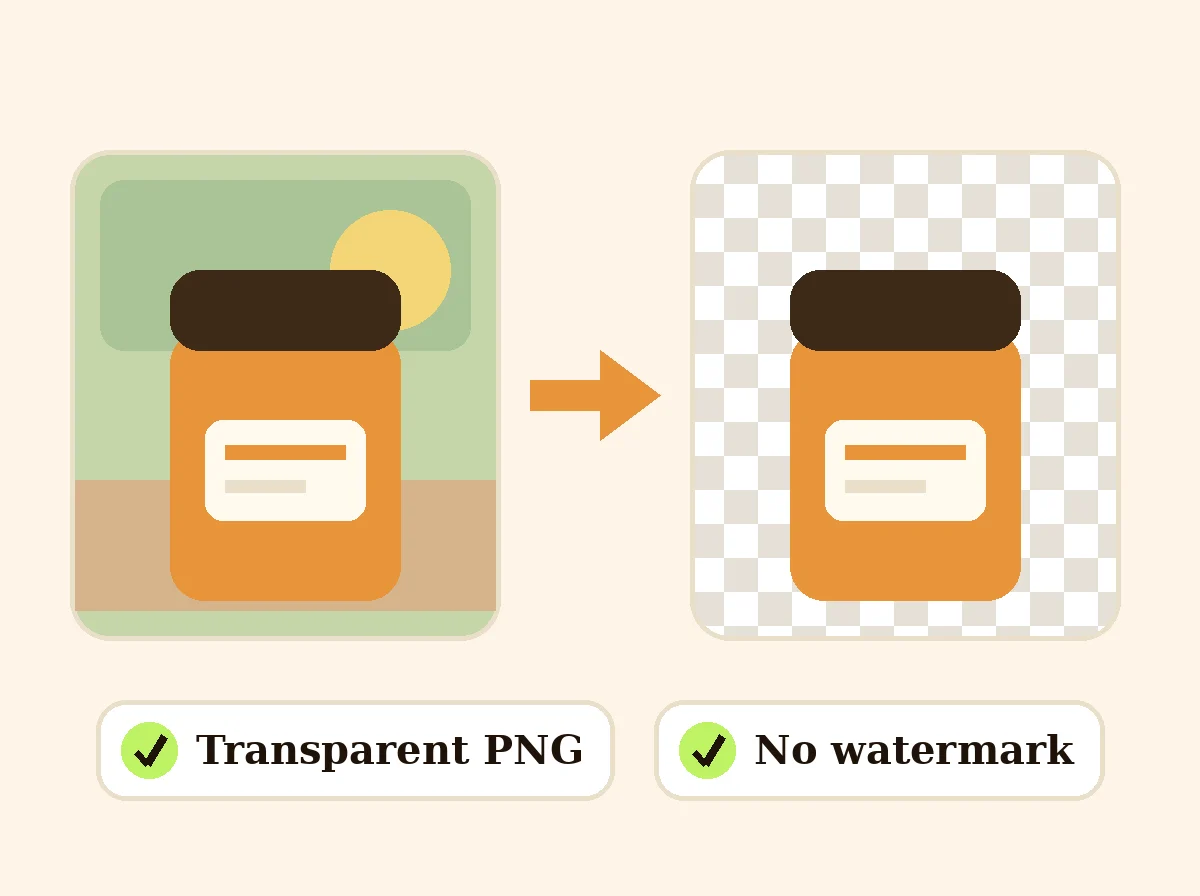 AI Background RemoverFreeRemove the background from a product photo, logo or signature and download a transparent PNG at full size, with no watermark.
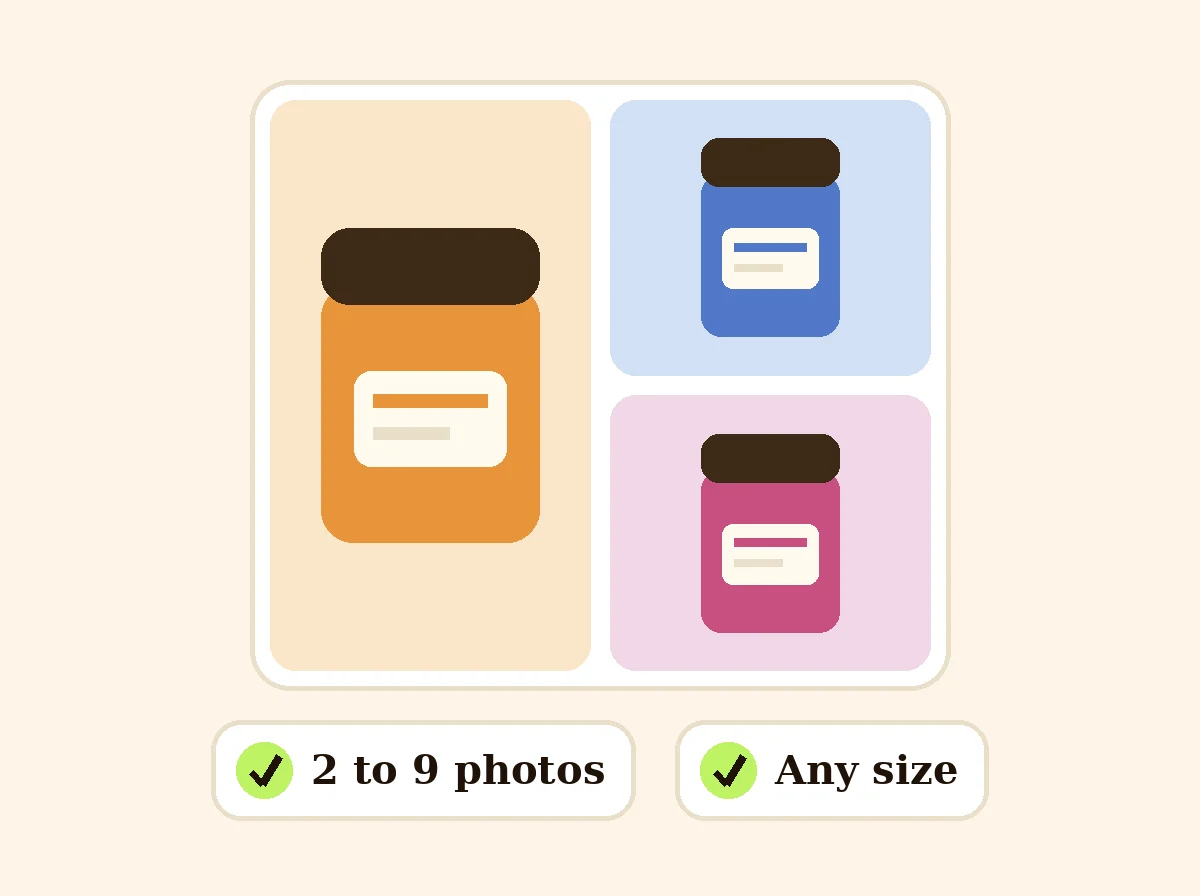 Product Collage MakerFreePut 2 to 9 product photos in one grid for a listing or post, sized for marketplaces and social media.
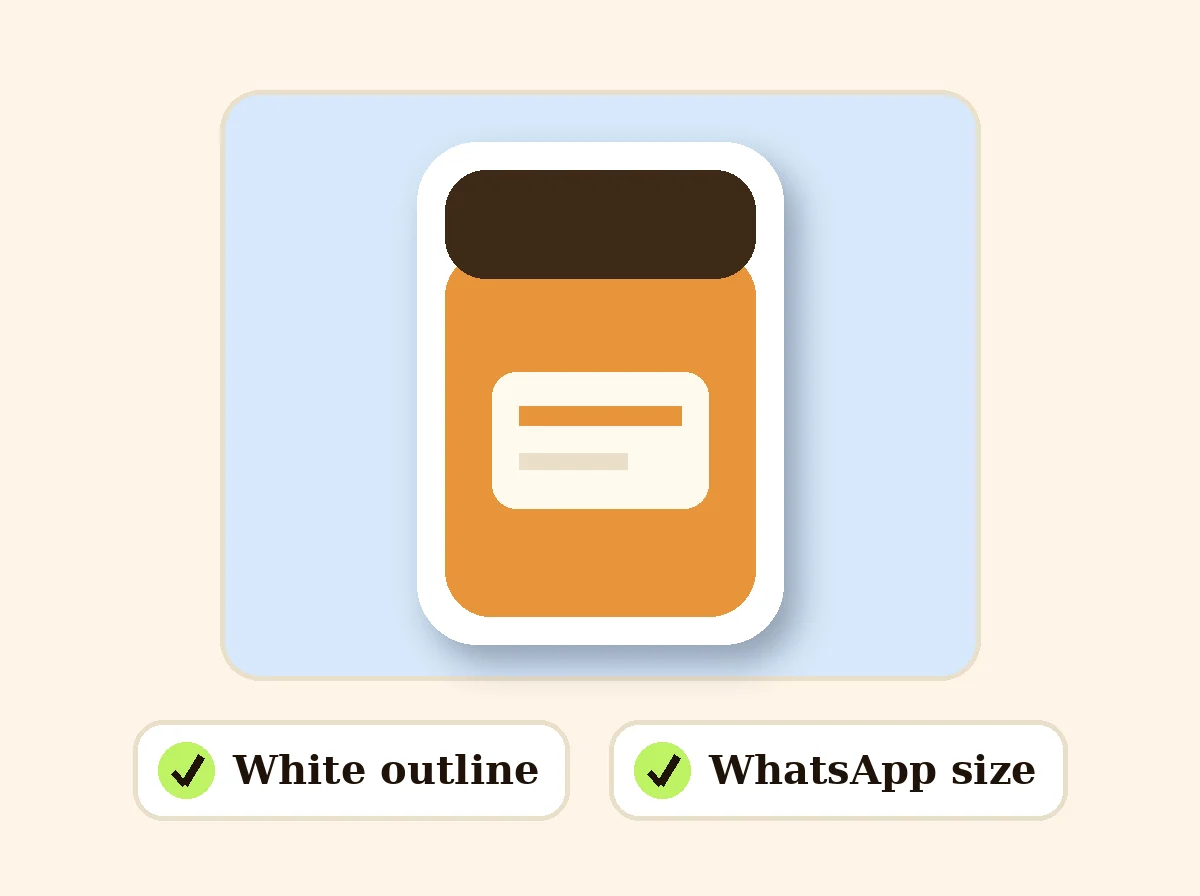 Photo to Sticker MakerFreeCut out a product, pet or person and turn it into a sticker with a white outline: PNG or WhatsApp size.
Ask an assistant
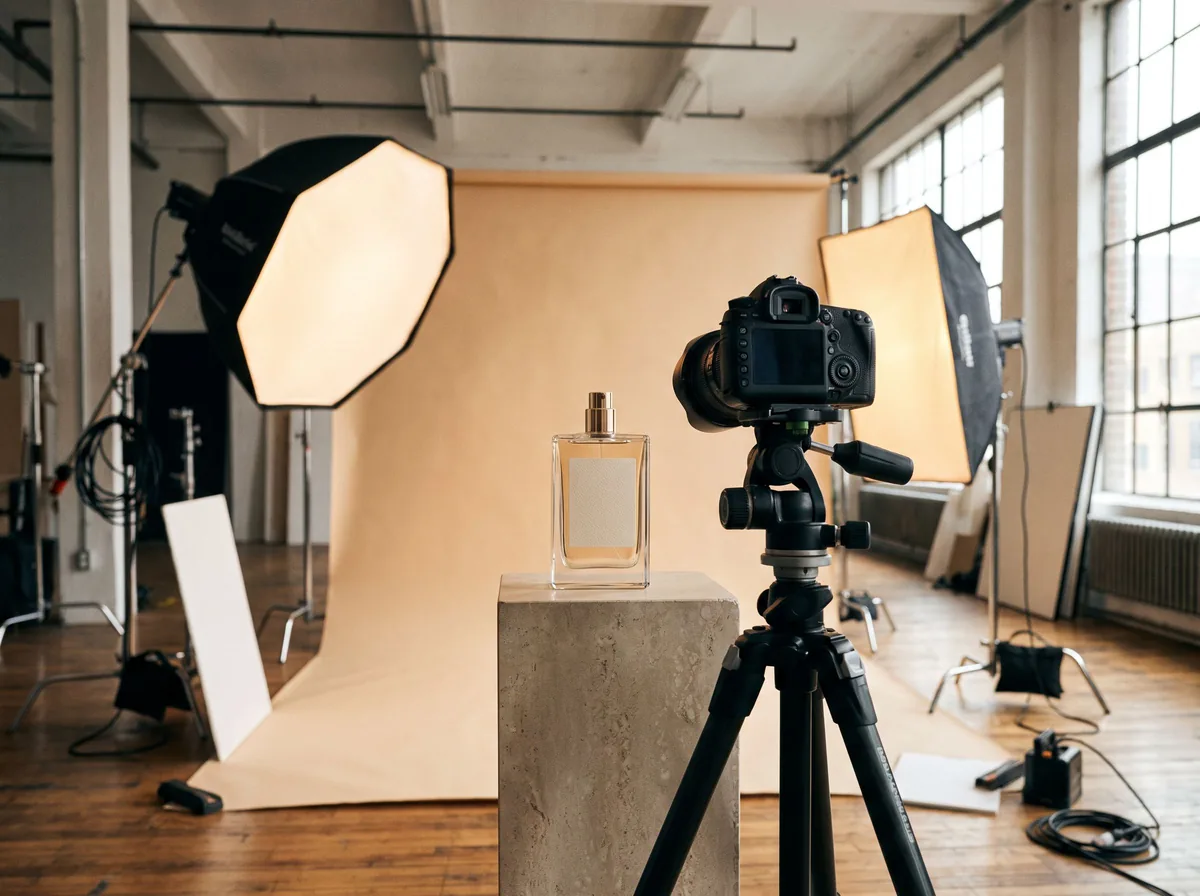 Product Shoot StudioProduct Photography FreeYour AI product photography director: plans the shoot, picks scenes, props and light, and writes the prompt for every shot.Chat free →
 Amazon Main Image CheckerProduct Photography FreeChecks your Amazon main image against common requirements, background, fill, props and text, and tells you how to fix or reshoot it.Chat free →
 Jewelry Photo DirectorProduct Photography FreePlans jewelry photos that show sparkle, metal tone and true scale: rings, necklaces, earrings and bracelets on white, on busts and in close detail.Chat free →