Product photography
100% free · No sign-upFree Image Resizer for Product Photos
Resize one photo or a whole batch to exact pixels, a percentage or a marketplace size, and download them as a ZIP. Free, no sign-up, nothing uploaded.
Resize your photos
Pick one photo or a whole batch, choose a size, and download them one by one or as a ZIP.
Your photos stay on your device: this tool runs in your browser and uploads nothing.
How it works
How to use the Image Resizer
- 1
Choose your photos
JPG, PNG, WEBP and most phone photos. Up to 50 at a time.
- 2
Pick a size
A marketplace preset, exact pixels or a percentage, and how to handle a different shape.
- 3
Download
Save each photo, or all of them in one ZIP.
Every marketplace and social network shows photos at its own size, and a photo at the wrong size gets cropped, looks soft, or will not upload. This free image resizer changes the pixel size of your product photos in your browser, one at a time or in bulk, with presets for the big marketplaces.
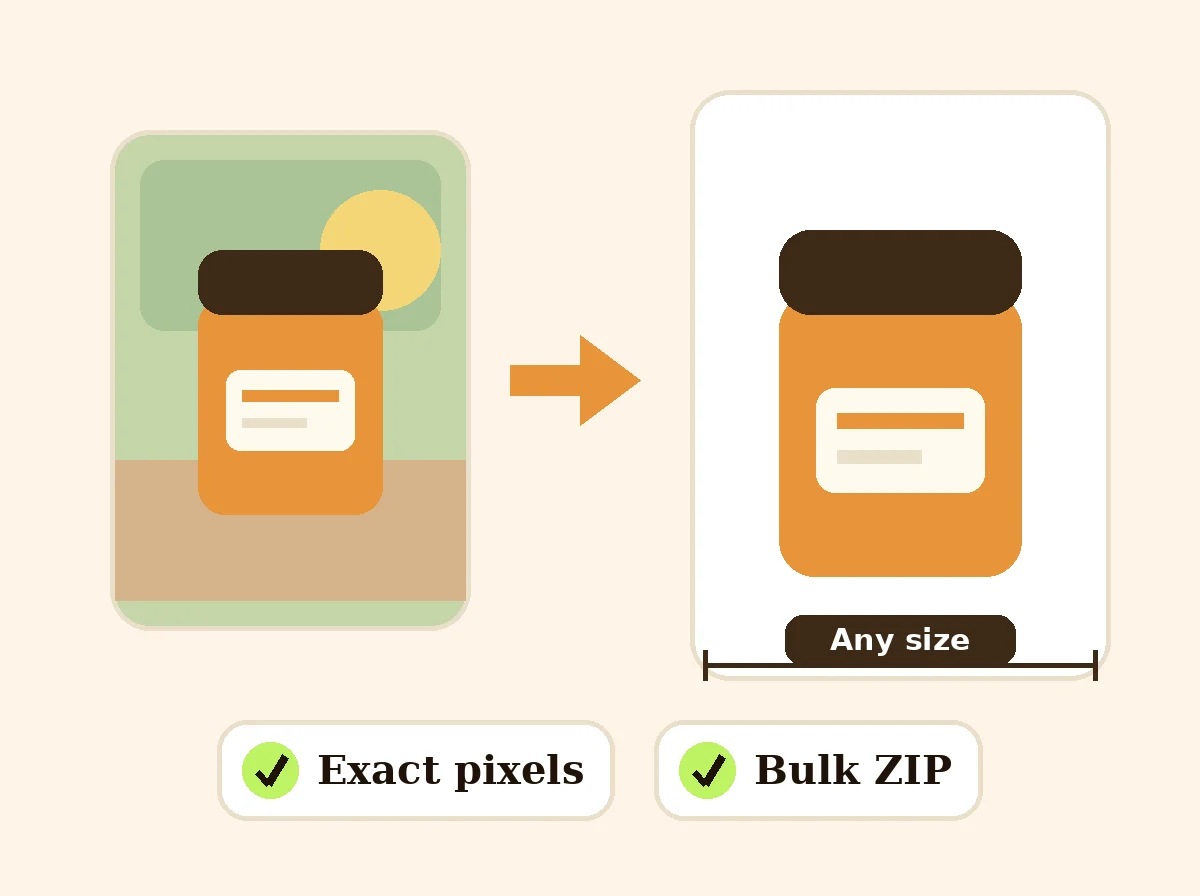
Image Resizer
The product behind the words
Resize to exact pixels or by percentage
Type the width and height you need, or scale every photo by a percentage, for example 50% to halve a camera photo for email. Lock the shape with Fit, or force an exact size with Fill + crop or Pad.
Marketplace sizes in one click
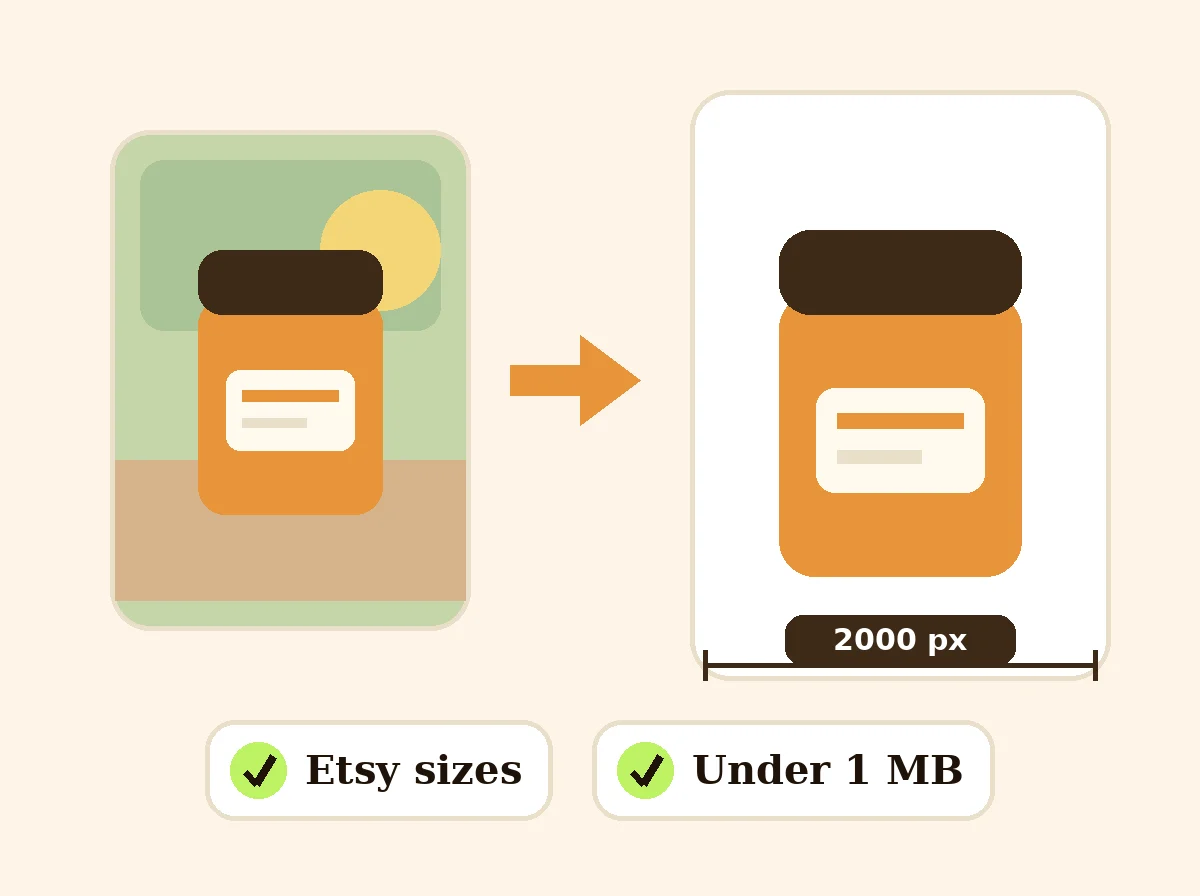
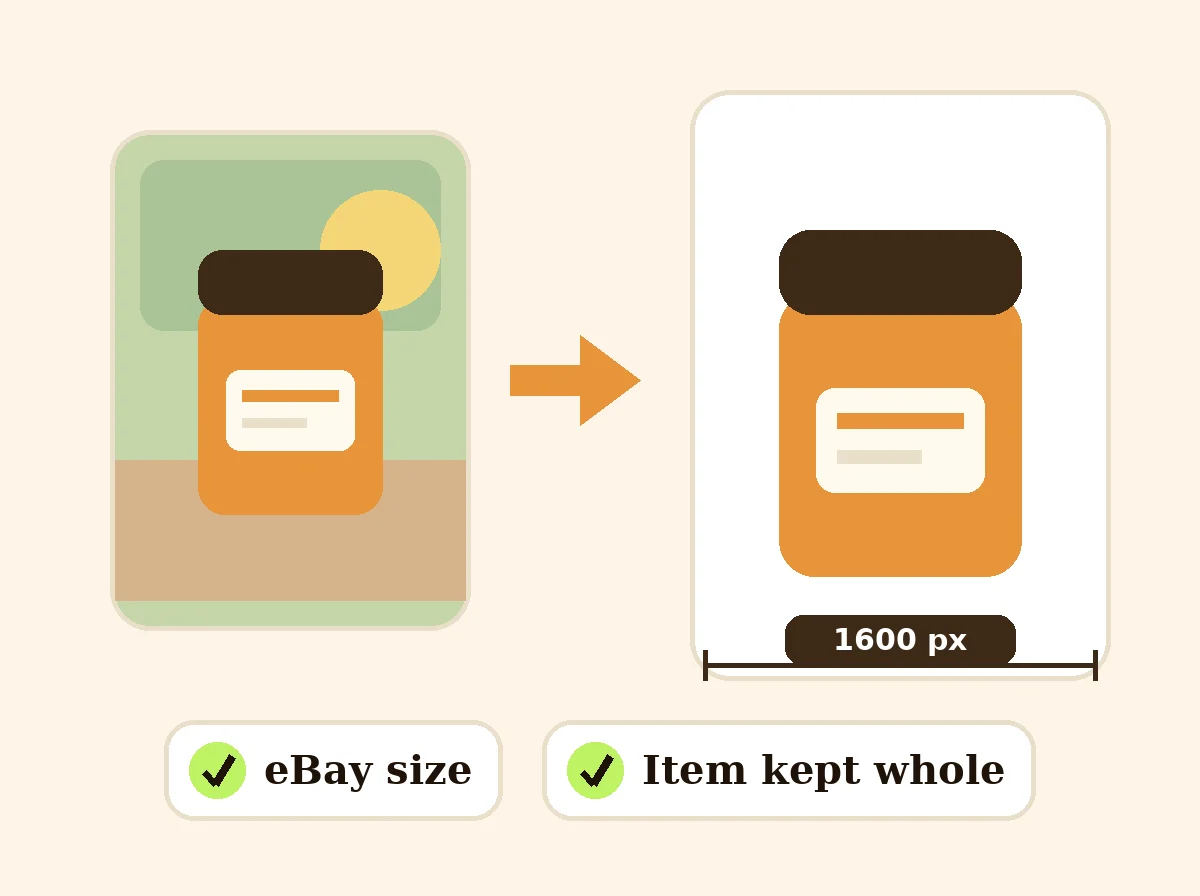
Presets cover Etsy (2000 px), Amazon (2000 x 2000 on white), eBay (1600 px), Shopify (2048 x 2048), Walmart (2200 x 2200 with a 2.5% border), TikTok Shop, Poshmark, Facebook Marketplace, Instagram and Pinterest. Each preset shows a note on what that marketplace asks for.
Square photos without cropping the product
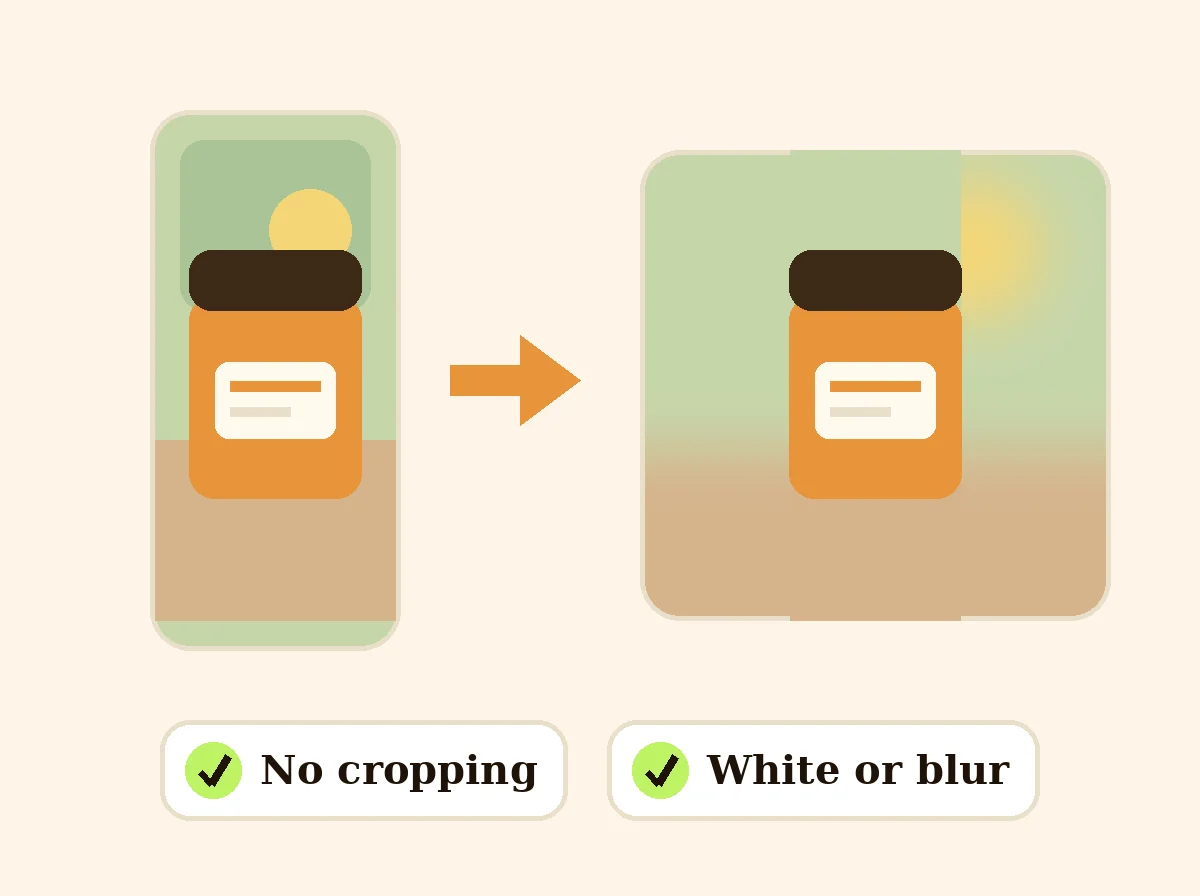
A tall bottle or a wide rug does not fit a square listing. Pad mode keeps the whole product and fills the sides with white, a color or a soft blurred copy of the photo, so nothing of the product is cut off.
Bulk resize and ZIP download
Drop a whole shoot, set the size once and get every photo back with its own name. The ZIP is built on your device, so even a large batch never waits on an upload.
FAQ
Image Resizer: questions sellers ask
Does resizing upload my photos?
No. The resizing happens inside your browser on your own device. Your photos are never sent to a server, which is also why large batches start right away with no upload wait.
What is the difference between fit, fill and pad?
Fit keeps the shape of the photo and makes it fit inside the size you set, so one side can come out smaller. Fill + crop covers the whole frame and trims the edges that stick out. Fit + fill (pad) keeps the whole photo and fills the empty space with white, any color or a blurred copy of the photo. For product listings, pad is usually the safe choice because nothing of the product is cut off.
Can I resize many images at once?
Yes. Pick up to 50 photos, set the size once, and download each file or all of them in one ZIP. File names are kept, with the new size added at the end.
Will resizing make a small photo sharp?
No resizer can add detail that is not in the photo. Making a small photo bigger gives you more pixels, not more sharpness. Turn on "Don't enlarge" to keep small photos at their own size, and shoot new photos for marketplaces that need 2000 px.
Which size should I use for my store?
Pick the marketplace in the preset list and the tool fills in the size we found on that marketplace's own help page, with a short note. Square 2000 x 2000 px on white works on almost every marketplace if you sell in more than one place.
Can I set a maximum file size?
Yes. Enter a maximum in KB and the tool lowers the JPG or WEBP quality just enough to get under it, so the photo keeps its pixel size.
Can I rename the resized images, for example to my SKU?
Yes. Type a name in the "File name (optional)" box under the results. One image gets that name. A batch gets name-1, name-2 and so on, also inside the ZIP. If you leave the box empty, the original names are kept with the new size added.
Is Z Product AI really free?
Yes. Every tool and assistant on Z Product AI is free to use, with no sign-up and no credit card. Very heavy use is paced with short waits so the site stays free for everyone.
Keep going
More tools for your listings
 Square Image MakerFreeMake any photo square without cropping: pad it with white, a color or a soft blur.
 Etsy Photo Size ResizerFreeResize listing photos to 2000 px for Etsy, plus the shop icon and banner sizes, under 1 MB each.
 eBay Photo Size ResizerFreeResize listing photos to eBay's recommended 1600 px square, with the whole item kept.
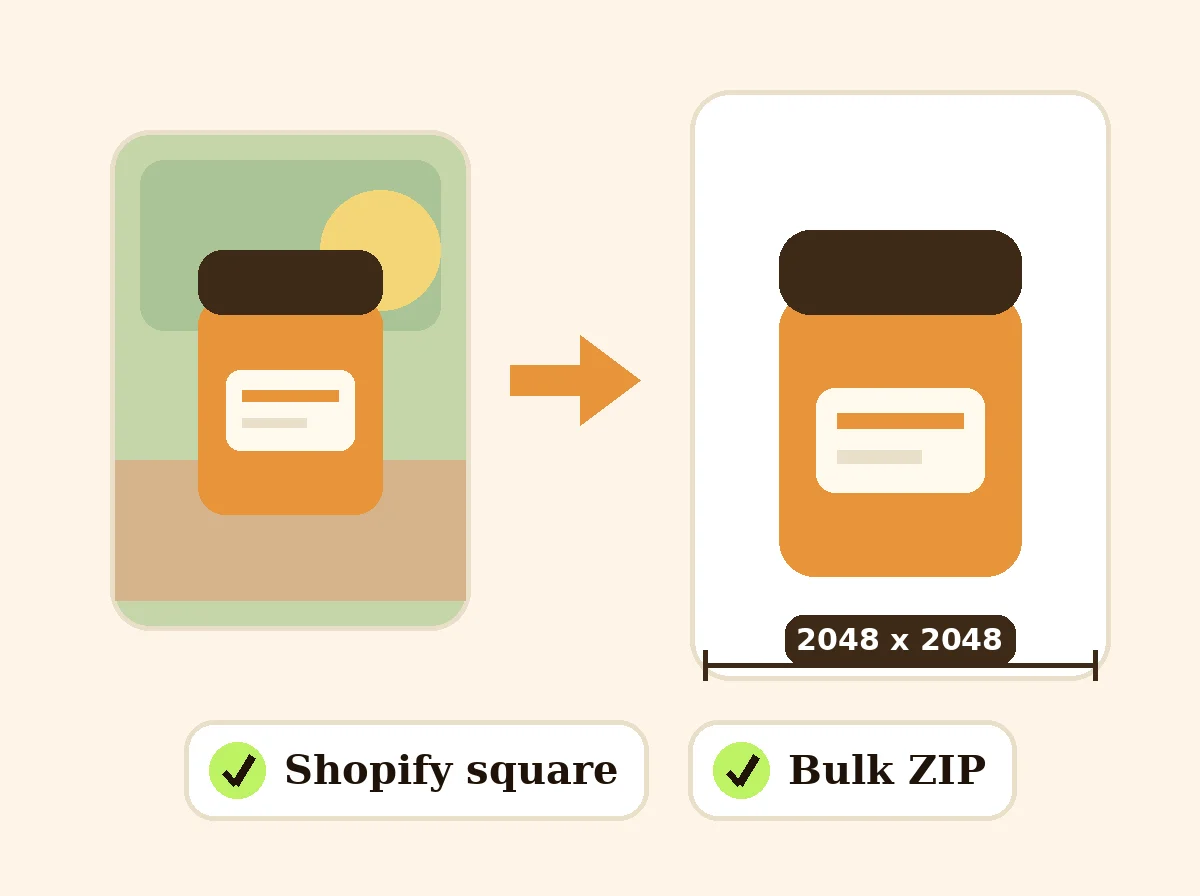 Shopify Image Size ResizerFreeResize product photos to Shopify's recommended 2048 x 2048 px square so the collection grid lines up.
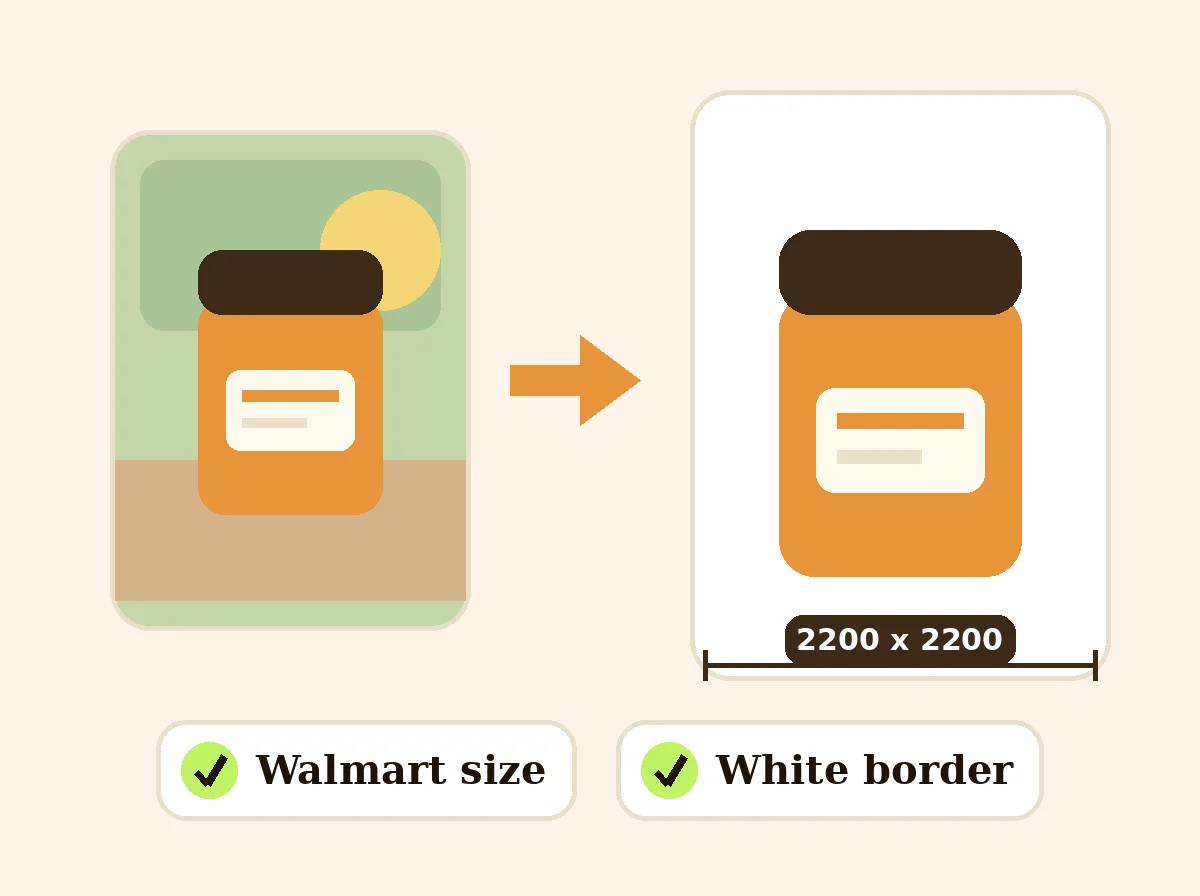 Walmart Image Size ResizerFreeResize product photos to Walmart's 2200 x 2200 px square on white with a small border, under 5 MB.
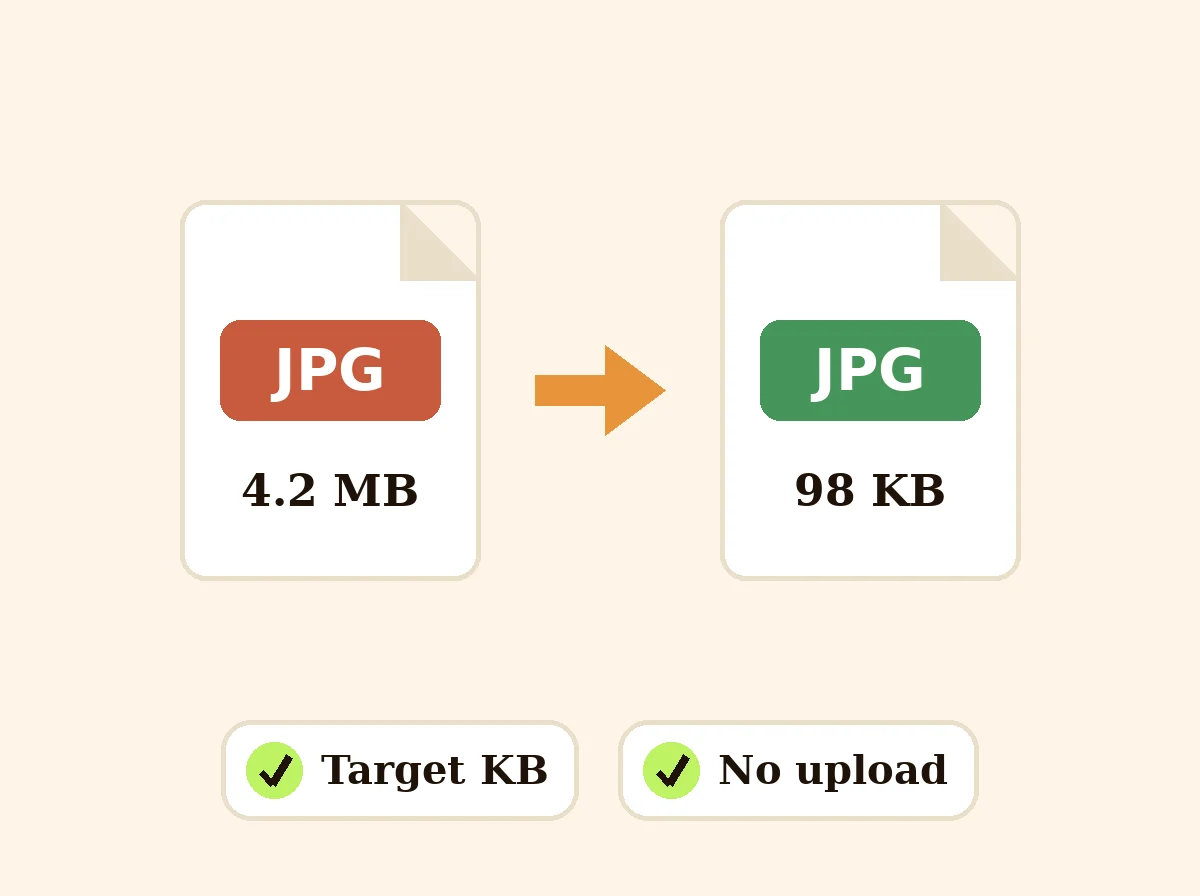 Image CompressorFreeCompress JPG, PNG and WEBP photos to a target like 100 KB, or by quality, in bulk with a ZIP.
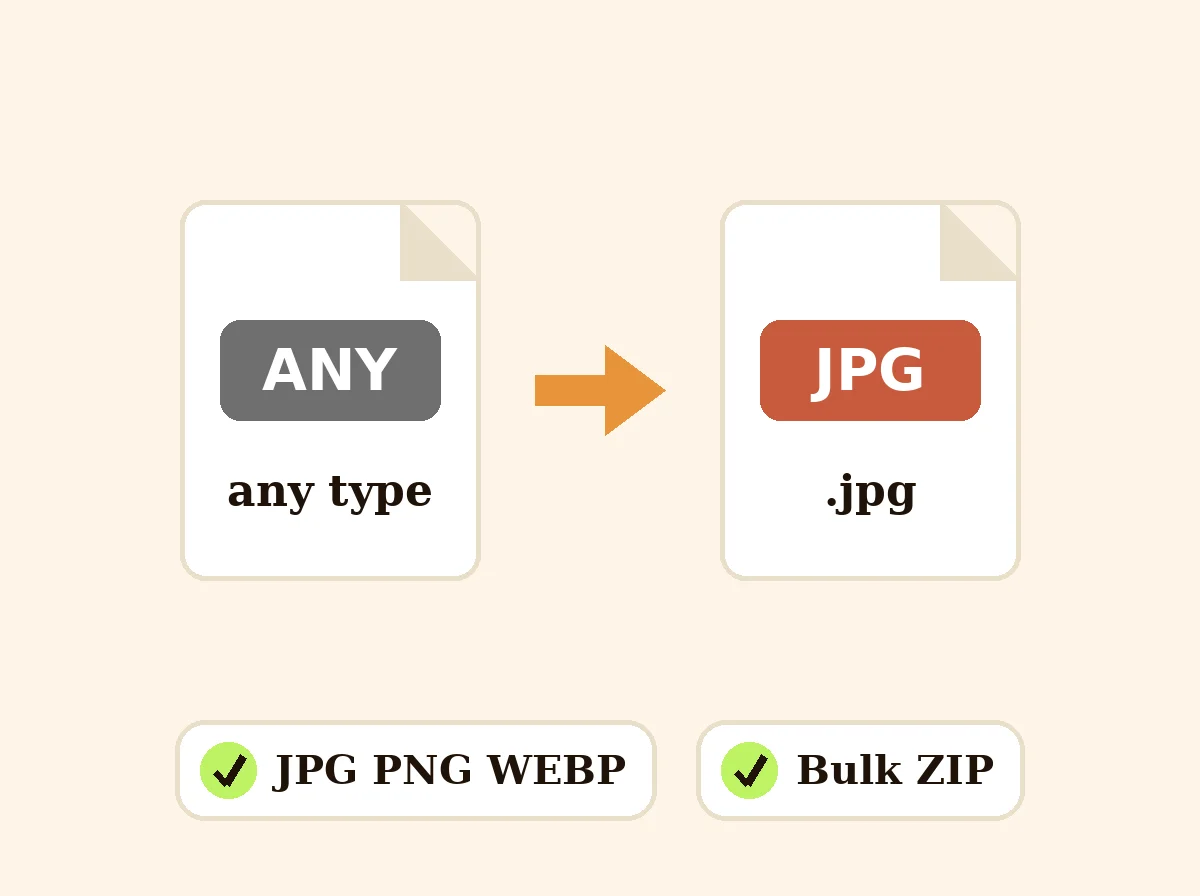 Image ConverterFreeConvert images between JPG, PNG and WEBP in your browser, one at a time or in bulk.
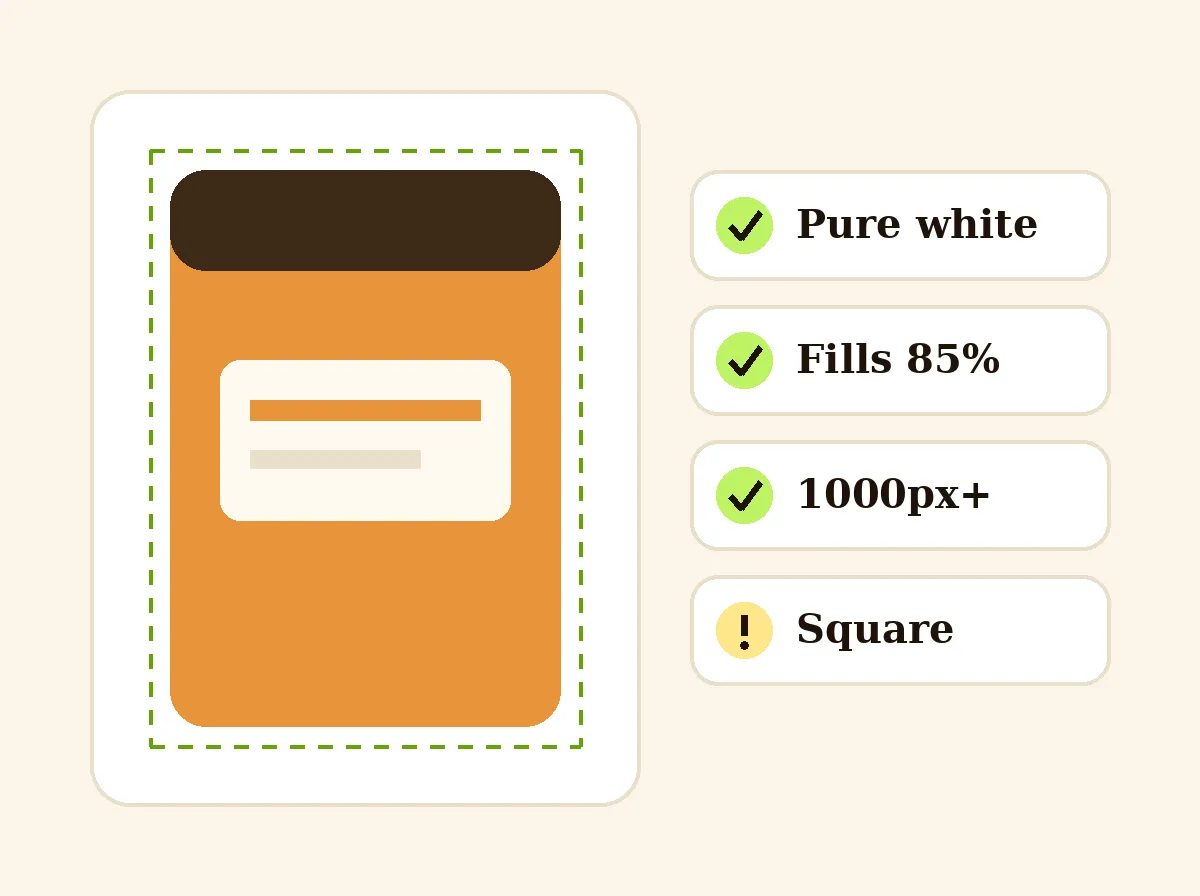 Amazon Main Image CheckerFreeCheck a product photo against Amazon main image rules in your browser: pure white, 85% fill, size and file type.
Ask an assistant
 Product Shoot StudioProduct Photography FreeYour AI product photography director: plans the shoot, picks scenes, props and light, and writes the prompt for every shot.Chat free →
 Amazon Main Image CheckerProduct Photography FreeChecks your Amazon main image against common requirements, background, fill, props and text, and tells you how to fix or reshoot it.Chat free →
 Jewelry Photo DirectorProduct Photography FreePlans jewelry photos that show sparkle, metal tone and true scale: rings, necklaces, earrings and bracelets on white, on busts and in close detail.Chat free →