Write the prompt in this order: model, garment, setting, light, pose, camera. Prompt guides that rank for this search, such as Blend's, use much the same parts and advise changing one at a time so you can see what each word does. Keep the garment line most specific, because it is the part that has to be true.
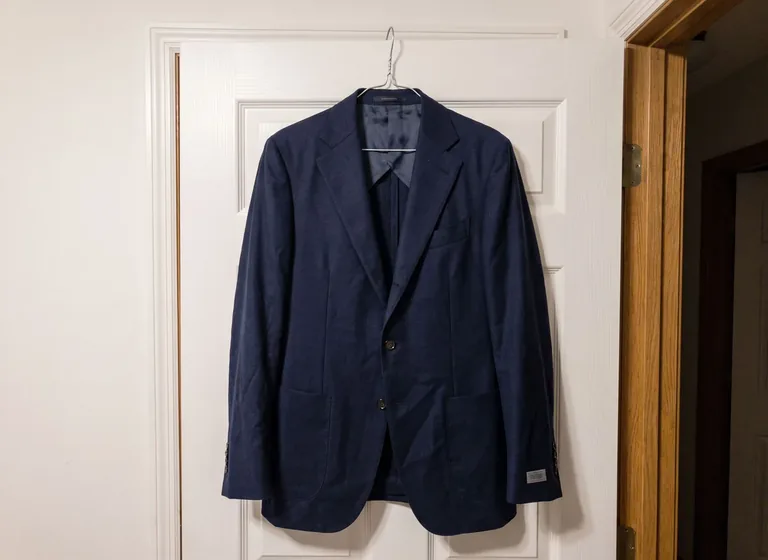
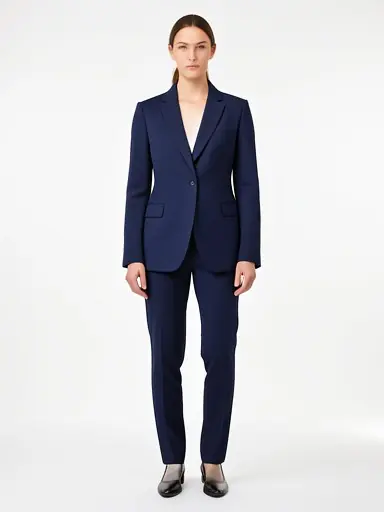
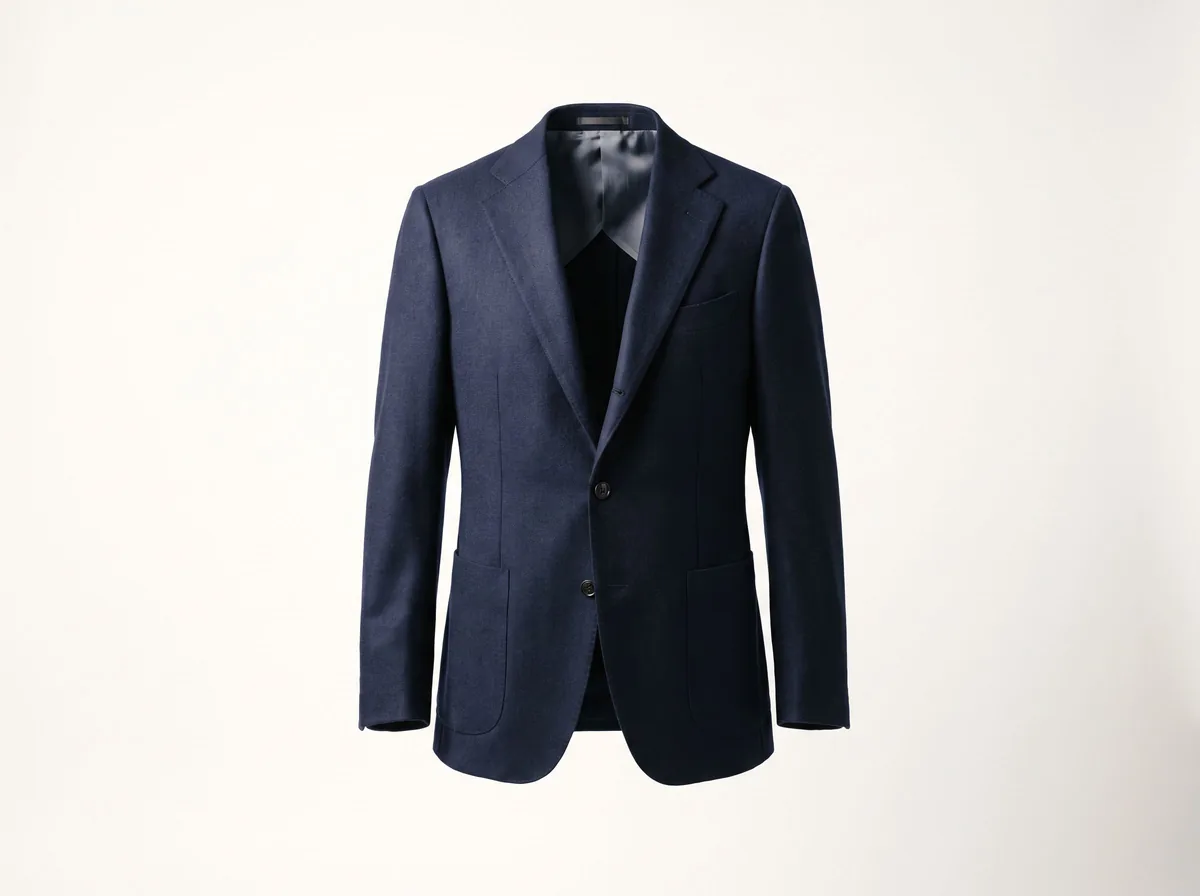
Example: "Woman in her 30s, medium build, wearing this check wool blazer, keep the check pattern and all buttons, plain light grey studio, soft even light, standing straight, full body, eye level."
Describe the person plainly and respectfully. Use sizes and ages you actually sell to, so shoppers can judge the fit.
- Woman in her 20s, slim build, shoulder-length dark hair, neutral expression
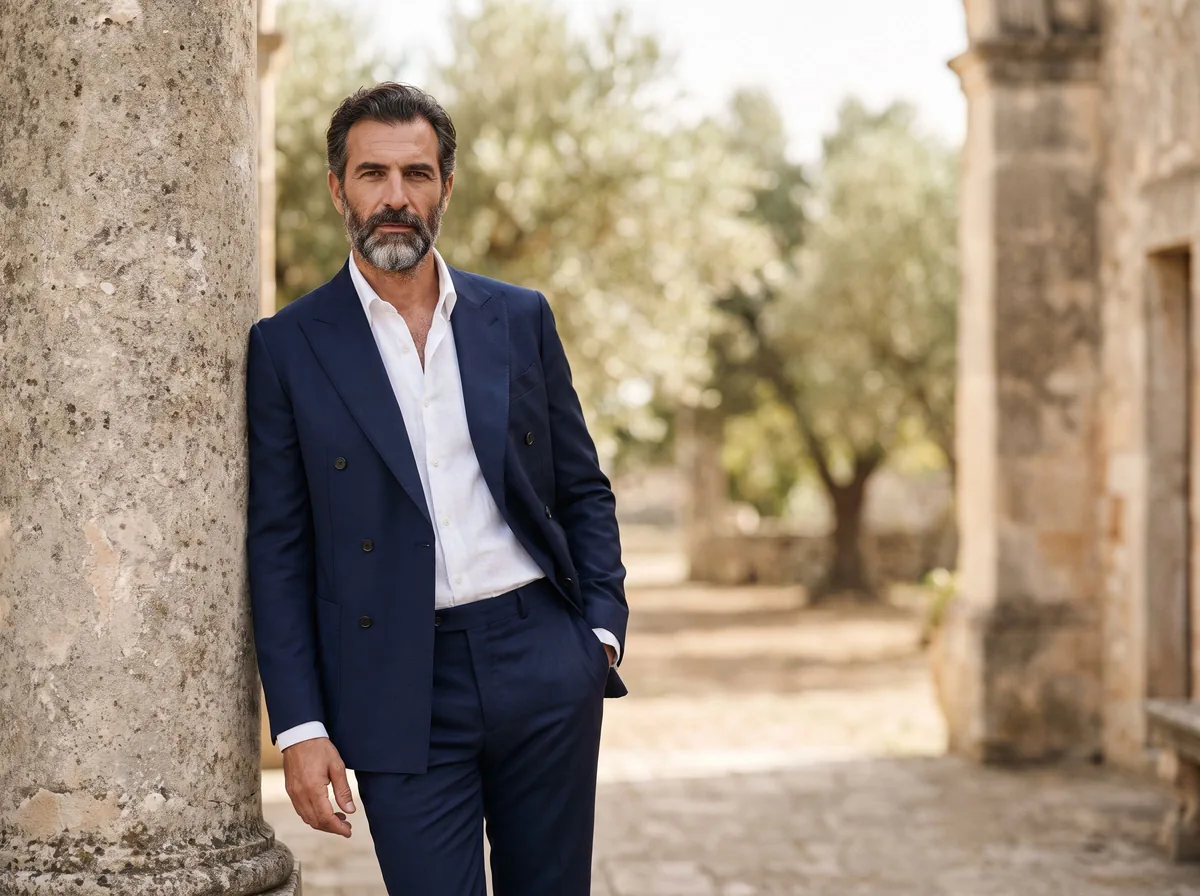
- Man in his 40s, broad shoulders, short grey hair, relaxed smile
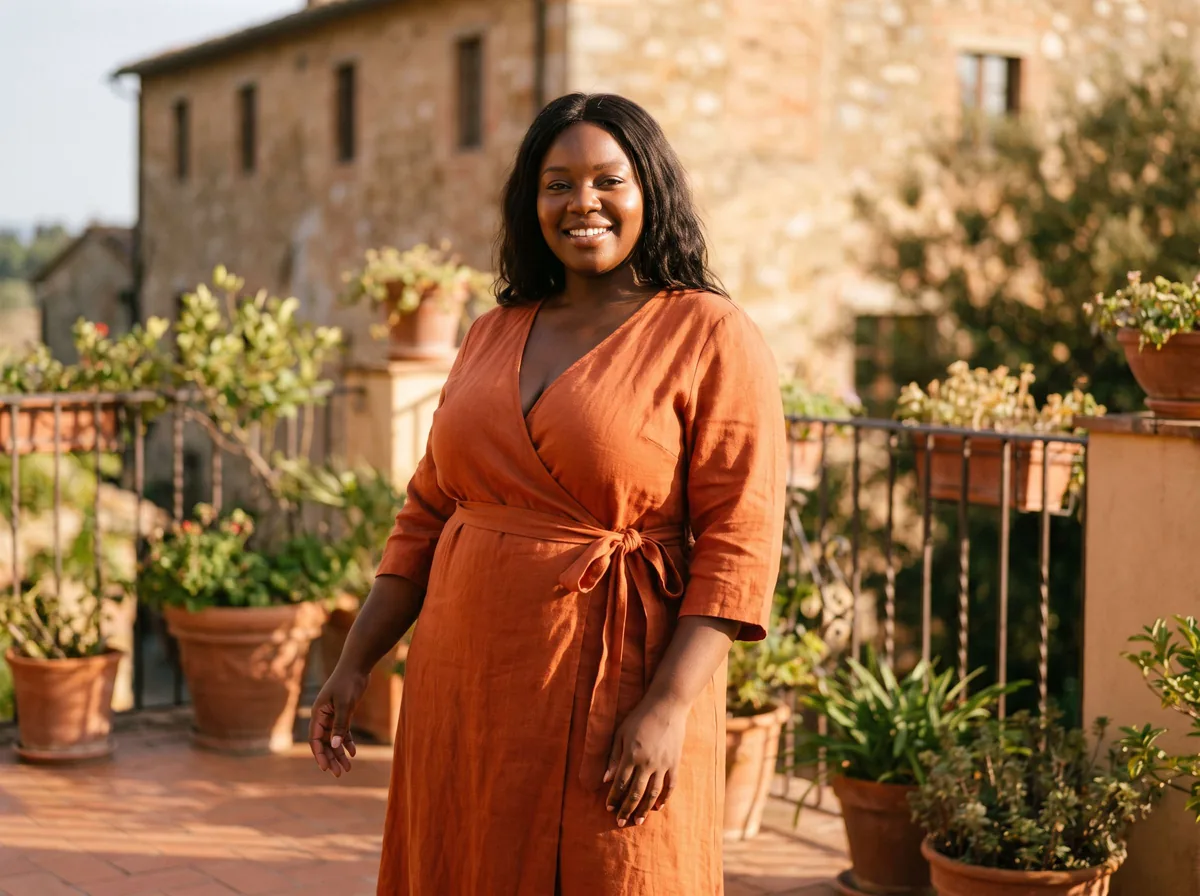
- Plus-size woman, UK size 20, wearing the garment in its true fit
- Petite woman, 5 ft 1 in, so the hem sits where it would on a shorter frame
- Older woman in her 60s, natural silver hair, everyday styling
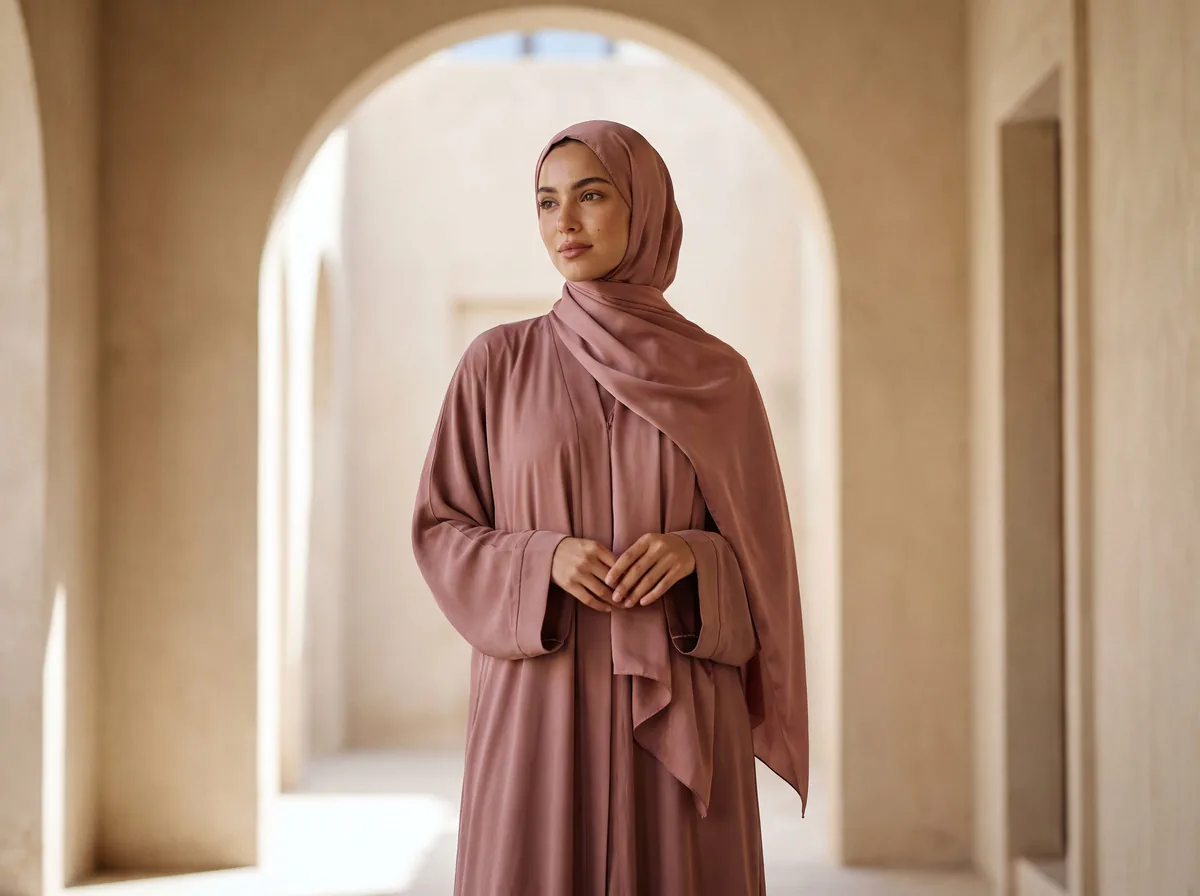
- Woman wearing a hijab, modest styling, long sleeves
Use physical words a photographer would say. Match the pose to the garment: dresses and coats need movement, tailoring needs a straight stance.
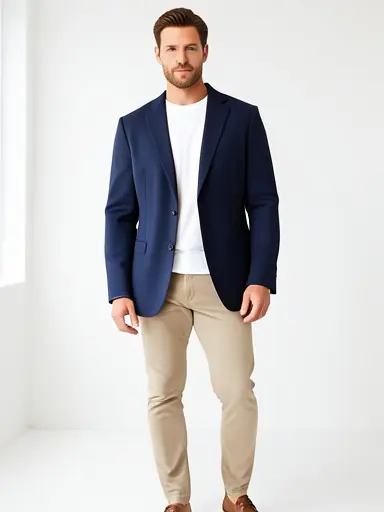
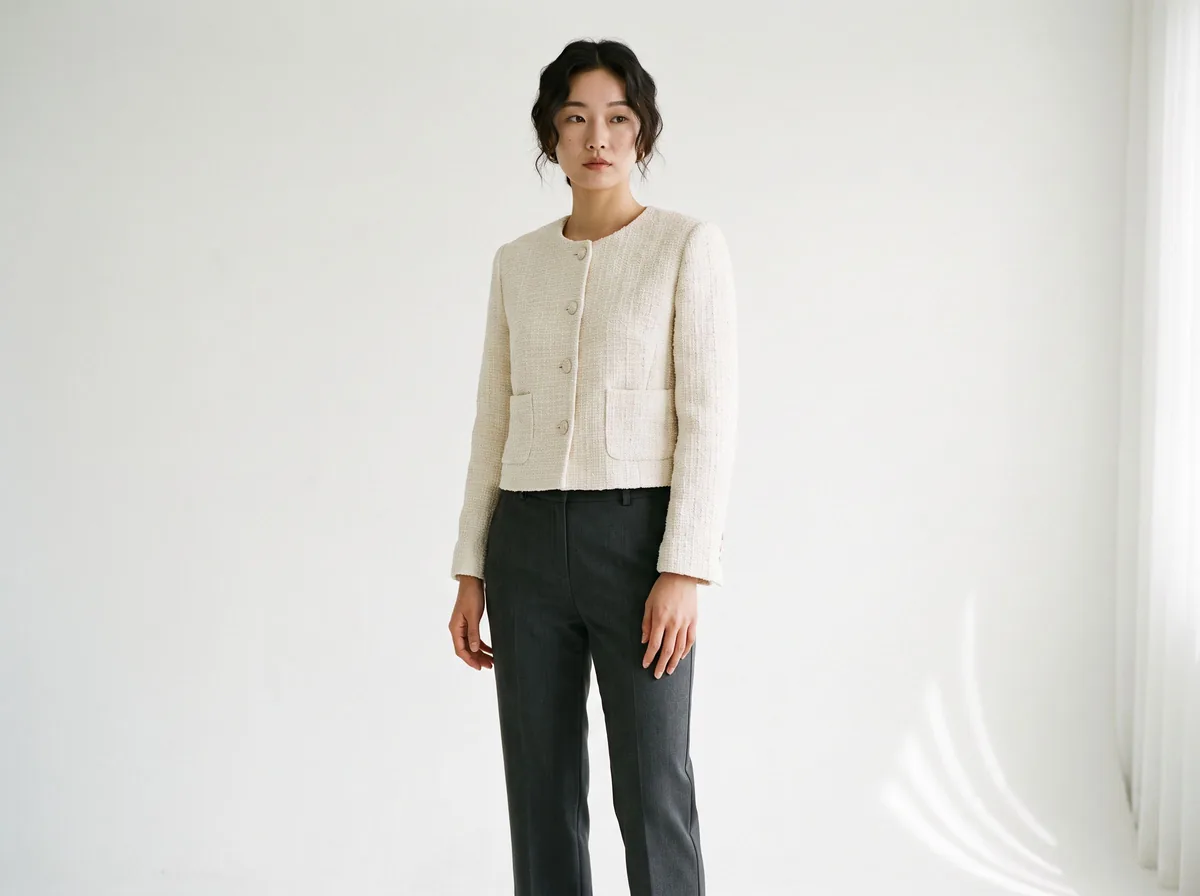
- Standing straight, arms relaxed at sides, facing camera
- Three-quarter turn to the left, one hand in pocket
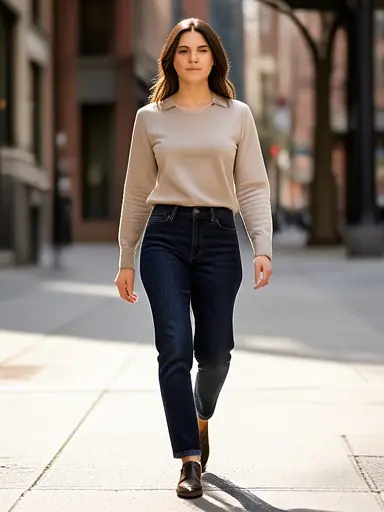
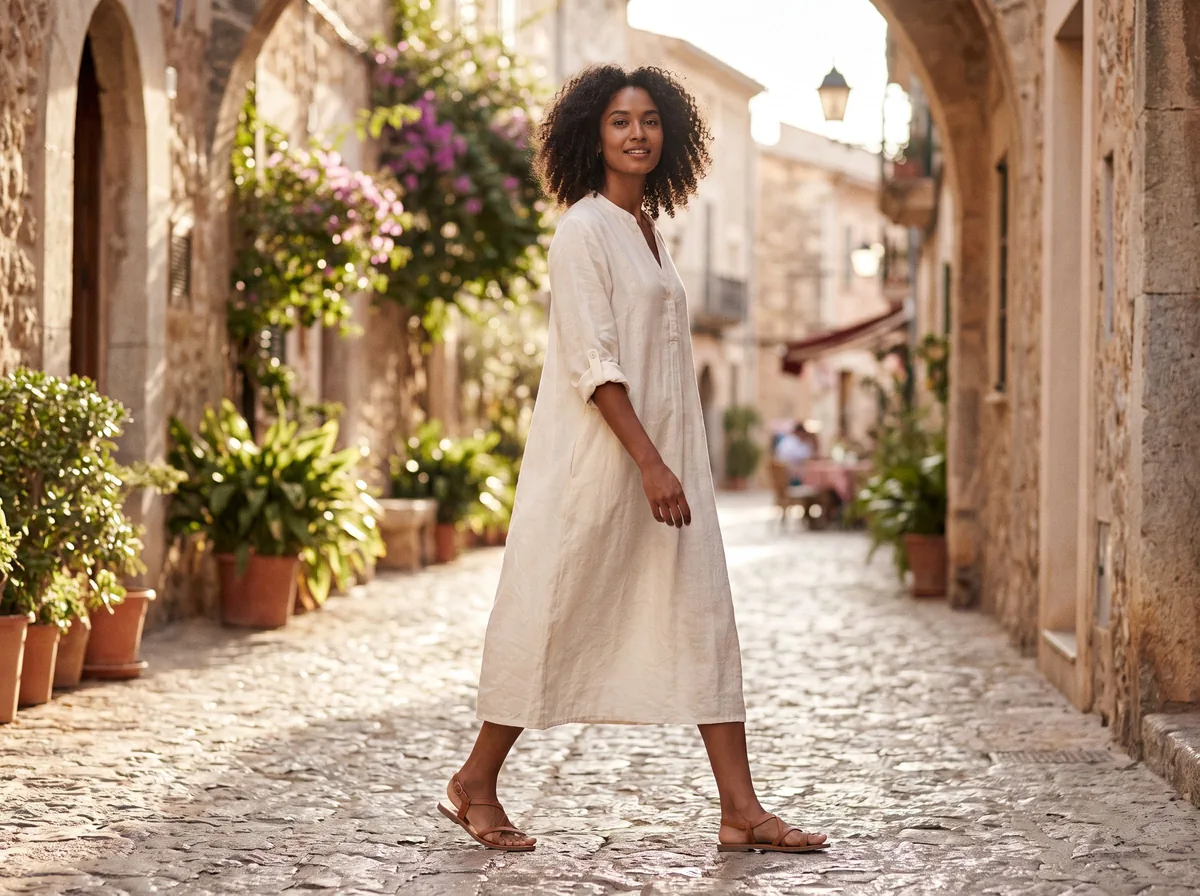
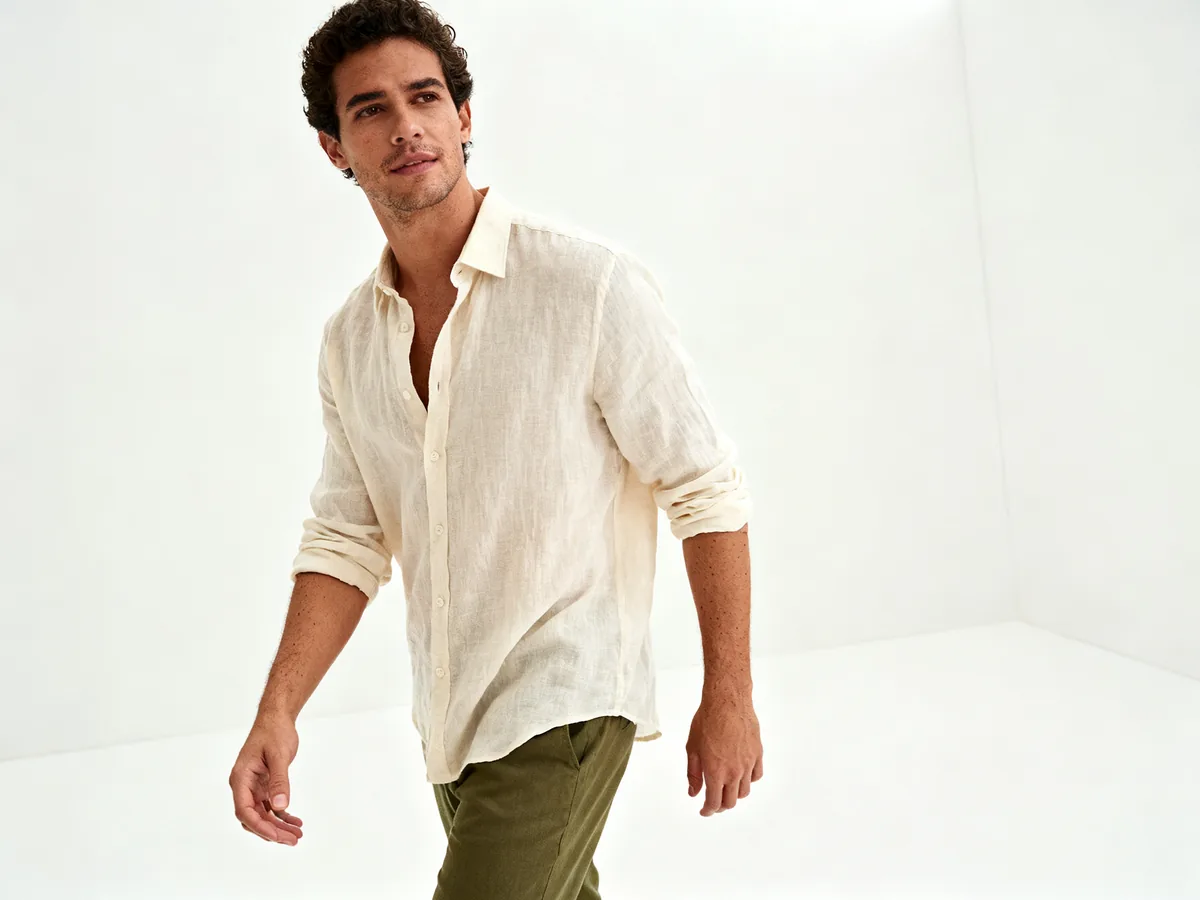
- Walking toward camera, mid-stride
- Back view, looking over shoulder, to show the back of the garment
- Seated on a plain stool, legs crossed at the ankle
- Plain white studio background, soft even light, no shadows on the wall
- Plain light grey paper backdrop, soft box light from the left
- City street, overcast daylight, background softly out of focus
- Sunny park path, late afternoon light
- Minimal living room, window light
Framing decides what the shopper sees. Ask for full body when length, shoes or trousers matter, and add footwear and hair details, because the tool will invent them otherwise.
- Full body, head to toe, eye level
- Three-quarter length, from knees up
- Waist-up crop, focus on the neckline and buttons
- Close-up of the fabric texture on the model
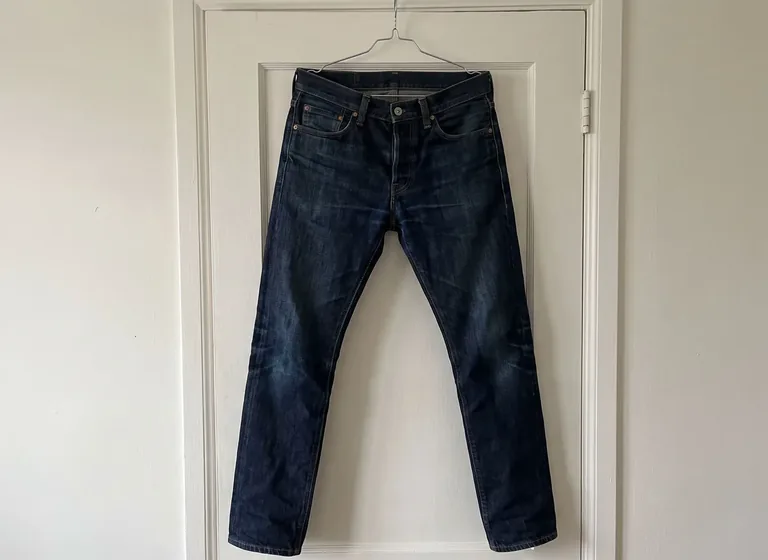
Drift means the AI changes your product. In our tests it changed pattern, button count, pocket shape, wash and length. These lines help, though none is a guarantee, so check each image against the real item.
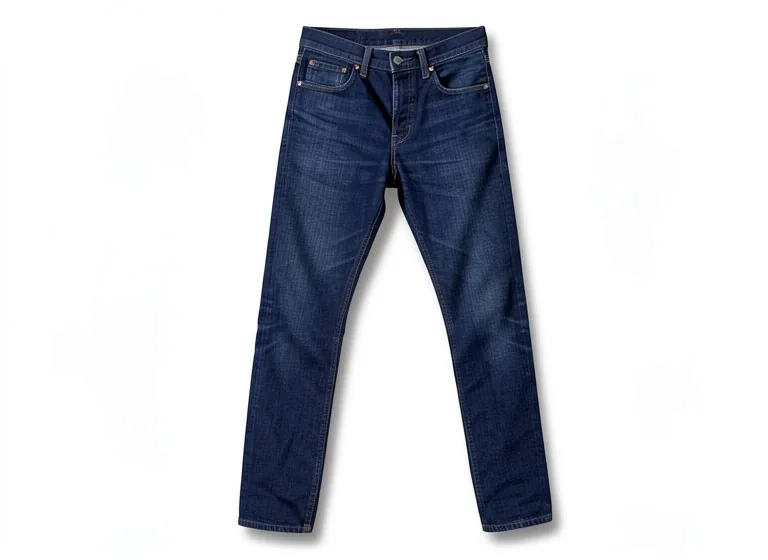
- Name the garment type: "these jeans", "this wrap dress", "this wool blazer"
- Keep it as the same item: "keep them as jeans", "keep it as a dress"
- Keep the pattern: "keep the check pattern exactly", "keep the floral print"
- Keep the hardware: "keep all buttons", "keep the zip and pockets"
- Keep the colour and finish: "keep the faded wash and whiskers", "keep the colour as is"
- Keep the fit: "keep the straight leg and full length", "do not crop"
- Say what else is in the frame: "with plain white trainers", or upload the second item as one of up to 4 photos
Write one fixed model line and paste it word for word into every prompt, then change only the garment and pose. The Fabricant's prompt guide gives the same advice and suggests a neutral expression so one look works across many shots. Keep the setting and light lines fixed too.
Be honest with yourself about limits. Our tool does not save a model, so the face and body will still vary between images. Paid tools such as FASHN use a face reference to hold one model across a collection; our comparison of generators covers which tools do this.
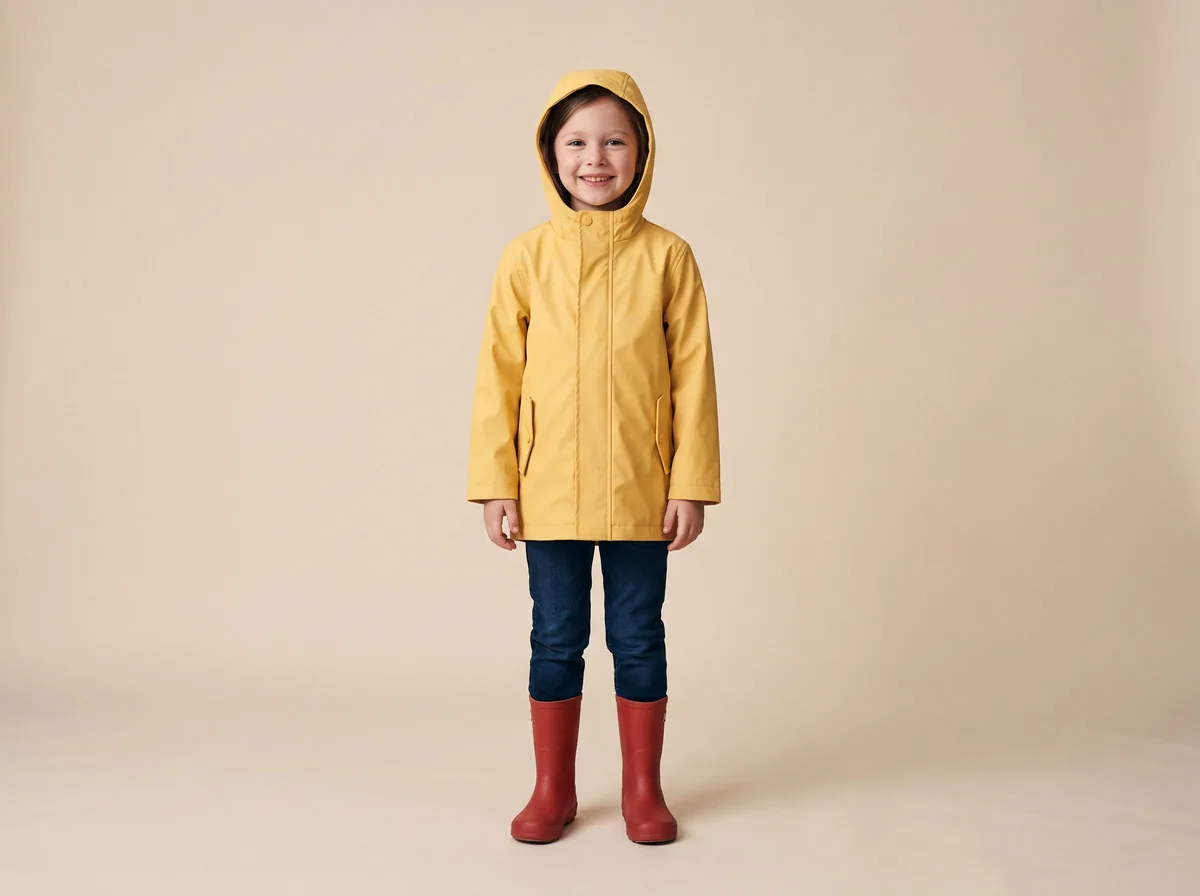
Keep these plain catalog shots. Describe the age range and the clothes, use everyday poses and simple settings, and leave out makeup, adult styling or anything that draws attention to the body.
- Child aged 6 to 8, standing, smiling, plain white studio, full body
- Toddler sitting on a plain floor with a soft toy, bright even light
- Child walking in a park, everyday school clothes, daylight