Comparison
Photoroom vs Pebblely: which is better for ecommerce in 2026?
Photoroom is a full photo editor with apps for phone, web and Shopify. Pebblely focuses on putting your product into themed AI scenes. Here is how they compare, based on their own pricing and FAQ pages.
Updated November 9, 2026
The bottom line
- Pick Photoroom if you edit a lot of photos and want apps, background removal, fashion models and batch editing in one place.
- Pick Pebblely if you mostly want themed product scenes and a simple monthly image count.
- Photoroom offers a free trial on Pro and Max. Pebblely's pricing page lists no free plan.
- Photoroom says refunds are possible up to one week after purchase. Pebblely's FAQ says it cannot offer refunds.
Photoroom vs Pebblely: side by side
| Photoroom | Pebblely | |
|---|---|---|
| What it is | Photo editor with AI tools and apps | AI product scene generator |
| Pricing model | Plans with AI credits and export limits | Images per month |
| Entry price | $12.99 a month, or $89.99 a year (Pro) | $9 a month (Lite, 30 images) |
| Free option | Free trial on Pro and Max | No free plan on the pricing page |
| Background removal | Yes, unlimited within fair use | Not a listed feature on the pricing page |
| Fashion | AI fashion models and ghost mannequin | Not listed on the pricing page |
| Bulk work | Batch editing | Bulk generation on Basic and Pro |
| Video | On Max and Ultra | Not listed |
| Phone apps | iPhone and Android, plus web and Shopify | None listed on the pages we checked |
| Refunds | Up to one week after purchase | FAQ says no refunds |
From each company’s own pages, checked 2026-11-09. Prices are in US dollars and can change.
The biggest difference
The biggest difference is scope. Photoroom is an editing suite: its core tools, such as background removal, retouch and shadows, are unlimited within fair use, and AI features use credits. Pebblely sells a set number of AI scene images a month: 30, 200 or 500. If you mainly need clean cut-outs and lots of edits, Photoroom covers more. If you mainly need new scenes for a product, Pebblely is the narrower, simpler tool.
Which is better for your use case?
Our verdicts below are based on each company’s published plans and features, not on our own tests.
| Use case | Better pick | Why |
|---|---|---|
| Cutting out products on white for a marketplace | Photoroom | Background removal is a core tool, unlimited within fair use. |
| Themed scenes for social posts | Pebblely | 40+ themes and custom prompts, from $9 for 30 images. |
| Editing from your phone | Photoroom | It has iPhone and Android apps. |
| Clothing photos | Photoroom | It lists AI fashion models and a ghost mannequin tool. |
| Product videos | Photoroom | Video comes with Max and Ultra. Pebblely lists no video. |
| The lowest monthly bill for a few scenes | Pebblely | Lite is $9 a month. |
Pricing compared
| Tool | Plan | Price | What you get |
|---|---|---|---|
| Photoroom | Pro | $12.99 a month, or $89.99 a year | 8,000 AI credits and 1,000 exports. AI fashion models at 1K. No video and no 4K. |
| Photoroom | Max | $34.99 a month, or $250 a year | 25,000 AI credits and 3,000 exports. Adds video, fashion models at 2K and the Shopify integration. |
| Photoroom | Ultra | $99 a month, or $990 a year | 75,000 AI credits and 10,000 exports. Adds 4K. |
| Pebblely | Lite | $9 a month | 30 images a month. |
| Pebblely | Basic | $19 a month, or $179 a year | 200 images a month, with bulk generation. |
| Pebblely | Pro | $39 a month, or $379 a year | 500 images a month, with bulk generation. |
| Z Product AI | Free | $0, no account, no card | 10 images a day, up to 768 px with a small mark. |
Photoroom says credit amounts may vary by country or region, and its API has separate plans. Pebblely plans renew automatically.
When Photoroom is better
- You edit many photos a week and want one tool for cut-outs, retouching and AI scenes.
- You sell clothing and want AI fashion models or a ghost mannequin effect.
- You work from your phone or inside Shopify.
- You want a free trial and a one-week refund window.
When Pebblely is better
- You mainly want your product placed into styled scenes.
- You prefer a fixed number of images to a credit system.
- You want the lowest monthly price for a small number of scenes.
Where Z Product AI fits
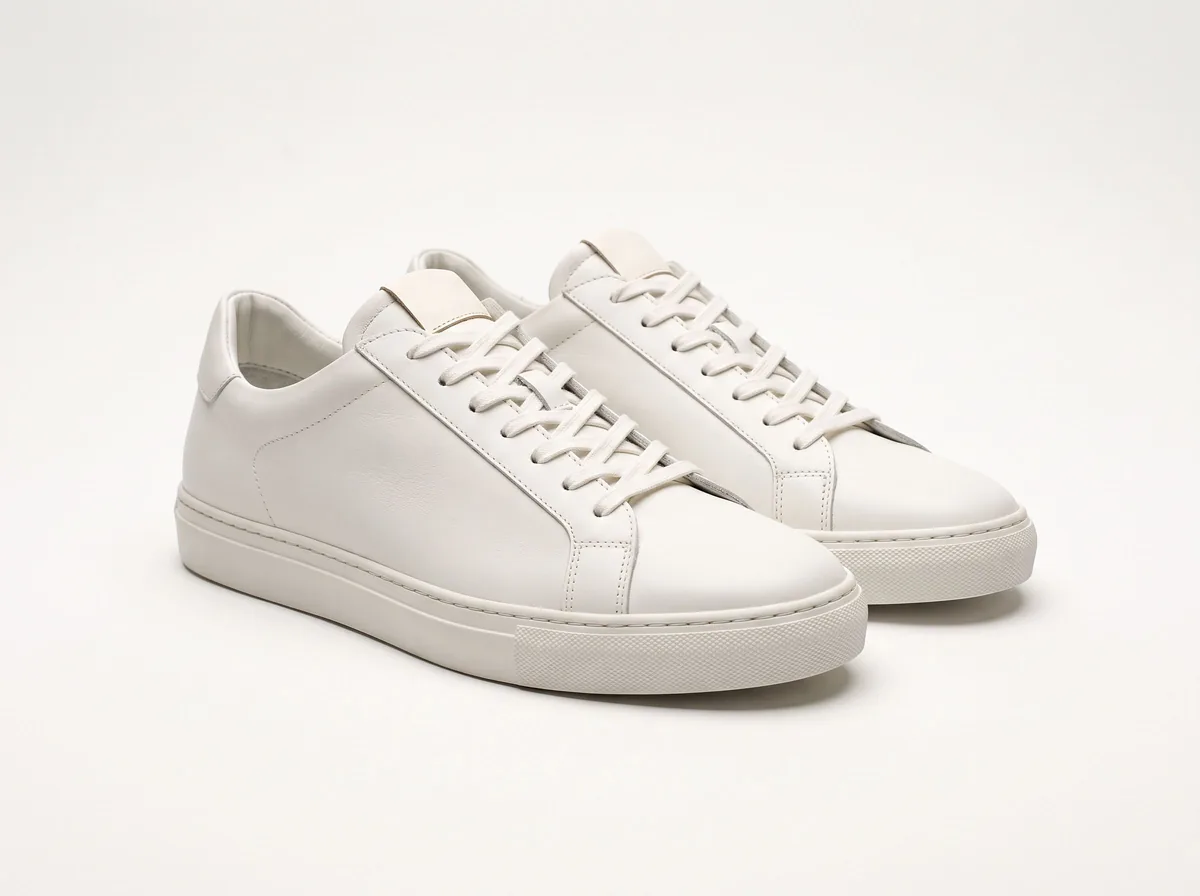
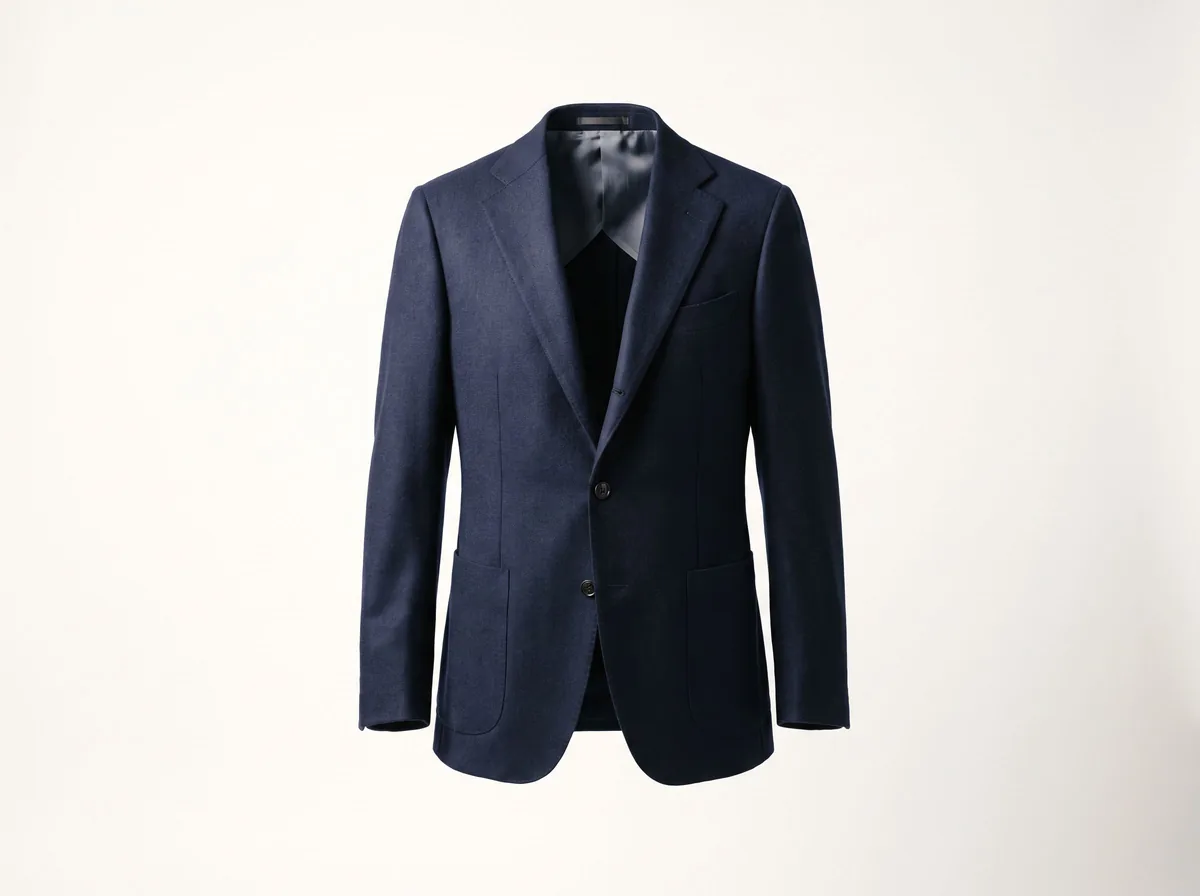
Both are paid tools. If you only need a white background, a few scenes or a fashion model photo now and then, Z Product AI does those jobs for free, within the limits below.
- Free, with no account and no card.
- 10 images a day. The first 8 in an hour start at once, then short waits.
- Results up to 768 px on the long side, saved with a small zproductai.com mark.
- Up to 4 photos in one edit. No batch mode, no API and no video.
- Under our terms you own the images generated for you and may use them commercially.
It is not a replacement for a paid plan if you need hundreds of images a month, large files, batch work or an API. See how it works, real results in the gallery, and the commercial use summary.


FAQ
Photoroom vs Pebblely: common questions
Is Photoroom or Pebblely cheaper?
Pebblely starts lower at $9 a month for 30 images. Photoroom Pro is $12.99 a month or $89.99 a year, and it includes far more editing: 8,000 AI credits and 1,000 exports.
Can I try Photoroom or Pebblely for free?
Photoroom offers a free trial on its Pro and Max plans. Pebblely's pricing page lists only paid plans, though its terms mention a free version for trying the service.
Which is better for white backgrounds?
Photoroom. Background removal is one of its core tools, unlimited within fair use. Pebblely is built for scenes rather than cut-outs.
Can I get a refund?
Photoroom's pricing page says refunds are possible up to one week after purchase. Pebblely's FAQ says it is not able to offer refunds, and its terms allow one only if no images were generated.
Do they work for clothing?
Photoroom lists AI fashion models and a ghost mannequin tool. Pebblely's pricing page does not list fashion model features.
Is there a free alternative?
Z Product AI is free with no account. It has a white background tool, product scenes, a fashion model tool and a ghost mannequin effect: 10 images a day, up to 768 px with a small mark.
Sources
- Photoroom pricing, checked 2026-11-09
- Pebblely pricing, checked 2026-11-09
- Pebblely FAQ, checked 2026-11-09
- Pebblely terms, checked 2026-11-09
Z Product AI makes some of the tools mentioned here. Competitor details come from their own sites as of 2026-11-09 and can change, so check their pages before you buy. We have not run our own tests of these tools.