Comparison
Flair AI vs Pebblely: which is better for ecommerce in 2026?
Flair AI and Pebblely both make AI product photos. Flair's plans are built around custom models and on-model fashion shots, while Pebblely is built around ready-made themes. Here is how they compare, based on their own pricing and FAQ pages.
Updated November 9, 2026
The bottom line
- Pick Flair if you sell clothing: it lists on-model photography, AI fashion models and virtual try-on, plus custom models.
- Pick Pebblely if you want themed scenes and the most images per dollar on a mid plan: Basic is 200 images for $19 a month.
- Flair has a free plan (5 images, 1 video). Pebblely's pricing page lists no free plan.
- Flair lists a company commercial license on Pro+ and above. Pebblely's FAQ says you own the images you generate.
Flair AI vs Pebblely: side by side
| Flair AI | Pebblely | |
|---|---|---|
| Approach | Custom models, on-model photography and try-on | Your photo with 40+ themes or a custom prompt |
| Free option | Free plan: 1 custom model, 5 images, 1 video | No free plan on the pricing page |
| Entry paid price | $10 a month, or $8 billed yearly (Pro) | $9 a month (Lite, 30 images) |
| Images per month | 80 on Pro+, 150 on Scale | 30, 200 or 500 |
| Fashion | On-model photography, AI fashion models, virtual try-on | Not listed on the pricing page |
| Bulk work | Bulk content generation | Bulk generation on Basic and Pro |
| Video | Yes: 1 video on Free, up to 5 on Scale | Not listed |
| API | Early access on Scale; unlimited on Enterprise | Not listed on the pricing page |
| Commercial use | Company commercial license on Pro+, Scale and Enterprise | "You own the images that you have generated" (FAQ) |
| Refunds | Not stated on the pricing page | FAQ says no refunds |
From each company’s own pages, checked 2026-11-09. Prices are in US dollars and can change.
The biggest difference
The biggest difference is the setup. Flair's plans count custom models as well as images (1 on Free, up to 15 on Scale), and it lists on-model photography and virtual try-on. Pebblely uses your photo with 40+ ready themes or a custom prompt. Flair's image counts are lower per dollar (80 images on Pro+ at $35 a month), and instant and ad generation count 4 times against them. Pebblely gives 200 images for $19 a month.
Which is better for your use case?
Our verdicts below are based on each company’s published plans and features, not on our own tests.
| Use case | Better pick | Why |
|---|---|---|
| Clothing shown on a model | Flair AI | It lists on-model photography, AI fashion models and virtual try-on. |
| Many scene images for little money | Pebblely | Basic is 200 images for $19 a month; Flair Pro+ is 80 for $35. |
| Trying before you pay | Flair AI | Its free plan gives 5 images and 1 video. Pebblely lists no free plan. |
| Short product videos | Flair AI | Flair lists video on its plans. Pebblely lists none. |
| Quick themed shots | Pebblely | You pick one of 40+ themes or type a custom prompt. |
| An API | Flair AI | Early API access on Scale. Pebblely's pricing page lists no API. |
Pricing compared
| Tool | Plan | Price | What you get |
|---|---|---|---|
| Flair | Free | $0 | 1 custom model, 5 images and 1 video. |
| Flair | Pro | $10 a month, or $8 a month billed yearly | 2 videos and faster rendering. The page does not give an image count. |
| Flair | Pro+ | $35 a month, or $26 a month billed yearly | Up to 8 custom models, 80 images, 3 videos, a company commercial license. |
| Flair | Scale | $55 a month, or $38 a month billed yearly | Up to 15 custom models, 150 images, 5 videos, a commercial license, early access to the API. |
| Flair | Enterprise | Custom | Unlimited API access, custom model training, SSO. |
| Pebblely | Lite | $9 a month | 30 images a month. |
| Pebblely | Basic | $19 a month, or $179 a year | 200 images a month, with bulk generation. |
| Pebblely | Pro | $39 a month, or $379 a year | 500 images a month, with bulk generation. |
| Z Product AI | Free | $0, no account, no card | 10 images a day, up to 768 px with a small mark. |
Flair says instant and ad generation cost 4 times the normal quota. Pebblely plans renew automatically.
When Flair AI is better
- You sell clothing and want on-model photos or virtual try-on.
- You want custom models, which Flair counts in every plan.
- You want short videos alongside photos.
- You want to start on a free plan.
When Pebblely is better
- You want lots of themed scene images at a low price per image.
- You want to start from ready-made themes.
- You make images for many products in bulk.
Where Z Product AI fits
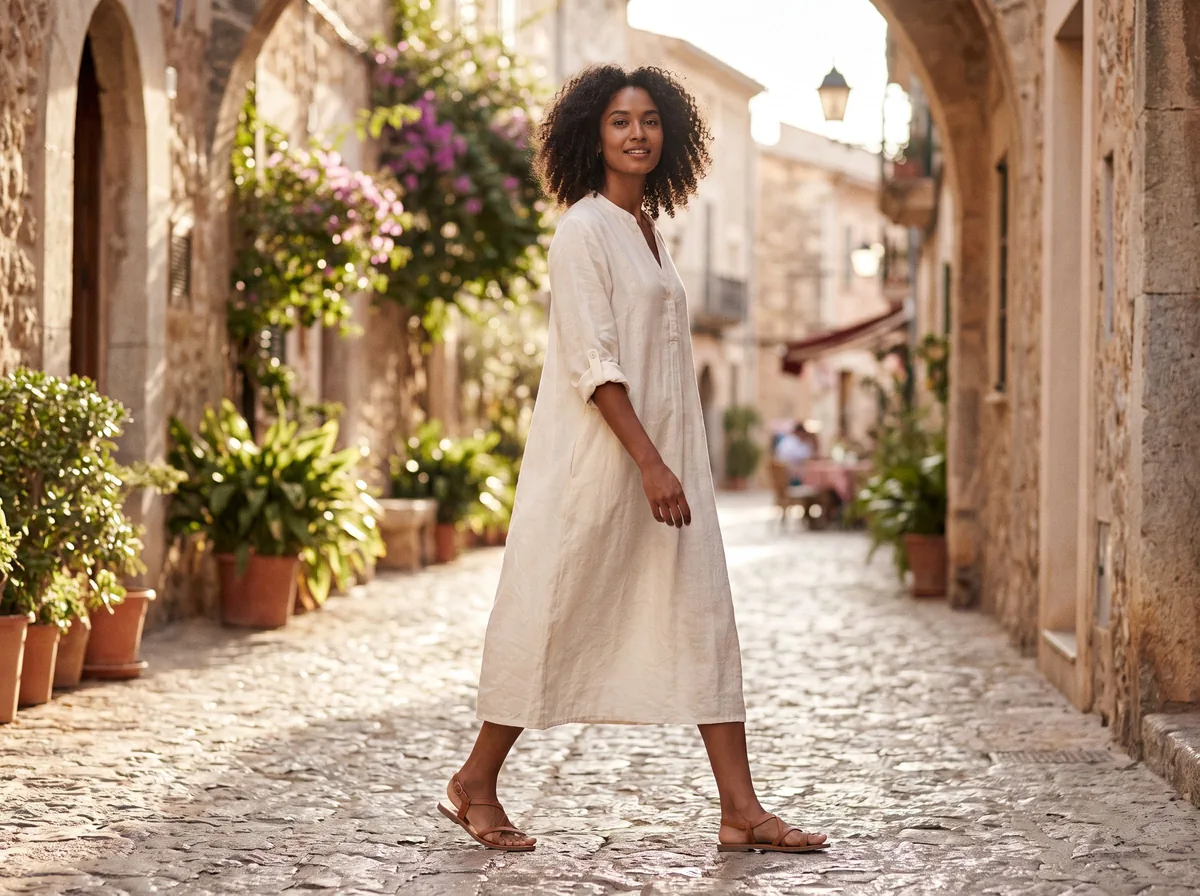
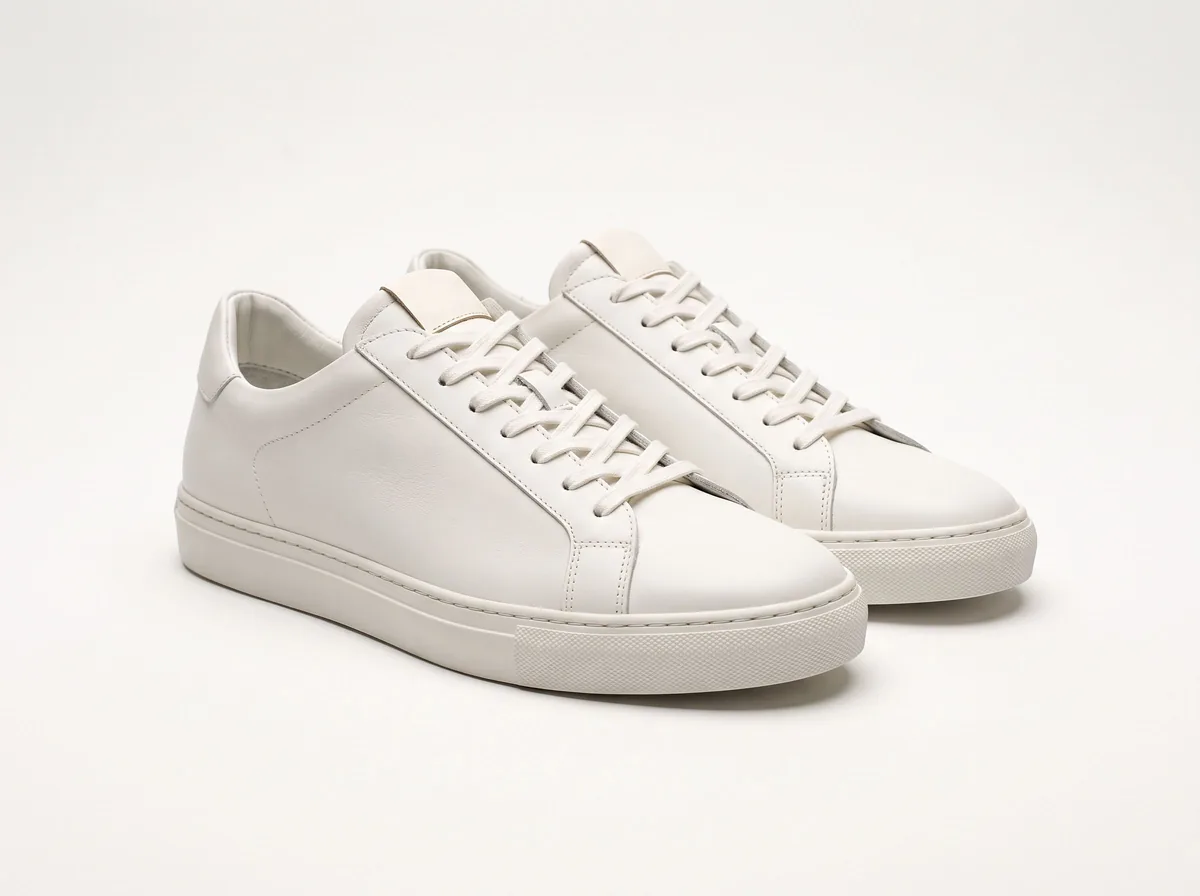
If you only need a handful of scenes or fashion model photos, Z Product AI is a free option. It does not train custom models, so each result starts from the photo you upload.
- Free, with no account and no card.
- 10 images a day. The first 8 in an hour start at once, then short waits.
- Results up to 768 px on the long side, saved with a small zproductai.com mark.
- Up to 4 photos in one edit. No batch mode, no API and no video.
- Under our terms you own the images generated for you and may use them commercially.
It is not a replacement for a paid plan if you need hundreds of images a month, large files, batch work or an API. See how it works, real results in the gallery, and the commercial use summary.


FAQ
Flair AI vs Pebblely: common questions
Is Flair AI or Pebblely cheaper?
Per image, Pebblely is cheaper on its mid plans: Basic gives 200 images for $19 a month. Flair Pro+ gives 80 images for $35 a month ($26 billed yearly). Flair has a free plan with 5 images; Pebblely lists no free plan.
Which is better for clothing?
Flair. Its pricing page lists on-model photography, AI fashion models and virtual try-on. Pebblely's pricing page does not list fashion model features.
Can I use Flair or Pebblely images commercially?
Flair lists a company commercial license on its Pro+, Scale and Enterprise plans. Pebblely's FAQ says you own the images you generate. Read each company's terms before you use images in ads.
Does Flair AI have a free plan?
Yes. Flair's free plan includes 1 custom model, 5 images and 1 video.
Do they make videos?
Flair lists video on its plans, from 1 on the free plan to 5 on Scale. Pebblely's pricing page does not list video.
Is there a free alternative?
Z Product AI is free with no account: 10 images a day, up to 768 px with a small mark. It has a fashion model tool and product scenes, but no custom model training, no video and no API.
Sources
- Flair pricing, checked 2026-11-09
- Pebblely pricing, checked 2026-11-09
- Pebblely FAQ, checked 2026-11-09
- Pebblely terms, checked 2026-11-09
Z Product AI makes some of the tools mentioned here. Competitor details come from their own sites as of 2026-11-09 and can change, so check their pages before you buy. We have not run our own tests of these tools.