Product photography
100% free · No sign-upFree Walmart Image Size Resizer
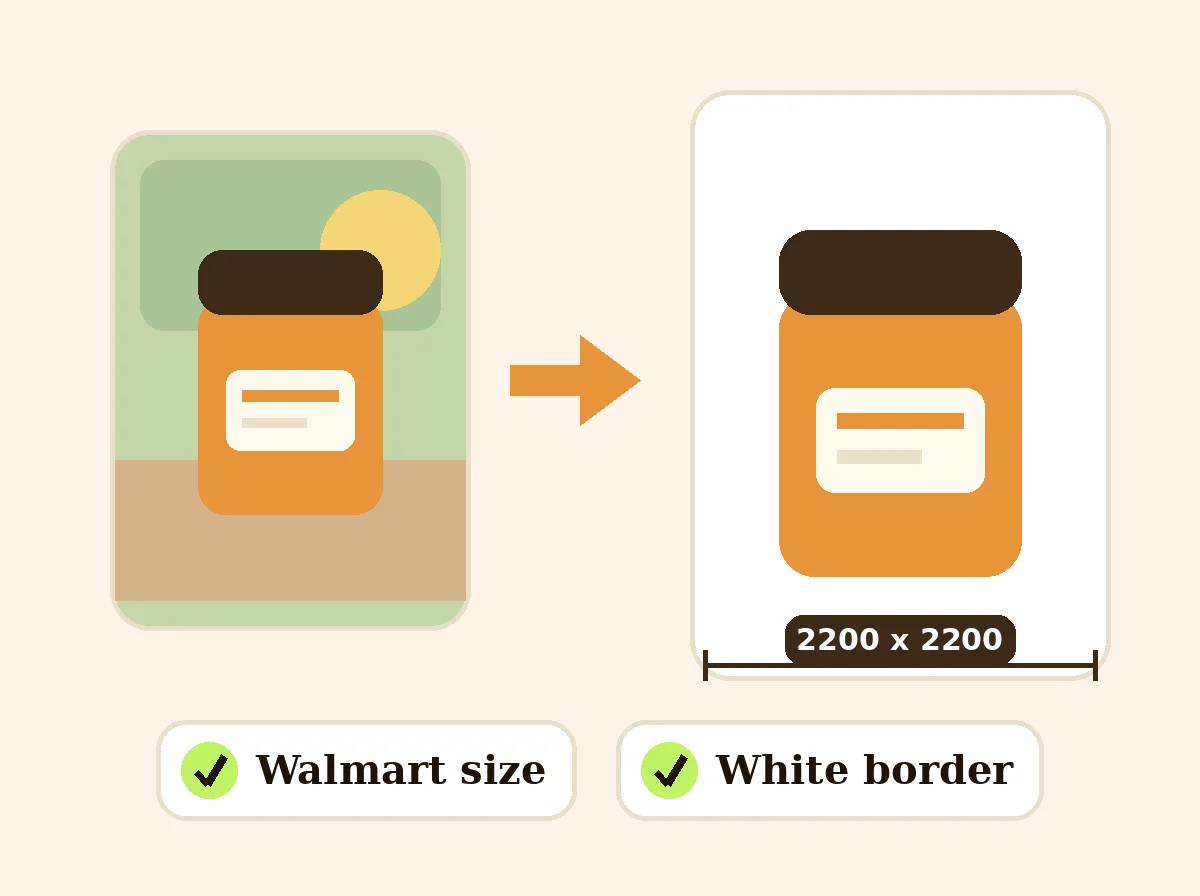
Walmart Marketplace asks for 2200 x 2200 px square photos on white with a small border. Resize yours here in one batch. Free to use, no sign-up.
Resize photos for Walmart
Pick one photo or a whole batch, choose a size, and download them one by one or as a ZIP.
Walmart recommends 2200 x 2200 px square on white, with a small border, under 5 MB (JPG, PNG or BMP).
Looks for the product on a plain background and centers it. Works best on white or plain backgrounds; if it finds no clear product, the photo stays as it is.
Saves a PNG with see-through corners, handy for round profile pictures and logos.
Your photos stay on your device: this tool runs in your browser and uploads nothing.
How it works
How to use the Walmart Image Size Resizer
- 1
Choose your photos
Product shots on white work best.
- 2
Keep the Walmart preset
2200 x 2200 px, white, 2.5% border, under 5 MB.
- 3
Download
Each file or a ZIP, ready for Seller Center.
Walmart Marketplace rejects or hides product photos that do not meet its image rules. The main ones are a 2200 x 2200 px square, a pure white background and a small border around the product. This free tool resizes your photos to that spec in your browser.
Walmart Image Size
The product behind the words
Walmart image requirements
2200 x 2200 px, square 1:1. At least 1000 x 1000 px for zoom. JPG, PNG or BMP. Up to 5 MB. Main image on pure white with the product centered and a border of about 2.5%. Source: Walmart Marketplace Learn, product image guidelines (checked 2026-10-31).
Why the 2.5% border
A product that touches the edge looks cramped in search and can be cropped in some layouts. The preset scales the product so a thin white margin stays on every side.
Getting a clean white background
If the photo was taken on a table or a colored backdrop, remove the background first with the free background remover or white background tool, then come back to resize.
Secondary images
Lifestyle, detail and scale photos follow the same size. Keep them square so the gallery looks even.
FAQ
Walmart Image Size Resizer: questions sellers ask
What size should Walmart product images be?
Walmart Marketplace guidelines ask for 2200 x 2200 px square images, at least 1000 x 1000 px so zoom works, in JPG, PNG or BMP, up to 5 MB.
What background does Walmart want?
The main (silo) image should be on pure white (RGB 255, 255, 255) with the product centered and a small white border of about 2.5% so it does not touch the edges. The Walmart preset adds that border.
My photo is not on white. Can this tool fix it?
This resizer pads with white but does not remove an existing background. Use the free background remover or the white background tool first, then resize here.
How do I stay under 5 MB?
The Walmart preset sets a 5000 KB maximum. If a photo would be bigger, the tool lowers the JPG quality just enough to fit.
Can I resize all my product photos at once?
Yes, up to 50 at a time, and download a ZIP with the original names plus the size.
Does this upload my photos?
No. The resizing runs entirely in your browser.
Is Z Product AI really free?
Yes. Every tool and assistant on Z Product AI is free to use, with no sign-up and no credit card. Very heavy use is paced with short waits so the site stays free for everyone.
Keep going
More tools for your listings
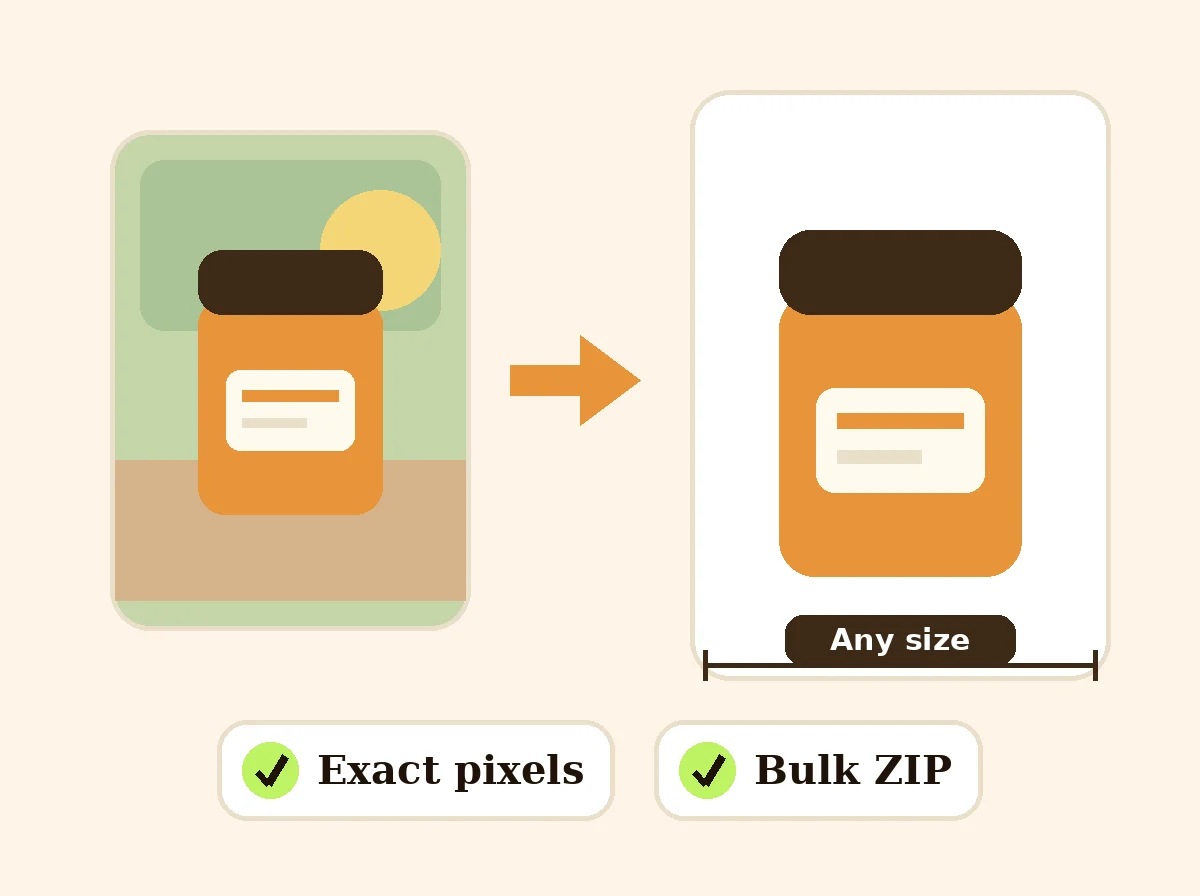 Image ResizerFreeResize photos to exact pixels, a percentage or a marketplace size, one at a time or in bulk with a ZIP. Runs in your browser.
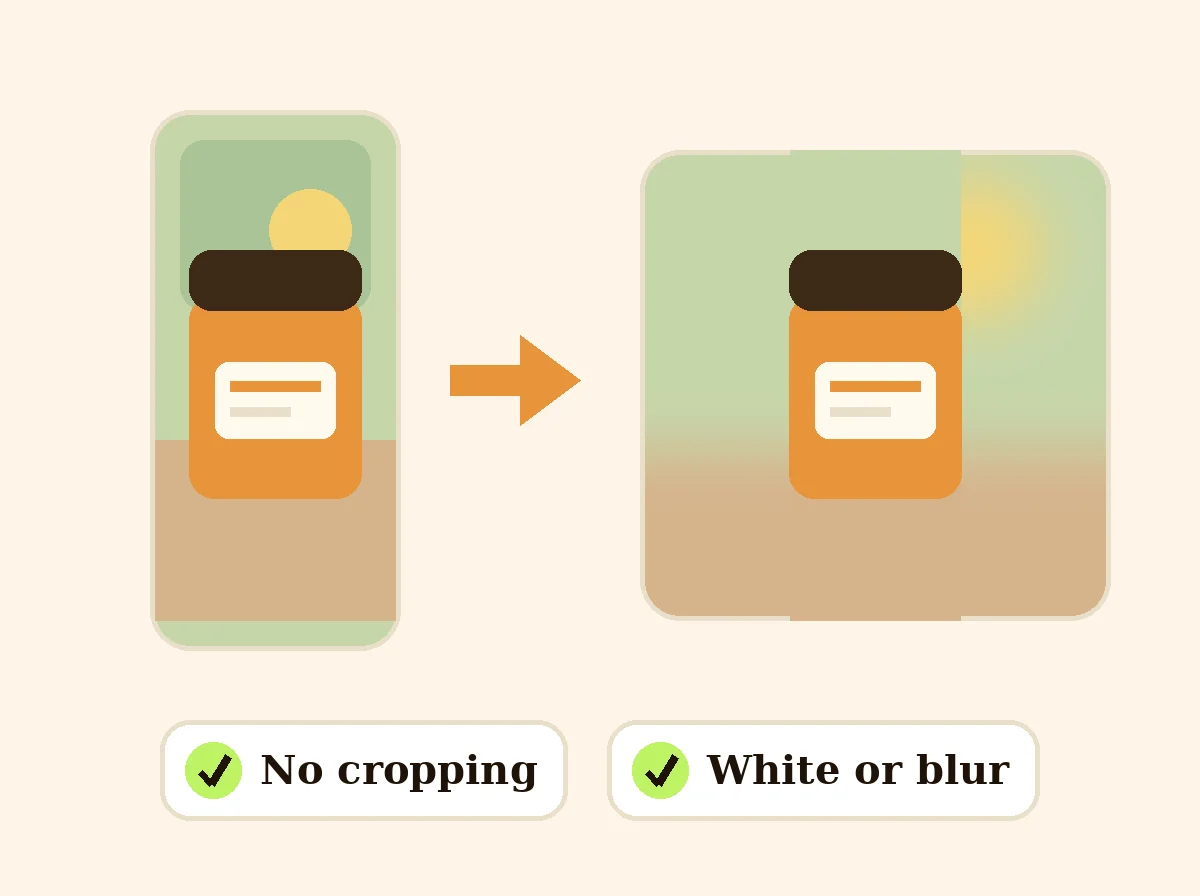 Square Image MakerFreeMake any photo square without cropping: pad it with white, a color or a soft blur.
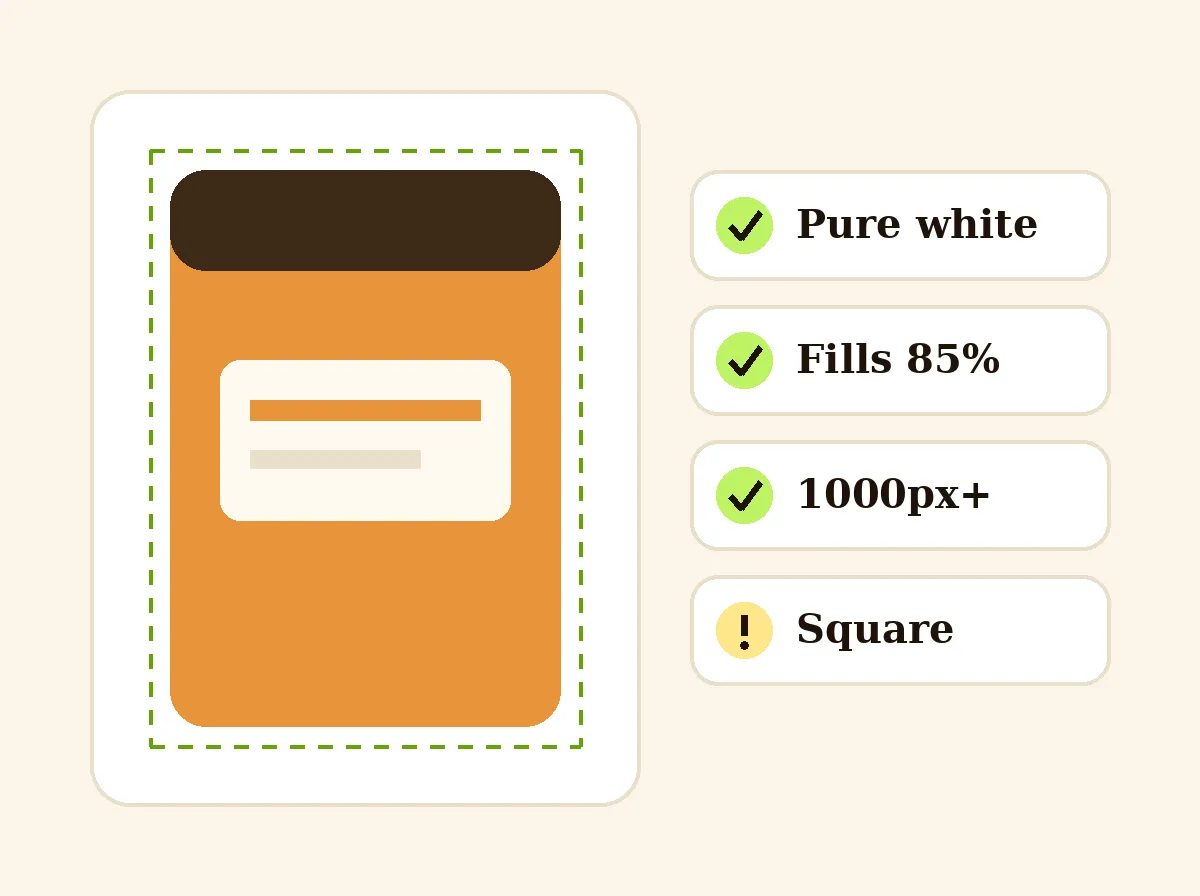 Amazon Main Image CheckerFreeCheck a product photo against Amazon main image rules in your browser: pure white, 85% fill, size and file type.
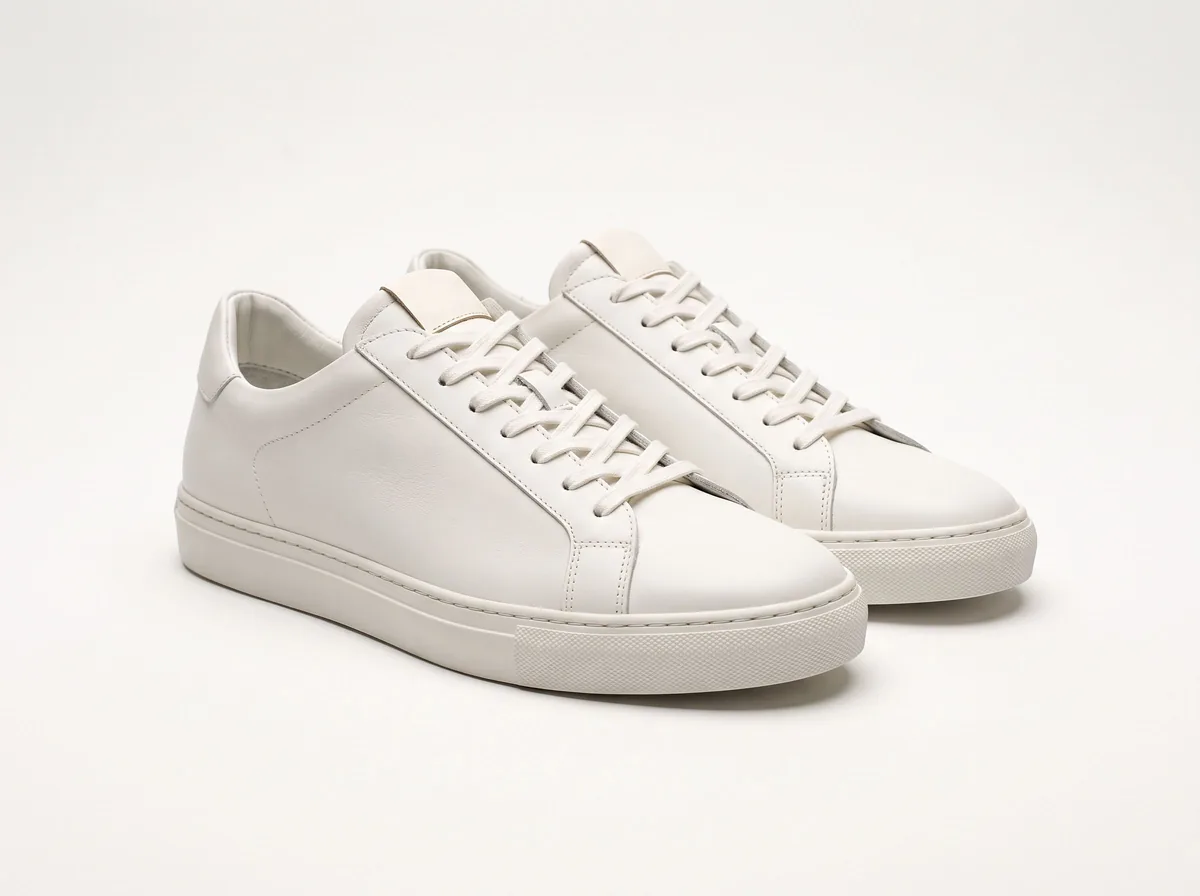 Product Photo White BackgroundFreePut any product on a clean white background for your listings, then check it against Amazon's main-image rules before you upload.
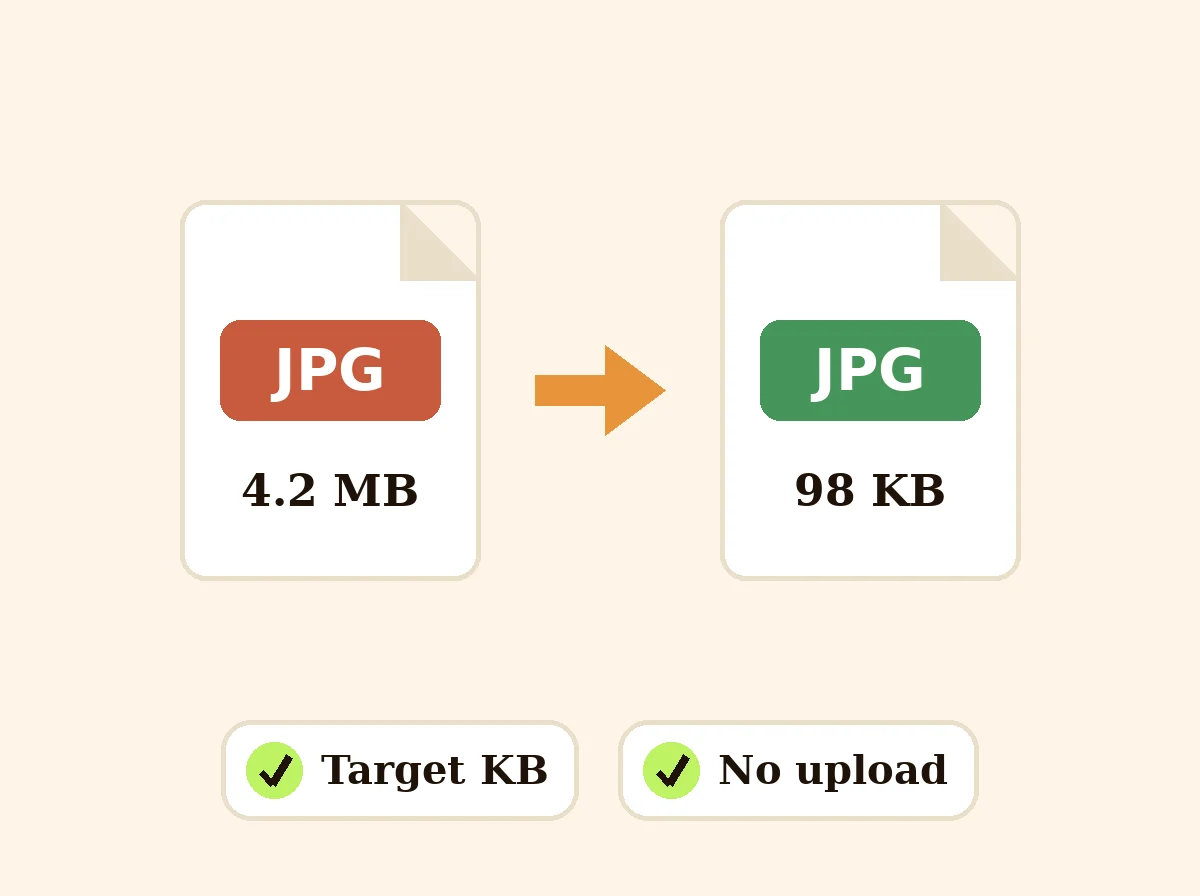 Image CompressorFreeCompress JPG, PNG and WEBP photos to a target like 100 KB, or by quality, in bulk with a ZIP.
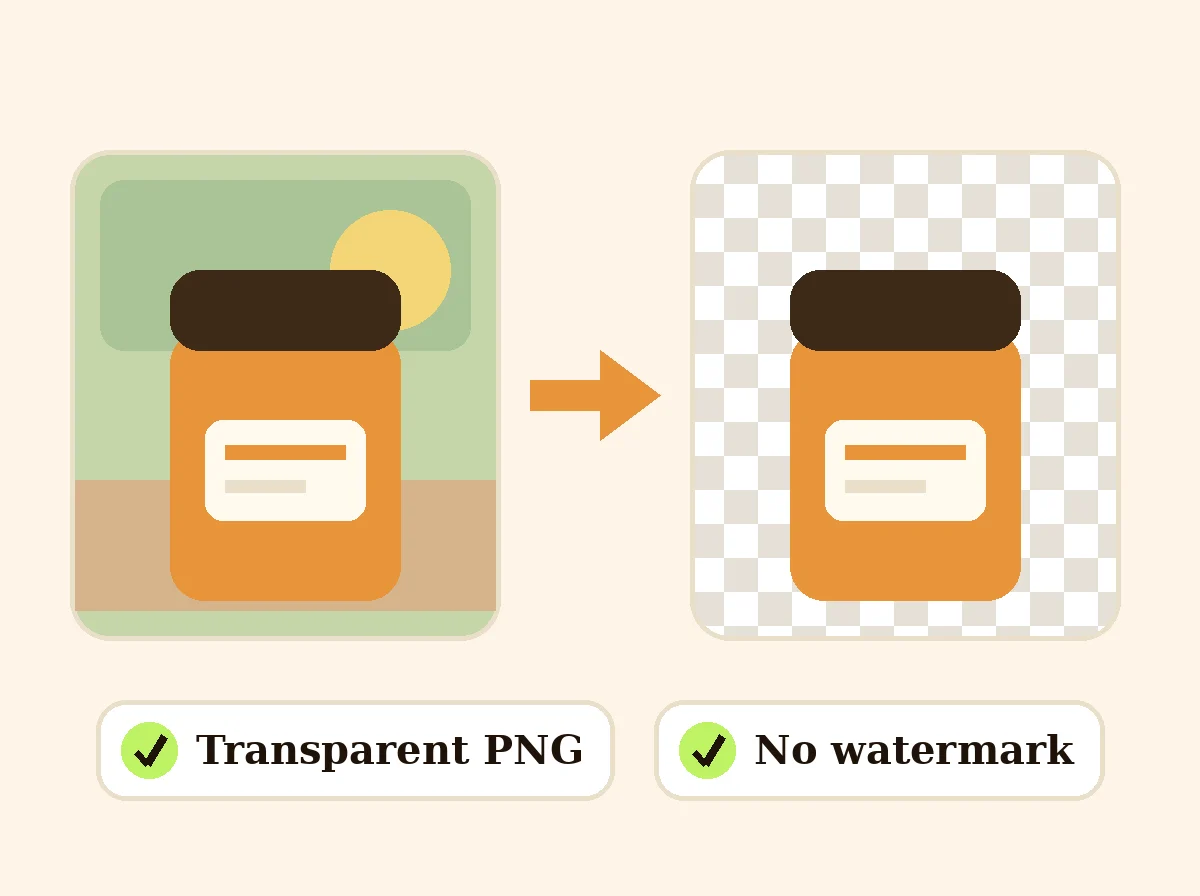 AI Background RemoverFreeRemove the background from a product photo, logo or signature and download a transparent PNG at full size, with no watermark.
Ask an assistant
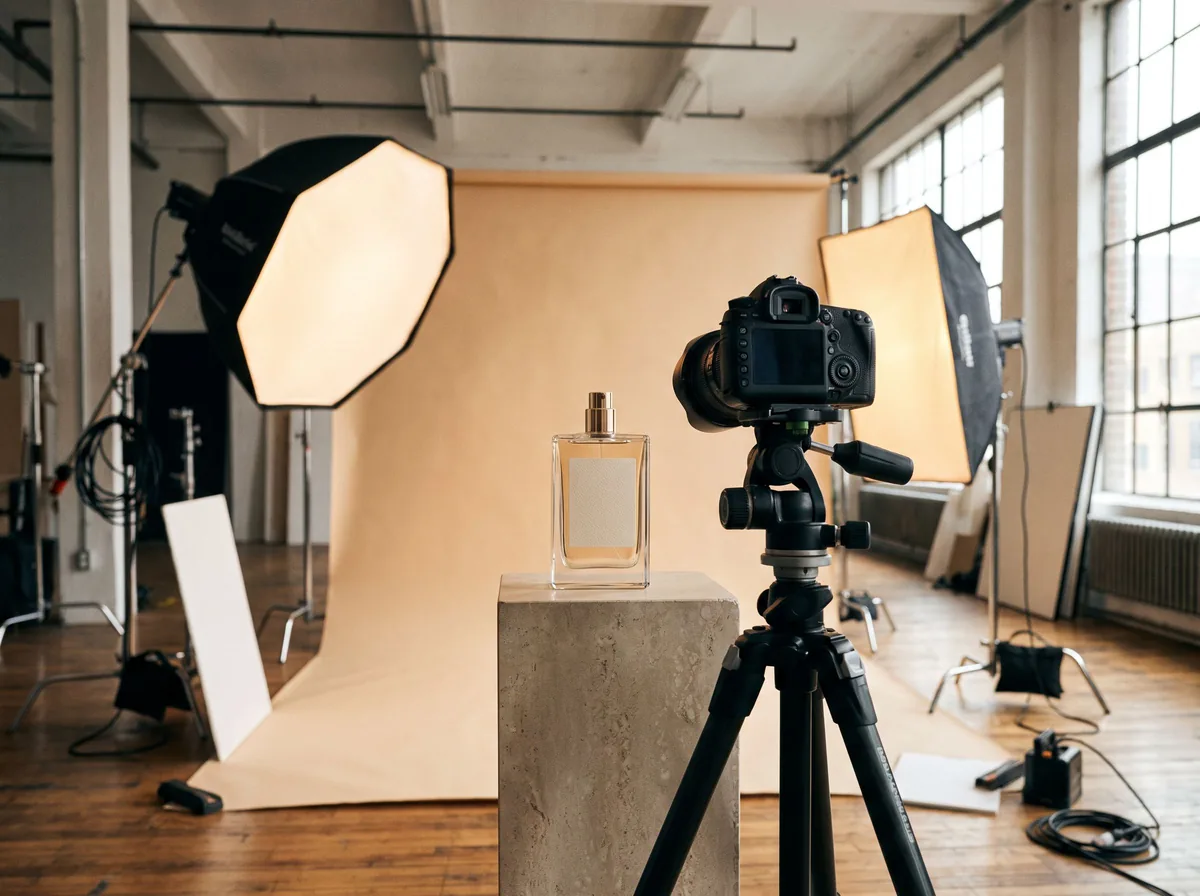 Product Shoot StudioProduct Photography FreeYour AI product photography director: plans the shoot, picks scenes, props and light, and writes the prompt for every shot.Chat free →
 Amazon Main Image CheckerProduct Photography FreeChecks your Amazon main image against common requirements, background, fill, props and text, and tells you how to fix or reshoot it.Chat free →
 Jewelry Photo DirectorProduct Photography FreePlans jewelry photos that show sparkle, metal tone and true scale: rings, necklaces, earrings and bracelets on white, on busts and in close detail.Chat free →