Product photography
100% free · No sign-upFree Amazon Main Image Checker
Test your product photo against Amazon main image rules: pure white background, product fill, zoom size and file type. It runs in your browser, so nothing is uploaded. Free to use, no sign-up.
Free Amazon main image checker
Pick a photo to measure it against the rules that can be measured. It runs in your browser; nothing is uploaded.
This checks size, file type, file size, edge whiteness, fill and shape. It cannot see text, logos, props, extra items or whether the photo matches the real product, so check those yourself. Category style guides on Seller Central can be stricter.
Amazon main image requirements at a glance
| Rule | What Amazon asks for |
|---|---|
| Background | Pure white, RGB 255, 255, 255Measured here: Yes |
| Product fill | About 85% or more of the frame, product fully in viewMeasured here: Yes |
| Size | 1000px+ on the long side for zoom (1600 to 2000px best); 500px minimum; 10,000px maximumMeasured here: Yes |
| File type | JPEG, PNG, TIFF or non-animated GIF; JPEG preferredMeasured here: Yes |
| File size | Up to 10MBMeasured here: Yes |
| Shape | Square 1:1 recommendedMeasured here: Yes |
| Content | Real photo, no text, logos, badges, borders, watermarks or propsMeasured here: No, check by eye |
Based on Amazon seller guidance as summarized by SellerLabs, Jungle Scout and PickFu. Always confirm against Seller Central for your category.
How it works
How to use the Amazon Main Image Checker
- 1
Choose your photo
Pick the image you plan to use as your Amazon main image. It stays on your device.
- 2
Read the checklist
Each rule shows Pass, Check or Fix, with the measured numbers and what to change.
- 3
Fix and run it again
Put the product on pure white, fill the frame, resize if needed, then check the new file.
Amazon can suppress a listing whose main image breaks its rules, and the usual causes are an off-white background, a product that is too small in the frame and a file that is too small to zoom. This free Amazon main image checker measures those things on your photo in seconds, in your browser, before you upload.
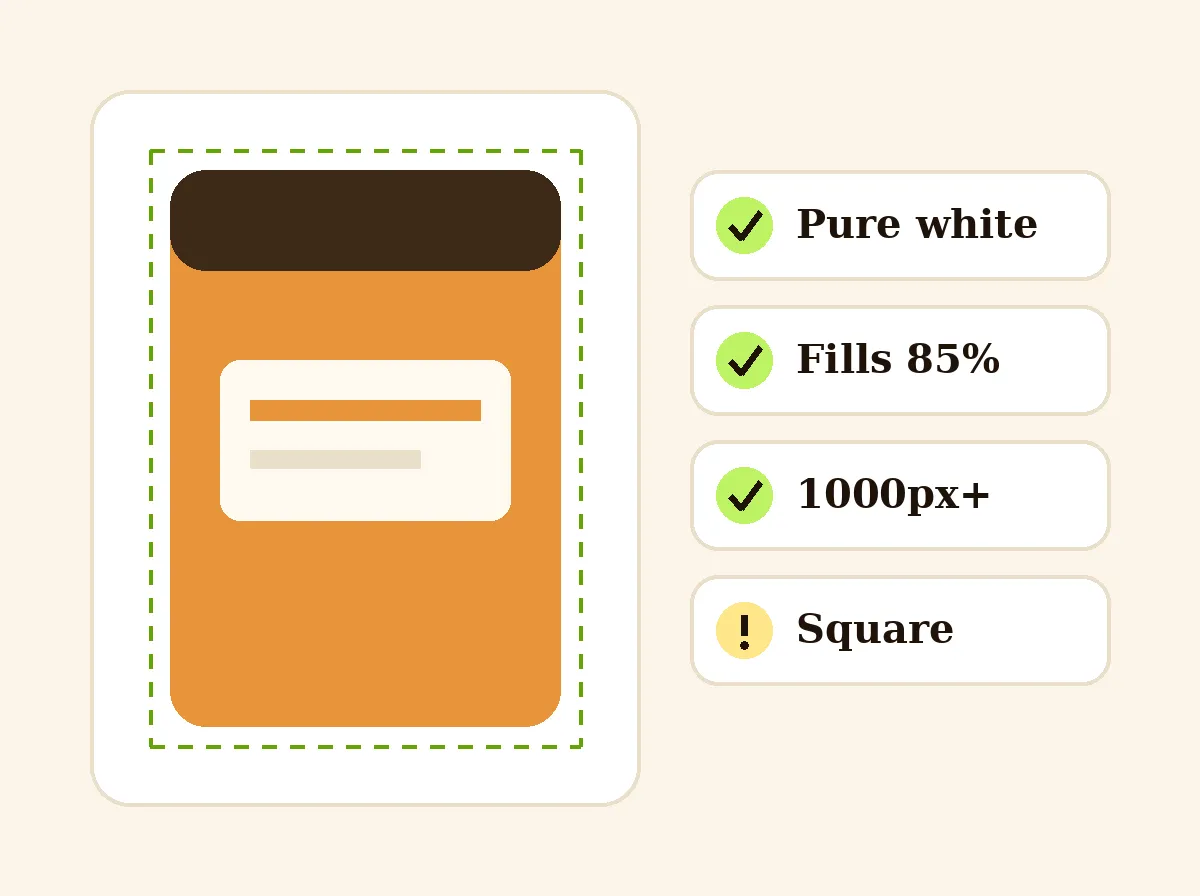
Amazon Main Image Checker
The product behind the words
How to check an Amazon main image
Choose your photo and read the list. A pass means the measurement meets the rule. Check means it is close or needs your eye, such as a background that looks white but is not exactly RGB 255. Fix means it is outside Amazon’s limit. Change the photo, then check the new file the same way, because a re-saved JPEG can shift the white slightly.
Why pure white matters
Amazon asks for RGB 255, 255, 255, not “almost white”. Phone photos, soft shadows and JPEG compression often leave edges at 250 to 254, which looks white on screen but is not pure white. The checker shows the exact share of edge pixels that are 255 and the average color of the rest, so you can see how far off the photo is.
Fill the frame, then add size
The product should take up about 85% of the frame, and it should be fully visible. Crop in tight or use a square canvas, and export at 1600 to 2000px on the long side so zoom works. Photos under 1000px still upload, but shoppers cannot zoom, and under 500px Amazon rejects them.
What the checker cannot see
It cannot read text, spot a badge or watermark, tell a photo from a render, or know your category’s style guide. Look for those yourself before you upload. If the photo fails on background or fill, our White Background for Product Photos tool puts the product on pure white and centers it.
Seller guide
Want every main image rule in one list, with the reasons Amazon suppresses listings? Read the full requirements guide.
Read the Amazon main image rules →FAQ
Amazon Main Image Checker: questions sellers ask
What does Amazon require for a main image?
A real photo of the product on a pure white background (RGB 255, 255, 255), with the product filling about 85% of the frame, shown whole and with no text, logos, badges, borders or watermarks. The file should be JPEG, PNG, TIFF or a non-animated GIF, with the long side at least 1000px so shoppers can zoom.
How does the checker measure the white background?
It looks at the outer edge pixels of your photo and reports how many are exactly RGB 255, 255, 255. If some are not, it shows their average color so you can see how far off the white is. Soft shadows and gradients near the edge are the usual cause.
How is product fill worked out?
The checker draws a box around everything that is clearly darker than white and compares it with the frame. A very light or white product can read as background, so for those the real fill may be higher than shown.
What image size should I upload to Amazon?
At least 1000px on the longest side to enable zoom, and 1600 to 2000px is safer. Images under 500px are rejected, and the long side cannot go over 10,000px. A square 2000 x 2000px JPEG under 10MB suits almost every listing.
Does passing here mean Amazon will accept my image?
No. This is a pre-flight check for what can be measured: size, file type, file size, white edges, fill and shape. It cannot see text, props, extra items or whether the photo matches the product, and some categories have stricter style guides on Seller Central. Amazon makes the final call.
Is my photo uploaded anywhere?
No. The photo is read and measured in your browser, and it never reaches our servers, so there is nothing to delete and no sign-up.
Is Z Product AI really free?
Yes. Every tool and assistant on Z Product AI is free to use, with no sign-up and no credit card, and there are no paid plans. Very heavy use is paced with short waits so the site stays free for everyone.
Keep going
More tools for your listings
 AI Product Image GeneratorFreeUpload a photo of your product and get studio and lifestyle product images in seconds. No photographer, no studio, no props.
 Product Photo White BackgroundFreePut any product on a clean white background for your listings, then check it against Amazon's main-image rules before you upload.
 AI Product PhotoshootFreeA full product photoshoot from one photo: hero shot, lifestyle scenes, close-ups and ad creative, in one session.
 Jewelry Product PhotographyFreeTurn a phone photo of a ring, necklace or earrings into sharp jewelry product photos with controlled sparkle and true metal color.
 Candle Product PhotographyFreeMake warm, cozy candle product photos from one upload: lit flames, styled shelves and clean white shots for your candle shop.
 Cosmetic Product PhotographyFreeCreate polished makeup product photos with true shade color, clean packaging and swatch or texture shots from one upload.
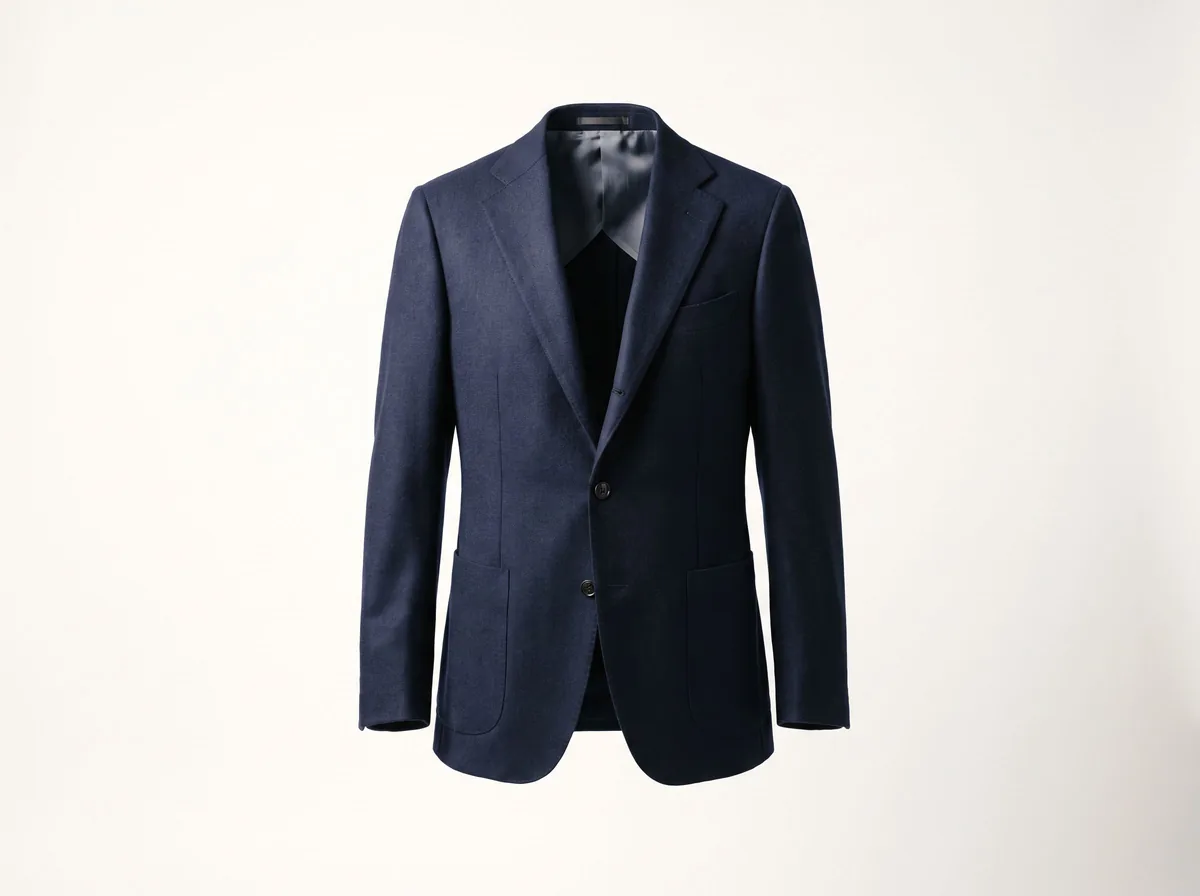 Ghost Mannequin EffectFreeTurn a mannequin, hanger or flat-lay photo into a clean invisible-mannequin shot, with the hollow 3D shape shoppers expect.
 AI Product Description GeneratorFreeTurn a few product facts into a persuasive, SEO-friendly product description for your store, in seconds.
Ask an assistant
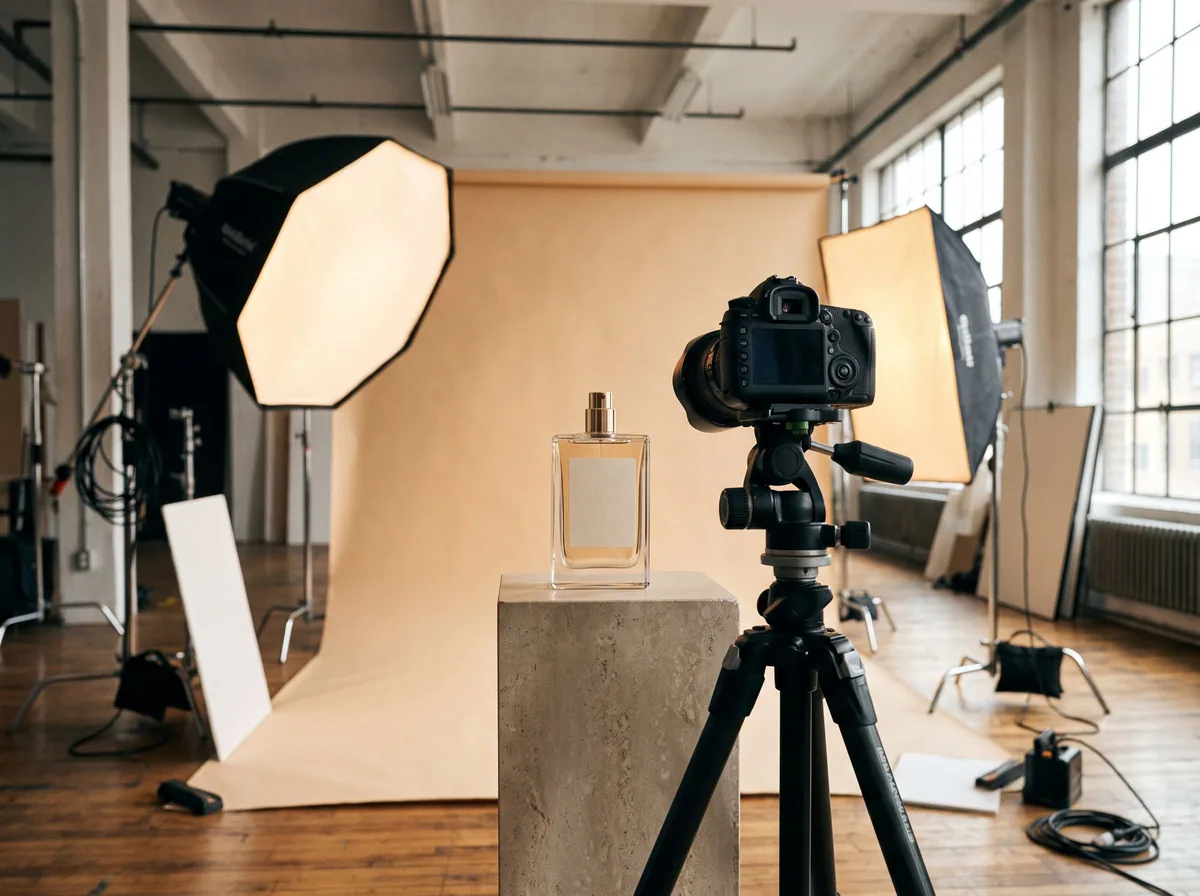 Product Shoot StudioProduct Photography FreeYour AI product photography director: plans the shoot, picks scenes, props and light, and writes the prompt for every shot.Chat free →
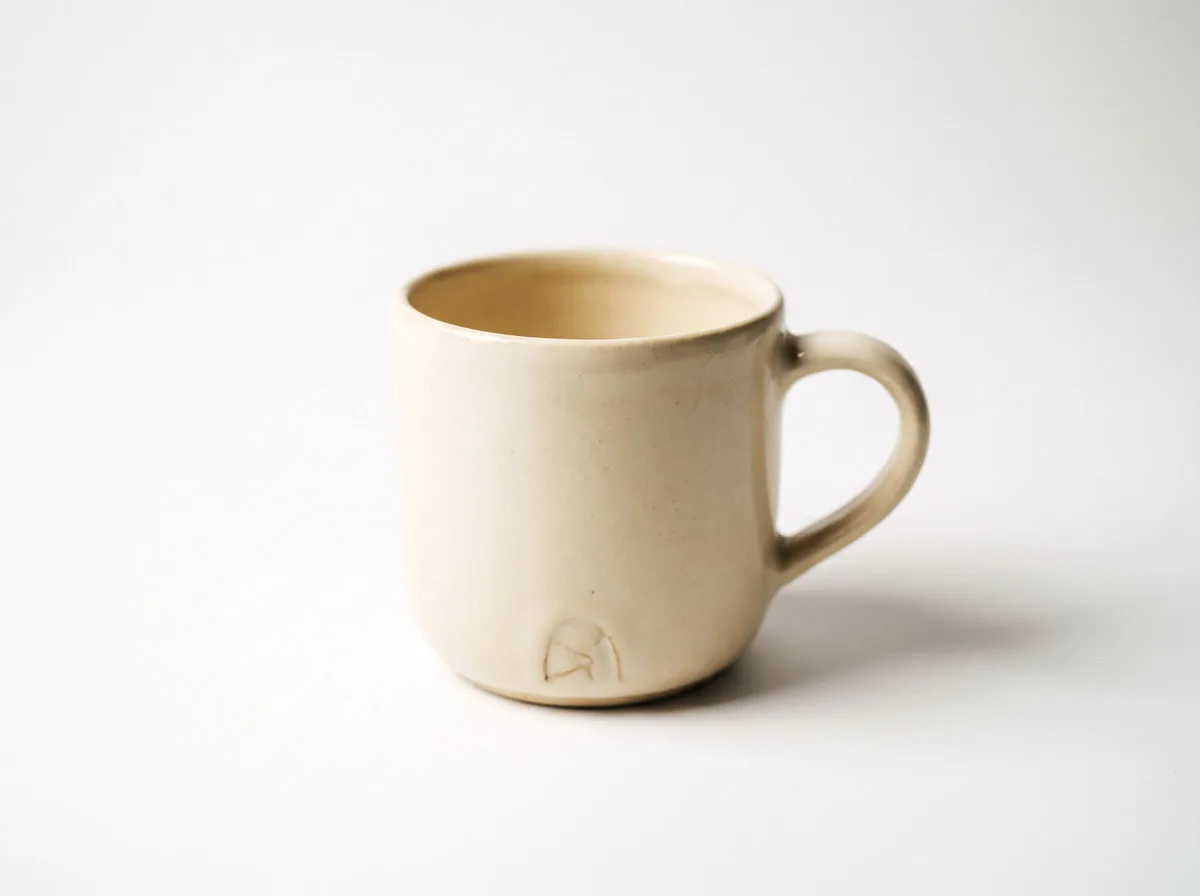 Amazon Main Image CheckerProduct Photography FreeChecks your Amazon main image against common requirements, background, fill, props and text, and tells you how to fix or reshoot it.Chat free →
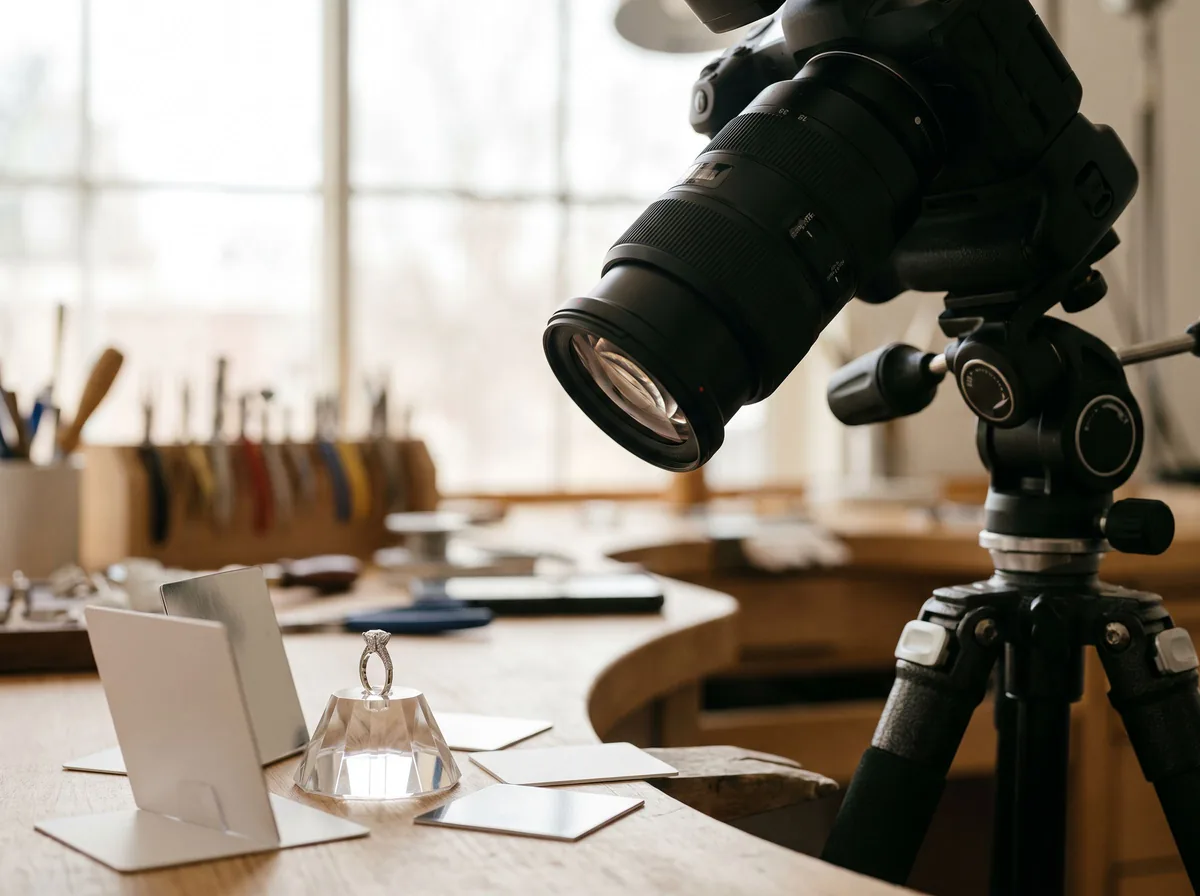 Jewelry Photo DirectorProduct Photography FreePlans jewelry photos that show sparkle, metal tone and true scale: rings, necklaces, earrings and bracelets on white, on busts and in close detail.Chat free →