Product photography
100% free · No sign-upFree Product Photo to GIF
Turn your product photos into a looping GIF or a 360 spin you can drag. Add 2 to 12 photos, set the order, speed and size, then download the GIF or a short video. Free, in your browser.
Make an animated product GIF
Add 2 to 12 photos of your product: different angles for a 360 spin, or colors and details for a slideshow. Set the order and speed, then download a looping GIF.
Your photos stay on your device: the GIF and video are made in your browser and nothing is uploaded.
How it works
How to use the Product Photo to GIF
- 1
Add 2 to 12 photos
Angles for a 360 spin, or colours and details for a slideshow. Use the arrows to set the order.
- 2
Pick the motion and size
Loop, back and forth or 360 spin, time per photo, fade, shape and width.
- 3
Download
A looping GIF, and a short MP4 or WEBM video where your browser supports it.
A moving product image shows shape and every side in a few seconds, without a video shoot. This free product photo to GIF maker turns 2 to 12 of your own photos into a looping animated GIF or a simple 360 spin. Everything runs in your browser: no app, no sign-up, no watermark, and your photos never leave your device.
Why turn product photos into a GIF
A still photo shows one side. A short loop shows the front, the back, the details and the colours in one image that plays by itself. GIFs work in places where video often does not, such as email clients and chat apps, and they need no play button. For a small shop, it is a cheap way to give buyers more of the product without filming anything.
Make a simple 360 spin from 12 photos
Put the product on a turntable or a lazy Susan and keep the phone still on a stand. With 12 photos, turn the product 30 degrees between shots. Add the photos in order and pick 360 spin. You can drag sideways across the preview to check it turns the right way. Be honest with yourself about the result: 12 frames make a quick, steppy spin. It shows every side, but it is not the smooth 36-frame spin you see on big retail sites.
Show colours, sets and details
One photo per colour becomes a slideshow GIF, which suits listings with many variants. A bundle can show each item in turn. A close-up loop can show stitching, texture or a label. For these, Loop with the smooth fade looks calm and clean, and a time of 600 to 1,000 ms per photo gives buyers time to see each one.
Shapes and sizes for where you post
Pick square 1:1 for shops and feeds, 4:5 or 3:4 portrait for social posts, 16:9 for banners and 9:16 for stories. Choose 480 px wide for chats, 600 px for email and most shops, 800 px for product pages and 1080 px for social media. Show the whole photo on a background colour, or fill the frame for an edge-to-edge look, and use zoom to frame the product the same way in every photo.
GIF or video
A GIF plays almost everywhere, but it is limited to 256 colours per frame and its files get large fast. Where your browser supports it, the tool can also record the same animation as a short MP4 or WEBM clip, which is smaller and keeps smoother colours. Use the GIF for email and your site, and the video for social apps and shops that accept a product video.
Tips for a clean loop
Shoot every photo from the same spot, at the same height, with the same light. Clean the product first: dust and fingerprints show in every frame. Use a plain background so the eye stays on the product. Keep the product in the centre of the frame. If one photo is darker or out of line, retake it rather than leave a jump in the loop. Check the preview before you download.
What this tool does not do
It does not use AI, so it cannot fill in missing angles, smooth a jumpy spin or remove a background. If you want a clean white background first, run each photo through the background remover, then add the results here. If you want new scenes, make them with an AI photo tool and come back to animate them.
FAQ
Product Photo to GIF: questions sellers ask
How do I turn product photos into a GIF?
Add 2 to 12 photos, put them in order with the arrows, and pick Loop, Back and forth or 360 spin. Set the time per photo, the shape and the size, check the preview, then download the GIF. It takes a few seconds and happens in your browser.
How many photos do I need for a 360 spin?
This page takes up to 12. With 12 photos, take one every 30 degrees as the product turns: the spin works, but it moves in clear steps. A very smooth spin needs 24 to 36 photos, which is more than this page allows. For most listings and emails, 8 to 12 photos are enough to show every side.
How do I take photos for a spin?
Put the product in the middle of a turntable or a lazy Susan. Fix the phone on a stand at one height, and do not move it. Mark the turntable every 30 degrees for 12 photos (or every 45 degrees for 8). Turn, shoot, turn, shoot. Keep the light the same for every photo so the GIF does not flicker.
Can I make a GIF of colour options instead?
Yes. Add one photo per colour or style, shot from the same angle on the same background, and choose Loop. Turn on the smooth fade so each colour blends into the next. Back and forth works well for a before and after.
Does this use AI?
No. The tool only puts your own photos in order and encodes them as a GIF or a video. Nothing is redrawn or invented, so what buyers see is exactly what you shot.
Are my photos uploaded?
No. The GIF and the video are made in your browser, on your device. Your photos are not sent to our server.
Why is my GIF file large?
GIF size grows with the number of frames and the pixel size. The smooth fade adds in-between frames, so it makes the file bigger. Pick 480 or 600 px wide, use fewer photos, or turn off the fade to shrink it. Email and chats work best with small files.
Why do the colours look grainy or banded?
A GIF can show only 256 colours per frame. Smoother colors (dithering) hides banding in gradients and soft shadows. For flat graphics or a plain white background, turn it off for a cleaner look and a smaller file.
Where can I use a product GIF?
In email campaigns, on your own product pages, in chats and on Pinterest. Many marketplaces accept only still images or a video, so use the MP4 or WEBM download for Instagram, TikTok and shops that take a product video. Check each marketplace's current rules before you upload.
Can I make a GIF from an AI product photo?
Yes. Make two or more scenes with an AI tool such as the product photoshoot, download them, and add them here in the order you want. A GIF of the same product in three scenes is a quick way to show it in use.
Is Z Product AI really free?
Yes. Every tool and assistant on Z Product AI is free to use, with no sign-up and no credit card. Very heavy use is paced with short waits so the site stays free for everyone.
Keep going
More tools for your listings
 Product Collage MakerFreePut 2 to 9 product photos in one grid for a listing or post, sized for marketplaces and social media.
 AI Background RemoverFreeRemove the background from a product photo, logo or signature and download a transparent PNG at full size, with no watermark.
 Image ResizerFreeResize photos to exact pixels, a percentage or a marketplace size, one at a time or in bulk with a ZIP. Runs in your browser.
 Image CompressorFreeCompress JPG, PNG and WEBP photos to a target like 100 KB, or by quality, in bulk with a ZIP.
 AI Product PhotoshootFreeA full product photoshoot from one photo: hero shot, lifestyle scenes, close-ups and ad creative, in one session.
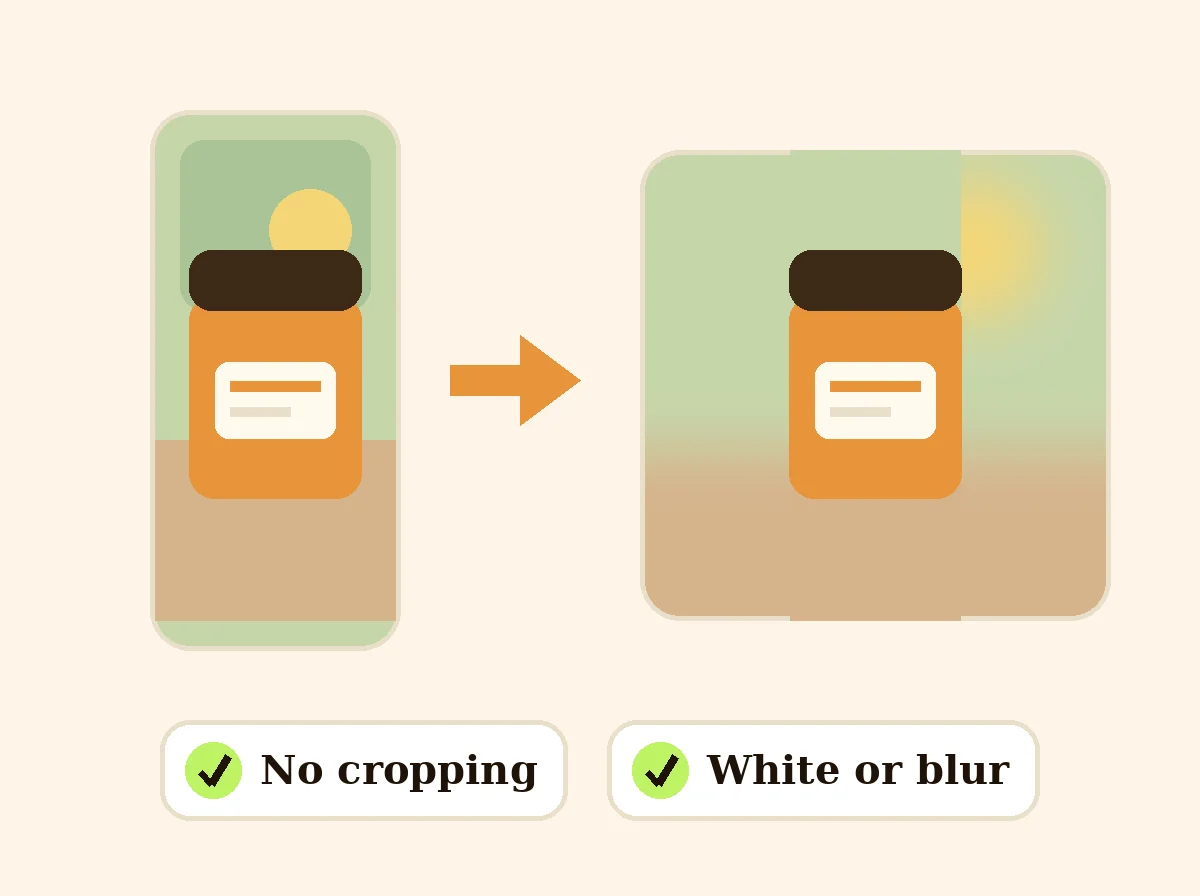 Square Image MakerFreeMake any photo square without cropping: pad it with white, a color or a soft blur.
Ask an assistant
 Product Shoot StudioProduct Photography FreeYour AI product photography director: plans the shoot, picks scenes, props and light, and writes the prompt for every shot.Chat free →
 Amazon Main Image CheckerProduct Photography FreeChecks your Amazon main image against common requirements, background, fill, props and text, and tells you how to fix or reshoot it.Chat free →
 Jewelry Photo DirectorProduct Photography FreePlans jewelry photos that show sparkle, metal tone and true scale: rings, necklaces, earrings and bracelets on white, on busts and in close detail.Chat free →