Product photography
100% free · No sign-upFree Etsy Photo Size Resizer
Etsy recommends listing photos at least 2000 px wide and tall. Resize yours here, along with the shop icon and banner, and download them all at once. Free to use, no sign-up.
Resize photos for Etsy
Pick one photo or a whole batch, choose a size, and download them one by one or as a ZIP.
Etsy asks for photos at least 2000 px wide and tall. Keep files under 1 MB so they upload reliably.
Looks for the product on a plain background and centers it. Works best on white or plain backgrounds; if it finds no clear product, the photo stays as it is.
Saves a PNG with see-through corners, handy for round profile pictures and logos.
Your photos stay on your device: this tool runs in your browser and uploads nothing.
How it works
How to use the Etsy Photo Size Resizer
- 1
Choose your photos
Pick one listing photo or a whole set.
- 2
Pick the Etsy size
Listing 2000 x 2000, landscape 4:3, shop icon or banner.
- 3
Download
Each file, or all of them as a ZIP, ready to upload to Etsy.
Etsy shows your photos in search, in your shop and in the app, each at a different size and crop. Sizing them right keeps them sharp when a buyer zooms and stops Etsy from cutting off the product. This free tool resizes your listing photos, shop icon and banner to the sizes Etsy publishes.
Etsy Photo Size
The product behind the words
Etsy listing photo size
Etsy recommends at least 2000 px on both sides. A square 2000 x 2000 px photo is the simplest choice and also fits most other marketplaces; a 4:3 landscape (2700 x 2025) is a common alternative. Whatever you choose, keep the same shape for all photos in a listing.
Shop icon, banner and profile photo
The shop icon is 500 x 500 px and shows as a circle. The big banner is 1600 x 400 px (at least 1200 x 300). Your profile photo is 400 x 400 px. All of these are in the size list, with Fill + crop so they come out at the exact size.
Keep files under 1 MB
Large files can fail to upload on a weak connection. Turn on a maximum size of 1000 KB and the tool lowers the JPG quality just enough, so the photo stays at 2000 px.
Tips for better Etsy photos
Shoot in daylight, fill most of the frame with the product, and leave a little space at the edges for Etsy's thumbnail crops. Use the first photo for a clean, bright shot of the whole product and the rest for details, scale and the product in use.
FAQ
Etsy Photo Size Resizer: questions sellers ask
What size should Etsy listing photos be?
Etsy's help page recommends photos at least 2000 px on both width and height. Your first photo should be at least 635 px on both sides, or it may show lower in search. Square or landscape both work; every later photo should use the same shape as the first.
What is the Etsy shop icon size?
Etsy recommends 500 x 500 px for the shop icon. It is shown as a circle, so keep your logo away from the corners. Pick "Shop icon 500 x 500" in the size list.
What size is the Etsy shop banner?
The big banner is at least 1200 x 300 px, with 1600 x 400 px recommended. Etsy's seller handbook also mentions 3360 x 840 px for sharp screens; it has the same 4:1 shape, so both presets are here.
Is there a file size limit on Etsy?
Etsy's help page does not give a hard limit, but warns that files over 1 MB may fail to upload on a slow connection. The Etsy presets keep each file under 1 MB by lowering the JPG quality a little only when needed.
Can I upload transparent PNGs to Etsy?
Etsy does not accept transparent PNGs for listing photos. Keep the background filled: the resizer pads with white or a color by default.
Does Etsy crop my photos?
Etsy shows thumbnails in different shapes on search, the shop page and the app, so leave some space around the product. Pad mode keeps the whole product with an even margin.
Is Z Product AI really free?
Yes. Every tool and assistant on Z Product AI is free to use, with no sign-up and no credit card. Very heavy use is paced with short waits so the site stays free for everyone.
Keep going
More tools for your listings
 Image ResizerFreeResize photos to exact pixels, a percentage or a marketplace size, one at a time or in bulk with a ZIP. Runs in your browser.
 Square Image MakerFreeMake any photo square without cropping: pad it with white, a color or a soft blur.
 Image CompressorFreeCompress JPG, PNG and WEBP photos to a target like 100 KB, or by quality, in bulk with a ZIP.
 Etsy Listing Description GeneratorFreeA complete Etsy listing from your item facts: title, description and 13 tags, in the warm voice Etsy buyers expect.
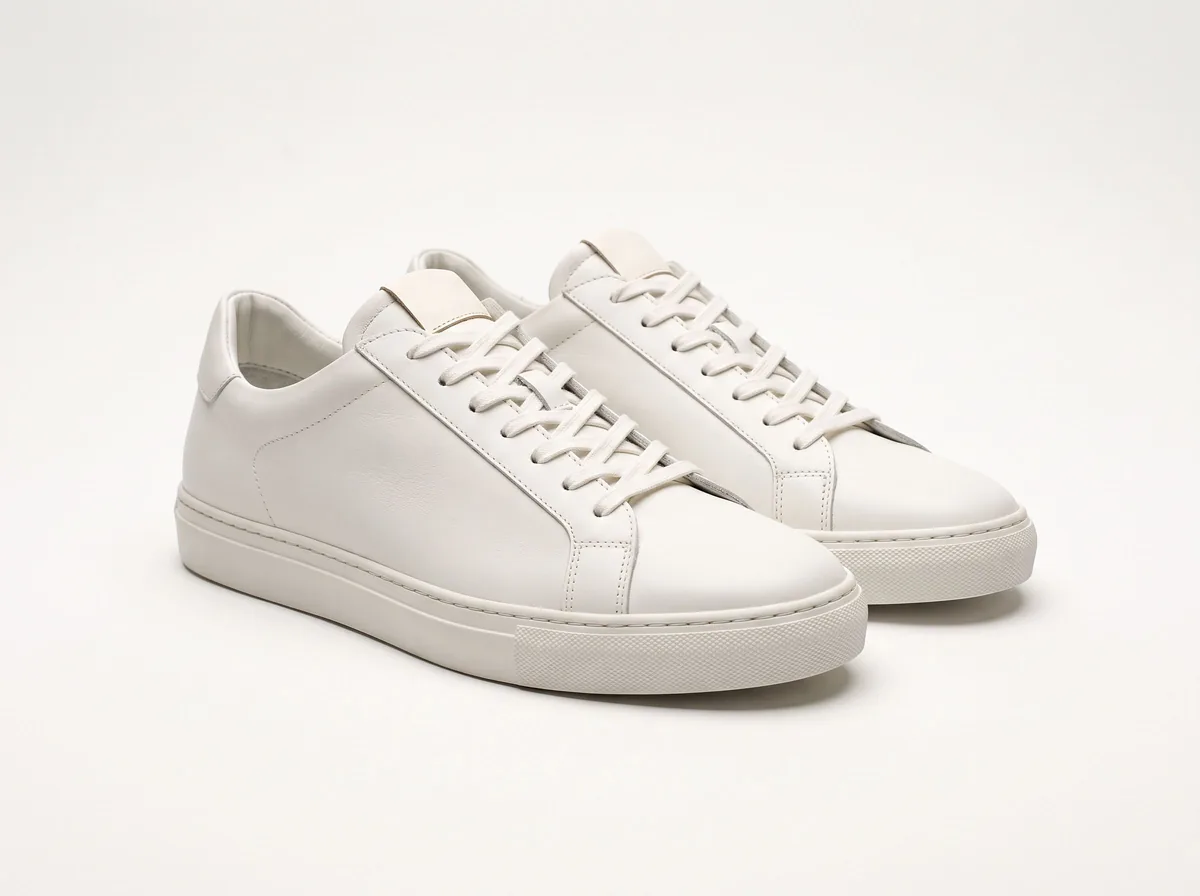 Product Photo White BackgroundFreePut any product on a clean white background for your listings, then check it against Amazon's main-image rules before you upload.
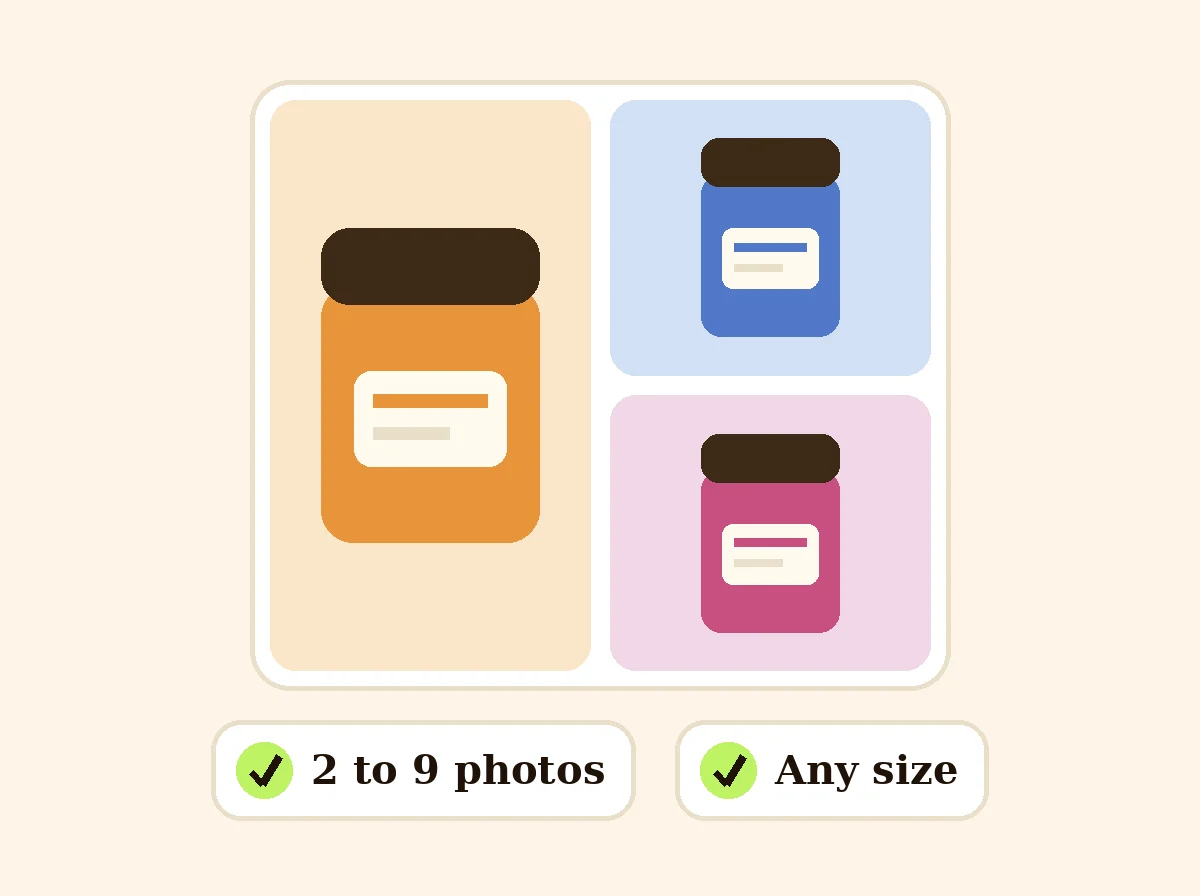 Product Collage MakerFreePut 2 to 9 product photos in one grid for a listing or post, sized for marketplaces and social media.
Ask an assistant
 Product Shoot StudioProduct Photography FreeYour AI product photography director: plans the shoot, picks scenes, props and light, and writes the prompt for every shot.Chat free →
 Amazon Main Image CheckerProduct Photography FreeChecks your Amazon main image against common requirements, background, fill, props and text, and tells you how to fix or reshoot it.Chat free →
 Jewelry Photo DirectorProduct Photography FreePlans jewelry photos that show sparkle, metal tone and true scale: rings, necklaces, earrings and bracelets on white, on busts and in close detail.Chat free →