Product photography
100% free · No sign-upFree WEBP to PNG Converter
Turn WEBP images into PNG files that every app opens, with transparency kept. Convert one or a whole batch in your browser. Free to use, no sign-up.
Convert WEBP to PNG
Pick one image or many, choose the format, and download them one by one or as a ZIP. The pixel size stays the same.
Your photos stay on your device: this tool runs in your browser and uploads nothing.
How it works
How to use the WEBP to PNG Converter
- 1
Choose WEBP files
One or up to 50.
- 2
Convert to PNG
Transparency is kept automatically.
- 3
Download
Each PNG, or all of them as a ZIP.
WEBP is great for websites but awkward everywhere else: some editors, print shops and upload forms will not open it. This free converter turns WEBP images into PNG files in your browser, keeping any transparent background.
WEBP to PNG
The product behind the words
WEBP vs PNG
WEBP is a modern web format that keeps files small. PNG is the older, universal lossless format. Converting to PNG makes the image open in every app, at the cost of a larger file.
Saved an image from a website?
Browsers often save images as WEBP. Convert them to PNG to edit them in any program or upload them where WEBP is not accepted.
Keep transparent backgrounds
Logos, stickers and cut-out products with a see-through background stay see-through in the PNG.
Need a smaller file?
PNG files are larger. For a photo you just need to upload, WEBP to JPG gives a much smaller file.
FAQ
WEBP to PNG Converter: questions sellers ask
Why convert WEBP to PNG?
Some apps, marketplaces and older editors still do not open WEBP files. PNG opens everywhere and keeps transparency, so it is the safe choice when you saved an image from a website and need to edit it.
Is transparency kept?
Yes. PNG supports see-through areas, so a transparent WEBP stays transparent after conversion.
Will the PNG be bigger?
Usually yes. PNG is lossless and does not compress photos as much as WEBP. If size matters more than editing, convert to JPG instead, or run the PNG through the image compressor.
Is quality lost?
No further quality is lost: the PNG stores exactly the pixels the WEBP shows.
Can I convert several WEBP files at once?
Yes, up to 50, with one ZIP download.
Do you upload my files?
No. Conversion happens in your browser.
Is Z Product AI really free?
Yes. Every tool and assistant on Z Product AI is free to use, with no sign-up and no credit card. Very heavy use is paced with short waits so the site stays free for everyone.
Keep going
More tools for your listings
 WEBP to JPG ConverterFreeConvert WEBP images to JPG for marketplaces, email and forms, in bulk with a ZIP.
 PNG to JPG ConverterFreeTurn large PNG files into small JPGs, with see-through parts on white or any color.
 Image ConverterFreeConvert images between JPG, PNG and WEBP in your browser, one at a time or in bulk.
 Image CompressorFreeCompress JPG, PNG and WEBP photos to a target like 100 KB, or by quality, in bulk with a ZIP.
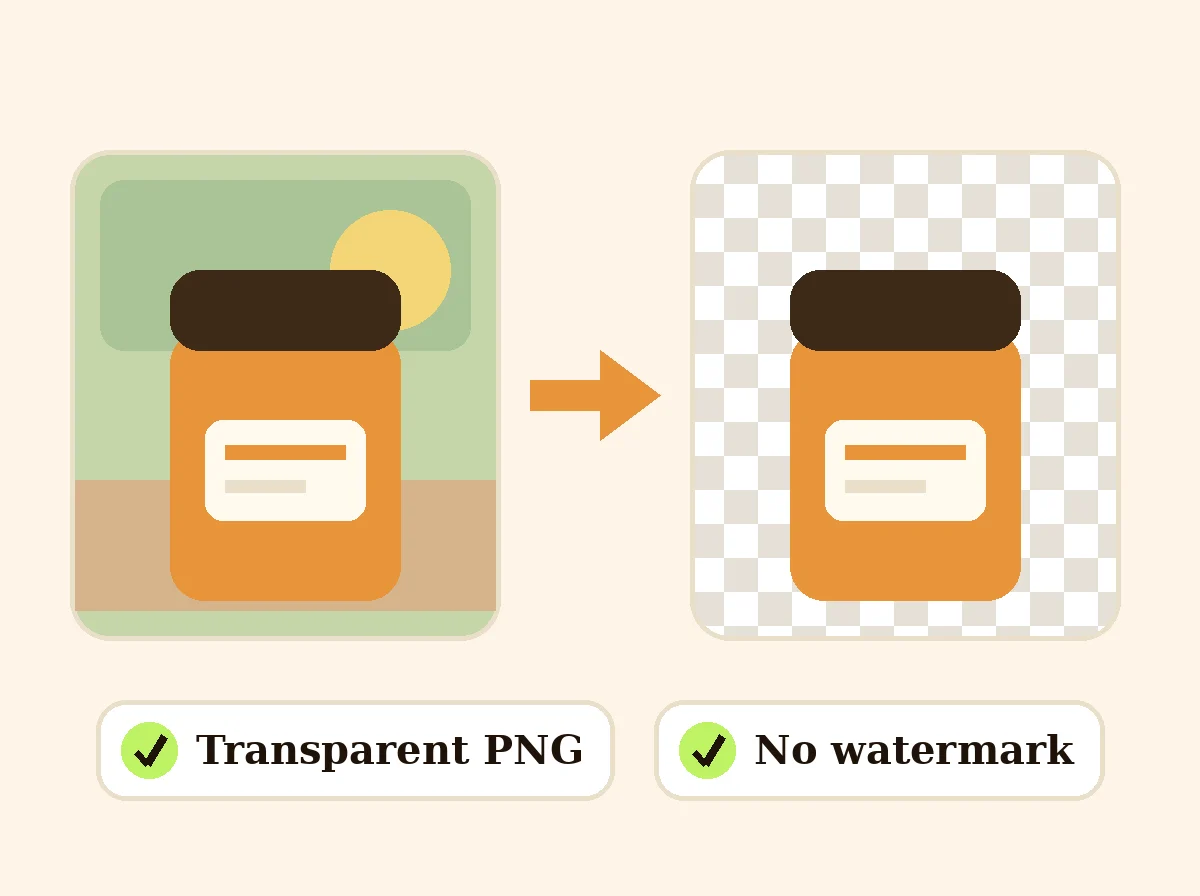 AI Background RemoverFreeRemove the background from a product photo, logo or signature and download a transparent PNG at full size, with no watermark.
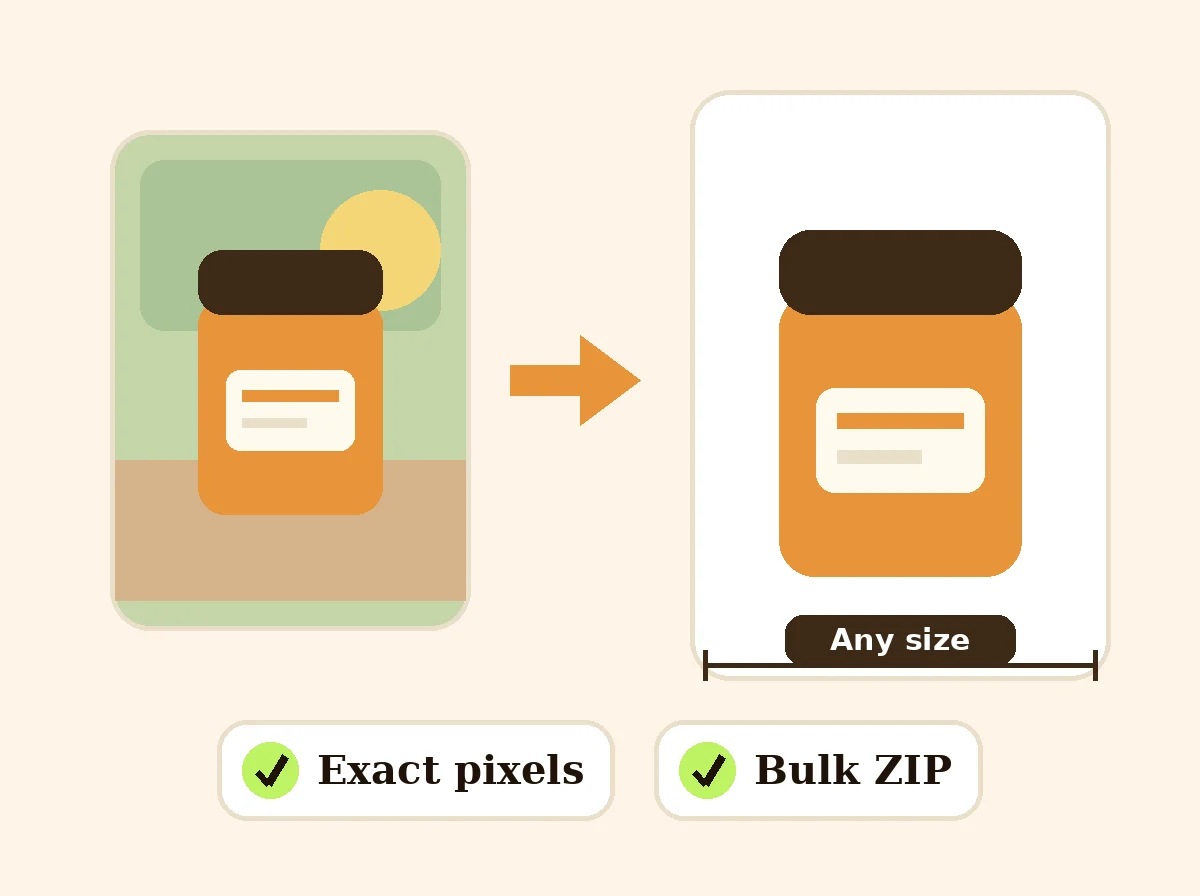 Image ResizerFreeResize photos to exact pixels, a percentage or a marketplace size, one at a time or in bulk with a ZIP. Runs in your browser.
Ask an assistant
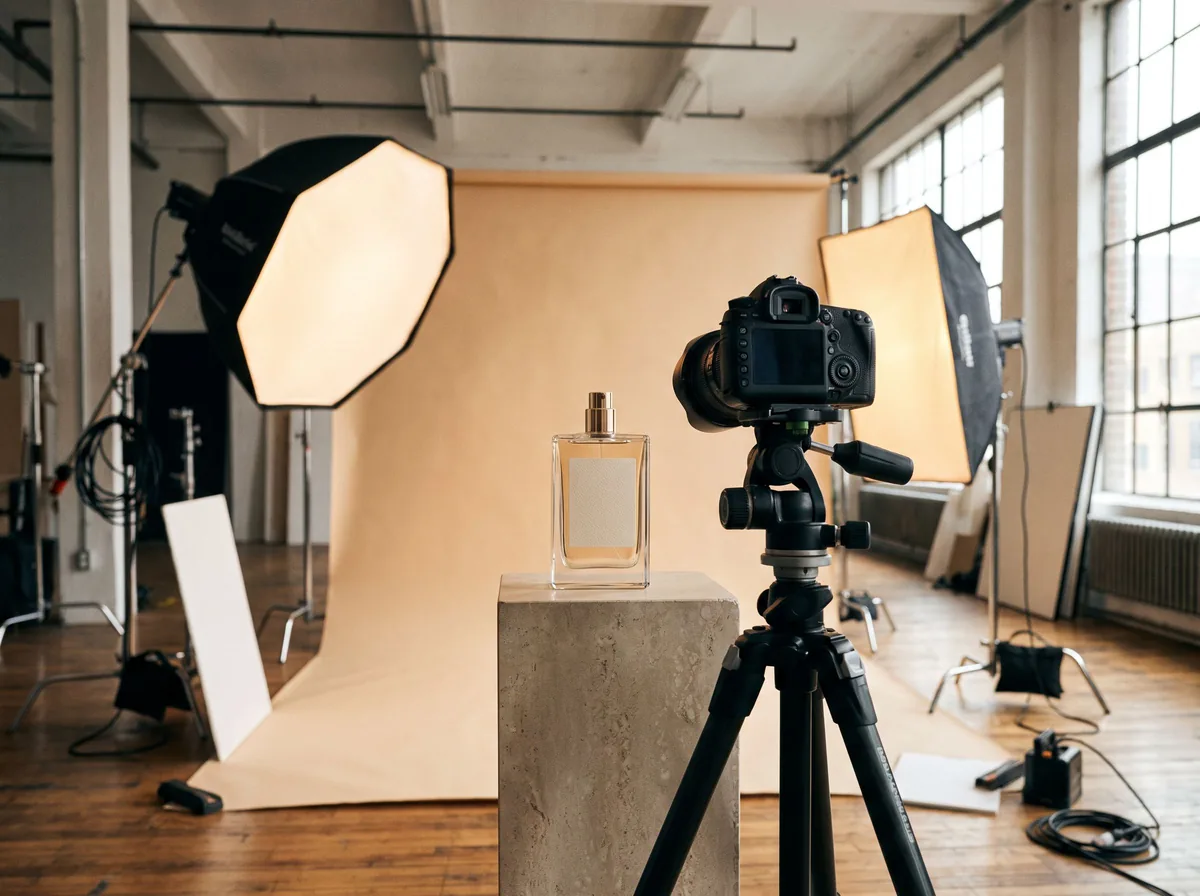 Product Shoot StudioProduct Photography FreeYour AI product photography director: plans the shoot, picks scenes, props and light, and writes the prompt for every shot.Chat free →
 Amazon Main Image CheckerProduct Photography FreeChecks your Amazon main image against common requirements, background, fill, props and text, and tells you how to fix or reshoot it.Chat free →
 Jewelry Photo DirectorProduct Photography FreePlans jewelry photos that show sparkle, metal tone and true scale: rings, necklaces, earrings and bracelets on white, on busts and in close detail.Chat free →