Seller guide
How to Photograph Artwork to Sell Online
Buyers judge a painting or print by its photos, so the photo has to show the true color, the whole piece and the surface, without glare. You need steady, even light, a camera that faces the art straight on and a careful color check. Then shoot a short set of photos that answers what a buyer would see in person: the whole piece, the texture, the edges and the size.
Updated 13 October 2026
The short answer
- Light the artwork evenly: two matching lights at 45 degrees, or soft daylight from a window. No direct sun, no flash.
- Keep the camera parallel to the artwork and centered on it, on a tripod, so the edges stay straight.
- Set the white balance with a gray card, then compare the photo with the real piece side by side.
- Kill glare with lights set further away at a low angle; for varnish or glass, use a polarizing filter.
- A phone on a tripod is fine for web listings; use a camera or a scan for files you will print from.
- Shoot a set of 7: straight-on, full piece, angle, texture, scale, in a room and packaging.
Light it evenly, without glare
The classic setup is two identical lights, one on each side of the artwork at about 45 degrees, at the same distance. Soft daylight from a window on an overcast day works too. Avoid direct sun and the on-camera flash, and do not mix window light with lamps, since the two have different colors. To check the light is even, photograph a sheet of white card in the same place first: if one side looks darker, move the lights until it is even.
Glare is the most common problem with oil, acrylic and varnished work, and with anything under glass. Move the lights further away and to a lower angle. If glare stays, a polarizing filter on the lens helps; for the most reliable result, photographers also put polarizing film on the lights (cross-polarizing). Where you can, photograph a painting before you varnish it, and take prints out of the frame.
Set up the camera straight on
Hang the artwork on a wall or stand it on an easel, then put the camera on a tripod at the height of the center of the piece. The camera must be parallel to the artwork, not tilted, or the rectangle turns into a trapezoid. A spirit level, or the grid on a phone screen, helps. Step back and zoom in slightly rather than standing close with a wide lens, which bends the edges. Use the self-timer so pressing the button does not shake the camera.
Get the color right
Put a gray card next to the artwork in the first shot and use it to set the white balance, in the camera or later in editing. Then look at the photo and the real piece side by side, in daylight, and adjust until they match. Buyers return art that arrives a different color from the listing, so the color check matters more than any filter. Crop to the edges of the artwork and straighten it, and keep the original file.
Phone, camera or scanner
A recent phone on a tripod gives good results for web listings: use the main lens, do not zoom digitally and turn off any beauty or HDR effects if they change the color. A camera with a 50mm or longer lens gives more detail for large files and print-on-demand. Small, flat work such as drawings and watercolors can go on a flatbed scanner; larger work can be scanned in parts and stitched together.
The 7 photos an art listing needs
- 1. Straight-on: the artwork alone, cropped to its edges, with true color. This is usually the first photo.
- 2. Full piece: the whole work with a little margin, showing the frame or the canvas edge if it has one.
- 3. Angle: a side view that shows the depth of the canvas, the edges and whether the sides are painted.
- 4. Texture: a close-up of the brushwork, paper or surface, lit from the side.
- 5. Scale: the piece held in hands or next to a familiar object, so buyers judge the size.
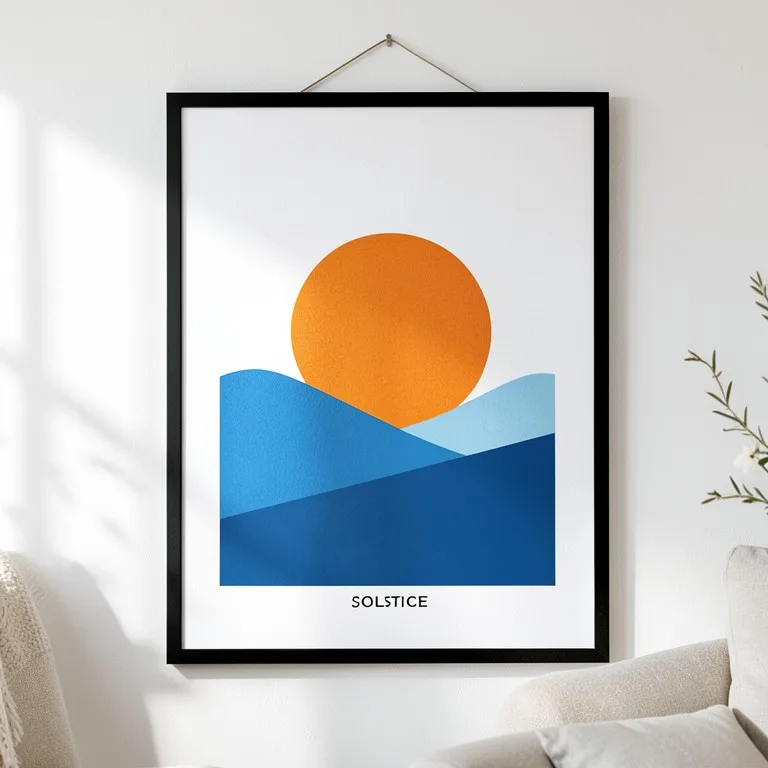
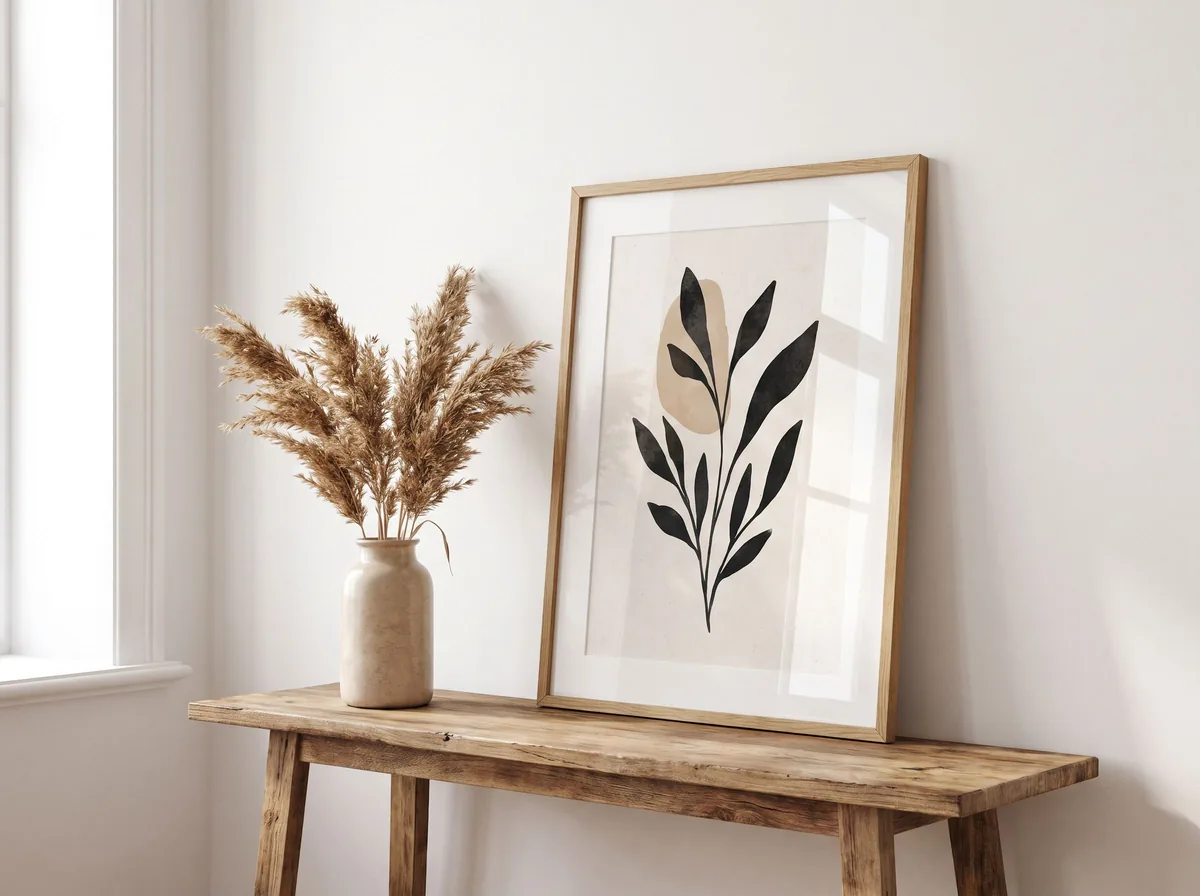
- 6. In a room: the artwork on a wall above a sofa, desk or bed. For prints, a mockup can fill this slot, next to a real photo of the print.
- 7. Packaging: how it is wrapped and shipped, which reassures buyers of originals.
Etsy photo rules for art listings
Etsy’s image help page recommends listing photos at least 2000 pixels wide and high, and says the first photo should be at least 635 pixels so the listing does not show lower in search. Files over 1 MB may not finish uploading on a slow connection. Upload JPG rather than a transparent PNG: Etsy shows transparent areas as black. Keep the artwork in the center of the first photo, since thumbnails are cropped.
Etsy also asks for at least one unedited photo of the actual item against a real background, and says every image must show the item’s true color, condition, scale and materials. Edited images and mockups can sit alongside that photo, as long as they do not make the piece look different from what the buyer receives. Etsy suggests saying in the description if any images were edited with AI.
Free tools for this
Try it on your own photo

FAQ
Questions sellers ask
What is the best light for photographing artwork?
Two identical lights at about 45 degrees on each side of the piece, or soft daylight from a window on an overcast day. Avoid direct sun, flash and mixed light sources.
How do I photograph a painting without glare?
Move the lights further away and to a lower angle. If the glare stays, use a polarizing filter on the lens, and polarizing film on the lights as well for varnished or glossy work. Take prints out of their glass.
Can I photograph artwork with my phone?
Yes, for web listings. Put the phone on a tripod, keep it parallel to the art, use the main lens without zoom and check the color against the real piece. Use a camera or a scanner for files you will print from.
How do I make the colors in my art photos accurate?
Set the white balance with a gray card in the first shot, then compare the photo with the artwork side by side in daylight and adjust until they match.
What size should artwork photos be for Etsy?
Etsy recommends at least 2000 pixels in width and height. Files over 1 MB may not finish uploading on a slow connection, so save a high-quality JPG and keep the artwork centered so the thumbnail crop does not cut it.
Should I use mockups instead of photos?
Use both. Etsy asks every listing to include at least one unedited photo of the actual item, and a real photo is the only way to show the true color and texture of an original. A mockup of a print in a room helps buyers picture it, so add it as an extra image, not the only one.
Sources
- Etsy Help: requirements and best practices for images
- Format: how to photograph artwork
- UGallery: how to photograph your art
- Pixpa: how to photograph artwork
Z Product AI makes some of the tools compared here. Competitor details come from their own sites and public reviews as of 13 October 2026.