Fashion & apparel
100% free · No sign-upFree Virtual Wedding Veil Try On
Upload a photo of the bride and a photo of a veil, or pick a style like cathedral, fingertip or birdcage. The AI places the veil on her head and keeps her face, hair and dress the same. Free to use, no sign-up.
Free to use · No sign-up · JPG, PNG or WebP
Veil Try On
Made with Z Product AI
Popular with sellers
How it works
How to use the Virtual Wedding Veil Try On
- 1
Upload your photo
A clear phone photo is enough. Keep the whole product or garment in frame.
- 2
Tap a preset or describe it
Pick a chip or type what you want in a few words. The AI keeps your product exactly as it is.
- 3
Download or refine
Download the result, or ask for a change and the AI edits the last image.
Real results
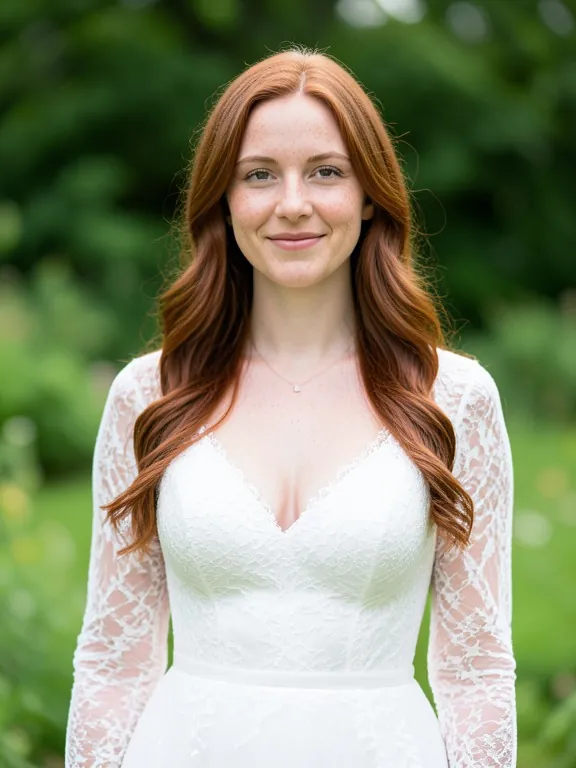
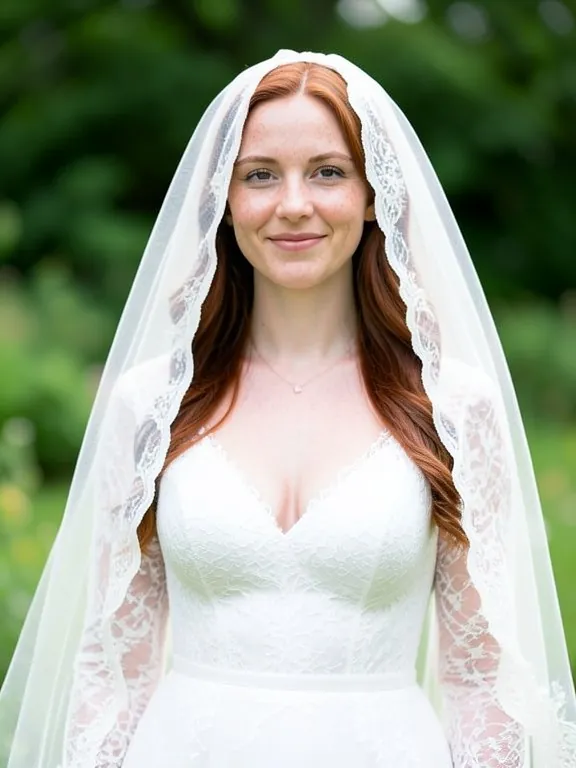
Bride photo plus veil: real results
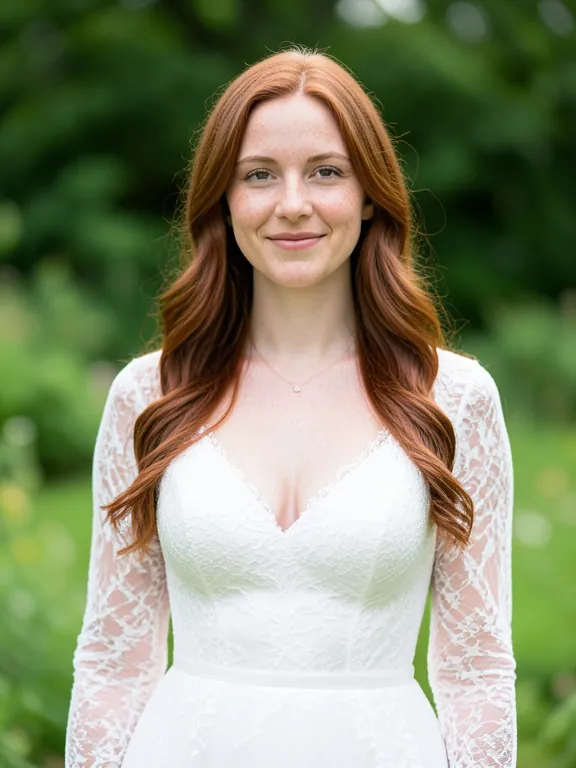
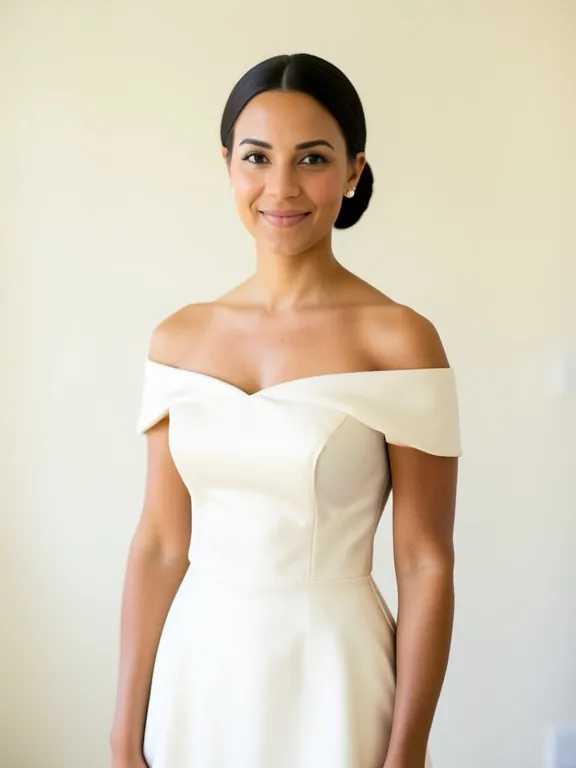
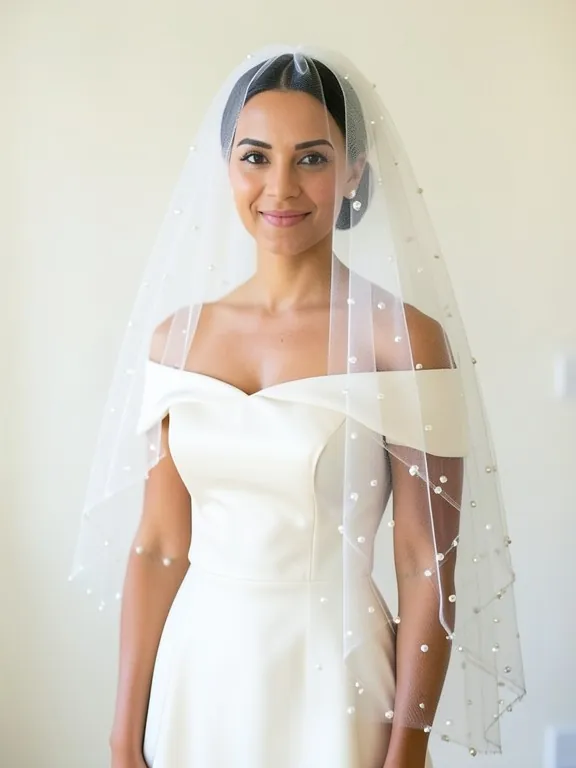
Two results use a veil photo selected together with the bride photo. Two use only the bride photo and a style chip. The caption shows the exact words sent.
Before
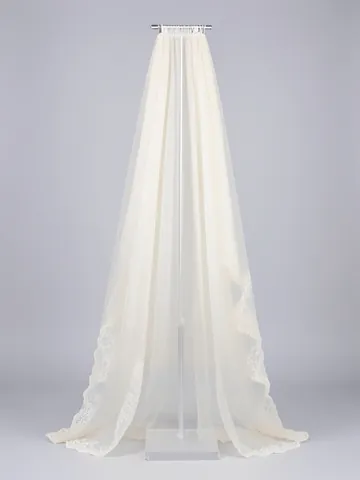 Veil photo
After
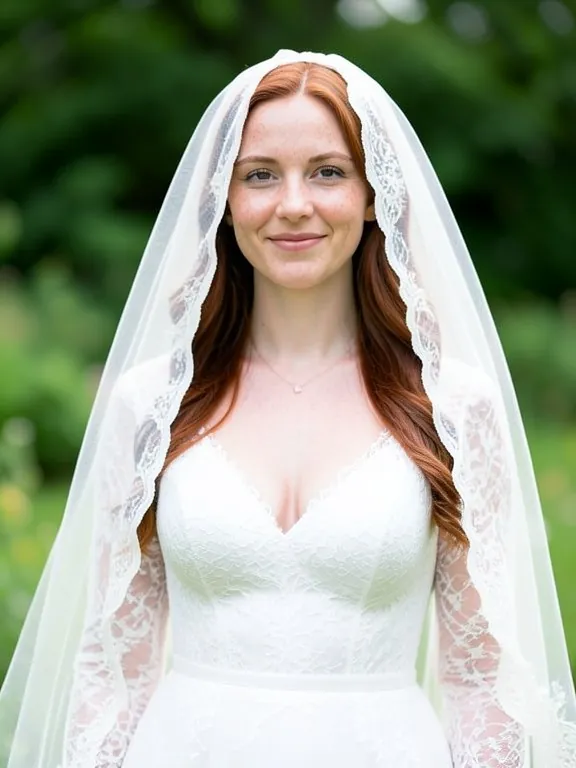
Before
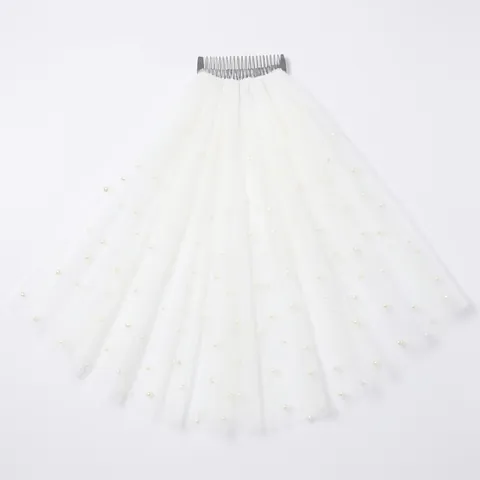 Veil photo
After
Before
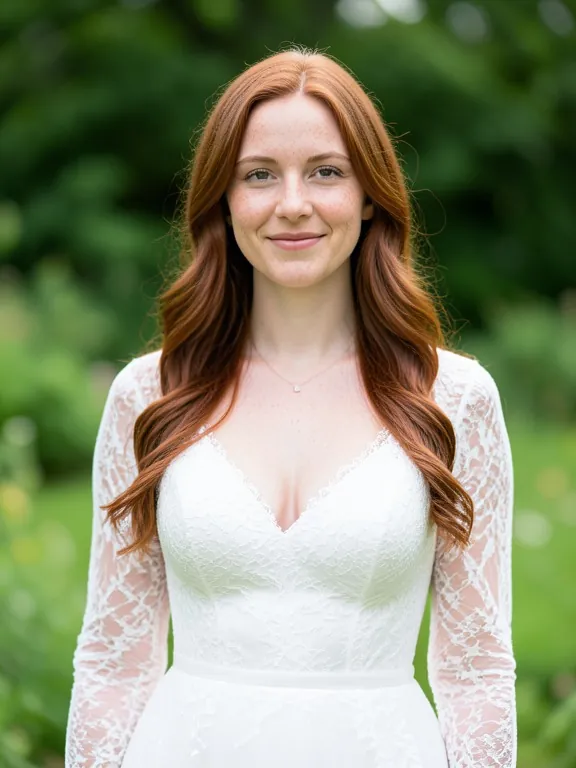
After
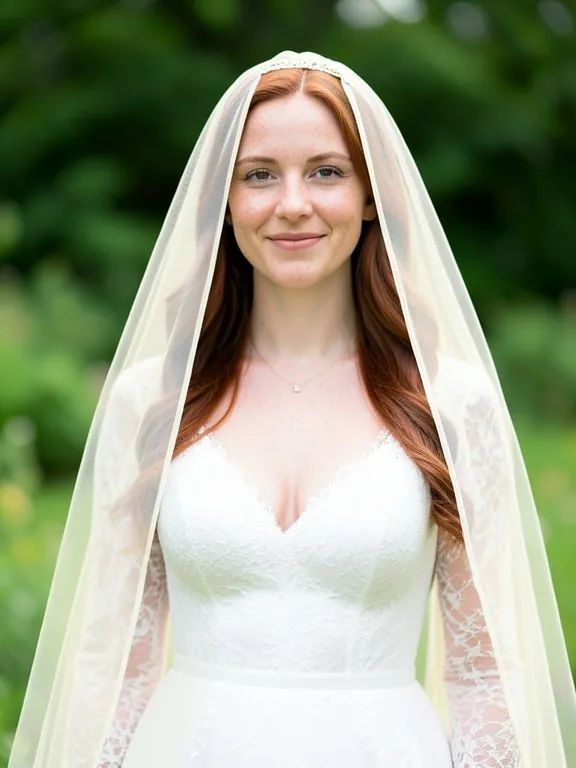
The brides and veils in these samples are AI-made with our own model for this demo: they are not real people or real products. Each result is the unedited output of our own model, shown without the download mark.
How to get a realistic veil try-on
- Use a sharp photo where you face the camera, hair styled roughly as on the day. For long veils, use a full-length photo.
- Save a photo of the veil you like: a product photo, a flat lay or the veil on a model.
- Upload both. Tap the + on your photo first, then on the veil photo, so both are selected (1 and 2), and type "put this veil on me".
- No veil photo yet? Upload only your photo and tap a style: Cathedral, Chapel, Fingertip, Blusher, Birdcage or Lace mantilla.
- Compare two or three lengths on the same photo. If your face, hair or dress changed, generate again.
What a veil try-on is good for
- Choosing a veil length and style before a bridal fitting, on your own photo and with your own dress.
- Comparing comb positions (at the crown, under a bun) and one tier against two.
- Veil makers and boutiques showing one veil on a bride photo they have the rights to, without a new shoot.
- Not for exact length, fabric weight or movement: check the seller's measurements and see the veil in person.
Read next: Bridal and occasionwear stylist · Virtual Try On Clothes · Virtual Ring Try On
Choosing a veil is hard to do in your head. Cathedral or fingertip, one tier or two, a blusher or no blusher: the same dress looks different with each, and most bridal shops only let you try a few. This free virtual wedding veil try on puts a veil on your own photo in seconds. Upload a photo of yourself and a photo of the veil you like, or pick a classic style, and see the look before your fitting.
How the veil try on works
Upload two photos: a clear photo of the bride, and a photo of the veil. Tap the + on the bride photo first and then on the veil photo, so both are selected, and ask the AI to put the veil on. It reads the veil from the second photo (length, tulle, edge, trim, comb) and places it on the head in the first, falling naturally for the pose. The face, hair, dress and background stay as they are. If you do not have a veil photo yet, upload only the bride photo and tap a style chip. Each result is a new photo you can download, compare and refine with a short follow-up such as "make it longer" or "move the comb under the bun".
Veil styles explained
A cathedral veil is the longest, usually around 108 to 120 inches, and trails on the floor behind the dress. A chapel veil is a little shorter, about 90 inches, and just reaches the floor or a short train. A fingertip veil ends where your fingertips fall with your arms at your sides, around 36 to 40 inches, which is why it is the most popular length. A blusher is a short front layer worn over the face for the walk down the aisle and lifted back later. A birdcage veil is a short net veil that covers part of the face, often with a vintage hat or comb. A mantilla is a Spanish-style lace-edged veil that sits on top of the head and frames the face. Lengths vary between makers, so treat these as guides.
Photo tips for a realistic preview
Use a sharp, well-lit photo where you face the camera or turn slightly, with your hair styled roughly as it will be on the day: an updo, a low bun or loose waves change where the comb sits. A photo in your wedding dress, or a dress with a similar neckline, gives the most useful result. For long veils use a full-length photo, otherwise the veil runs out of the frame. For the veil, a photo of the whole veil on a plain background, or on a model, shows the AI the length and edge best. Avoid heavy filters, as they shift the colour of white and ivory tulle.
Compare lengths, tiers and comb positions
The fastest way to decide is to make the same photo several times. Try a fingertip and a cathedral version, one tier and two tiers, a plain cut edge and a lace edge. Move the comb: at the crown it frames the face, under a bun it shows the hairstyle, and a mantilla sits forward on the head. Save the ones you like and bring them to your fitting, so the consultant can find a real veil close to the look.
For veil makers and bridal boutiques
Veil makers on Etsy and bridal boutiques can show a veil on a bride without booking a model or a shoot. Upload a model or bride photo you have the rights to and your veil product photo, and make the veil in different comb positions for your listing or your social posts. Check each result against the real veil before you post it: the trim, the lace pattern, the pearl or crystal placement and the length must match what the bride receives. Keep at least one real photo of the veil in every listing.
What a virtual veil try on cannot show
This is a style preview, not a fitting. Length is approximate: the AI does not know your height or the real measurements of the veil, so confirm the length in the seller's listing against your own measurement. It cannot show fabric weight, how the veil moves when you walk or turn, how stiff or soft the tulle is, or how the comb holds in your hair. White and ivory also look different on every screen. We do not change your face; if it ever drifts in a result, generate again.
Need images with no mark, in HD? Try virtual try-on on AI Two, our sister studio: free to try, and its paid plans remove the watermark and add HD output.
FAQ
Virtual Wedding Veil Try On: questions sellers ask
How do I try on a wedding veil virtually?
Upload a clear photo of yourself facing the camera, then upload a photo of the veil you like. Tap the + on your photo first and then on the veil photo, so both are selected, and ask "put this veil on me". No veil photo yet? Upload only your photo and tap a style chip such as Cathedral veil or Birdcage veil. The AI adds the veil and leaves the rest of the photo alone.
Which veil length suits me?
There is no rule, but there are habits. Cathedral and chapel veils suit long trains and formal venues. Fingertip and elbow veils suit most dresses and are easy to move in. Birdcage veils suit short dresses, vintage looks and city weddings. Try two or three lengths on the same photo and compare them side by side: that is what this tool is for.
Is the veil length in the preview exact?
No. Length is approximate. The AI does not know your height or the veil measurements, and where it ends depends on the pose and the crop. Before you buy, check the length in the seller's listing (in inches or centimetres, measured from the comb) against your own measurement from the crown.
Will it show how the veil moves and feels?
No. It is a still photo preview of how the veil looks. It cannot show fabric weight, how the tulle moves when you walk, how the comb holds in your hair or how sheer the veil looks in real daylight. A fitting or a video from the seller shows those.
Will the AI change my face or my dress?
It is told to keep your face, hair, makeup, dress and background exactly as they are and only add the veil. AI images can still drift a little. If your face, hair or dress looks different, generate again or ask "keep my face and dress exactly the same".
Can I use a photo of a veil from a shop?
Yes, that is the best way to see a specific veil. A clear product photo, a flat lay or a photo of the veil on a model all work. Use a photo you are allowed to use, such as a listing you are buying from or your own product photo.
Can bridal shops and veil makers use it?
Yes. Show one veil on a model or bride photo you have the rights to, in several lengths or comb positions, without a new shoot. Check every result against the real veil before you post it: the trim, lace and length must match what the buyer will receive.
Is my photo kept private?
Your photos are used only to create your result. We do not publish them. Only upload photos of yourself, or of someone who has agreed to it.
Is Virtual Wedding Veil Try On free?
Yes. Virtual Wedding Veil Try On is free to use — no account and no credit card needed. You get free edits every day.
How accurate is Virtual Wedding Veil Try On?
Results depend on the photo and the request. You can refine with follow-up messages until it looks the way you want.
Can I make multiple edits?
Yes! Each result becomes your new base image — keep refining with follow-up messages.
Is Z Product AI really free?
Yes. Every tool and assistant on Z Product AI is free to use, with no sign-up and no credit card. Very heavy use is paced with short waits so the site stays free for everyone.
Keep going
More tools for your listings
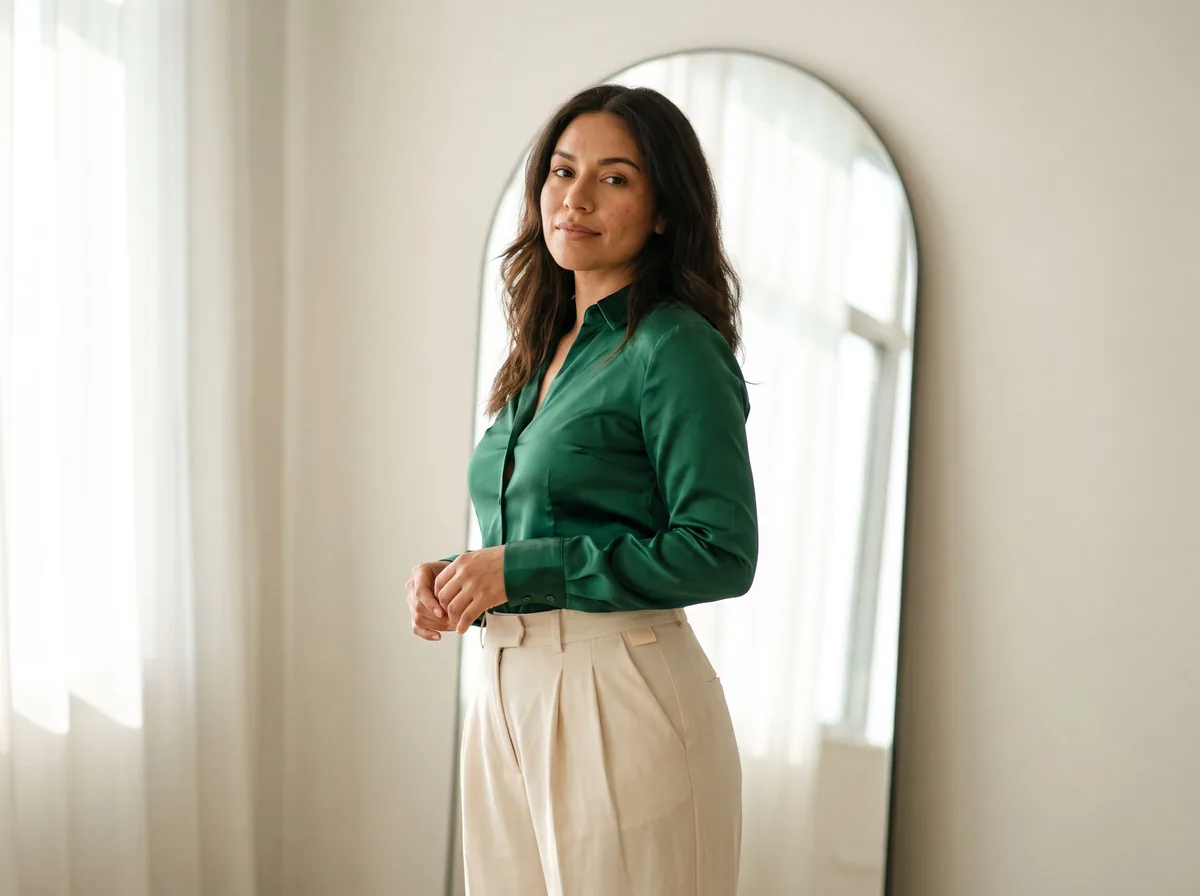 Virtual Try On ClothesFreeUpload a photo of a person and a photo of a garment. The AI dresses the person in it, keeping face, pose and background.
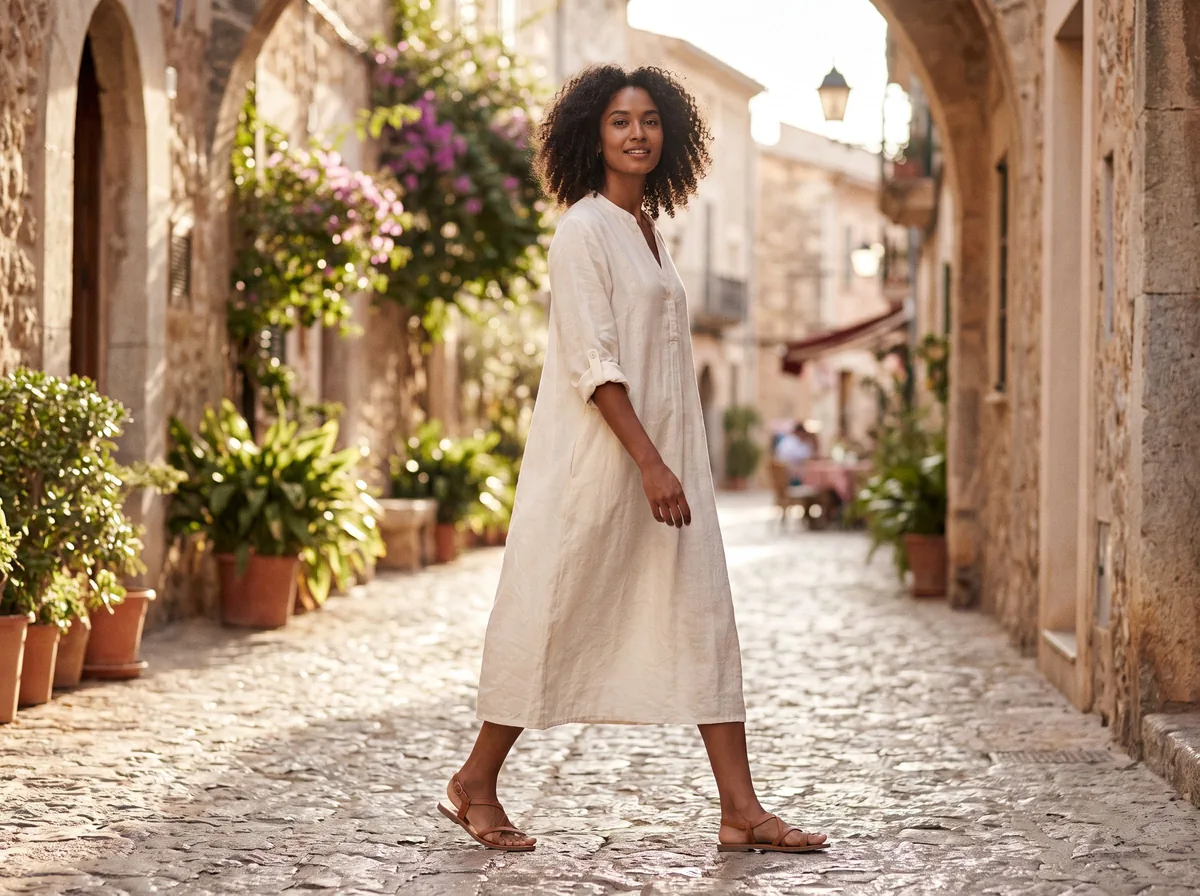 AI Fashion Model GeneratorFreeUpload a garment and see it worn by a realistic AI fashion model. Pick the model, pose and setting.
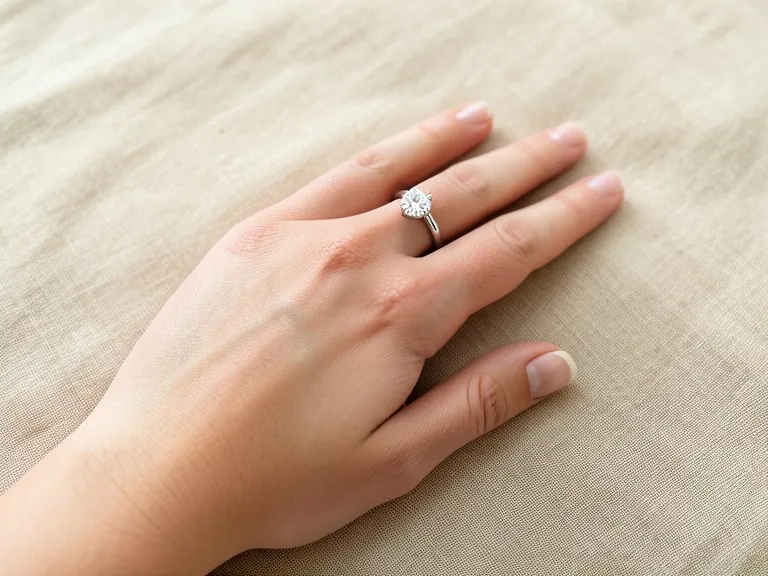 Virtual Ring Try OnFreeUpload a photo of your hand and a photo of any ring, from an engagement ring to a men's band. The AI puts that ring on your finger and keeps your hand and background the same.
 Free AI Clothing SwapFreeChange the clothes in any photo by describing the new outfit. Face, pose and background stay the same.
 Jewelry on ModelFreeShow earrings, necklaces, rings and bracelets worn by a realistic model, at true scale, with the metal and stones kept exact.
 AI Clothing ModelFreeKeep one consistent AI model across your whole clothing range, pose after pose and item after item.
Ask an assistant
 Fit ModelFashion Models FreePlans on-model photos for your clothing: which model, pose, setting and angles, with prompts for the AI fashion model tools.Chat free →
 Ghost Mannequin AssistantFashion Models FreeWalks you through ghost mannequin photos: how to shoot the garment, which prompt to use, and how to fix a result.Chat free →
 Lookbook PlannerFashion Models FreeTurns a new collection into a lookbook plan: the story, the look order, the page spreads and a prompt for every image.Chat free →