Fashion & apparel
100% free · No sign-upFree Patch Mockup Generator
Upload your logo and see it as a real embroidered, woven, leather or PVC patch, on its own or sewn on a cap, a denim jacket or a backpack. Free to use, no sign-up.
Free to use · No sign-up · JPG, PNG or WebP
Patch Mockup
Made with Z Product AI
Popular with sellers
How it works
How to use the Patch Mockup Generator
- 1
Upload your photo
A clear phone photo is enough. Keep the whole product or garment in frame.
- 2
Tap a preset or describe it
Pick a chip or type what you want in a few words. The AI keeps your product exactly as it is.
- 3
Download or refine
Download the result, or ask for a change and the AI edits the last image.
Real results
Real results: one logo as a patch, three ways
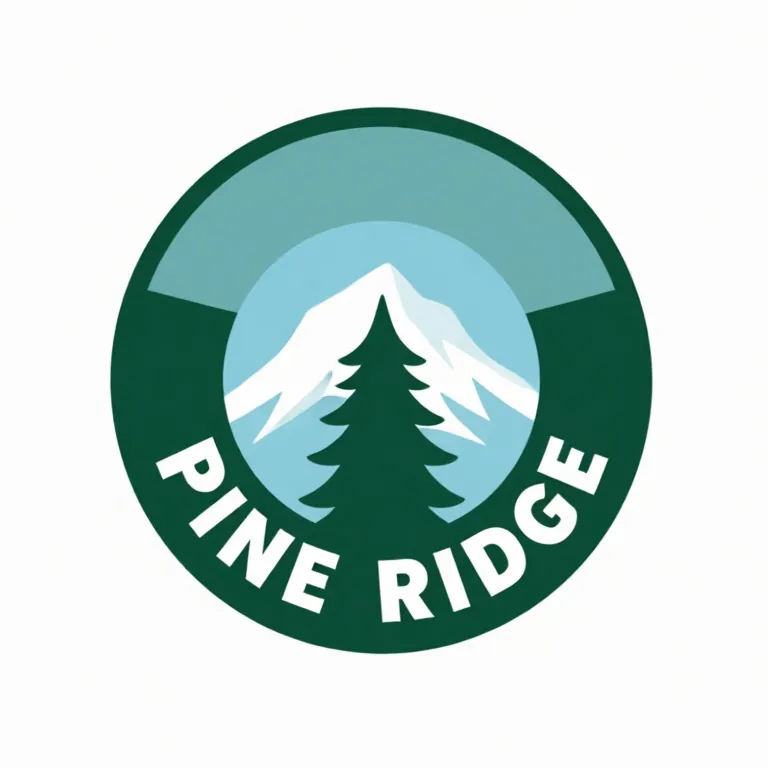
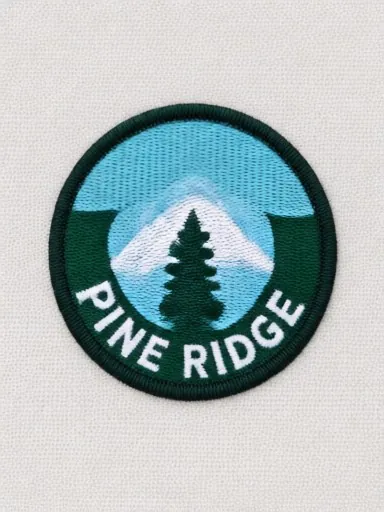
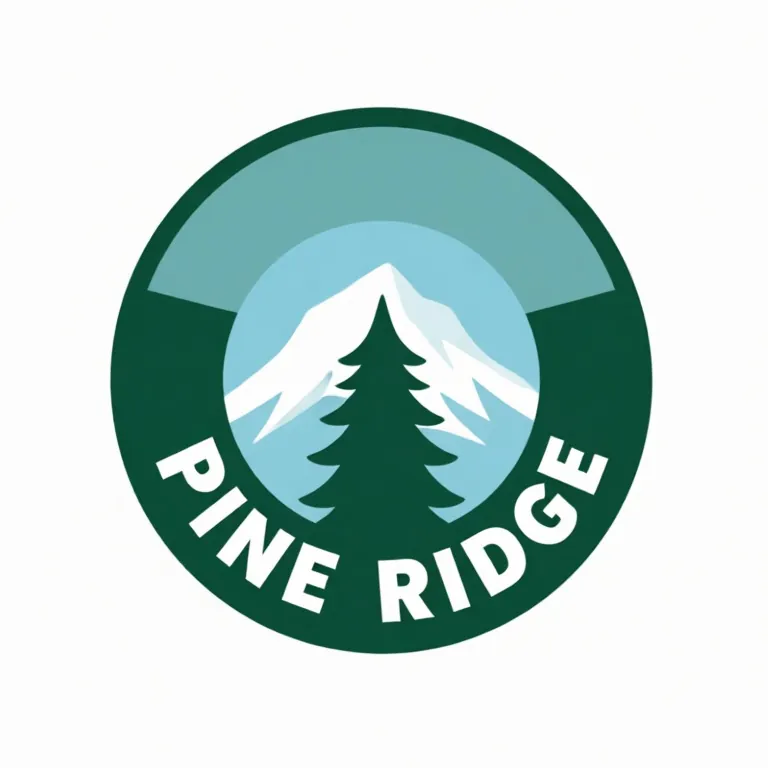
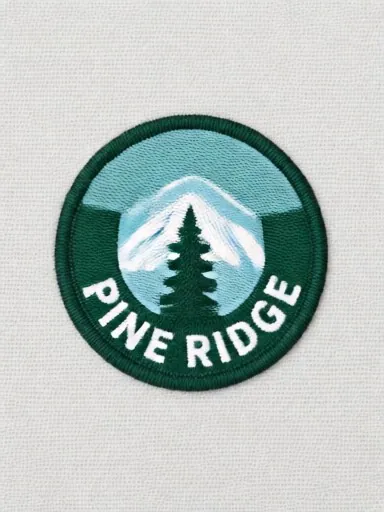
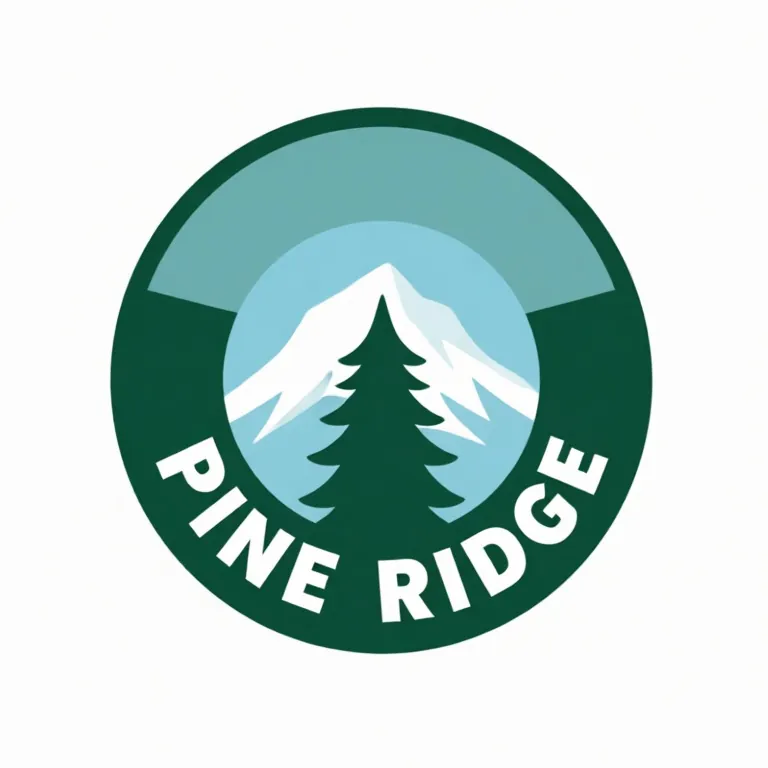
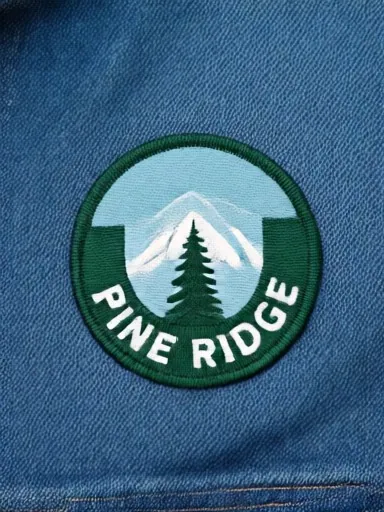
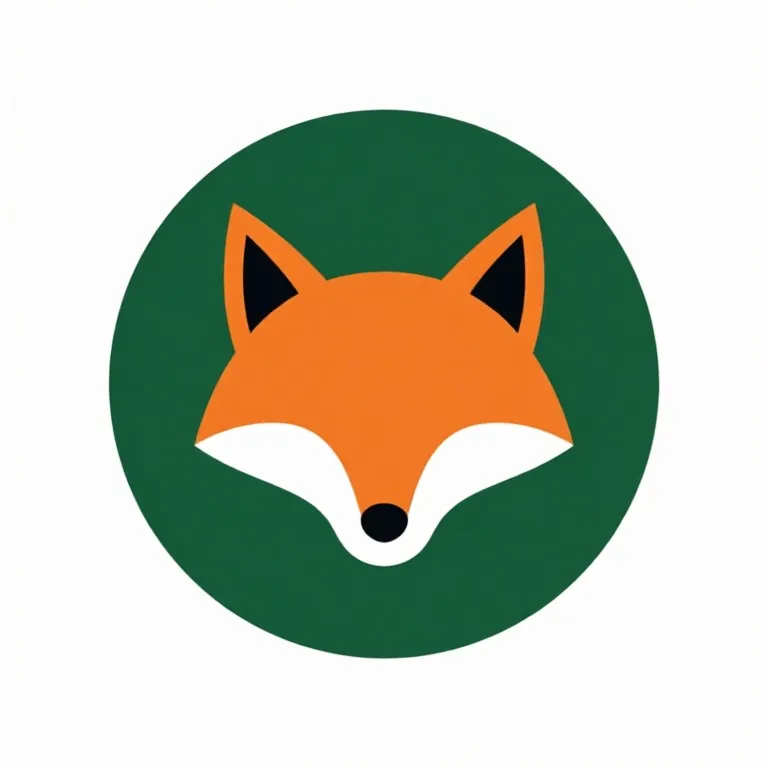
A made-up PINE RIDGE emblem and a text-free fox icon, sent with shot buttons from this page. Each caption shows the exact button and what it sends.
Before
After
Before
After
Before
After
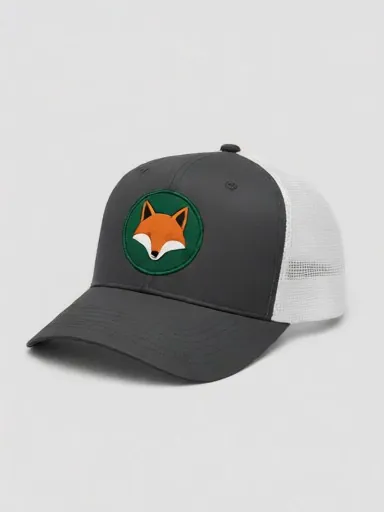
The designs are made-up logos (no real school, team or brand) that we made with an AI image model for this page. Each after is the unedited output of the free tool's model on this page, shown without the download mark, at the size it returned (384 x 512 px). Weaker tries are not shown; see the FAQ for what tends to go wrong.
A patch mockup shows your logo as a real sewn patch before you order a batch. Patch makers use them to show customers a proof, and brands use them to see how a logo looks as embroidery on a cap, a jacket or a bag. Upload your logo, pick a patch type and where it goes, and get a photo with no Photoshop pack to buy or edit.
Patch types: embroidered, woven, PVC, leather and chenille
Embroidered is the classic raised thread patch. Woven patches lie flatter and hold finer detail, which suits small text. PVC is molded rubber for outdoor and tactical gear. Leather patches are engraved or debossed and are the usual pick for caps. Chenille is the fuzzy patch on varsity jackets. Make the same logo in two or three types to choose before you order.
Patches on caps, jackets and bags
Most patches end up on a product, so show one in place: the front panel of a trucker cap, the chest or back of a denim jacket, or the flap of a backpack. A patch on a product also shows its real size, which a flat patch photo cannot.
Borders and shapes
A merrow border is the thick rolled edge used on round, square and oval patches. Custom shapes that follow the outline of the logo are cut by heat or laser and have a thin stitched edge. Ask for the border you will order so the proof matches the patch that arrives.
Getting a logo ready for a patch
Patches have less room for detail than a screen. Keep lines thicker than about 1 mm at the final size, avoid tiny text, and limit the logo to a few solid colors. A logo that looks clean in the mockup is a good sign it will stitch cleanly too.
Need images with no mark, in HD? Try AI fashion models on AI Two, our sister studio: free to try, and its paid plans remove the watermark and add HD output.
FAQ
Patch Mockup Generator: questions sellers ask
How do I make a patch mockup without Photoshop?
Upload your logo, then tap a shot such as "Embroidered patch" or "Patch on a cap", or type your own, for example "round PVC patch on a black backpack". The AI turns your logo into a real-looking patch and photographs it, with no PSD or smart object to edit.
Can I see my logo as a patch on a hat?
Yes. Tap "Patch on a cap" for an embroidered patch on the front of a trucker cap, or "Leather patch on a cap" for the engraved leather look. Name the cap color and style if you want a specific one.
What is the difference between embroidered, woven and PVC patches?
Embroidered patches are stitched with thick thread, so they look raised and textured but lose very fine detail. Woven patches use thinner thread and lie flat, so small text holds up better. PVC patches are molded rubber: bold, waterproof and good for outdoor gear. Tap a type to compare them on the same logo.
What file should I upload?
A clean logo on a white or transparent background works best: a PNG or JPG with bold shapes and few colors. Thin lines and very small text are hard to show in stitches, just as they are on a real patch, so simplify them first if they get lost.
Will my logo stay exactly the same?
Check the words. We tested a made-up PINE RIDGE mountain emblem: as a flat embroidered patch it kept every letter, shape and color on both tries. Sewn on a cap, where the patch is small in the photo, the tree and mountain held but the words blurred on both tries, and on the leather cap patch the engraving came out faint. For a cap proof with text, ask for a close-up of the front panel, and keep patch text short and bold.
Is it free?
Yes. There is no sign-up and nothing to pay to unlock downloads. Free downloads are up to 768px on the long side and carry a small zproductai.com mark, which suits drafts, social posts, client previews and quick listing tests.
Is Patch Mockup Generator free?
Yes. Patch Mockup Generator is free to use — no account and no credit card needed. You get free edits every day.
How accurate is Patch Mockup Generator?
Results depend on the photo and the request. You can refine with follow-up messages until it looks the way you want.
Can I make multiple edits?
Yes! Each result becomes your new base image — keep refining with follow-up messages.
Is Z Product AI really free?
Yes. Every tool and assistant on Z Product AI is free to use, with no sign-up and no credit card. Very heavy use is paced with short waits so the site stays free for everyone.
Keep going
More tools for your listings
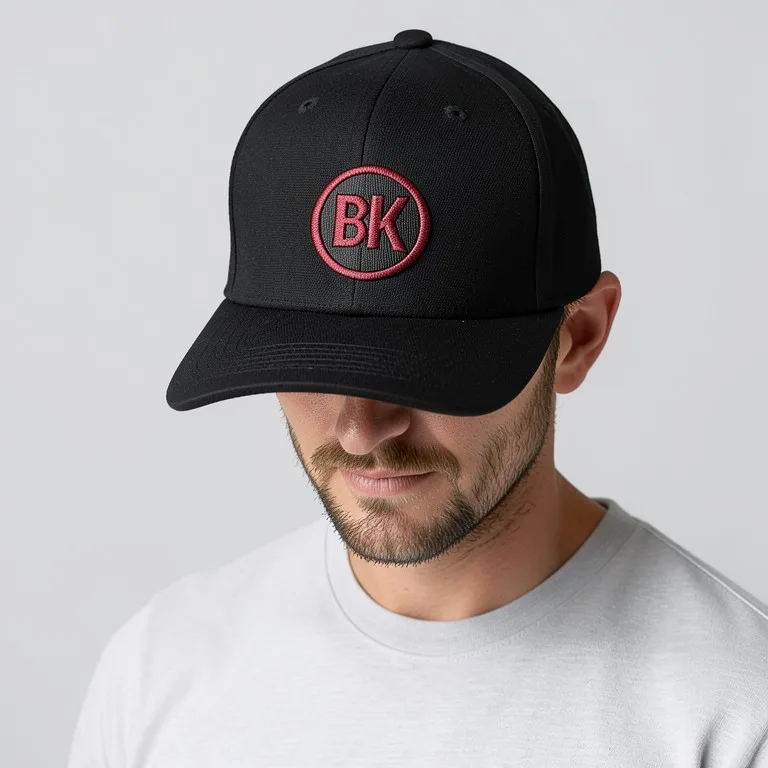 Cap & Hat Mockup GeneratorFreeUpload your logo and see it on a baseball cap, dad hat, trucker cap, snapback or beanie, embroidered or printed, from the front, the side or worn.
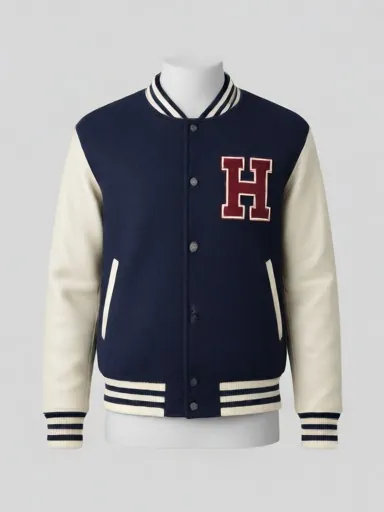 Varsity Jacket Mockup GeneratorFreeUpload your logo, letter or back graphic and see it on a real two-tone varsity jacket: front chest, full back, sleeve, flat lay or worn, in your school or brand colors.
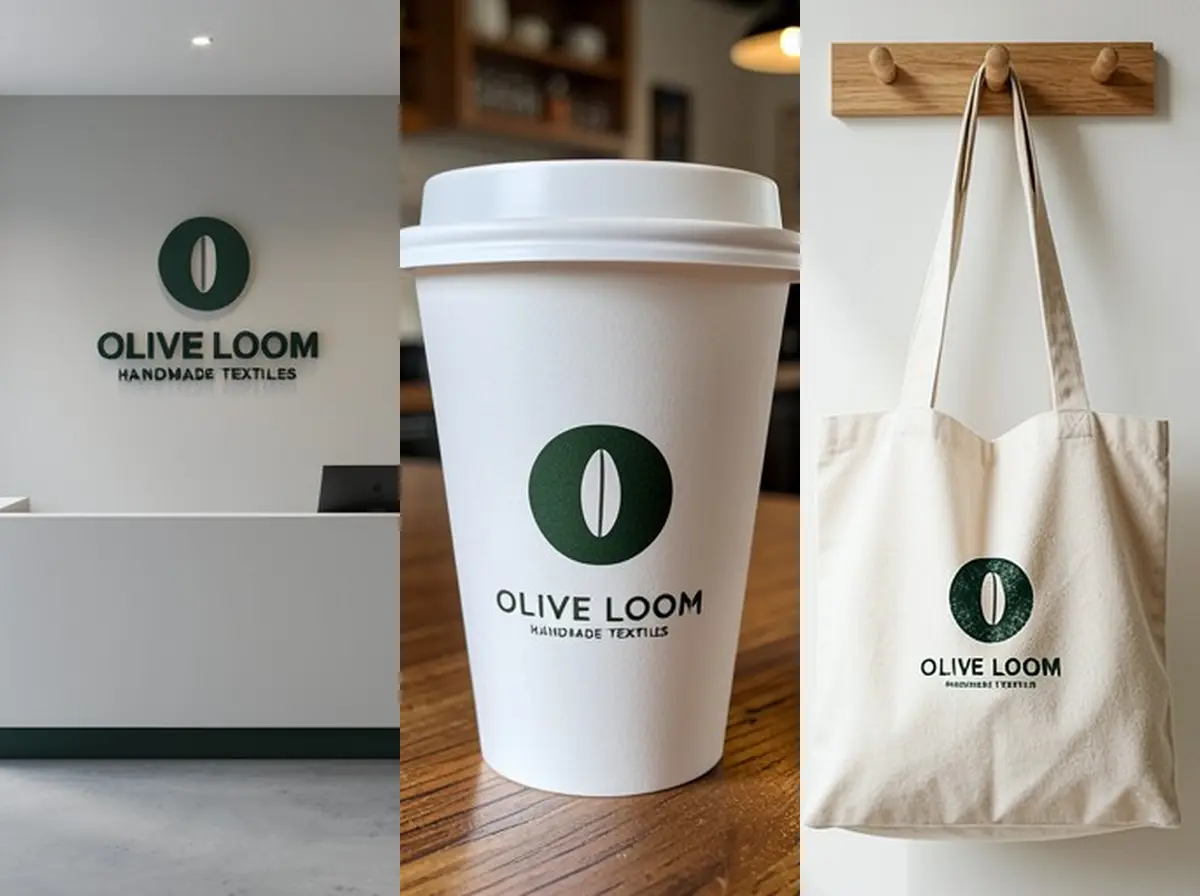 Logo Mockup GeneratorFreeUpload your logo and see it as a 3D wall sign, embossed paper, gold foil card, shop sign, coffee cup or tote bag, in a realistic photo.
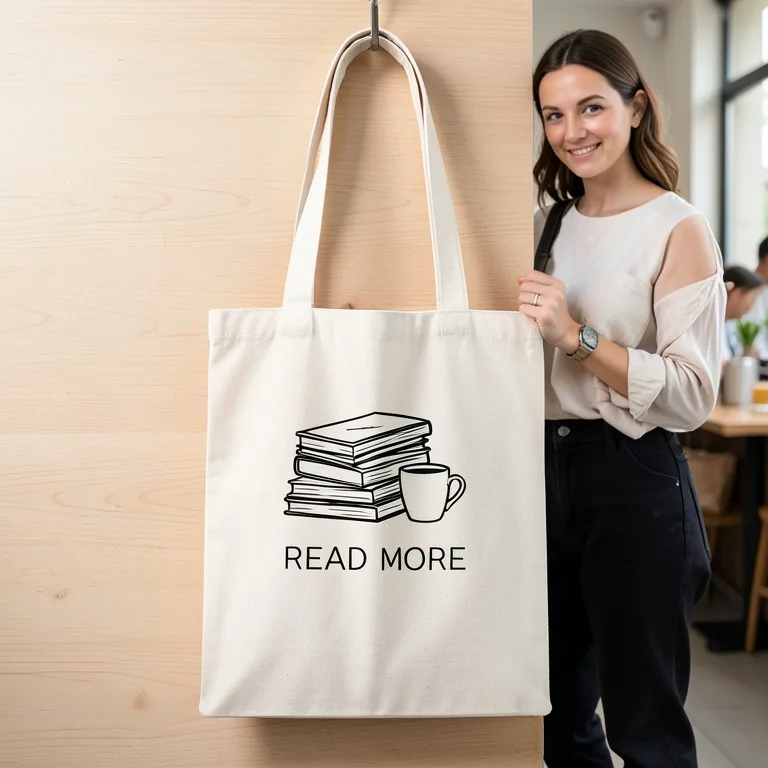 Tote Bag Mockup GeneratorFreeUpload your design and see it printed on a canvas tote bag: flat lay, hanging, carried on the shoulder or styled in a scene, in natural, black or any color.
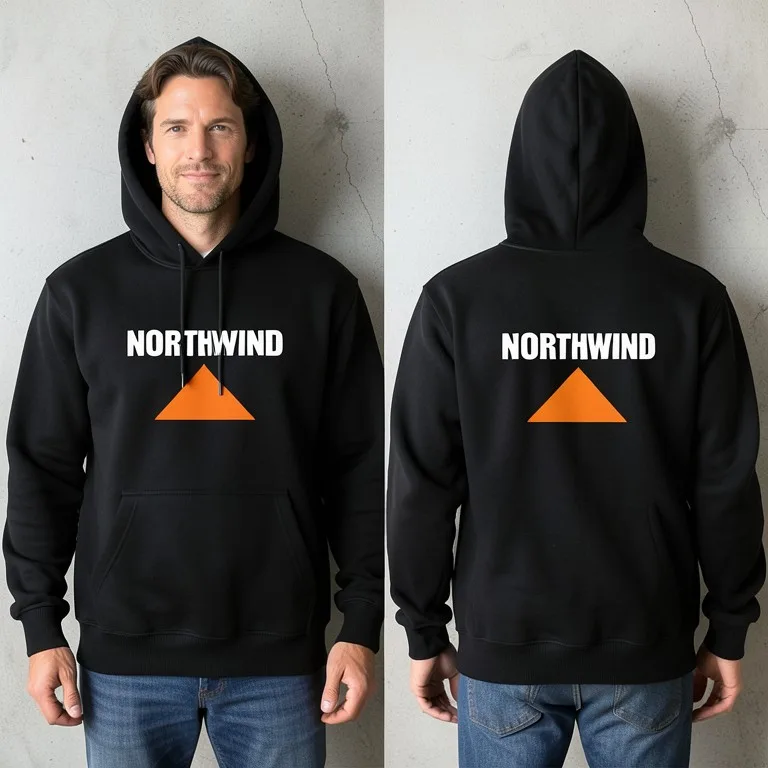 Hoodie Mockup GeneratorFreeUpload your hoodie design and see it printed on a real pullover or zip hoodie: flat lay, on a hanger, front and back, or worn by a model, in any color.
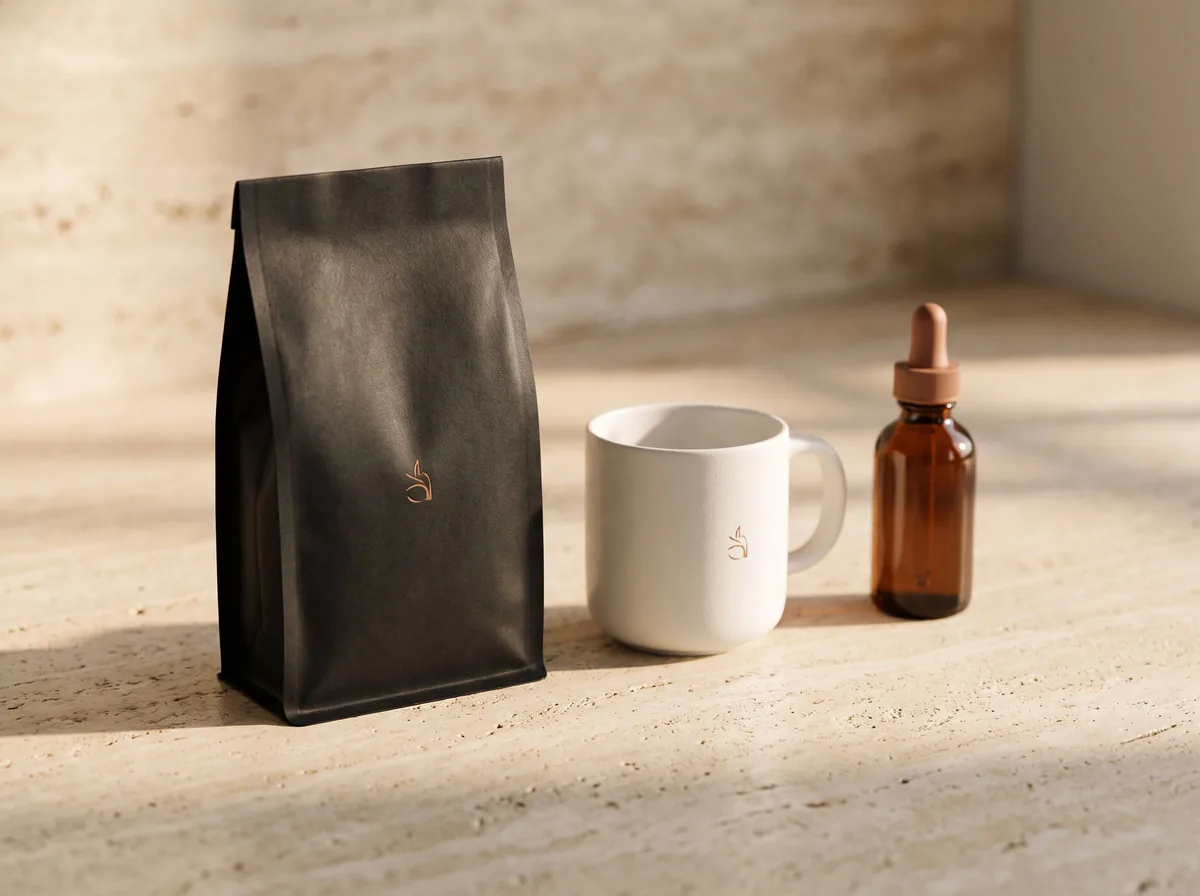 AI Mockup GeneratorFreeDescribe a product mockup, or upload your logo or label, and get a photo-real mockup: bottles, boxes, bags, mugs, apparel and more.
Ask an assistant
 Fit ModelFashion Models FreePlans on-model photos for your clothing: which model, pose, setting and angles, with prompts for the AI fashion model tools.Chat free →
 Ghost Mannequin AssistantFashion Models FreeWalks you through ghost mannequin photos: how to shoot the garment, which prompt to use, and how to fix a result.Chat free →
 Lookbook PlannerFashion Models FreeTurns a new collection into a lookbook plan: the story, the look order, the page spreads and a prompt for every image.Chat free →