Seller guide
How to Photograph Stationery for an Online Store
Stationery is sold on its design. A buyer wants to see the cover, the back, the inside pages and the edges where artwork can be cut off. Show each product from the views where a print or layout problem would show, and keep the light soft so the colours read true.
Updated 13 October 2026
The short answer
- Show the closed front and back of notebooks and cards, and one open spread.
- For stickers, show the full sheet so buyers see the quantity and the designs.
- Add a close-up of texture, such as paper fibre, embossing or foil, for premium items.
- Use soft, even light and a plain surface such as white, light grey or wood.
- Keep artwork away from the binding and the fold, and say so in the listing.
Show every view that matters
- Envelopes: the open and closed envelope, plus the back, because the flap and seams are where artwork gets cut off.
- Notebooks: the closed front, the back, and one open spread, so buyers can see that the inside matches the outside.
- Stickers: the full sheet, plus a few stickers in use, with the cut type stated in the listing.
- Paper goods: a close-up of the texture or finish.
Keep the artwork inside the frame
Keep key artwork away from the binding and the spine. Spiral binding affects the left edge, and perfect binding wraps the spine. Note these limits in the listing so buyers know what to expect. Rescale the artwork for each format rather than reusing one file everywhere, because a pattern that works on a large planner can look crowded on a small notebook.
Light and background
Soft, even light suits paper goods, so keep the product out of direct sun and avoid harsh shadows. A plain surface in white, light grey or wood keeps the focus on the design. Use a tripod so the shot stays sharp and the framing matches the rest of the range.
Build a set of six listing images
- The main product image.
- A texture close-up.
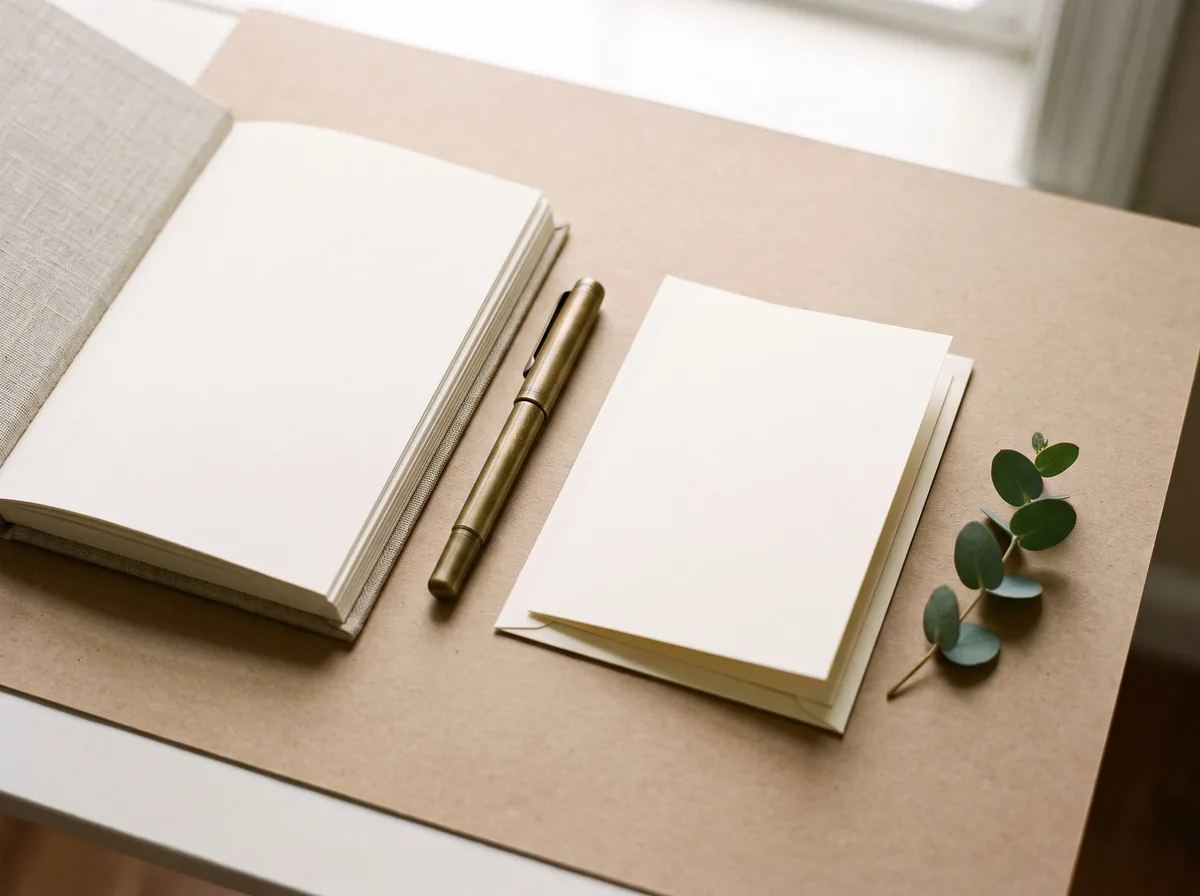
- A scale reference, such as a hand or a pen next to the item.
- The variations, such as colours or designs.
- A collection scene that shows the range together.
- The product in use.
Free tools for this
Try it on your own photo

FAQ
Questions sellers ask
Should I show the whole range in one photo?
Yes. One scene that shows the whole range helps buyers see the collection. Use the same light for every item so they look like one photograph.
Do I need a studio for stationery?
Not always. A window with soft light and a plain surface is enough for most listings. Keep the light and the background the same across the range.
Why add a scale reference?
A hand, a pen or a similar object next to a notebook or sticker sheet helps buyers judge the size.
Which photos should a stationery listing have first?
Start with the main product image on a plain background, then add the texture close-up and the in-use shot.
Sources
- Creatsy: stationery mockup guide, how to present the whole line
- Aeolidia: stationery product photography (2013, older advice)
Z Product AI makes some of the tools compared here. Competitor details come from their own sites and public reviews as of 13 October 2026.