Seller guide
How to Photograph Electronics for an Online Store
Electronics show every fingerprint, scratch and speck of dust, and buyers look closely at the finish before they buy. Clean the product well, handle it carefully and keep the background simple. Most of the work happens before the shutter clicks.
Updated 13 October 2026
The short answer
- Clean the product before every shot, and keep polishing cloths on the set.
- Wear gloves when you handle polished surfaces to avoid fingerprints.
- Keep the background plain, or use a simple natural prop such as a plant if the scene needs one.
- Expect some dust to show up in the photo, and clean the last specks during editing.
- Check the placement, background, image size and editing together, since each one changes how the product looks.
Clean and handle the product
Dust and fingerprints are the most common problems in gadget photos. Even in a clean room, a freshly polished phone or laptop picks up dust. Wear gloves to avoid leaving fingerprints on the screen and metal, and keep a polishing cloth on the set so you can wipe marks off between shots.
Plan the background and props
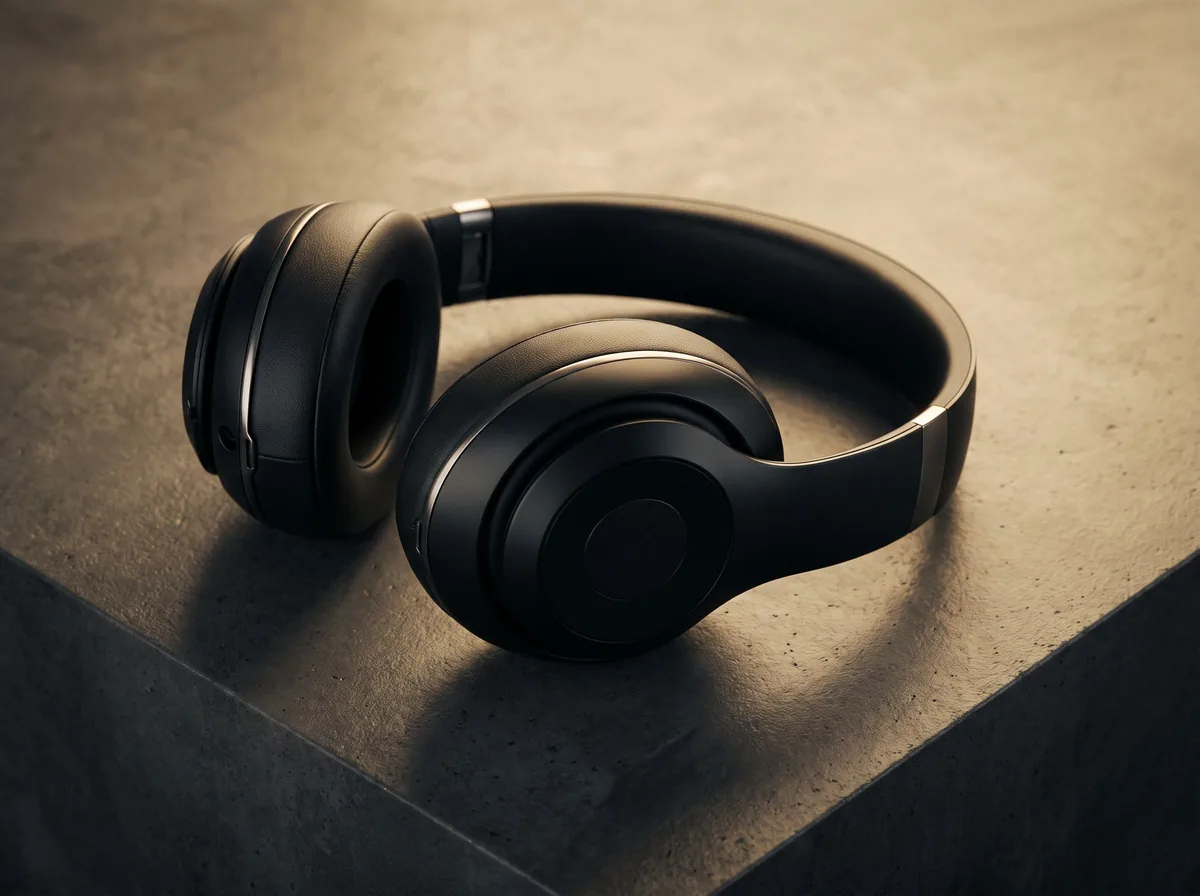
Placement, background, image size and editing all shape the result, so plan them together. For a listing, a plain background keeps the device the focus. If the scene needs a prop, choose one that fits the product. Dresma notes that natural backgrounds and plants are an affordable option, and that the right prop can help the product sell rather than distract from it.
Expect dust and clean it in editing
However careful you are, the photo will still have a few dust specks to remove. Plan time for the clean-up in post-production. Clean the screen and surfaces again before the final shot, and check the image at full size for specks around the edges and corners.
Show the product clearly
- The whole device on a plain background for the main image.
- The screen switched on, so buyers can see the display working.
- The ports, buttons and any connectors, in close-up.
- The box and included accessories, if they are part of the sale.
Free tools for this
Try it on your own photo

FAQ
Questions sellers ask
Should I wear gloves when photographing electronics?
Yes, when you handle polished or glossy surfaces. Gloves help keep fingerprints off the screen and metal, which saves editing time.
What background works best for electronics?
A plain background keeps the product the focus. A natural background or a plant is an affordable option when the scene needs a prop.
Can I fix dust in editing?
Yes. Expect a few dust specks even after careful cleaning, and remove them in post-production.
Should I show the device switched on?
If the screen works, showing it on helps buyers see the display, so include a shot with the screen on.
Sources
Z Product AI makes some of the tools compared here. Competitor details come from their own sites and public reviews as of 13 October 2026.