Product photography
100% free · No sign-upFree AI Soap Product Photography
Make handmade soap product photos with true colours, crisp texture and natural styling, from a single photo of your bar, bottle or gift set. Free to use, no sign-up.
Free to use · No sign-up · JPG, PNG or WebP
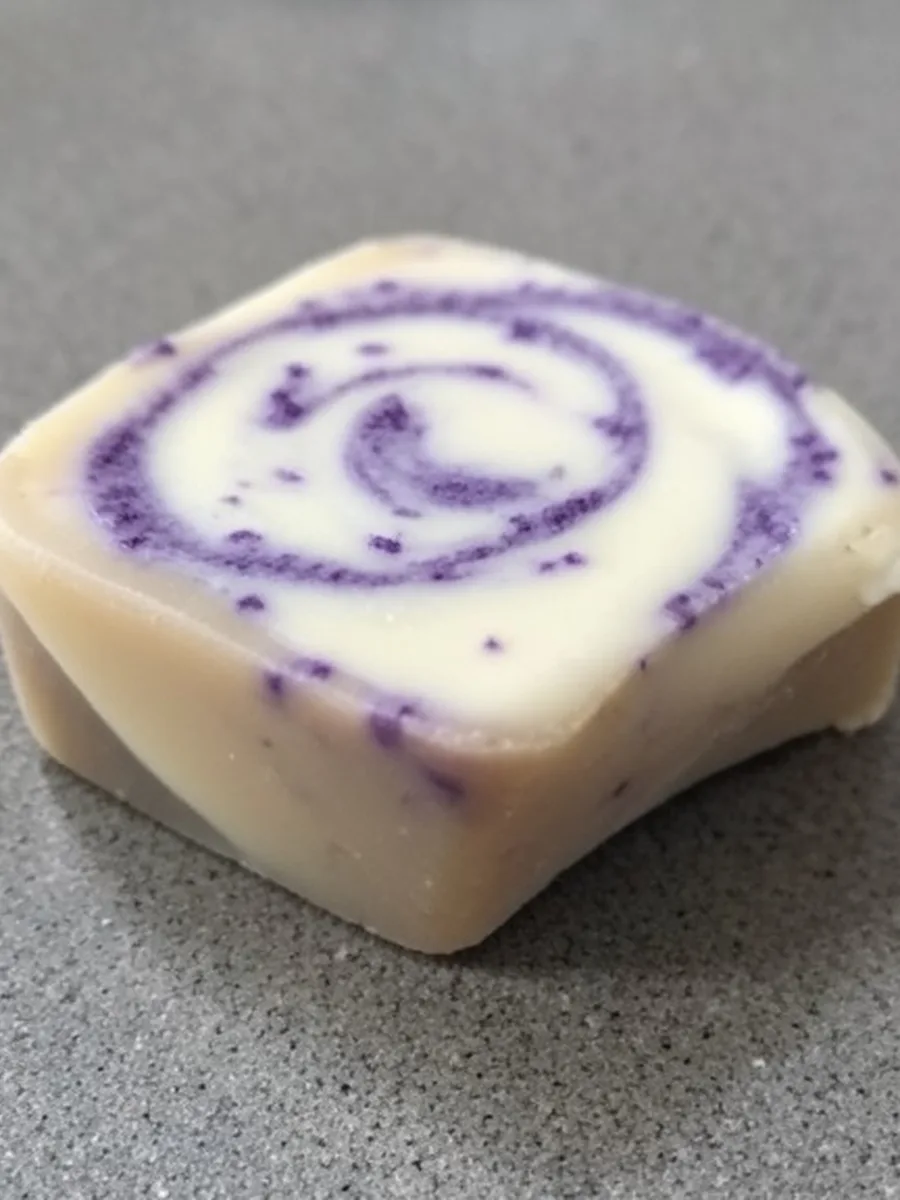
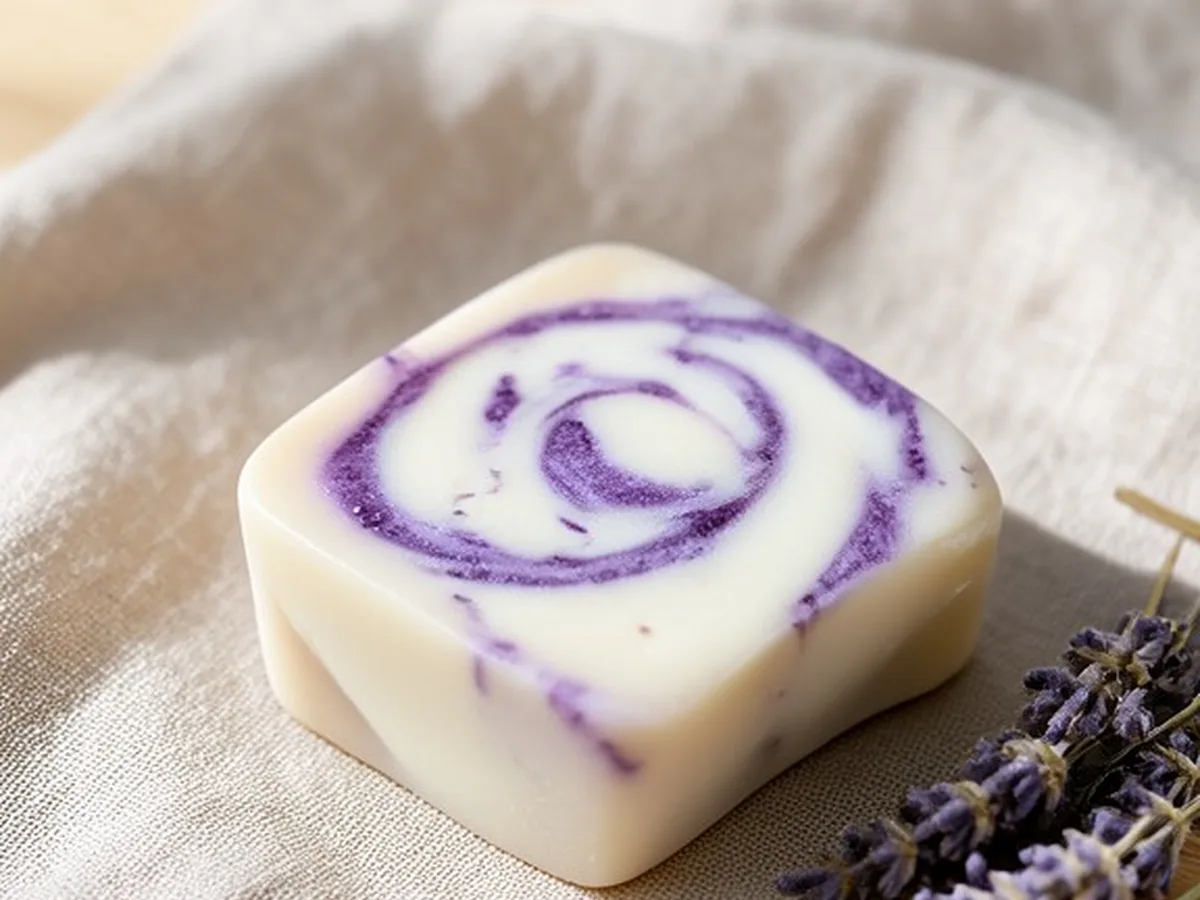
Soap Photos
Made with Z Product AI
Popular with sellers
How it works
How to use the Soap Product Photography
- 1
Upload your photo
A clear phone photo is enough. Keep the whole product or garment in frame.
- 2
Tap a preset or describe it
Pick a chip or type what you want in a few words. The AI keeps your product exactly as it is.
- 3
Download or refine
Download the result, or ask for a change and the AI edits the last image.
Handmade soap sells on looks first: the swirls, the colours, the cut face and the stamp. Those details are easy to lose in a phone photo under a ceiling light. This AI soap product photography tool keeps your bar exactly as it is and puts it in a clean, styled scene with soft side light that shows its texture, ready for your shop, Etsy listing or social posts.
Side light shows texture
Soap has no shine to work with. Its appeal is surface texture, swirl patterns and the clean edge of a cut bar. Light from one side, soft and slightly low, throws tiny shadows across that surface so the eye can read it. Front light from a flash flattens it. The AI uses side light by default for that reason.
True colour sells soap
Buyers judge scent and ingredients by colour: purple for lavender, golden for honey, green for herbs, cream for goat milk. If the photo is too bright or too saturated, the bar that arrives looks wrong. The tool keeps your colours as uploaded and avoids over-saturating them.
Style to the ingredients
Match the props to what is in the soap: lavender sprigs, rolled oats, honeycomb, citrus slices, rose petals, coffee beans, sea salt or charcoal. Natural surfaces suit handmade soap best: light wood, slate, marble, stone or linen. Two or three props are enough to tell the story.
The shots a soap listing needs
Plan a small set: one clean white-background shot as the main image, a close-up of the texture and stamp, a styled scene with ingredients, a stack or group of bars, and a shot of the soap in use or by a sink. Together they show the bar, its size and how it fits into a bathroom.
Bars, bottles and gift sets
The tool works for cold process and melt-and-pour bars, liquid soap in pump bottles, shampoo bars and gift sets in boxes or baskets. Wrappers, belly bands and labels stay with every word as uploaded, so the photos still show your brand.
Step by step
Clean the bars, place them on a plain surface by a window and take one sharp photo with no flash. Upload it here. Tap a scene under Soap scenes, such as Wood & lavender or Clean white, or type your own, for example "on a marble dish with oats and honeycomb, soft morning light". Pick a light mood if you want. Press generate, compare the result with your photo using the slider and check the swirls, the stamp and the label. Run it again for a different scene, then download the ones you like.
Show size and scale
Buyers often cannot tell how big a bar is from a photo. Put something with a known size in the scene: a hand holding the bar, a wooden soap dish, a folded towel or a sink edge. Ask for it in your own words, such as "the bar in a hand above a sink". Always give the real weight and size in your listing text too, because a photo alone cannot prove them, and an AI scene can make a bar look larger or smaller than it is.
Show the cut face and texture
For cold process soap, the cut face is the selling point: the swirls, the layers, the embeds and the colour all show there. Photograph the bar with the cut face toward the camera, and include one close-up of the surface and stamp. The AI keeps those details as uploaded and sets the light so the texture reads. Avoid photos of bars with glycerin dew or soda ash on them, unless that is how the bars ship.
Clean white shots for marketplaces
Many marketplaces want the first image on a plain white background with the product filling most of the frame. Tap Clean white for a bright, evenly lit white shot with a soft shadow under the bar, so it does not look cut out. For a set of bars, keep them in the same order and spacing as in your photo. Use the white shot first, then add the styled scenes as the next images. Check the current rules of each marketplace before you upload, because they change.
Seasonal and gift photos
Soap sells well as a gift, so seasonal photos are worth making. Use the Gift set chip, or describe your own scene: pine sprigs and red ribbon for winter holidays, pastel flowers for spring and Mother's Day, citrus and bright light for summer. Keep the soap and its packaging the same in every scene and change only the props around it. That way you can refresh your shop photos for each season from one photo of the product.
Keep a consistent look
A shop where every soap has the same surface, light and angle looks more professional. Pick one scene and use it for every bar in a collection, then change only the props to match each scent. The same chip or the same written scene gives a matching set.
Seller guide
Shooting the bars yourself first? The soap guide covers window light, a simple foam-core set, a background that contrasts with the soap and how to show size.
Read the soap photo guide →Need images with no mark, in HD? Try AI product photos on AI Two, our sister studio: free to try, and its paid plans remove the watermark and add HD output.
FAQ
Soap Product Photography: questions sellers ask
Why does my handmade soap look dull in photos?
Soap is matte, and its beauty is in texture and colour. Flat front light from a flash or a ceiling lamp hides both. Soft light from one side brings out the swirls, the stamp and the cut face. The AI relights your bar that way.
Will the AI keep my swirls and colours?
Yes. The swirl pattern, colours, embeds, toppings and stamp are part of the product and stay as uploaded. The tool is told never to over-saturate the colours, because buyers expect the bar to match the photo.
Can I get a white background for Etsy or Amazon?
Yes. Tap Clean white background for a bright, evenly lit white shot with a soft shadow. Use it as the first image, then add styled scenes as secondary images. Check each marketplace's current image rules before you upload.
What props suit soap photos?
Props that hint at the ingredients and scent: dried lavender for lavender soap, oats and honeycomb for oat and honey, citrus slices for a citrus blend, coffee beans for a coffee scrub. Keep it to two or three props so the bar stays the hero.
Can I show several bars or a gift set?
Yes. Upload a photo of the stack, the row of bars or the gift box, and ask for a scene. The AI keeps the number of bars and their order. For a bundle, one shot of everything together tells buyers exactly what arrives.
Does it work for liquid soap bottles?
Yes. Pump bottles and refill pouches work the same way. Labels and printed text are kept exactly as uploaded, and glass or clear plastic is lit so the liquid colour shows.
Will it keep my label and wrapper?
Yes. Belly bands, paper wrappers, boxes and printed labels stay with all their text. If any word comes out different, run the edit again or turn on Keep my product exact.
Can I use these photos for my shop and social media?
Yes. The scene is built around your own photo of your own soap, so you can use the results on your shop, marketplace listings and social posts. Check each marketplace's current image rules, especially for the main image.
Will the AI add text or a logo to the scene?
No. The scene is built with surfaces, light and props only. The only text in the photo is what was already on your soap, wrapper or label, kept as uploaded. Add your logo or a price later in your own design tool if you need one.
How should I shoot the photo I upload?
Clean the bars first, put them on a plain surface by a window and take a sharp photo straight on or from slightly above, with no flash. The AI builds the scene around that photo. The soap photo guide has a full set-up.
Is Soap Product Photography free?
Yes. Soap Product Photography is free to use — no account and no credit card needed. You get free edits every day.
How accurate is Soap Product Photography?
Results depend on the photo and the request. You can refine with follow-up messages until it looks the way you want.
Can I make multiple edits?
Yes! Each result becomes your new base image — keep refining with follow-up messages.
Is Z Product AI really free?
Yes. Every tool and assistant on Z Product AI is free to use, with no sign-up and no credit card. Very heavy use is paced with short waits so the site stays free for everyone.
Keep going
More tools for your listings
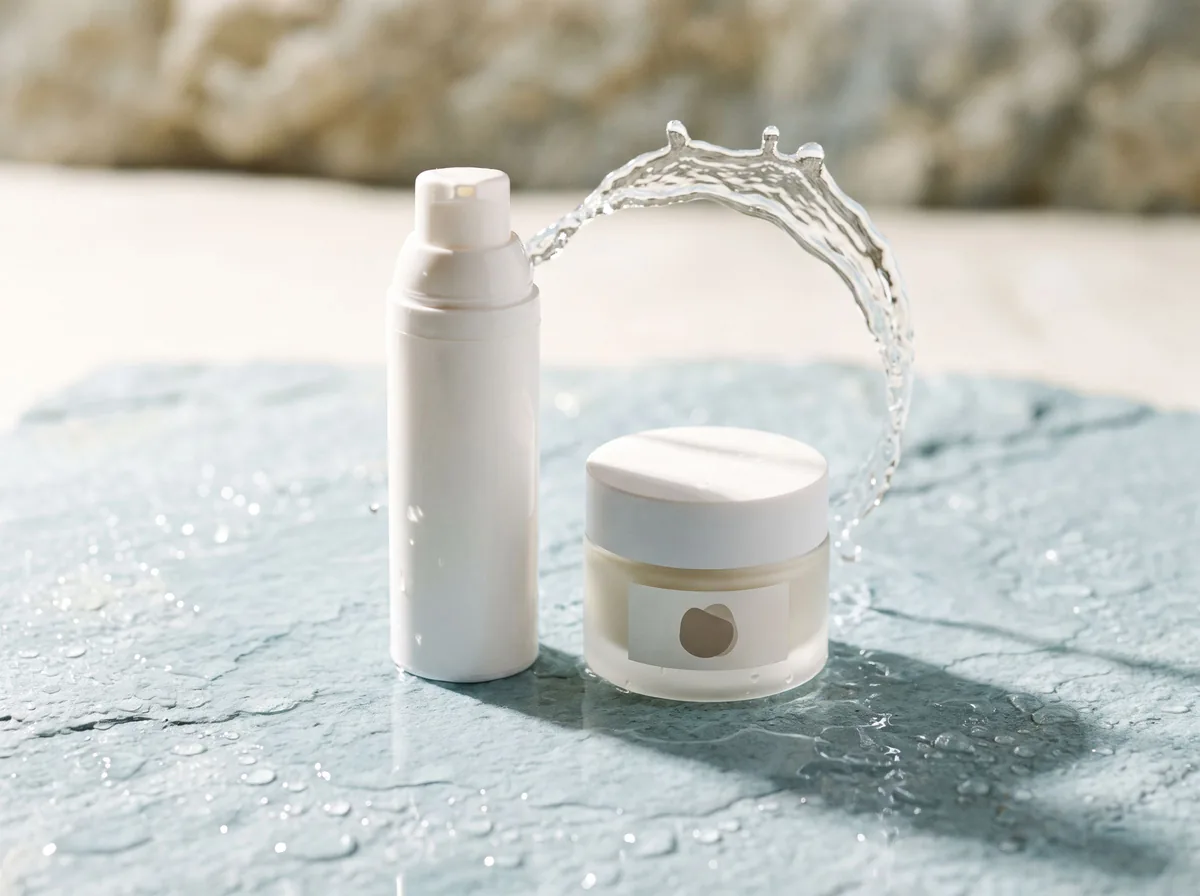 Skincare Product PhotographyFreeTurn serums, creams and cleansers into fresh, clean skincare product photos with water splashes, textures and spa-style scenes.
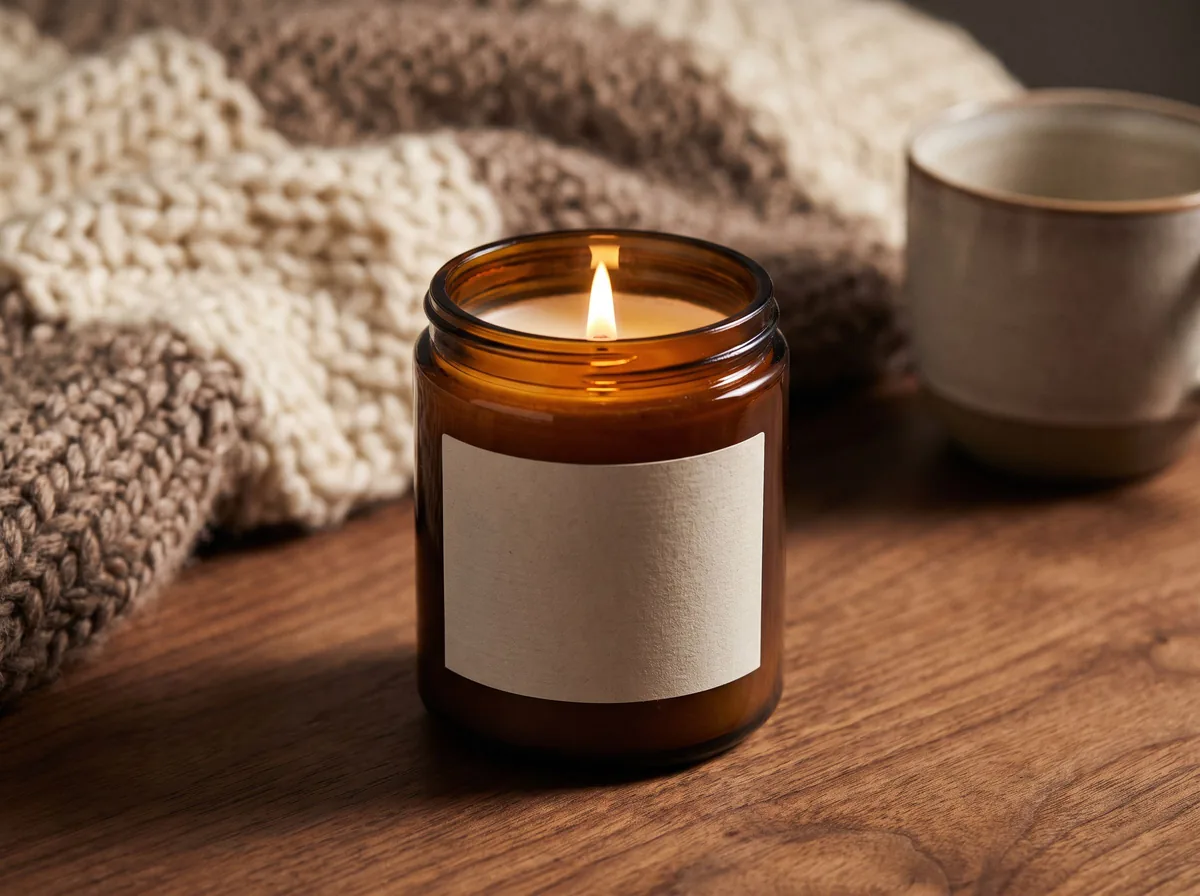 Candle Product PhotographyFreeMake warm, cozy candle product photos from one upload: lit flames, styled shelves and clean white shots for your candle shop.
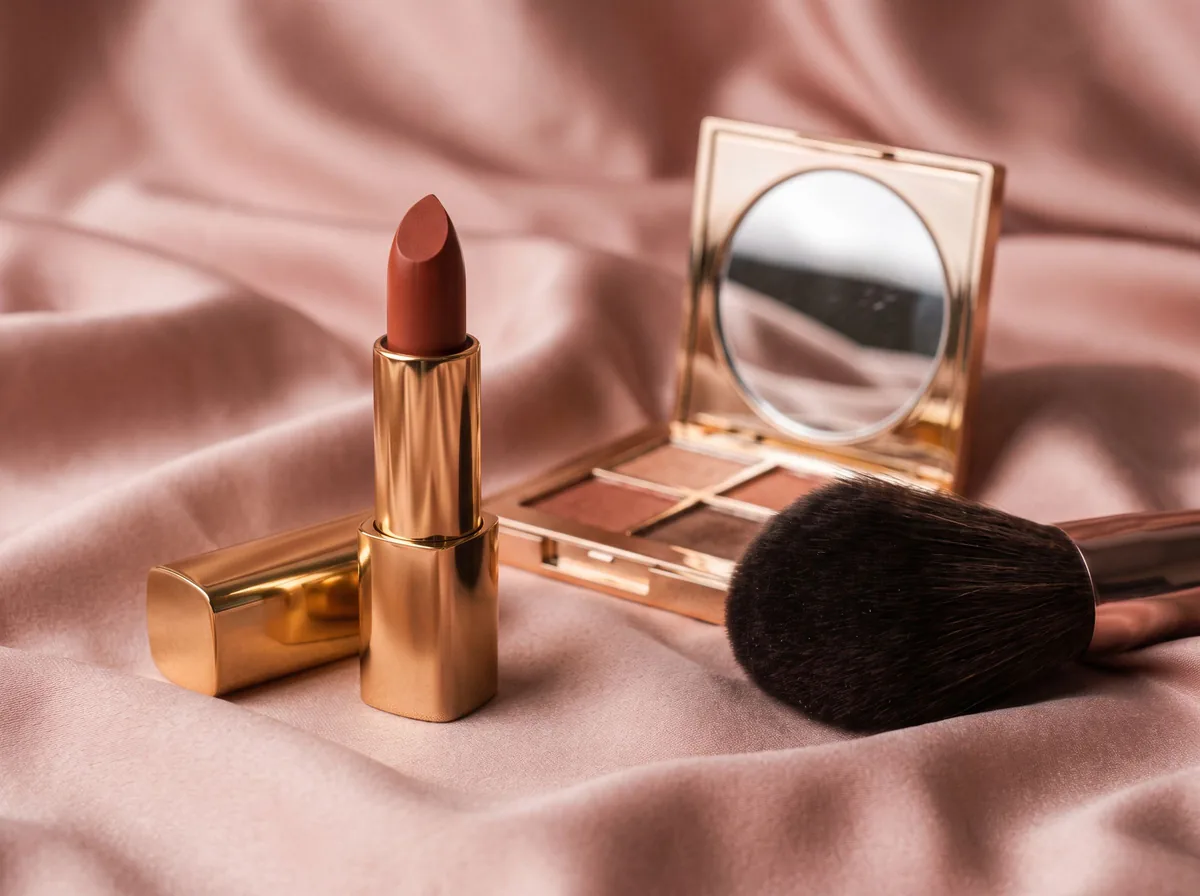 Cosmetic Product PhotographyFreeCreate polished makeup product photos with true shade color, clean packaging and swatch or texture shots from one upload.
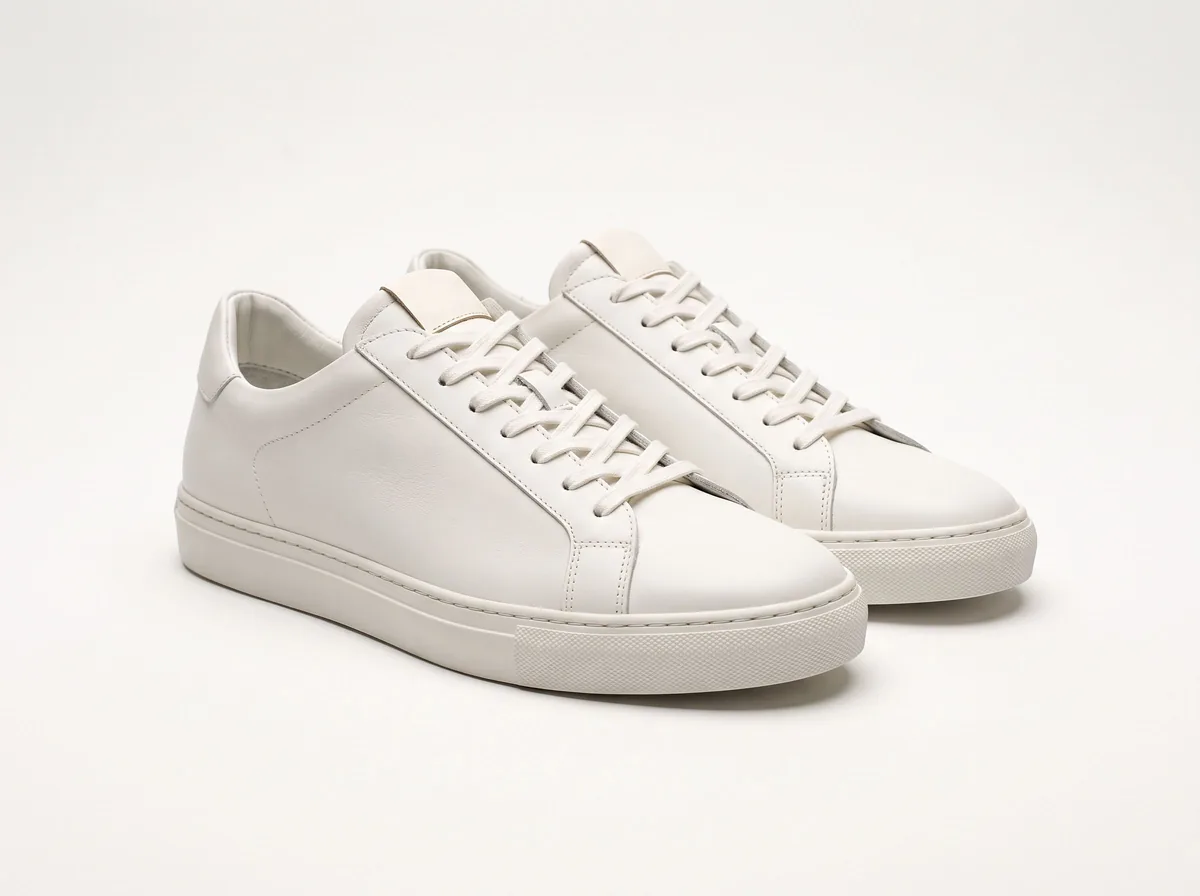 Product Photo White BackgroundFreePut any product on a clean white background for your listings, then check it against Amazon's main-image rules before you upload.
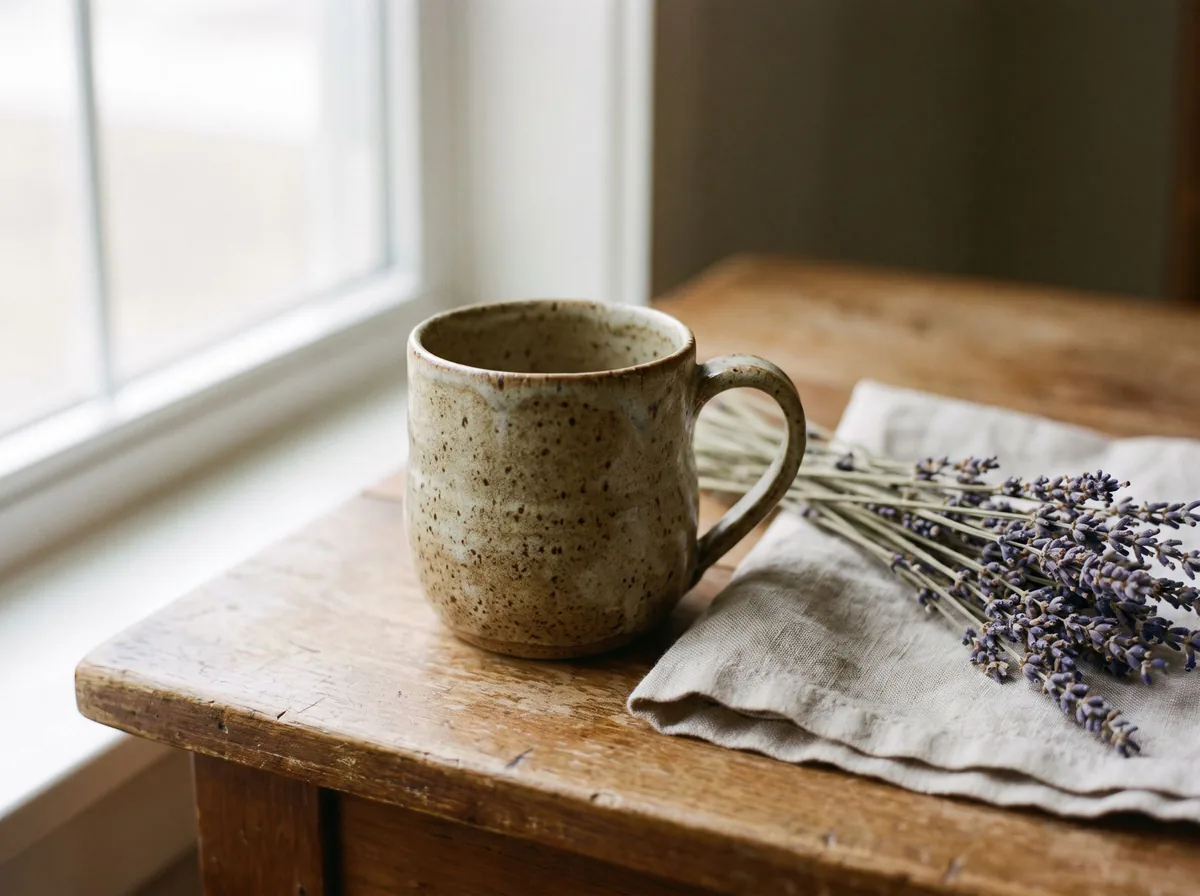 Etsy Product PhotosFreeMake warm, natural-light Etsy product photos that show your handmade work clearly and look good in a landscape search thumbnail.
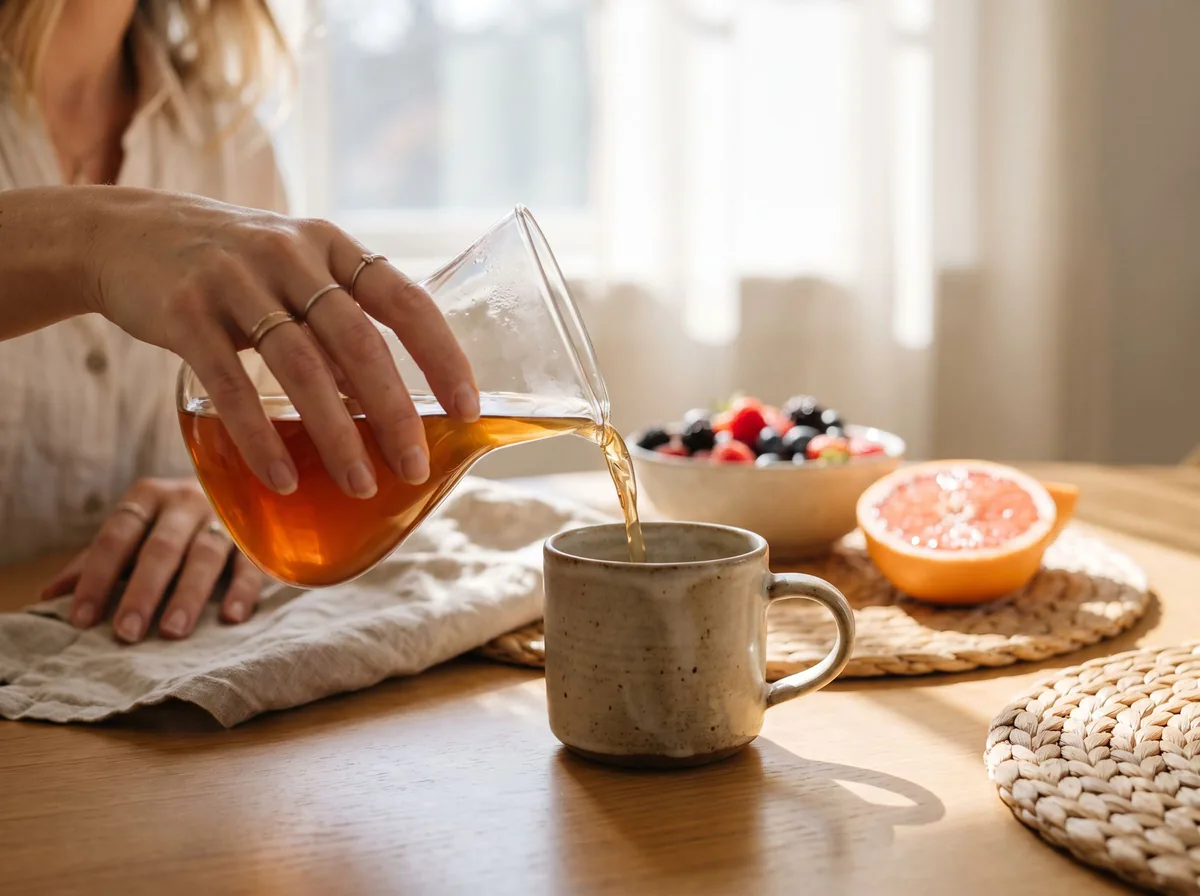 Lifestyle Product PhotographyFreePlace your product into believable real-life settings, in use and at true scale, so shoppers can picture it in their own home or day.
Ask an assistant
 Product Shoot StudioProduct Photography FreeYour AI product photography director: plans the shoot, picks scenes, props and light, and writes the prompt for every shot.Chat free →
 Amazon Main Image CheckerProduct Photography FreeChecks your Amazon main image against common requirements, background, fill, props and text, and tells you how to fix or reshoot it.Chat free →
 Jewelry Photo DirectorProduct Photography FreePlans jewelry photos that show sparkle, metal tone and true scale: rings, necklaces, earrings and bracelets on white, on busts and in close detail.Chat free →