Product photography
100% free · No sign-upRemove Text from Image for Free
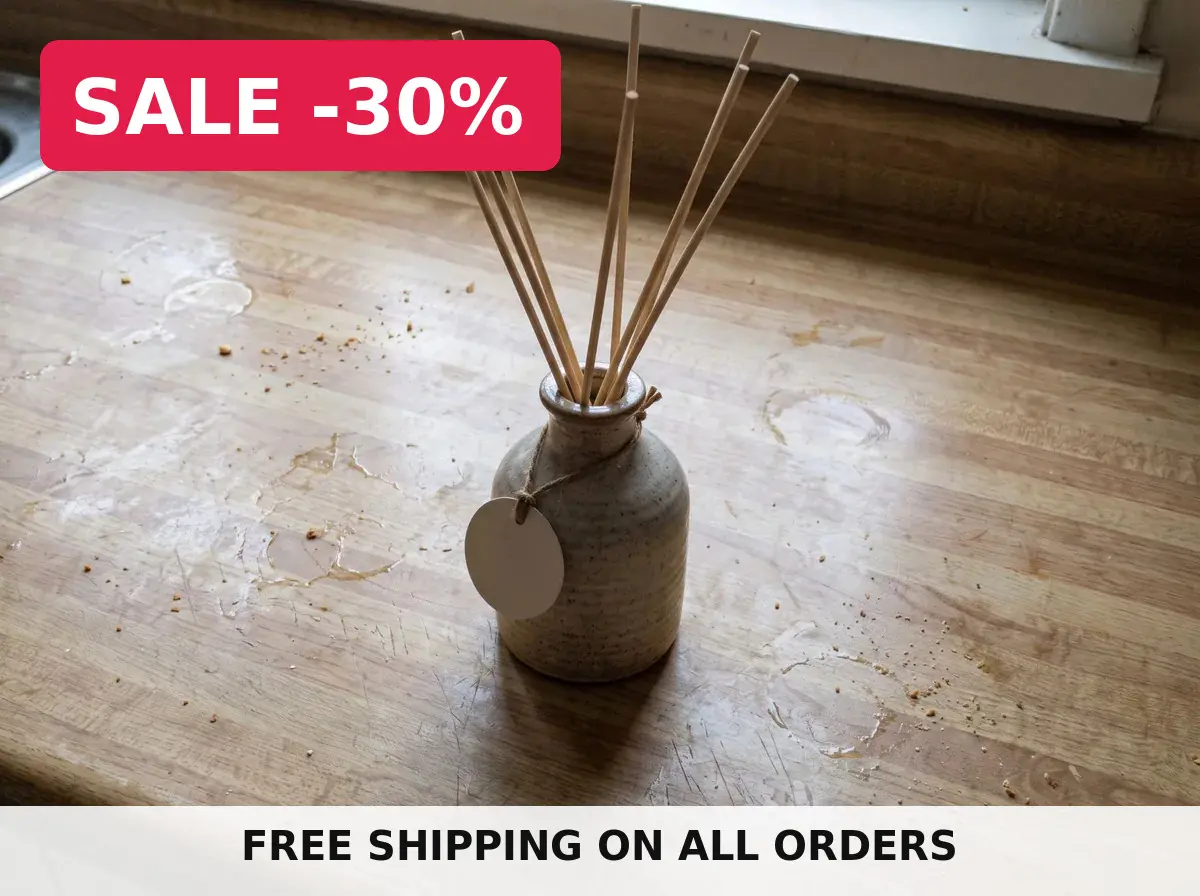
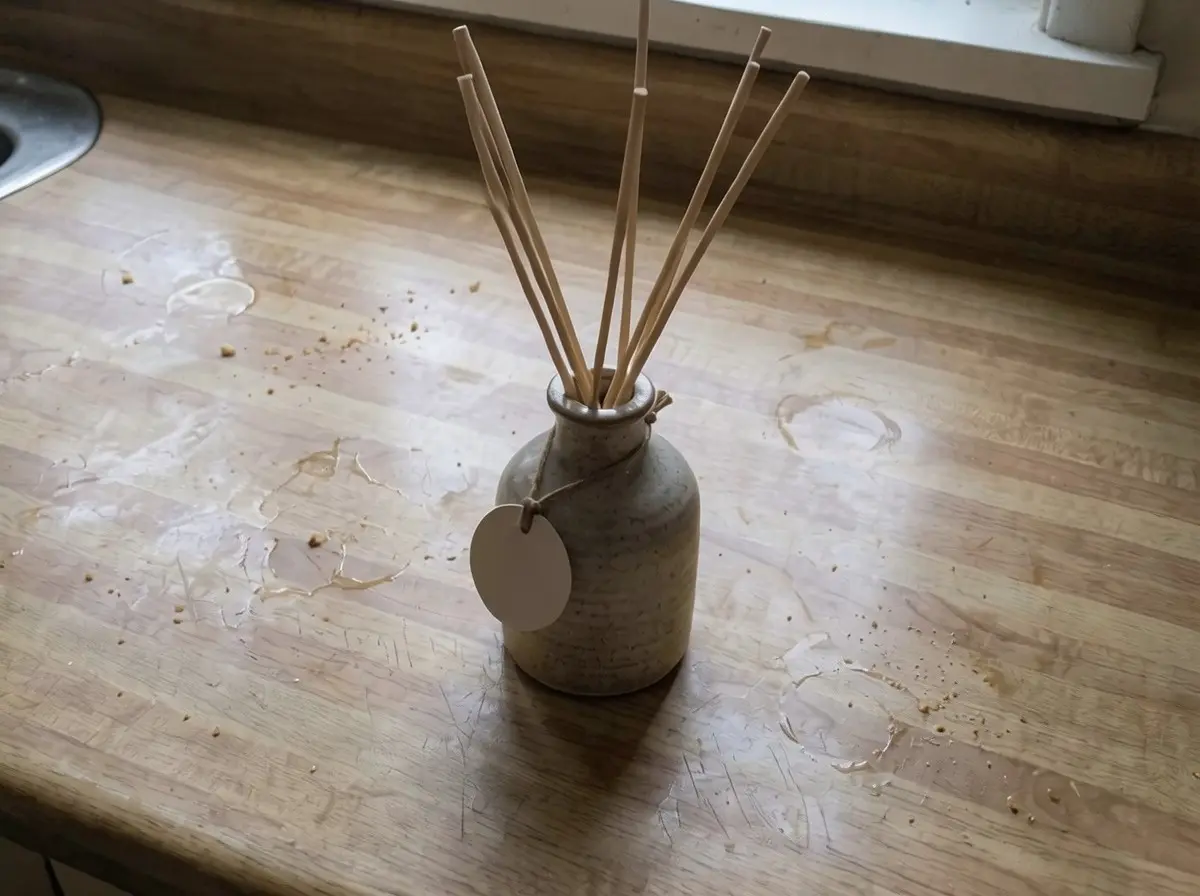
Upload a photo and remove the text on it: a caption, price, date stamp, phone number or old sale banner. The background behind the words is rebuilt so no trace is left. Free to use, no sign-up.
Free to use · No sign-up · JPG, PNG or WebP
Remove Text
Made with Z Product AI
Popular with sellers
How it works
How to use the Remove Text from Image
- 1
Upload your photo
A clear phone photo is enough. Keep the whole product or garment in frame.
- 2
Tap a preset or describe it
Pick a chip or type what you want in a few words. The AI keeps your product exactly as it is.
- 3
Download or refine
Download the result, or ask for a change and the AI edits the last image.
An old price, a "SALE" banner from last season or a date stamp in the corner can make a good photo unusable. This free text remover takes the image you already have, erases the words you name and rebuilds the background behind them, so you can reuse the photo in a new listing, post or ad.
Remove added text, keep the product label
By default the tool removes text placed on top of a photo, such as captions, prices, phone numbers, hashtags and banners, and keeps the words printed on the product itself. To remove something specific, name it and say where it is, such as "the red price in the top left".
The background is rebuilt, not blurred
Many quick fixes cover text with a blur or a colored box. This tool fills the area with the wall, sky, fabric or surface that should be behind the words, matching its texture and light, so the photo looks as if the text was never there.
Tips for a clean result
Start from the largest, sharpest copy of the image you have. Remove one block of text at a time on busy backgrounds. Check the result at full size before you publish it, and keep the original in case you want to start again.
Need images with no mark, in HD? Try AI product photos on AI Two, our sister studio: free to try, and its paid plans remove the watermark and add HD output.
FAQ
Remove Text from Image: questions sellers ask
How do I remove text from an image?
Upload the image, then tap a chip such as "Remove all added text" or type which words to remove, for example "the price in the top right". The AI erases that text, rebuilds the background behind it and keeps the rest of the picture. Download the result when it looks right.
Will it remove the text printed on my product?
Not unless you ask. With no instruction the tool removes text that was added on top of the photo, such as captions, prices and banners, and keeps the text on the product, its label and its packaging.
What kind of background works best?
Plain walls, studio backdrops, sky and simple surfaces come out cleanest. Busy patterns, faces behind the text or very large blocks of text are harder; if a trace is left, run the edit again on the result or name the exact spot.
Can I remove a watermark with it?
No. Watermarks, copyright notices and stock photo marks protect someone else's work, so the tool leaves them alone. Use it on your own photos: your old prices, captions, date stamps and banners.
Does the result have a watermark?
No. The image you download has no watermark from us.
Is my photo kept?
Your photo is sent to our image model to make the edit. Do not upload private documents or IDs; this tool is meant for product and marketing photos.
Is Remove Text from Image free?
Yes. Remove Text from Image is free to use — no account and no credit card needed. You get free edits every day.
How accurate is Remove Text from Image?
Results depend on the photo and the request. You can refine with follow-up messages until it looks the way you want.
Can I make multiple edits?
Yes! Each result becomes your new base image — keep refining with follow-up messages.
Is Z Product AI really free?
Yes. Every tool and assistant on Z Product AI is free to use, with no sign-up and no credit card. Very heavy use is paced with short waits so the site stays free for everyone.
Keep going
More tools for your listings
 AI Product Image GeneratorFreeUpload a photo of your product and get studio and lifestyle product images in seconds. No photographer, no studio, no props.
 Product Photo White BackgroundFreePut any product on a clean white background for your listings, then check it against Amazon's main-image rules before you upload.
 AI Product PhotoshootFreeA full product photoshoot from one photo: hero shot, lifestyle scenes, close-ups and ad creative, in one session.
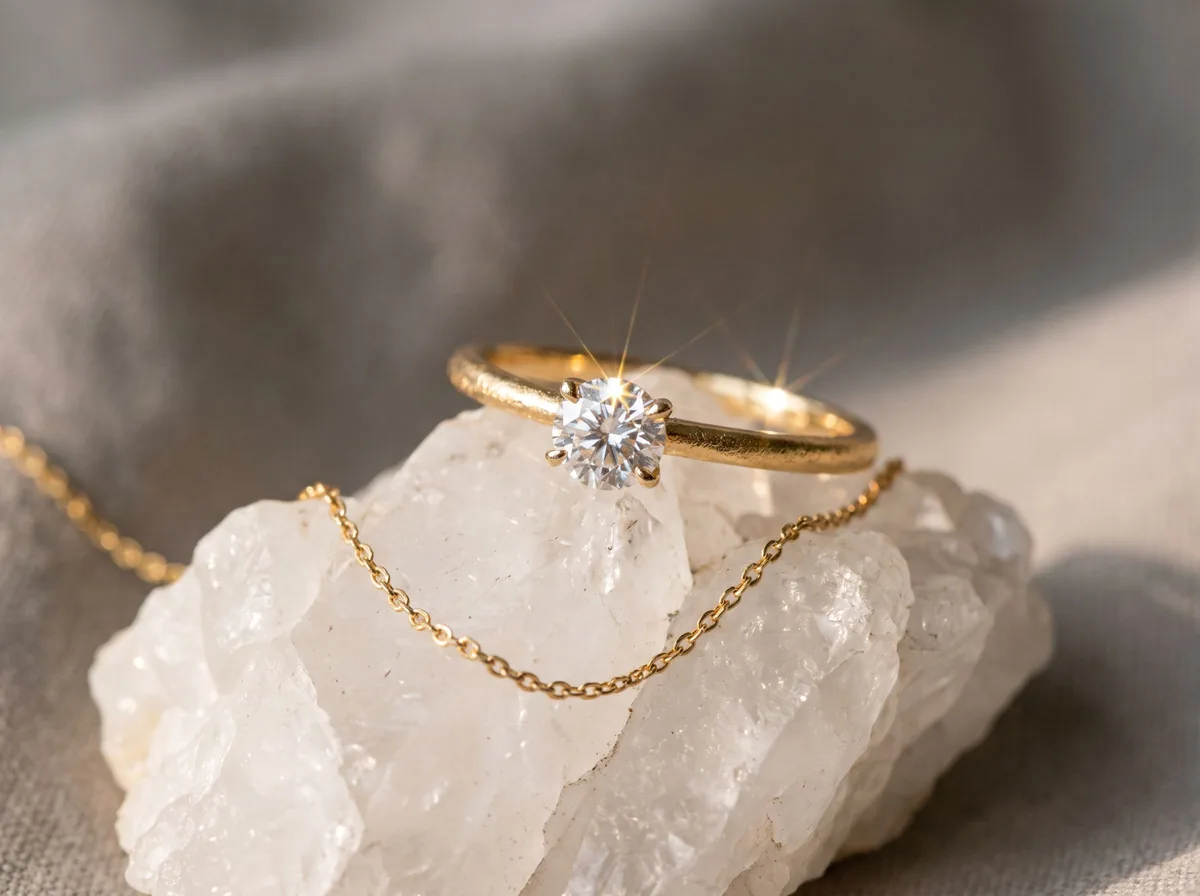 Jewelry Product PhotographyFreeTurn a phone photo of a ring, necklace or earrings into sharp jewelry product photos with controlled sparkle and true metal color.
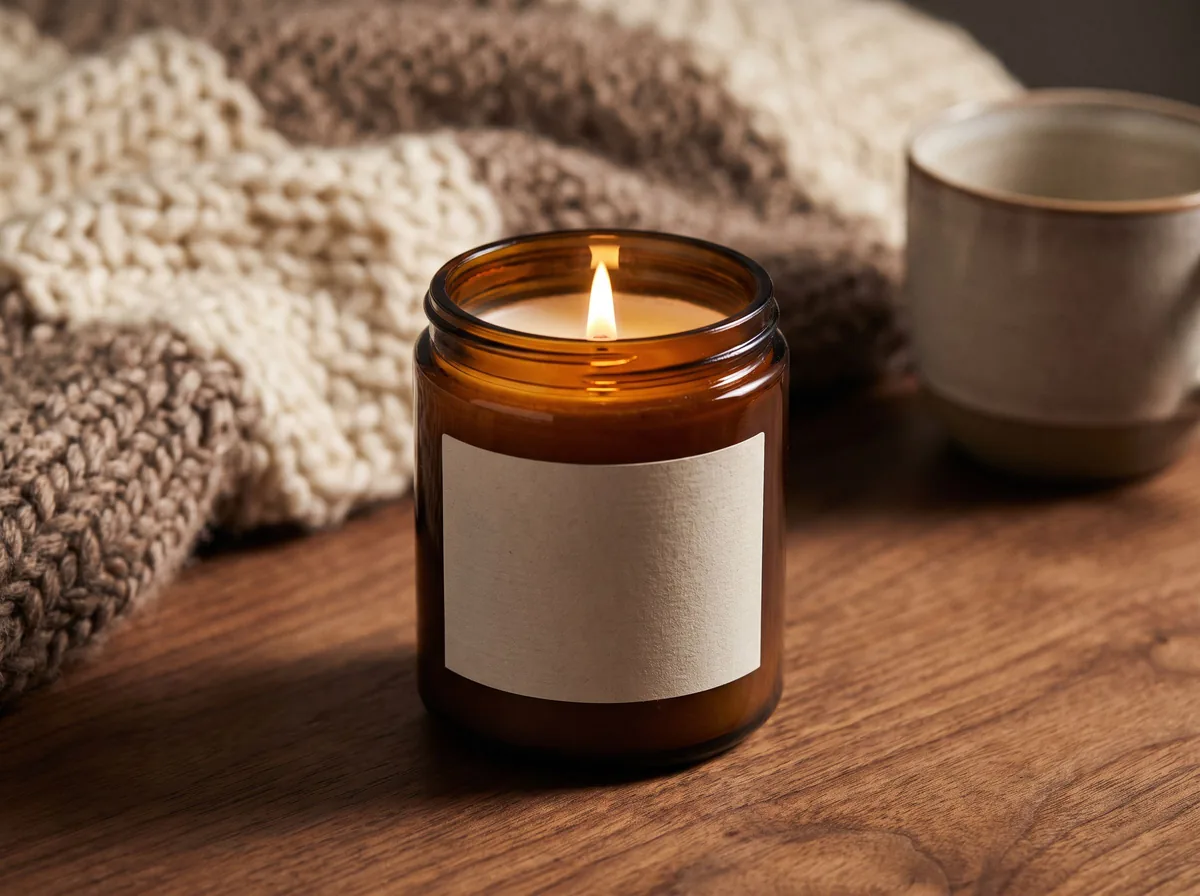 Candle Product PhotographyFreeMake warm, cozy candle product photos from one upload: lit flames, styled shelves and clean white shots for your candle shop.
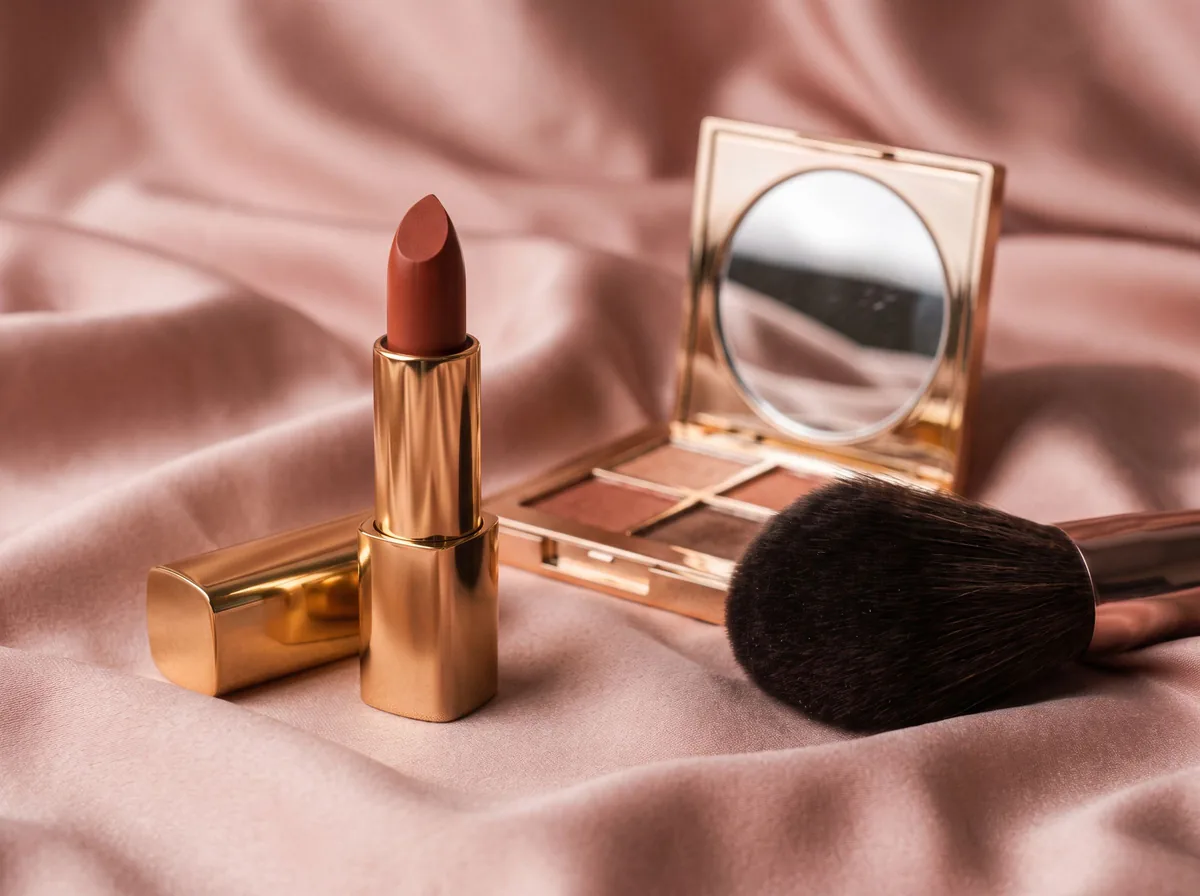 Cosmetic Product PhotographyFreeCreate polished makeup product photos with true shade color, clean packaging and swatch or texture shots from one upload.
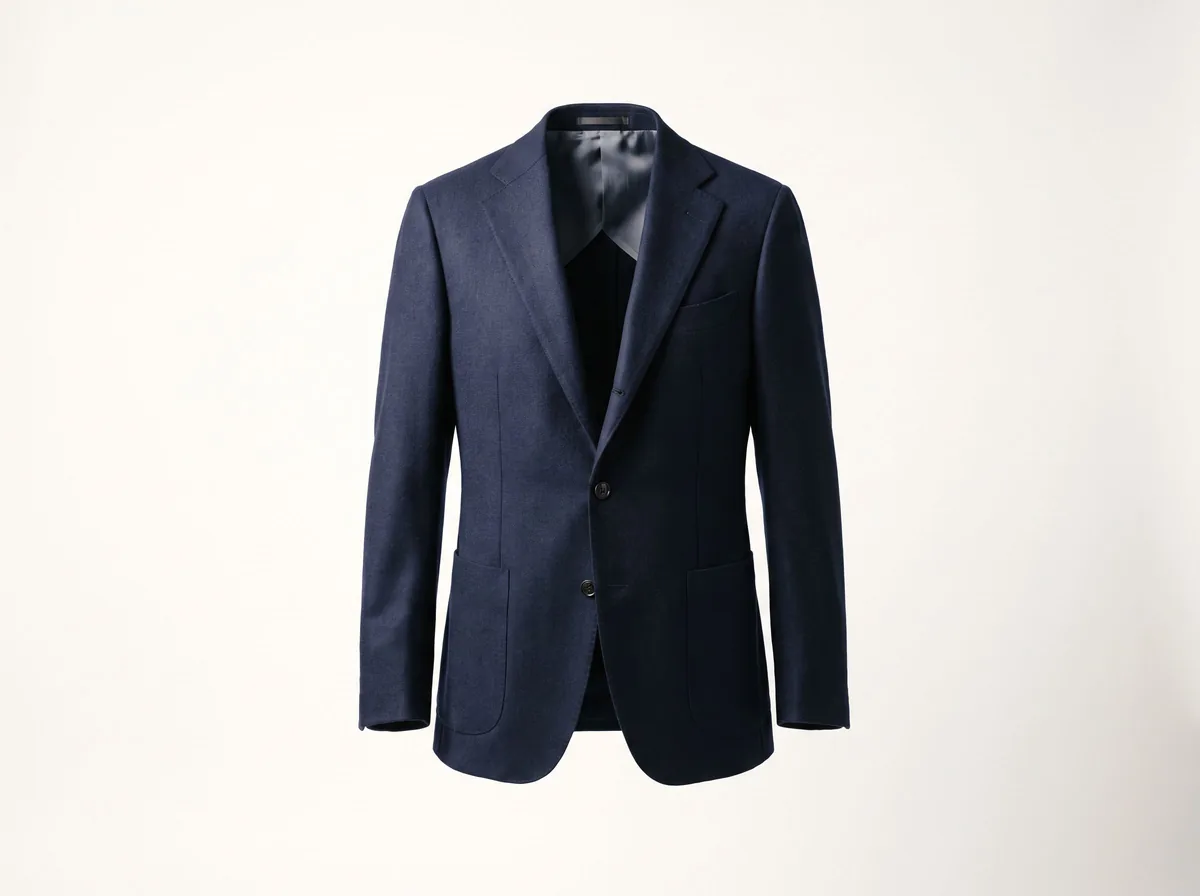 Ghost Mannequin EffectFreeTurn a mannequin, hanger or flat-lay photo into a clean invisible-mannequin shot, with the hollow 3D shape shoppers expect.
 AI Product Description GeneratorFreeTurn a few product facts into a persuasive, SEO-friendly product description for your store, in seconds.
Ask an assistant
 Product Shoot StudioProduct Photography FreeYour AI product photography director: plans the shoot, picks scenes, props and light, and writes the prompt for every shot.Chat free →
 Amazon Main Image CheckerProduct Photography FreeChecks your Amazon main image against common requirements, background, fill, props and text, and tells you how to fix or reshoot it.Chat free →
 Jewelry Photo DirectorProduct Photography FreePlans jewelry photos that show sparkle, metal tone and true scale: rings, necklaces, earrings and bracelets on white, on busts and in close detail.Chat free →