Seller guide
How to Photograph Pet Products for an Online Store
A pet product sells on how it looks and how it fits into a home. Buyers want to see the product clearly, the texture and stitching up close, and one picture of it in use. Keep the set plain and the light soft, and keep the photos consistent across the catalogue. This guide covers the products, not pet portraits.
Updated 13 October 2026
The short answer
- Diffuse harsh sun, and avoid glare and hard shadows.
- Use a plain white or neutral background so the product is the focus.
- Show the whole product from the top and at eye level.
- Add close-ups of the texture, the stitching and the details.
- Use 5 to 8 images, with square crops and at least one in-use shot.
Light the product softly
Diffuse harsh sun with a diffuser, or use a softbox for even light. Avoid direct light that makes hard shadows and glare on shiny packaging or coated surfaces. For a glossy pack, a white sheet can soften the light, and tilting the pack away from the light reduces the glare.
Keep the background and props simple
Use a plain white or neutral background. Props should support the product without competing with it, and they should never cover a label, a logo or the hardware.
Shoot the views that sell
- A top-down view, to show the whole product.
- An eye-level view, to show the shape and the scale.
- Close-ups of the texture, the stitching and the unique details.
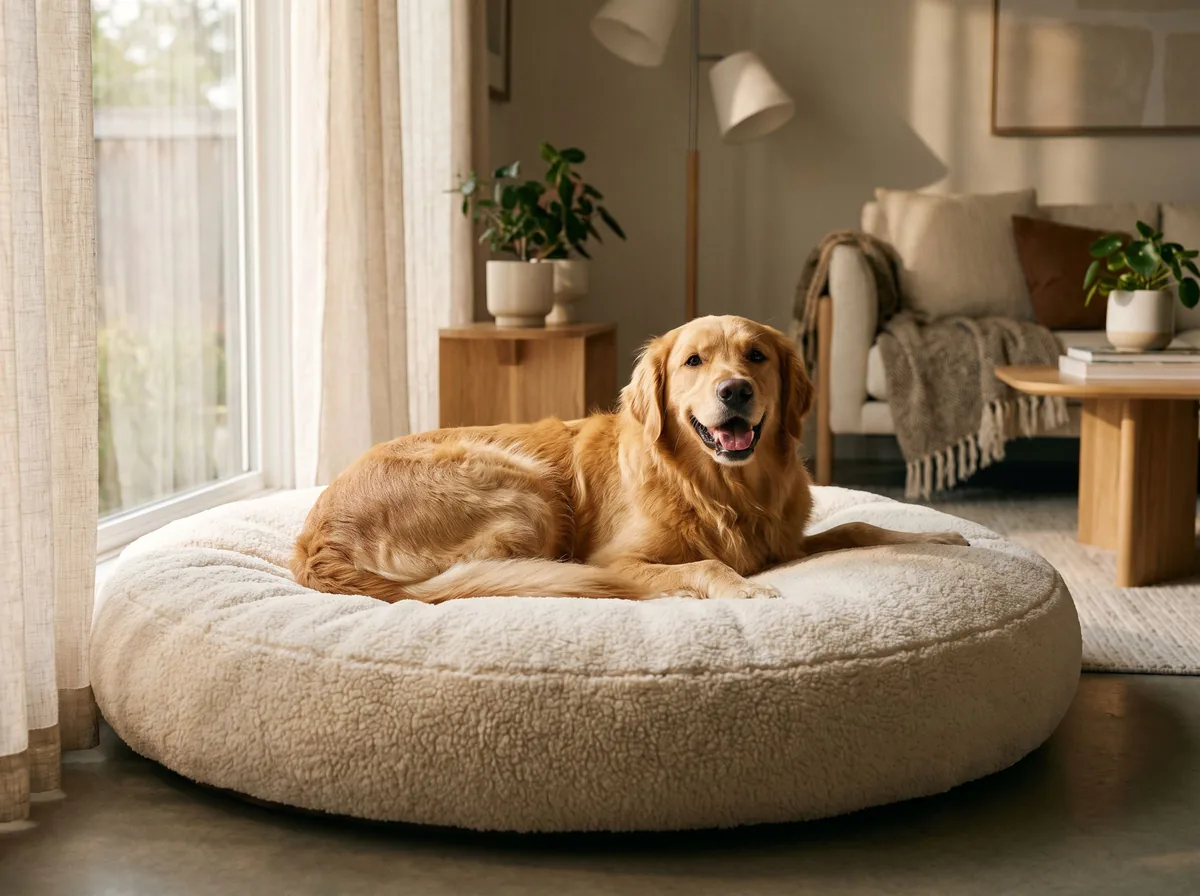
- One in-use shot, such as a bowl on a kitchen floor or a bed in a room.
Build a consistent listing set
Aim for 5 to 8 images: clean product shots, detail shots and at least one lifestyle or action image. Use square crops for online listings, and keep the same setup and editing across the catalogue so the products look like one range. Keep the edits accurate, so the product looks as it really is.
On a marketplace, the main image matters most. Some sellers test two or three main image variants to see which one gets more clicks. Treat that as a test to run on your own listing, not a rule.
Free tools for this
Try it on your own photo
FAQ
Questions sellers ask
Should my pet product photos show a pet?
A product photo can show the product in use. Keep the product the focus, so any pet or prop stays secondary and the product is clearly visible.
How many photos should a pet product listing have?
About 5 to 8: clean product shots, detail shots, and at least one in-use shot.
Should I use a white background?
For the main image, a plain white or neutral background is the usual choice. Lifestyle shots can use a room or a scene.
Can I use AI to make the scene?
You can, but check that the product still looks exactly like the real item, especially the labels and the fit. Keep the real photo as the reference.
Sources
- E-commerce Fast Lane: pet product photography for e-commerce
- Bonnie Sorsby: Amazon pet product photography (photographer services page)
Z Product AI makes some of the tools compared here. Competitor details come from their own sites and public reviews as of 13 October 2026.