Product photography
100% free · No sign-upFree Magazine Mockup Generator
Upload your magazine cover and see it as a real printed issue: on a coffee table, held in hand, in a stack, as a flat lay or on a desk, in any setting. Free to use, no sign-up.
Free to use · No sign-up · JPG, PNG or WebP
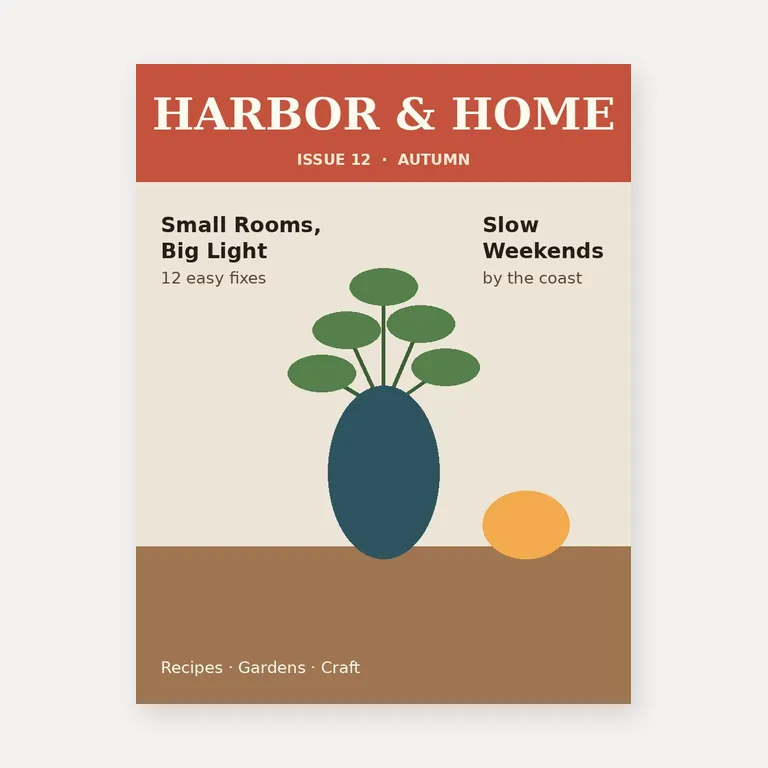
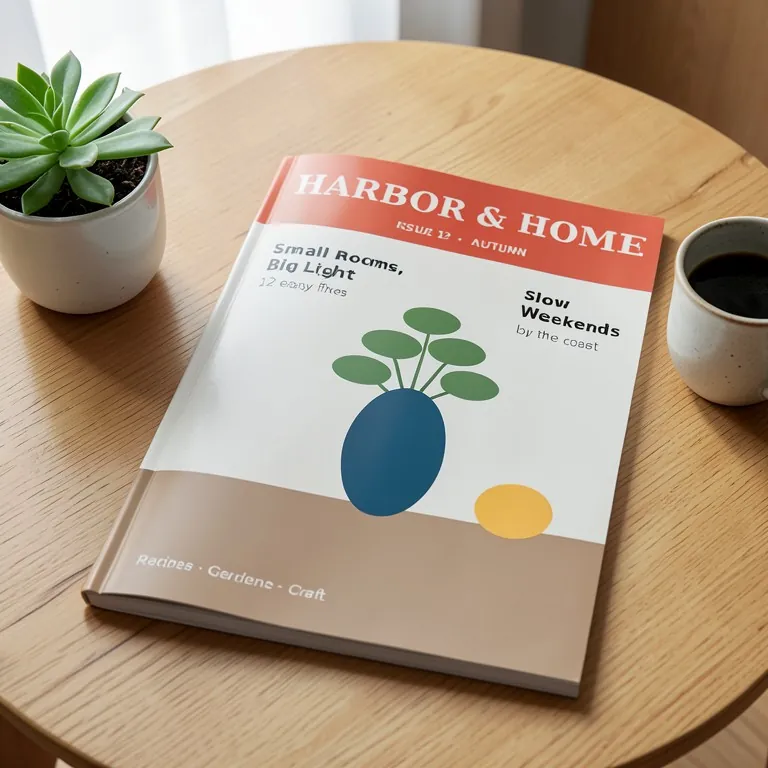
Magazine Mockup Generator
Made with Z Product AI
Popular with sellers
How it works
How to use the Magazine Mockup Generator
- 1
Upload your photo
A clear phone photo is enough. Keep the whole product or garment in frame.
- 2
Tap a preset or describe it
Pick a chip or type what you want in a few words. The AI keeps your product exactly as it is.
- 3
Download or refine
Download the result, or ask for a change and the AI edits the last image.
A magazine mockup shows your cover as a real printed issue, which is how editors, clients and readers judge a design. Designers use them in portfolios and pitches, and small publishers use them for pre-orders and social posts. Upload the cover, pick a shot and download the photo, with no PSD template to open.
Shots for a portfolio or a launch
Start with a clean cover shot on a table, then add one in hand for scale, a stack for a new issue or a series, and an open spread if you have the inside pages. A flat lay with a few props, like a mug or glasses, sets the mood without hiding the design.
Design the cover to read small
A mockup shows the cover at an angle and smaller than the print file, so the masthead and one or two big cover lines carry it. Very small type will not be readable in a mockup, and the AI can garble it. Check the real print proof for small text.
Upload at the real size
US magazines are mostly Letter size (8.5 x 11 inches); much of the rest of the world uses A4. Export the cover at that shape, without crop marks, so the mockup shows the true proportions.
Need images with no mark, in HD? Try AI product photos on AI Two, our sister studio: free to try, and its paid plans remove the watermark and add HD output.
FAQ
Magazine Mockup Generator: questions sellers ask
How do I make a magazine mockup?
Upload the cover as a JPG or PNG, then tap a shot such as "On a coffee table" or "Held in hand", or type your own, for example "magazine on a hotel bed with a breakfast tray". The AI prints the cover on a real magazine and photographs it.
Will the cover text stay exact?
Big text does, small text often doesn’t. We tested a made-up HARBOR & HOME cover in three shots: on a linen tablecloth, held in a café and on a coffee table. The masthead stayed exact in all three, and the big cover lines were exact in two and had one wrong letter in the third. The small lines, such as "12 easy fixes" and "Recipes · Gardens · Craft", had wrong letters in every shot. Keep cover lines large, run a shot again if a word changes, and use the image for previews rather than for proofreading.
Can I show an open spread?
Yes. Upload the spread itself (both pages side by side as one wide image) and tap "Open magazine". If you upload only the cover and ask for an open magazine, the AI has to invent the inside pages; it is told to keep them as plain pictures with no readable words.
Which magazine size should I upload?
Upload the cover at the shape you print. The common sizes are US Letter (8.5 x 11 inches) and A4 (210 x 297 mm); digest (5.5 x 8.5 inches) and square formats are used too. The AI keeps the shape of your upload, so the mockup matches the real issue.
Can I use it for a zine, catalog or brochure?
Yes for a zine or a catalog: they are shot the same way, so type "zine" or "catalog" with your request. For a folded brochure or flyer, use the brochure mockup generator, which knows tri-folds and flyers.
Is the magazine mockup free?
Yes. There is no sign-up and no paid plan to unlock downloads. Free downloads are up to 768px on the long side and carry a small zproductai.com mark, which suits drafts, portfolio previews, pitches and social posts.
Is Magazine Mockup Generator free?
Yes. Magazine Mockup Generator is free to use — no account and no credit card needed. You get free edits every day.
How accurate is Magazine Mockup Generator?
Results depend on the photo and the request. You can refine with follow-up messages until it looks the way you want.
Can I make multiple edits?
Yes! Each result becomes your new base image — keep refining with follow-up messages.
Is Z Product AI really free?
Yes. Every tool and assistant on Z Product AI is free to use, with no sign-up and no credit card, and there are no paid plans. Very heavy use is paced with short waits so the site stays free for everyone.
Keep going
More tools for your listings
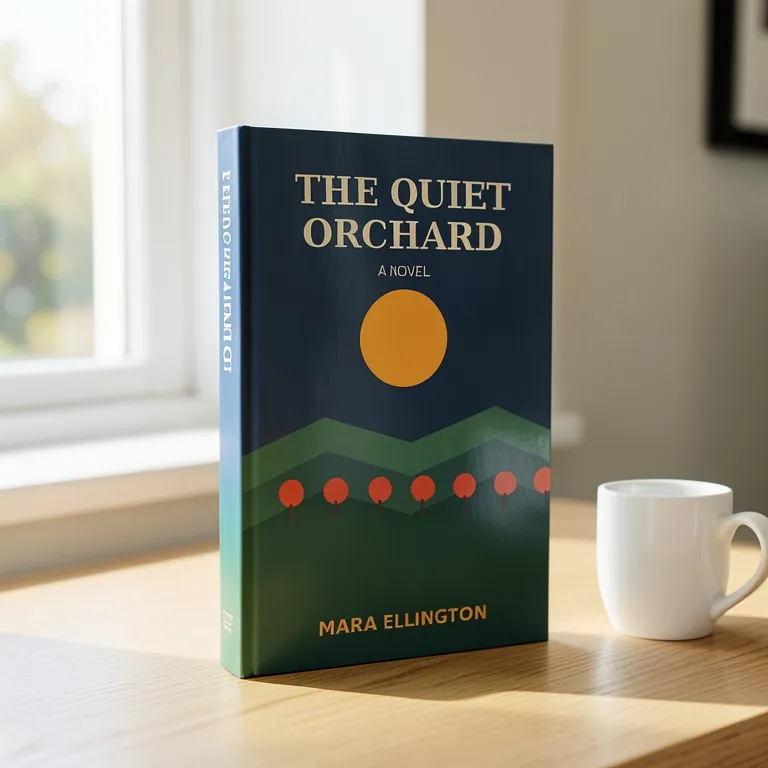 Book Mockup GeneratorFreeUpload your flat book cover and see it as a real paperback or hardcover: at an angle on a desk, in a stack, on a shelf, held in hand or as an ebook on a tablet.
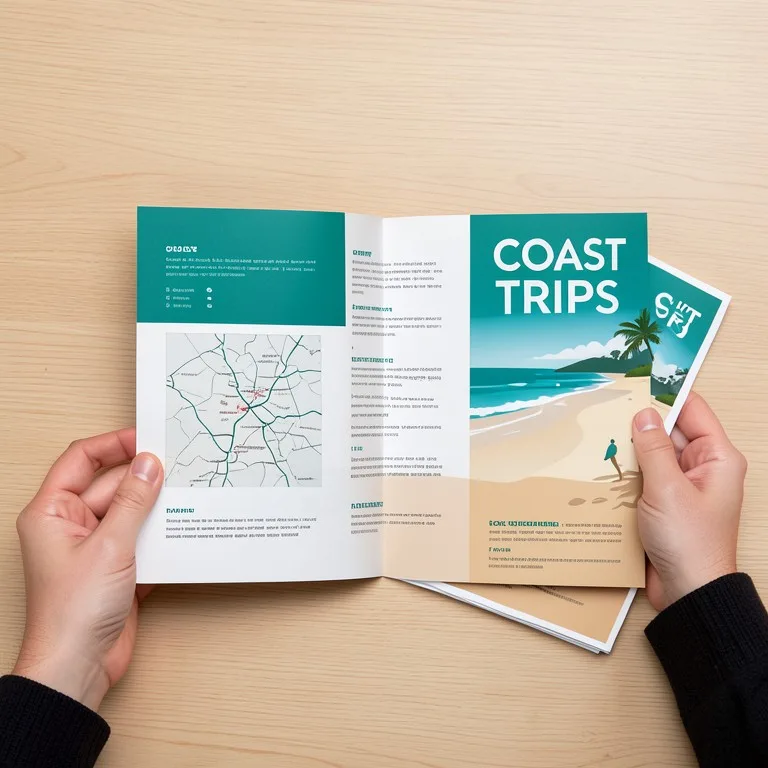 Brochure & Flyer Mockup GeneratorFreeUpload your brochure or flyer design and see it printed: a tri-fold or bi-fold brochure, an A4 or A5 flyer, held in a hand or laid on a desk.
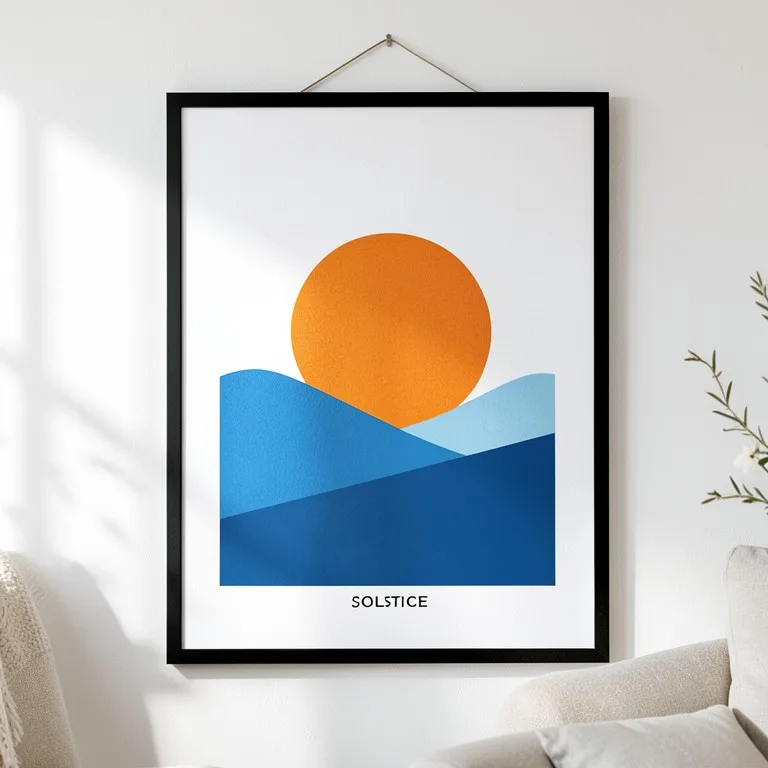 Poster & Frame Mockup GeneratorFreeUpload your poster or art print and see it framed on a wall, on an MDF board, leaning on a shelf or pasted on a street wall, in any room and frame.
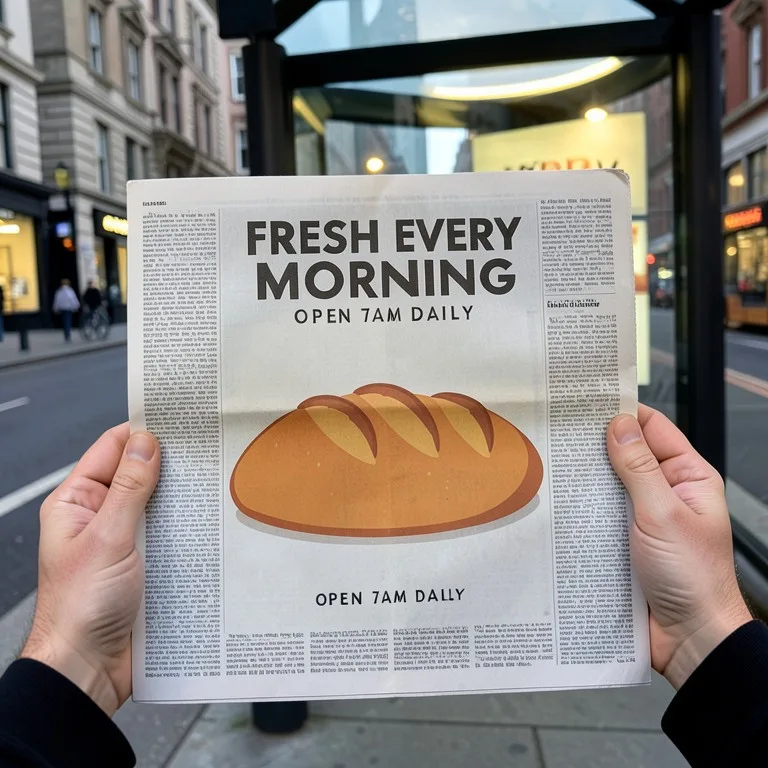 Newspaper Ad & Adshel Mockup GeneratorFreeUpload your ad and see it printed in a newspaper page or a magazine, or lit up in a bus-shelter adshel, for client approvals and pitch decks.
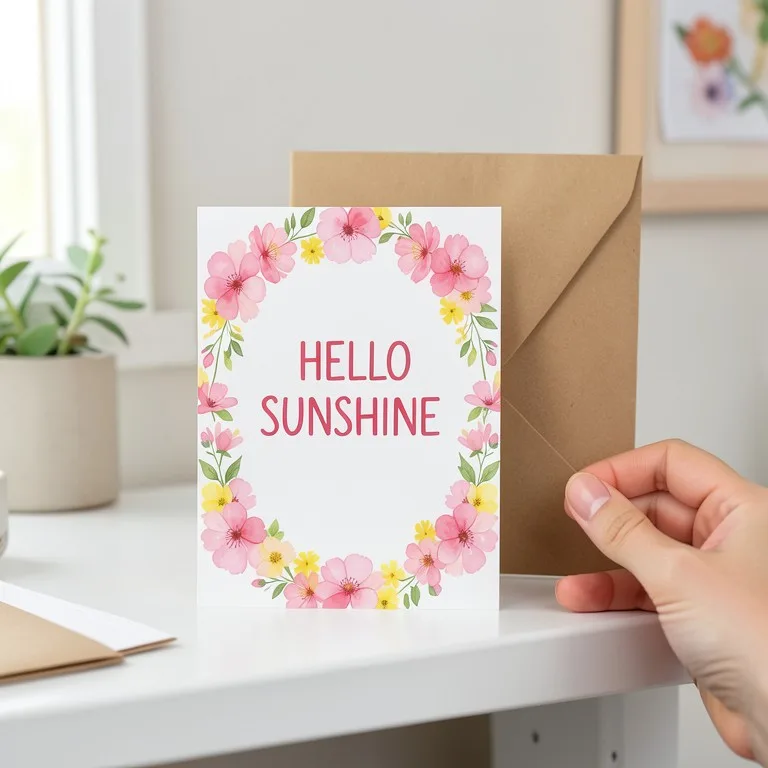 Postcard & Greeting Card Mockup GeneratorFreeUpload your card design and see it printed as a postcard or a folded greeting card: on a table, standing with an envelope, in a hand or on a pin board.
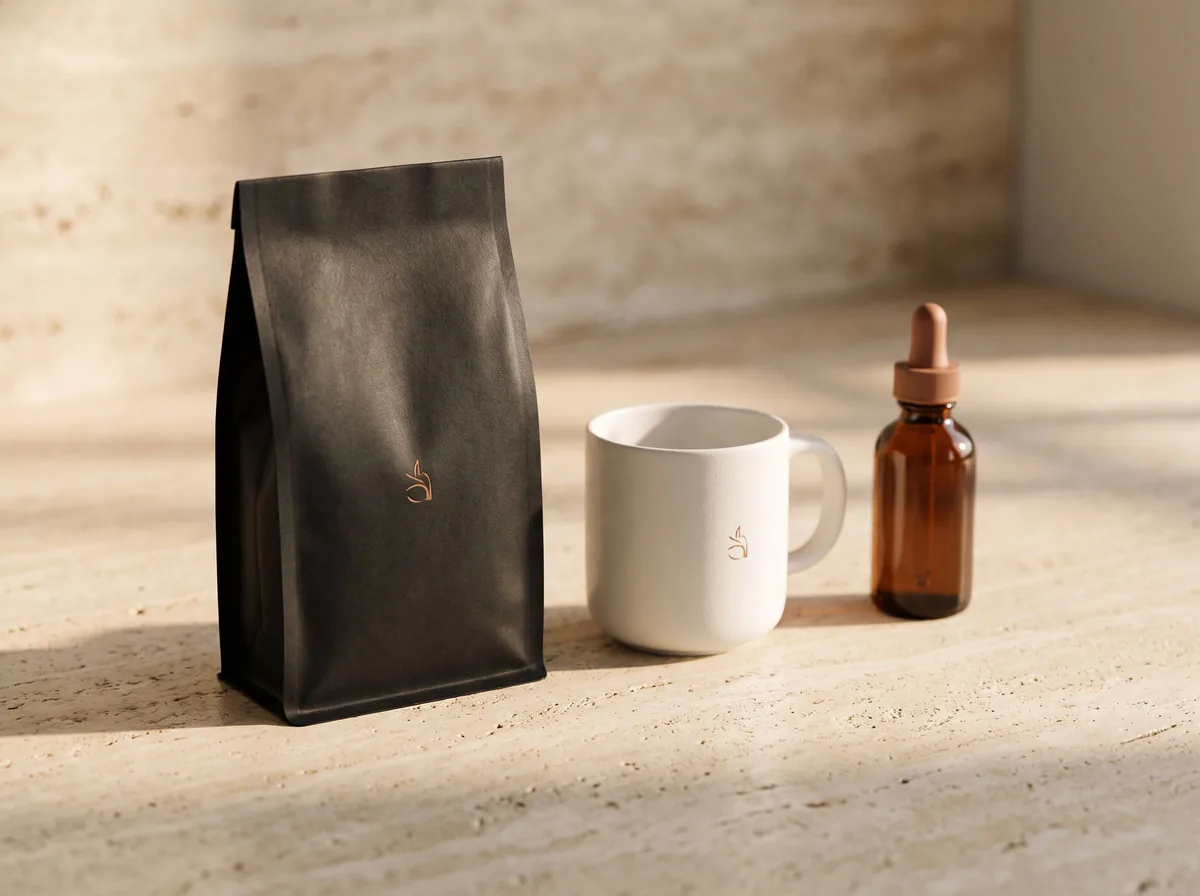 AI Mockup GeneratorFreeDescribe a product mockup, or upload your logo or label, and get a photo-real mockup: bottles, boxes, bags, mugs, apparel and more.
Ask an assistant
 Product Shoot StudioProduct Photography FreeYour AI product photography director: plans the shoot, picks scenes, props and light, and writes the prompt for every shot.Chat free →
 Amazon Main Image CheckerProduct Photography FreeChecks your Amazon main image against common requirements, background, fill, props and text, and tells you how to fix or reshoot it.Chat free →
 Jewelry Photo DirectorProduct Photography FreePlans jewelry photos that show sparkle, metal tone and true scale: rings, necklaces, earrings and bracelets on white, on busts and in close detail.Chat free →