Product copy
100% free · No sign-upFree Social Media Product Caption Generator
One product, a caption shaped for each network: Facebook, Pinterest, X, LinkedIn and Threads, each within its own length and style. Free to use, no sign-up.
Your generated social media captions will appear here
How it works
How to use the Social Media Product Caption Generator
- 1
Add your product facts
Name, materials, size, who it is for and what makes it different.
- 2
Pick tone and options
Match your brand voice, length and language.
- 3
Generate and paste
Copy the result into your listing, or generate again for another version.
Posting one product across five networks with the same caption is a quick way to get ignored on four of them. This product caption generator writes a caption for each network from one set of product facts, shaped for how people read Facebook, Pinterest, X, LinkedIn and Threads.

Social Captions
The product behind the words
Pinterest is search, not a feed
People use Pinterest to plan purchases. Write pin titles and descriptions the way someone would search: “beeswax food wraps set of 3 reusable plastic wrap alternative”. Clever wordplay that works on X does little here.
LinkedIn wants the story behind the product
On LinkedIn the product works best as part of a story: why you made it, how it is made, what you learned. The LinkedIn caption leads with that rather than with the product.
FAQ
Social Media Product Caption Generator: questions sellers ask
Why not use the same caption everywhere?
Each network is read differently. Pinterest works like a search engine and rewards descriptive keywords, X has a 280-character limit, and LinkedIn readers respond to the story behind the business. One product, five different captions.
What are the character limits?
The generator keeps to Pinterest’s 100-character title and 500-character description, 280 characters on X and 500 on Threads, as published at the time of writing. Networks change their limits, so check if a post is rejected.
Where are the Instagram captions?
Instagram has its own tool, the Instagram product caption generator, with hooks sized for the preview, carousel slides and alt text.
Can I edit the copy?
Yes. Copy it out and edit it anywhere, or change your input and generate again for a new version.
Which languages are supported?
English, Spanish, French, German, Italian, Portuguese, Dutch and Japanese. Pick one in the Language option.
Is Z Product AI really free?
Yes. Every tool and assistant on Z Product AI is free to use, with no sign-up and no credit card, and there are no paid plans. Very heavy use is paced with short waits so the site stays free for everyone.
Keep going
More tools for your listings
 AI Product Description GeneratorFreeTurn a few product facts into a persuasive, SEO-friendly product description for your store, in seconds.
 AI Product Name GeneratorFreeBrandable product names and SEO product titles from a short description of what you sell.
 AI Ad Copy GeneratorFreeScroll-stopping ad copy for Meta, TikTok and Google product ads, written from your product and offer.
 Etsy Listing Description GeneratorFreeA complete Etsy listing from your item facts: title, description and 13 tags, in the warm voice Etsy buyers expect.
 Shopify Product Description GeneratorFreeProduct page copy for Shopify: description, bullet points, SEO title and meta description, in your brand voice.
 Amazon Product Listing GeneratorFreeA complete Amazon listing: keyword-rich title, five bullet points, description and backend search terms.
 AI Product Image GeneratorFreeUpload a photo of your product and get studio and lifestyle product images in seconds. No photographer, no studio, no props.
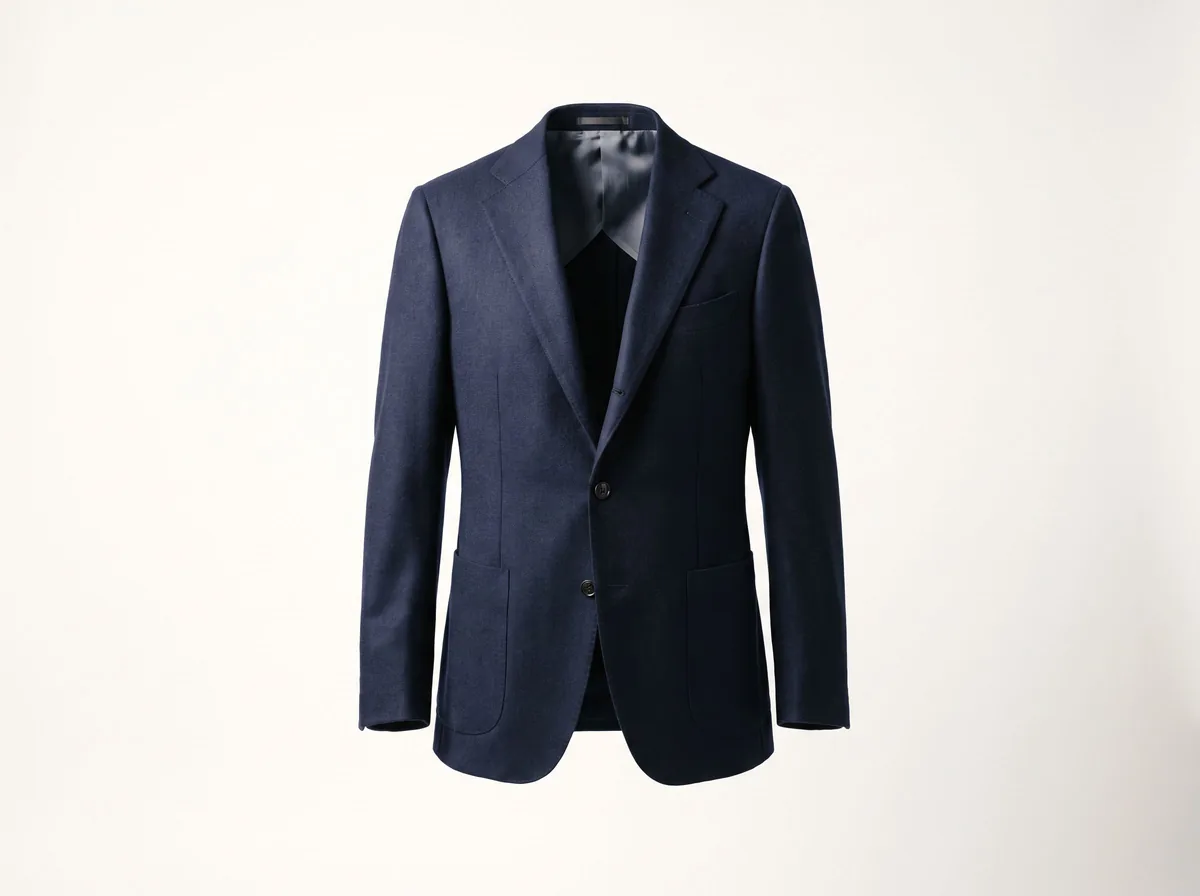 Ghost Mannequin EffectFreeTurn a mannequin, hanger or flat-lay photo into a clean invisible-mannequin shot, with the hollow 3D shape shoppers expect.
Ask an assistant
 Listing CopywriterProduct Copy FreeA copywriter on call for product titles, bullets and descriptions for Amazon, Shopify and Etsy. Paste your facts and iterate.Chat free →
 Ad Copy CoachProduct Copy FreeWrites and sharpens product ad copy for Meta, TikTok and Google, and explains which angle to test next.Chat free →
 Etsy Shop AssistantProduct Copy FreeTitles, descriptions and 13 tags for your Etsy listings, plus a friendly review of listings that are not getting views.Chat free →