Product photography
100% free · No sign-upFree AI Shopify Product Photos
Create consistent Shopify product photos with the same aspect ratio, background and light, so your whole collection grid looks like one brand. Free to use, no sign-up.
Free to use · No sign-up · JPG, PNG or WebP
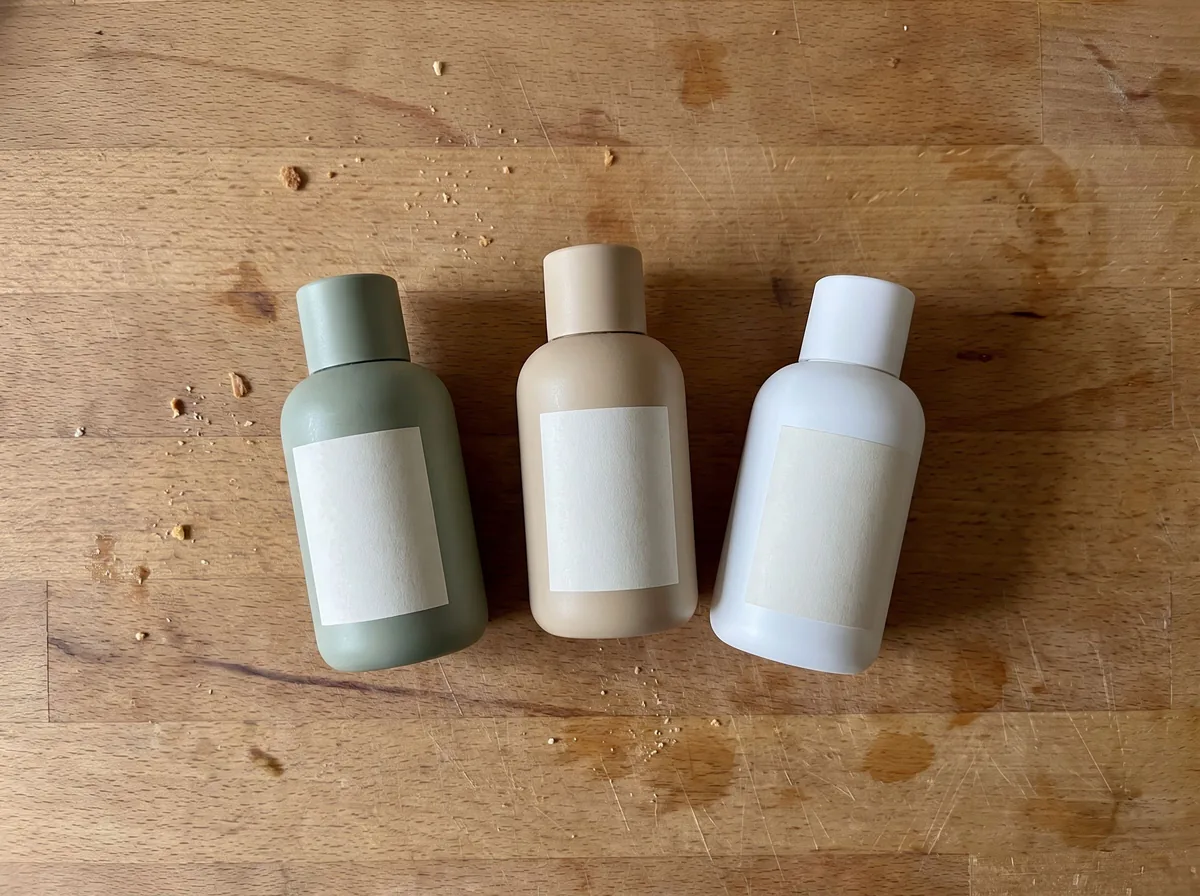
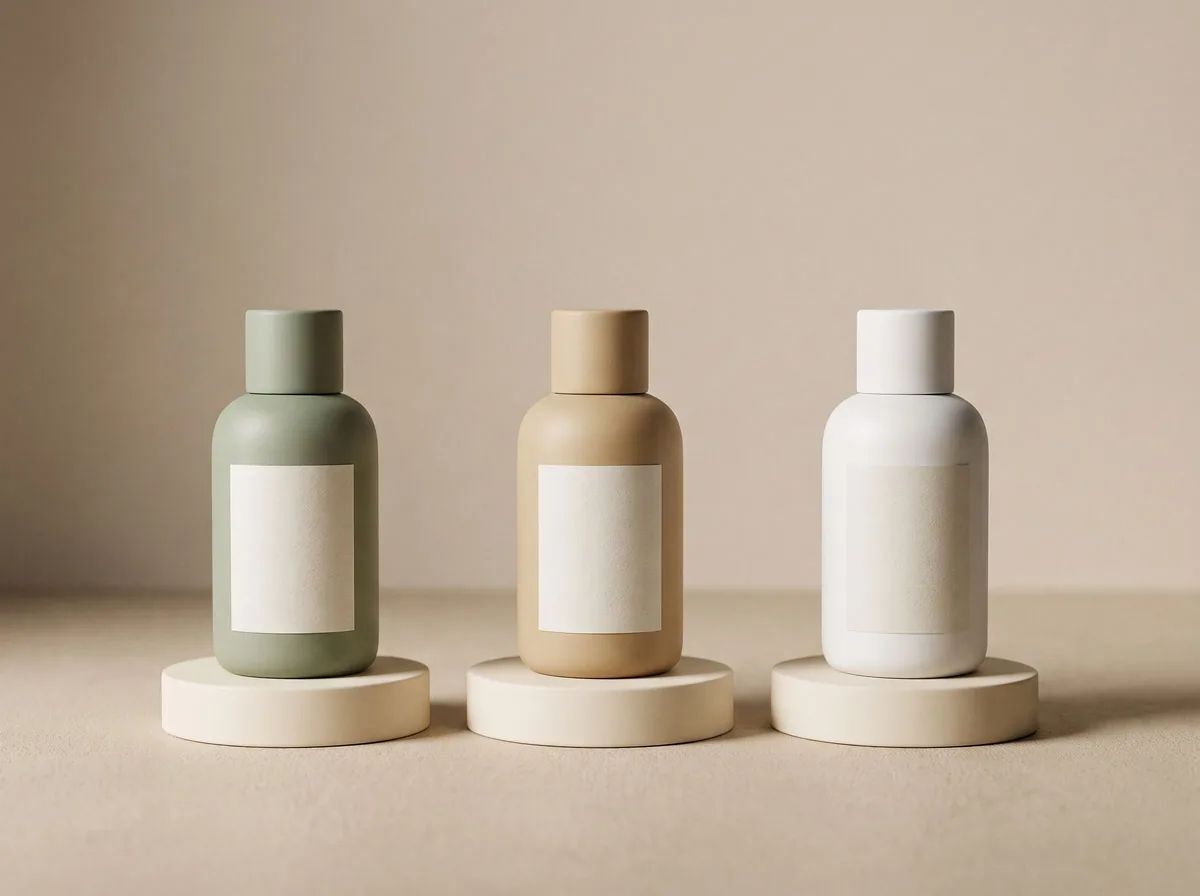
Shopify Product Photos
Made with Z Product AI
Popular with sellers
How it works
How to use the Shopify Product Photos
- 1
Upload your photo
A clear phone photo is enough. Keep the whole product or garment in frame.
- 2
Tap a preset or describe it
Pick a chip or type what you want in a few words. The AI keeps your product exactly as it is.
- 3
Download or refine
Download the result, or ask for a change and the AI edits the last image.
On your own Shopify store there is no marketplace rulebook, which means the look is up to you. The stores that feel trustworthy almost always have one thing in common: every product photo matches. Same crop, same background, same light. This tool helps you get there from whatever photos you already have.
Consistency beats perfection in a collection grid
Shoppers see your products side by side in collection pages. One product on white, another on a kitchen counter and a third cropped tall makes the store look unfinished. Decide on an aspect ratio, a background tone and a product size in the frame, then apply it to every item.
Brand background colors
A soft tint from your brand palette, such as pale sage or warm sand, makes a store recognizable without distracting from the product. Keep it light and low-contrast so product colors stay true and sale badges remain readable.
Beyond the first image
Your first image sells in the grid. The next images sell on the product page: an in-use scene, a close-up of materials and a scale reference. Mobile shoppers swipe through these quickly, so make each one about a single idea.
Need images with no mark, in HD? Try AI product photos on AI Two, our sister studio: free to try, and its paid plans remove the watermark and add HD output.
FAQ
Shopify Product Photos: questions sellers ask
What size should Shopify product images be?
Shopify recommends square images around 2048 x 2048 pixels for most themes. What matters most is that every product uses the same aspect ratio, or the collection grid looks uneven. Some themes can crop to portrait, so check your theme settings.
Do Shopify photos need a white background?
No, Shopify has no background rule. Many brands use a light grey, beige or brand color instead of white. Pick one and use it for every product so the store looks unified. If you also sell on Amazon, keep a pure white version for that.
How do I keep all my product photos consistent?
Use the same chip or the same written prompt for every product. The tool keeps framing, background and light direction the same, so photos taken on different days still match.
Is Shopify Product Photos free?
Yes. Shopify Product Photos is free to use — no account and no credit card needed. You get free edits every day.
How accurate is Shopify Product Photos?
Results depend on the photo and the request. You can refine with follow-up messages until it looks the way you want.
Can I make multiple edits?
Yes! Each result becomes your new base image — keep refining with follow-up messages.
Is Z Product AI really free?
Yes. Every tool and assistant on Z Product AI is free to use, with no sign-up and no credit card, and there are no paid plans. Very heavy use is paced with short waits so the site stays free for everyone.
Keep going
More tools for your listings
 AI Product Image GeneratorFreeUpload a photo of your product and get studio and lifestyle product images in seconds. No photographer, no studio, no props.
 Product Photo White BackgroundFreePut any product on a clean white background for your listings, then check it against Amazon's main-image rules before you upload.
 AI Product PhotoshootFreeA full product photoshoot from one photo: hero shot, lifestyle scenes, close-ups and ad creative, in one session.
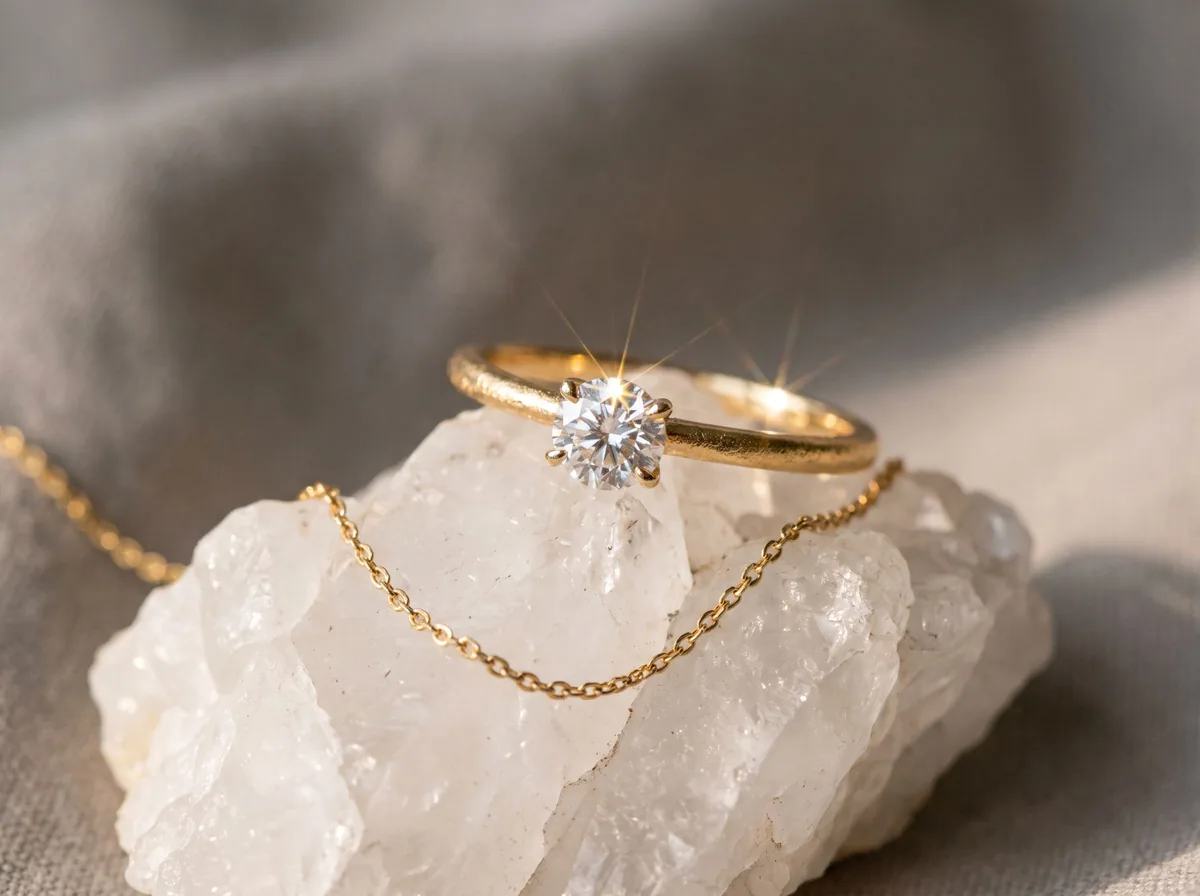 Jewelry Product PhotographyFreeTurn a phone photo of a ring, necklace or earrings into sharp jewelry product photos with controlled sparkle and true metal color.
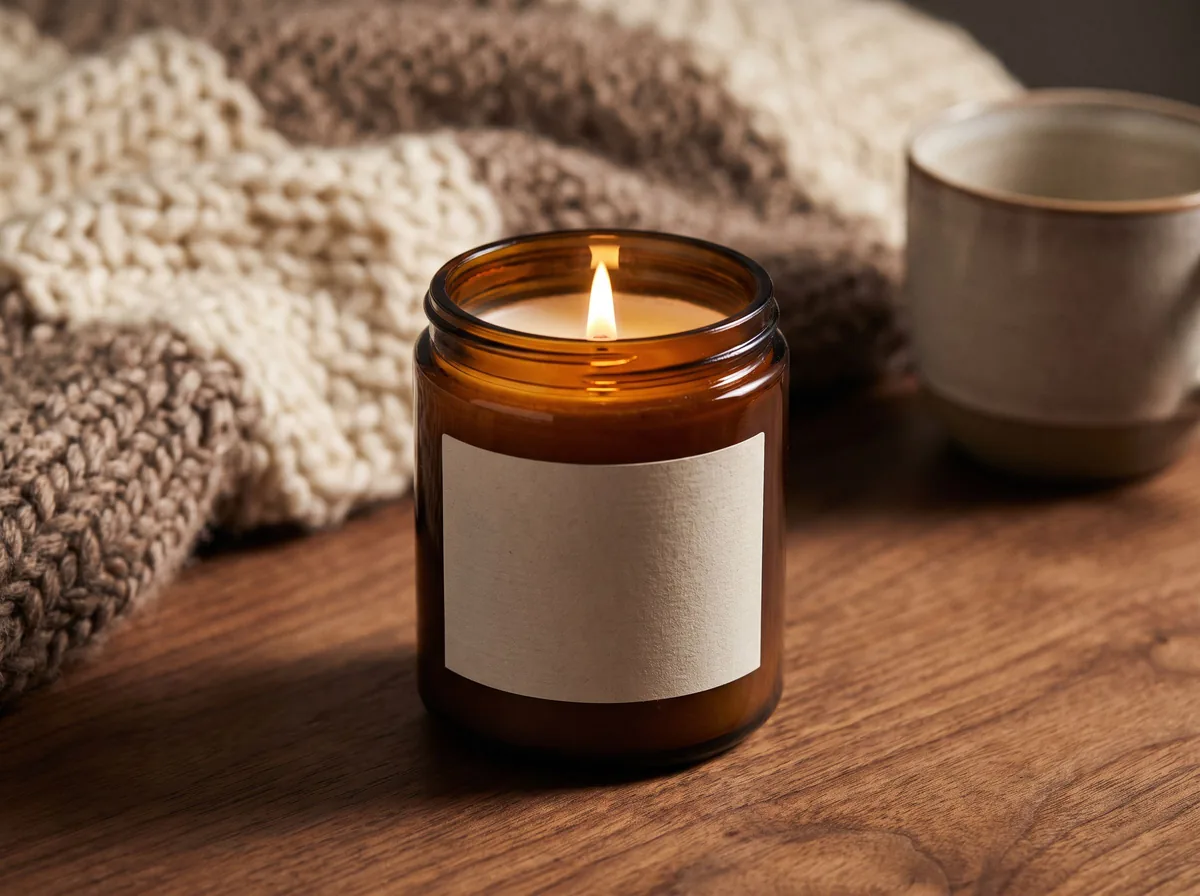 Candle Product PhotographyFreeMake warm, cozy candle product photos from one upload: lit flames, styled shelves and clean white shots for your candle shop.
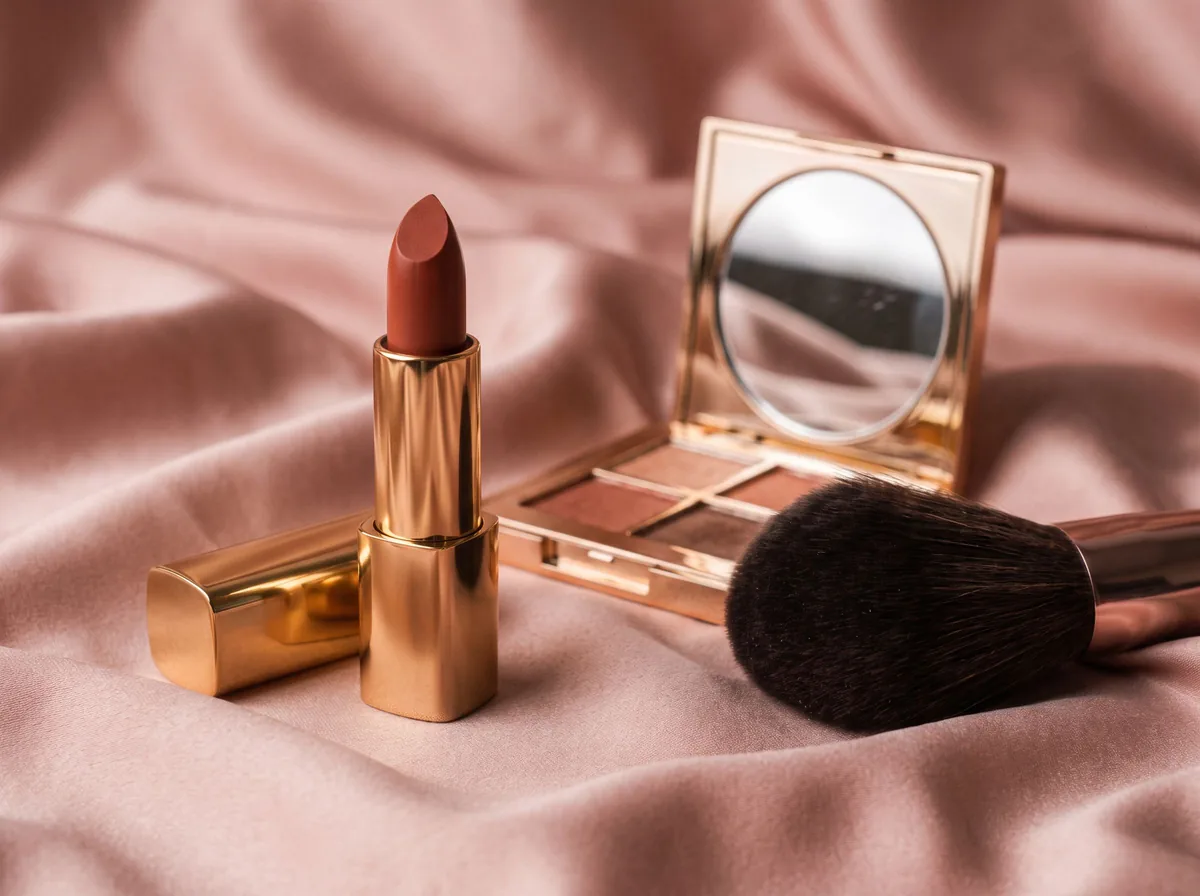 Cosmetic Product PhotographyFreeCreate polished makeup product photos with true shade color, clean packaging and swatch or texture shots from one upload.
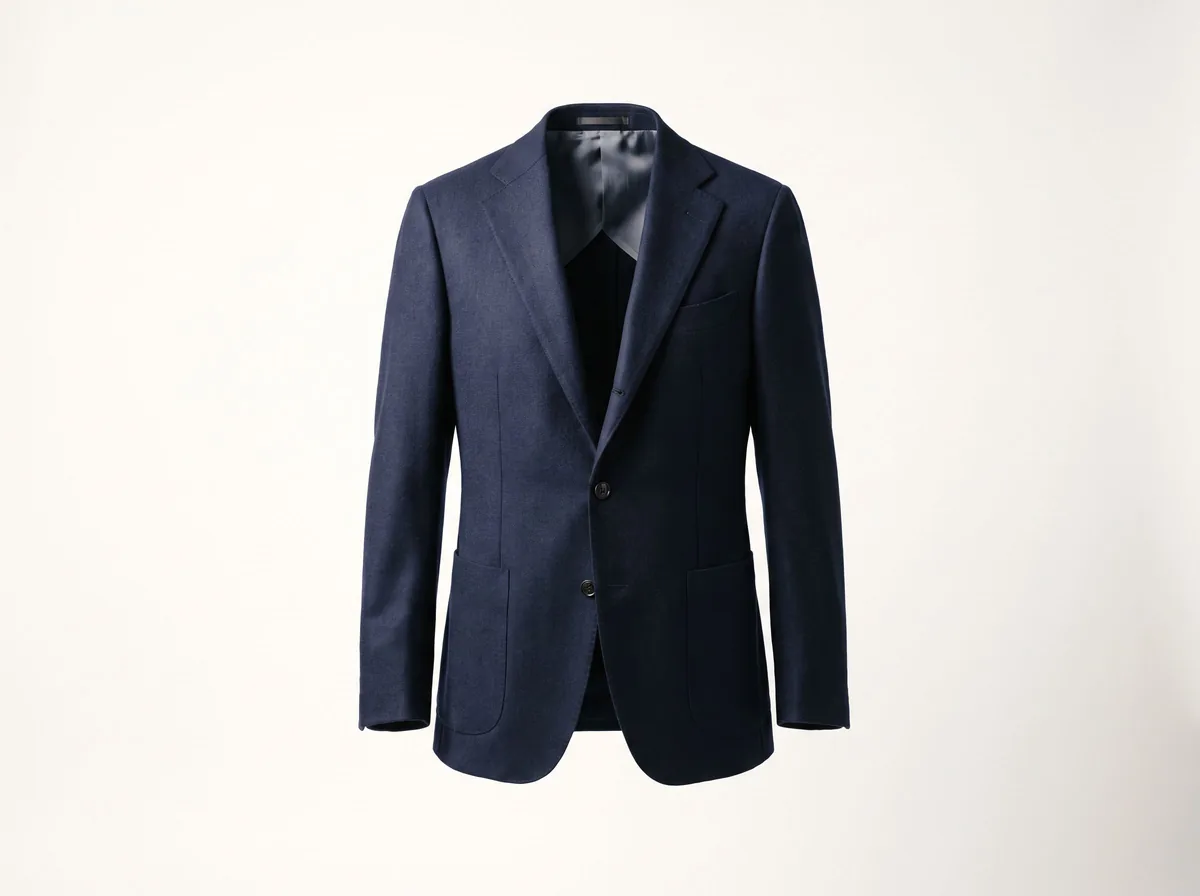 Ghost Mannequin EffectFreeTurn a mannequin, hanger or flat-lay photo into a clean invisible-mannequin shot, with the hollow 3D shape shoppers expect.
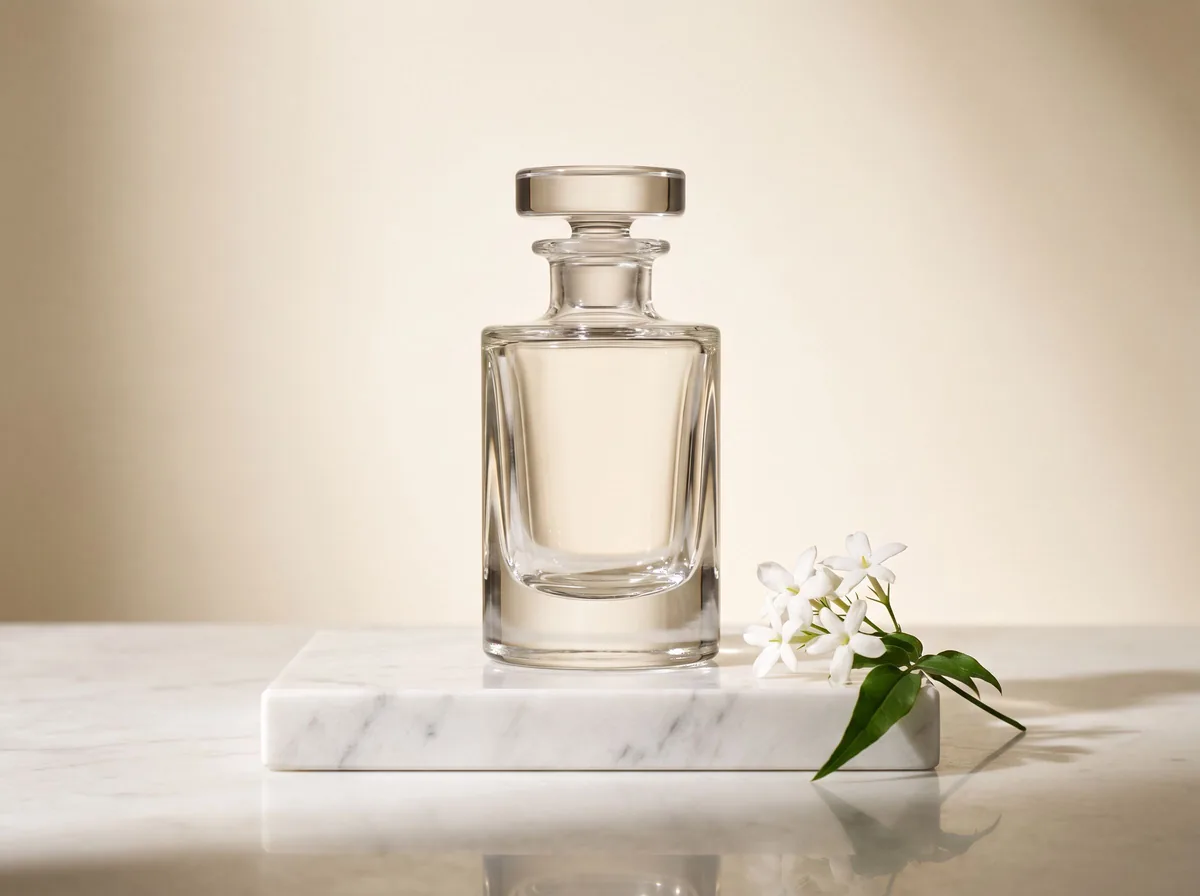 AI Product Description GeneratorFreeTurn a few product facts into a persuasive, SEO-friendly product description for your store, in seconds.
Ask an assistant
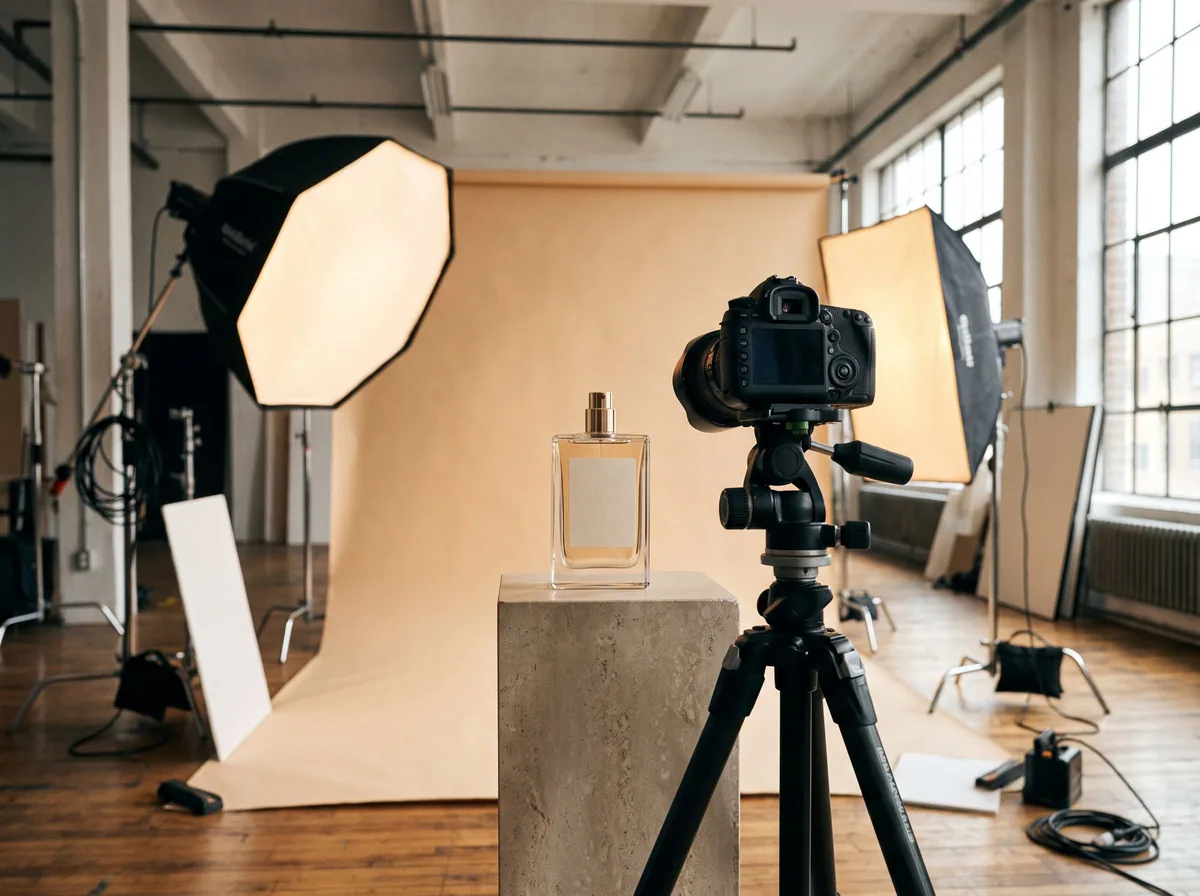 Product Shoot StudioProduct Photography FreeYour AI product photography director: plans the shoot, picks scenes, props and light, and writes the prompt for every shot.Chat free →
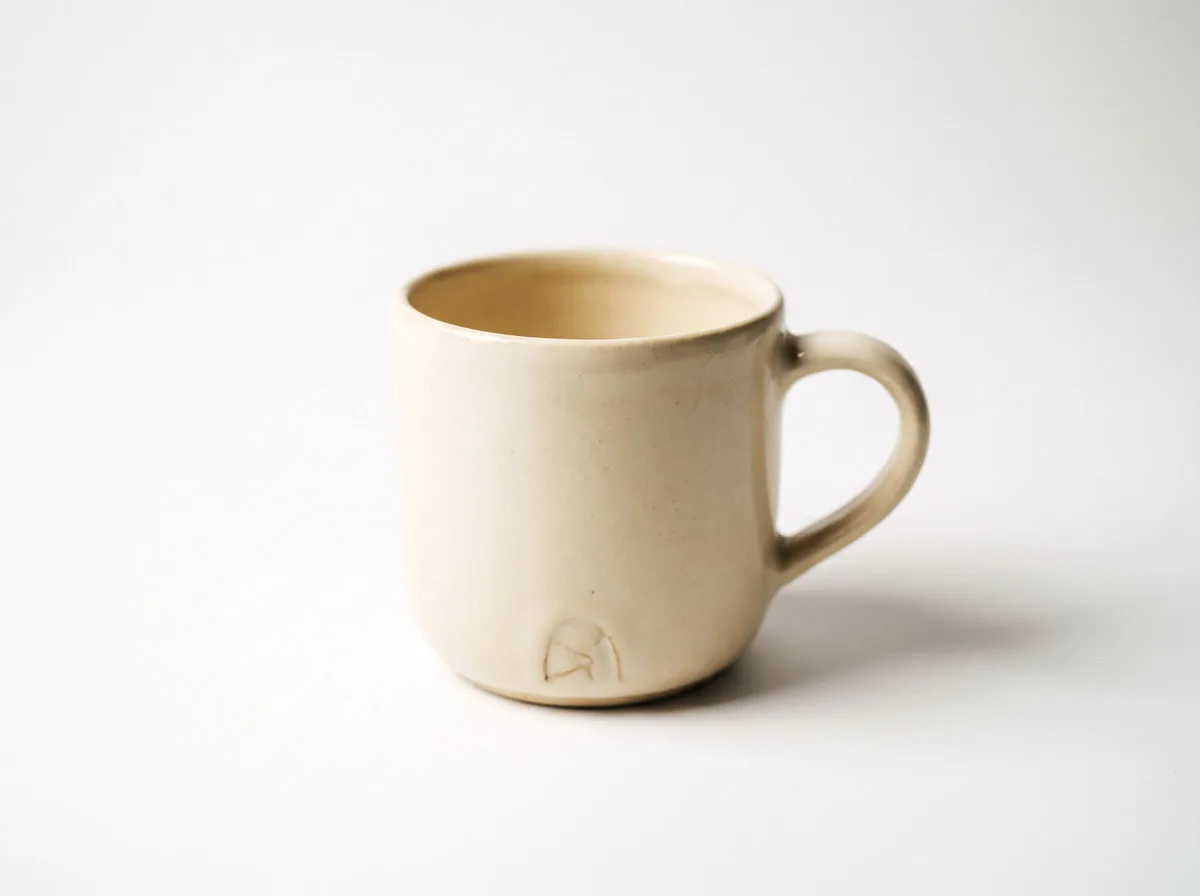 Amazon Main Image CheckerProduct Photography FreeChecks your Amazon main image against common requirements, background, fill, props and text, and tells you how to fix or reshoot it.Chat free →
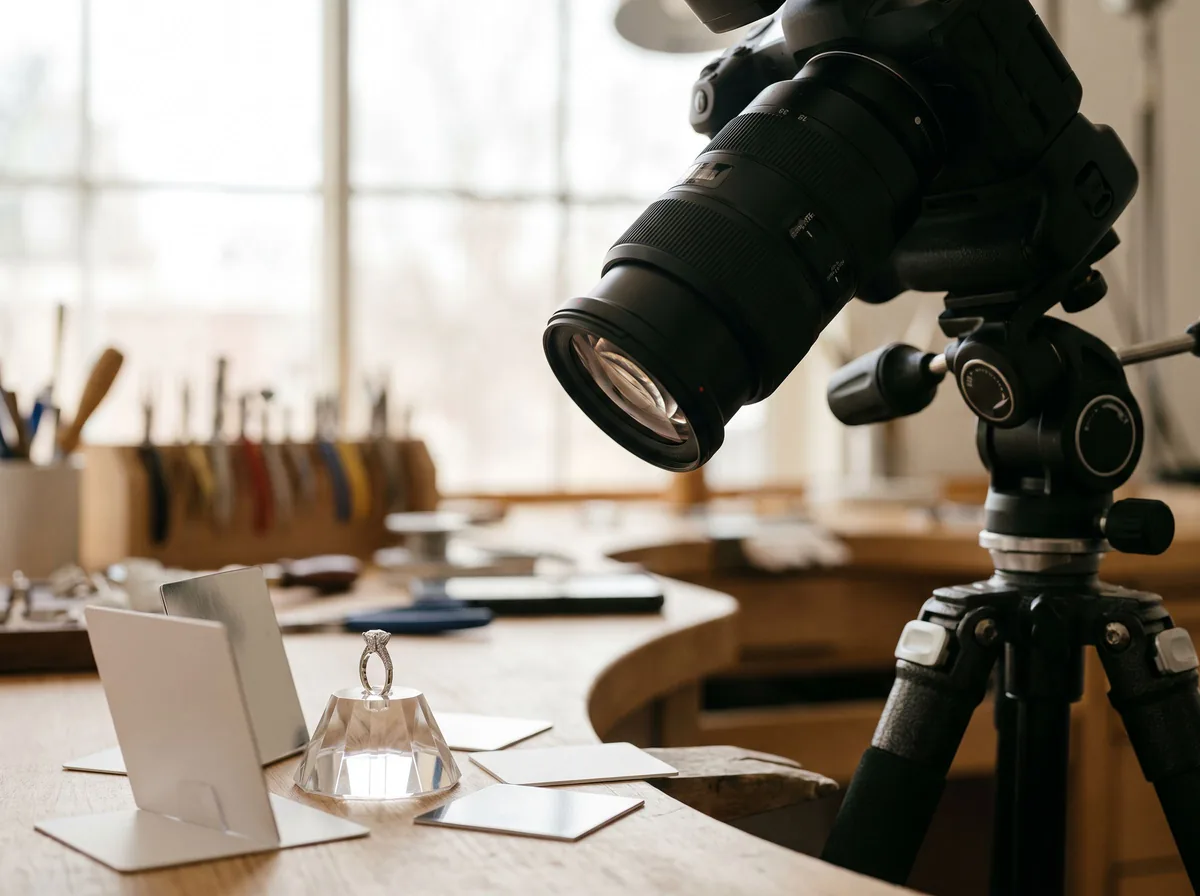 Jewelry Photo DirectorProduct Photography FreePlans jewelry photos that show sparkle, metal tone and true scale: rings, necklaces, earrings and bracelets on white, on busts and in close detail.Chat free →