Product copy
100% free · No sign-upFree QR Code Generator for Packaging, Inserts and Signs
Make static QR codes for links, text, Wi-Fi, email and phone numbers in your browser. Choose colors and download sharp PNG or SVG files. Free to use, no sign-up.
QR code for
Higher correction still scans when the print is scuffed or a small logo covers part of it, but makes a denser code.
Preview
Your QR code appears here.
Made in your browser. Nothing you type is uploaded. These are static codes: the content is inside the code, so it keeps working without any account.
How it works
How to use the QR Code Generator
- 1
Choose what the code opens
A link, text, Wi-Fi network, email or phone number.
- 2
Fill in the details and style
Pick colors and error correction. The preview updates as you type.
- 3
Download and test-scan
Save a PNG or SVG, print a sample and scan it with a phone before a full run.
A QR code on your packaging, thank-you cards or market stall sends customers straight to your store, a care guide or a review page. This free QR code generator makes static QR codes in your browser, ready to download as PNG or SVG.
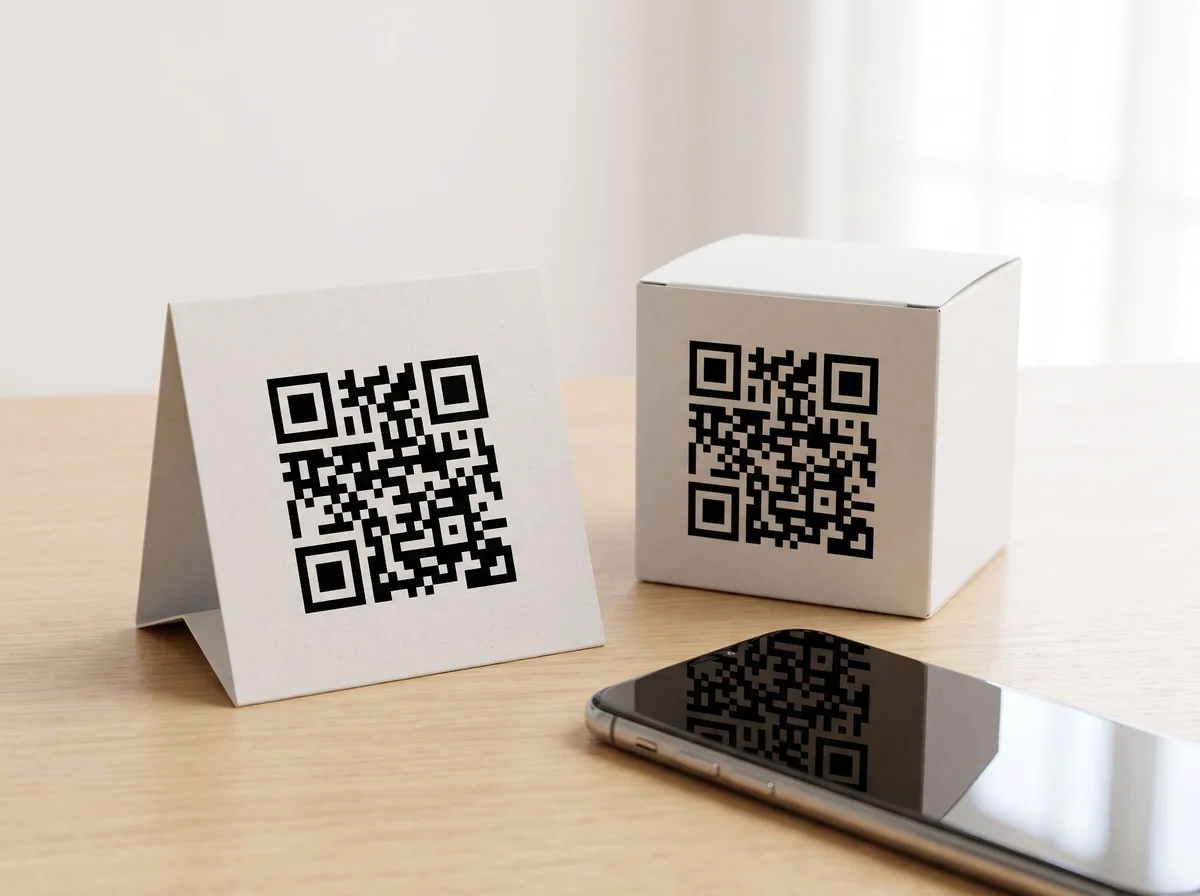
QR Code Generator
The product behind the words
QR codes for packaging, inserts and stalls
Link to a product page from a label, to a reorder page from a package insert, or to your shop from a craft fair sign. Wi-Fi codes are handy for pop-up shops, and email codes let customers contact you in one tap.
Print a code that scans
Keep the code at least 2 cm (about 0.8 inches) wide for close scanning and larger for signs, leave a clear margin around it, keep dark on light with strong contrast, and test-scan a printed sample before ordering a full run.
FAQ
QR Code Generator: questions sellers ask
Do these QR codes expire?
No. They are static codes: the link or text is stored inside the code itself, so it keeps working as long as the link it points to works. There is no account or tracking service behind it.
Can I change the link after printing?
Not with a static code. If you may need to change the destination later, point the code at a page you control, such as a page on your store, and change that page instead.
What can a QR code hold?
A link, plain text, Wi-Fi login details, an email with a subject, or a phone number. Pick the type and fill in the fields.
Can I change the colors?
Yes. Keep the code dark on a light background with strong contrast, and test-scan a printed sample, because some color pairs do not scan.
How is this different from the barcode generator?
The barcode generator makes retail UPC, EAN and Code 128 barcodes. This tool focuses on QR codes, with Wi-Fi, email and phone formats, colors and error-correction settings.
Is Z Product AI really free?
Yes. Every tool and assistant on Z Product AI is free to use, with no sign-up and no credit card, and there are no paid plans. Very heavy use is paced with short waits so the site stays free for everyone.
Keep going
More tools for your listings
 AI Product Description GeneratorFreeTurn a few product facts into a persuasive, SEO-friendly product description for your store, in seconds.
 AI Product Name GeneratorFreeBrandable product names and SEO product titles from a short description of what you sell.
 AI Ad Copy GeneratorFreeScroll-stopping ad copy for Meta, TikTok and Google product ads, written from your product and offer.
 Etsy Listing Description GeneratorFreeA complete Etsy listing from your item facts: title, description and 13 tags, in the warm voice Etsy buyers expect.
 Shopify Product Description GeneratorFreeProduct page copy for Shopify: description, bullet points, SEO title and meta description, in your brand voice.
 Amazon Product Listing GeneratorFreeA complete Amazon listing: keyword-rich title, five bullet points, description and backend search terms.
 AI Product Image GeneratorFreeUpload a photo of your product and get studio and lifestyle product images in seconds. No photographer, no studio, no props.
 Ghost Mannequin EffectFreeTurn a mannequin, hanger or flat-lay photo into a clean invisible-mannequin shot, with the hollow 3D shape shoppers expect.
Ask an assistant
 Listing CopywriterProduct Copy FreeA copywriter on call for product titles, bullets and descriptions for Amazon, Shopify and Etsy. Paste your facts and iterate.Chat free →
 Ad Copy CoachProduct Copy FreeWrites and sharpens product ad copy for Meta, TikTok and Google, and explains which angle to test next.Chat free →
 Etsy Shop AssistantProduct Copy FreeTitles, descriptions and 13 tags for your Etsy listings, plus a friendly review of listings that are not getting views.Chat free →