Product photography
100% free · No sign-upFree AI Perfume Product Photography
Make luxury perfume product photos with clean glass edges, glowing liquid and scent-note styling from a single bottle photo. Free to use, no sign-up.
Free to use · No sign-up · JPG, PNG or WebP
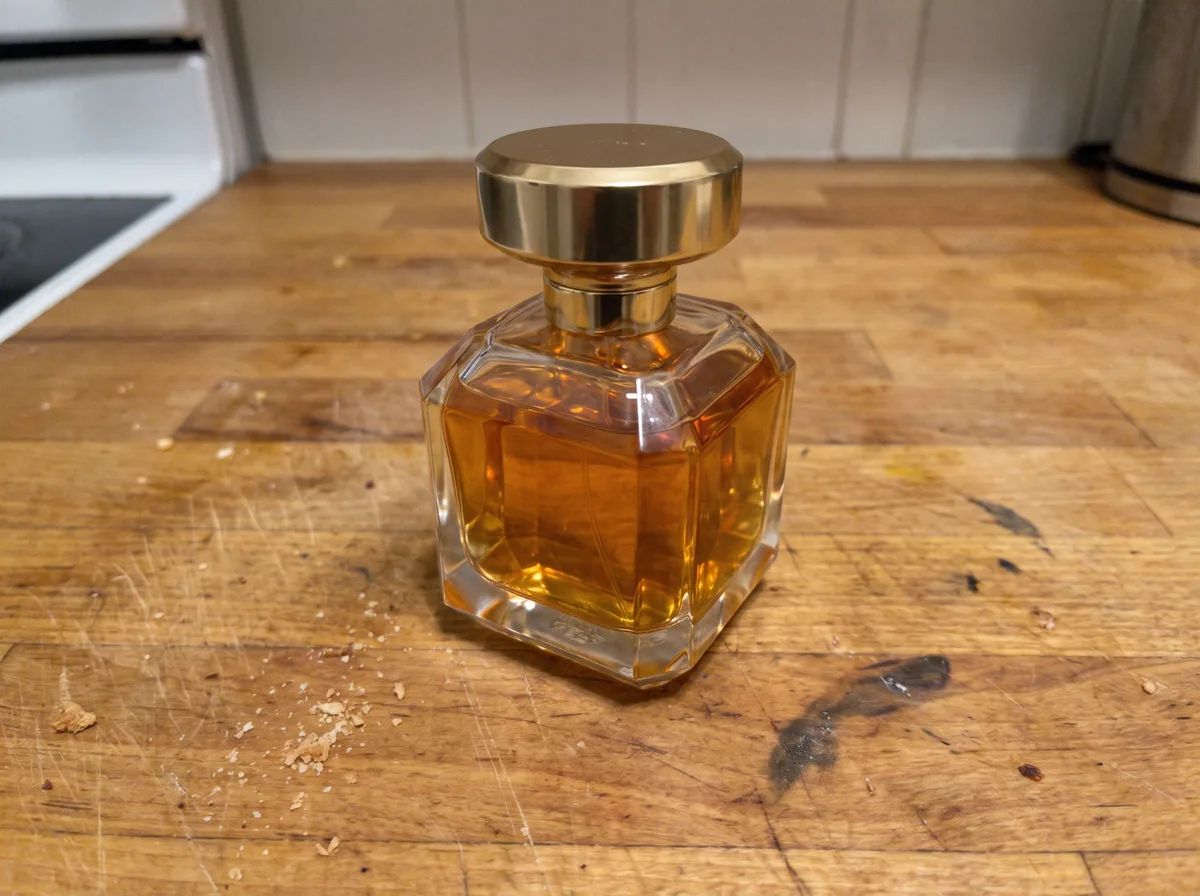
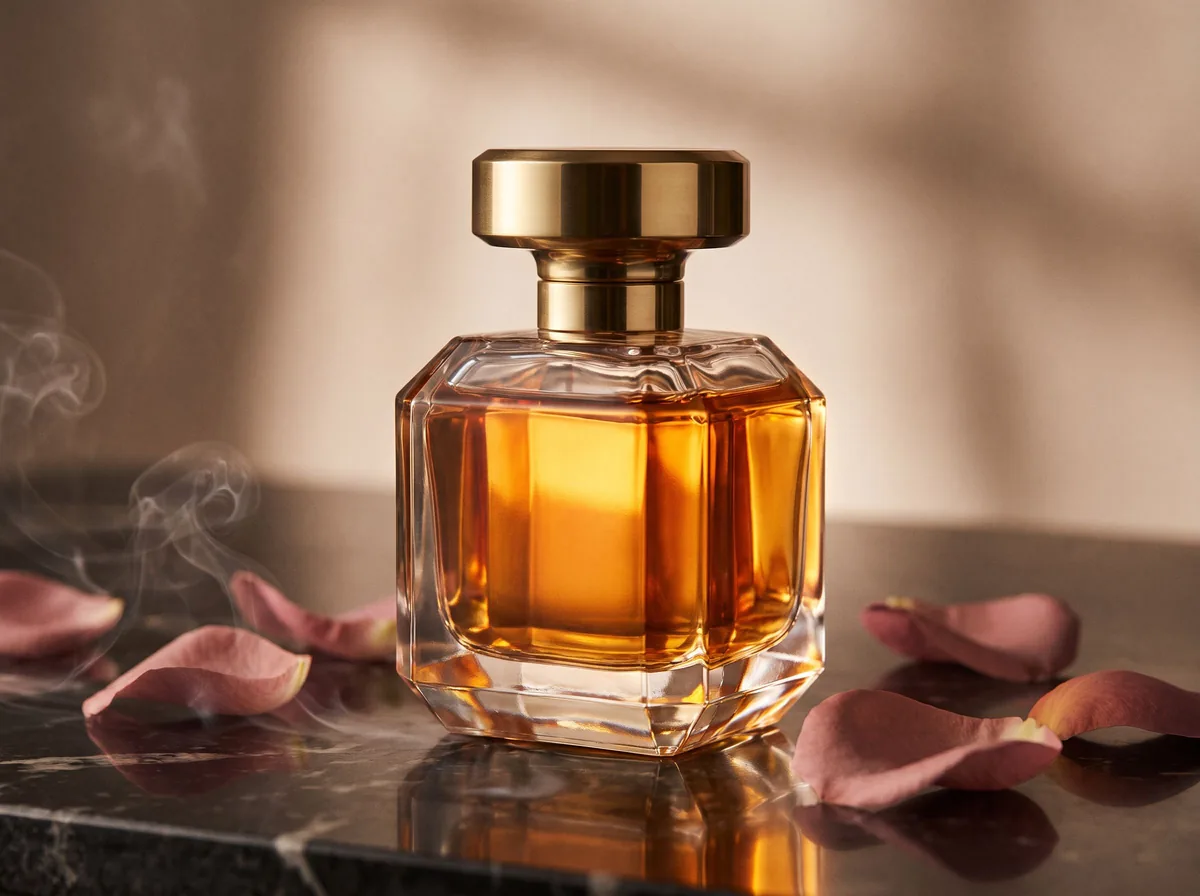
Perfume Photos
Made with Z Product AI
Popular with sellers
How it works
How to use the Perfume Product Photography
- 1
Upload your photo
A clear phone photo is enough. Keep the whole product or garment in frame.
- 2
Tap a preset or describe it
Pick a chip or type what you want in a few words. The AI keeps your product exactly as it is.
- 3
Download or refine
Download the result, or ask for a change and the AI edits the last image.
A perfume bottle is glass, liquid and metal in one small object, and all three reflect light differently. This AI perfume product photography tool keeps your bottle exactly as it is and relights it like a studio fragrance shot, with defined edges, glowing liquid and clean reflections.
Edge light and backlight make glass
Studio fragrance photographers place long, thin light sources beside the bottle to draw bright lines along its edges, then light the background behind it so the liquid glows. The AI follows that setup, which is why the bottle reads as solid glass rather than a flat shape.
Style to the scent family
Floral scents suit petals and soft light. Citrus and aquatic scents suit water, ice and bright daylight. Woody and oriental scents suit dark wood, smoke, spices and hard shadows. Pick three props at most so the bottle stays the hero.
Bottle and box together
Many buyers want to see the gift box as well. Include one shot of the bottle standing beside its box, lit the same way, so shoppers know what arrives.
Need images with no mark, in HD? Try AI product photos on AI Two, our sister studio: free to try, and its paid plans remove the watermark and add HD output.
FAQ
Perfume Product Photography: questions sellers ask
Why do perfume bottles look flat in my photos?
Glass has no color of its own. It is defined by the light it reflects and the light passing through it. Without strip lights on the edges and a backlight, it blends into the background. The AI rebuilds both.
Will the AI keep the liquid color?
Yes. Liquid color and fill level are part of the product and stay as uploaded. Backlighting makes the color glow without changing it.
How do I show what a perfume smells like?
Name the main notes, such as rose, bergamot, oud or vanilla, and the AI styles the scene with matching props and a mood that fits.
Is Perfume Product Photography free?
Yes. Perfume Product Photography is free to use — no account and no credit card needed. You get free edits every day.
How accurate is Perfume Product Photography?
Results depend on the photo and the request. You can refine with follow-up messages until it looks the way you want.
Can I make multiple edits?
Yes! Each result becomes your new base image — keep refining with follow-up messages.
Is Z Product AI really free?
Yes. Every tool and assistant on Z Product AI is free to use, with no sign-up and no credit card, and there are no paid plans. Very heavy use is paced with short waits so the site stays free for everyone.
Keep going
More tools for your listings
 AI Product Image GeneratorFreeUpload a photo of your product and get studio and lifestyle product images in seconds. No photographer, no studio, no props.
 Product Photo White BackgroundFreePut any product on a clean white background for your listings, then check it against Amazon's main-image rules before you upload.
 AI Product PhotoshootFreeA full product photoshoot from one photo: hero shot, lifestyle scenes, close-ups and ad creative, in one session.
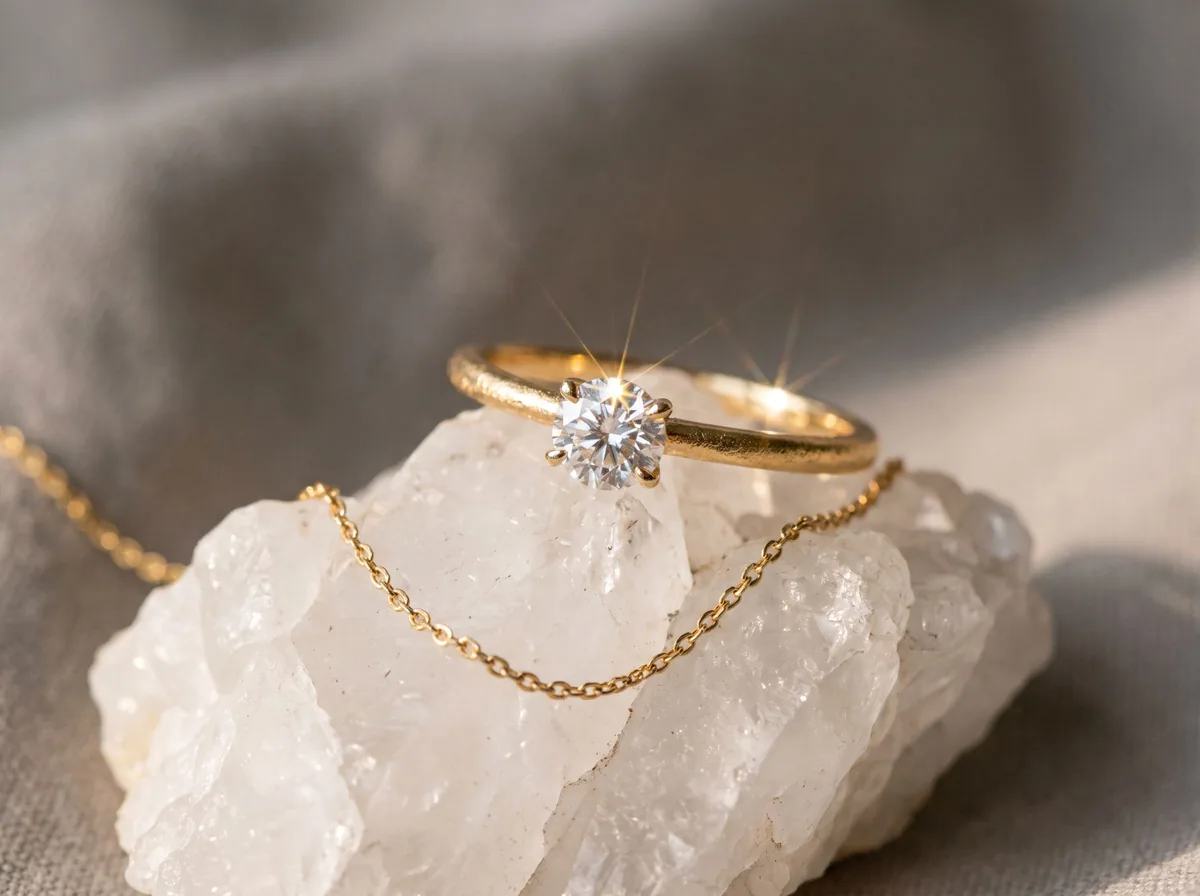 Jewelry Product PhotographyFreeTurn a phone photo of a ring, necklace or earrings into sharp jewelry product photos with controlled sparkle and true metal color.
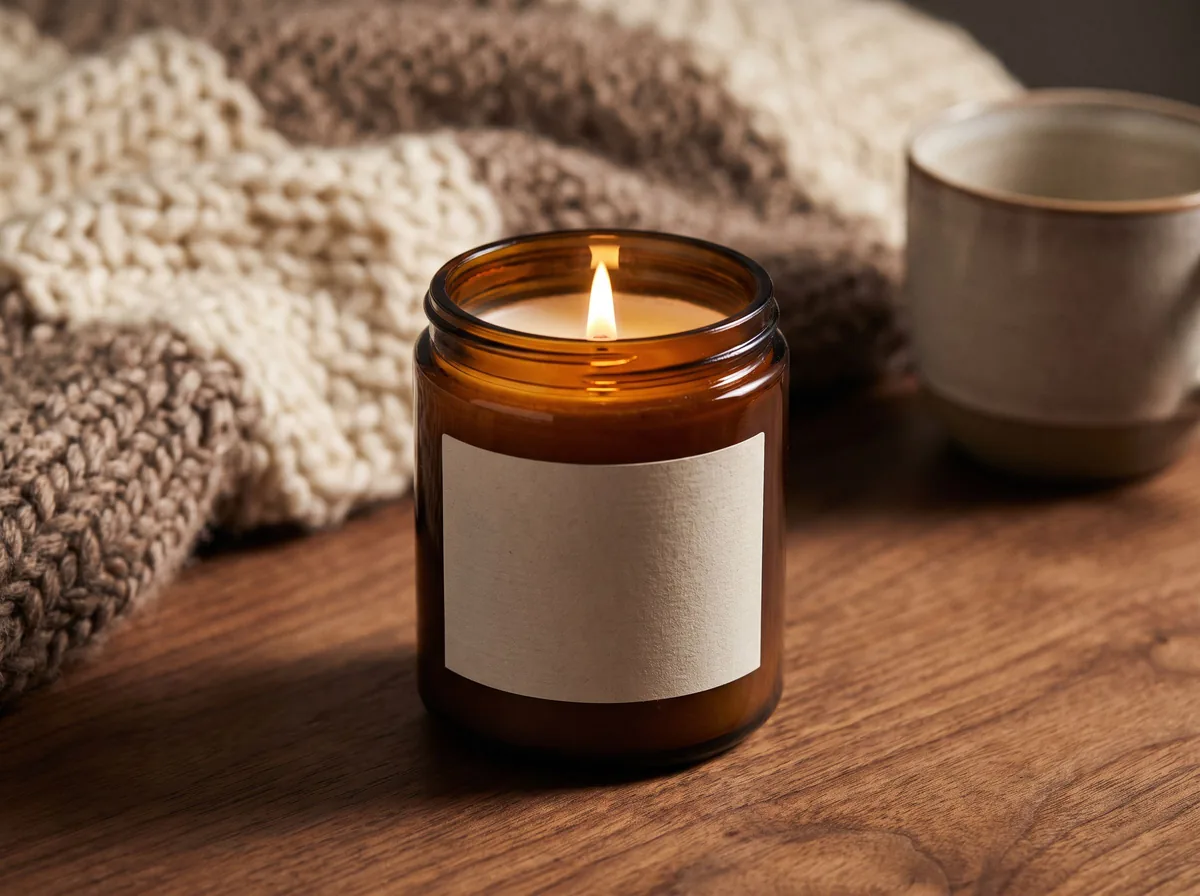 Candle Product PhotographyFreeMake warm, cozy candle product photos from one upload: lit flames, styled shelves and clean white shots for your candle shop.
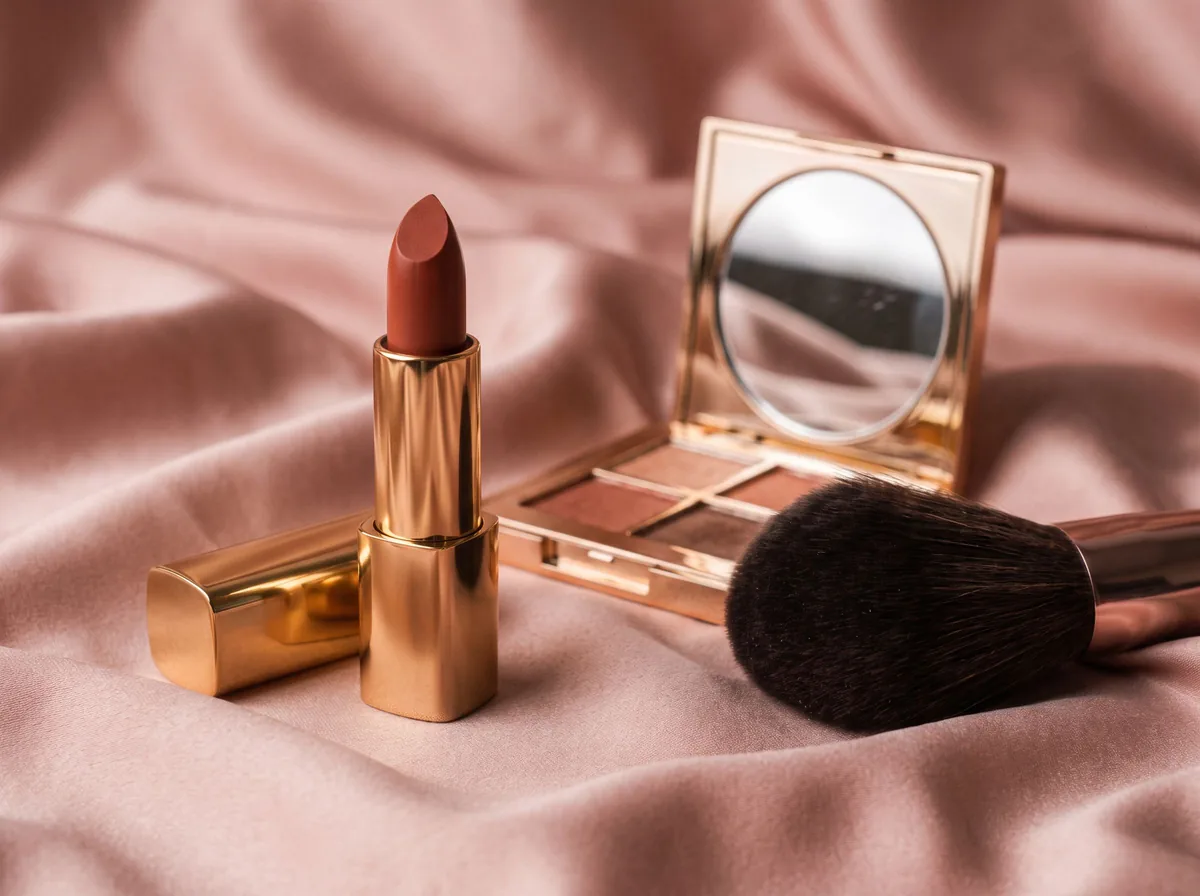 Cosmetic Product PhotographyFreeCreate polished makeup product photos with true shade color, clean packaging and swatch or texture shots from one upload.
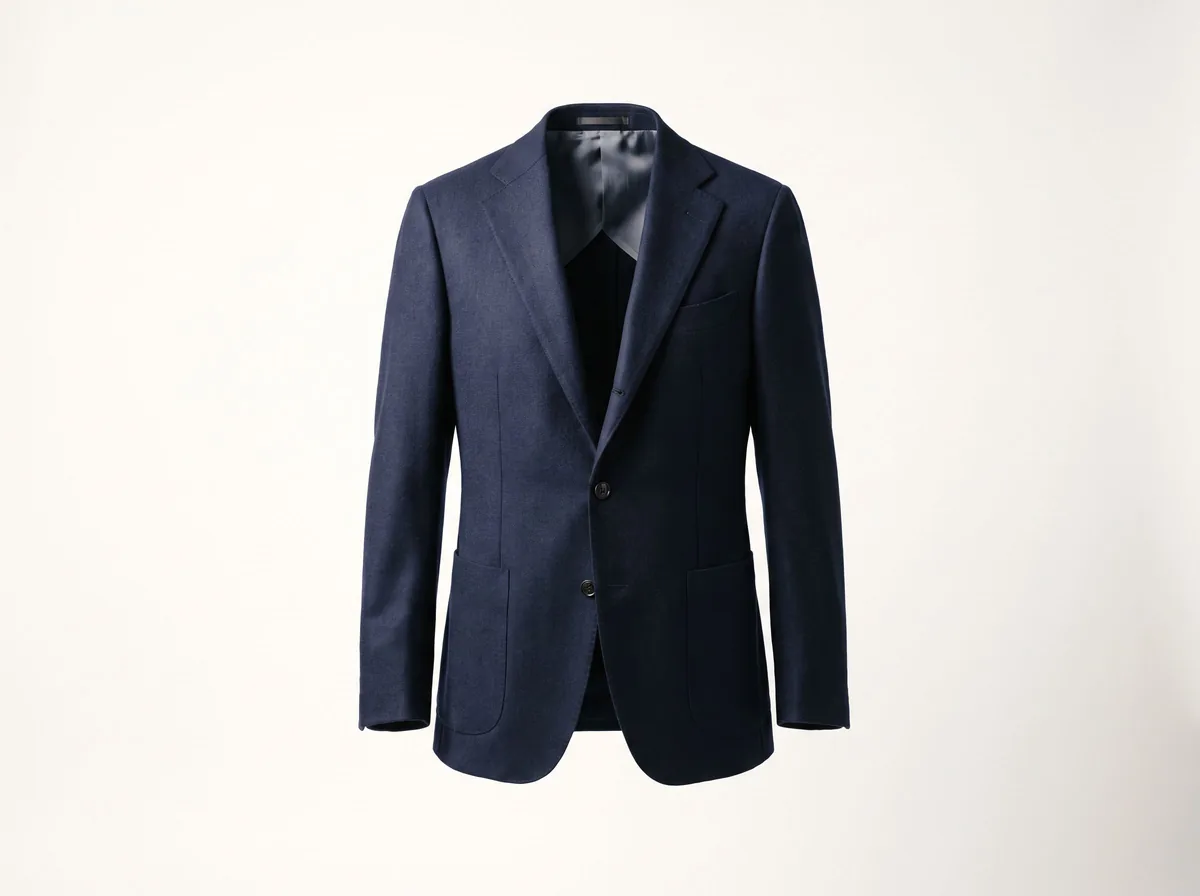 Ghost Mannequin EffectFreeTurn a mannequin, hanger or flat-lay photo into a clean invisible-mannequin shot, with the hollow 3D shape shoppers expect.
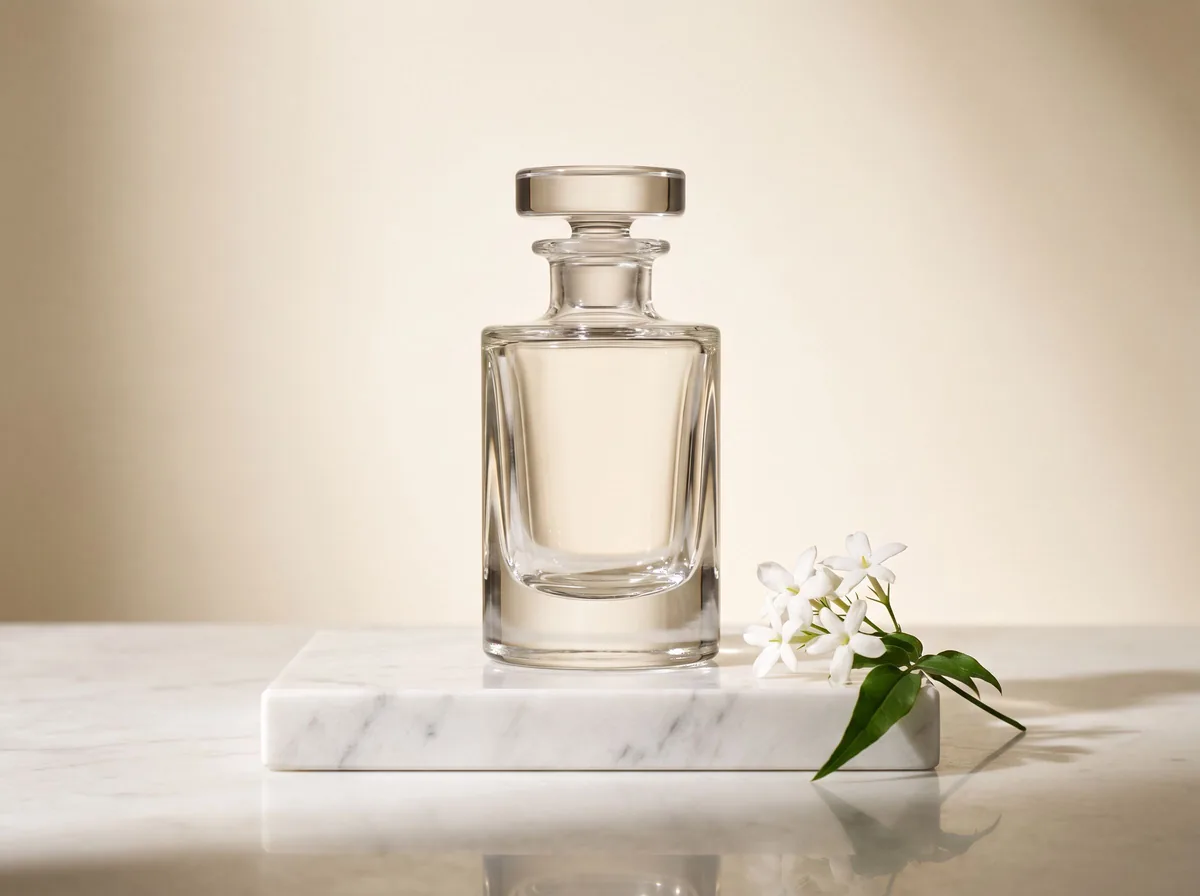 AI Product Description GeneratorFreeTurn a few product facts into a persuasive, SEO-friendly product description for your store, in seconds.
Ask an assistant
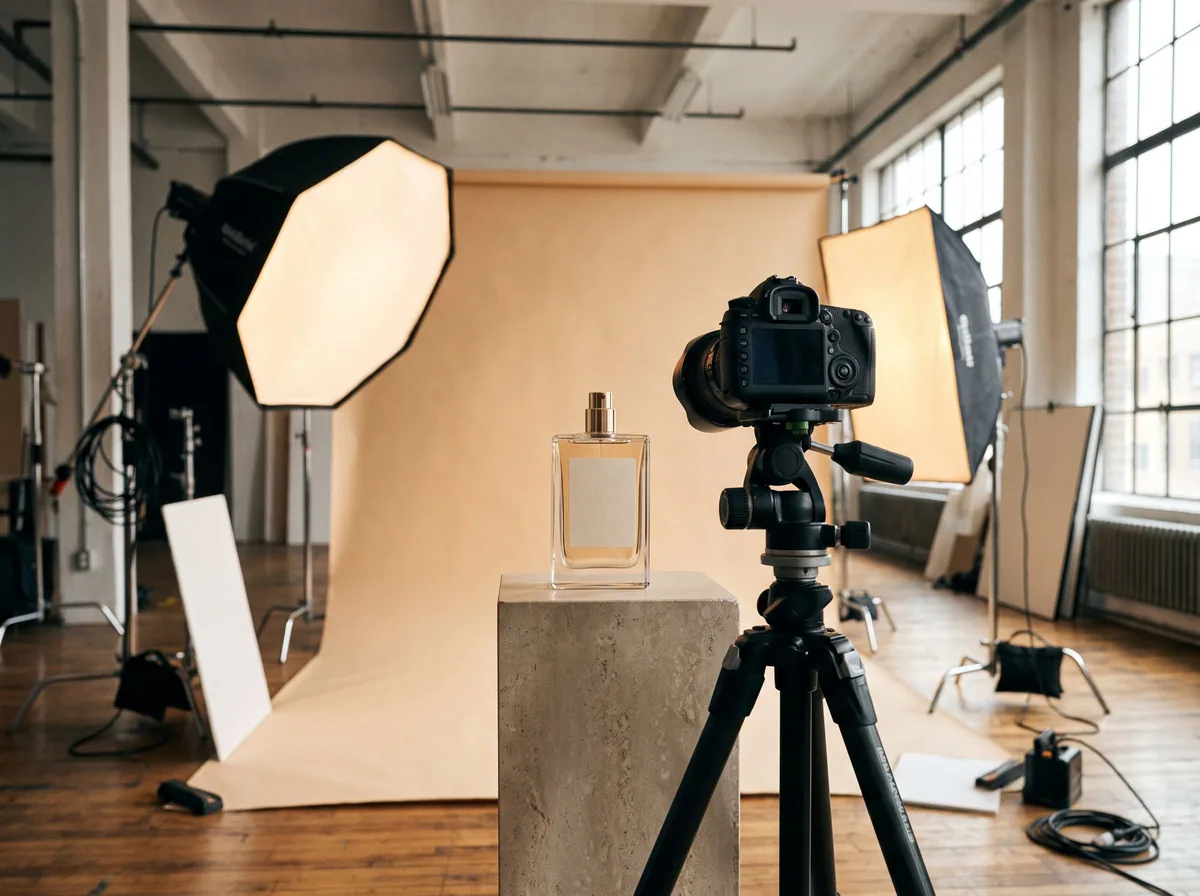 Product Shoot StudioProduct Photography FreeYour AI product photography director: plans the shoot, picks scenes, props and light, and writes the prompt for every shot.Chat free →
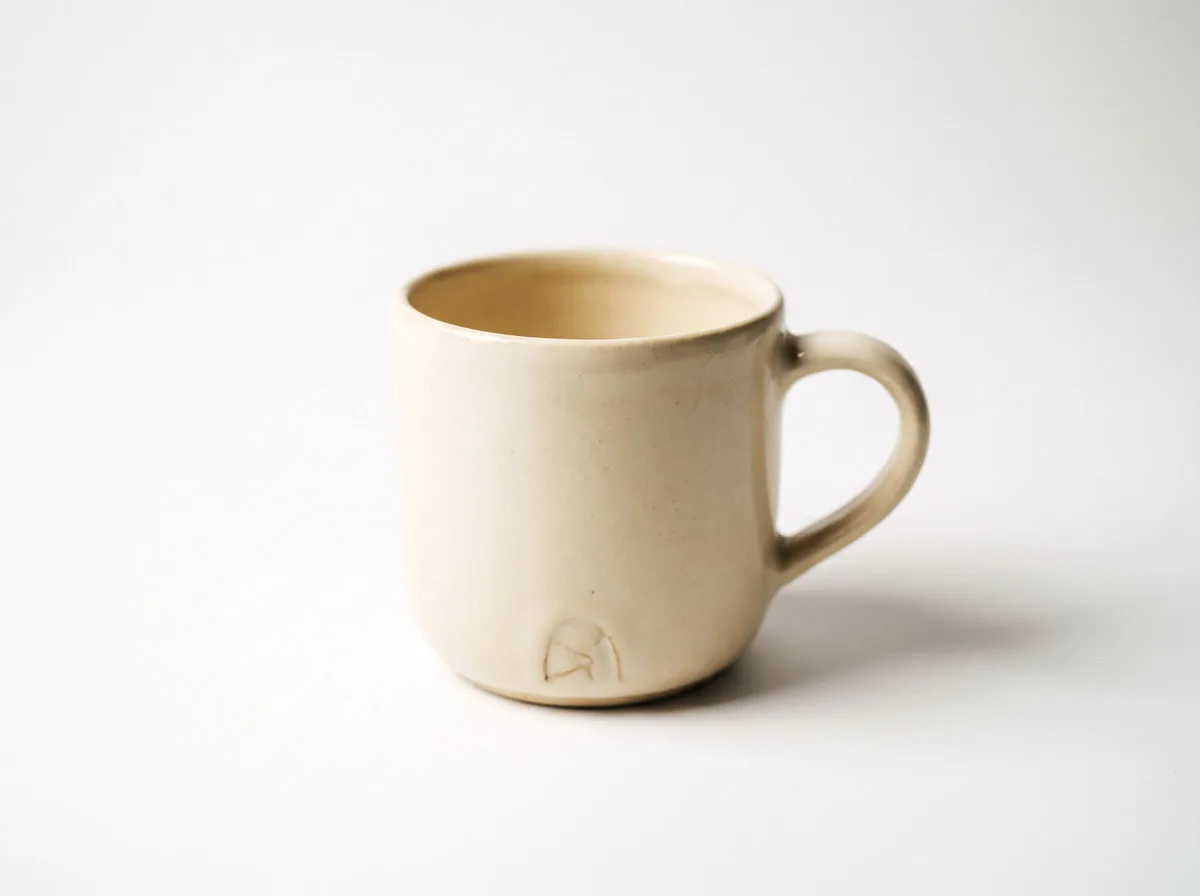 Amazon Main Image CheckerProduct Photography FreeChecks your Amazon main image against common requirements, background, fill, props and text, and tells you how to fix or reshoot it.Chat free →
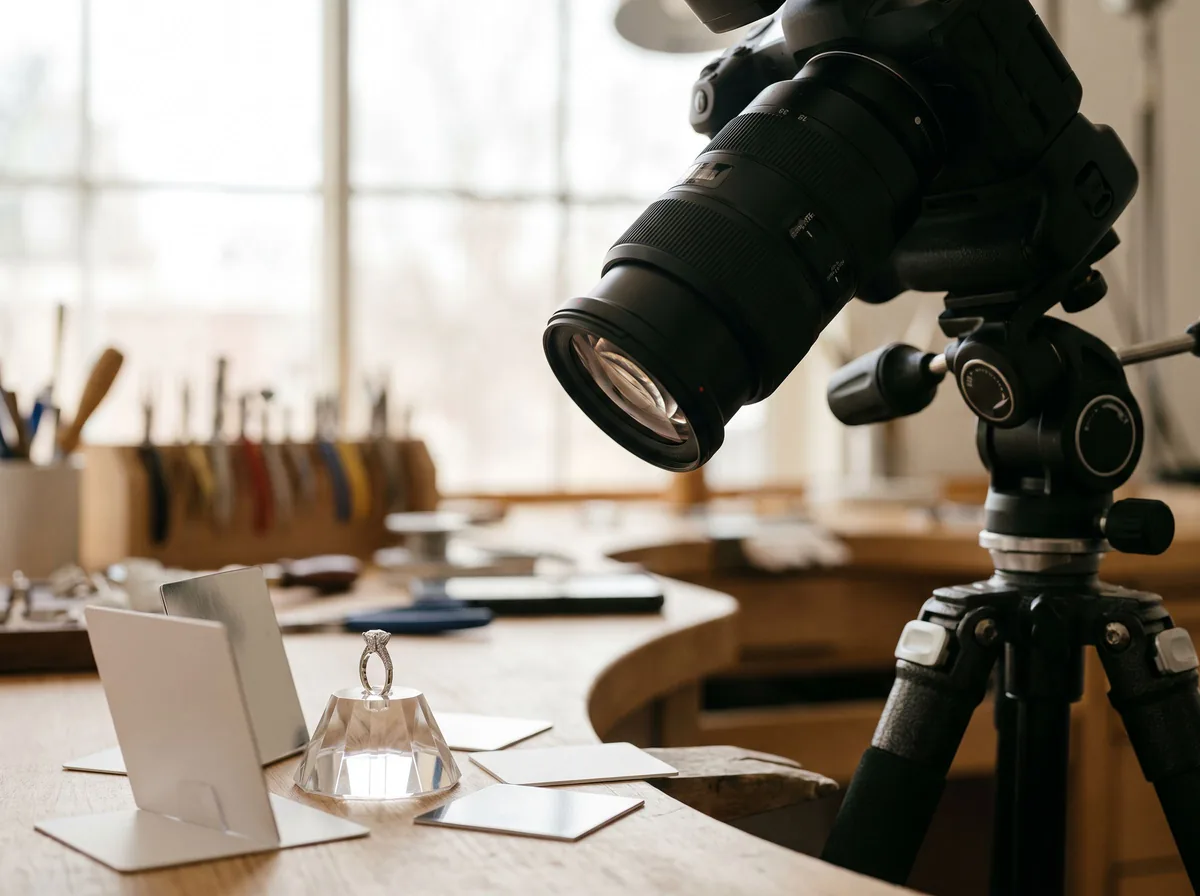 Jewelry Photo DirectorProduct Photography FreePlans jewelry photos that show sparkle, metal tone and true scale: rings, necklaces, earrings and bracelets on white, on busts and in close detail.Chat free →