Product photography
100% free · No sign-upFree Candle Mockup Generator
Upload your flat candle label and see it on a real jar candle: lit on a wood table, in a white studio, held in hand, in a tin, by the bath or with holiday props. Free to use, no sign-up.
Free to use · No sign-up · JPG, PNG or WebP
Candle Mockup Generator
Made with Z Product AI
Popular with sellers
How it works
How to use the Candle Mockup Generator
- 1
Upload your photo
A clear phone photo is enough. Keep the whole product or garment in frame.
- 2
Tap a preset or describe it
Pick a chip or type what you want in a few words. The AI keeps your product exactly as it is.
- 3
Download or refine
Download the result, or ask for a change and the AI edits the last image.
A candle mockup shows your label on a real jar candle, lit or unlit, so buyers can picture it in their home. Candle makers use them for Etsy and Shopify listings, wholesale line sheets and new scent launches before the first pour. Upload your label, pick a shot and download the photo.
Candle shots that sell
Lead with a lit candle on a wood table, which is what most candle buyers picture. Add a clean white studio shot for your store grid, one in hand for scale, a bath or spa shot for relaxing scents and a holiday table for the gift season.
One label, many scents
Most candle shops use one label layout with a different scent name. Make one mockup per scent with the same shot and light, so your listings look like a set. Type the wax color for each scent if it differs.
A mockup is a preview, not a print proof
The photo shows how the label looks on a candle; it does not check the label size, how the wax burns or what the label must say by law. Print one label and stick it on a real jar before you order a full run.
Need images with no mark, in HD? Try AI product photos on AI Two, our sister studio: free to try, and its paid plans remove the watermark and add HD output.
FAQ
Candle Mockup Generator: questions sellers ask
How do I make a candle mockup?
Upload your flat candle label as a JPG or PNG, then tap a shot such as "Lit on a wood table" or "White studio", or type your own, for example "black matte jar, sage green wax". The AI puts your label on a real candle and photographs it.
Will my label text stay exact?
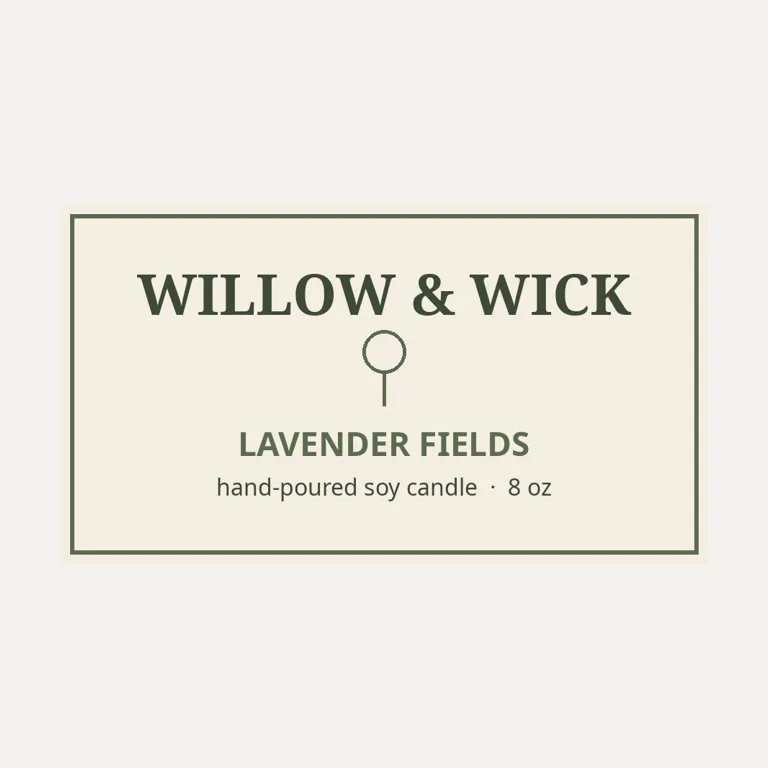
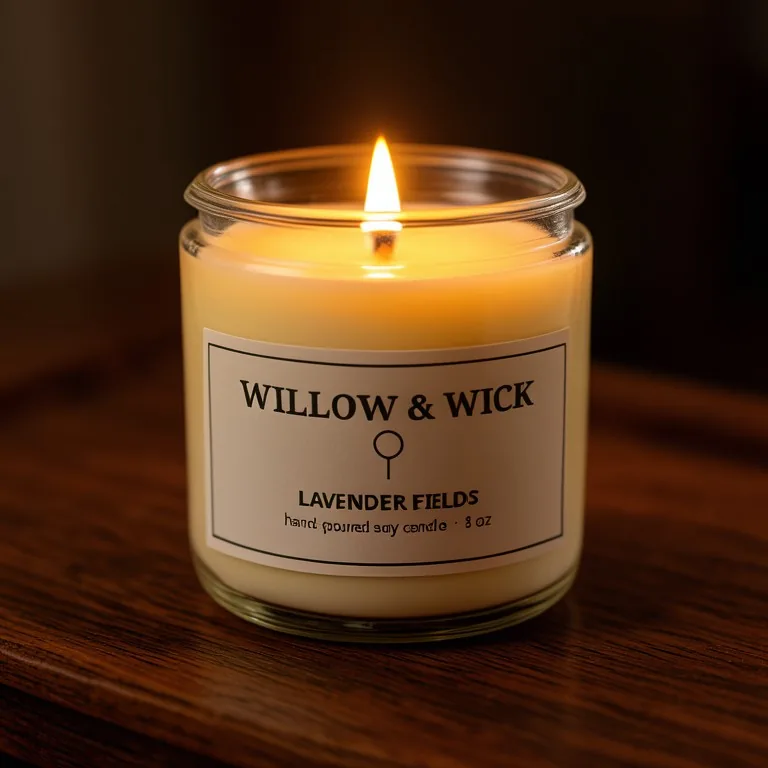
The big words do; the smallest line may not. We tested a made-up WILLOW & WICK label on an 8 oz jar candle. WILLOW & WICK, the icon and LAVENDER FIELDS came out exact, but the small line under them came out as "hand poured say candle" instead of "hand-poured soy candle". Keep tiny text short, check every word, and run the shot again if anything is off.
What label size fits an 8 oz candle jar?
It depends on the jar, and suppliers differ. As one example, CandleScience lists its 8 oz jelly jar at about 2.5 inches wide and 3.75 inches tall with a largest label of 8.375 x 3 inches, and suggests a smaller front label on tapered jars, where a full wrap can wrinkle. Measure your own jar before you print.
Can I change the wax color or show a tin?
Yes. Type it with your request, for example "sage green wax", "4 oz travel tin with the lid off" or "amber glass tumbler". Without that, the tool uses an 8 oz clear glass jar with cream wax.
Does it check warning labels?
No. The mockup shows how your label looks; it does not check fire safety text, ingredient lists or any rule where you sell. Add those to the real label yourself.
Is the candle mockup free?
Yes. There is no sign-up and no paid plan to unlock downloads. Free downloads are up to 768px on the long side and carry a small zproductai.com mark, which suits drafts, social posts and quick listing tests.
Is Candle Mockup Generator free?
Yes. Candle Mockup Generator is free to use — no account and no credit card needed. You get free edits every day.
How accurate is Candle Mockup Generator?
Results depend on the photo and the request. You can refine with follow-up messages until it looks the way you want.
Can I make multiple edits?
Yes! Each result becomes your new base image — keep refining with follow-up messages.
Is Z Product AI really free?
Yes. Every tool and assistant on Z Product AI is free to use, with no sign-up and no credit card, and there are no paid plans. Very heavy use is paced with short waits so the site stays free for everyone.
Keep going
More tools for your listings
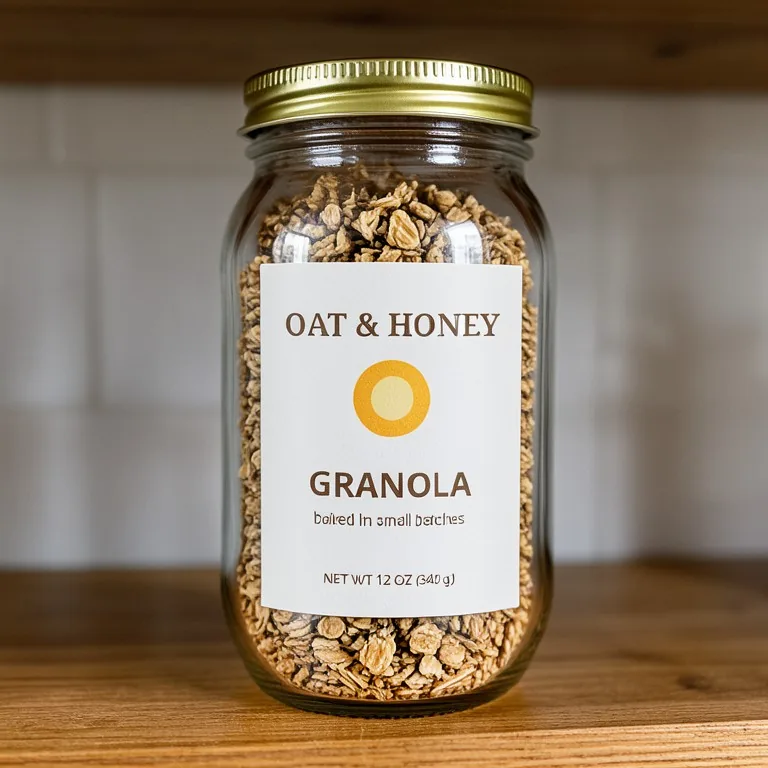 Jar Mockup GeneratorFreeUpload your flat jar label and see it on a real glass jar with a screw lid: on a kitchen shelf, on a wood table, held in hand, as a gift set or on a market stall.
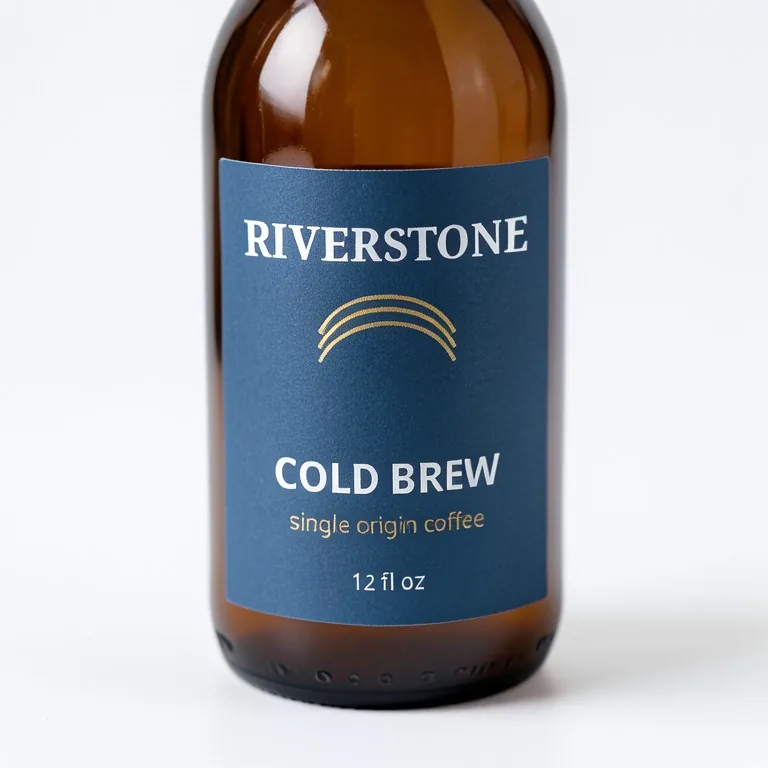 Label Mockup GeneratorFreeUpload your flat label and see it on a real product: a bottle, a jar, a can, a box, a hang tag or a sticker roll, in a clean studio or a real setting.
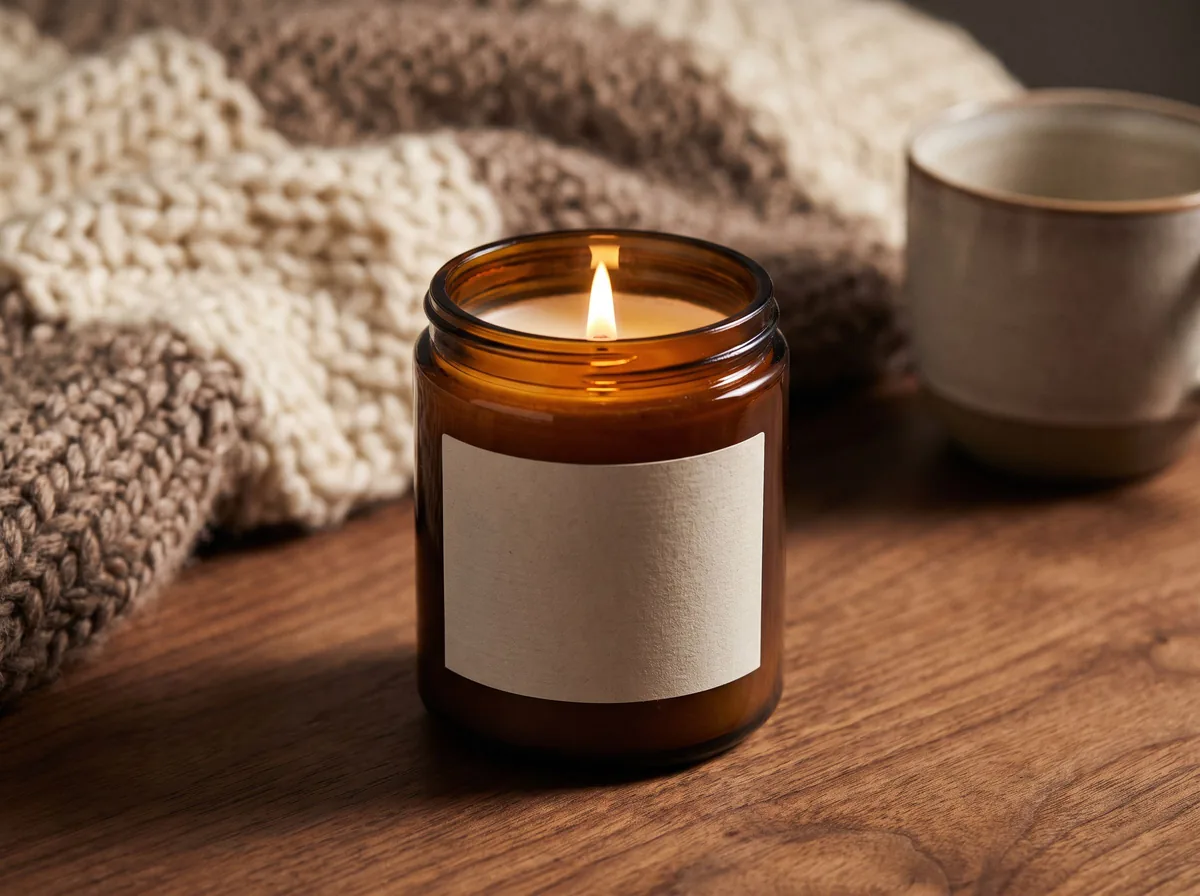 Candle Product PhotographyFreeMake warm, cozy candle product photos from one upload: lit flames, styled shelves and clean white shots for your candle shop.
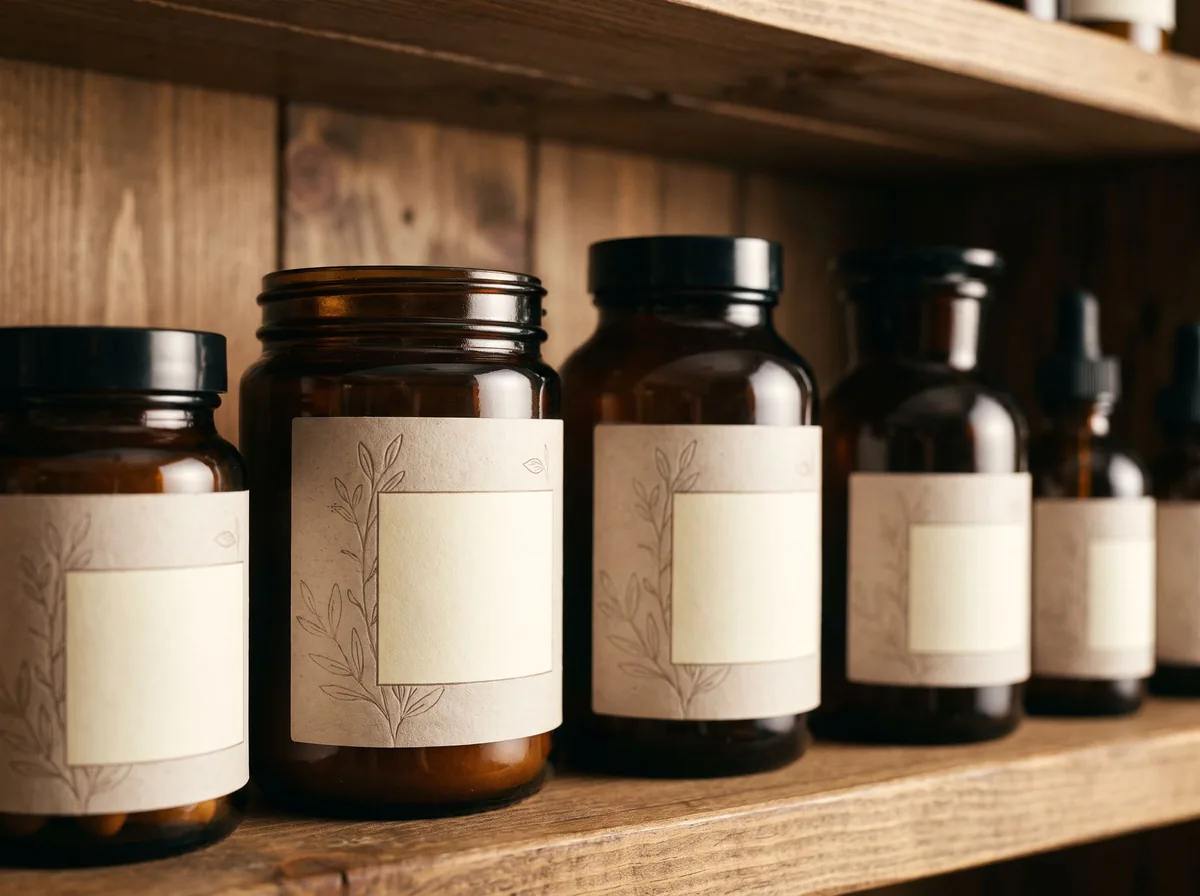 Product Label Design GeneratorFreeGet label design concepts for jars, bottles, candles and bags, shown as a real printed label on your product.
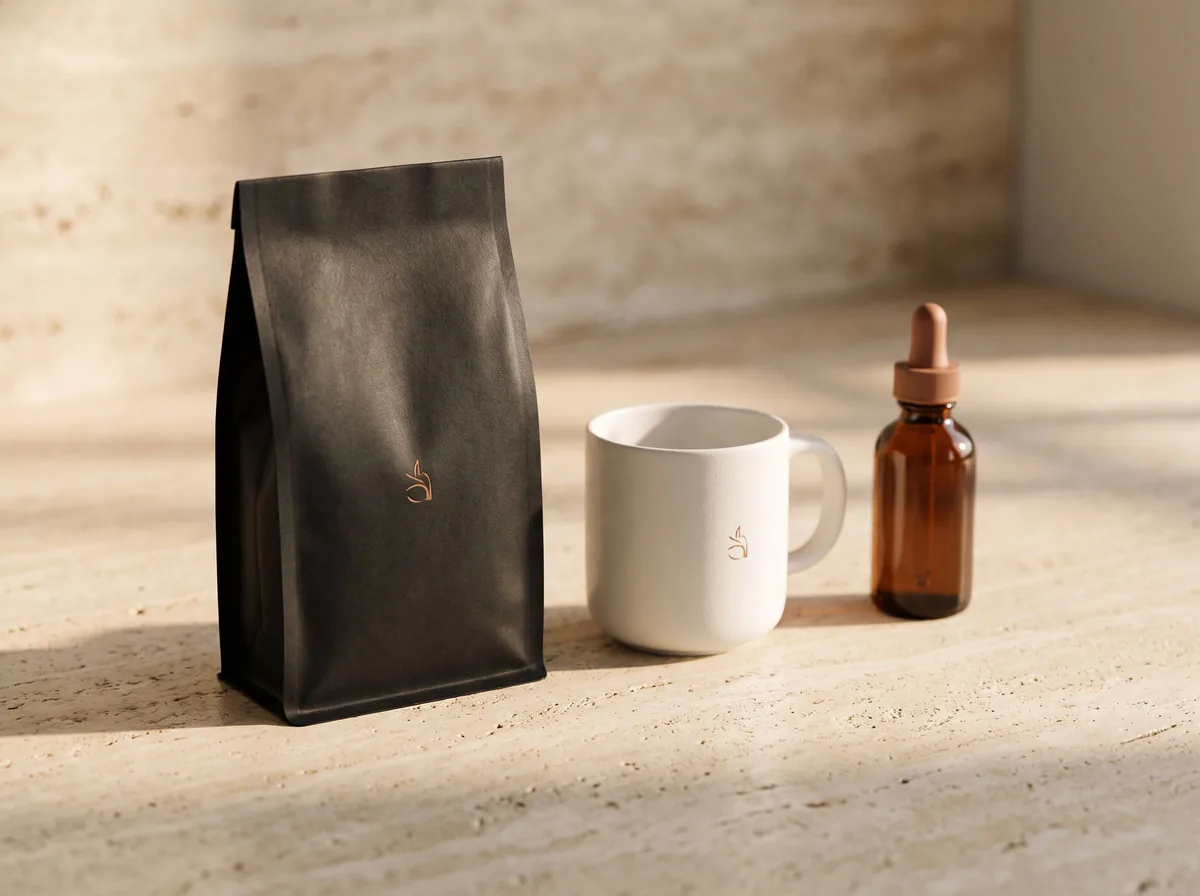 AI Mockup GeneratorFreeDescribe a product mockup, or upload your logo or label, and get a photo-real mockup: bottles, boxes, bags, mugs, apparel and more.
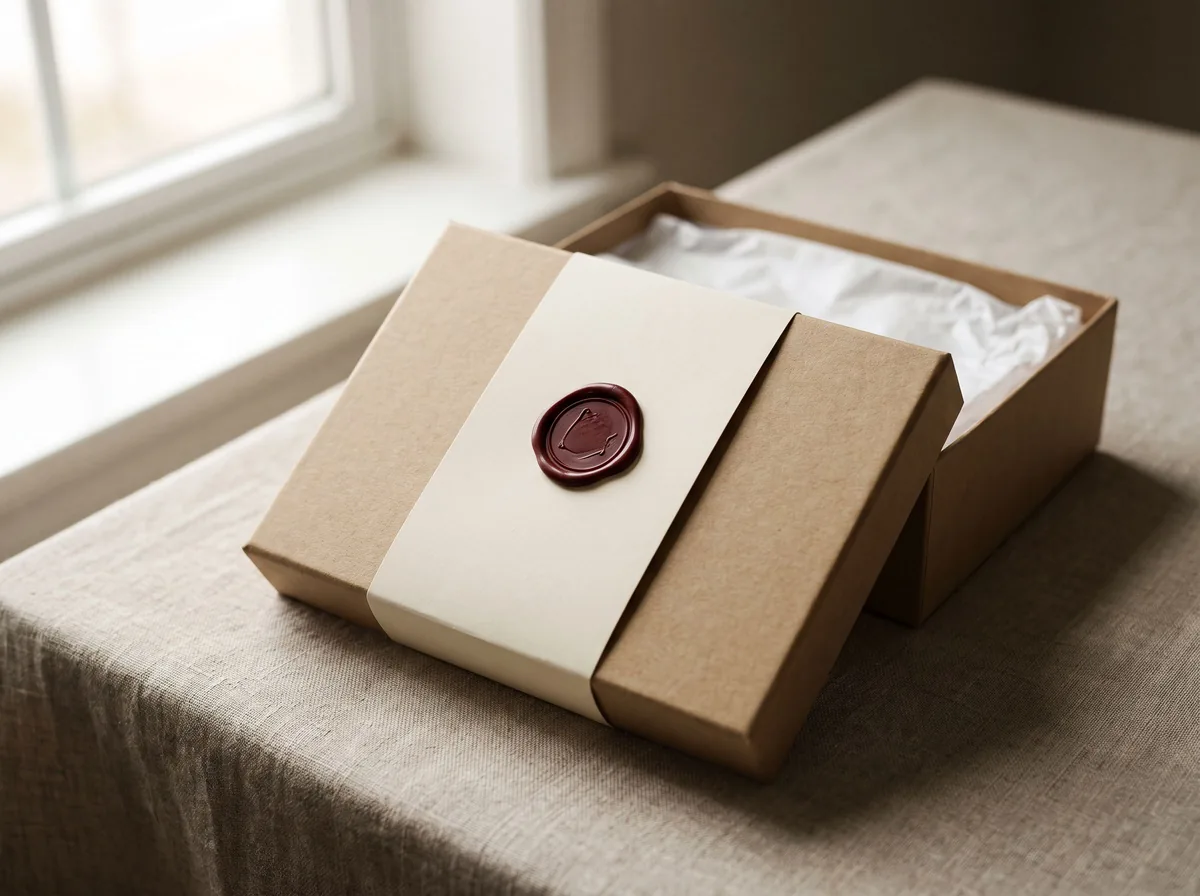 Packaging Mockup GeneratorFreeTurn a flat label, box design or product render into a realistic packaging mockup photo, with your artwork kept exact.
Ask an assistant
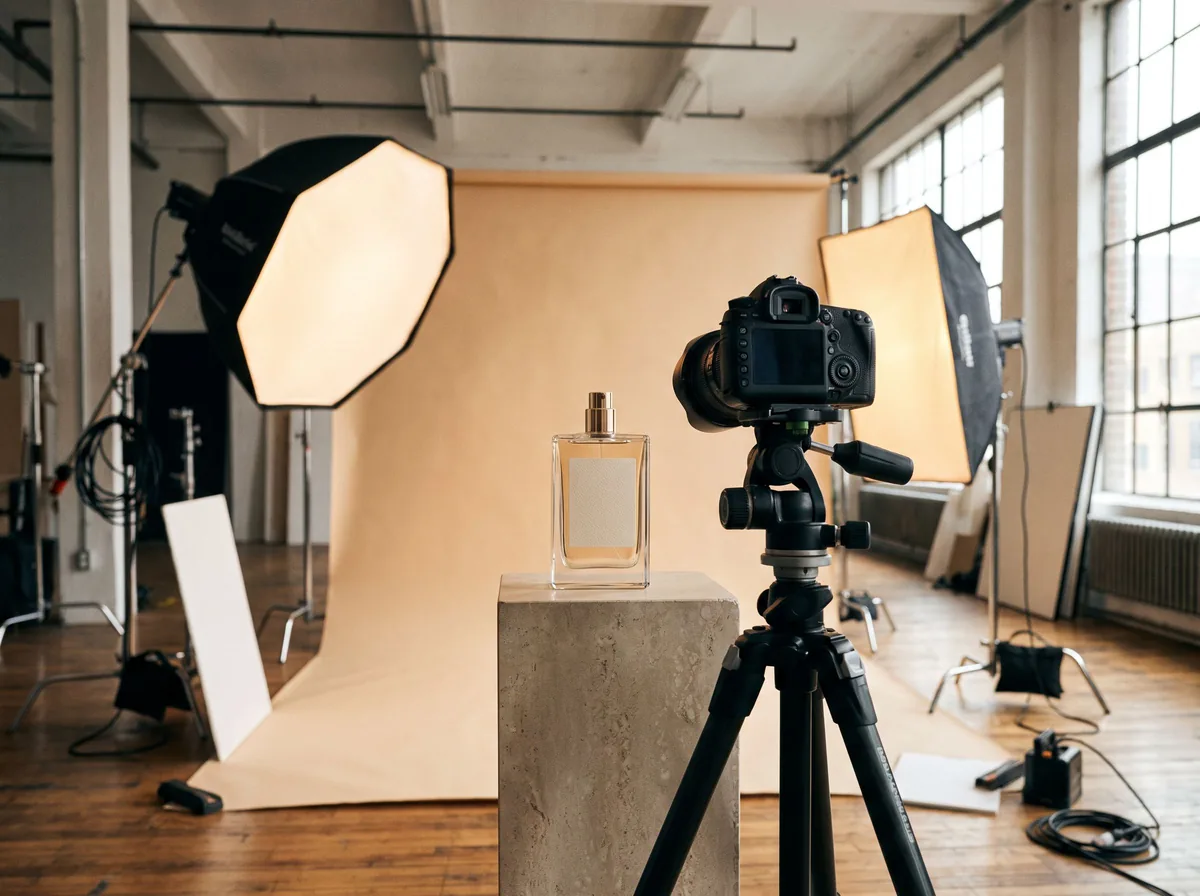 Product Shoot StudioProduct Photography FreeYour AI product photography director: plans the shoot, picks scenes, props and light, and writes the prompt for every shot.Chat free →
 Amazon Main Image CheckerProduct Photography FreeChecks your Amazon main image against common requirements, background, fill, props and text, and tells you how to fix or reshoot it.Chat free →
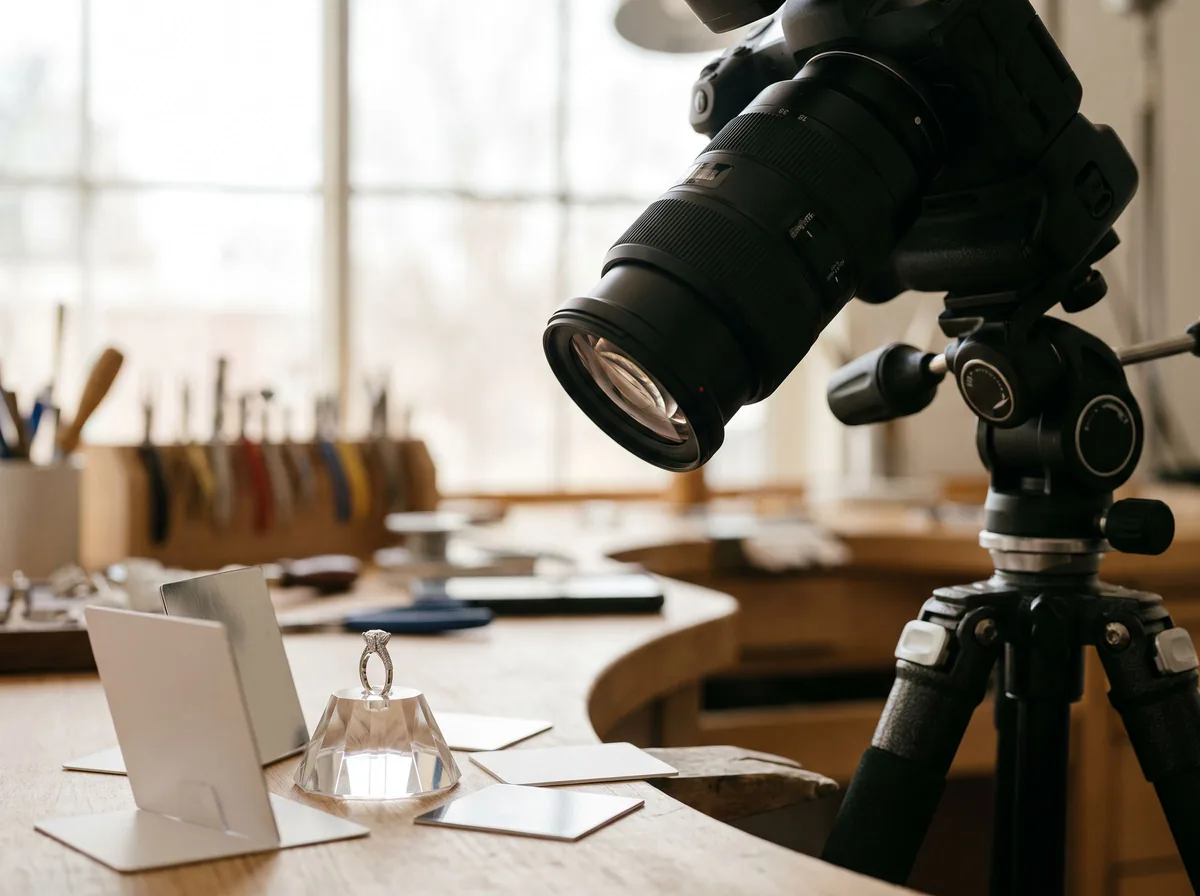 Jewelry Photo DirectorProduct Photography FreePlans jewelry photos that show sparkle, metal tone and true scale: rings, necklaces, earrings and bracelets on white, on busts and in close detail.Chat free →